



Early Black Friday DealsNew Doorbusters every Friday.Shop now

Main Content

Questions & Answers

Your price for this item is $303.99
Clearance
The comparable value price is $319.99
Page Showing 1-20 of 95 questions
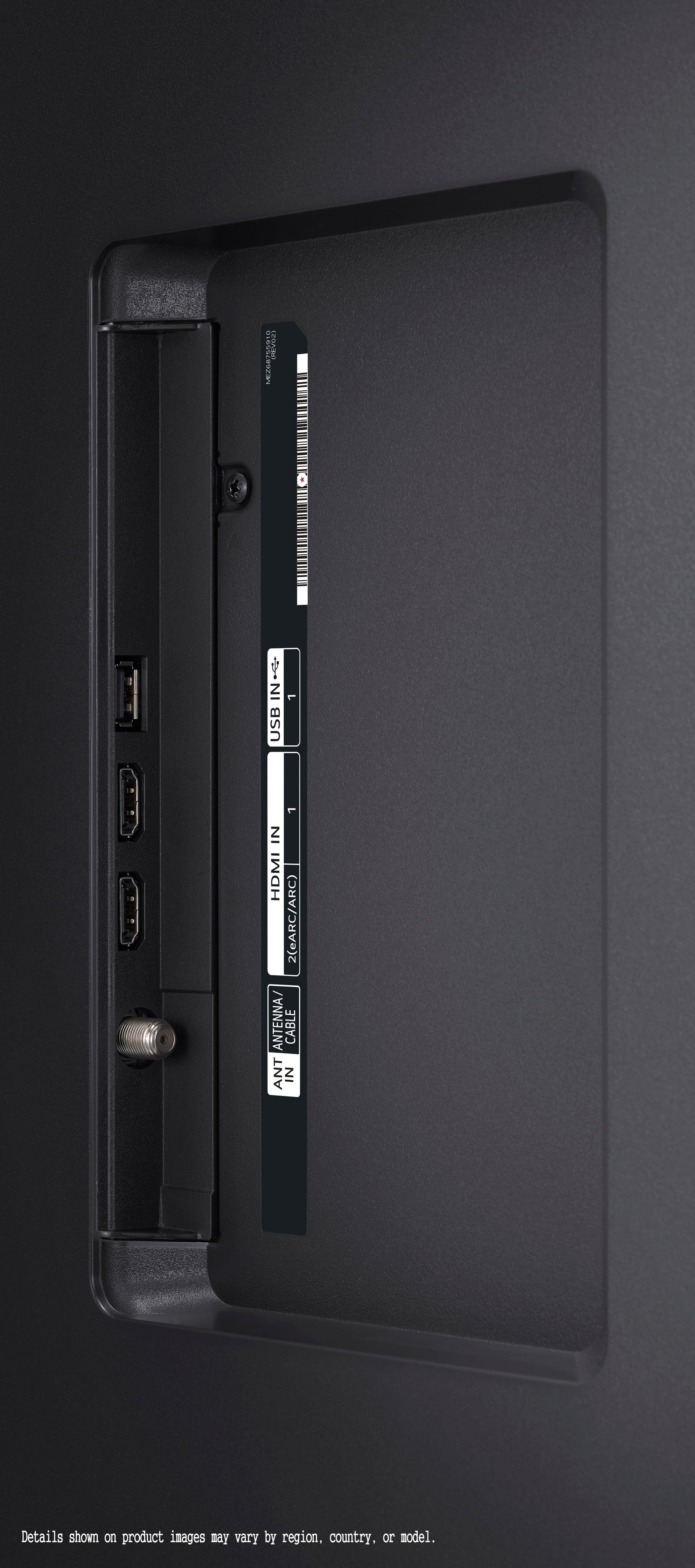
  • QuestionHow many HDMI ports does this TV have?

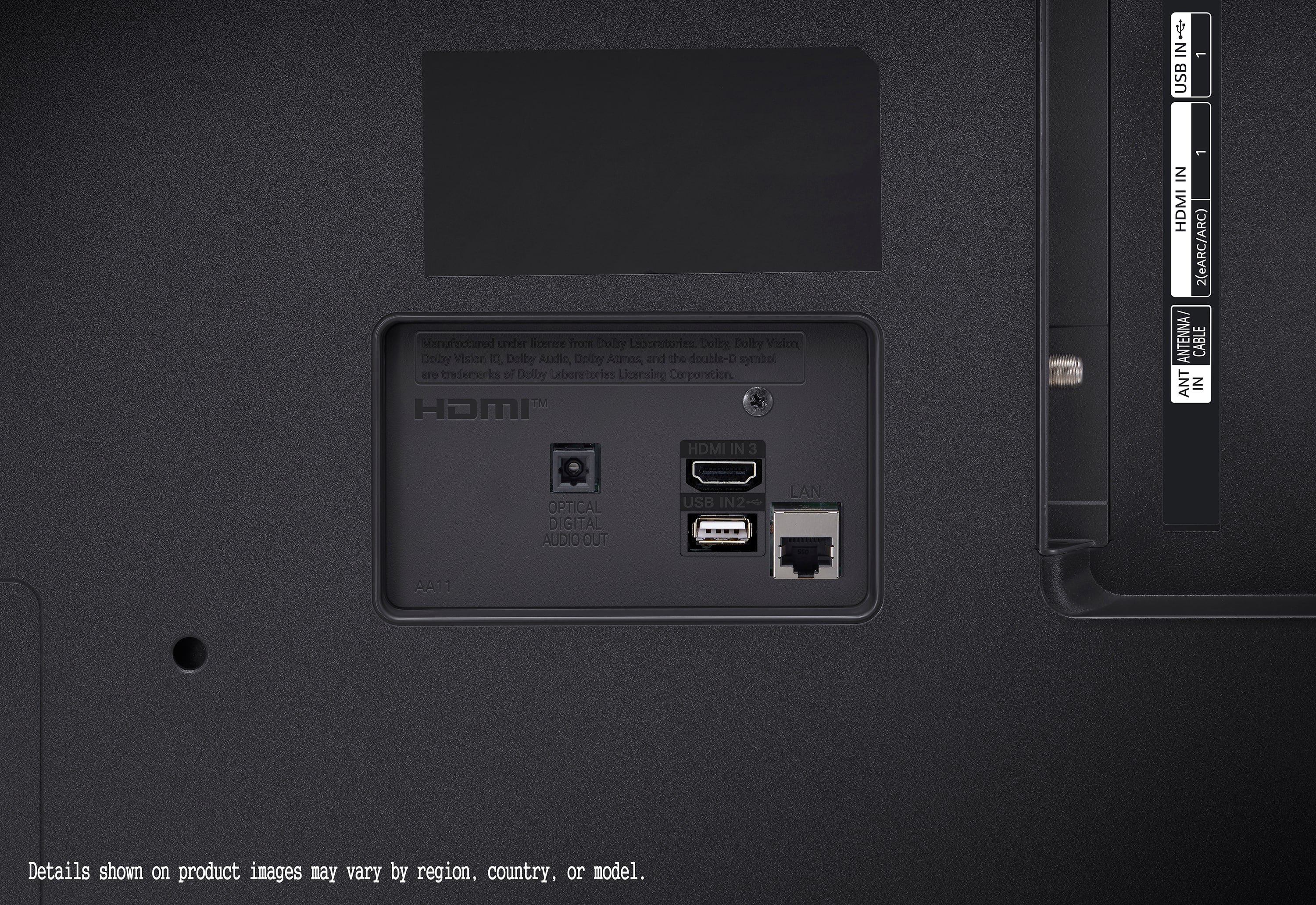
    • Answer This LG TV has a total of 3 HDMI ports.
    This question and answer was generated by AI based on customer and product data.
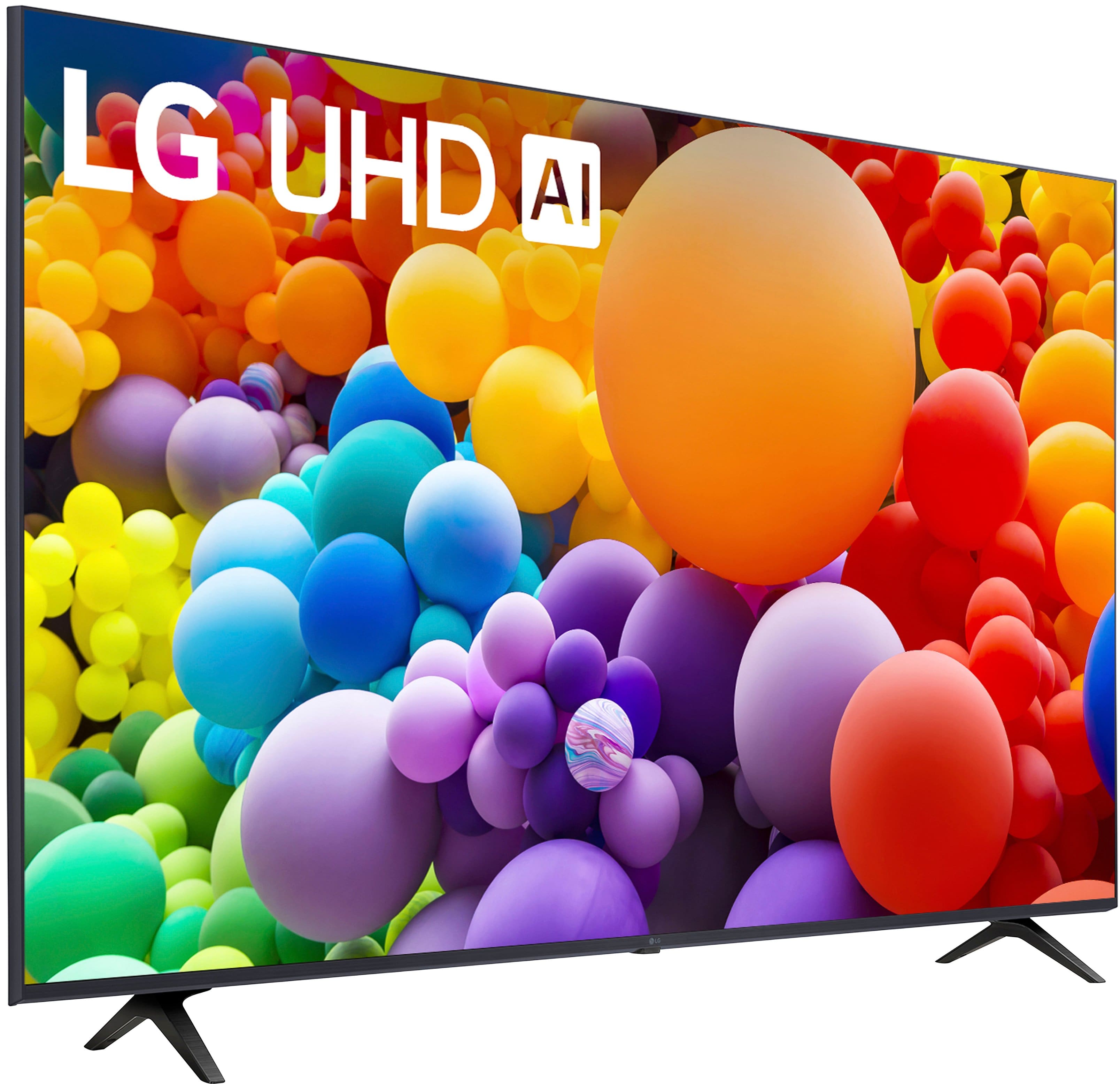
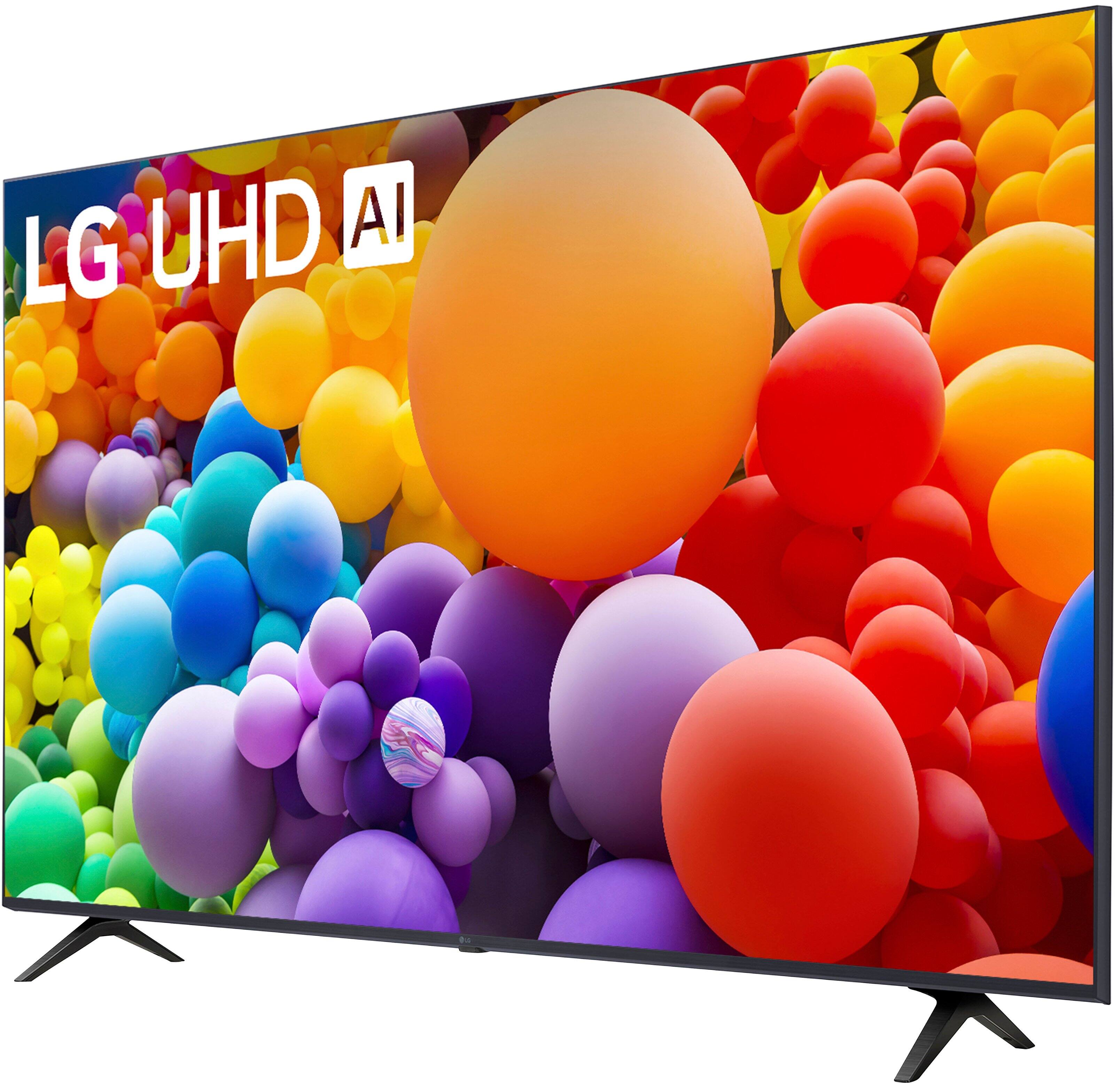
  • QuestionDoes this TV include a stand?

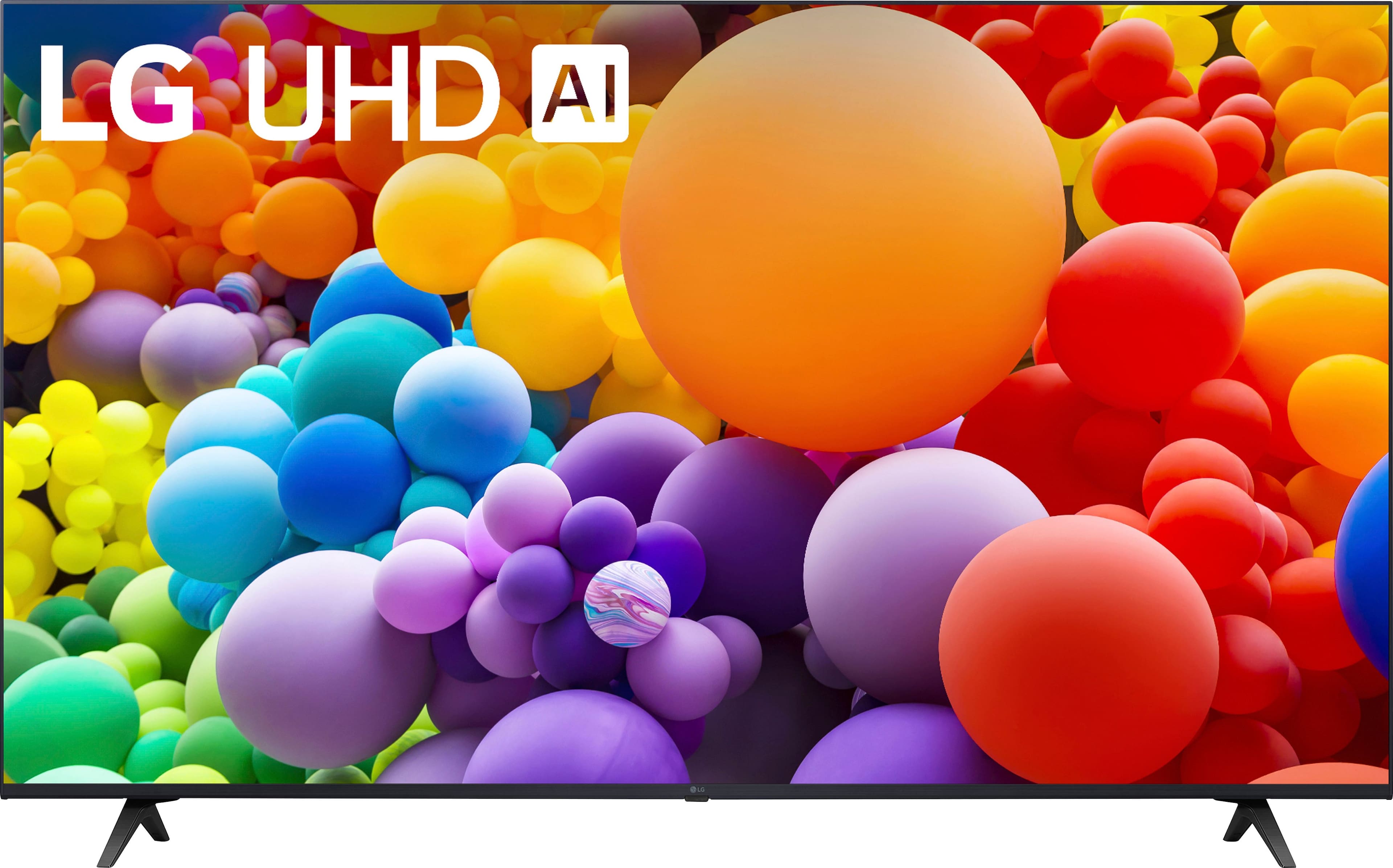
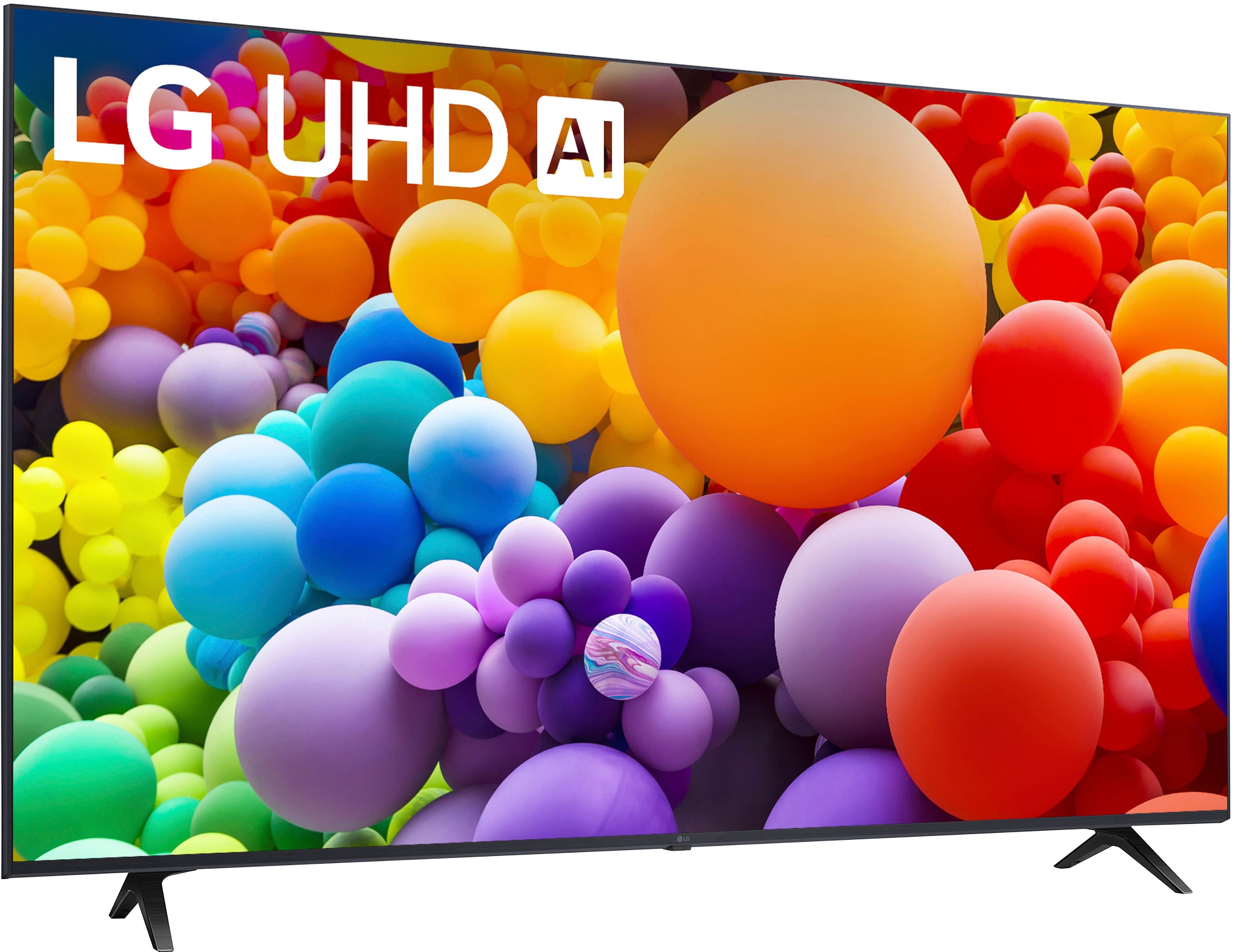
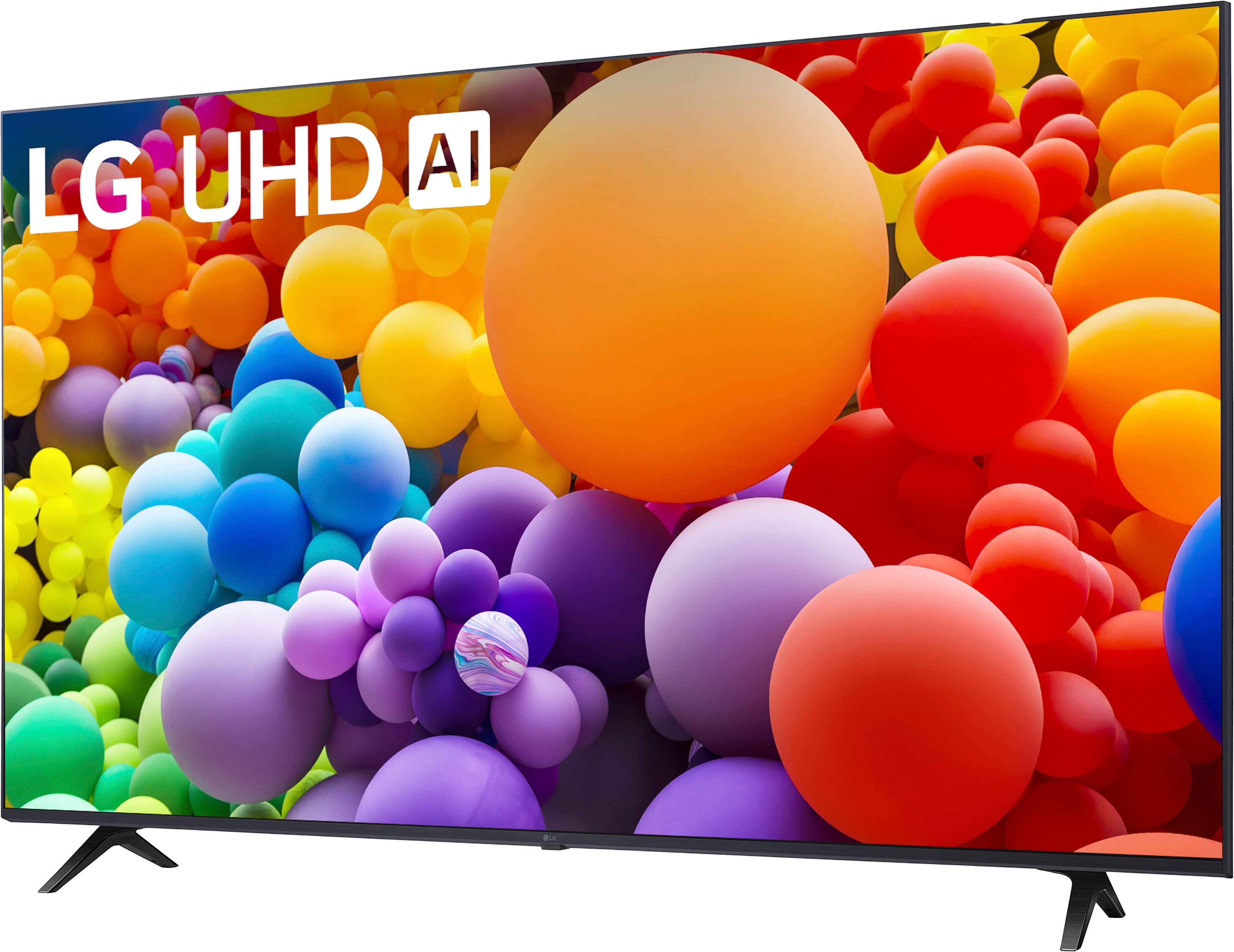
    • Answer Yes, this LG TV comes with a stand.
    This question and answer was generated by AI based on customer and product data.

  • QuestionDoes this LG TV have built-in speakers?

    • Answer Yes, this TV has built-in downward firing speakers.
    This question and answer was generated by AI based on customer and product data.

  • QuestionWhat is the refresh rate of this LG TV?

    • Answer This LG TV has a refresh rate of 60Hz.
    This question and answer was generated by AI based on customer and product data.

  • QuestionWhat is the resolution of this LG TV?

    • Answer This LG TV has a 4K (2160p) resolution.
    This question and answer was generated by AI based on customer and product data.

  • QuestionWhat type of backlight does this TV use?

    • Answer This TV uses a Direct Lit backlight.
    This question and answer was generated by AI based on customer and product data.

  • QuestionDoes this TV work when not connected to a network? I mean it never gets my wifi network name or password; I don't care about any "smart" or "ai" features.

    Asked by PKinPDX.

    • Answer Hello, PKinPDX. The LG 50-inch Class UHD Series 4K UHD TV with webOS 24, Model # 50UT7570PUB has to be connected to your network if you are going to stream from the preinstalled apps, but it doesn't have to be connected to your network for OTA (Over-the-Air) TV Broadcasts or unencrypted cable programming. You can connect an indoor or external antenna to the TV for OTA programming. You do not need internet access for cable service programming if you have a cable set-top box...^Ivan.

      Answered by LG Digital Customer Care

  • QuestionDoes this tv have coaxial cable connector??

    Asked by Sal.

    • Answer Yes

      Answered by JimS

  • QuestionIs this TV compatible with Spectrum?

    Asked by TONI.

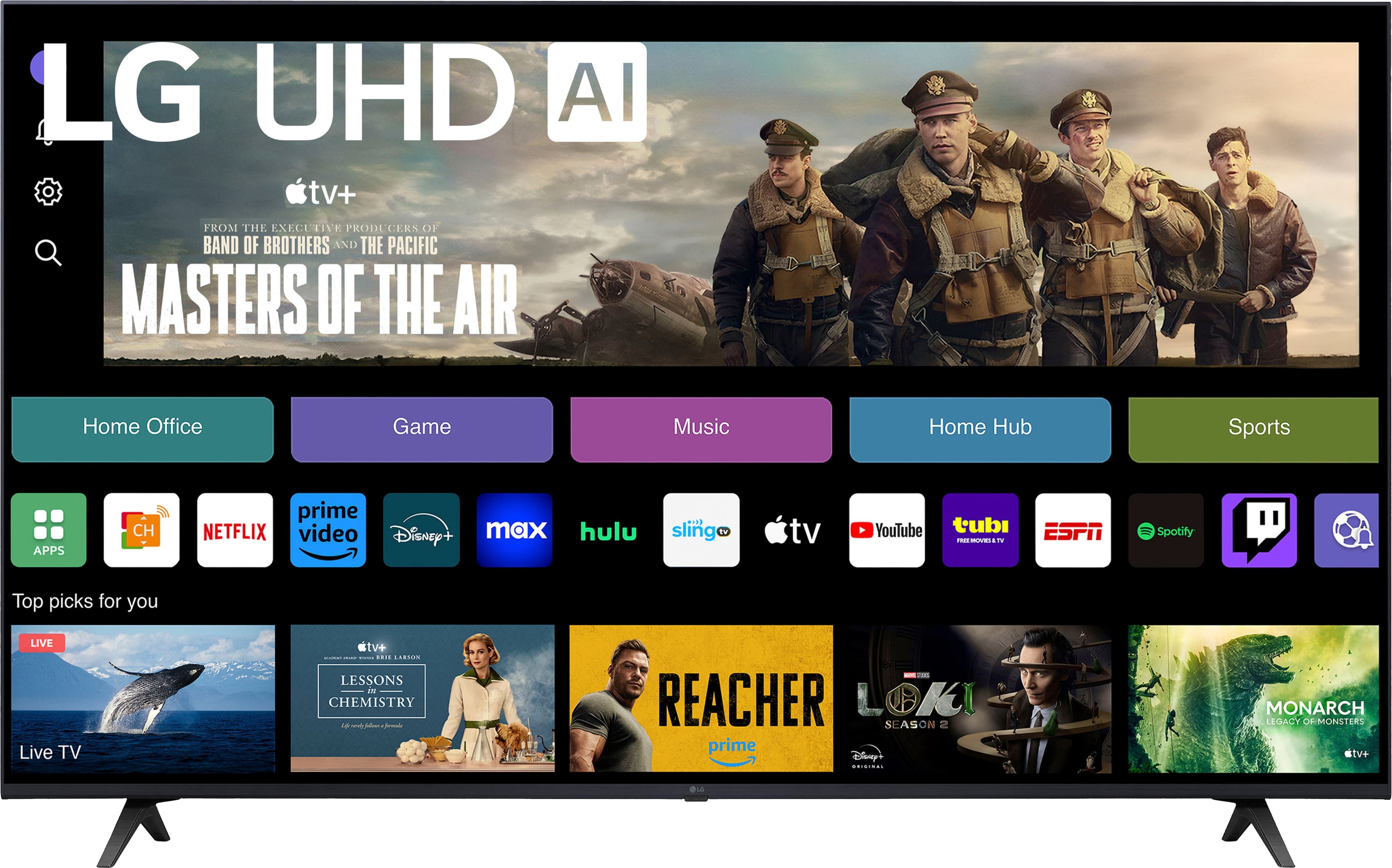
    • Answer Hello there, Toni. We understand you're inquiring whether the LG 50UT7570PUB TV is compatible with Spectrum. This TV does not have direct mention of Spectrum as a built-in app or service, but since Spectrum is a cable provider, it is compatible with the TV through a couple of methods: Spectrum App (if available): If you have a Spectrum account, you can likely download and use the Spectrum TV app through the webOS platform to access live TV and on-demand content. Cable Box: If you use a traditional Spectrum cable box, you can simply connect it to the TV via HDMI to enjoy Spectrum's services. Additionally, the TV supports various streaming apps such as Netflix, Max, Disney+, YouTube, Prime Video, and others, so you can access a wide range of content via the internet. https://www.lg.com/us/tvs/lg-50ut7570pub-4k-uhd-tv#pdp_specs Feel free to reach out if you need further details or assistance with setup! You can also contact us at @LGUSSupport on social media for additional help. Thanks for your question! —Renzo

      Answered by LG Digital Customer Care

  • QuestionCan I hook up my computer to my smart tv and use it as a monitor for my laptop?

    Asked by k.

    • Answer Thank you for reaching us regarding LG Smart webOS TV. Yes, you can hook up your laptop to the LG 50UT7570PUB smart TV and use it as a monitor. You can download its owner's manual through this link for more information: https://www.lg.com/us/support/product/lg-50UT7570PUB.AUSQ. For additional assistance, please reach out to us on social media @LGUSSupport so we can help you further. ^Cris

      Answered by LG Digital Customer Care

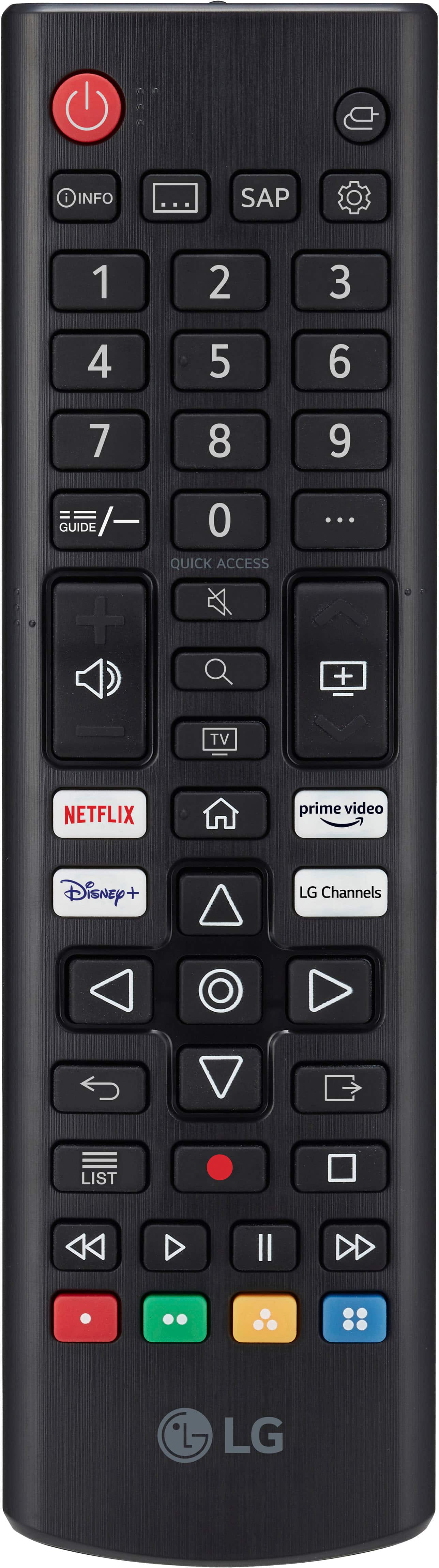
  • QuestionDoes the remote have the numbers on it?

    Asked by LisaP.

    • Answer Hello! Thank you for your interest in the 50UT7570PUB model. We're here to assist you. Yes, the remote control included with the 50UT7570PUB TV does have number buttons. These buttons allow for direct input of channel numbers, making it convenient to navigate channels quickly. -Junel

      Answered by LG Digital Customer Care

  • QuestionIs this a VA or IPS panel? How about the other sizes of this series?

    Asked by Anonymous.

    • Answer Hello there. Thank you for sharing your experience with us. We understand your situation regarding your LG 50UT7570PUB and your inquiry about the panel type. Based on our official product information, this model utilizes a VA (Vertical Alignment) panel, which is designed to deliver deeper blacks and enhanced contrast for a more immersive viewing experience. For the other sizes in this series, they typically feature the same VA panel technology, ensuring consistent picture quality across the lineup. https://www.lg.com/us/tvs/lg-50ut7570pub-4k-uhd-tv#pdp_specs As a troubleshooting step, please verify your TV’s settings by accessing the picture information menu, where you may find additional details about the panel technology and performance features. If you have further questions or need personalized assistance, please send us a private message on Social Media @LGUSSupport, and our team will be more than happy to explore possible solutions with you. We appreciate your patience. —Renzo

      Answered by LG Digital Customer Care

  • QuestionLG - 50” Class UT75 Series LED 4K UHD Smart webOS TV (2024) - can i connect a PS2 player to this TV.

    Asked by lynn.

    • Answer Hello, Lynn. Thank you for reaching out. Yes, you can connect a PS2 player to the LG 50UT7570PUB 4K UHD Smart TV. The TV has several HDMI inputs, but the PS2 uses a composite video connection (red, white, and yellow connectors). To connect your PS2, you will need a composite-to-HDMI adapter to convert the signal from the PS2 into HDMI, as the TV doesn't have a dedicated composite input. https://www.lg.com/us/tvs/lg-50ut7570pub-4k-uhd-tv#pdp_specs Once you have the appropriate adapter, you can connect it to the TV’s HDMI port. If you need any assistance with the setup or other questions, feel free to reach out to us on social media @LGUSSupport. We're here to help! —Renzo

      Answered by LG Digital Customer Care

  • QuestionWhy am I having trouble putting the legs on this TV?

    Asked by Natural.

    • Answer Hi there! Thank you for reaching out to us. We understand that you’re having trouble attaching the legs to your LG 50UT7570PUB 4K UHD TV. Here are a few things to check: Leg Placement: Make sure that you are aligning the legs with the designated screw holes on the bottom of the TV. The legs should fit into specific notches designed for them, and you may need to slightly adjust their position if they aren't aligning perfectly. Screws: Double-check that you have the correct screws and that they are threaded properly into the legs. Sometimes, the screws may not be fully inserted, causing the legs to feel loose. Orientation of the Legs: Ensure that the legs are positioned correctly, with the correct side facing the TV. If they're positioned incorrectly, the legs may not fit securely. https://www.lg.com/us/tvs/lg-50ut7570pub-4k-uhd-tv#pdp_specs If the issue persists or you're encountering further difficulties, please send us a private message on Social Media @LGUSSupport, and we’ll be happy to guide you further and resolve any issues. —Renzo

      Answered by LG Digital Customer Care

  • QuestionWhat is the width between the 2 stand legs?

    Asked by Lisa.

    • Answer Hi there, Lisa! Thanks for reaching out with your question about the 50UT7570PUB. The width between the two stand legs for this model is approximately 38.9 inches, designed to provide secure support. You may access this link for more information, go to "All Specs":https://www.lg.com/us/tvs/lg-50ut7570pub-4k-uhd-tv. If you need more details or have any other questions, please send us a private message on Social Media @LGUSSupport, and we’d be glad to assist further! —Avril

      Answered by LG Digital Customer Care

  • Questioni have an old LG (and LG OEM) Magic Remote connectable via Bluetooth. Seems like US and North America market; and is this particular TV compatible with the Remote because the TV has bluetooth connectivity?

    Asked by hummingbird.

    • Answer Hello there. Thank you for reaching out with your question about the 50UT7570PUB TV and its compatibility with an older LG Magic Remote. We understand that you’re trying to determine if your TV can work with the remote via Bluetooth. While the 50UT7570PUB does have Bluetooth connectivity, compatibility with the Magic Remote depends on the specific model of the remote. Not all Magic Remotes are universally compatible with every LG TV model. To confirm compatibility, please check the model number of your Magic Remote and consult the user manual for your TV. If you need further assistance or have additional questions, please send us a private message on Social Media @LGUSSupport. Our team will be more than happy to help you ensure everything works together smoothly. We appreciate your patience. —Renzo

      Answered by LG Digital Customer Care

  • QuestionDoes this tv have a built in camera? Where exactly is the camera located on the front of the tv? Can I take photos from this tv?

    Asked by Janine.

    • Answer Hi Janine. Thank you for reaching us regarding LG Smart webOS TV. The LG 50UT7570PUB TV does not have a built-in camera. Therefore, you cannot take photos from this TV. You can download its owner's manual through this link for more information: https://www.lg.com/us/support/product/lg-50UT7570PUB.AUSQ. For additional assistance, please reach out to us on social media @LGUSSupport so we can help you further. ^Cris

      Answered by LG Digital Customer Care

  • QuestionDoes this have a remote microphone

    Asked by Jr.

    • Answer The LG - 50” Class UT75 Series LED 4K UHD Smart webOS TV - (2024), Model # 50UT7570PUB , does not have a built-in microphone...^Ivan.

      Answered by LG Digital Customer Care

  • QuestionCan I use a Universal Remote ?

    Asked by Kd.

    • Answer Thank you for reaching us regarding LG Smart webOS TV. Yes, you can use a universal remote with the LG 50UT7570PUB TV. You can download its owner's manual through this link for more information: https://www.lg.com/us/support/product/lg-50UT7570PUB.AUSQ. For additional assistance, please reach out to us on social media @LGUSSupport so we can help you further. ^Cris

      Answered by LG Digital Customer Care

  • Questionairplay compatable?

    Asked by airplay.

    • Answer Hi there! Thank you for your inquiry about the 50UT7570PUB. Yes, this model is AirPlay 2 compatible, allowing you to easily stream content from your Apple devices directly to the TV. You can enjoy seamless mirroring and sharing of videos, photos, music, and more from your iPhone, iPad, or Mac. If you have any other questions or need assistance with setting up AirPlay, feel free to send us a private message on Social Media @LGUSSupport. We're happy to help! Thank you for reaching out! —Avril

      Answered by LG Digital Customer Care