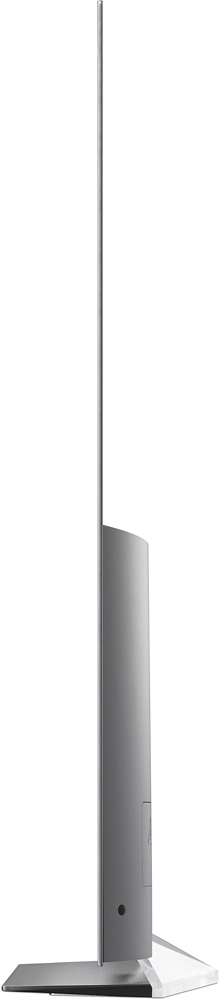
A:AnswerI researched OLED tvs for several weeks before purchasing mine. What I have been informed by several salesman and read on CNET is this. Curved tvs allow for better viewing when you are watching from an angle. OLEDS already allow for this in their flat tvs. So a curved OLED can do little more. One last item is that they promote curved tvs as providing added depth to the picture. CNET reviewed the same tv in a flat and curved model and stated they could not notice a difference between the two.
A:AnswerIf it's the "support for" that's confusing you, you're not alone - I thought that was weird when I started researching.
It's just an industry term for "it's capable of it." Like you might by a Nexus Smartphone that has "support for fast-charge" ... that means it's capable of fast-charge if you have the cables and converters that can do fast-charge. Here, the OLED B6 is capable of Dolby Vision if you're watching content that streams in Dolby Vision. That's all it means.
*shrug.* Techies.
A:AnswerMake sure the 'True Motion' is set to off. This will fix the judder/skipping issue. You will need to do this for each picture mode. Don't know why LG doesn't just set True Motion to off from the factory as it causes problems when it is on.
A:AnswerThe W x H x D dimensions for the carton that the LG - 55" Class - (54.6" Diag.) - OLED - 2160p - Smart - 4K Ultra HD TV - with High Dynamic Range, Model # OLED55B6P comes in are: 57.1" x 32.5" x 9.0" and weighs 57.3 lbs...^IFV
A:AnswerAn organic light-emitting diode (OLED) is a light-emitting diode (LED) in which the emissive electroluminescent layer is a film of organic compound that emits light in response to an electric current.
OLED essentially provides higher contrast than normal LED. It will significantly increase the picture quality.
A:AnswerI'm guessing you won't see big discounts on this TV, even on Black Friday. LG is the only company making OLED TV's right now. With this kind of monopoly, there is no incentive for LG to make big discounts with their wholesale cost to Best Buy, which Best Buy (hopefully) would pass on to us. I'm guessing maybe $200 discounts on this TV on Black Friday, but we won't see significantly lower prices on OLED TV's until Samsung starts selling them in 2018 (that's when Consumer Reports predicts Samsung OLED TV's on the market). Again, this is just my guess, and I hope its wrong!
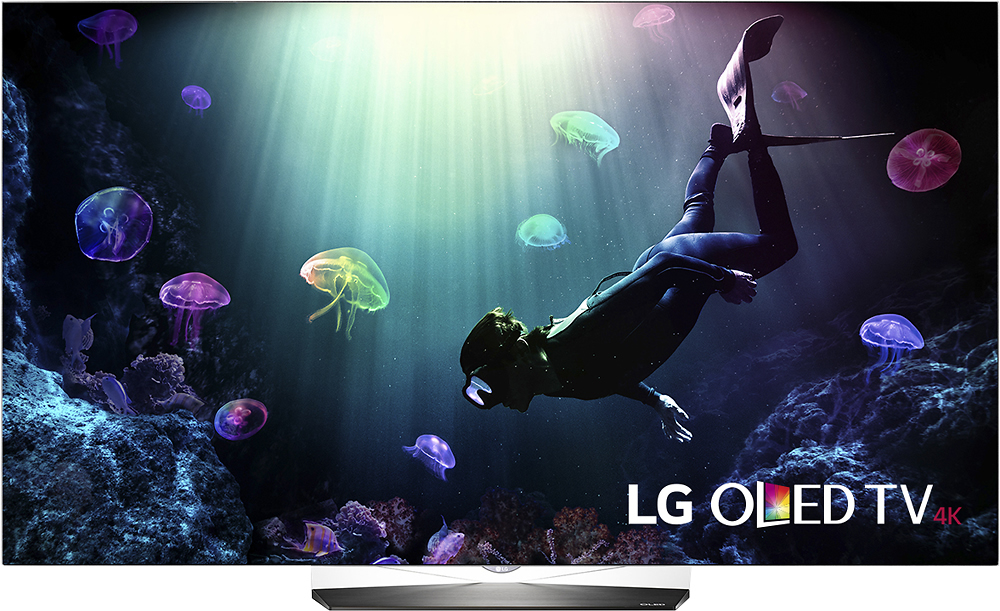
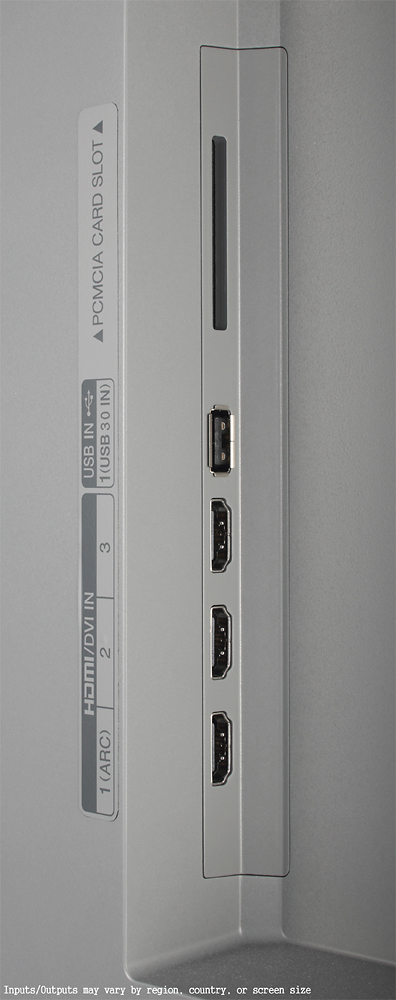
A:AnswerAll 4 inputs are HDCP 2.2 and HDMI 2.0 compliant.
The only model this year without this feature on ALL HDMI inputs is their Signature G6 model.
A:AnswerOne is an OLED with HDR and Dolby Vision, whereas the other is an LCD without any of these options. HDR is a wider color gamut which offers more realistic color and tonality throughout the image when the content being displayed is HDR or DV compatible.
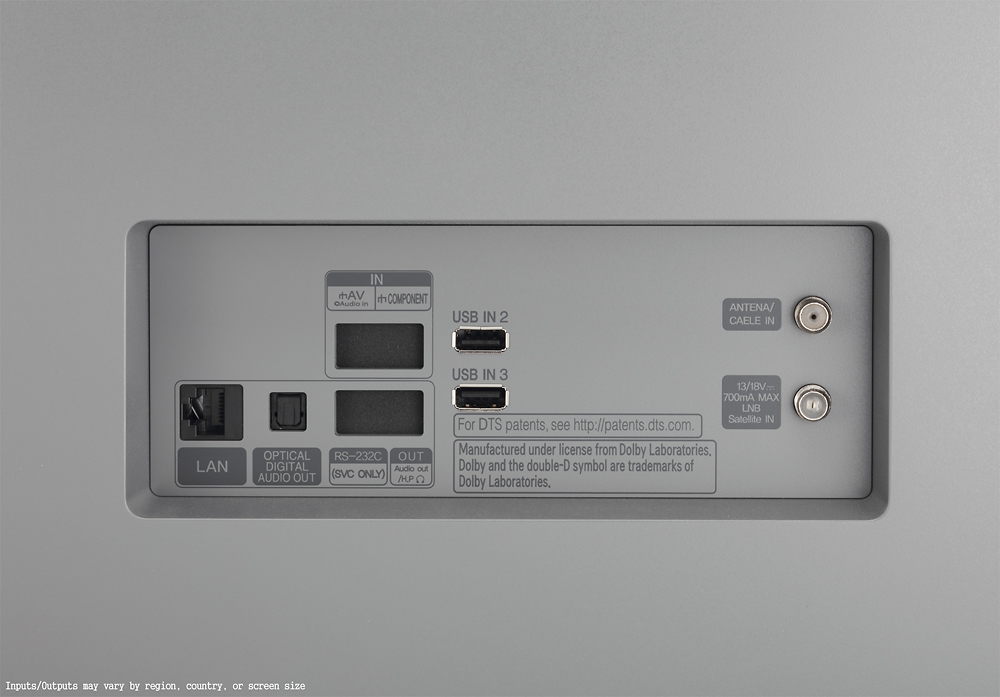
A:AnswerNo it is not possible to connect the Logitech z506 speakers to this tv. to connect speakers to this tv directly there are only two options that I know of. 1: connect to the optical output on the back of the tv (see pictures) or 2: lg "wireless sound sync" with a sound bar. if you are using this as a gaming tv and want surround my suggestion is to either use a receiver or get a surround headset that has an optical input
A:AnswerThe E6P has a glass front panel (OLED is on glass, or as LG calls it Picture-On-Glass) and a built in sound bar. I looked at them side by side and the E is clearer.
But both were better than anything else I looked at. I chose the B6P because I did not want the sound bar and I did not want to send an additional $800 plus dollars
for the extra clarity that would probably not be appreciated by me for the type of programming I watch.
A:AnswerUnfortunately, you won't see a big difference when watching normal cable programming between the OLED and LED since the resolution is "only" 1080p. Blacks and colors may be slightly better with this set, but nothing to write home about. You can definitely see the difference in 4K streaming content and Bluray movies though.
A:AnswerIt's a fair charge, I believe, in the grand scheme of things. How much would you charge if you had to pick up a TV at the store, deliver it to somebody's house and do the things you mentioned? Well worth $50 in today's busy world. Your option? Do it yourself and save $50, if it's worth your time and trouble,
A:AnswerYou do not need an additional Roku to stream Netflix, Hulu or Amazon. They are supported by built-in apps on the TV. I believe some built-in apps (Netflix, Amazon and YouTube) can stream some UHD content without the need for new hardware. There is no HBO built-in app.
A:AnswerI have NOT found a wireless option to use my wireless headphones. I am "normally" able to find these options if they exist. I checked the LG website and all I could find was a comment to buy a "wireless plug in" to communicate with my wireless headphones
A:AnswerI had burn-in with my plasma TV, but I have not seen any with this TV.
I have watched movies and shows where burn-in would have showed up on my plasma, but I have not seen any on this TV