Main Content

Questions & Answers

$444.90
Save $35.09
The comparable value is $479.99
Page Showing 21-30 of 30 questions
  • QuestionCan this be mounted on a tv stand

    Asked by Dave.

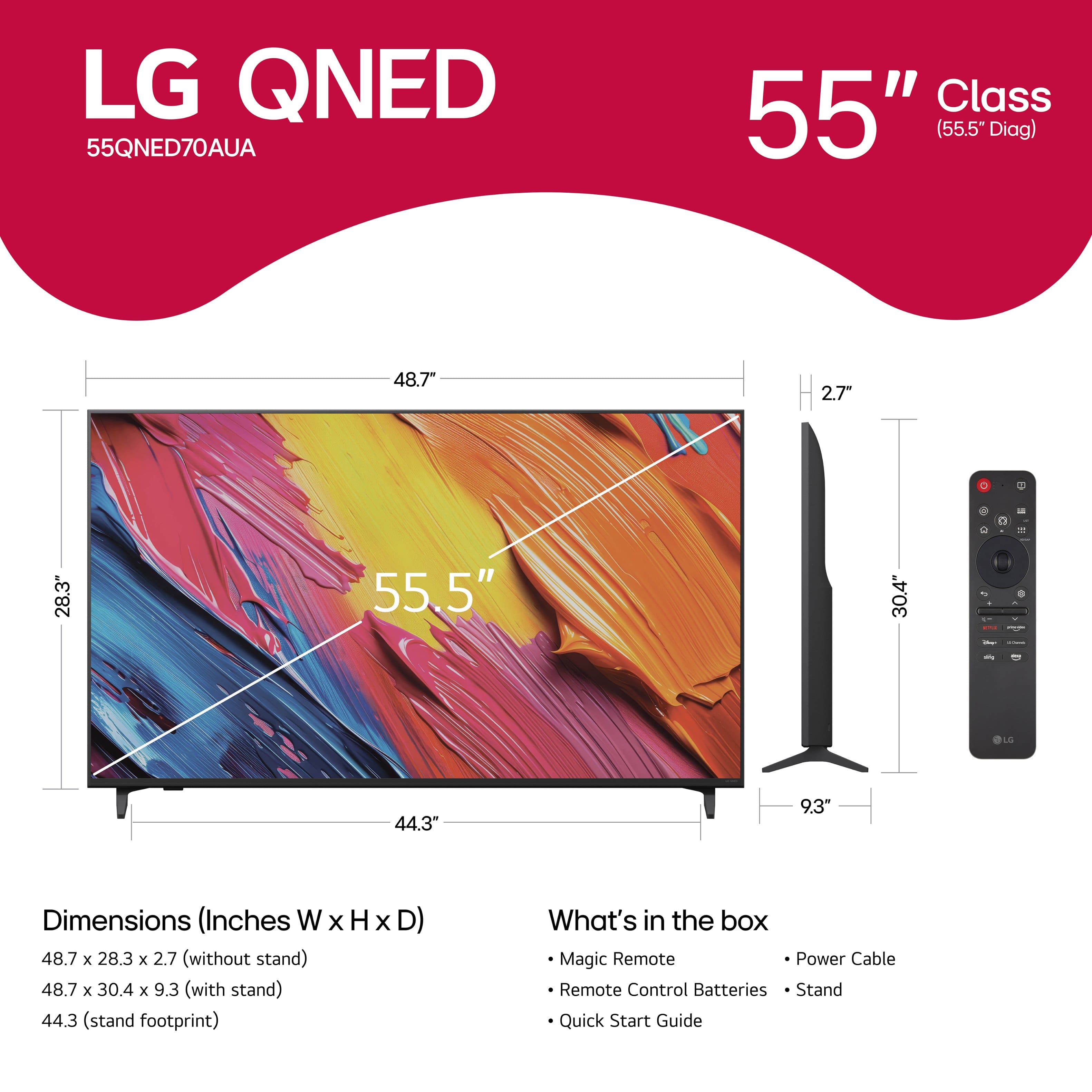
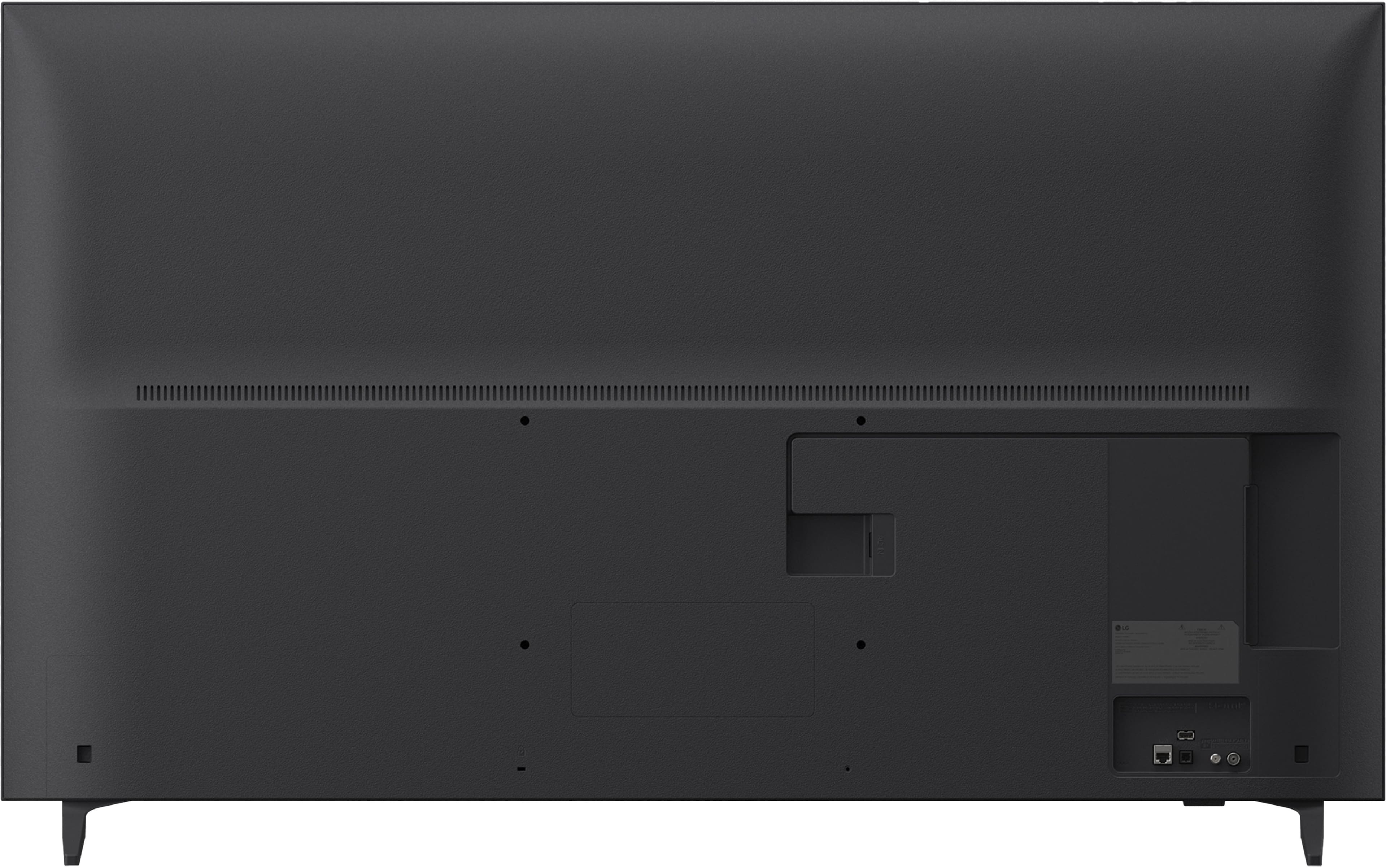
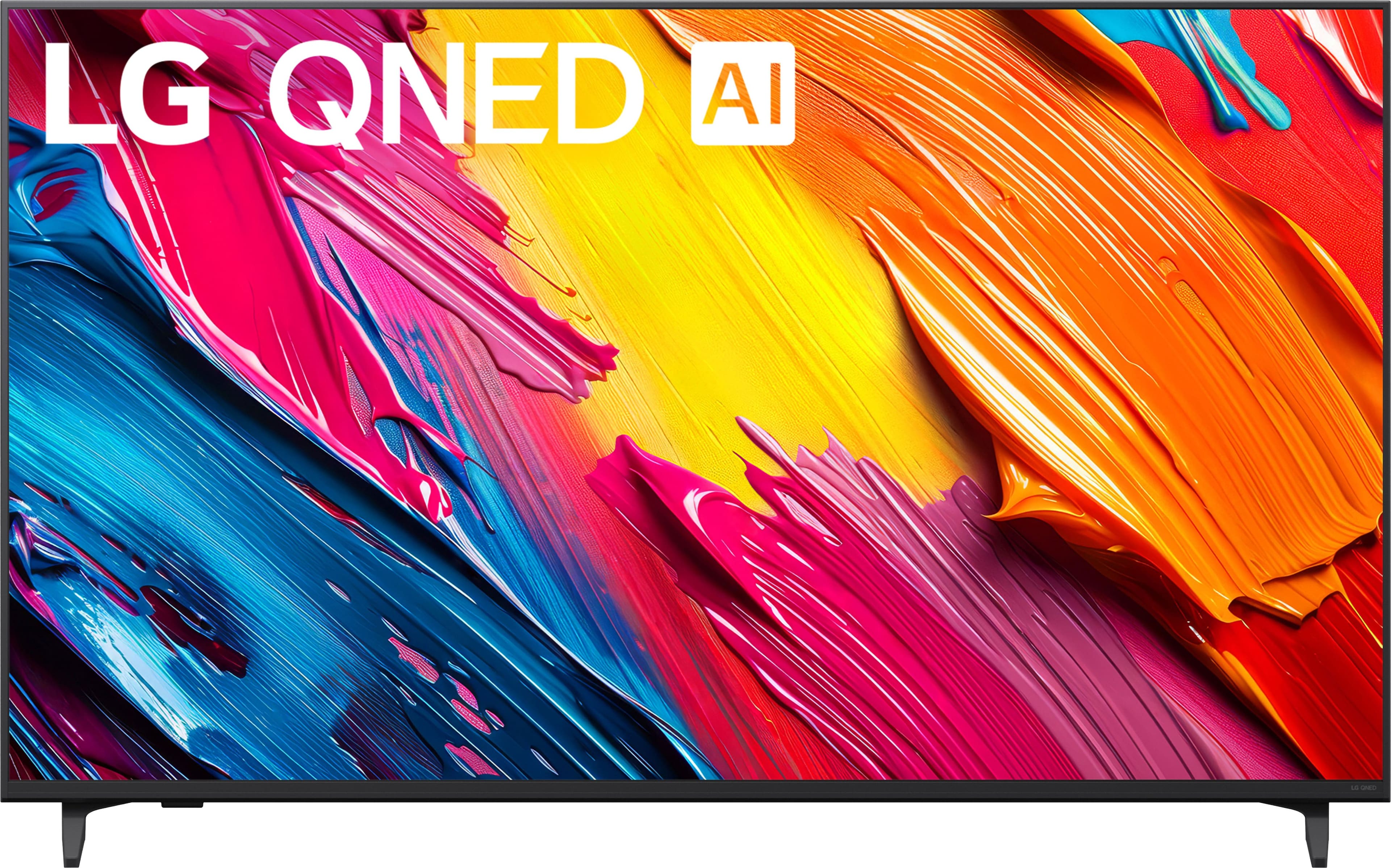
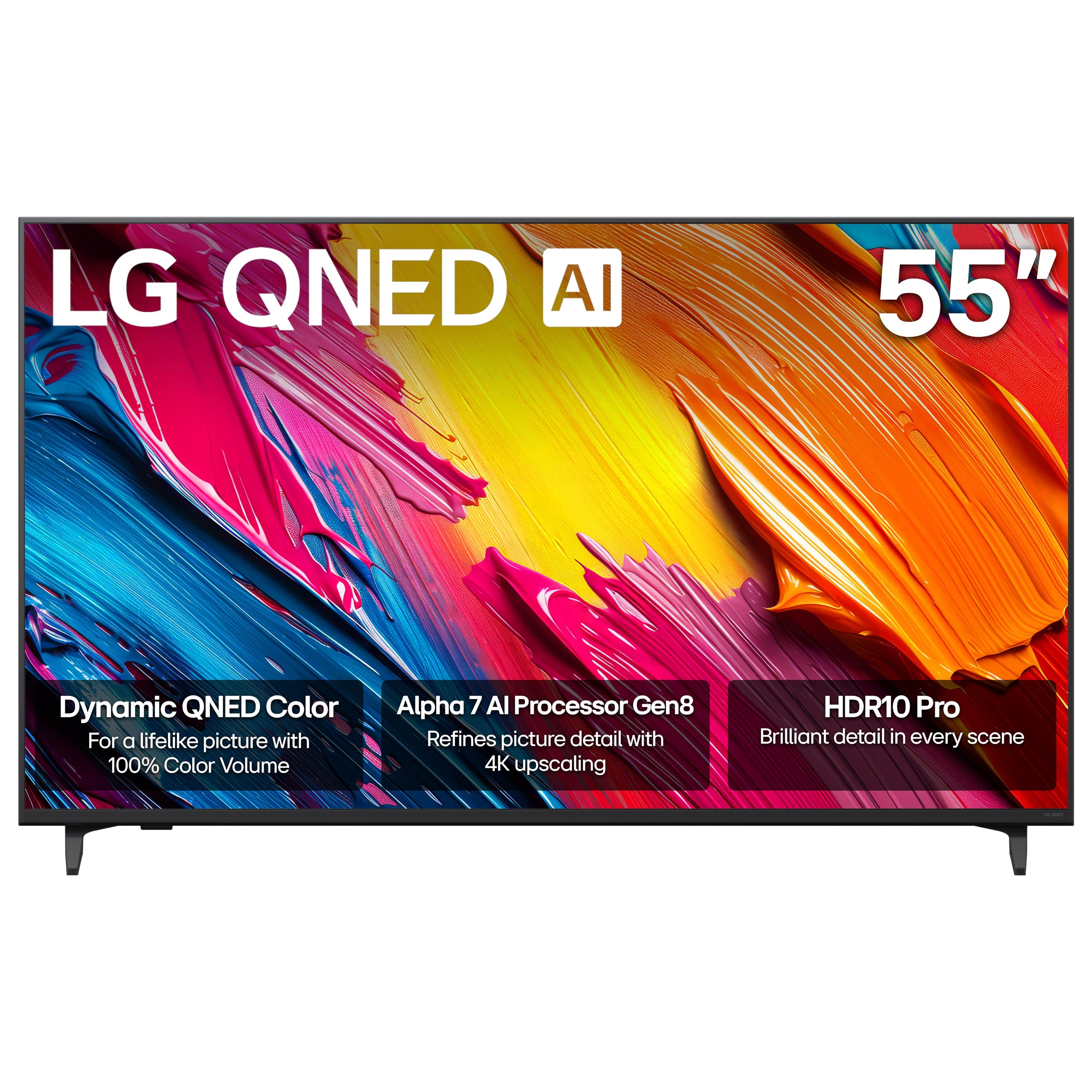
    • Answer Hi there. Thank you for sharing your experience with us. We understand your inquiry regarding the 55" Class 70A Series QNED AI 4K UHD Smart webOS TV. This model includes a stand for tabletop placement and is also VESA-compatible (300x300mm) for mounting on a universal TV stand or wall mount. https://www.bestbuy.com/product/lg-55-class-70a-series-qned-ai-4k-uhd-smart-webos-tv-2025/JJ8VPZWR67 For further assistance and any specific concerns you may have, please contact us on [email protected]. —Renzo

      Answered by LG Digital Customer Care

  • QuestionDoes this come with Chromecast built in?

    Asked by Leroy.

    • Answer Hello there, Leroy. Thank you for sharing your inquiry with us regarding the LG 55QNED70AUA. We understand your question about Chromecast. Yes, this LG TV model does come with Google Cast built-in, which functions similarly to Chromecast. We'd like to assist you further if you have any more questions about its features. https://www.bestbuy.com/product/lg-55-class-70a-series-qned-ai-4k-uhd-smart-webos-tv-2025/JJ8VPZWR67 Please contact us at [email protected], and our team will be more than happy to assist you. —Renzo

      Answered by LG Digital Customer Care

  • QuestionCan you connect LG wireless soundbar and sub to this TV?

    Asked by tonyl.

    • Answer Yes

      Answered by LindaS

  • QuestionCan YouTube app be downloaded

    Asked by Kc11.

    • Answer Yes. You can

      Answered by Awesome

  • QuestionDoes this tv come equipped with Roku

    Asked by JFMJR.

    • Answer No

      Answered by Awesome

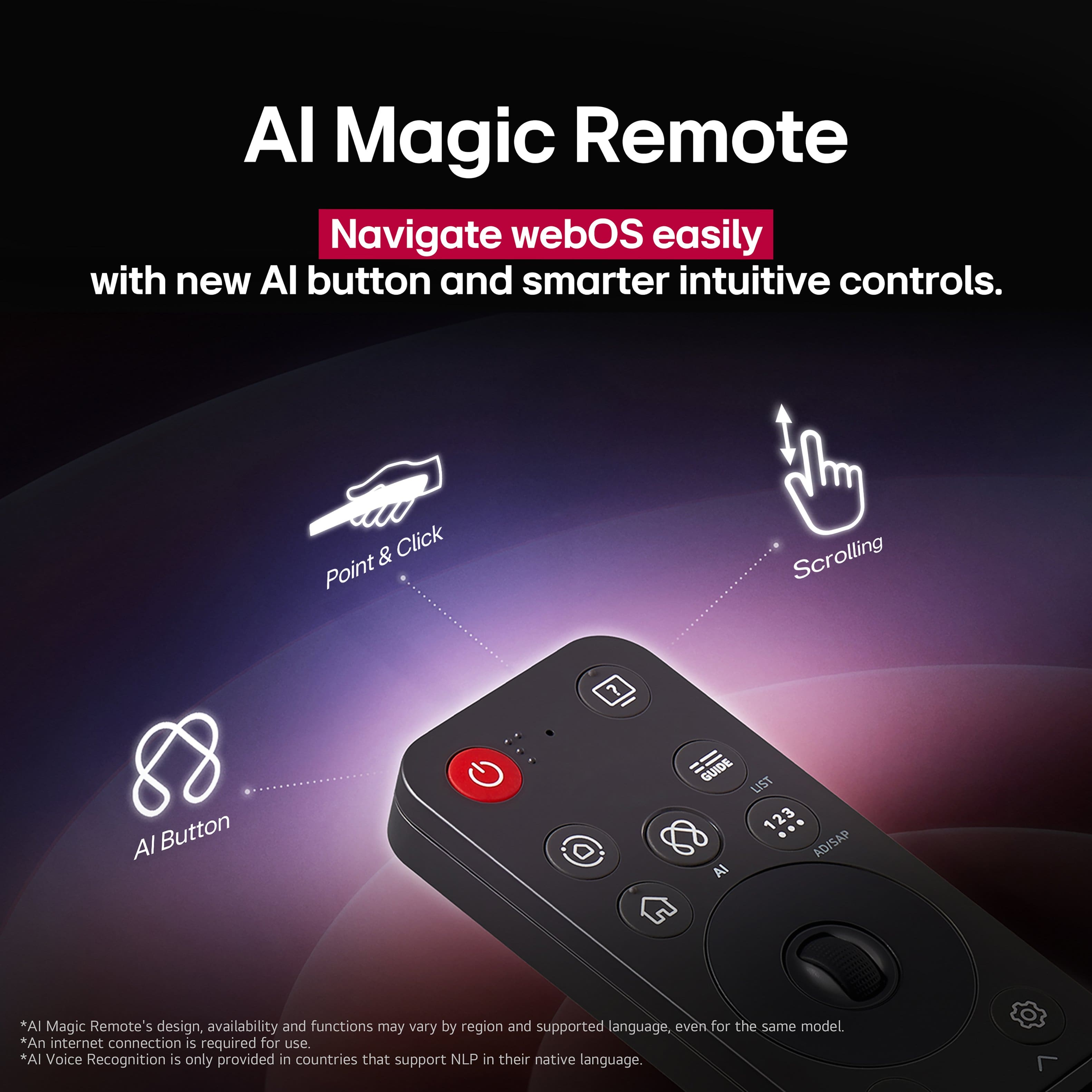
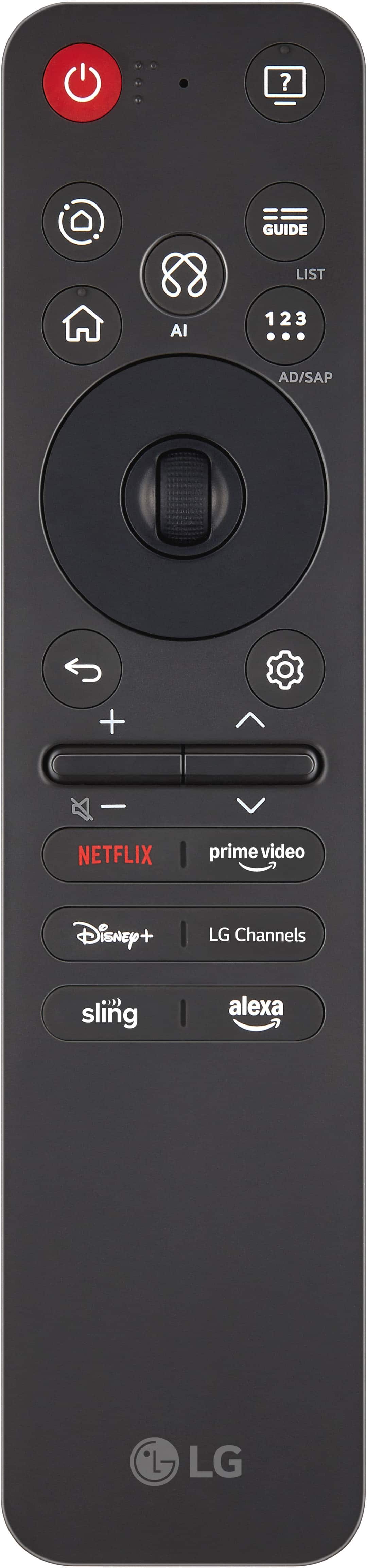
  • QuestionI need a manuel for 55QNED70AUD LG. Don't like remote and don't know what the symbols are.I see guide but the other buttons are pictures. Don't know what they mean

    Asked by Lin.

    • Answer Your LG 55" Class 70A Series QNED AI 4K UHD Smart webOS TV (2025), Model # 55QNED70AUA, has a built-in User Guide that show how to pair the remote with the TV, use the device functions through speech, set the Universal Control function, and show what each button on the remote control does when you elect Settings > All Settings > General Accessibility > Learn Remote Control, and press a button on the remote control following the on-screen instructions to get information about the button. You can access the User Guide from the TV's home screen...^Ivan. The owner's manual can be downloaded and printed out from the TV's Support page on our site at [https://www.lg.com/us/support/product/lg-55QNED85TUA.AUS?tab=1], but it does not have detailed instructions for the remote control like the User Guide has...^Ivan.
      Answered by LG Digital Customer Care

  • QuestionCan I hook up an old vcr recorder to this tv and record on some vcr tapes?

    Asked by Record.

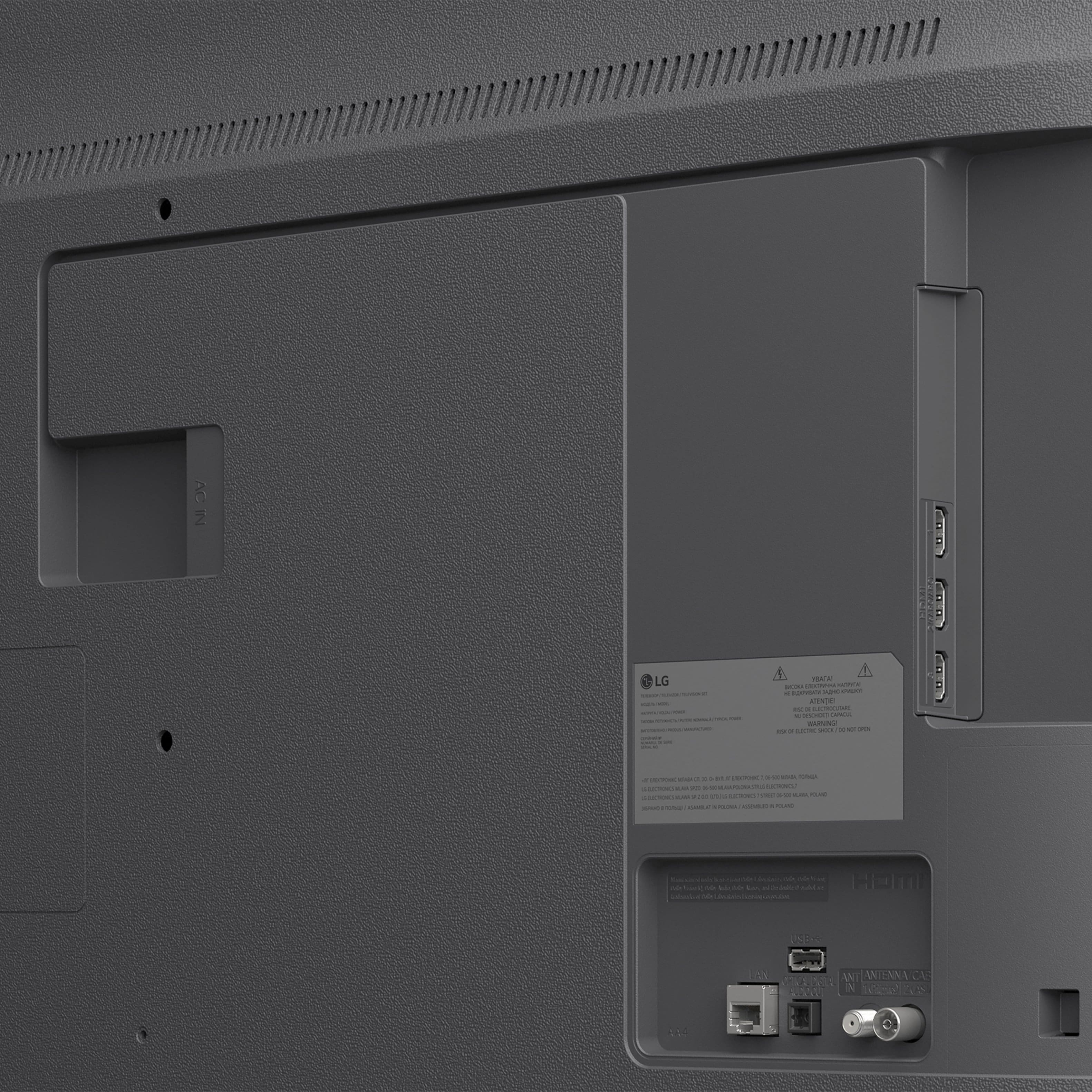
    • Answer The LG 55" Class 70A Series QNED AI 4K UHD Smart webOS TV (2025), Model # 55QNED70AUA, does not have the older AV ports, Composite ports, or Component ports for connecting to older VCR Recorders that have such ports for connectivity to TVs. The only workaround is if you have a DVD recorder with HDMI output, you can connect your VCR to the DVD recorder using RCA cables and then connect the DVD recorder to the TV using an HDMI cable. This solution allows you to record your VHS tapes onto DVDs and play them back on the TV using the HDMI connection....^Ivan.

      Answered by LG Digital Customer Care

  • QuestionIs there another remote for this tv besides the one that came with it ?

    Asked by Meter.

    • Answer No there is only the one remote that comes with the tv

      Answered by GervaiseA

  • QuestionIs the QNED 70A an IPS panel?

    Asked by IPS2.

    • Answer Yes

      Answered by SherryD

  • QuestionDoes this have Atomis Dolby Sound?

    Asked by SO.

    • Answer The LG 55" Class 70A Series QNED AI 4K UHD Smart webOS TV (2025), Model # 55QNED70AUA, does not support Dolby Atmos®...^Ivan.

      Answered by LG Digital Customer Care