Black Friday is hereAlso, shop the 24-Hour Flash Sale.Shop now

Main Content

Questions & Answers

Your price for this item is $1,196.99
The comparable value price is $1,299.99
Page Showing 41-60 of 63 questions
  • QuestionTo mount on the wall do I need to buy a specific mounting frame? I have a 46" Panasonic mounted on the wall at the moment. Will that still work?

    Asked by Mounting.

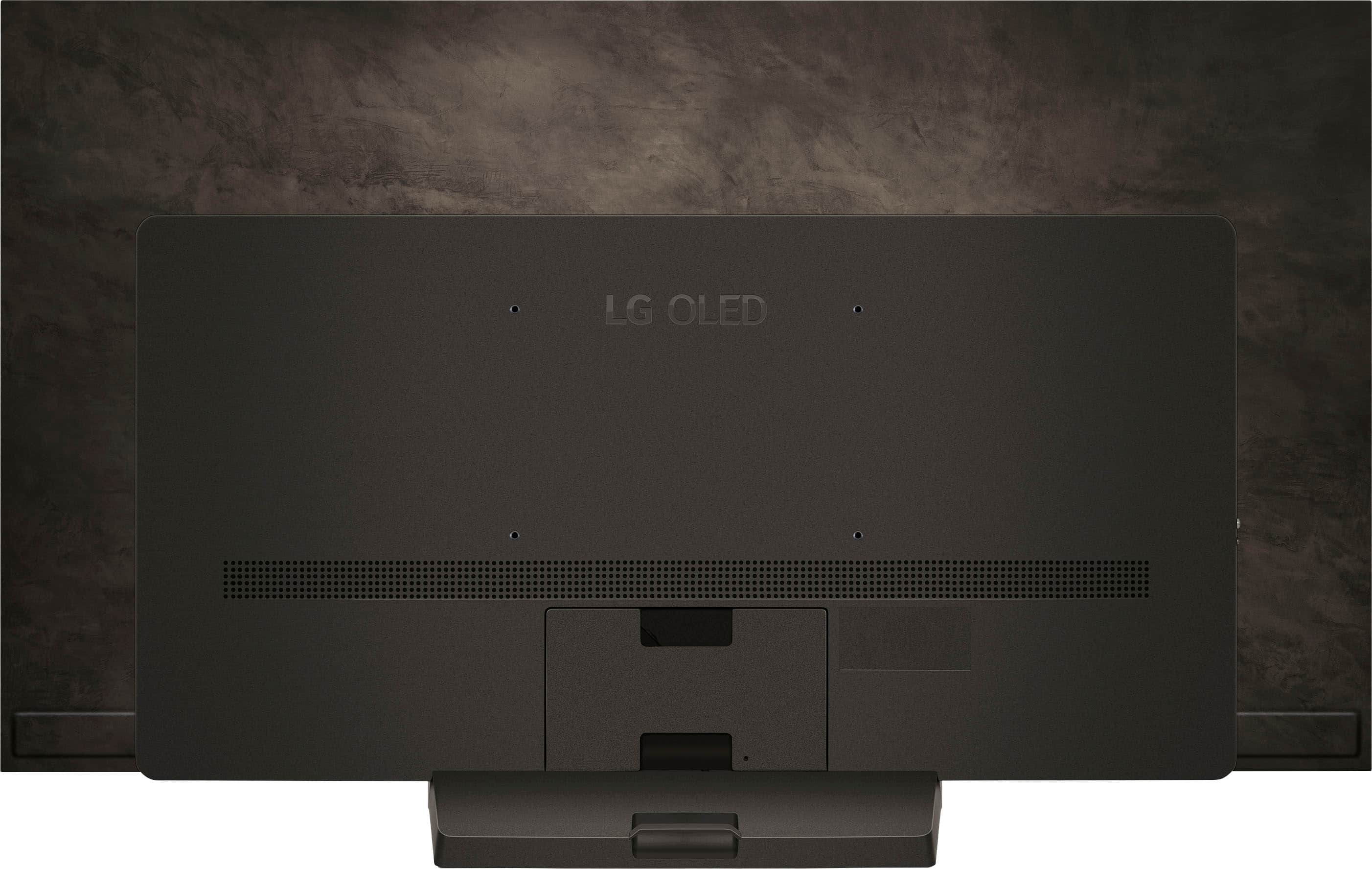
    • Answer Hi there! Thank you for your question about the LG OLED55C4PUA 4K OLED TV. To mount this TV on the wall, you’ll need a VESA-compatible mounting bracket. The TV is compatible with VESA mounting patterns of 300 x 200 mm. If your existing mounting frame for the Panasonic TV supports this VESA pattern, you should be able to use it. However, if your current mount is a different size, you’ll need to purchase a new mounting frame that fits the VESA specification. https://www.lg.com/us/tvs/lg-oled55c4pua-oled-4k-tv#pdp_specs If you need help selecting the right mount or have additional questions, feel free to send us a private message on social media @LGUSSupport. We're here to assist you! —Renzo

      Answered by LG Digital Customer Care

  • QuestionIs the The LG OLED evo C4 screen low glare?

    Asked by Remington8.

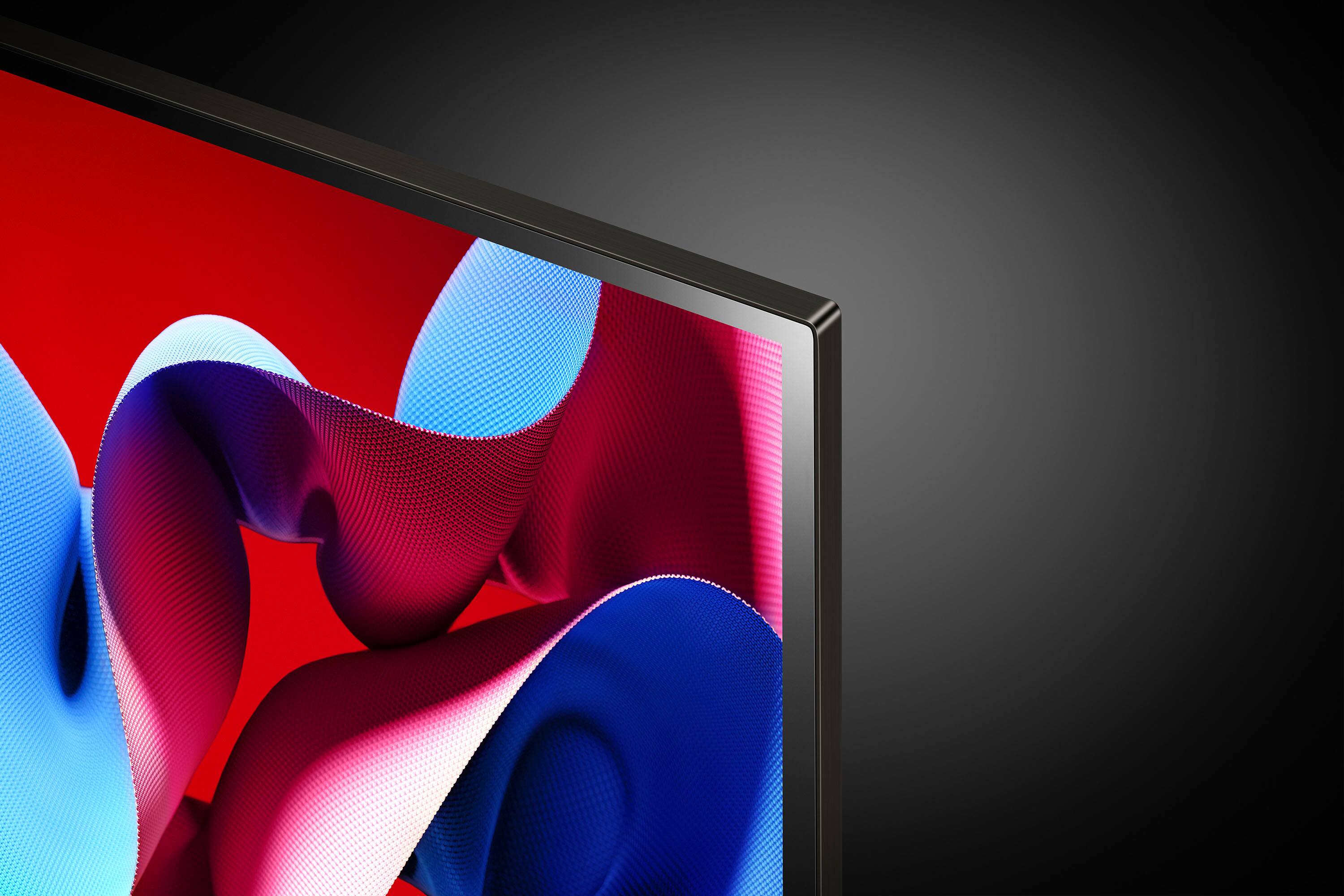
    • Answer Hello there, Remington. Thank you for reaching out with your question. We understand you're curious about the glare performance of the LG OLED evo C4 screen. The LG OLED evo C4 features Perfect Black, a key technology in OLED displays that minimizes glare and enhances contrast by turning off individual pixels when displaying black. This helps to significantly reduce reflections compared to other types of displays. While the screen does not have an explicit "low-glare" rating, the high contrast and deep blacks should naturally provide a better viewing experience in bright environments compared to standard LED displays. If you find glare to be an issue in certain settings, adjusting the viewing angle and lighting in the room can help optimize your experience. https://www.lg.com/us/tvs/lg-oled55c4pua-oled-4k-tv#pdp_specs Please send us a private message on Social Media @LGUSSupport, and our team will be happy to assist you further. We appreciate your patience. —Renzo

      Answered by LG Digital Customer Care

  • QuestionHow can you connect wireless headphones (not blue tooth) to this TV with no phone jack? Specifically Sennheiser RS120 II On-Ear Wireless RF Headphones Thanks.

    Asked by J.

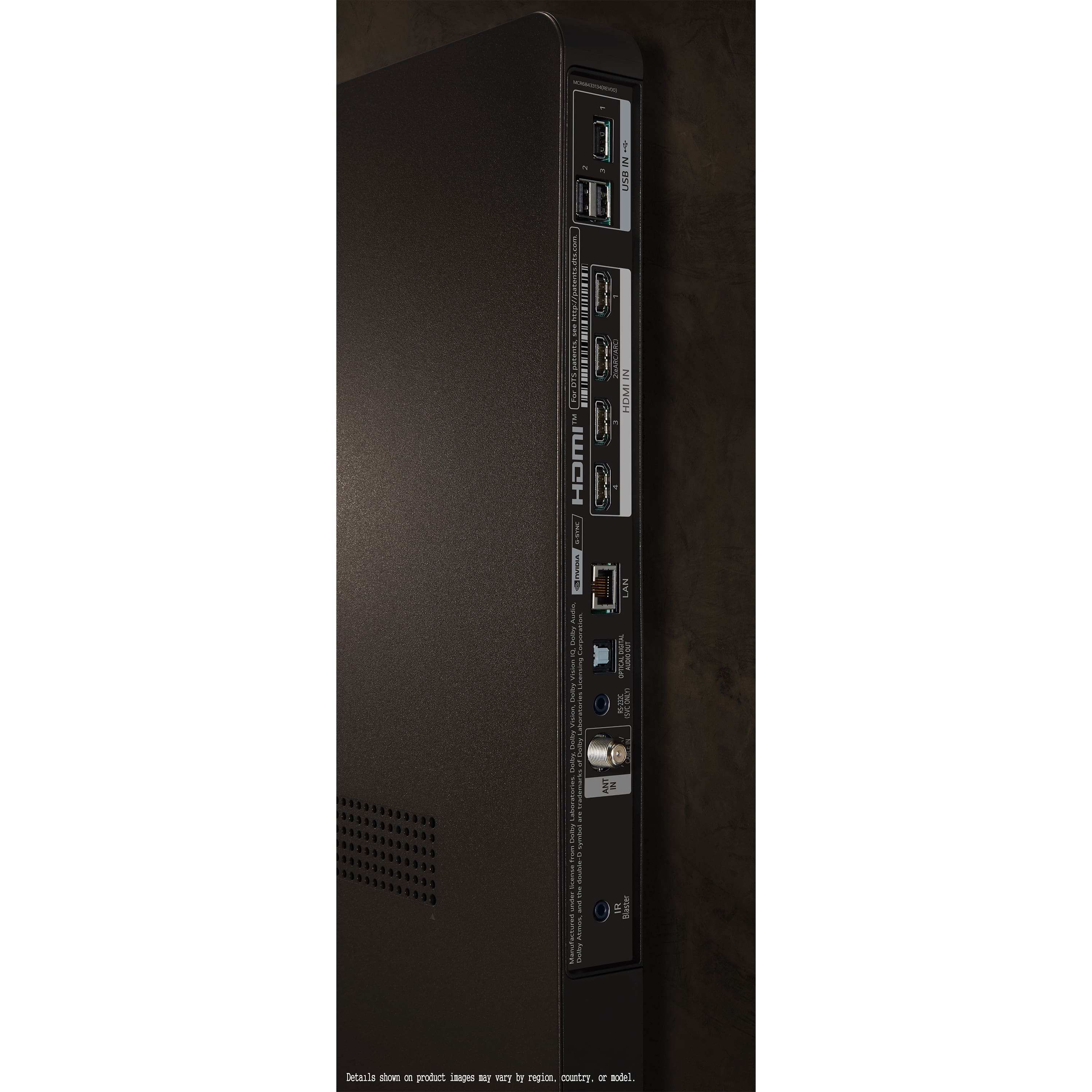
    • Answer As you have noted, the 55-inch Class LG OLED evo C4 4K Smart TV 2024, Model # OLED55C4PUA, does not have a 3.5 mm Headphone jack that you can connect to the base station for your RS120 II On-Ear Wireless RF Headphones, so the only way you can use them with the TV is to purchase a Digital/Analog Converter that can be connected to the Optical Digital Audio Output on the TV and to the ports on headphones...^Ivan.

      Answered by LG Digital Customer Care

  • QuestionWhat is the length

    Asked by Wa76.

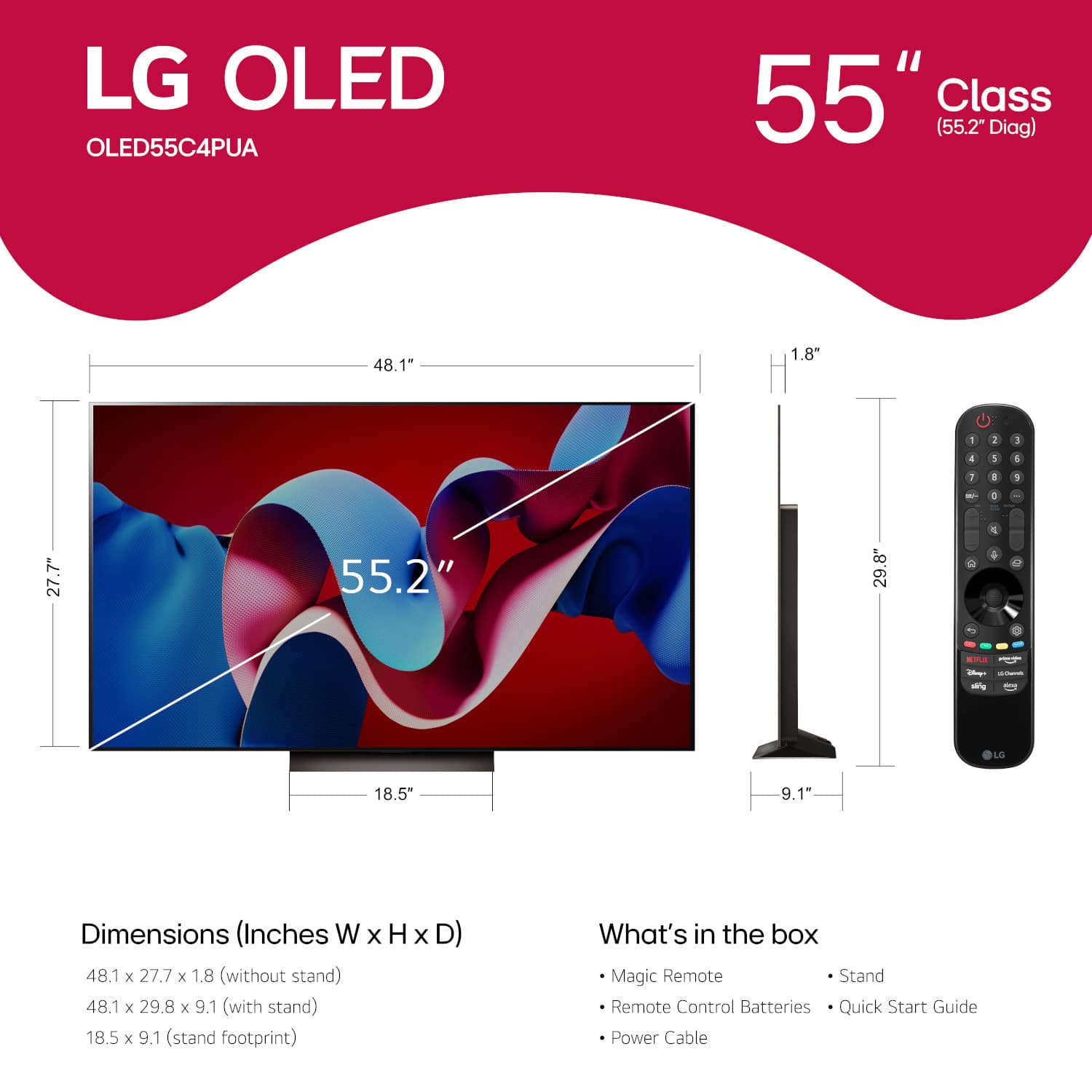
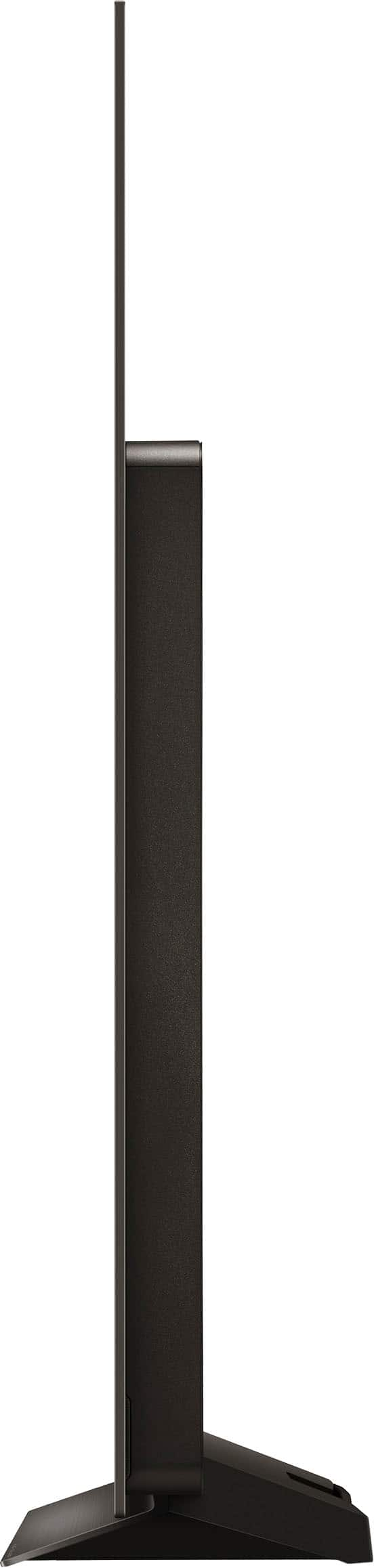
    • Answer Hello there! We understand you're asking about the length of the LG OLED55C4PUA. The length of the TV (also the width) is 48.1 inches both with and without the stand. https://www.lg.com/us/tvs/lg-oled55c4pua-oled-4k-tv#pdp_specs If you need more details, feel free to reach out! —Renzo

      Answered by LG Digital Customer Care

  • QuestionDoes this tv support closed caption?

    Asked by Anonymous.

    • Answer Hello there! Thank you for your inquiry about the LG OLED TV, model OLED55C4PUA. We understand how important accessibility features like closed captioning are for an enjoyable viewing experience. This model does indeed support closed captions, allowing you to enable them through the TV’s settings menu. You can easily adjust the caption settings to suit your preferences. https://www.lg.com/us/tvs/lg-oled55c4pua-oled-4k-tv#pdp_specs If you have any more questions or need assistance with settings, please feel free to send us a private message on social media @LGUSSupport. We're here to help! —Renzo

      Answered by LG Digital Customer Care

  • QuestionWhat is the HDR ratihg for this tv

    Asked by Beth.

    • Answer Hello there! Thank you for your question about the OLED55C4PUA TV. This model supports HDR10 and Dolby Vision, providing an exceptional high dynamic range experience. If you have any further questions or need assistance, please send us a private message on Social Media @LGUSSupport, and our team will be more than happy to help you. We appreciate your interest! —Avril

      Answered by LG Digital Customer Care

  • QuestionDo you offer Military, AARP, AAA or Senior discount

    Asked by Anonymous.

    • Answer Hello there! Thank you for your interest in the LG OLED55C4PUA. Currently, LG does not directly offer discounts for Military, AARP, AAA, or Senior memberships. However, we recommend checking with authorized retailers or online stores, as they might have special promotions or discounts that could apply. If you have any other questions or need further assistance, please send us a private message on social media @LGUSSupport. We’re here to help! —Renzo

      Answered by LG Digital Customer Care

  • Questionis there a package discount if I purchase TV, soundbar, and tv stand - delivered locally and installed?

    Asked by Anonymous.

    • Answer Hi there. Thank you for considering LG for your home entertainment setup! We understand you're interested in purchasing the OLED55C4PUA TV along with a soundbar and TV stand, and you're curious about any package discounts for local delivery and installation. Pricing and promotions can vary depending on the retailer, so we recommend checking with your local authorized LG retailer for specific package deals and discounts. If you need help finding a retailer or have more questions, please send us a private message on Social Media @LGUSSupport. We're here to help and appreciate your interest in our products! —Renzo

      Answered by LG Digital Customer Care

  • QuestionHow long is the power cord? Is it hard wired to the TV?

    Asked by TK.

    • Answer Hi, TK. The power cord for the 55-inch Class LG OLED evo C4 4K Smart TV 2024, Model # OLED55C4PUA, is hardwired to the TV. Regrettably, the specifications for the TV do not list a length for the power cord, but it should be about 6 feet (1.8 m) long...^Ivan.

      Answered by LG Digital Customer Care

  • QuestionDo the LG C3 and C4 open box tv come with a warranty? How long?

    Asked by Anonymous.

    • Answer Thank you for reaching us regarding LG Smart webOS TV. The LG C3 and C4 series OLED TVs usually have a one-year manufacturer's warranty that covers parts and labor from the purchase date. Some retailers might also offer extra warranties or protection plans, especially for open box items. You can download its owner's manual through this link for more information: https://www.lg.com/us/support/product/lg-OLED55C4PUA.AUS. For additional assistance, please reach out to us on social media @LGUSSupport so we can help you further. ^Cris

      Answered by LG Digital Customer Care

  • QuestionDose this tv have freesync Premium pro

    Asked by Lalo.

    • Answer No. It is FreeSync "compatible".

      Answered by ImpliedConsent

  • Questionwhat year this t.v came out

    Asked by anthony.

    • Answer 2024

      Answered by ImpliedConsent

  • QuestionIs there a backlit LG Magic remote option? This remote is impossible to use when the room is dark watching TV. As the buttons are all black and very difficult to see what button is what. Are the any solutions?

    Asked by PassionPerfect.

    • Answer Yeah flip on a light switch or use the voice commands, can pretty much get you anywhere

      Answered by GreenArrow

  • QuestionDoes this TV have the spectrum app

    Asked by Truth.

    • Answer Hello there. Thank you for sharing your inquiry with us regarding the LG OLED55C4PUA TV. We understand your question about the Spectrum app. Yes, the LG OLED55C4PUA, which runs on webOS 24, supports the Spectrum TV app. You can download the Spectrum TV app directly from the LG Content Store on your TV. https://www.bestbuy.com/site/lg-55-class-c4-series-oled-evo-4k-uhd-smart-webos-tv-2024/6578051.p?skuId=6578051 If you have any further questions or need additional assistance, please send us a private message on Social Media @LGUSSupport and our team will be more than happy to explore possible solutions. We appreciate your patience. —Renzo

      Answered by LG Digital Customer Care

  • QuestionHello, I have my Sony TV (pedestal stand) on a cabinet with wheels, which we move while having dinner. We are super careful when moving the cabinet. Is the stand on this LG stable enough to be moved on my cabinet? Thanks

    Asked by Bruce.

    • Answer Yes, but I would be extremely careful because the screen is thin and light weight and can easily tip over.

      Answered by MichaelC

  • QuestionIs this television compatible with Wifi 6E?

    Asked by Danny.

    • Answer Hi there, Danny. Thank you for your question! The LG OLED55C4PUA is compatible with Wi-Fi 5 (802.11ac), as specified in the product details. It does not support Wi-Fi 6E. However, Wi-Fi 5 provides reliable performance for streaming and other smart TV functionalities. https://www.lg.com/us/tvs/lg-oled55c4pua-oled-4k-tv#pdp_specs If you have any more questions or need further assistance, feel free to send us a private message on Social Media @LGUSSupport. We’re here to help! We appreciate your interest in LG products. —Renzo

      Answered by LG Digital Customer Care

  • QuestionI bought my TV on December 4, 2024 and was installed and set up on that day. My external Klipsch sound bar and subwoofer were working for about one week, but something has changed and I can't fix it. Can Geek Squad come to my house to fix it?

    Asked by Randy.

    • Answer Hi there, Randy. Thank you for reaching out about your LG OLED55C4PUA 4K TV and your Klipsch soundbar setup. We understand that the soundbar and subwoofer were working initially, but now you're experiencing issues. To assist you further, we recommend contacting Geek Squad directly for in-home service, as they are the best resource for troubleshooting and resolving audio issues with your external sound system. You can reach Geek Squad 24/7 support by visiting this link or by calling 1-800-433-5778. Our team is here to guide you with any LG-related troubleshooting, but Geek Squad will be your go-to for this particular service. Geek Squad 24/7 Support - https://www.bestbuy.com/site/computer-tablet-services/geek-squad-24-7-support-welcome/pcmcat748300520360.c?id=pcmcat748300520360 We hope this helps, and feel free to contact us anytime via private message on social media @LGUSSupport if you need further assistance. Thanks for reaching out! —Renzo

      Answered by LG Digital Customer Care

  • QuestionCan this tv be mounted on the center bar of an entertainment stand verses wall?

    Asked by Marie.

    • Answer Hi there, Marie. Thank you for your question about the LG OLED evo AI C4 4K Smart TV (Model: OLED55C4PUA). This TV can be mounted on an entertainment stand with a center bar as long as the stand is VESA-compliant and supports the TV’s 300 x 200 mm VESA mounting pattern. Ensure the mount is securely installed and that the stand is rated to hold the TV’s weight. https://www.lg.com/us/tvs/lg-oled55c4pua-oled-4k-tv#pdp_specs If you need more details or assistance, please send us a private message on social media @LGUSSupport, and we’ll be glad to help! —Renzo

      Answered by LG Digital Customer Care

  • QuestionC-section you turn off smart voice and other AI features?

    Asked by Intrigued.

    • Answer Hi there. Thank you for your inquiry about the LG OLED TV, model OLED55C4PUA. We understand that you're looking to disable the smart voice and other AI features. To turn off the smart voice and AI features on your TV, you can follow these steps: Press the Settings button on your remote control. Navigate to All Settings. Go to General and select AI Service. From here, you can toggle off options like Voice Recognition and other AI features. If you have any further questions or need additional assistance, please send us a private message on social media @LGUSSupport, and we’ll be happy to help you. We appreciate your patience. —Renzo
      Answered by LG Digital Customer Care

  • QuestionCan I connect my JBL wireless headphoned to this TV?

    Asked by Anonymous.

    • Answer Thank you for reaching us regarding LG Smart webOS TV. To connect your JBL wireless headphones to your LG OLED55C4PUA TV: 1. Check if your TV has Bluetooth capabilities by consulting the user manual or specifications. 2. Put your JBL headphones in pairing mode by pressing and holding the Bluetooth or power button until the LED indicator starts flashing. 3. Enable Bluetooth on your TV by going to Settings > Bluetooth and making it discoverable. 4. On your TV, search for available Bluetooth devices and select your JBL headphones from the list. 5. Follow any on-screen prompts to complete the pairing process. 6. Once paired, you should see a confirmation message on both devices, and the LED indicator on the headphones may turn solid or you may hear a connection sound. You can download its owner's manual through this link for more information: https://www.lg.com/us/support/product/lg-OLED55C4PUA.AUS. If problem persist, please reach out to us on social media @LGUSSupport so we can help you further. ^Cris

      Answered by LG Digital Customer Care