Questions & Answers
- Model:
- OLED55G4SUB
- |
- SKU:
- 6578049
Q: QuestionHi, Does the lg oled55g4sub come with the slim wall mount?
Asked by Anonymous.
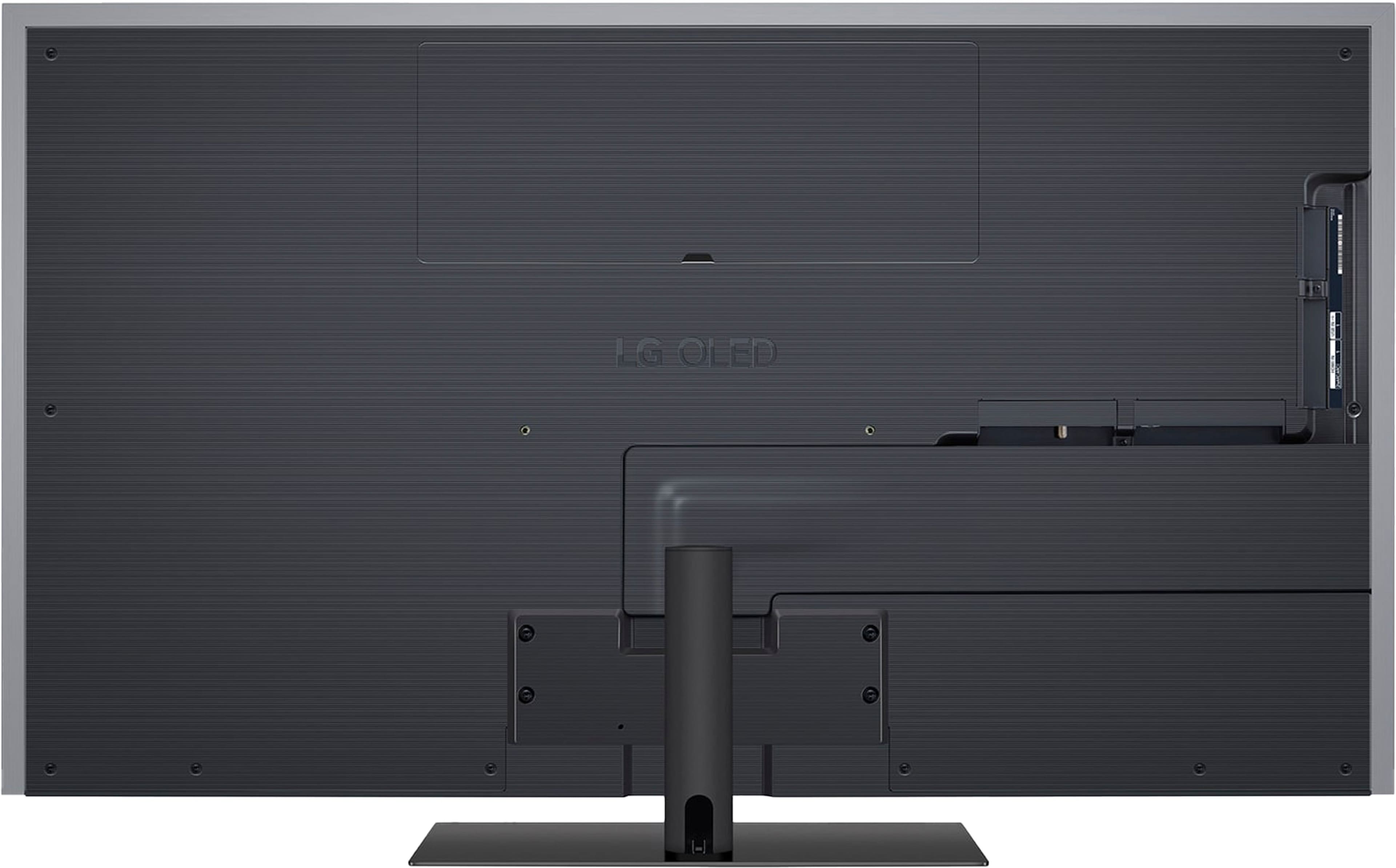
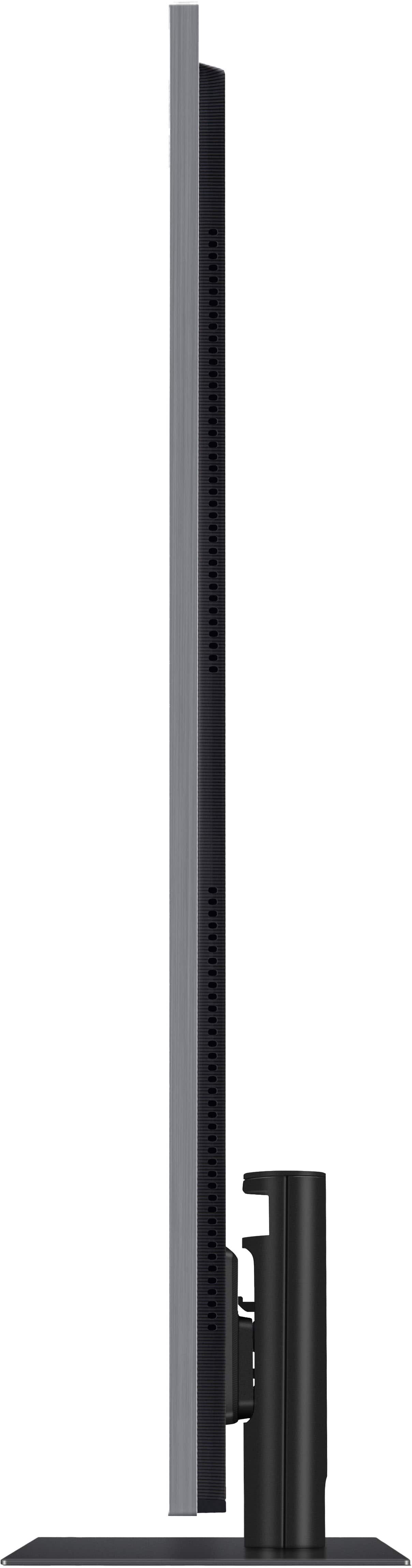
- A:Answer The LG 55" Class G4 Series OLED evo 4K UHD Smart webOS TV (2024), Model # OLED55G4SUB, comes with an included stand. It does not come with the slim wall mount. Only the 77" and 83" screen variants of the LG G4 Series OLED evo 4K UHD Smart webOS TVs come with a supplied wall mount...^Ivan.
Answered by LG Digital Customer Care
Q: QuestionDoeds this TV have a stand?
Asked by Alan.
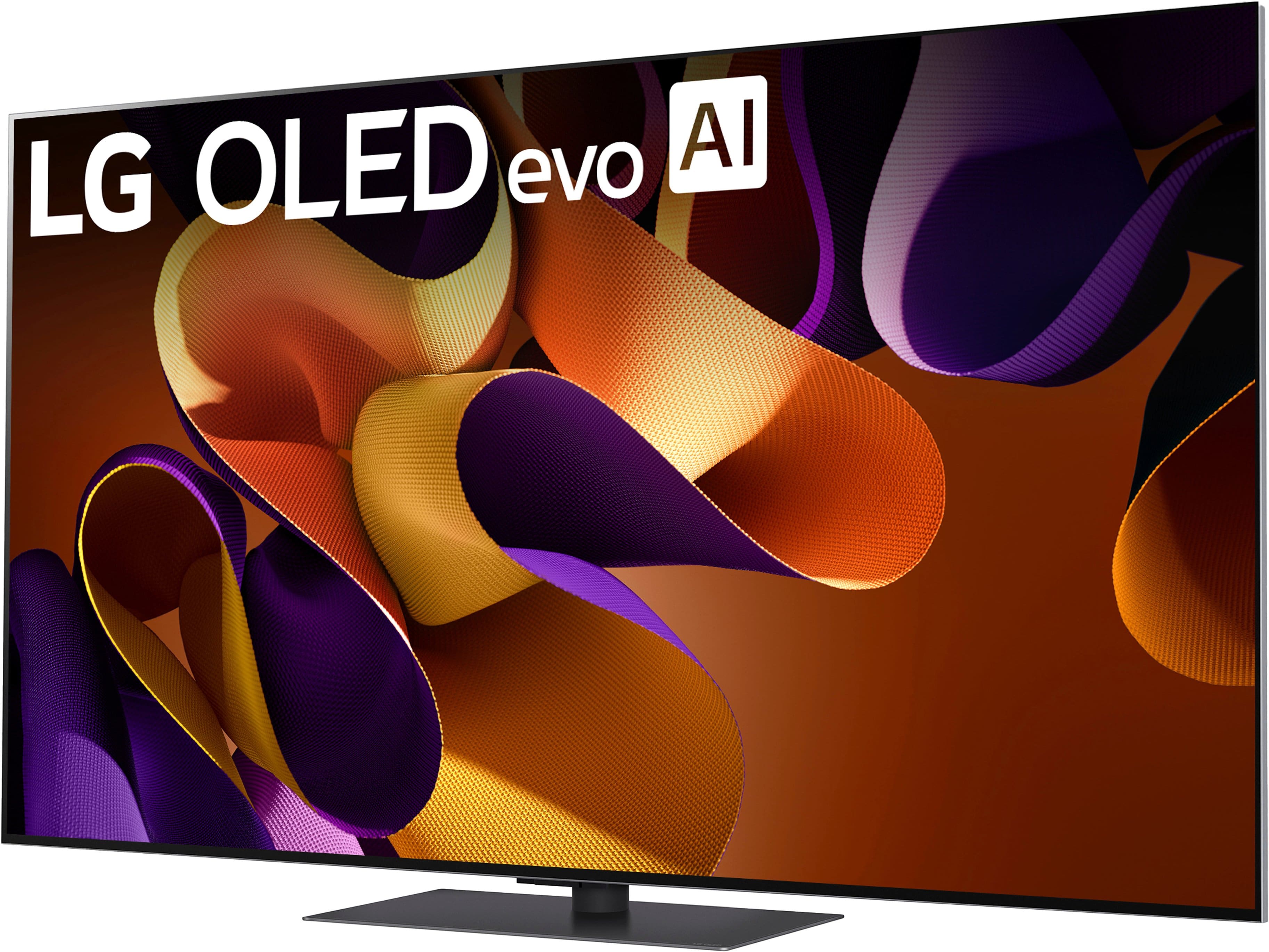
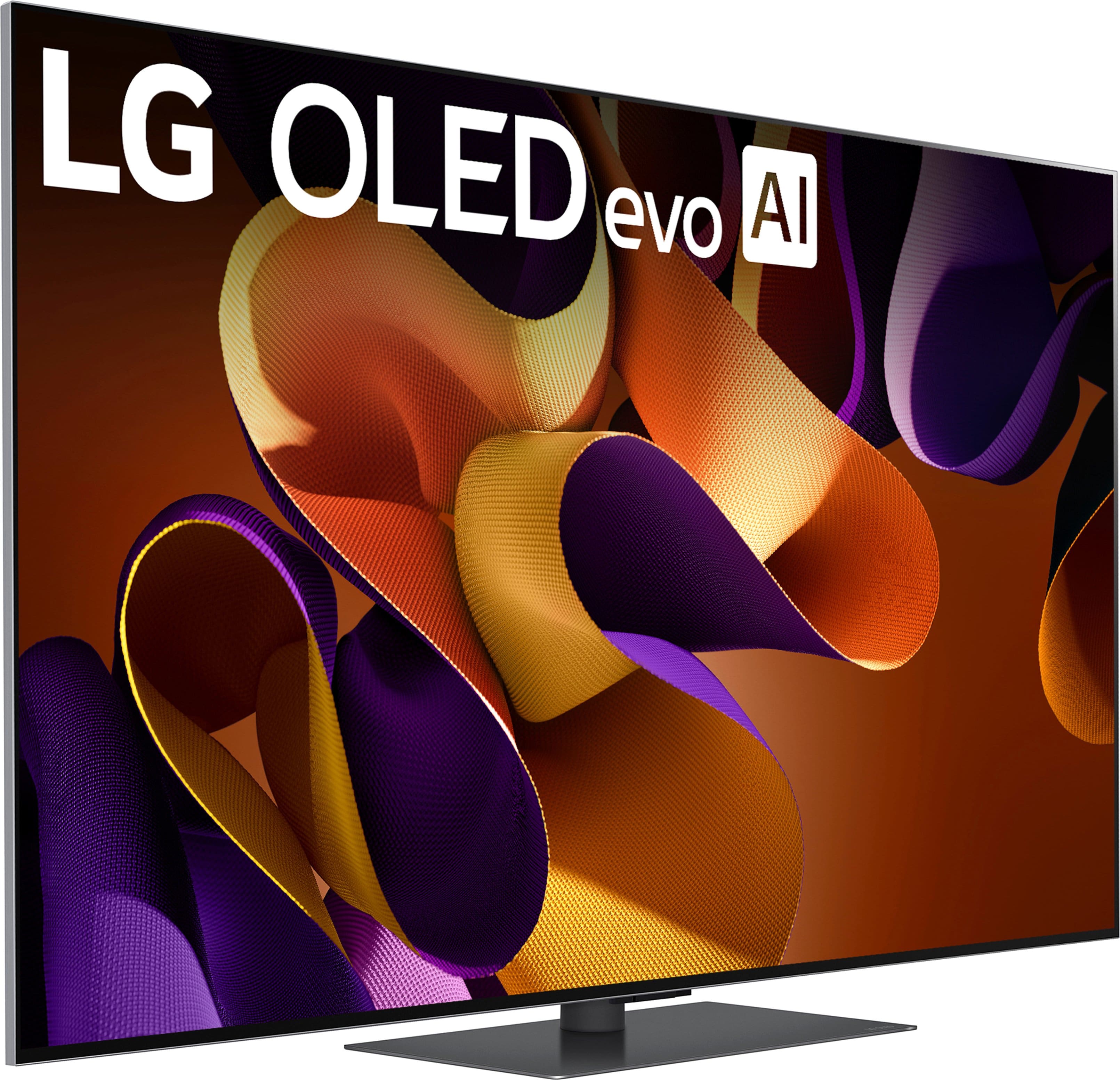
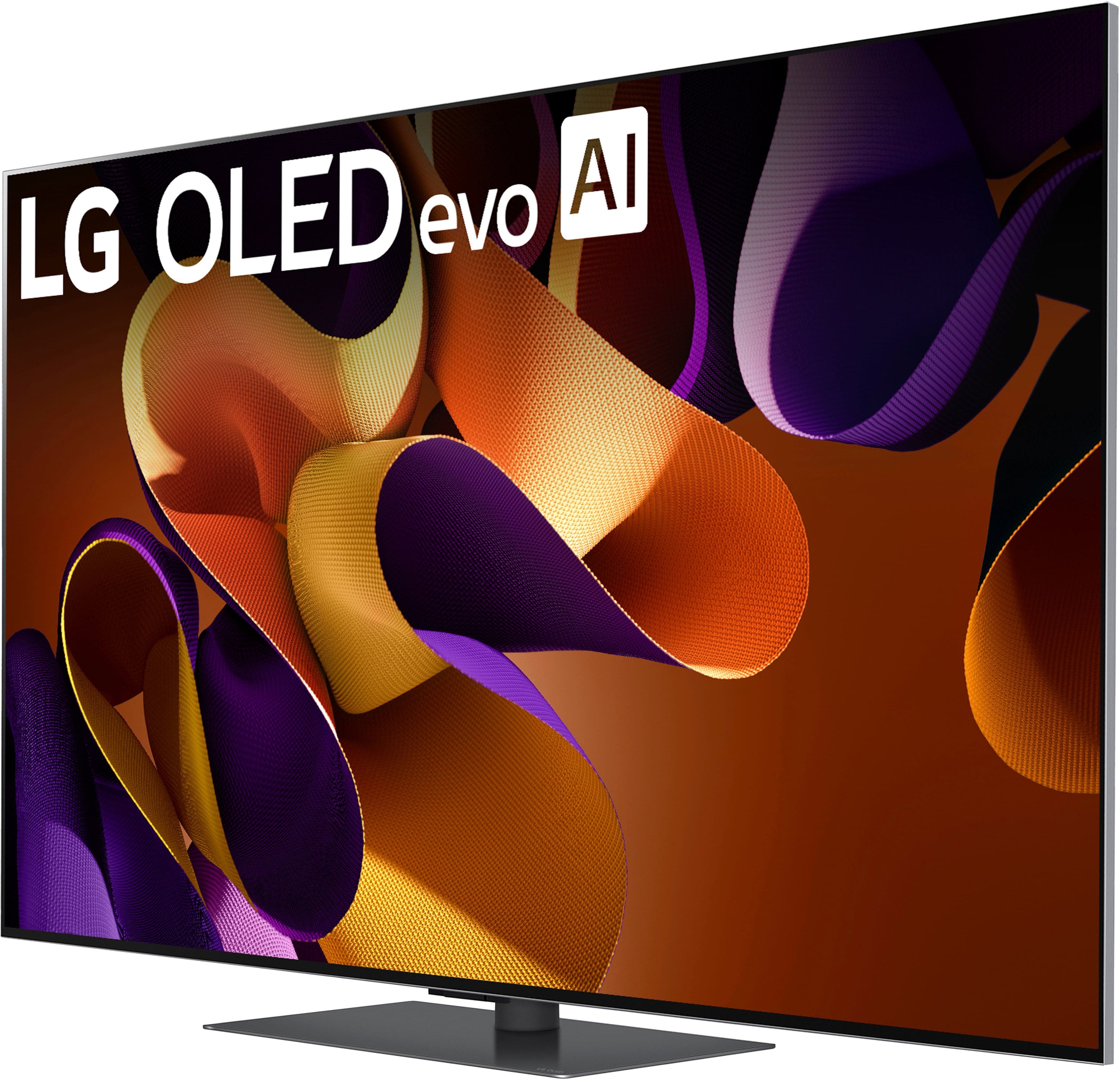
- A:Answer The stand that you see in the images of the LG 55" Class G4 Series OLED evo 4K UHD Smart webOS TV (2024), Model # OLED55G4SUB, comes with the TV...^Ivan.
Answered by LG Digital Customer Care
Q: QuestionWhat version of webOS is this tv ?
Asked by Bob.
- A:Answer Hello there, Bob. Thank you for sharing your experience with us. We understand your inquiry about the webOS version on your LG OLED55G4SUB TV. The LG OLED55G4SUB (G4 Series, 2024 model) comes with webOS 24. https://www.bestbuy.com/site/lg-55-class-g4-series-oled-evo-4k-uhd-smart-webos-tv-2024/6578049.p?skuId=6578049 If you have any further questions about your TV's features or smart platform, please send us a private message on Social Media @LGUSSupport and our team will be more than happy to explore possible solutions. We appreciate your patience. —Renzo
Answered by LG Digital Customer Care

Q: QuestionWhy don’t the voice and mouth movements synchronize on this tv?
Asked by tommy.
- A:Answer Hello there, Tommy. Thank you for sharing your experience with us. We understand your inquiry regarding the synchronization of voice and mouth movements on your LG OLED55G4SUB TV. This issue, often referred to as audio/video desynchronization or lip-sync delay, can sometimes occur due to various factors, including the source content, external devices, or specific audio settings. Here are a couple of basic troubleshooting steps you can try: Check another source: Try watching content from a different source (e.g., a different streaming app, a different HDMI input, or regular broadcast TV) to see if the issue persists across all sources. This can help determine if the problem is with the TV or the external device/source. Adjust AV Sync settings: Your TV has an AV Sync adjustment feature in the sound settings that can help align the audio and video. You can usually find this under Settings > Sound > Advanced Settings > AV Sync Adjustment. Try adjusting this setting slightly to see if it resolves the delay. https://www.bestbuy.com/site/lg-55-class-g4-series-oled-evo-4k-uhd-smart-webos-tv-2024/6578049.p?skuId=6578049 Should these steps not resolve the issue, or if you require further assistance, please send us a private message on Social Media @LGUSSupport and our team will be more than happy to explore possible solutions. We appreciate your patience. —Renzo
Answered by LG Digital Customer Care

Q: QuestionHi, Are there headphones or ear pods for silent viewing
Asked by Anonymous.
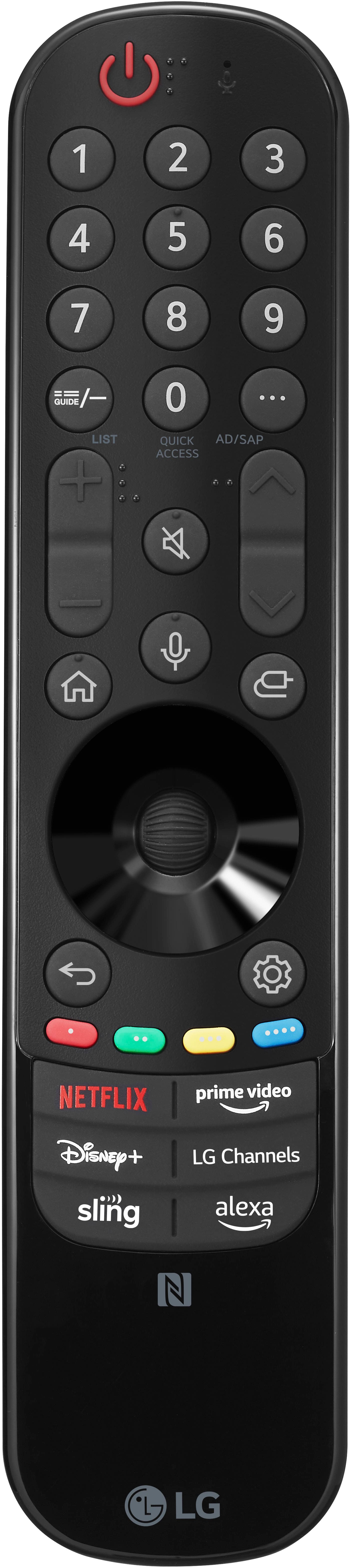
- A:Answer Hi there. Thank you for sharing your inquiry with us. We understand you're asking about using headphones or ear pods for silent viewing with the LG OLED55G4SUB TV. The LG OLED55G4SUB TV does not have a traditional 3.5mm headphone jack. However, it does support Bluetooth 5.1 wireless audio streaming, which means you can connect Bluetooth headphones or ear pods directly to the TV for silent viewing. To connect Bluetooth headphones: Put your Bluetooth headphones into pairing mode. On your LG TV remote, press the settings button (gear icon). Navigate to "All Settings," then "Sound," and select "Sound Out." Choose "Use Wireless Speaker" or "Bluetooth Device" (wording may vary slightly) and select your headphones from the list to pair them. https://www.bestbuy.com/site/lg-55-class-g4-series-oled-evo-4k-uhd-smart-webos-tv-2024/6578049.p?skuId=6578049 If you have any further questions or would like to explore possible solutions, please send us a private message on Social Media @LGUSSupport, and our team will be more than happy to assist you further. We appreciate your patience. —Renzo
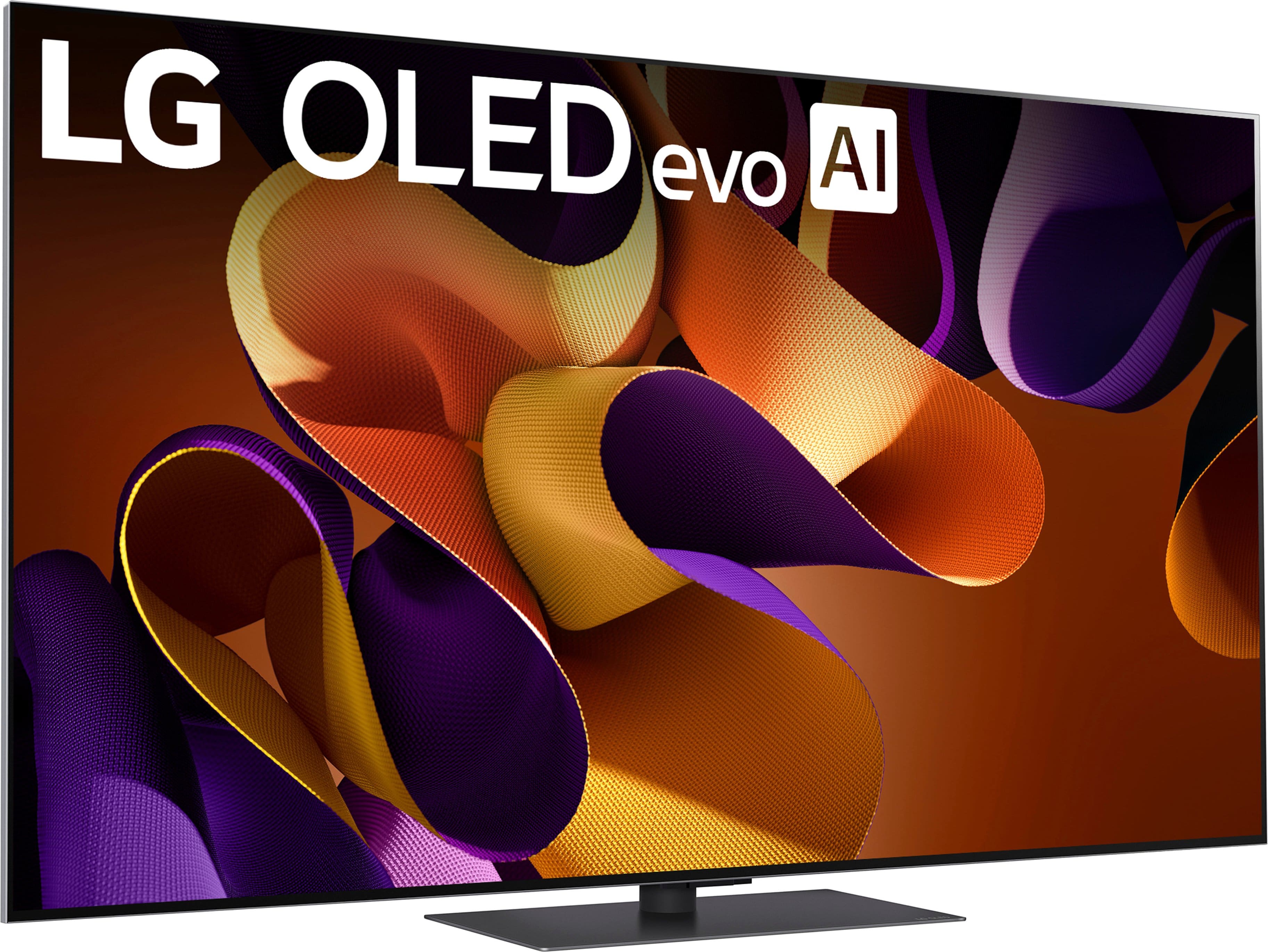
Answered by LG Digital Customer Care

Q: QuestionCan the LG G4!be connected to a Bose Soundbar?
Asked by John.
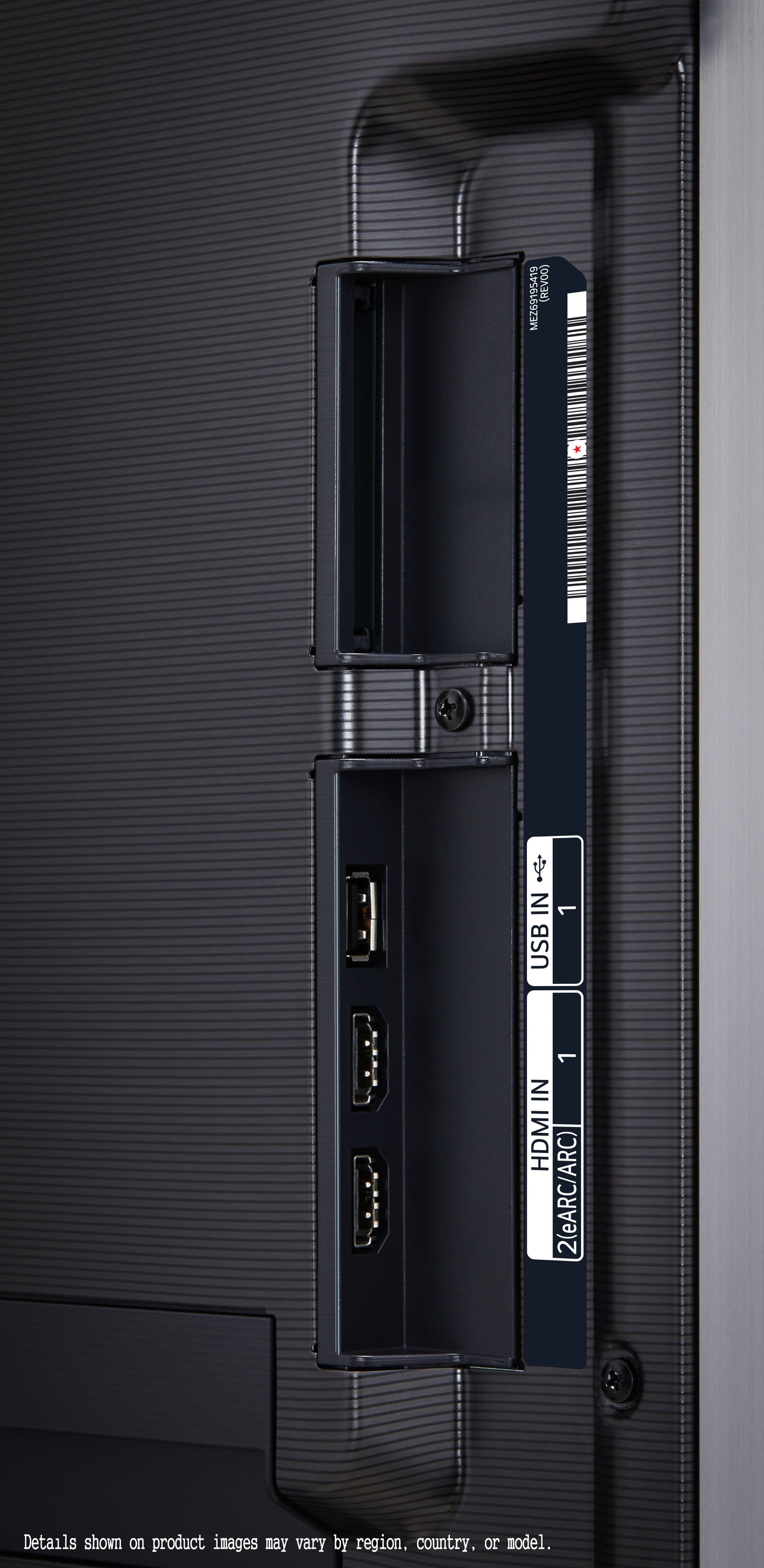
- A:Answer What connectivity does your Bose Soundbar have? The LG 55" Class G4 Series OLED evo 4K UHD Smart webOS TV (2024), Model # OLED55G4SUB is a BLuetooth®-enabled TV (Bluetooth® ver.5.1) so it can be paired with a Bluetooth®-enabled soundbar for a wireless connection. HDMI 2 on the TV is an HDMI eARC port that can be connected to an HDMI ARC/eARC port on a soundbar, and the TV features an Optical Digital Audio Output that can be connected to an Optical Digital Audio input on a sound bar...^Ivan.
Answered by LG Digital Customer Care

Q: QuestionIs it possible to get a listing of apps supported by the operating system on this tv? I’m trying to avoid using a streaming device if possible. I would like to confirm if the operating system supports DIRECTV Stream before making a purchase.
Asked by Anonymous.
- A:Answer This TV has the capabilities to support "DIRECT TV" and "VERIZON FIOS" etc. It also detects upon set-up which remote you want to function for your devices unless you shut one of these devices off manually instead of using the remote. Hope this helps answer your question.
Answered by NY343NY
Q: QuestionHi does the TV comes with DLNA? Can I stream my music, videos and pictures from my pc to this TV?
Asked by Callahan357.
- A:Answer Hi, Tony. Thank you for reaching out about the LG TV (OLED55G4SUB) model. Yes, this model supports DLNA (Digital Living Network Alliance), which allows you to stream content like music, videos, and pictures from your PC to the TV, provided both the TV and your PC are connected to the same network. To stream content from your PC to the TV: Ensure your PC and the OLED TV are connected to the same Wi-Fi network. Use a DLNA-compatible media server software on your PC (like Windows Media Player or third-party software). Access the media server through the TV's input or content browsing options. For more information about the product, you may visit https://www.lg.com/us/tvs/lg-oled55g4sub-oled-4k-tv. If you need further assistance with setup or troubleshooting, feel free to send us a private message on social media @LGUSSupport, and we’ll be happy to assist you further. We appreciate your inquiry and are here to help. ^Juvy
Answered by LG Digital Customer Care

Q: QuestionHi: Will the mount that I’m using for my ~ 2017-2018 55’’ LG OLED be compatible with the 2024 55’’ G4? I’m hoping to NOT have to remount. Thank you, Scott
Asked by NCScott.
- A:Answer Yes. I mounted mine on the same mount as my 2017 55" LG OLED
Answered by toasterman
Q: QuestionCan you show a picture on the tv when it is turned off like with the Frame
Asked by Drob.
- A:Answer Hi there, Drob. Thank you for your question about the LG OLED55G4SUB TV. The LG OLED55G4SUB does not have a dedicated "art mode" feature. However, it does offer a Gallery Mode where you can display photos or artwork when the TV is on, and with the right settings, the display can mimic a similar aesthetic when idle. For more specific options and guidance, feel free to reach out to us via private message, and we can assist you further. https://www.lg.com/us/tvs/lg-oled55g4sub-oled-4k-tv#pdp_specs If you have any other questions, don’t hesitate to ask! —Renzo
Answered by LG Digital Customer Care

Q: QuestionWhat are the dimensions of the box on the 55" G4? I'm trying to decide if it will fit in the back of my Jeep unlimited.
Asked by aifan.
- A:Answer If you inclined the back seats it would definitely fit
Answered by RubenG
Q: QuestionI got a G2 last year that came with a mount and I had to get a stand separate. I noticed the G4 is the reverse now, which is a change even from the G3. What are the major differences between the G2 and G4?
Asked by AriesBBY.
- A:Answer No mount in the G4, just a stand. The max brightness is significantly higher, the panels are pushed harder and they have the MLA lens tech to increase brightness
Answered by MrWhite
Q: QuestionDo the 55” and 65” models come with the slim wall mount, or just the tv stand? Can you purchase a slim wall mount separately?
Asked by Sean.
- A:Answer Hello there. Thank you for reaching out. We understand you’re interested in the mounting options for the LG OLED55G4SUB model and whether the slim wall mount is included. Included Mounting Options: For the LG OLED55G4SUB model, the 55” and 65” versions typically come with a standard TV stand. The slim wall mount is usually not included with the TV purchase. Purchasing a Slim Wall Mount: Yes, you can purchase a slim wall mount separately. LG and other third-party manufacturers offer compatible wall mounts for the OLED series. Make sure to choose a wall mount that is compatible with the VESA mounting pattern of your TV model. If you need assistance finding the right wall mount or have any more questions, please send us a private message on Social Media @LGUSSupport, and our team will be happy to help. We appreciate your patience. —Renzo
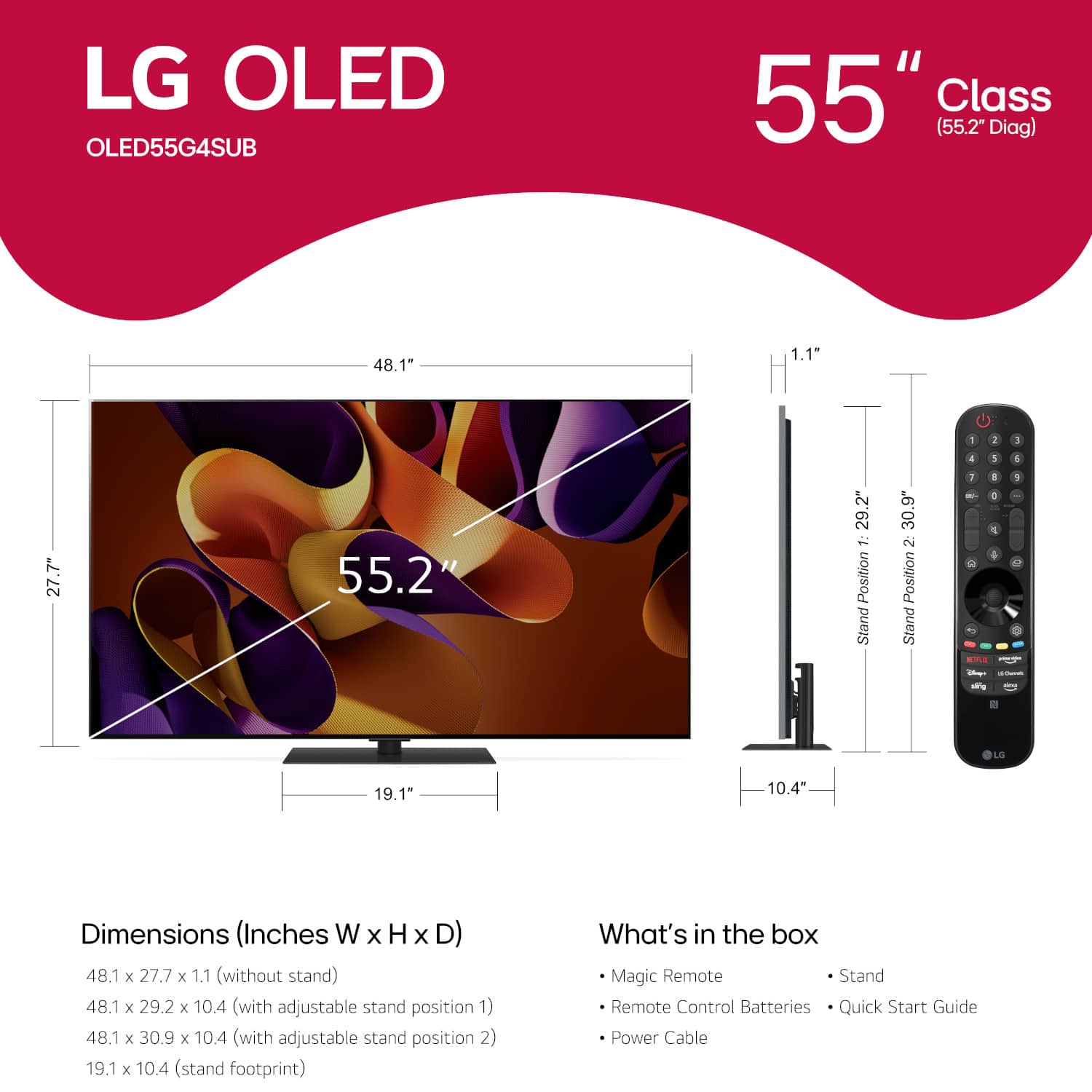
Answered by LG Digital Customer Care

Q: QuestionWhy does it have reviews from LG on the G3 model???????????????????????????????????????????????????????????????????????????????????????????????????????????????????????????????????????????????????????????????????????????????????????????????????????????????
Asked by TheDocIsIn.
- A:Answer Hi there! Thank you for reaching out with your question about the OLED55G4SUB. It's possible that the reviews for the G3 model appear alongside the G4 due to similarities in features and performance, as both models are part of the same series. Reviews may be aggregated to provide customers with a broader perspective on the product line. If you have specific concerns or need more detailed information about the G4 model, please feel free to send us a private message on Social Media @LGUSSupport. Our team is here to assist you! Thank you for your inquiry! —Avril
Answered by LG Digital Customer Care

Q: QuestionWhen will the G4 Series TV be available in store located @ 4725 Commercial Dr New Hartford, NY 13413
Asked by MiTcH.
- A:Answer Hey there! Thank you for choosing the LG G4 OLED TV (OLED55G4SUB) for an exceptional viewing experience. We regret to inform you that the LG G4 OLED TV series is currently out of stock in our warehouse. For the most accurate update on availability, specifically to BestBuy store at New Hartford Consumer Square, we suggest you contact them directly. You can call them at (315) 736-8710 between 10 AM and 8 PM EST. ~Bridge

Answered by LG Digital Customer Care

Q: QuestionWill this TV let me add a streaming app? Like PureFlix?
Asked by meme.
- A:Answer Hello there! Thank you for your inquiry about the OLED55G4SUB TV. We understand that having access to your favorite streaming apps is essential for an enjoyable viewing experience. This model features LG’s webOS platform, which allows you to add a variety of streaming apps, including PureFlix, as long as they are available in the LG Content Store. If you have any further questions or need assistance with installing apps on your TV, please send us a private message on Social Media @LGUSSupport, and our team will be more than happy to assist you further. We appreciate your interest in our products! —Avril
Answered by LG Digital Customer Care

Top Rated
- $459.99Your price for this item is $459.99$549.99The comparable value for this item is $549.99
- Black Friday Deal$399.99Your price for this item is $399.99
- $129.99Your price for this item is $129.99$149.99The comparable value for this item is $149.99
- Black Friday Deal$189.99Your price for this item is $189.99
- $249.99Your price for this item is $249.99$379.99The comparable value for this item is $379.99
- Black Friday Deal$229.99Your price for this item is $229.99
- $949.99Your price for this item is $949.99$1,999.99The comparable value for this item is $1,999.99
- Black Friday Deal$1,399.99Your price for this item is $1,399.99
- Black Friday Deal$599.99Your price for this item is $599.99
- Black Friday Deal$74.99Your price for this item is $74.99
- Black Friday Deal$549.99Your price for this item is $549.99
- $599.99Your price for this item is $599.99$1,299.99The comparable value for this item is $1,299.99
- Black Friday Deal$329.99Your price for this item is $329.99
- Black Friday Deal$699.99Your price for this item is $699.99
- $169.99Your price for this item is $169.99$299.99The comparable value for this item is $299.99
- Black Friday Deal$499.99Your price for this item is $499.99
- Black Friday Deal$329.99Your price for this item is $329.99
- Black Friday Deal$1,999.99Your price for this item is $1,999.99
- Black Friday Deal$1,399.99Your price for this item is $1,399.99
- $99.99Your price for this item is $99.99$229.99The comparable value for this item is $229.99


.](https://pisces.bbystatic.com/image2/BestBuy_US/images/products/a2c81e15-ccb1-41b4-b702-c6bedffe82e5.png;maxHeight=54;maxWidth=54;format=webp)