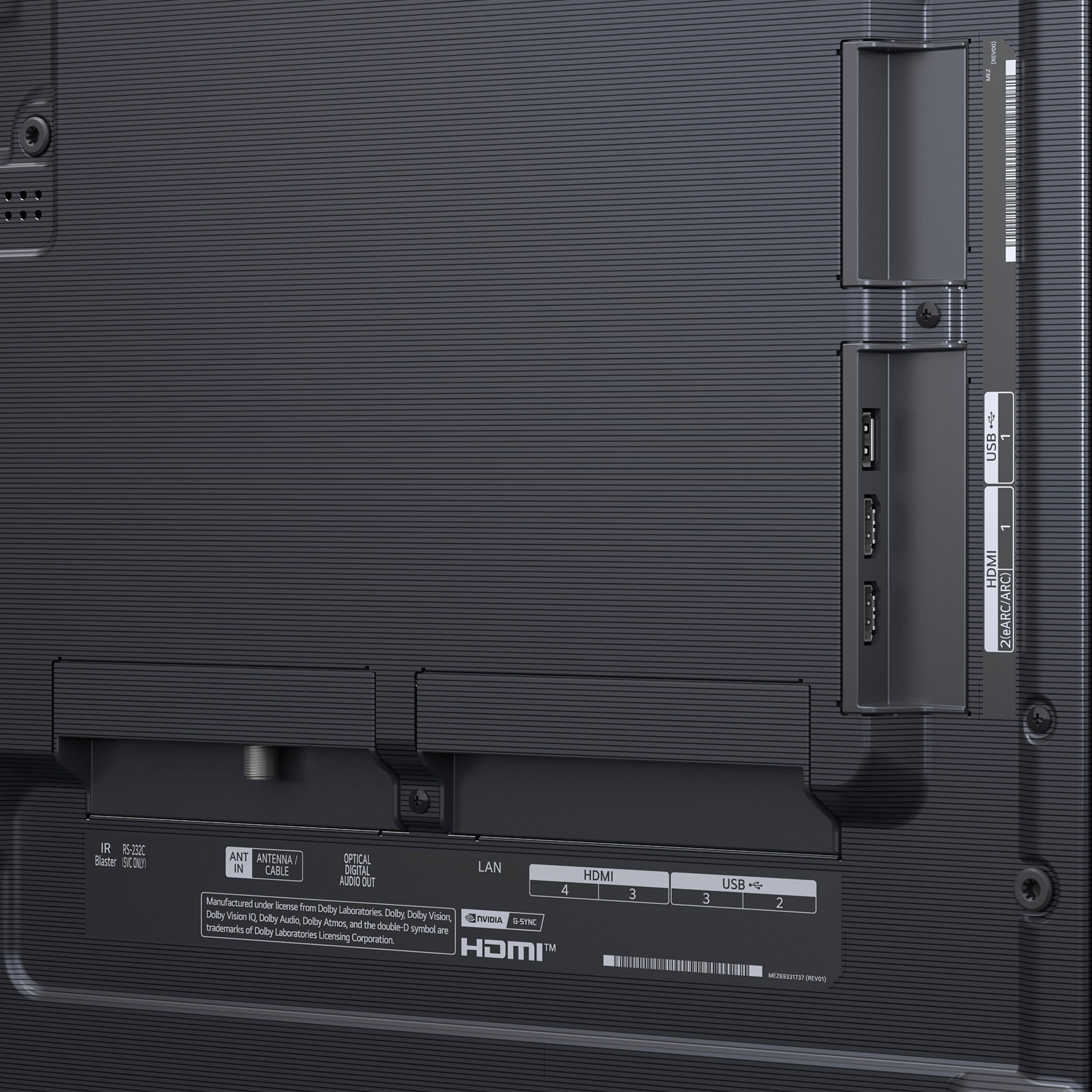
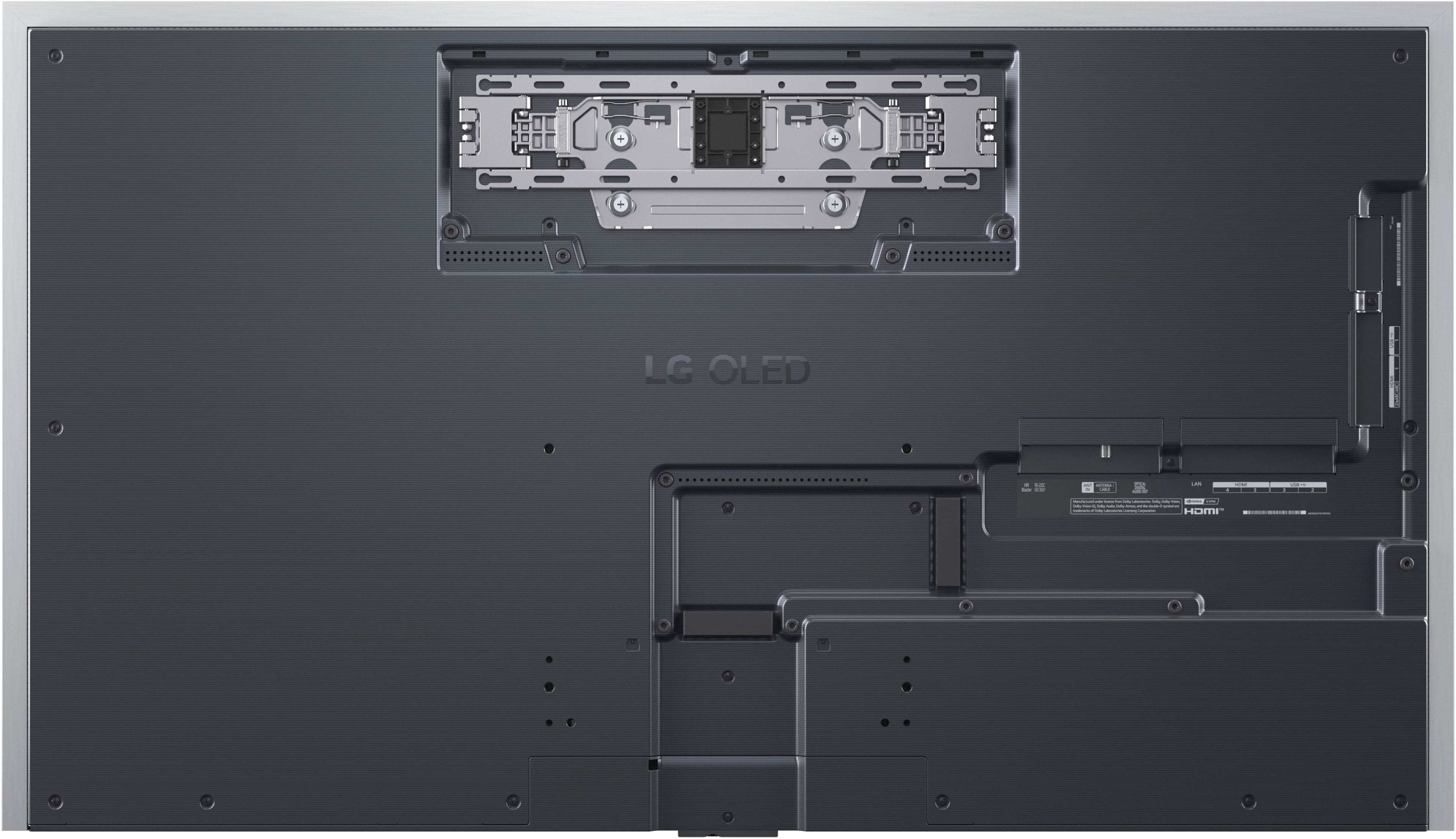
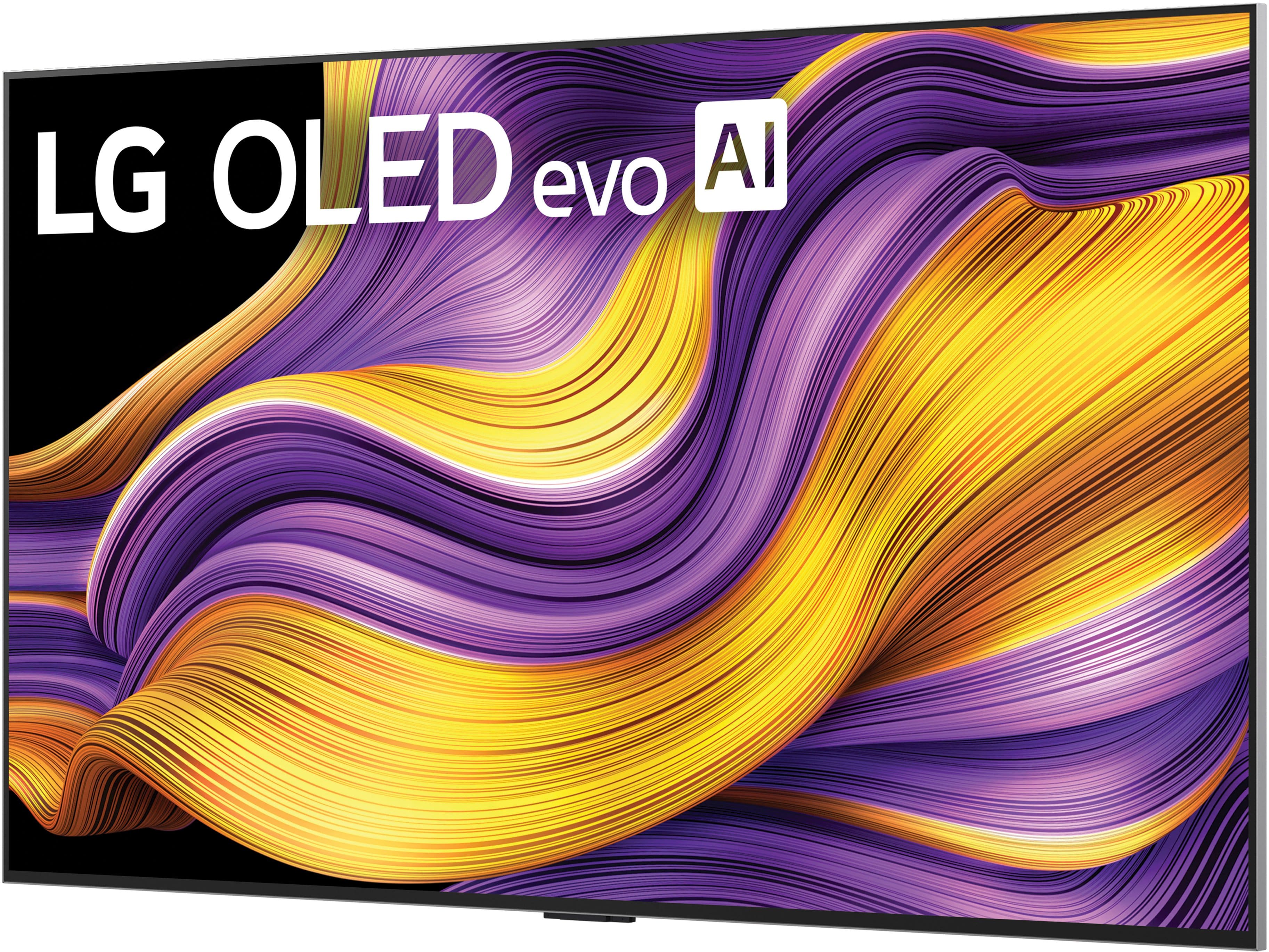
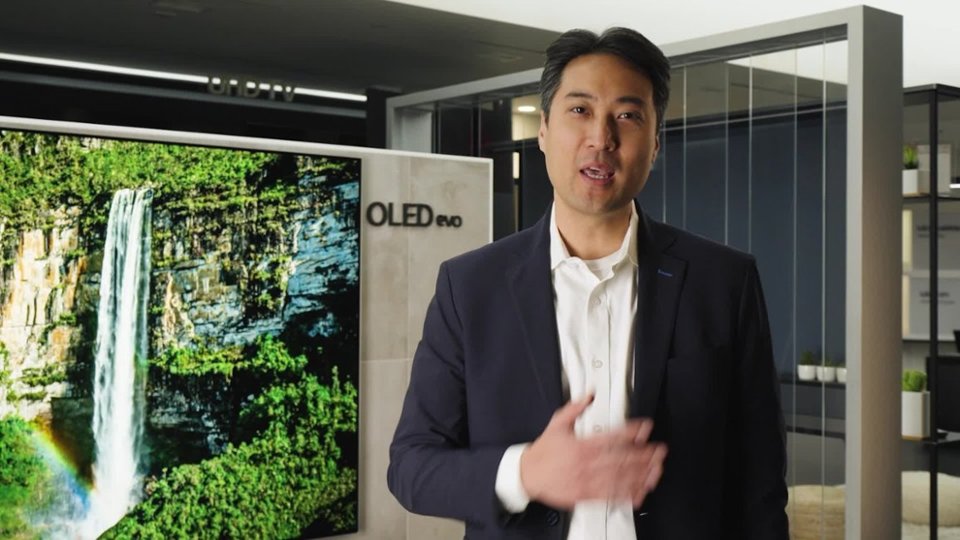
A:AnswerThe LG 55" Class G5 Series OLED evo AI 4K UHD Smart webOS TV with One Wall Design (2025), Model # OLED55G5WUA, and other screen sizes for the LG OLED evo AI G5 4K Smart TV 2025 series all support Dolby Atmos FlexConnect...^Ivan.
A:AnswerRecent advancements have significantly improved the lifespan of OLED TVs, with many manufacturers claiming that OLEDs can last up to 100,000 hours under normal usage conditions. This is comparable to or even longer than traditional LCD TVs, which typically last around 30,000 to 60,000 hours.
Burn-in, which is a primary concern with OLED technology, occurs when static images are displayed for extended periods, leaving a permanent mark on the screen, leading to permanent image retention. This can be particularly worrisome for users who display static elements like channel logos and video game interfaces for long periods.
While the risk of burn-in exists, it’s important to note that it typically takes a significant amount of time and prolonged use of static content for burn-in to occur. For most users, regular viewing habits and varied content are unlikely to cause burn-in. Additionally, LG has made advancements in mitigating this issue.
In the settings menu for the 55-inch Class LG OLED evo AI G5 4K Smart TV 2025 with Supplied Wall Mount, Model # OLED55G5WUA, under OLED Care > OLED Panel Care, you will find settings for Pixel Cleaning, Screen Move, and Adjust Logo Brightness that can improve image quality issues related to image sticking when the screen has been on for a certain amount of time.
Pixel Cleaning calibrates potential screen issues when the device is on for an extended period.
Calibration takes a minimum of 10 minutes to a maximum of an hour and a half, depending on the model.
Screen Move is a feature that moves the screen slightly at regular intervals to prevent image sticking on the display panel.
Adjust Logo Brightness, adjusts the luminance of static images such as logos within content to correct potential picture quality issues.
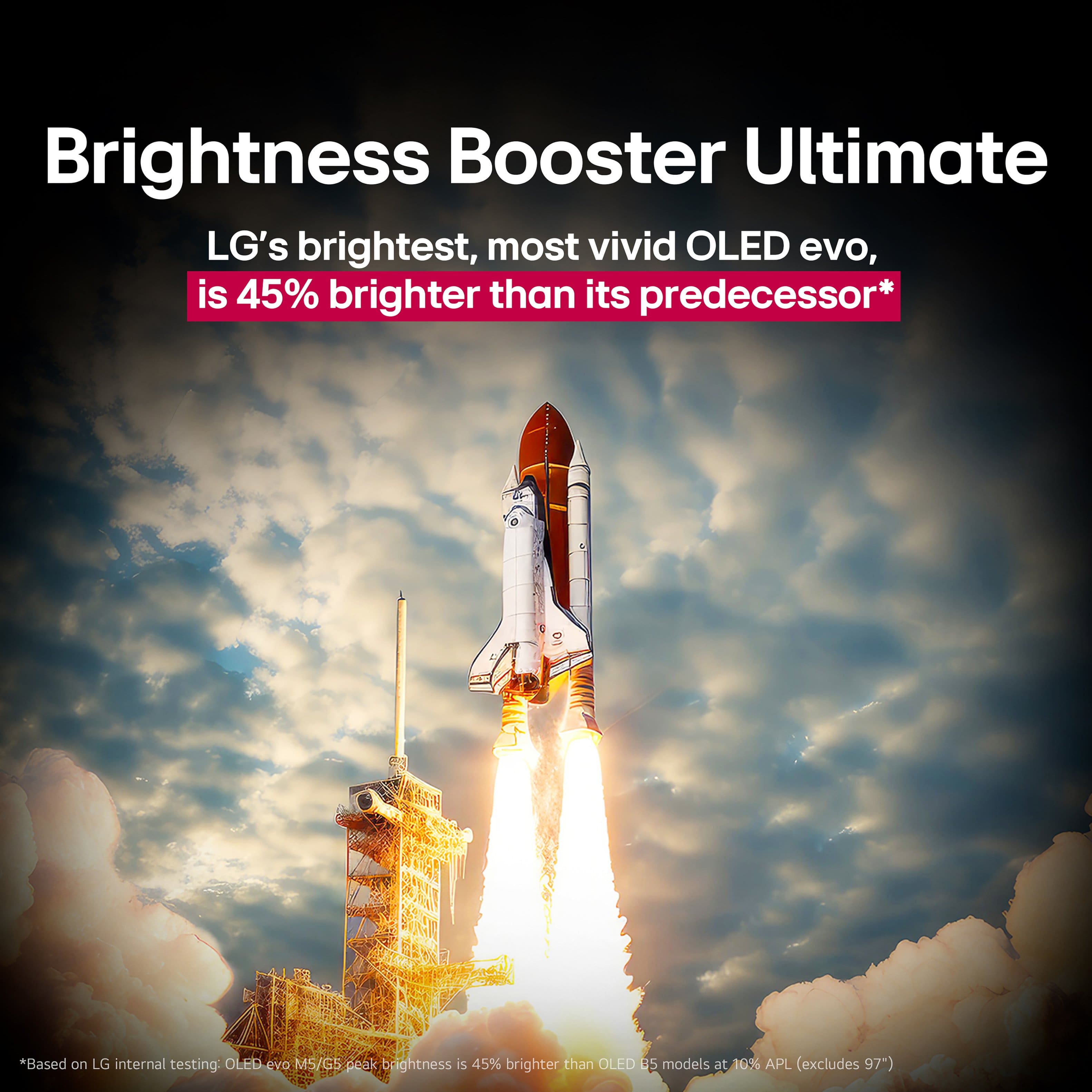
The new panel technology for 2025 LG OLEDs has significantly improved the ability to prevent burn-in issues. The four-stack OLED panel developed by LG Display offers a peak brightness of 4,000 nits, which is 33% brighter than the previous generation. This increased brightness allows for more vivid images that are akin to natural human vision, effectively reducing the likelihood of burn-in. Additionally, the new panel design includes a Primary RGB Tandem structure, which sandwiches red and green layers between two blue layers, enhancing the overall brightness and color accuracy of the display, and addresses concerns associated with burn-in and ensuring a longer lifespan for the screens...^Ivan.
A:AnswerThe LG 55" Class G5 Series OLED evo AI 4K UHD Smart webOS TV with One Wall Design (2025), Model # OLED55G5WUA, and other screen variants of the 2025 G5 series do not use the MLA + panel.
Instead, they use a new Four Stack OLED panel structure for increased brightness...^Ivan.
A:AnswerThe LG 55" Class G5 Series OLED evo AI 4K UHD Smart webOS TV with One Wall Design (2025), Model # OLED55G5WUA has a Wi-Fi 6E module which is an extension of the Wi-Fi 6 (802.11ax) standard. It takes advantage of the unlicensed wireless spectrum in the 6 GHz band. The TV can also use the 6 GHz frequency in addition to the 2.4 GHz and 5 GHz bands...^Ivan.
A:AnswerIt is not only Best Buy that is out of stock on the 55-inch Class LG OLED evo AI G5 4K Smart TV 2025 with Supplied Wall Mount, Model # OLED55G5WUA.
The TV can be purchased directly from its product detail page on the company site but it is currently out of stock through us as well.
You can click on the Notify Me tab on its product detail page and submit your email and ZIP Code so you can receive an alert as soon as it is back in stock, or you can use the 'Find a Retailer' link to see if there are any local retailers within a 50-mile radius of your area based on your IP address that have it in stock...^Ivan.
A:AnswerHi there, RIchard. Thank you for sharing your question with us. We understand your inquiry regarding the display on your OLED55G5WUA. To display a normal picture and disable the black and white screen, we recommend ensuring the Grayscale mode is turned off. You can easily do this by pressing the Settings button on your remote control, navigating to All Settings, then General, followed by Accessibility, and setting Grayscale to Off.
[LG TV] Black and White Screen (How to Turn Grayscale Off) - https://www.lg.com/us/support/help-library/lg-tv-black-and-white-screen--20154861727147
If you have any further questions about its features, please contact us on [email protected], and our team will be more than happy to assist you. —Renzo
A:AnswerHello there, RIchard. Thank you for sharing your question with us. We understand your inquiry regarding setting the default input on your OLED55G5WUA upon powering on. To have your TV start directly on your Comcast input instead of the LG home screen, you can easily change the Power On Screen setting. Please press the Settings button on your remote, select All Settings, then navigate to General > System > Additional Settings > Home Settings > Power On Screen. From there, you can select "Recent external input". Please also ensure that the "Quick Start+" feature is enabled in your Additional Settings for this to work seamlessly.
LG TV - How to Set the Default Input - https://www.lg.com/us/support/help-library/lg-tv-how-to-set-the-default-input--20153711388714
If you have any further questions about its features, please contact us on [email protected], and our team will be more than happy to assist you. —Renzo
A:AnswerThe LG Content Store can be found on the home screen for the 55" Class G5 Series OLED evo AI 4K UHD Smart webOS TV with One Wall Design (2025), Model # OLED55G5WUA.
Press the Home button on your Magic Remote, then select the LG Content Store icon (often represented as a colored shopping bag) from the app tiles at the bottom of the screen, or search for "LG Content Store" in the apps menu....^Ivan.
A:AnswerYou can turn it off, the screen saver when you leave it sit switches between 2-3 things including a clock and what looks like fireworks. There is also an option in the settings to just turn the screen off if you are listening to music or something and don’t want the picture to burn in.
A:AnswerYou would have to look on LG’s official website and identify your make and model and size and see if they have a TV stand available, then you can place a order and have it shipped to you.
A:AnswerHi there. Thank you for reaching out to us with your inquiry about the OLED55G5WUA TV. We understand your inquiry and are happy to clarify what accessories are included with this model.
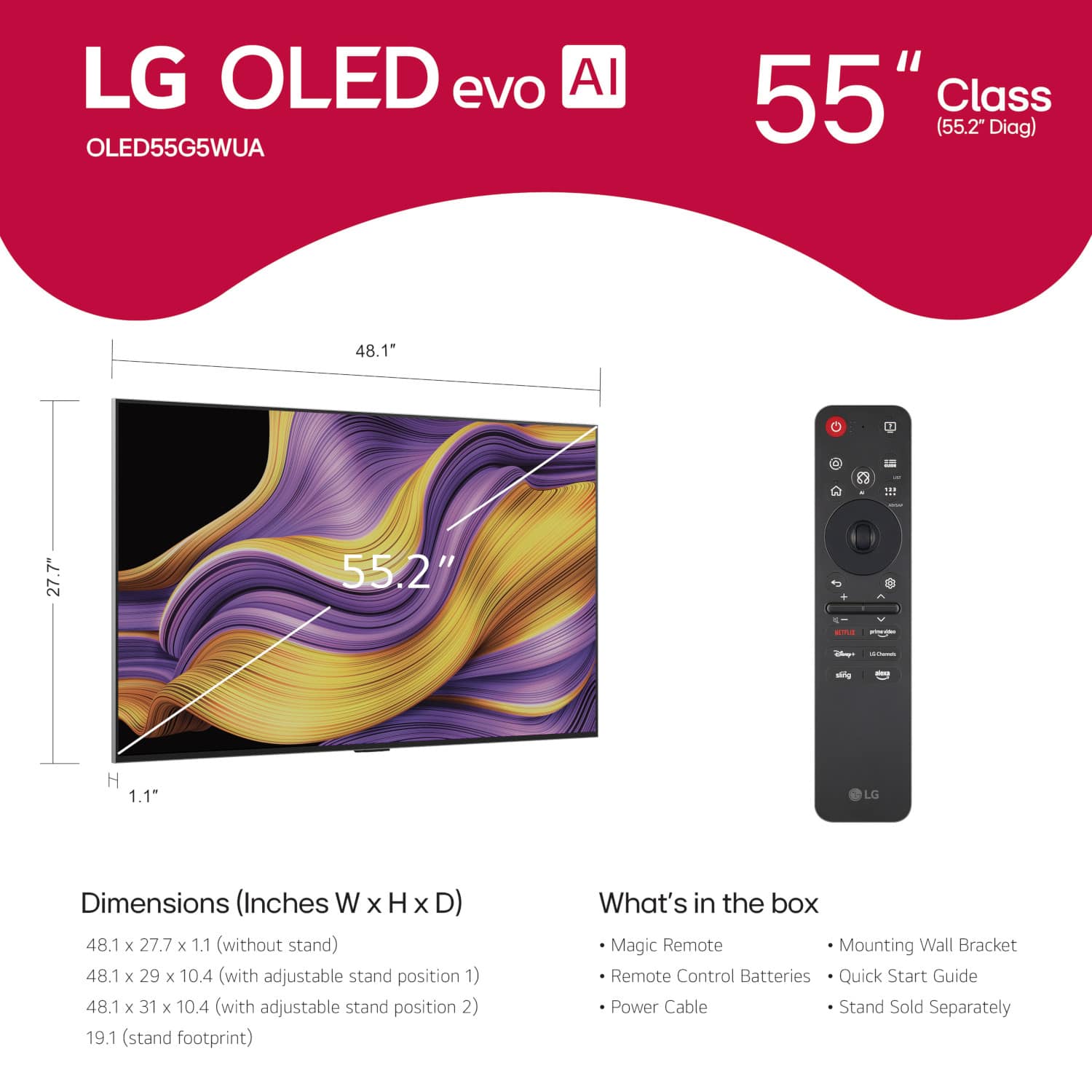
The accessories that come included in the box with your OLED55G5WUA G5 Series TV are designed to get you started immediately. The official included accessories are:
Magic Remote (Model MR25)
Remote Control Battery
Wall Mount
Power Cable
Quick Start Guide
E-Manual
Please note that this model is designed with a gallery aesthetic and includes a wall mount but does not include a stand as a standard accessory.
https://www.bestbuy.com/product/lg-55-class-g5-series-oled-evo-ai-4k-uhd-smart-webos-tv-with-one-wall-design-2025/JJ8VPZW8FG
If you have any further questions about its features or need assistance with your unit, please send us a private message on Social Media @LGUSSupport, and our team will be more than happy to assist you. —Renzo
A:AnswerHi there, Hugh. We understand your inquiry regarding the connectivity features of the OLED55G5WUA unit.
The OLED55G5WUA unit does support Bluetooth® v 5.3. While this unit is equipped with advanced connectivity, the feature to utilize two independent Bluetooth headphones simultaneously for private listening is generally not supported across our TV lineup. The specifications also do not currently list support for Auracast for this model.
https://www.bestbuy.com/product/lg-55-class-g5-series-oled-evo-ai-4k-uhd-smart-webos-tv-with-one-wall-design-2025/JJ8VPZW8FG
If you would like Us to check on any updates or provide more detailed information on connecting audio devices, please send us a private message on Social Media @LGUSSupport, and our team will be more than happy to assist you. —Renzo
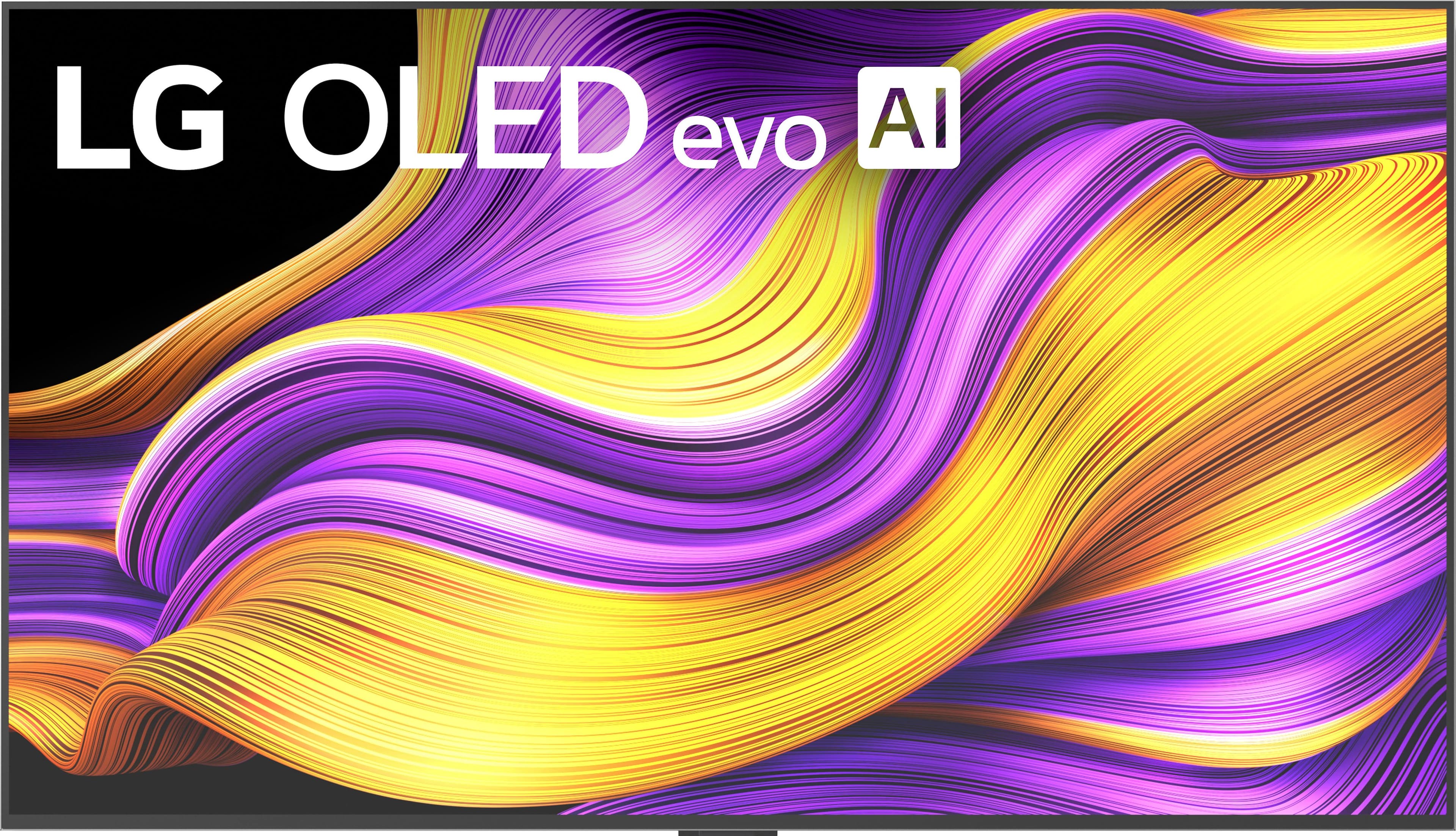
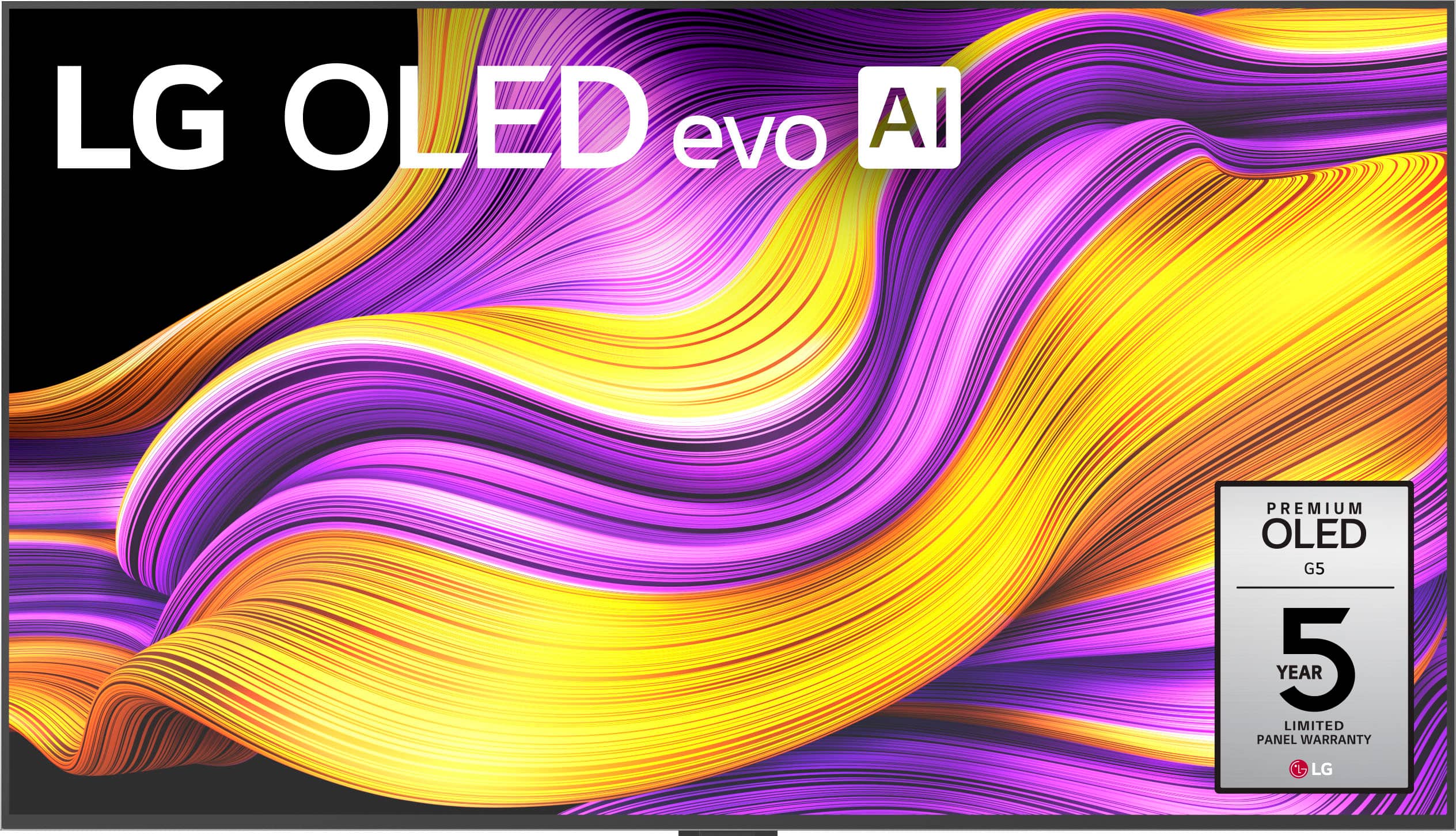



. Independently Tested for Quality and Workmanship CheckPlus: 100 % Color Volume to DCI-P3 oi PSSEANE Intertek [www.IntertekCheck.com](http://www.IntertekCheck.com). 100% Color Fidelity and '100% Color Volume to DCI-P3' applies to 2025 OLED TVs. *LG OLED Display is verified by UL for Perfect Color measured to IDMS 11.5 Ring-light Reflection standards. *100% Color Volume is defined as the performance of display which is equal or greater than the size of DCI-P3 standard color volume as verified independently by Intertek. *The LG OLED Panel is certified by Intertek for 100% Color Fidelity, measured to IDMS 11.5 Ring-light Reflection standards.](https://pisces.bbystatic.com/image2/BestBuy_US/images/products/3661ed5e-8d92-47a9-baef-65aa6eb5dcb9.jpg)