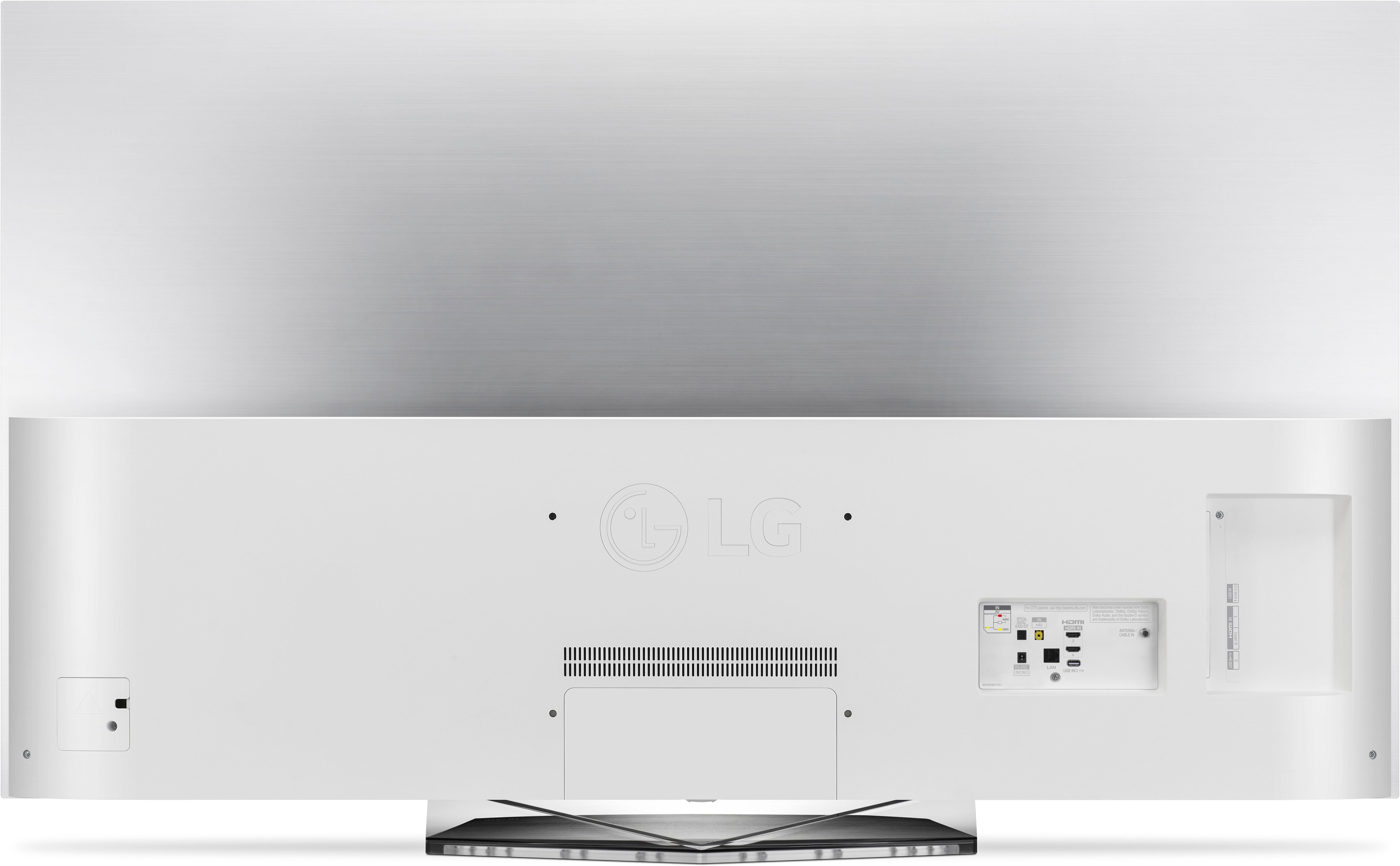

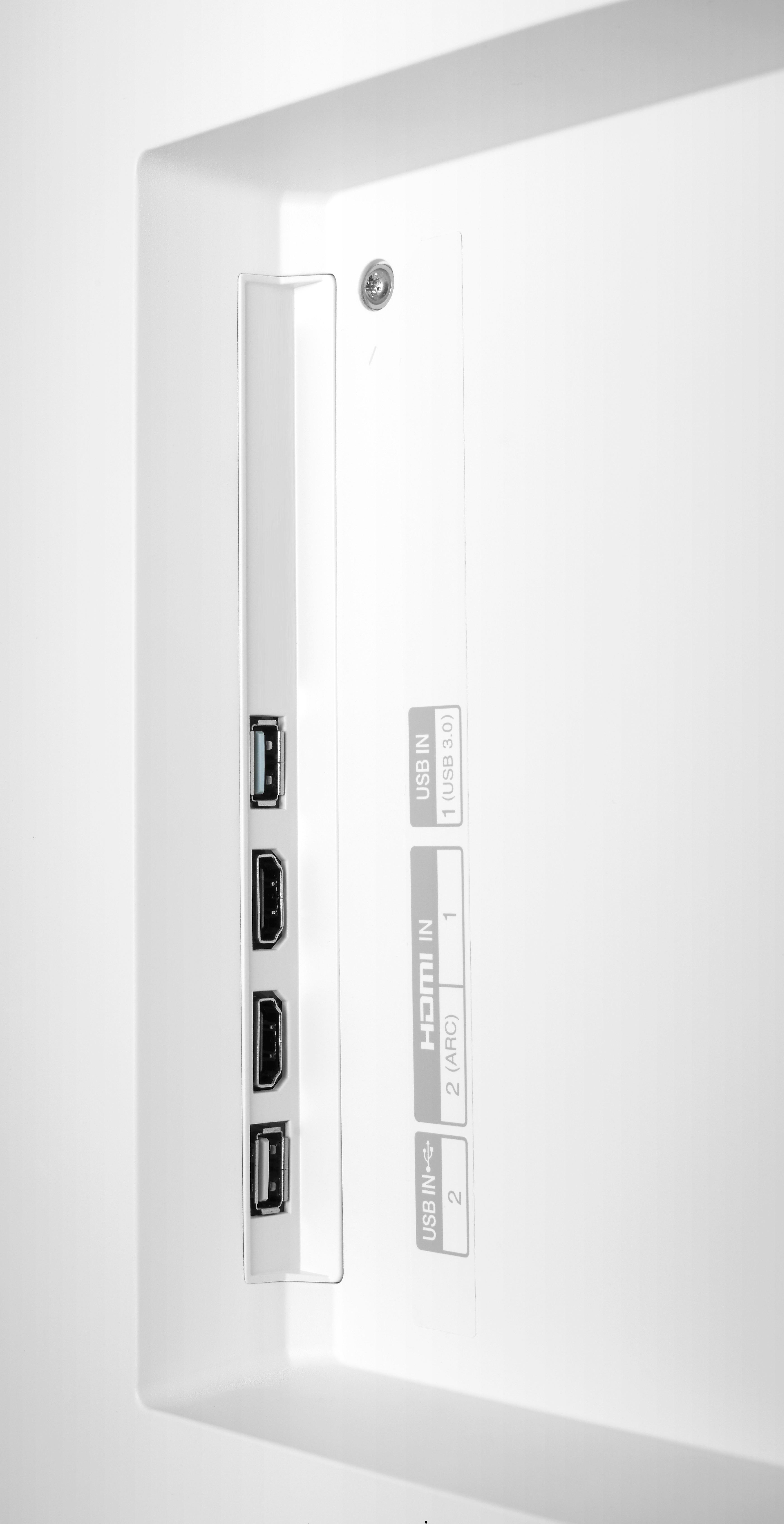
A:AnswerThe SJ9 can connect to the TV by either the HDMI (ARC) or optical cable. If you need assistance with connecting the soundbar to the TV reach out to a specialist via Twitter @LGUSSupport or Facebook www.Facebook.com/LGSupportUSA ^CP
A:AnswerIf you have Verizon FIOS, there has been an ongoing problem with sound being out of sync for more than a month. Word is there is a firmware update that will be installed in mid-January that will solve that problem. For Verizon FIOS customers, it's not the set - but Verizon.
A:AnswerThat shouldn't be a problem because it does support 120hz @ 1080p. At 4K 60hz is supported but LG has good software for motion interpolation to 120hz to combat motion blur. I have a 75 inch XBR Sony that is natively 120hz and this TV in terms of motion blur looks much better than that, in my opinion. If you're concerned, take a look at the store display and have on of the agents show you the motion features.
A:AnswerGo into settings and make sure you've switched audio output to external speakers. If you have, you will not hear from your tv. Happened to me with mine, but I'm used to it. You can also choose both internal and external, but this can cause bad feedback and I would not recommend it. I truly hope this helps.
A:AnswerCBS All Access does not support LG or many other commonly sold TV’s. I discovered this when Star Trek Discovery kept locking up on my new 65” LG flat panel!
I thought the Internet and streaming was ubiquitous!
I’m not sure I trust CBS to run safely within Prime Video.
A:AnswerI needed a new remote from Xfinity to make all of the features work properly… Xfinity came out and delivered the remote and went through using it with me completely.
A:AnswerIt's ability to resolve up- converted High Definition and even lesser content is truly astonishing. If that's all it did, and there was no actual 4k content available, it would still be worth it.
A:AnswerI had the same problem. You can do a 'link up" with your remotes for on off. It actually works. I was amazed!! Point the top tip of the LG remote at the Cable remote left side where there is a black little box (very close) press the on off button and hold it. The light on the cable remote button labeled TV will light up. Wait a few more seconds and there you go.
A:Answerwe bought a optical cable extender to my subwoofer soundbar (polk ) and it fits under the tv stand perfectly as there is a 3 inch gap on the bottom of our tv stand