Questions & Answers
- Model:
- 55UP8000PUA
- |
- SKU:
- 6453620
Q: Questionwhat is the difference between a LG UP8000 series and a UP7000 series
Asked by Grampy.
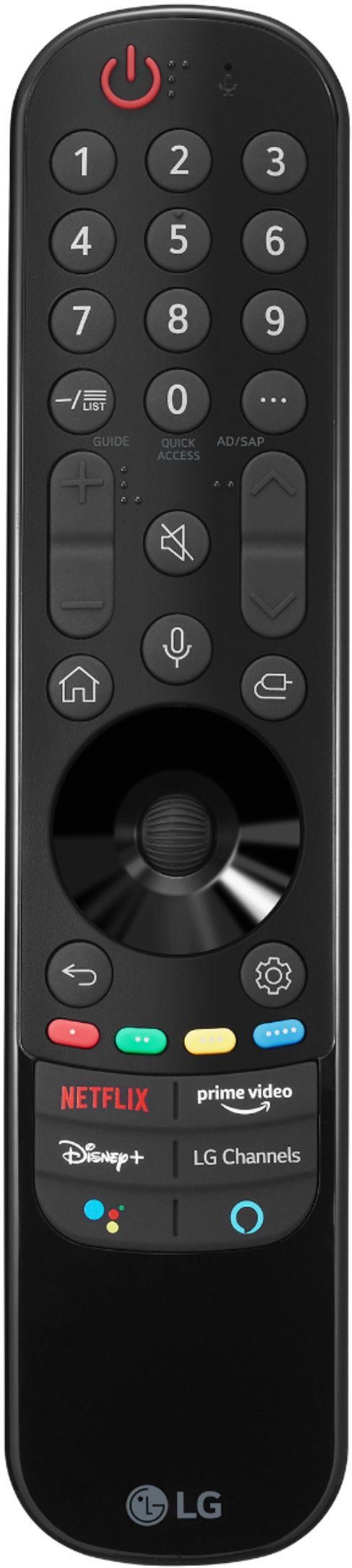
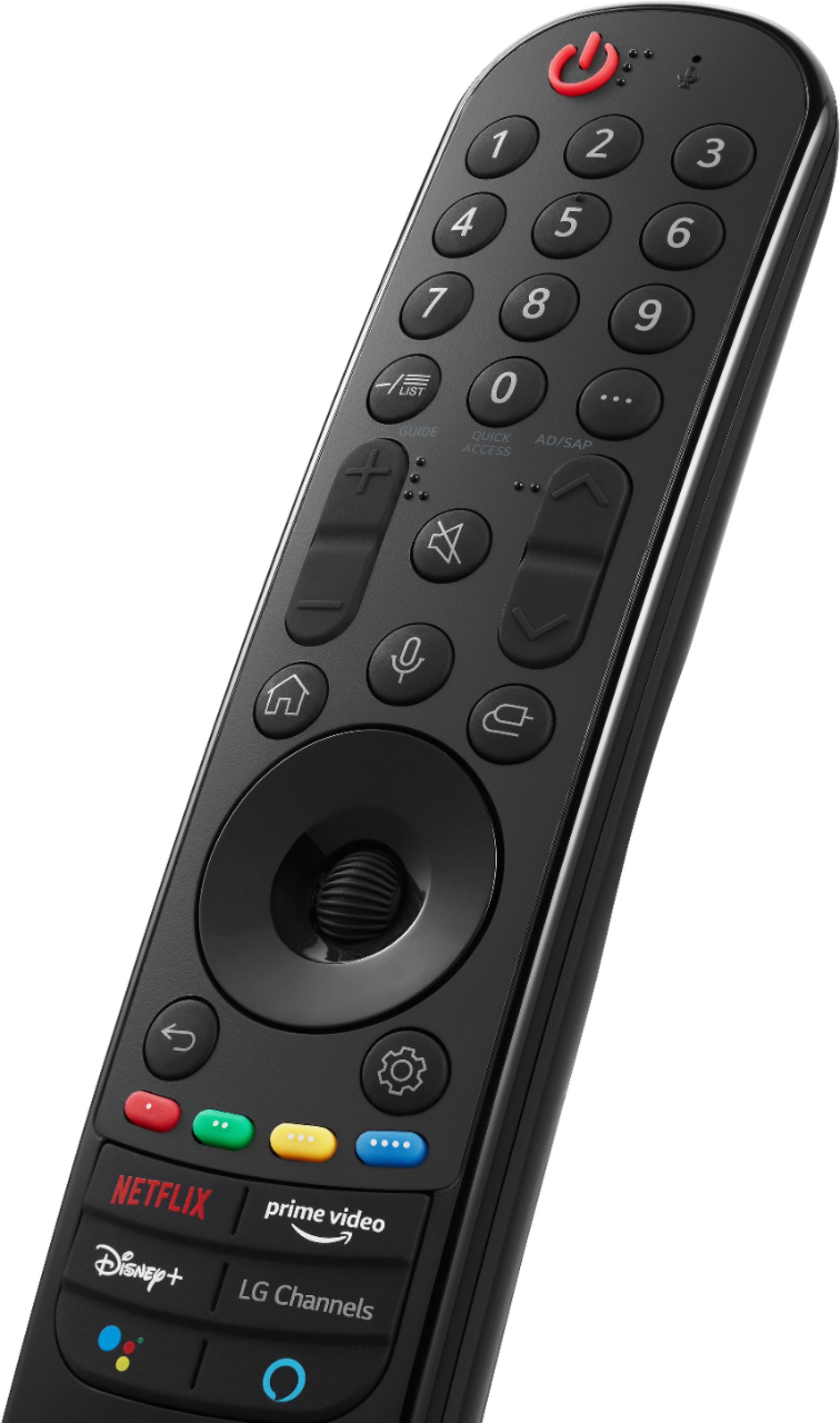
- A:Answer Model 55UP8000PUA is a 2021 model. It has Bluetooth connectivity and works with the Magic remote. This model also has a newer webOS (6.0) with new user interface with the aim of being more intuitive and user friendly. ^Daphane
Answered by LG Digital Customer Care

Q: QuestionDoes this tv have web browser capability ?
Asked by Anonymous.
- A:Answer yes
Answered by Donald
Q: QuestionDoes this TV come with the HBO Max app already installed?
Asked by ROBF.
- A:Answer HBO Max is not currently available on LG’s webOS platform. However, we are actively working to add the latest streaming application within the next few weeks. In the meantime, our webOS platform offers over 600 apps including streaming content and games - including over 180 free streaming channels via the LG Channels app (on select models). Also, you can access much of the HBO content through the Amazon Prime, YouTube TV or Apple TV+ apps that are available on our platform. For a complete listing of available apps, please visit: https://us.lgappstv.com/main/tvapp. ^Daphane UPDATE: HBO Max is now available in the LG Content Store and is accessible to TVs with a webOS4.0/4.5/5.0/6.0. ^Daphane
Answered by LG Digital Customer Care

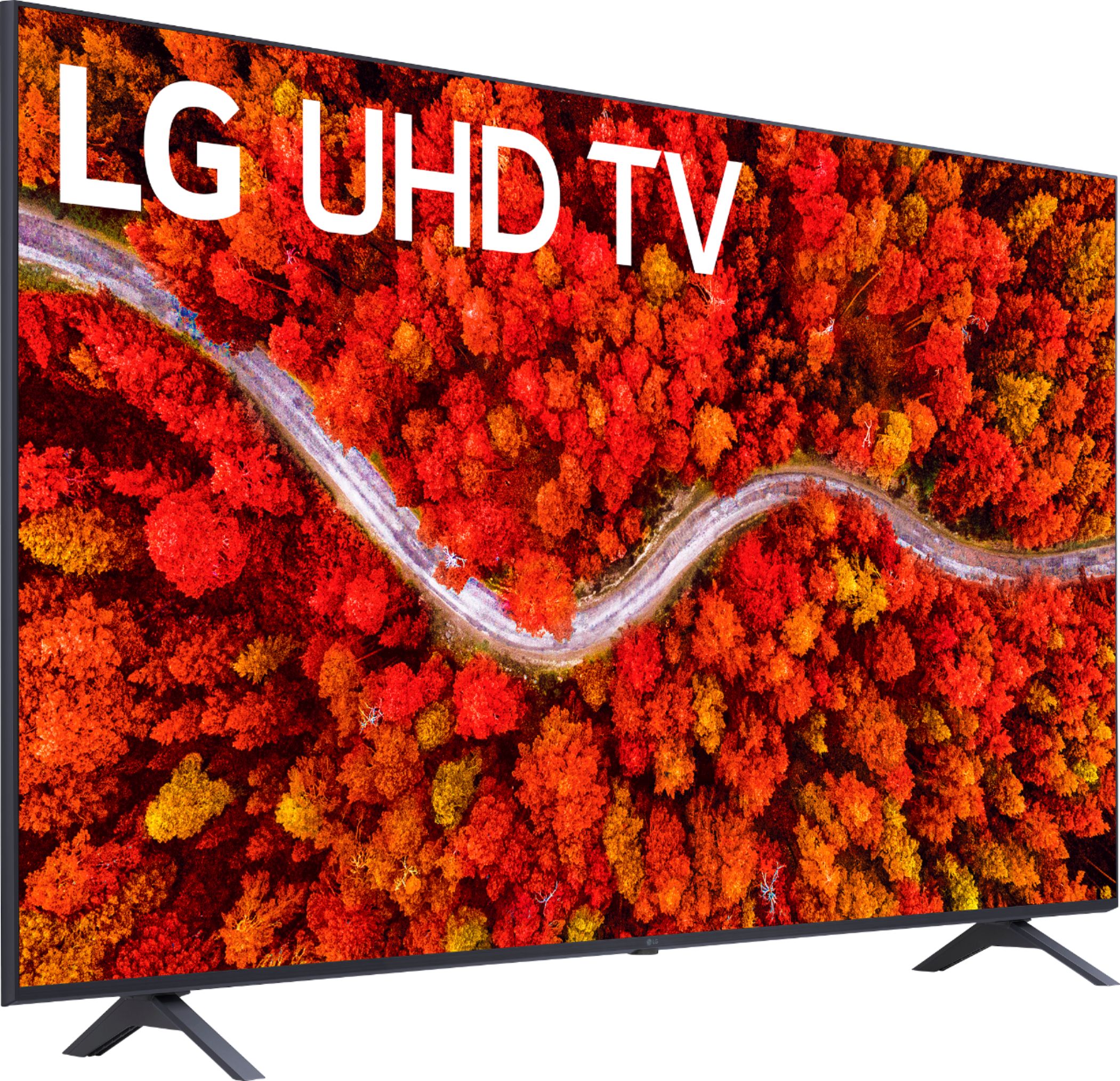
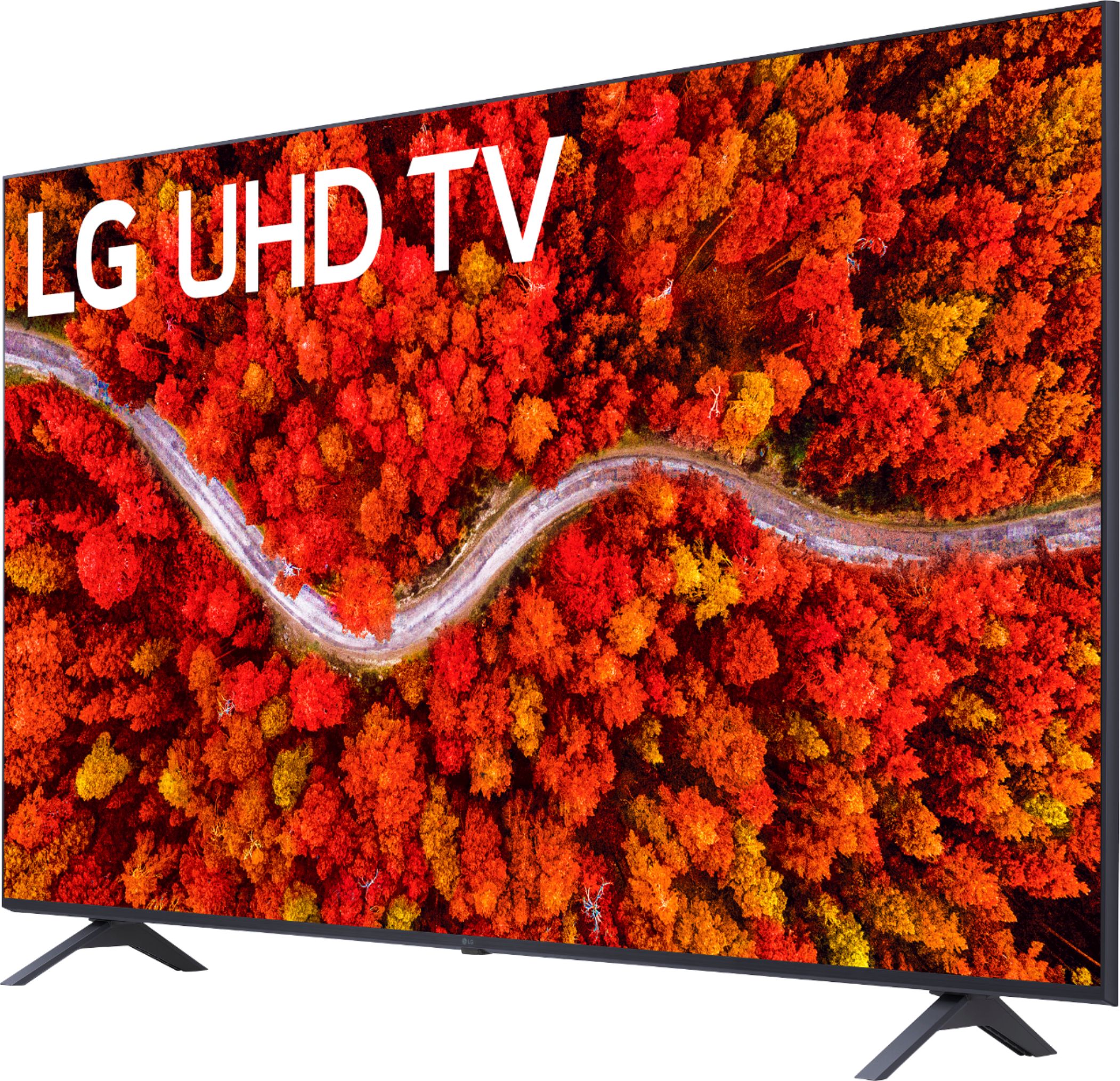
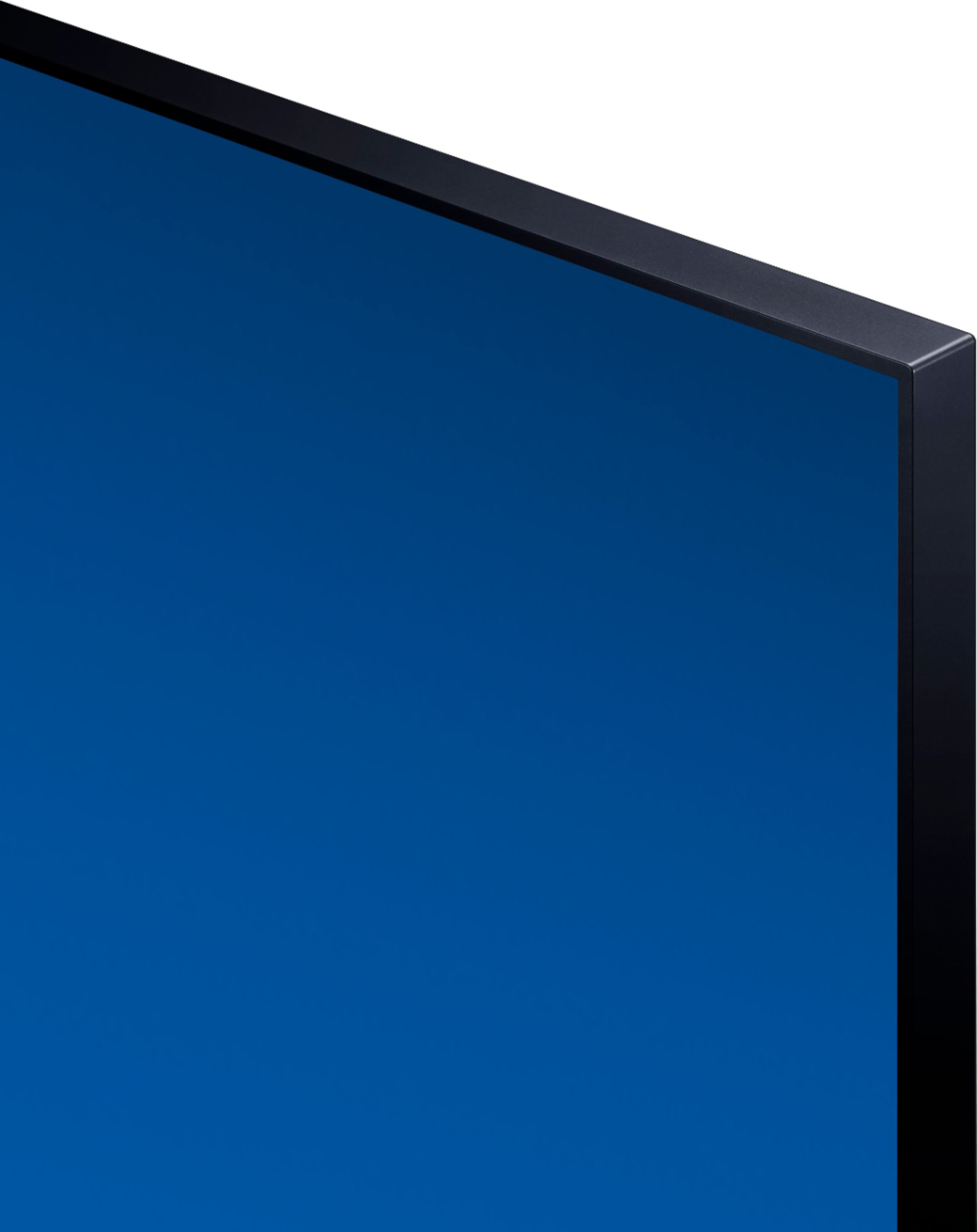
Q: QuestionWhat does the screen look like when standing to the side?
Asked by Joey.
- A:Answer This TV has a pretty good visible horizontal range. Here I am standing pretty close from both the left and right sides. There was a little glare from the ambient light, but the pixels didn't significantly darken or get distorted because of my angle. I wouldn't advise watching for very long from such a severe angle, but you can still make out what's going on on the screen for a few moments.
Answered by Lisaloha
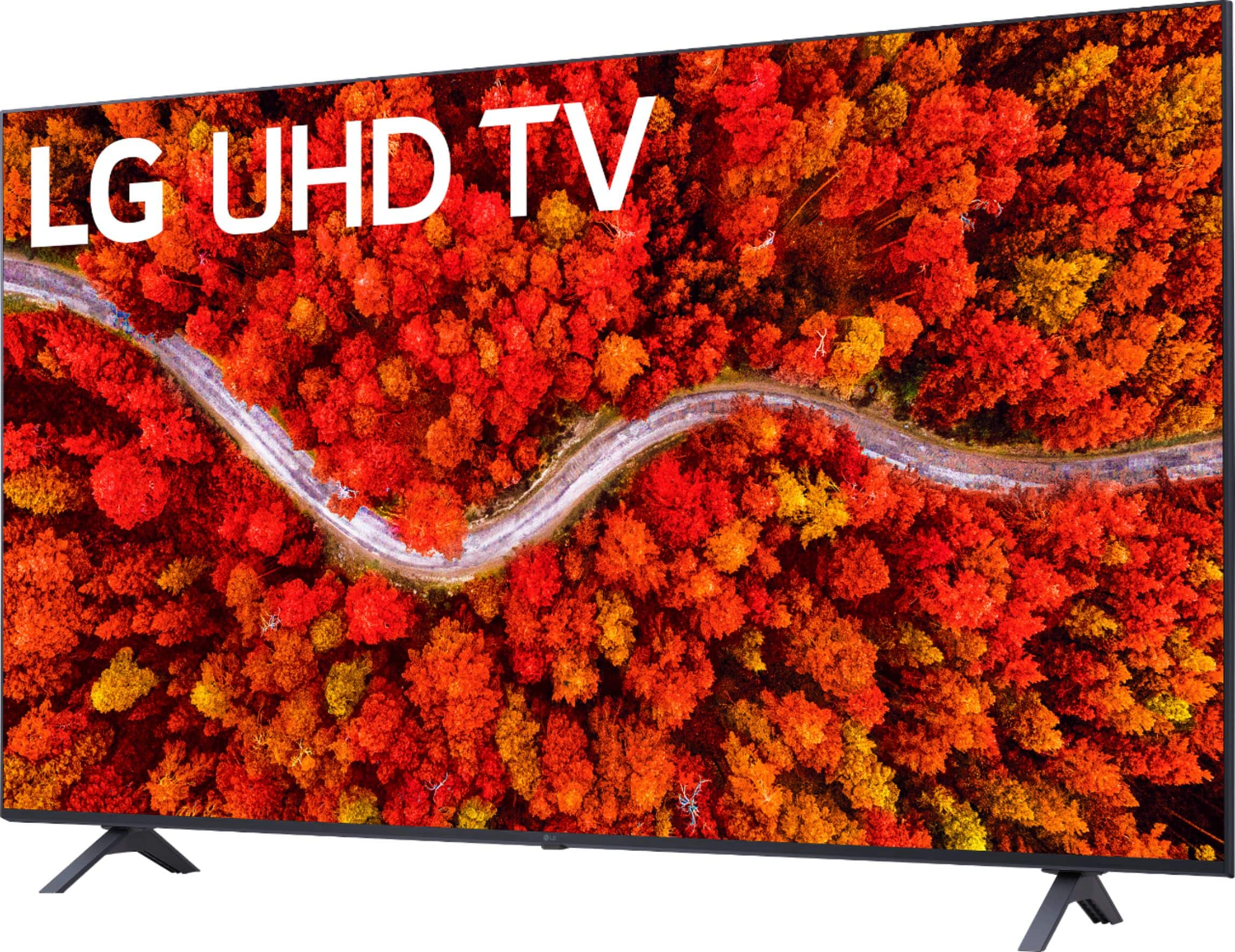
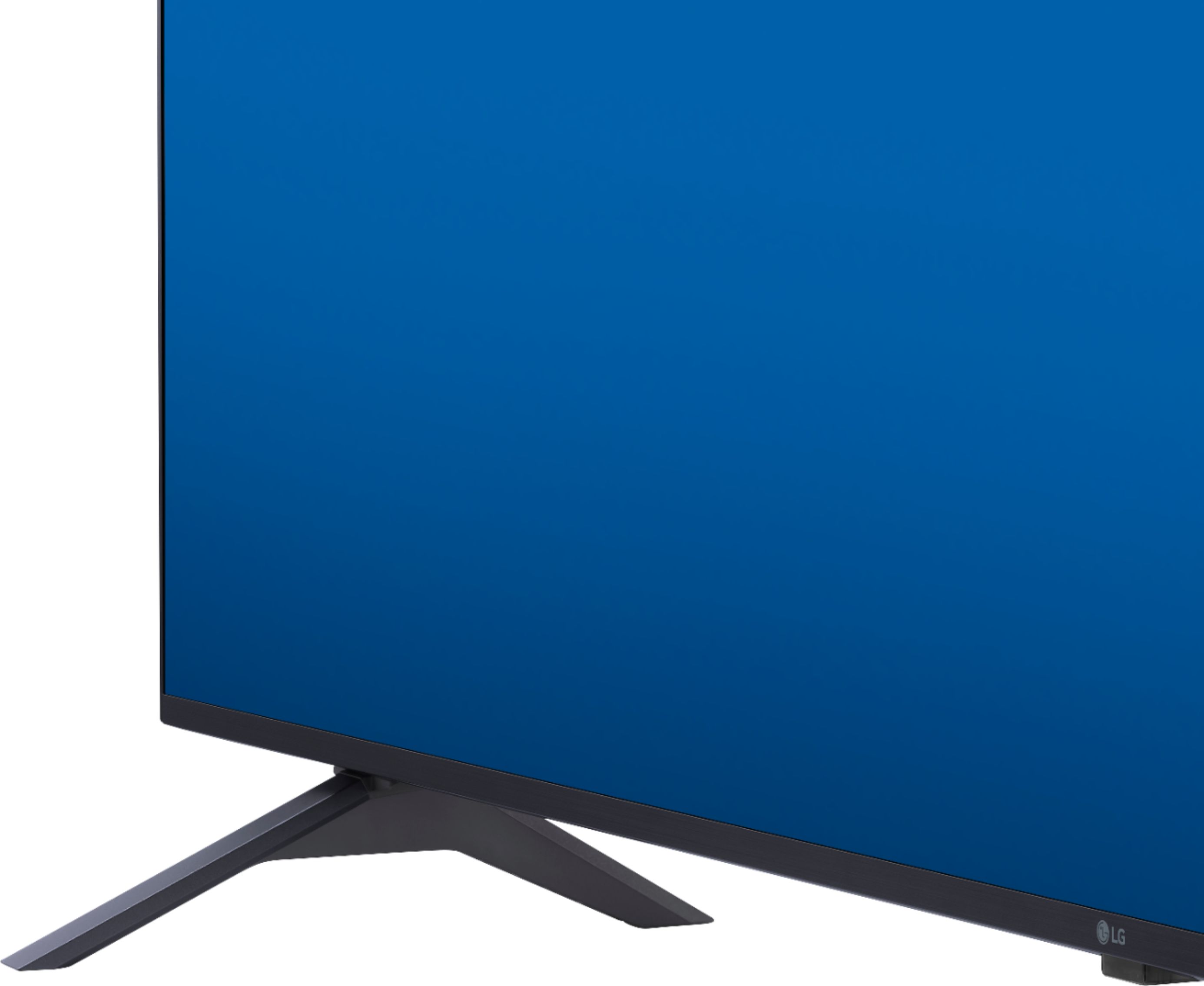
Q: QuestionWhat is the width of the foot stands to fit my floor unit
Asked by Bear.
- A:Answer Model 55UP8000PUA has a stand width of 37.4". The measurement of the stand is the distance from the outside of one leg to the outside of the opposite leg. ^Daphane
Answered by LG Digital Customer Care

Q: QuestionCan I listen through my headphones and my wife through our Zvox sound bar at the same time?
Asked by Suse.
- A:Answer I have a different model LG and I hook up my Sennheiser RS 175 thru the optical port and I can listen thru the headphones and my wife can listen thru the TV. The RS 175 does accommodate 3.5 cable but our TV doesn't
Answered by wayneP
Q: QuestionHow can this TV be mounted over a fireplace without all the wires hanging visibly from the TV?
Asked by Karen.
- A:Answer The la grange wall kit solves the problem. You will need to cut small hole to mount central feed through wall to lower outlet for cables and power. Very clean installation. You will need some space behind dry wall for the box for wire routing. Well worth using and gets the tv to the wall. Regards Dick Bottos
Answered by dick
Q: QuestionDoes this come with Youtube TV?
Asked by Rockeo.
- A:Answer no, it does not come on the TV but it is available in the LG Content Store (App Store). For a complete listing of available apps, please visit: https://us.lgappstv.com/main/tvapp. ^Daphane
Answered by LG Digital Customer Care

Q: QuestionWill this tv play my DVD player?
Asked by EZJ.
- A:Answer HI, yes it will.^Venette
Answered by LG Digital Customer Care

Q: QuestionDoes this TV come with Netflix & if not will it support Roku thru HDMI? And is that HDMI 2.1? Thanks
Asked by Dandepot.
- A:Answer Hello, yes it comes with Netflix. You can also connect Roku through HDMI. What we have is HDMI 2.2.^Venette
Answered by LG Digital Customer Care

Q: QuestionCan you use the Xfinity X1 remote with this. LG TV?
Asked by SUE.
- A:Answer Yes you can. Set it right up
Answered by RandyB
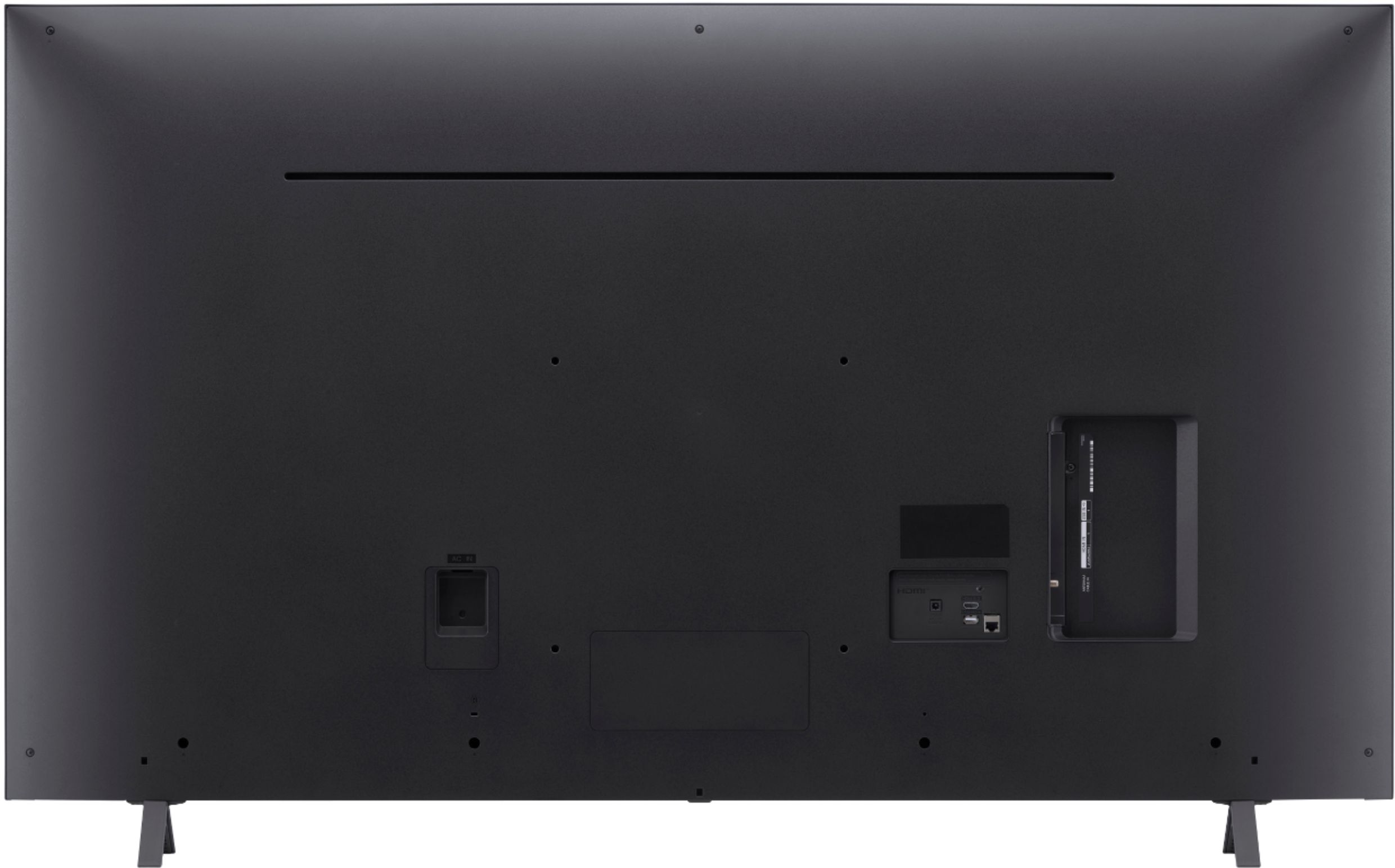
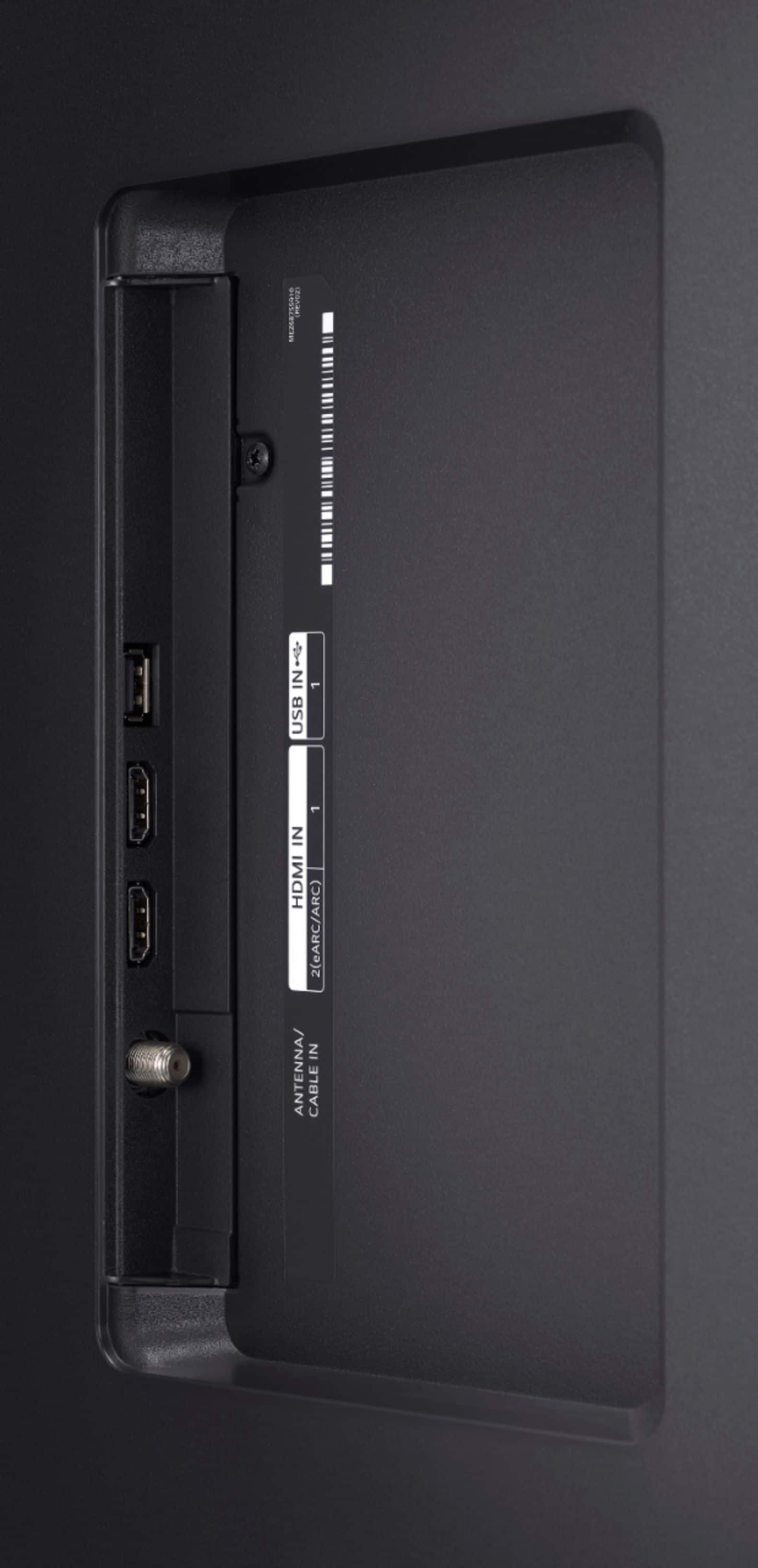
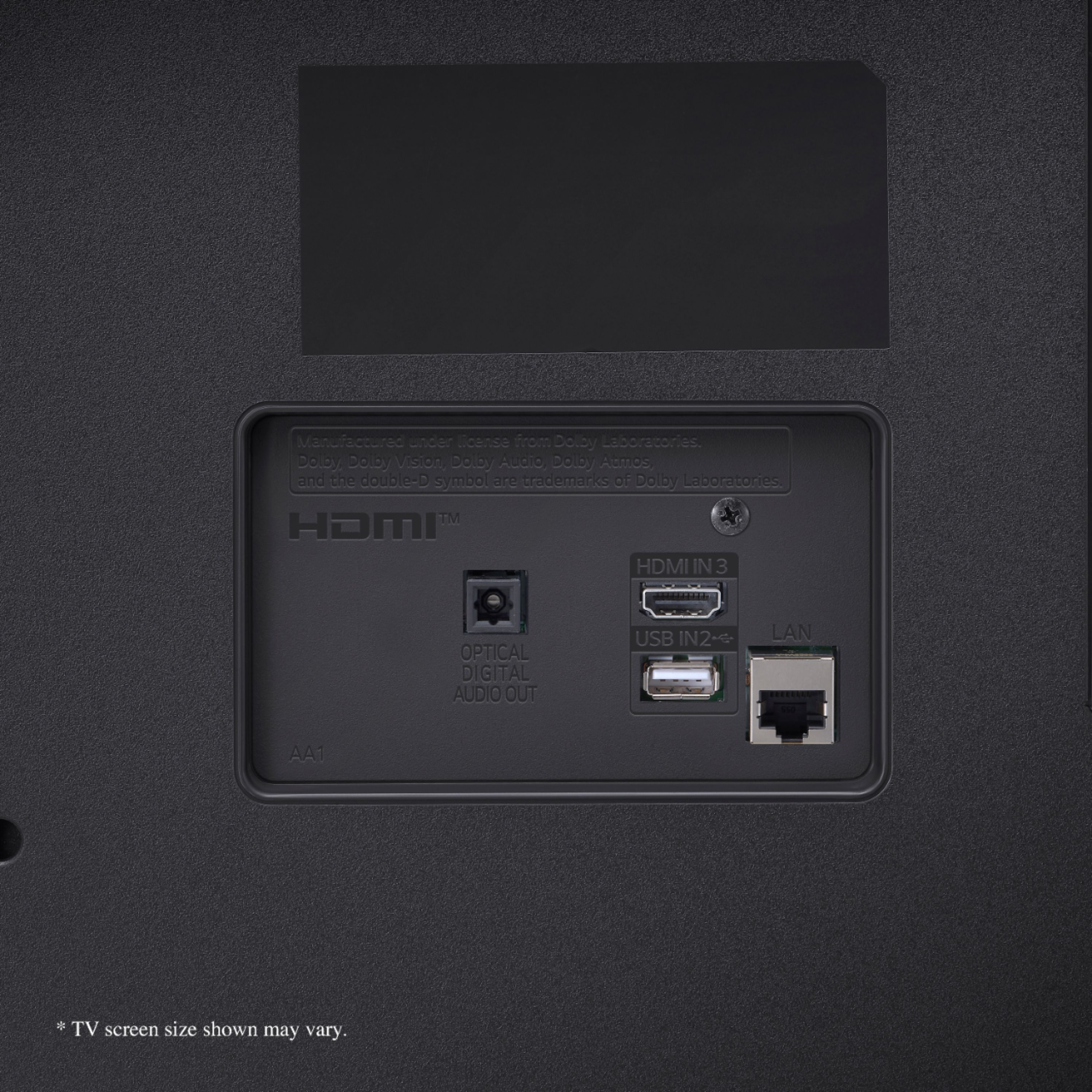
Q: QuestionHow many HDMI inputs?.....I only see one Need 3
Asked by Step.
- A:Answer Model 55UP8000PUA has (3) HDCP 2.2 compliant HDMI Inputs,1 (rear)/2 (side). ^Daphane
Answered by LG Digital Customer Care

Q: QuestionWhat is the width of this tv?
Asked by gduff1967.
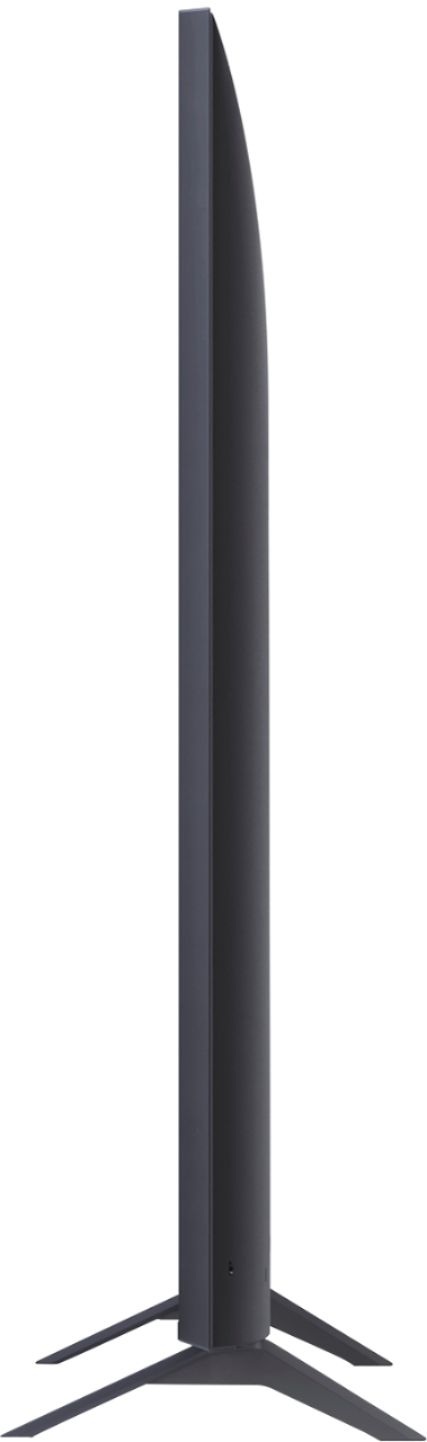
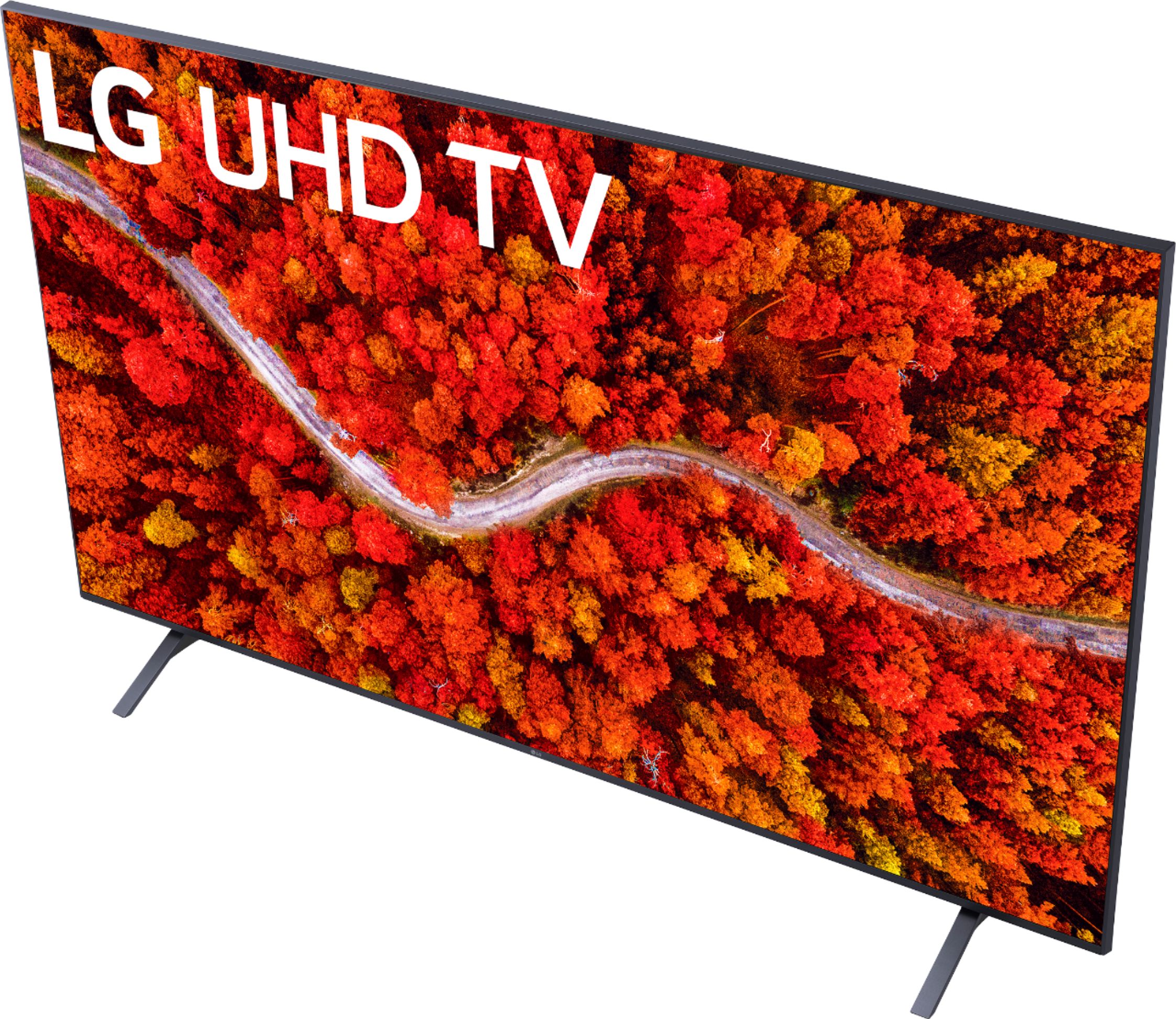
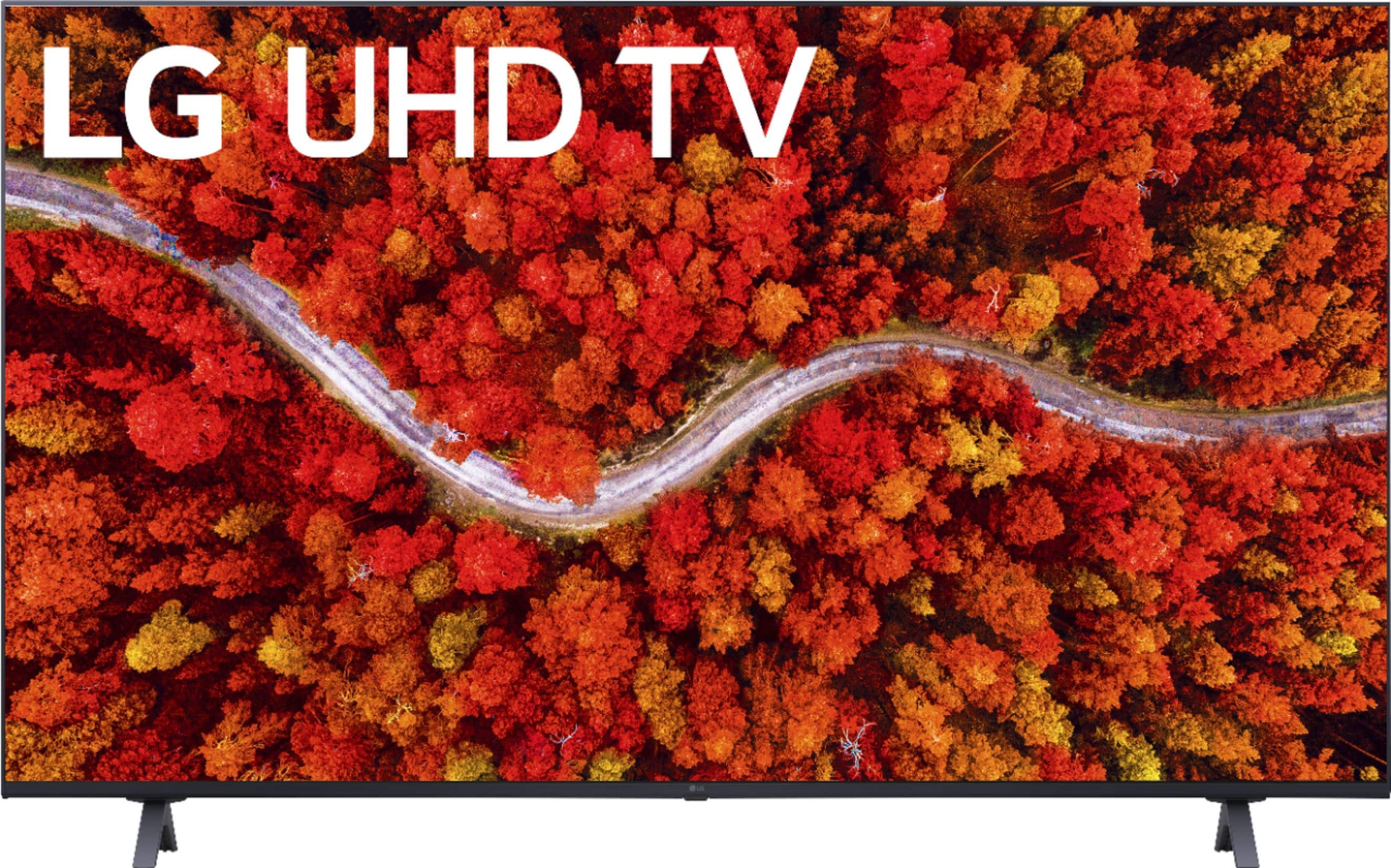
- A:Answer Model 55UP8000PUA has dimensions of 48.6"W x 30.4"H x 9.1"D with the stand and 48.6"W x 28.1"H x 2.3"D without the stand. The stand with is 37.4". ^Daphane
Answered by LG Digital Customer Care

Q: QuestionWhat is the store and factory warranty
Asked by Scott.
- A:Answer You will need to contact Best Buy directly for information on an extended warranty they may offer. LG offers a Limited Manufacturer's warranty on parts and labor for 1 year from the original retail date of purchase. ^Daphane
Answered by LG Digital Customer Care

Q: QuestionCan I connect AirPods Pro directly to this tv via Bluetooth?
Asked by Anonymous.
- A:Answer Yes, this TV has Bluetooth connectivity. ^Daphane
Answered by LG Digital Customer Care

Q: QuestionCan this play an MP4 file that is loaded onto a USB flash drive?
Asked by KevinS.
- A:Answer Yes, MP4 video files are supported via USB. ^Daphane
Answered by LG Digital Customer Care

Q: QuestionWhat is the distance between the 2 support feet.
Asked by Anonymous.
- A:Answer The stand width is 37.4". ^Daphane
Answered by LG Digital Customer Care

Q: QuestionIs it Roku compatible?
Asked by Harry.
- A:Answer Yes, you can connect a ROKU streaming device via HDMI. This TV has a webOS platform. Our webOS platform offers over 600 apps including streaming content and games - including over 180 free streaming channels via the LG Channels. Additional charges apply for some streaming services. For a complete listing of available apps, please visit: https://us.lgappstv.com/main/tvapp. ^Daphane
Answered by LG Digital Customer Care

Q: QuestionDoes this TV have Sling pre-installed or can I load the Sling app to this TV?
Asked by JJ.
- A:Answer Hi there, JJ. Thank you for your question about the LG 55” Class UP8000 Series TV (Model: 55UP8000PUA). This TV does not come with Sling pre-installed, but since it operates on webOS, you can easily download the Sling app from the LG Content Store. https://www.bestbuy.com/site/lg-55-class-up8000-series-led-4k-uhd-smart-webos-tv/6453620.p?skuId=6453620 Simply navigate to the LG Content Store on your TV, search for the Sling app, and install it to start streaming. If you need any assistance setting it up, feel free to contact us via @LGUSSupport, and we'll be happy to guide you through the process! We hope this helps! —Renzo
Answered by LG Digital Customer Care

Top Rated
- Doorbuster$169.99Your price for this item is $169.99
- Black Friday Deal$999.99Your price for this item is $999.99
- Black Friday Deal$99.99Your price for this item is $99.99
- Black Friday Deal$349.99Your price for this item is $349.99
- Black Friday Deal$329.99Your price for this item is $329.99
- Black Friday Deal$899.99Your price for this item is $899.99
- Black Friday Deal$399.99Your price for this item is $399.99
- Black Friday Deal$189.99Your price for this item is $189.99
- $279.99Your price for this item is $279.99$399.99The comparable value for this item is $399.99
- Black Friday Deal$1,399.99Your price for this item is $1,399.99
- Black Friday Deal$499.99Your price for this item is $499.99
- Black Friday Deal$549.99Your price for this item is $549.99
- Black Friday Deal$999.99Your price for this item is $999.99
- Black Friday Deal$299.99Your price for this item is $299.99
- Black Friday Deal$379.99Your price for this item is $379.99
- $549.99Your price for this item is $549.99$1,299.99The comparable value for this item is $1,299.99
- Black Friday Deal$329.99Your price for this item is $329.99
- $999.99Your price for this item is $999.99$2,199.99The comparable value for this item is $2,199.99
- Black Friday Deal$229.99Your price for this item is $229.99
- Black Friday Deal$499.99Your price for this item is $499.99