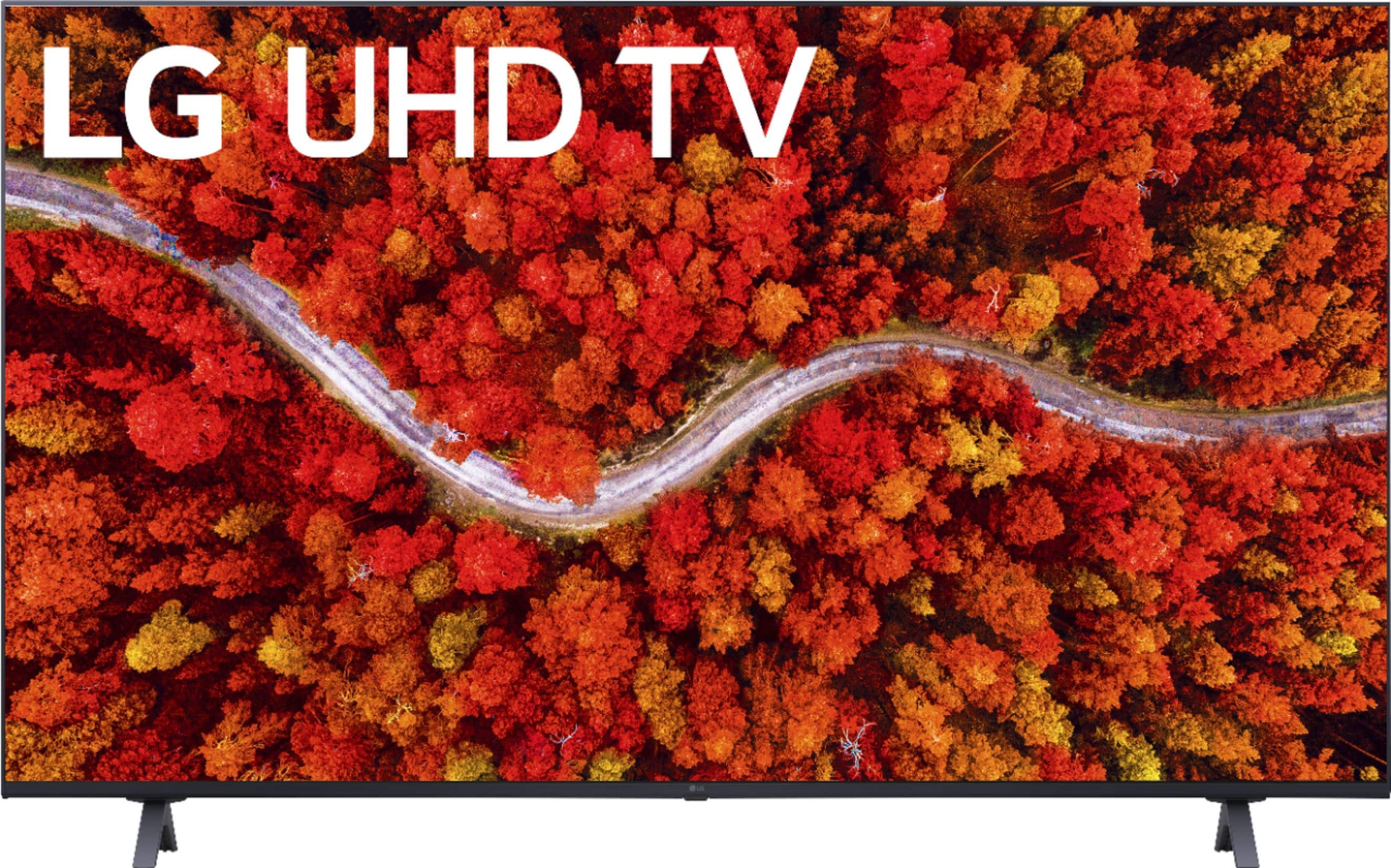
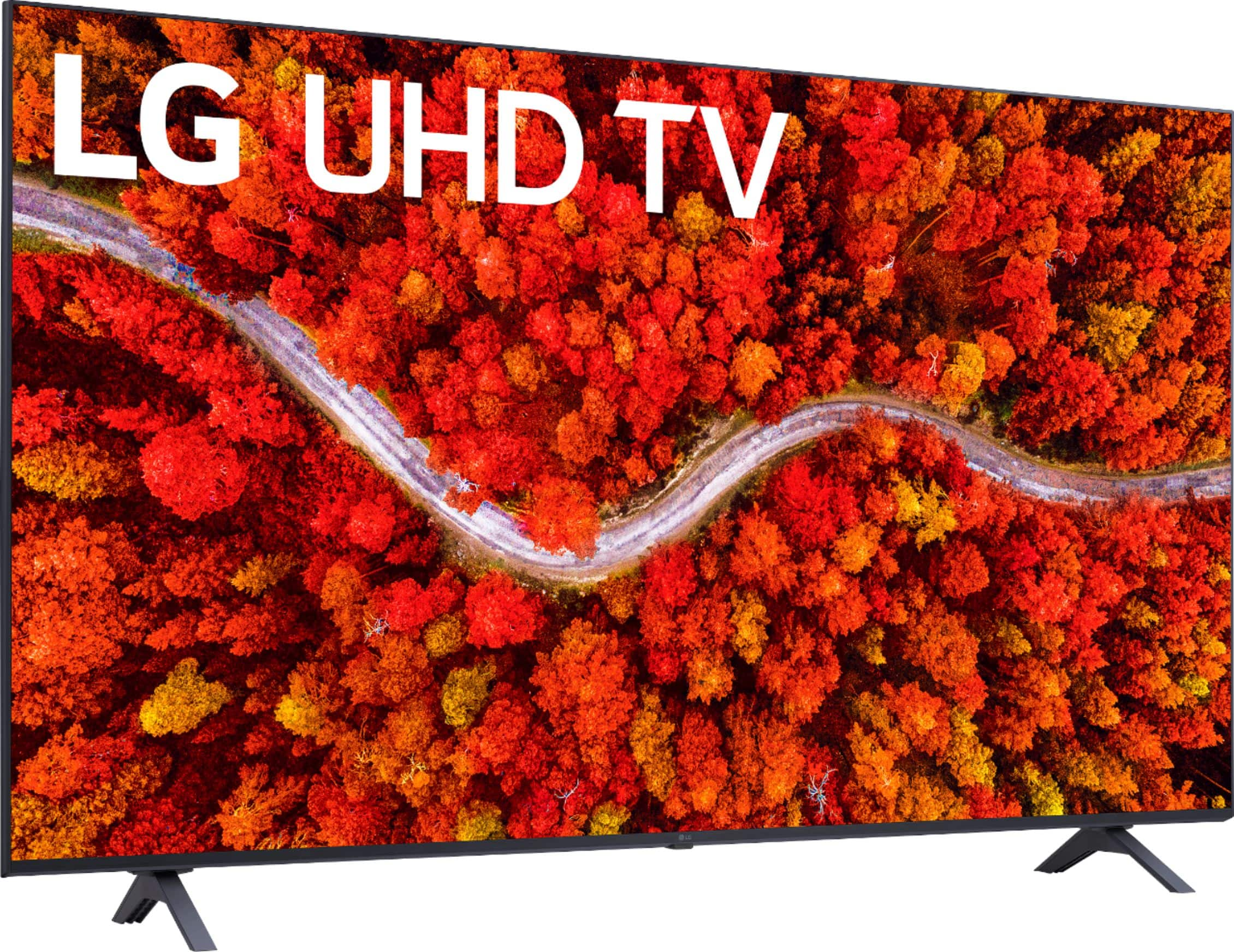
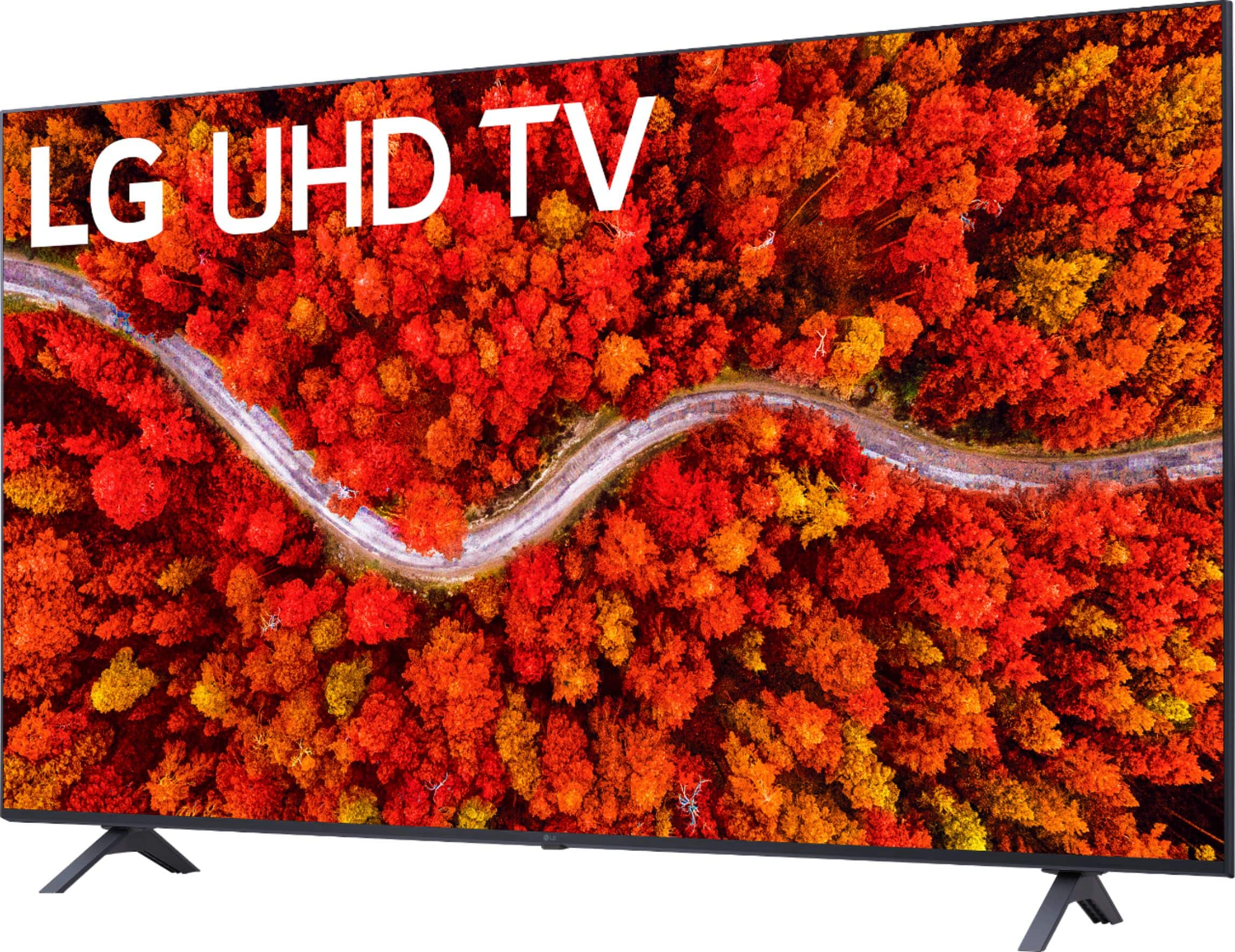
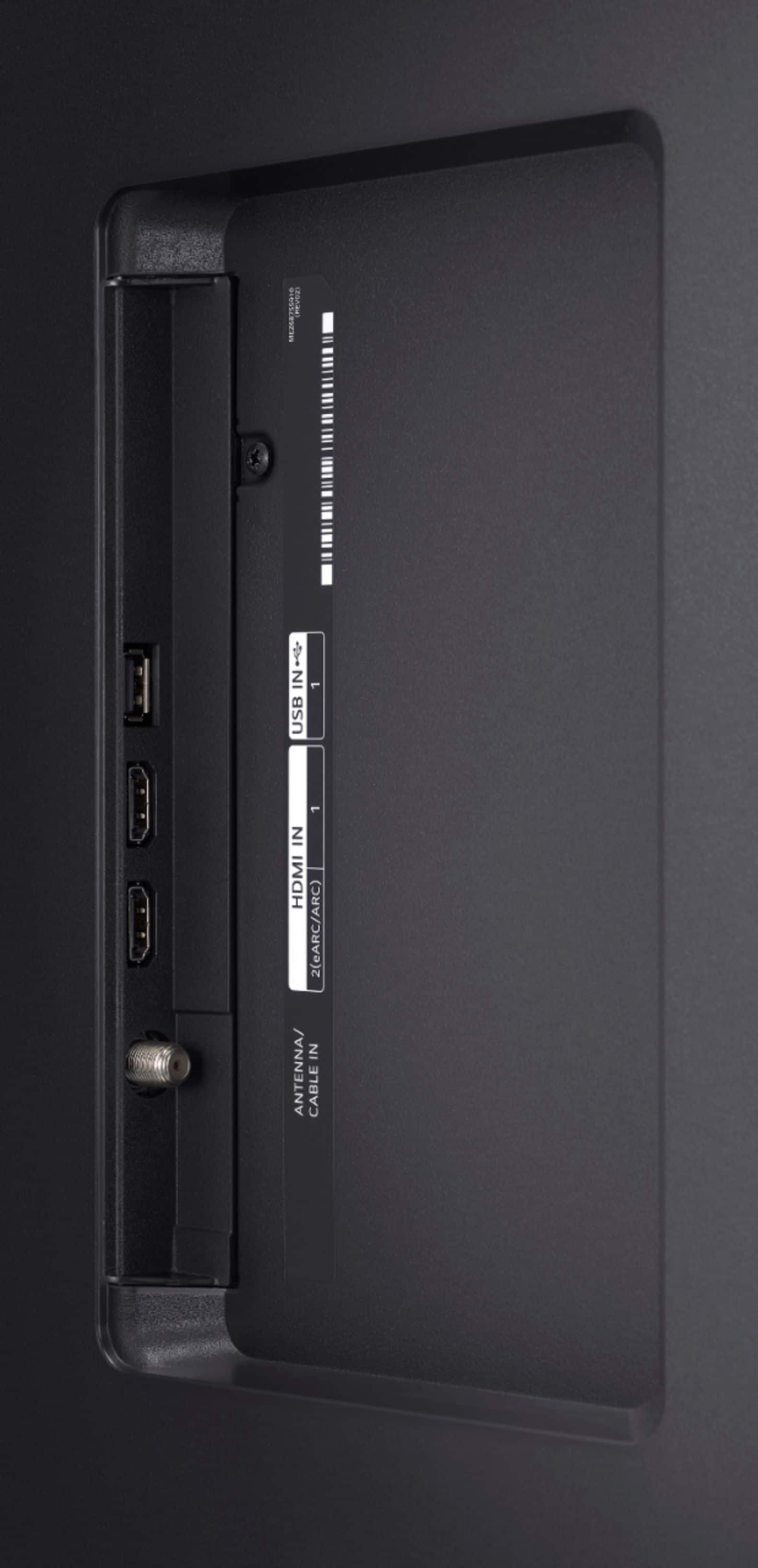
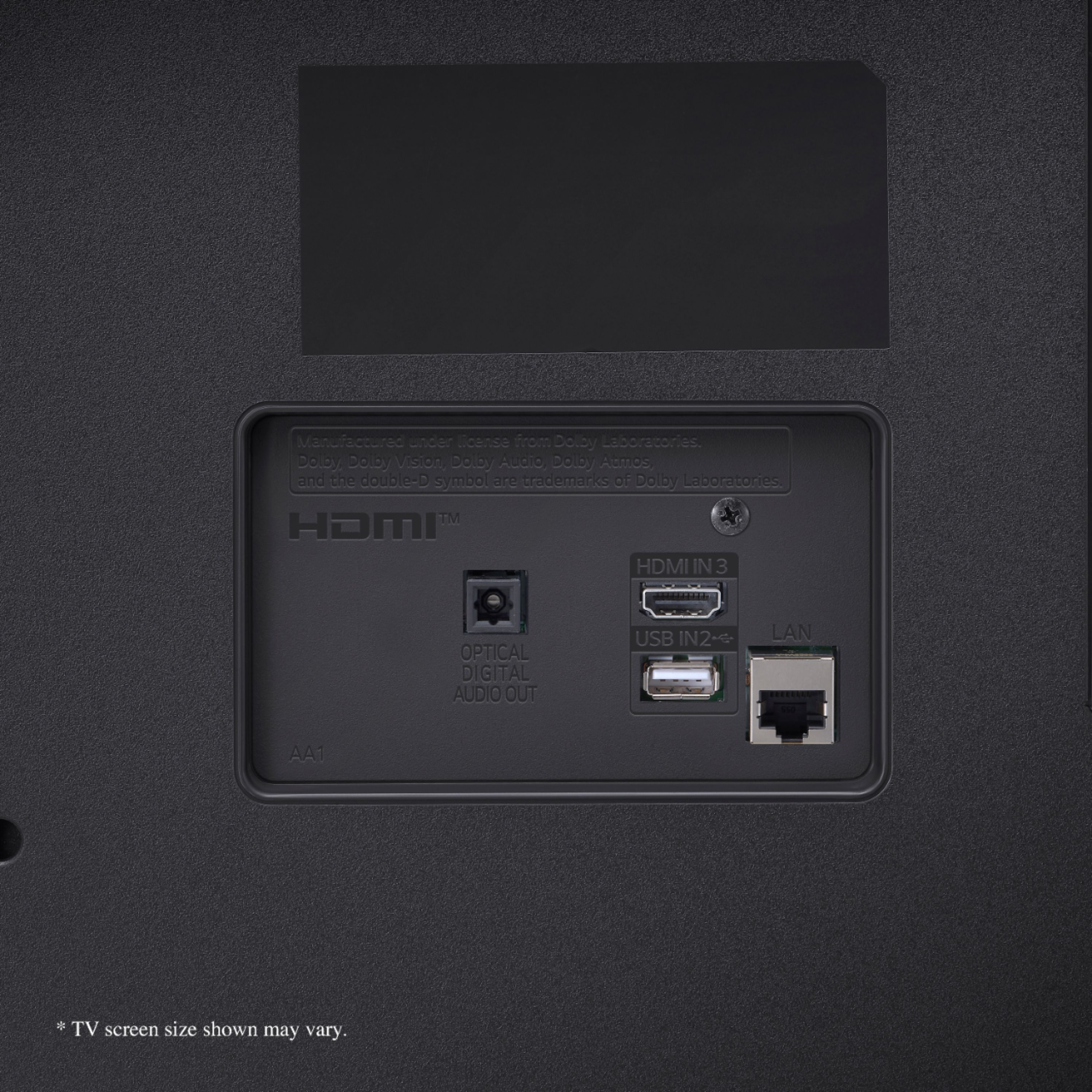
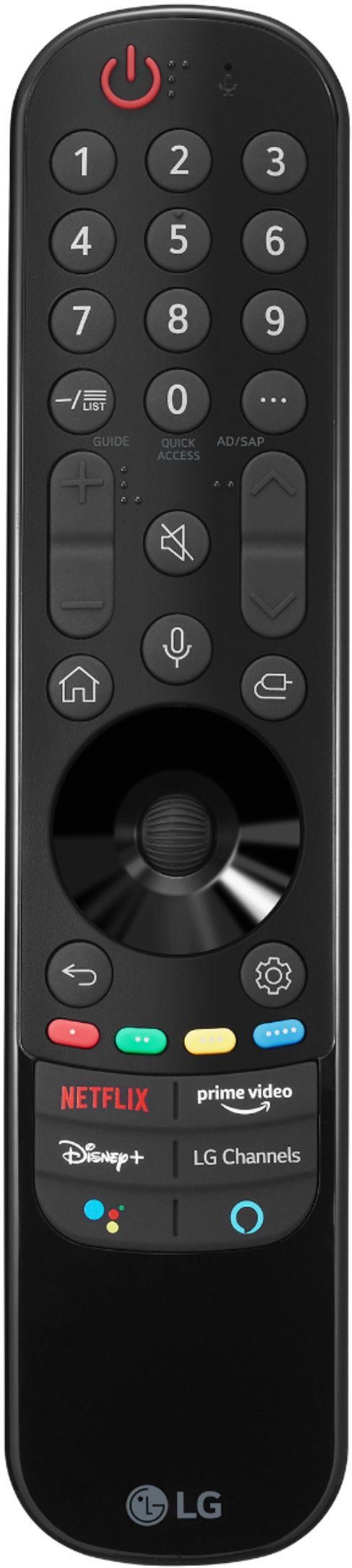
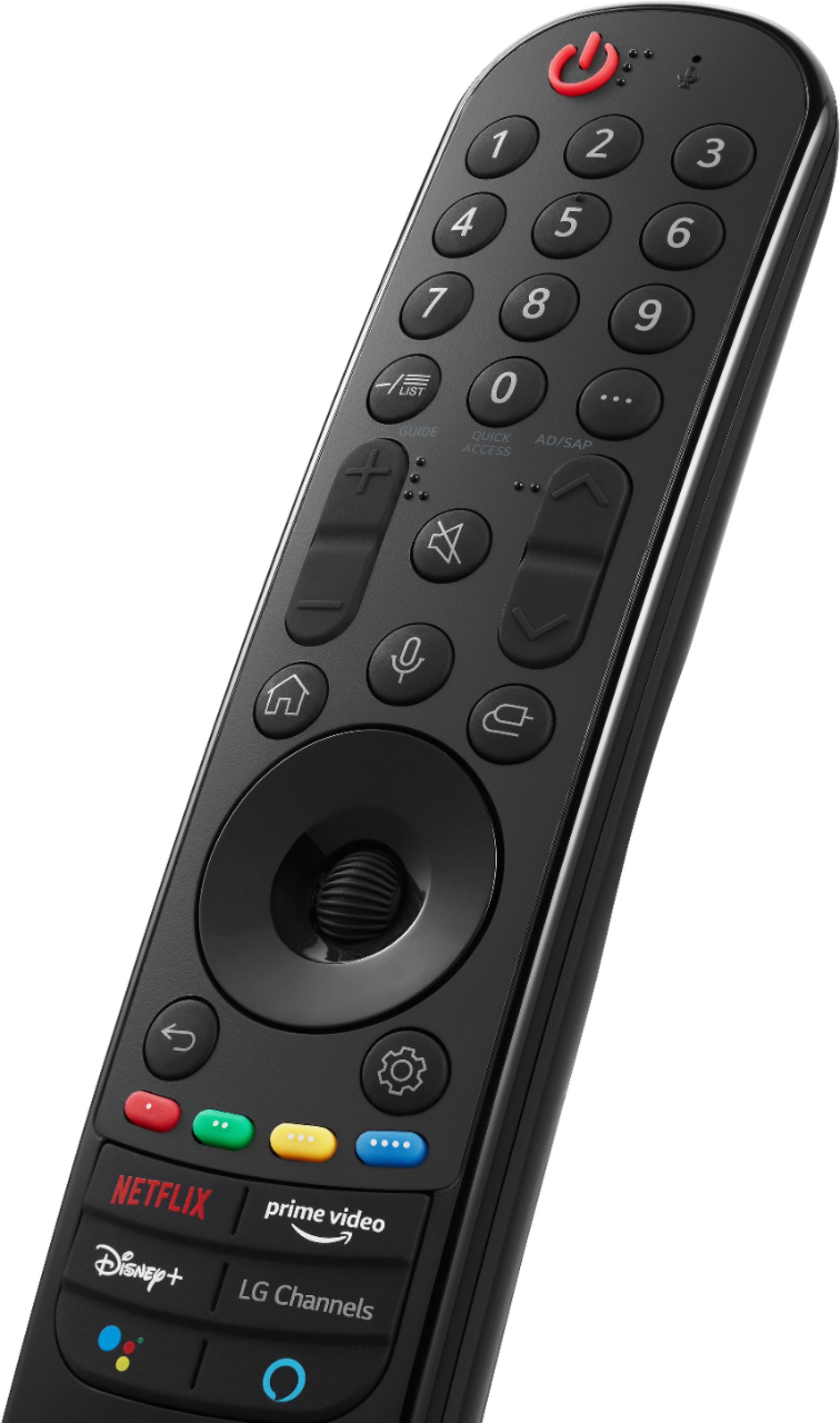
A:AnswerYes. You can plug a fire stick into this tv. However, the TV is already equipped with most of the apps available on a fire stick, including Prime Video. The tv remote even has buttons for the various streaming services.
A:AnswerPress settings on the remote, all settings, general, channels, channel manager, then select an LG channel, and that will be the default channel when you turn on the TV!
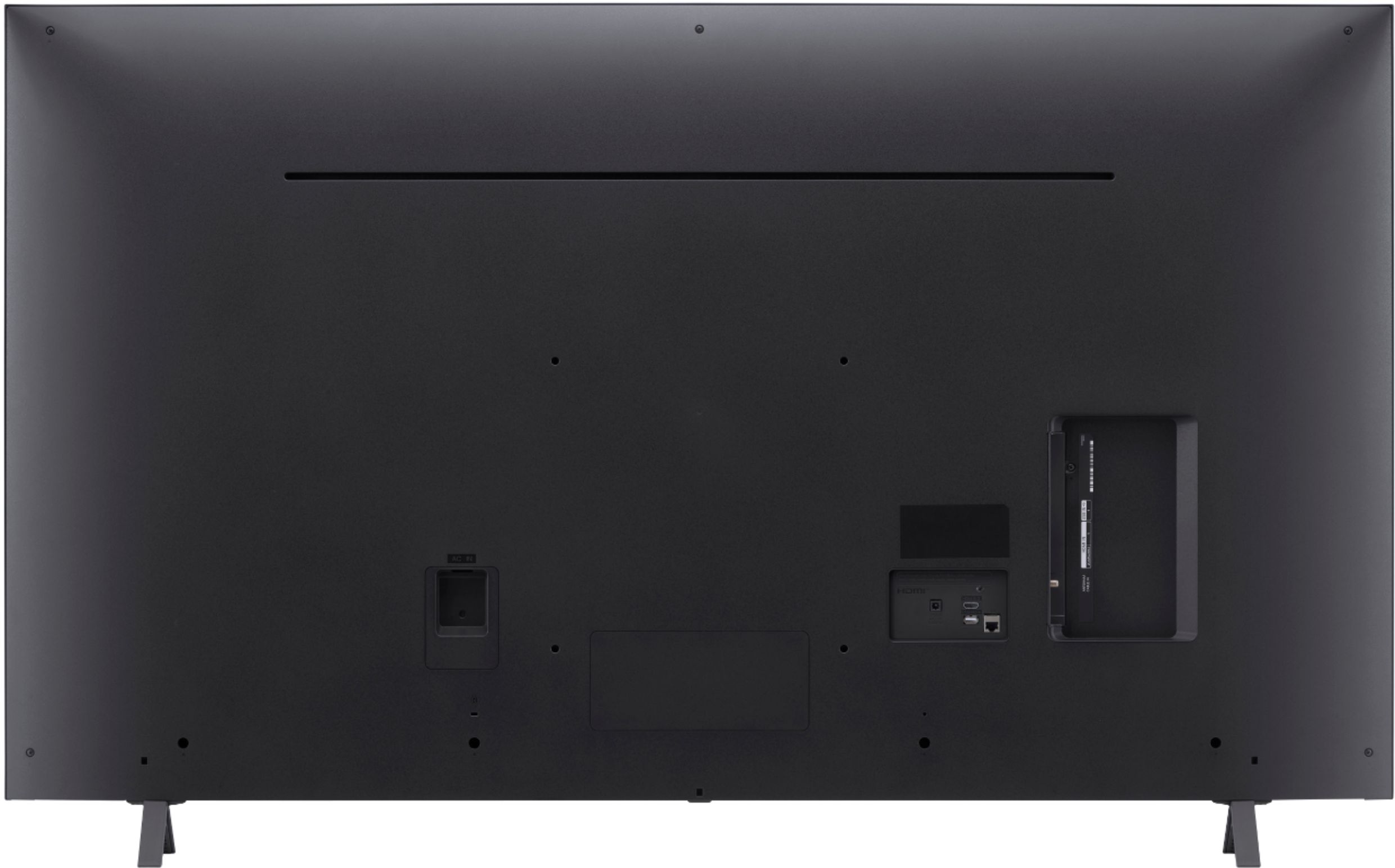
A:AnswerYes you can. Once plugged into the back, press the button that looks like a plug, and the correct option should be lit up, such as HDMI 1 or 2.
A:AnswerThe specifications for model 55UP8000PUA indicate the TV supports a Power Supply of AC 100~240V 50-60Hz. I would advise you to adhere to the warning label at the rear of the TV. ^Daphane