



Black Friday is hereShop new DoorbustersShop now

Skip to content
Gift Ideas
26 Cypress St
Williston, VT 05495
Open until 10 pm
Find Another Store
Main Content

Questions & Answers

Your price for this item is $279.99
Clearance
The comparable value price is $349.99
Page Showing 1-20 of 83 questions
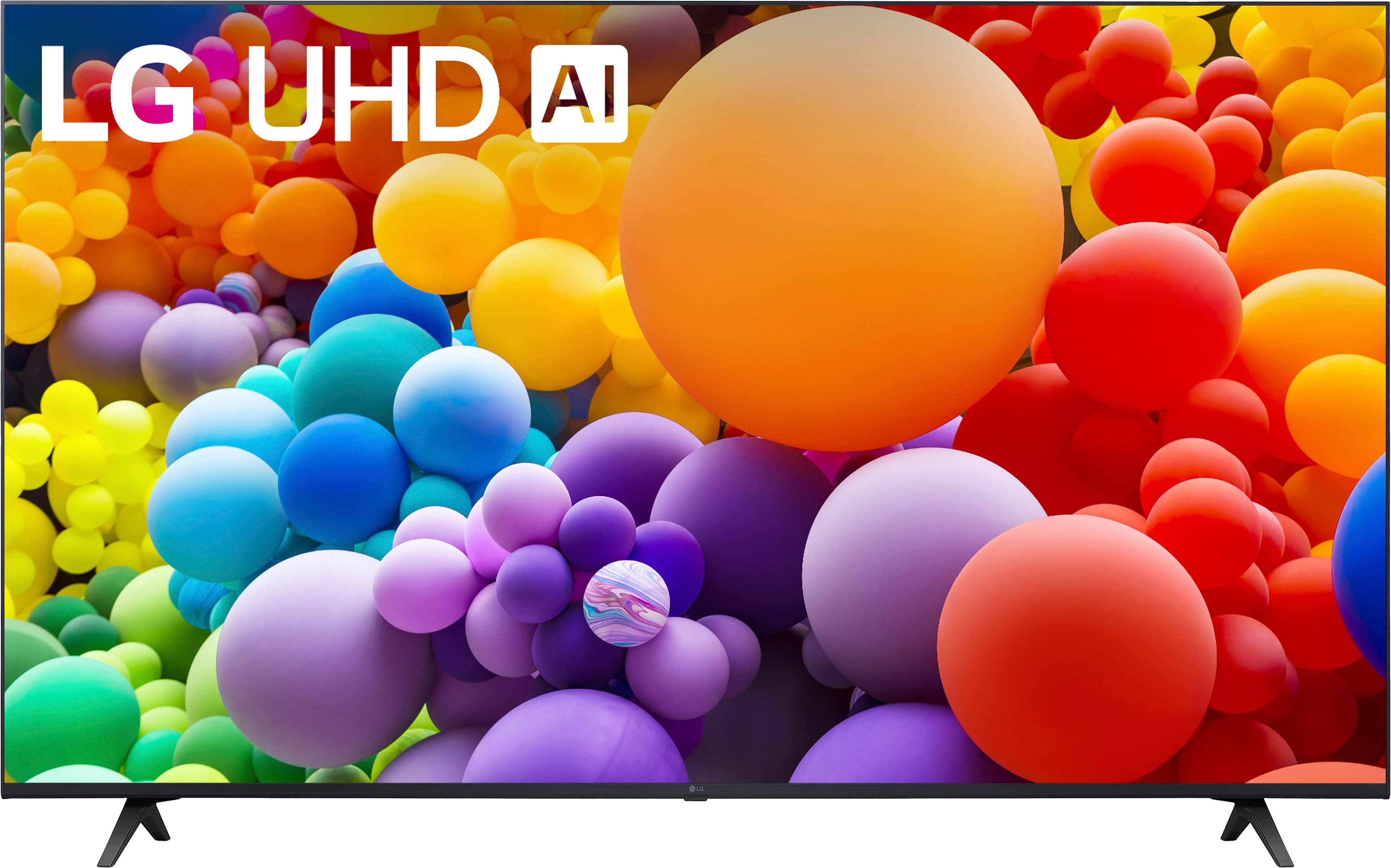
  • QuestionWhat comes included with this LG TV?

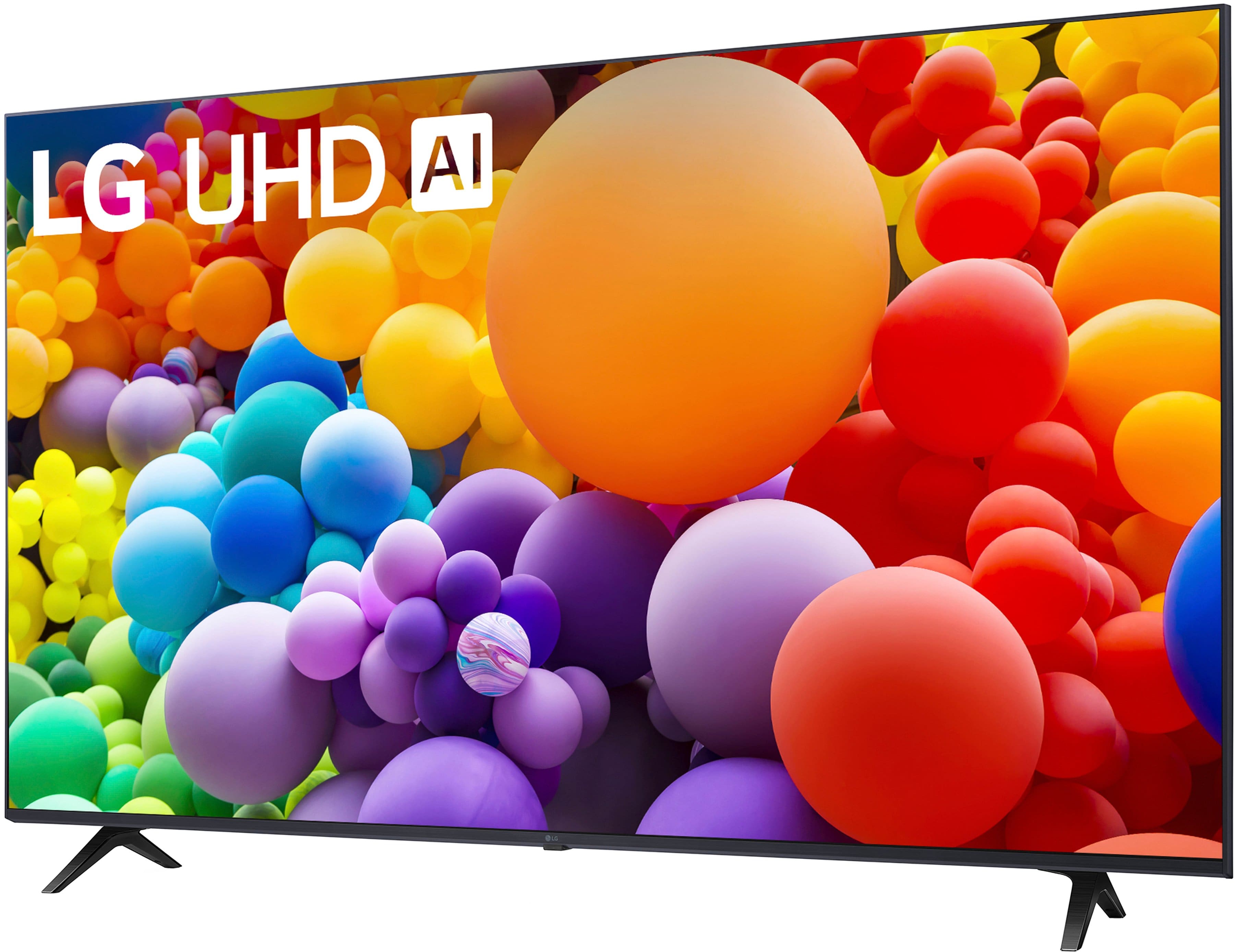
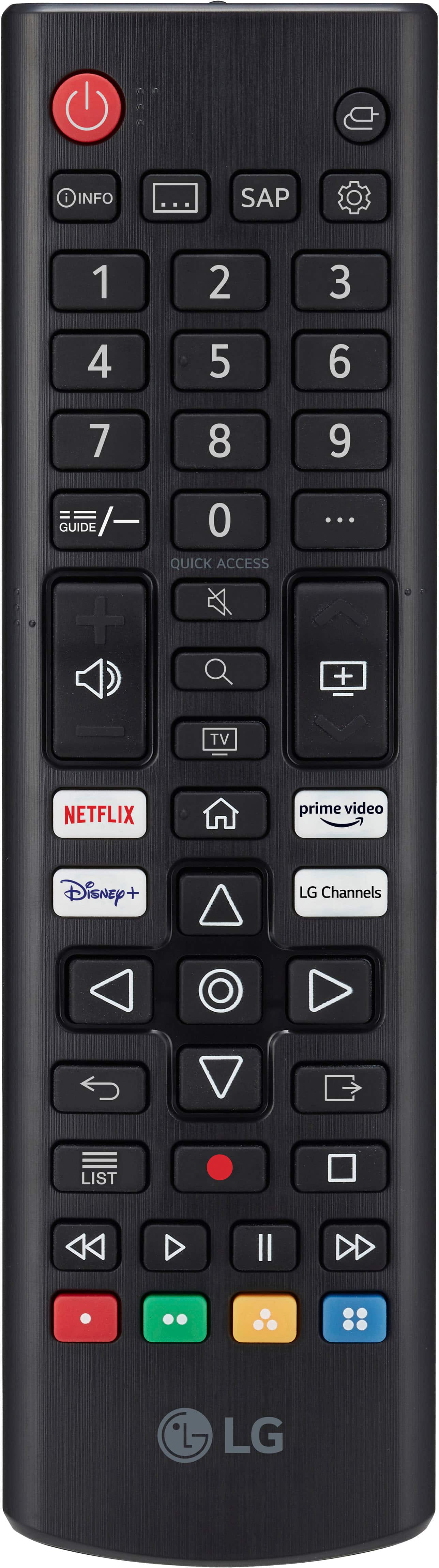
    • Answer This LG TV comes with a stand and a standard remote control.
    This question and answer was generated by AI based on customer and product data.
  • QuestionWhat is the screen size of this LG TV?

    • Answer This LG TV has a screen size of 55.2 inches.
    This question and answer was generated by AI based on customer and product data.

  • QuestionWhat type of audio output does this LG TV have?

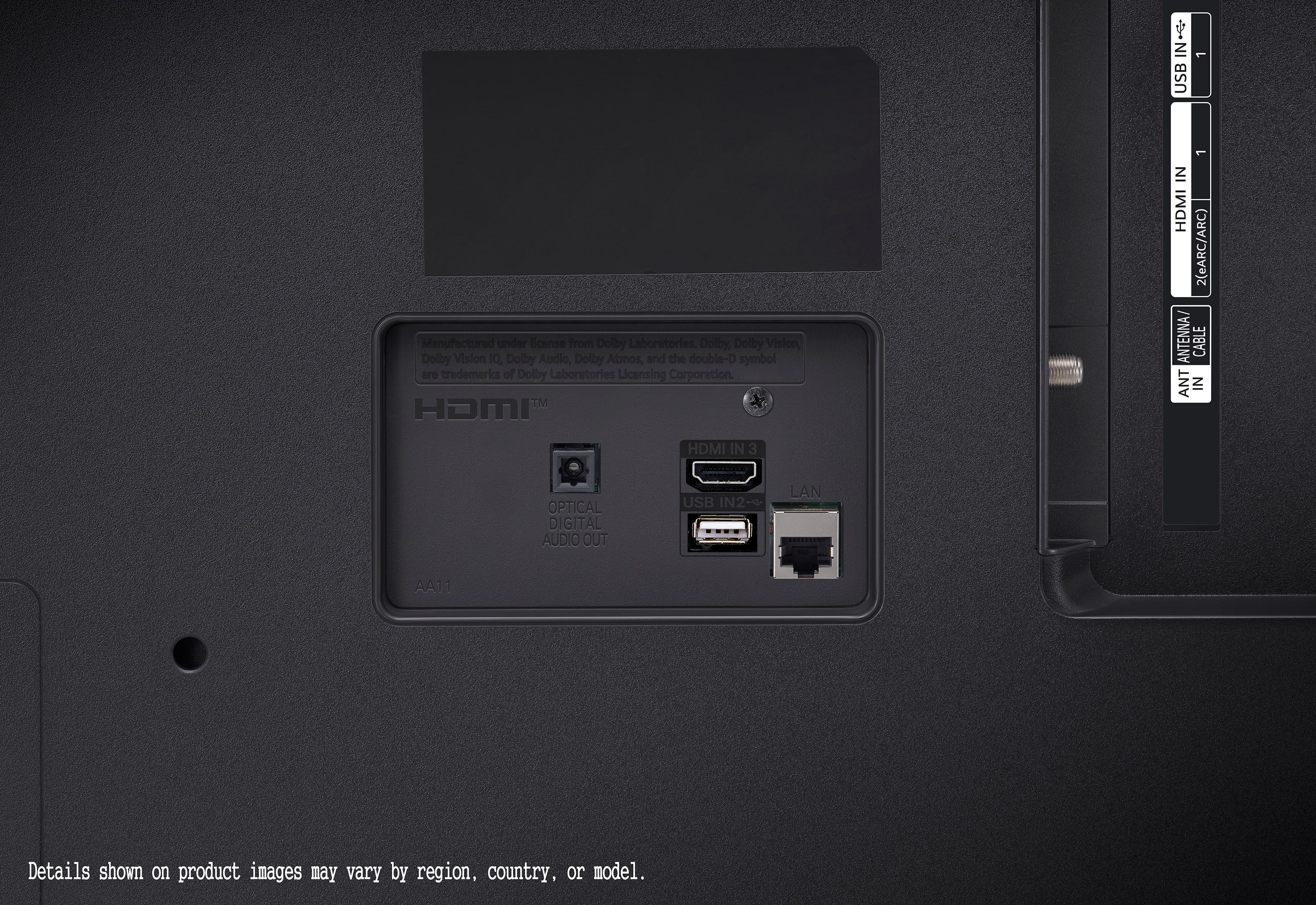
    • Answer This TV has one optical digital audio output.
    This question and answer was generated by AI based on customer and product data.

  • QuestionDoes this TV support HDR content?

    • Answer Yes, this TV supports HDR10 Pro format for enhanced contrast and visuals.
    This question and answer was generated by AI based on customer and product data.

  • QuestionDoes this TV have built-in speakers?

    • Answer Yes, this LG TV has built-in downward firing speakers.
    This question and answer was generated by AI based on customer and product data.

  • QuestionHow many HDMI ports does this TV have?

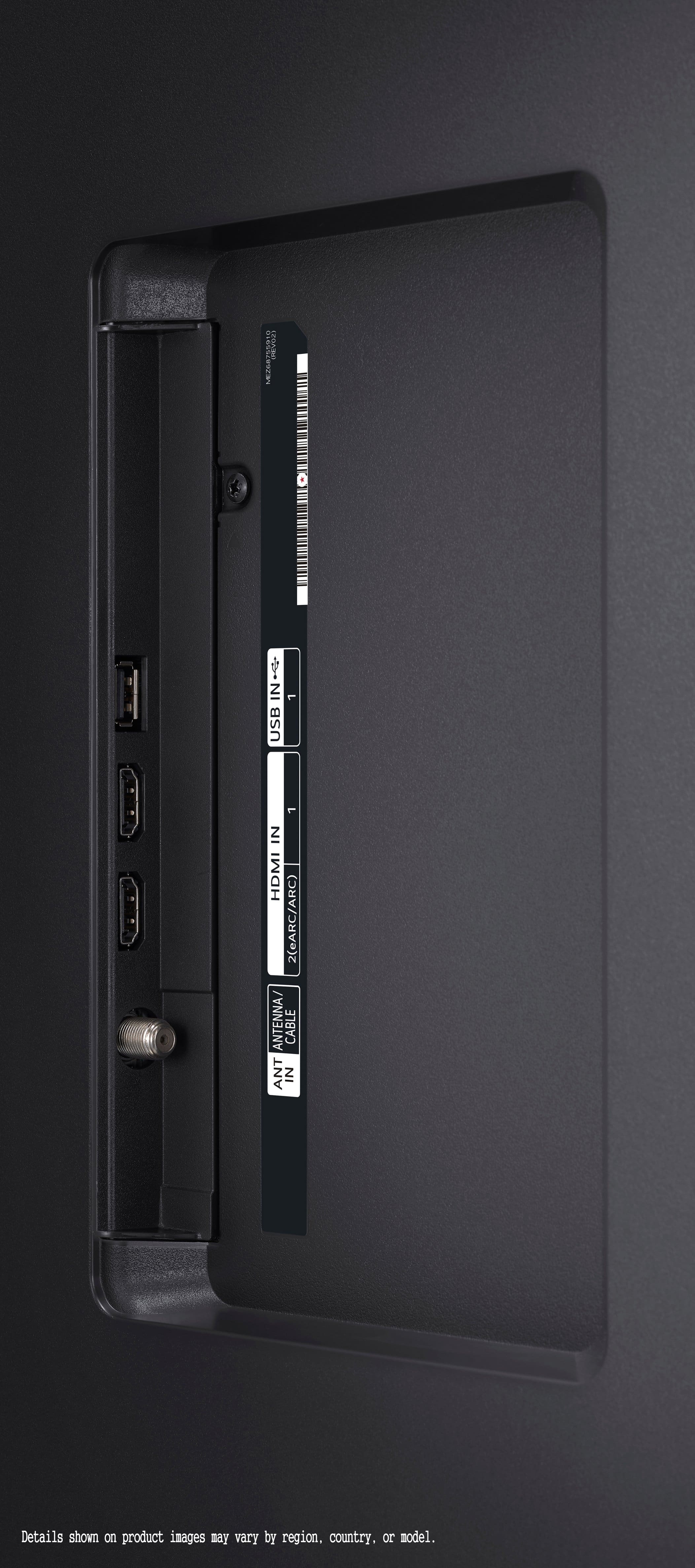
    • Answer This LG TV is equipped with 3 HDMI ports.
    This question and answer was generated by AI based on customer and product data.

  • QuestionSpecifically which magic remote does one get, should they want to, for this TV? And is the magic remote that’s being recommended/suggested, have backlighting? TIA

    Asked by Sorzy63.

    • Answer After verifying the answer the LG Digital Customer Care gave me for my answer, this TV, the 55UT7570PUB, is not listed in the Magic remote they specified. After doing research, it is the MR24GA Magic Remote for this TV. After checking the models listed for this magic remote, this TV is listed. See attached photo.

      Answered by Sorzy63

  • QuestionHow can I get rid of the incredibly bright and unnecessary red light when the TV is turned off?

    Asked by Lk.

    • Answer Hello there! Thank you for reaching out about the 55UT7570PUB TV. To adjust or turn off the bright red light when the TV is turned off, you can access the settings menu by pressing the Home button on your remote. From there, navigate to Settings > General > Additional Settings, and look for options related to Standby LED or Standby Indicator. Adjusting these settings should allow you to dim or turn off the standby LED light. If you need further assistance or the option isn't clear, please send us a private message on Social Media @LGUSSupport. We're here to help! —Renzo

      Answered by LG Digital Customer Care

  • QuestionDoes anyone know a trick to make this model work solely with Roku remote? I've updated the Roku and LG settings, but for some reason, when I turn it on with the Roku, the LG home page comes up and I have to click Roku OTT (HDMI) to get to Roku interface.

    Asked by Poconos.

    • Answer Hello, there. Thank you for your question about the LG 55UT7570PUB TV and Roku compatibility. To ensure seamless operation with your Roku remote, follow these steps: Ensure that HDMI-CEC (Consumer Electronics Control) or similar settings are enabled on both your LG TV and Roku device. This feature allows devices to communicate and control each other over HDMI. Set the default input on your LG TV to the HDMI port where your Roku device is connected. This can usually be adjusted in the TV settings under "Input" or "Source." If the LG home page appears when turning on the TV with the Roku remote, try pressing the input/source button on the Roku remote to switch directly to the Roku interface without navigating through the LG interface. Ensure both your LG TV and Roku device have the latest firmware updates installed, as these updates can improve compatibility and functionality. If the issue persists, refer to the user manuals of both devices for specific troubleshooting steps or contact our customer support team via @LGUSSupport for further assistance. We appreciate your patience and understanding as we work to enhance your viewing experience with LG and Roku. ^Sam

      Answered by LG Digital Customer Care

  • QuestionCan you connect speakers to the TV using blue tooth?

    Asked by JP.

    • Answer Yes, we bought a LG Soundbar and connected via Bluetooth. It sounds great!

      Answered by DaleF

  • QuestionIs this TV compatible with Amazon Fire Stick?

    Asked by Debra.

    • Answer Yes he who is a fire stick I have one on my television

      Answered by ArmandoR

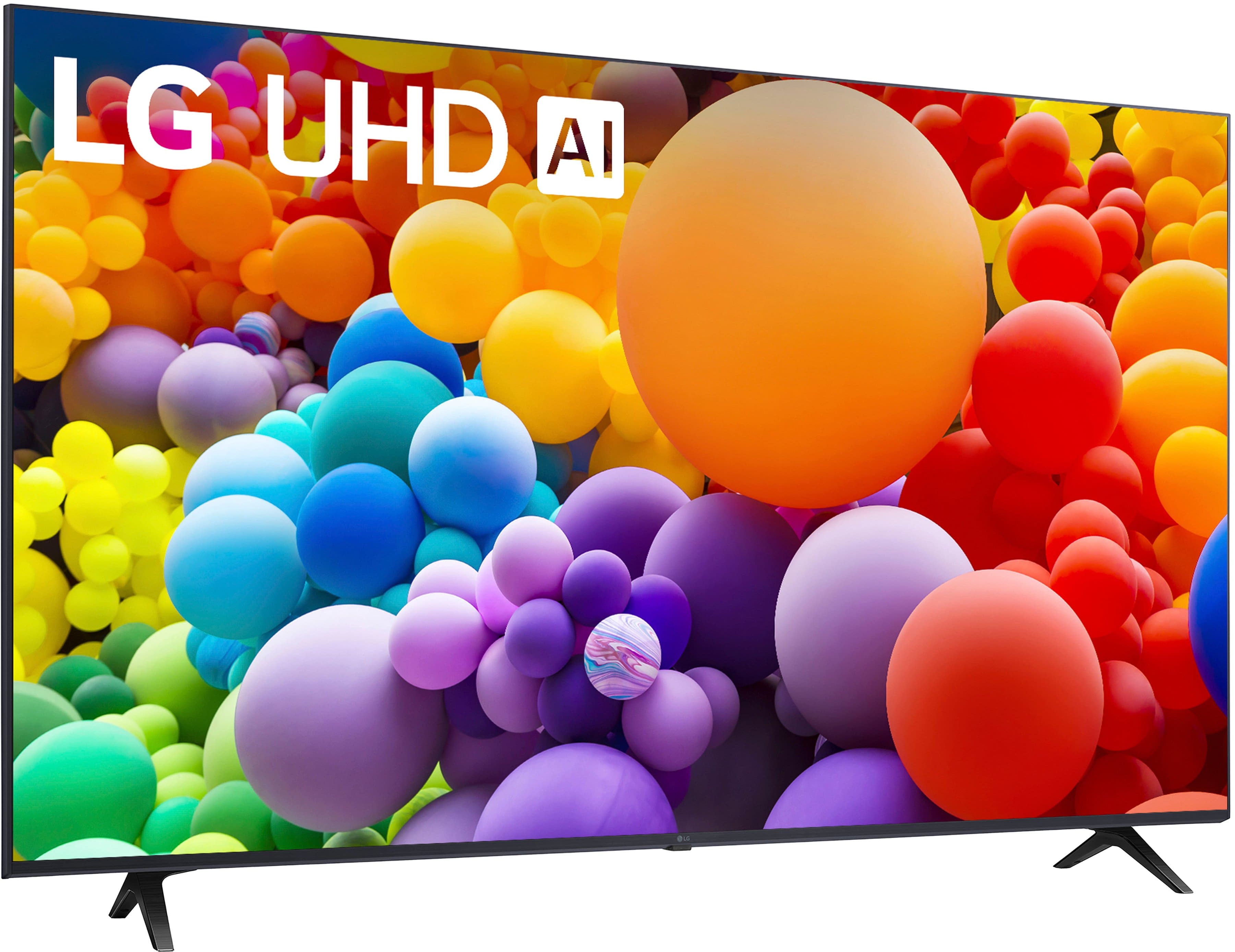
  • QuestionCan you change the stands to a center stand?

    Asked by IB52.

    • Answer Yes. Bought our glass stand from Amazon. Works with the same premise as a wall mount. Will take 2 people to hang it on the stand.

      Answered by MacK

  • QuestionI have an existing wall mount and bracket. What size screw fits into the back of this TV?

    Asked by SES17.

    • Answer The LG 55” Class UT75 Series LED 4K UHD Smart webOS TV (2024), Model # 55UT7570PUB is a VESA-compliant display with a 200 x 300 mm VESA Mount Pattern. The metric width for the screws that will fit into the VESA mount holes is M6 (i.e. 6 mm). The length of the screws is dependent on how thick (or the depth) of your existing wall mount and bracket. When you purchased your existing wall mount and bracket, it should have come with two or three sets of screws with varying lengths and spacers that you can use if the screws are too long. Check the instruction manual for your wall mount and bracket to see the lengths of the screws that came with it or contact the manufacturer. If the wall bracket and mount are VESA-compliant and they support the TV's VESA Mount Pattern, you can use them to mount the TV. You'll just need spacers for the screws if they are too long or purchase screws with a shorter length from home improvement stores like Home Depot or Lowes...^Ivan.

      Answered by LG Digital Customer Care

  • QuestionCan you get a voice control remote for this tv

    Asked by Bsvs.

    • Answer Hi there. The LG 55UT7570PUB TV is compatible with the LG Magic Remote (MR24GN), which supports Intelligent Voice Recognition and features a built-in microphone for voice commands. This remote allows you to navigate your TV more easily with point-and-click controls and voice search. https://www.lg.com/us/tvs/lg-55ut7570pub-4k-uhd-tv#pdp_specs If you need help finding the remote or setting it up, feel free to send us a private message on social media @LGUSSupport, and we’ll be happy to assist you. —Renzo

      Answered by LG Digital Customer Care

  • QuestionHow does one switch from a streaming app to live television?

    Asked by Raymundo.

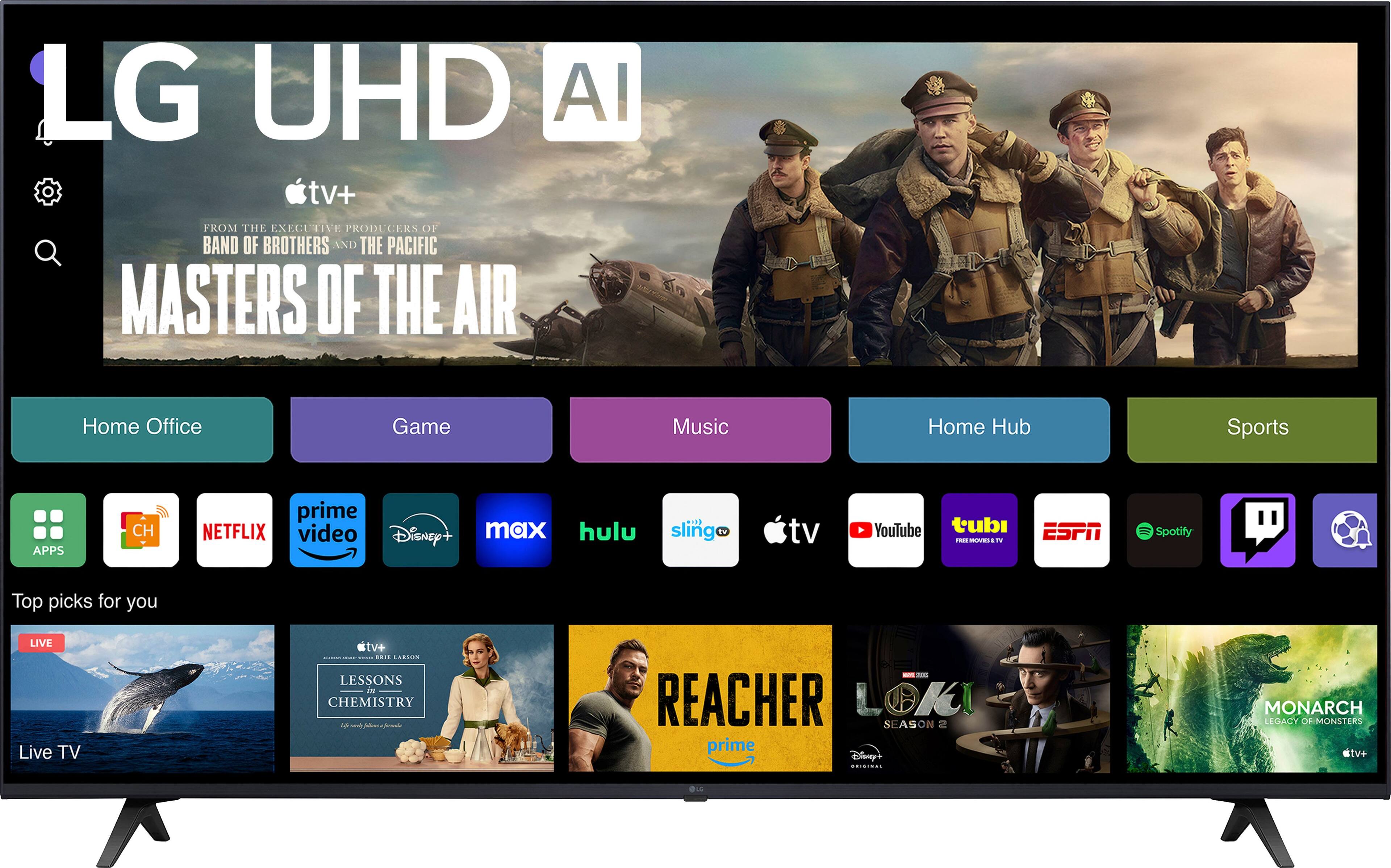
    • Answer Hi there, Raymundo. Thank you for reaching out to us. We understand that you'd like to know how to switch from a streaming app to live television on your LG 55UT7570PUB 4K UHD TV. To switch from a streaming app to live TV, follow these simple steps: Press the "Home" button on your Magic Remote. Navigate to the "Live TV" option on the Home screen. You can also access it directly by selecting the "TV" option from the quick menu if available. Once selected, the TV will switch from the streaming app to live television. If you don't have a Magic Remote, you can use the regular remote to navigate using the on-screen menu as well. https://www.lg.com/us/tvs/lg-55ut7570pub-4k-uhd-tv#pdp_specs Please send us a private message on Social Media @LGUSSupport, and we'd be happy to assist you further if you need any more help. We appreciate your patience! —Renzo

      Answered by LG Digital Customer Care

  • QuestionCountry of origion?

    Asked by pshug.

    • Answer If mean where I live in the USA. The TV is made in Asia. Not sure if its China or Vietnam.

      Answered by KevinG

  • QuestionDoes this model have an optical output

    Asked by Jaaa.

    • Answer Yes, this model does an an optical output.

      Answered by JayMak

  • QuestionDoes this have the Peacock app

    Asked by Anonymous.

    • Answer The Peacock app is a preinstalled app on the LG 55” Class UT75 Series LED 4K UHD Smart webOS TV (2024), Model # 55UT7570PUB...^Ivan.

      Answered by LG Digital Customer Care

  • QuestionCan you provide me the standard part number for the remote control Model #: 55UT7570PUB

    Asked by Anonymous.

    • Answer AKB76040303 is the part number for the standard remote control that is an included accessory with the LG 55” Class UT75 Series LED 4K UHD Smart webOS TV (2024), Model # 55UT7570PUB...^Ivan.

      Answered by LG Digital Customer Care