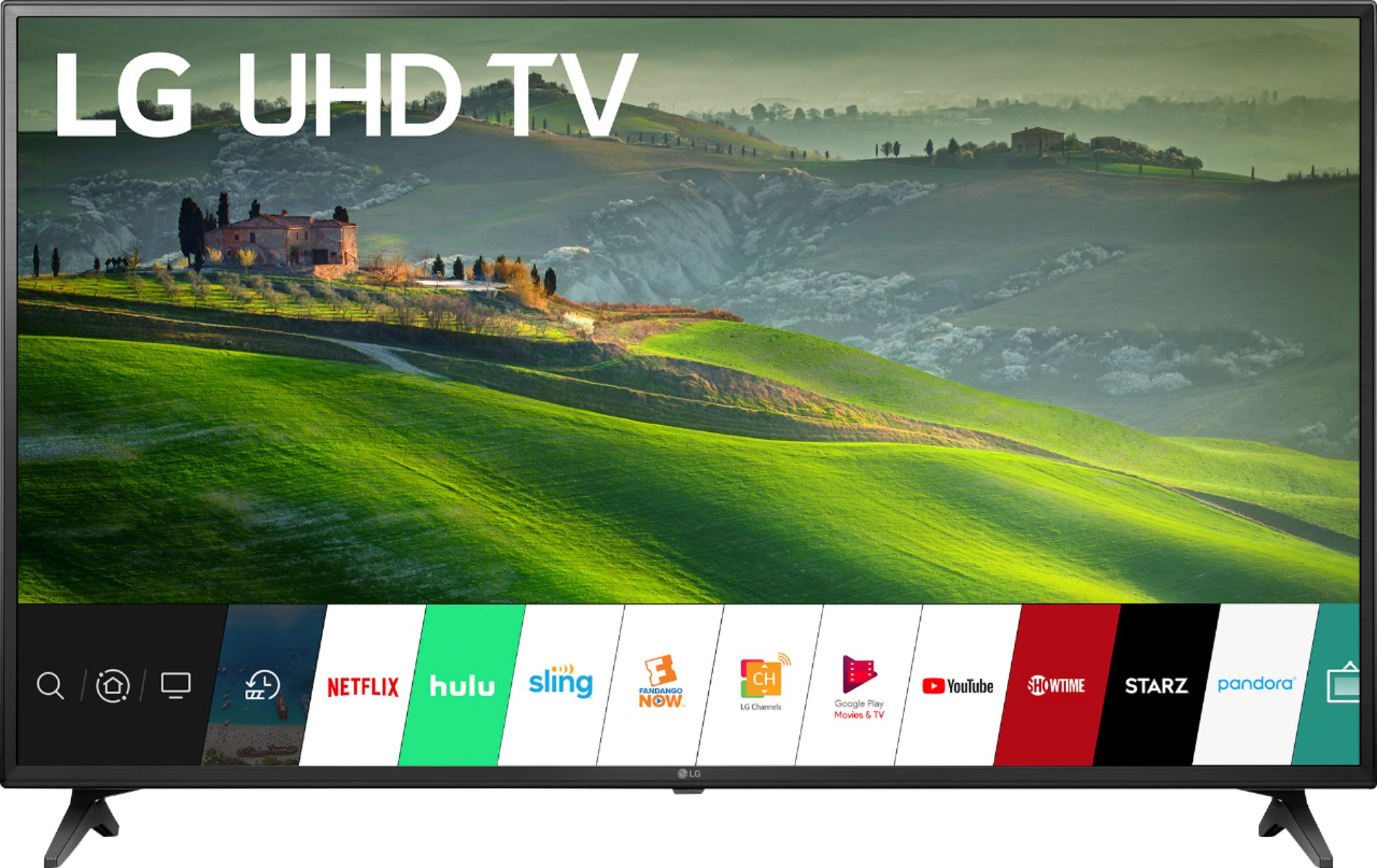
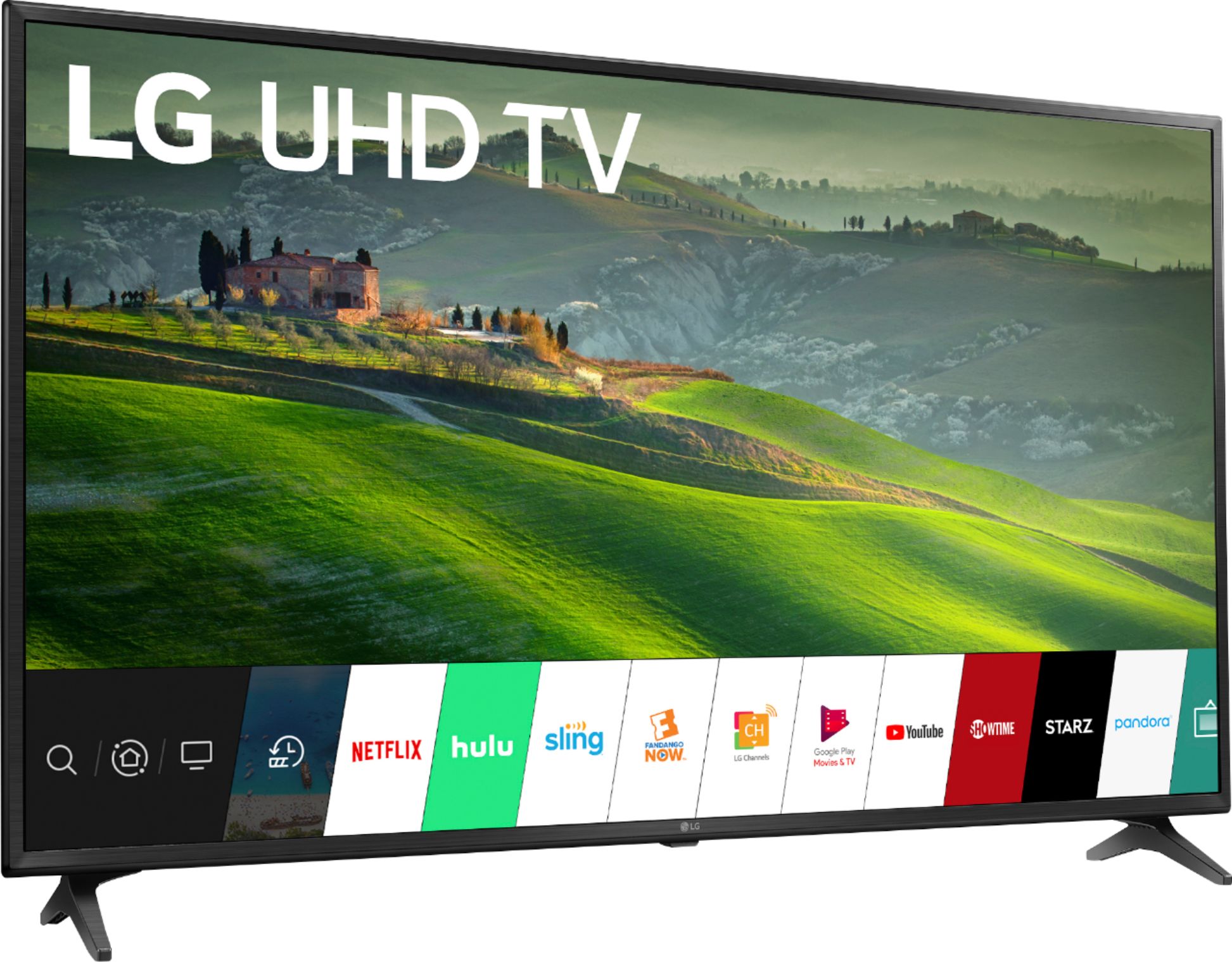
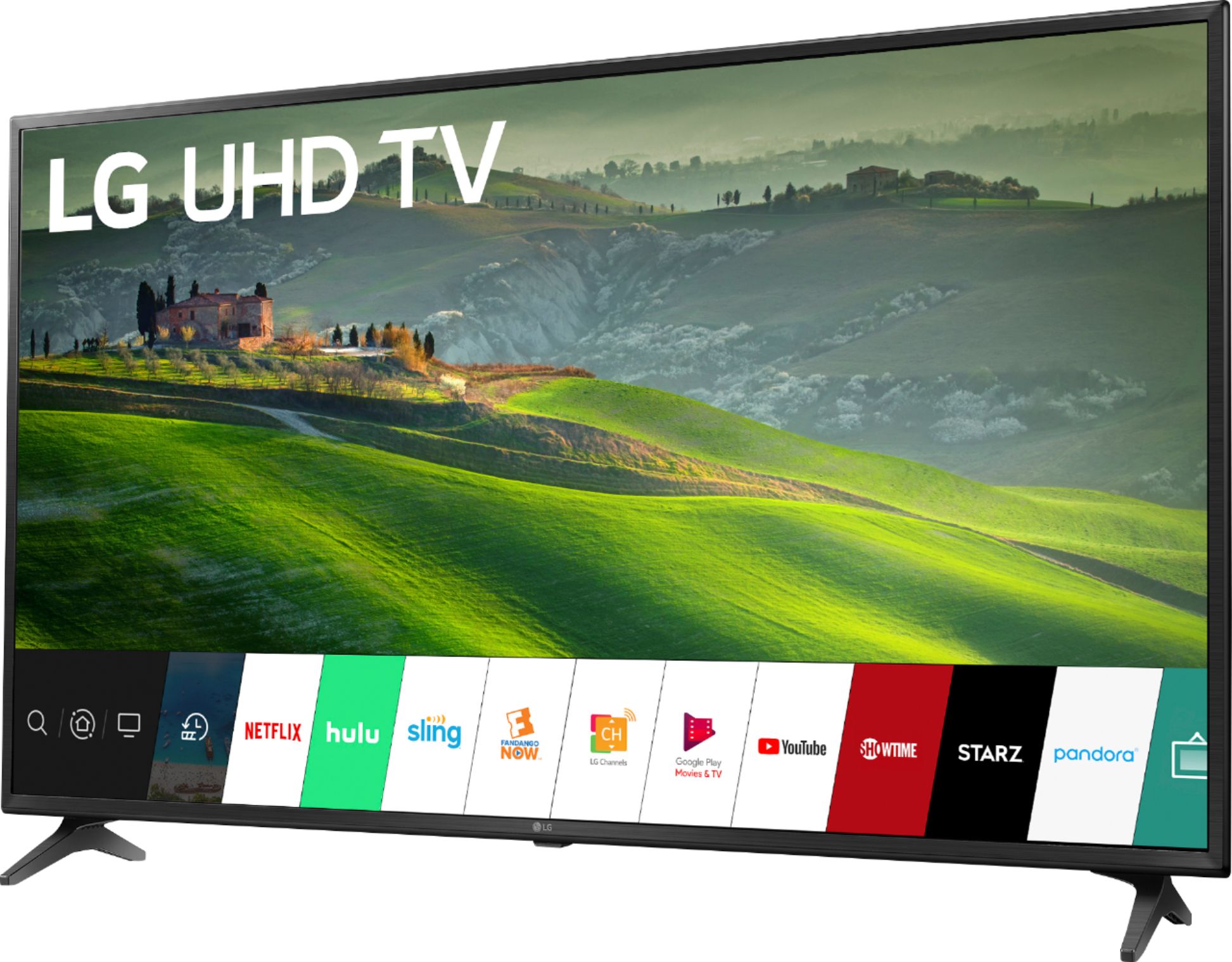
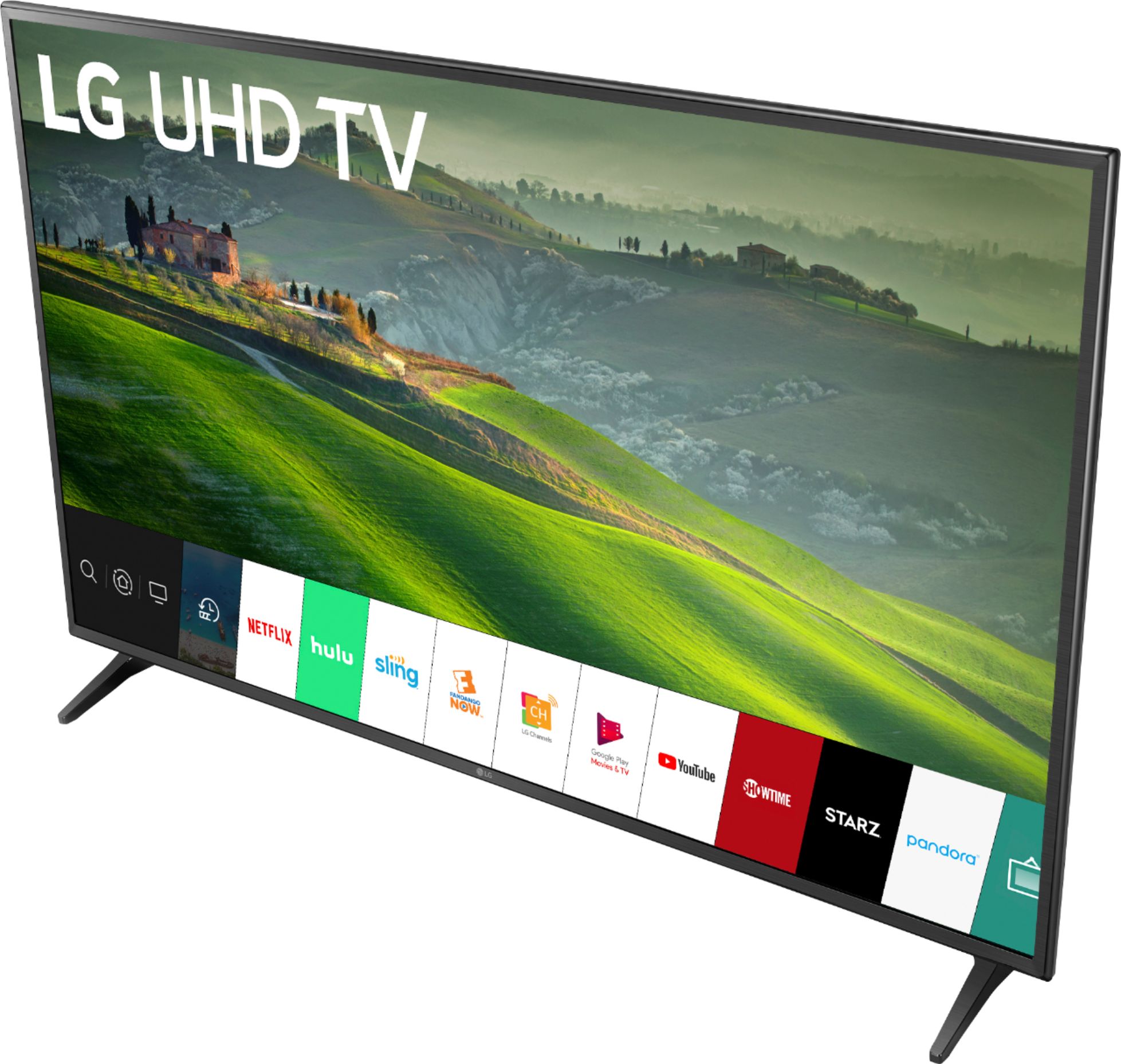
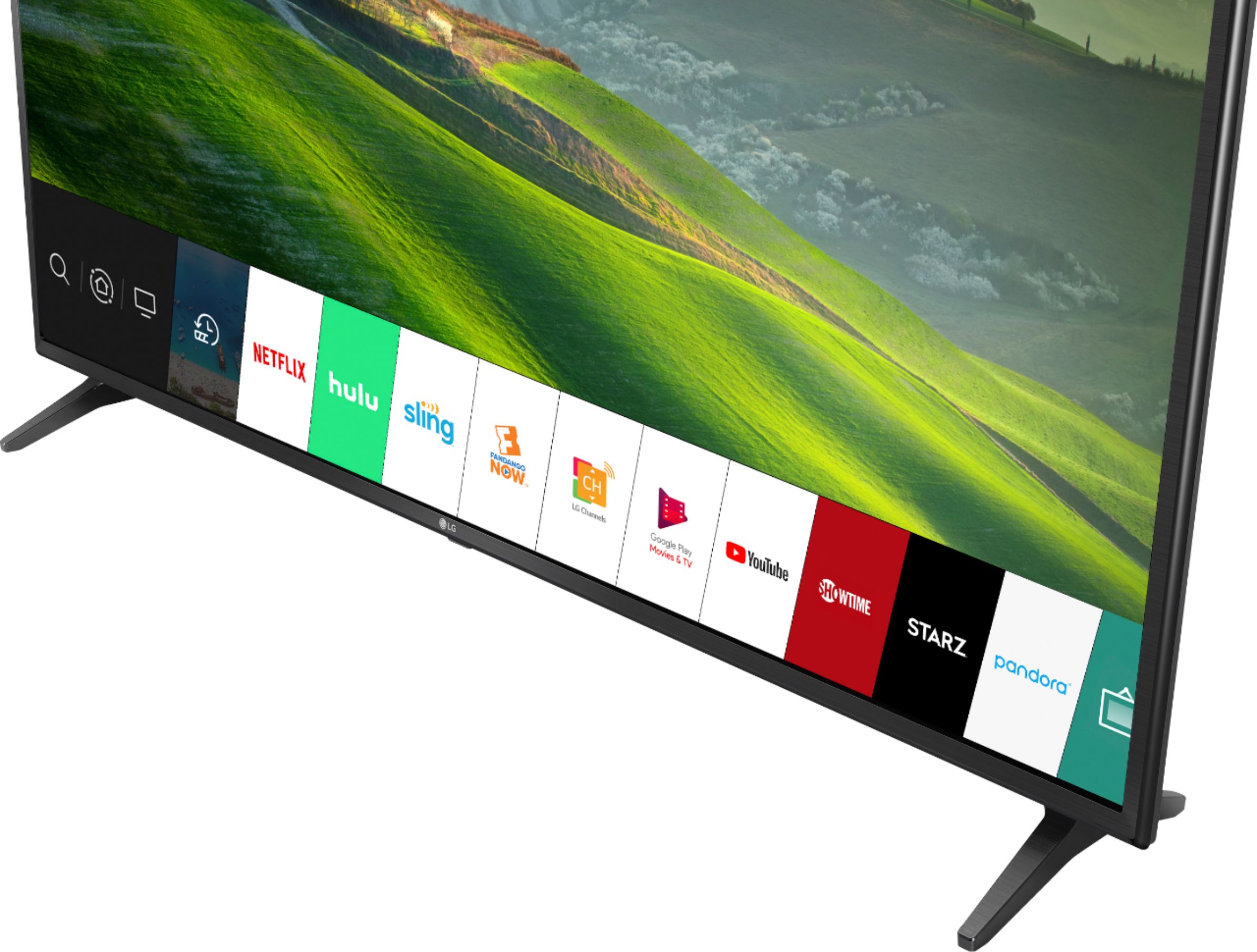
A:AnswerMost audio and video patch cables are not suitable for in-wall installation. Some HDMI cables that are rated for in-wall use don't support 4K or HDR video. Best Buy's Geek Squad® are professionals who will know what HDMI cables are rated for in-wall use and can recommend one that will be suitable for the LG 60 inch Class 4K Smart UHD TV (59.5'' Diag), Model # 60UM6900PUA that supports 4K and HDR. Be sure to inform them that you need to have the HDMI cable installed in the wall if you are looking to have it installed in a wall...^IFV
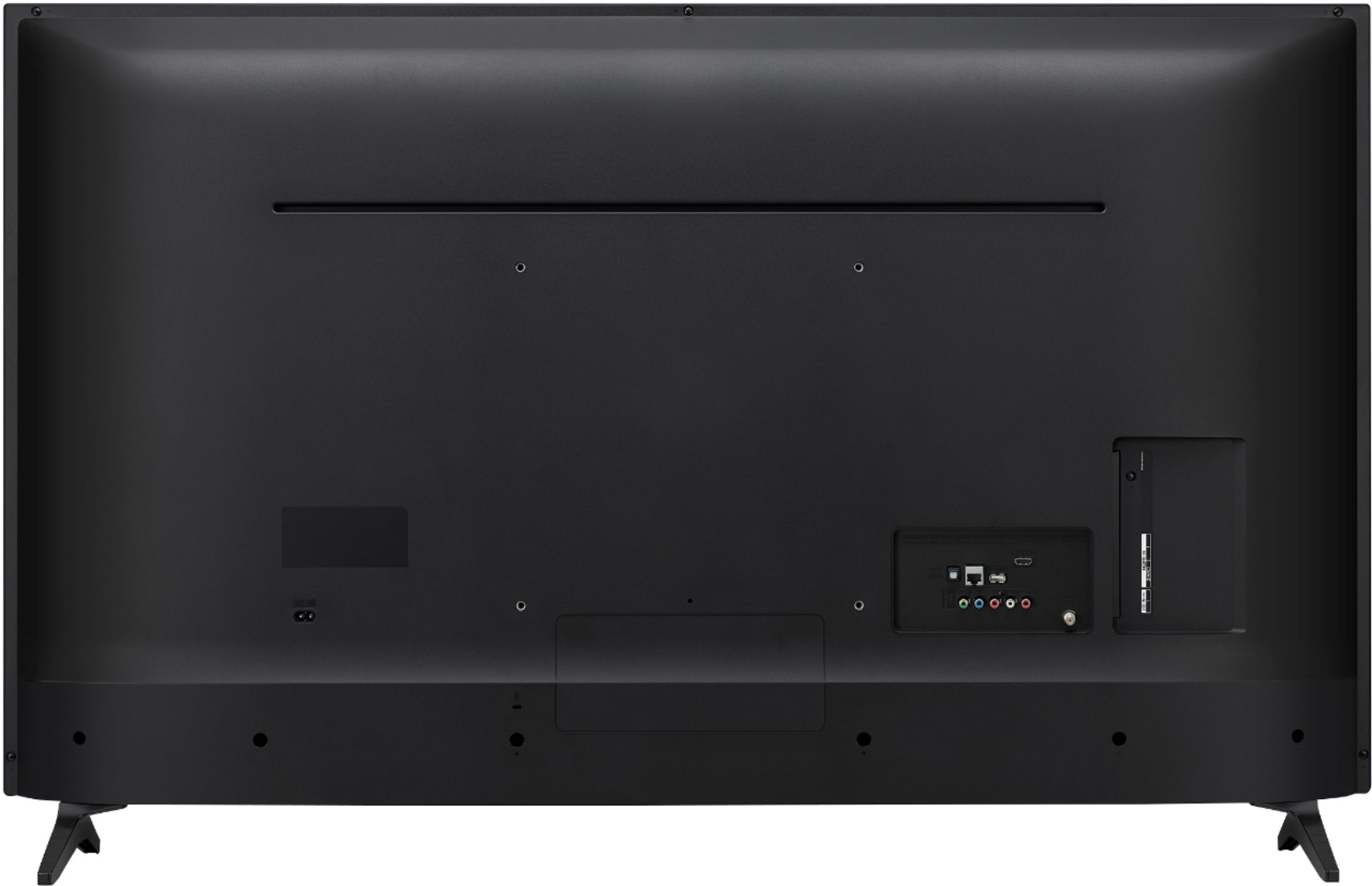
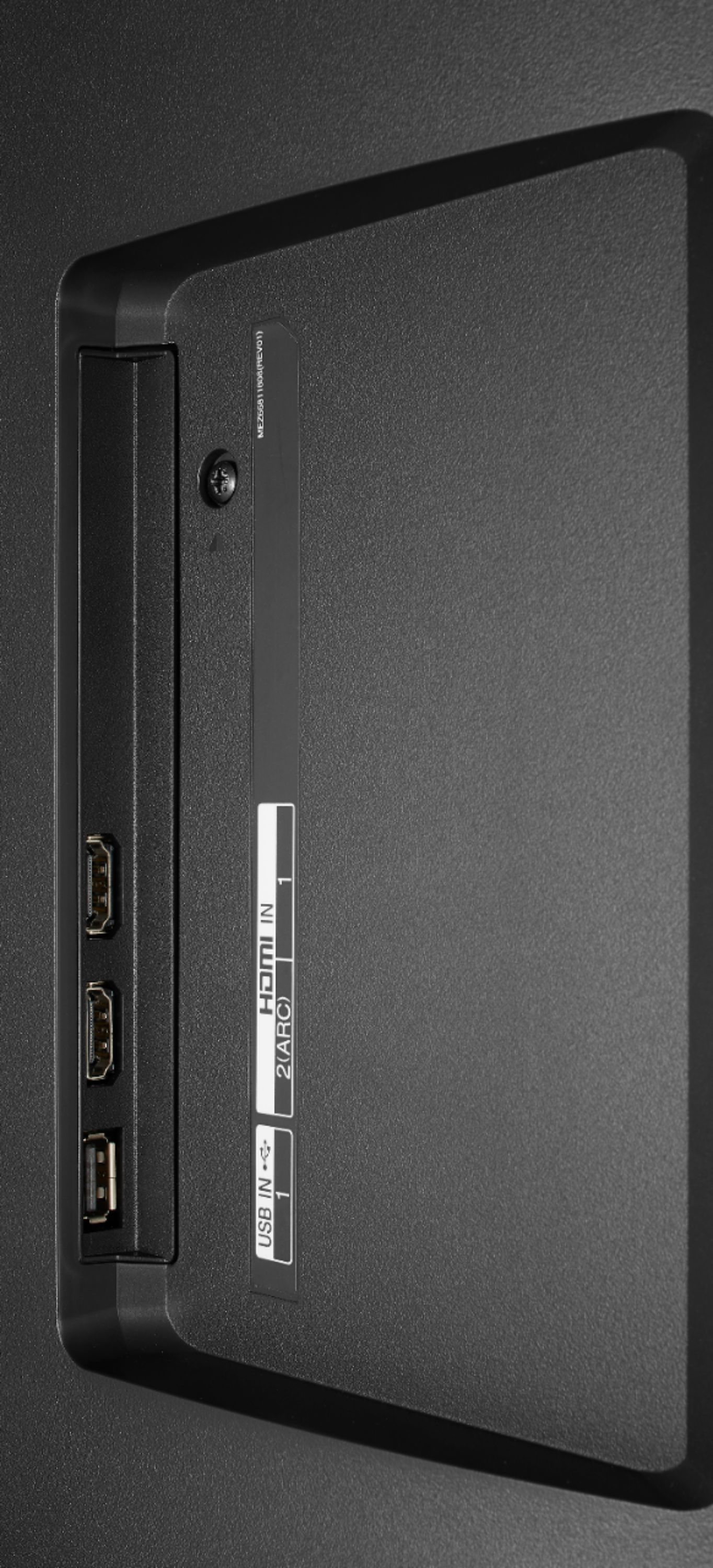
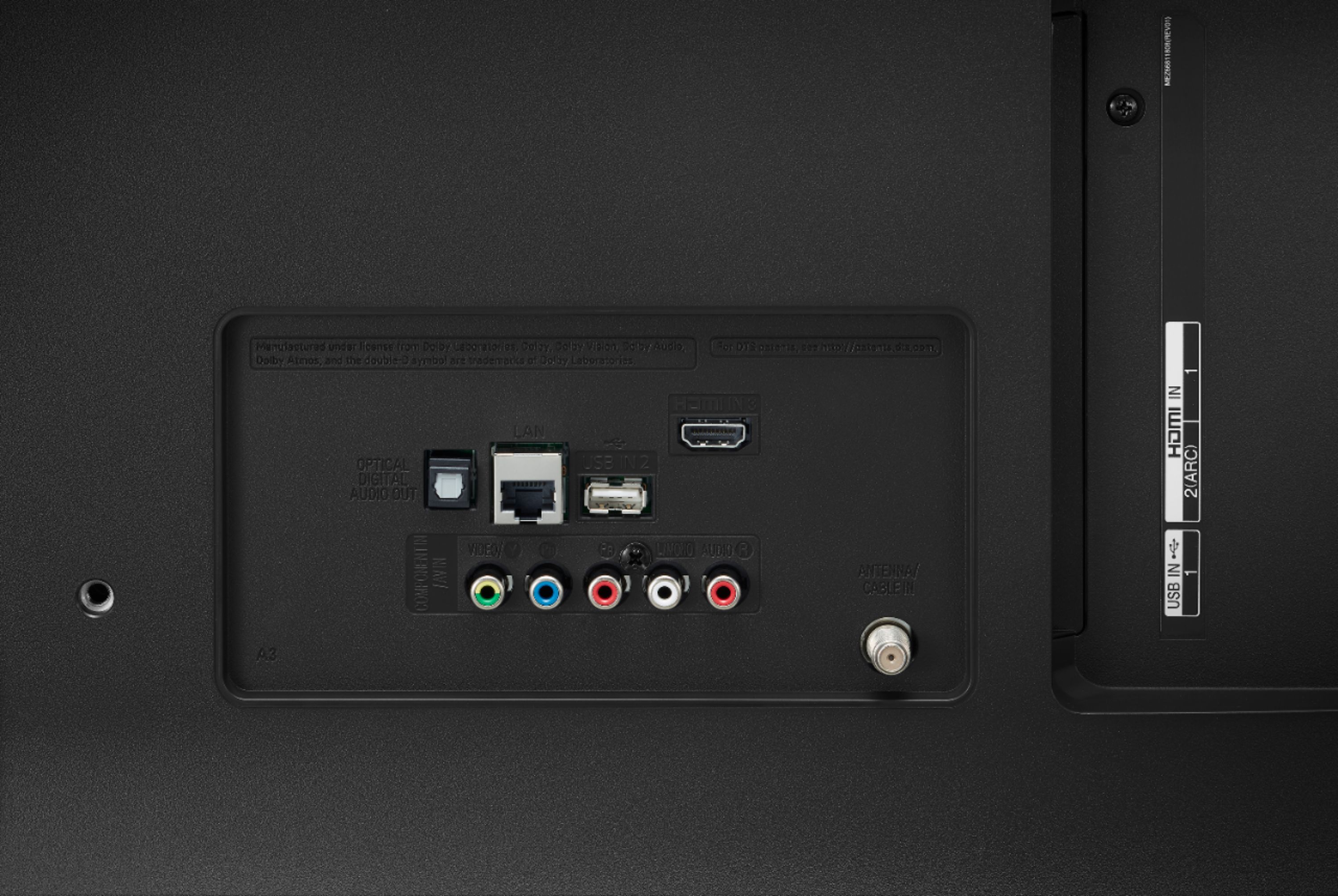
A:AnswerAll the HDMI ports on the LG 60 inch Class 4K Smart UHD TV (59.5'' Diag), Model # 60UM6900PUA are HDMI 2.0 ports and they are all HDCP 2.2 compliant ports...^IFV
A:AnswerIn the settings menu for the LG 60 inch Class 4K Smart UHD TV (59.5'' Diag), Model # 60UM6900PUA under Trumotion are settings for De-Judder and De-Blur. You can use the De-Judder setting to adjust juddering on the screen...^IFV
A:AnswerThe 60UM6900PUA is a 4K TV capable of connecting to a video game system via HDMI. We would recommend reaching out to PlayStation regarding the requirements of the PS4 Pro. ^CP
A:AnswerYou can find information regarding what commands you can give your Alexa from the following article: https://www.lg.com/us/support/works-with-google-alexa-voice-assistant ^CP
A:AnswerThe UM7300 series is a much higher tiered series so it will have a better picture. A side by side comparison can be made here: http://www.lg.com/us/compare/compare.lg?category=/us/tvs this shows all the differences between the two models. The UM6900PUA series has a VA panel. Pixel structure is not able to be provided. We apologize for the inconvenience. If you have additional questions, you can contact our Customer Support by any of the below options:
Phone: 1-800-243-0000
LiveChat: https://www.lg.com/us/support/chatbot
Email: https://www.lg.com/us/support/email-appointment
Facebook Messenger: https://www.facebook.com/LGUSA/
Twitter: @LGUSSupport
The LG Community Forum is also a great resource for getting help from other LG customers: https://lgcommunity.us.com/
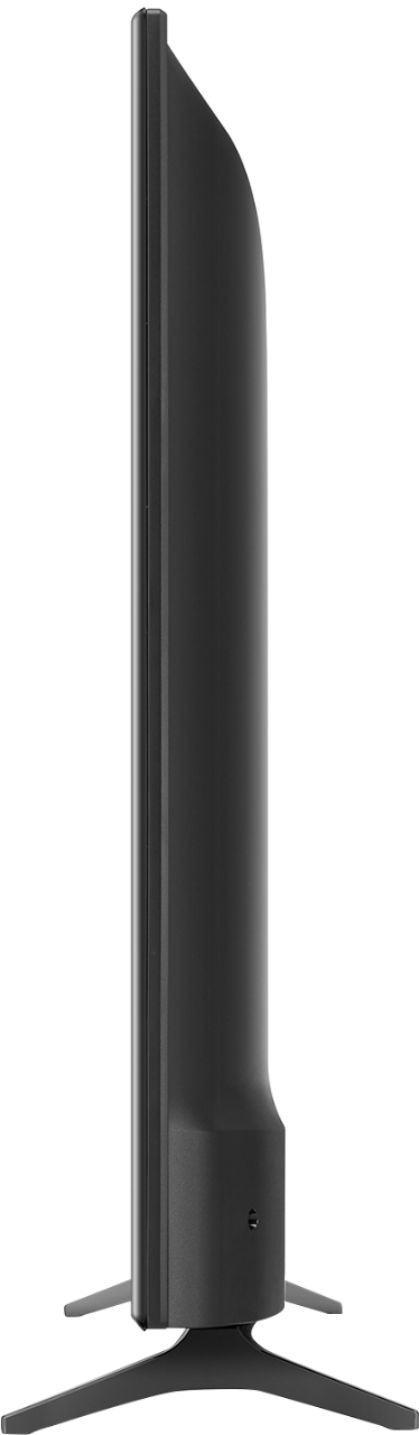
A:AnswerIf your TV has standard VESA 200 through 600 (something like that -- mine is 300 x 300) mounting holes, you can purchase a 'universal' stand that sits under the center of the TV with a large tempered glass pedestal underneath for the tabletop/furniture surface, many of which swivel easily and are adjustable for height, for about 30-80 bucks. Looks very good from the front particularly. Or, you can buy one of the same sort of kits that includes L-shaped legs, screwed into the same holes on the TV, that will only be as far apart as the distance between those VESA mounting holes (about 12 inches on mine), and those go for around 20$ or less. The first type I think looks the best, but the second raises the TV noticeably, which looks pretty strange unless you need the extra 4-8 inches between the bottom of the TV and the tabletop for a large center channel speaker (or soundbar), which basically hides those stick-figure legs. The first looks the best, and once the safety screws have been put in place, the whole TV and pedestal can be moved around as one unit. The other are far easier to install and much less expensive, and there is at least one brand that cants the legs out at about 45 degrees at the bottom, so that 12 inch distance on my TV would sit on two legs spaced 15 or 16 inches apart, and these looks a little better too, in my opionion. I bought one of each type with all screws and such included (about $70 and $20, respectively) for my two large screen televisions (43" Sony and 60" LG) at Amazon, as well as some easy to mount safety straps to prevent the very remote possibility of the TV ever tipping over forward (not necessary, but belt AND suspenders, if you take my meaning). Buy good quality medium priced hardware -- you do get what you pay for.