A:AnswerYes screen mirroring is quite simple. Simply turn it on on your phone and the TV should show up as a compatible device. Select it and you're in business.
A:AnswerThe volume buttons are on the side of the remote. It even has a mute button. As far as the channels once you set up the TV with either cable or antenna the cross button in the middle of the remote allows you to change channels. It's very easy.
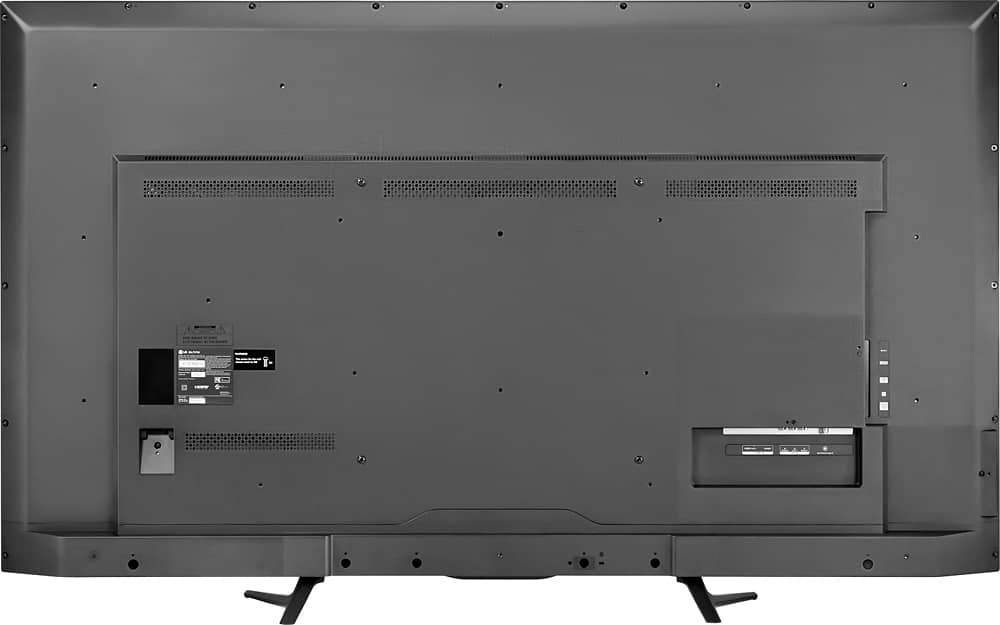
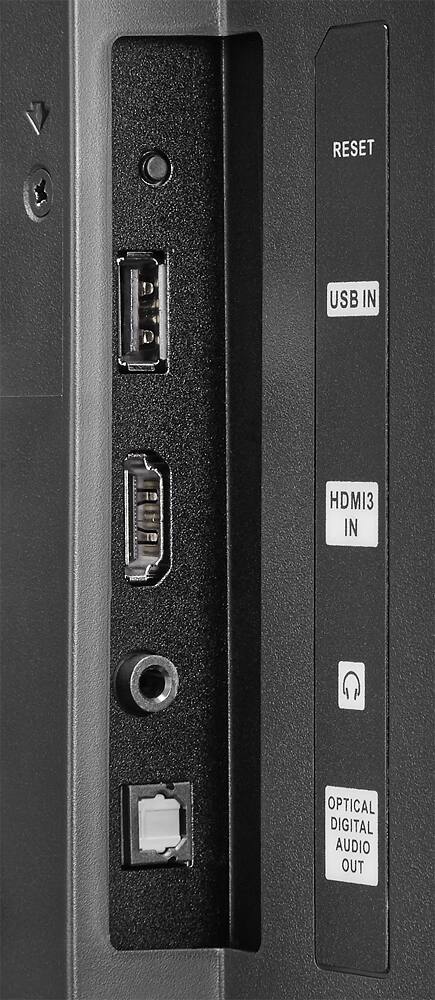
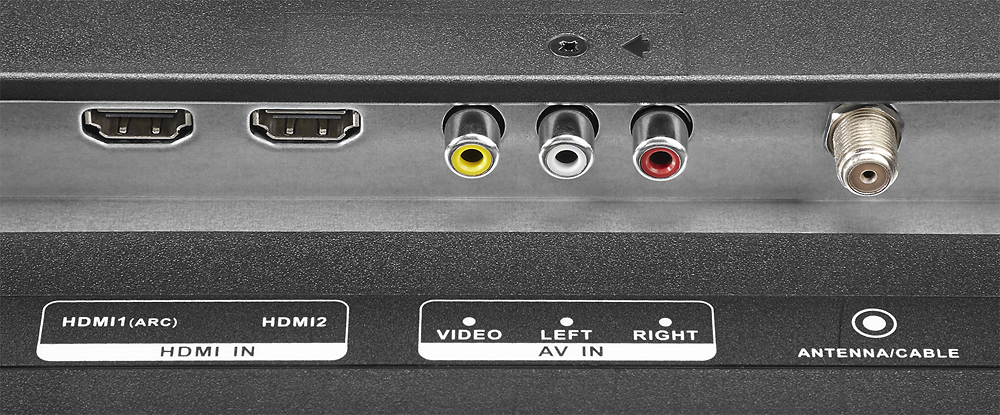
A:AnswerI do not see why not. Have the proper connection cables and it should work fine. Will probably need to adjust the computer resolution so it will be clear.