Black Friday is hereShop new DoorbustersShop now

Main Content

Questions & Answers

Your price for this item is $559.99
Clearance
The comparable value price is $699.99
Page Showing 21-29 of 29 questions
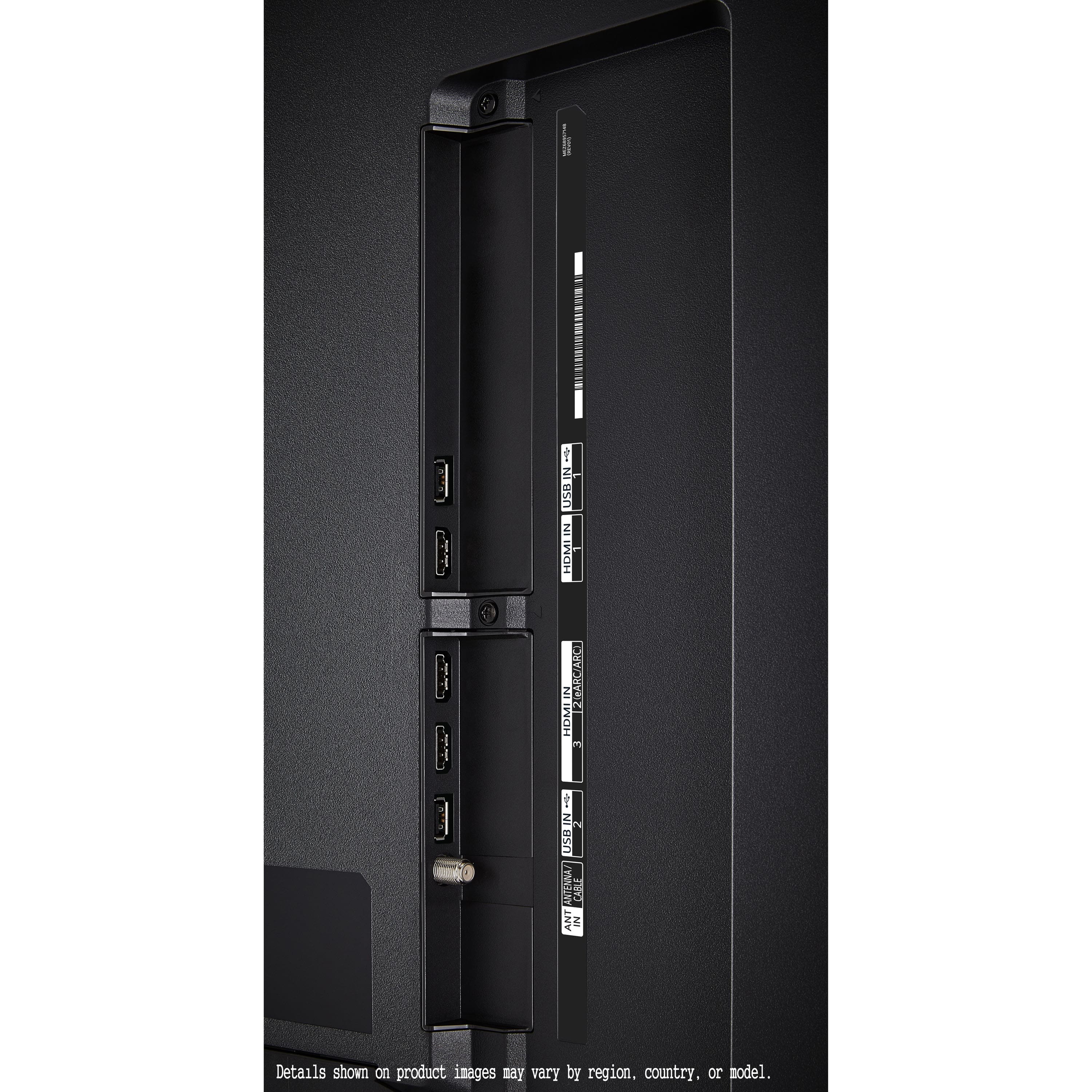
  • QuestionWhere on the LG65 do I plug in the sound bar HDMI arc cable

    Asked by Dick.

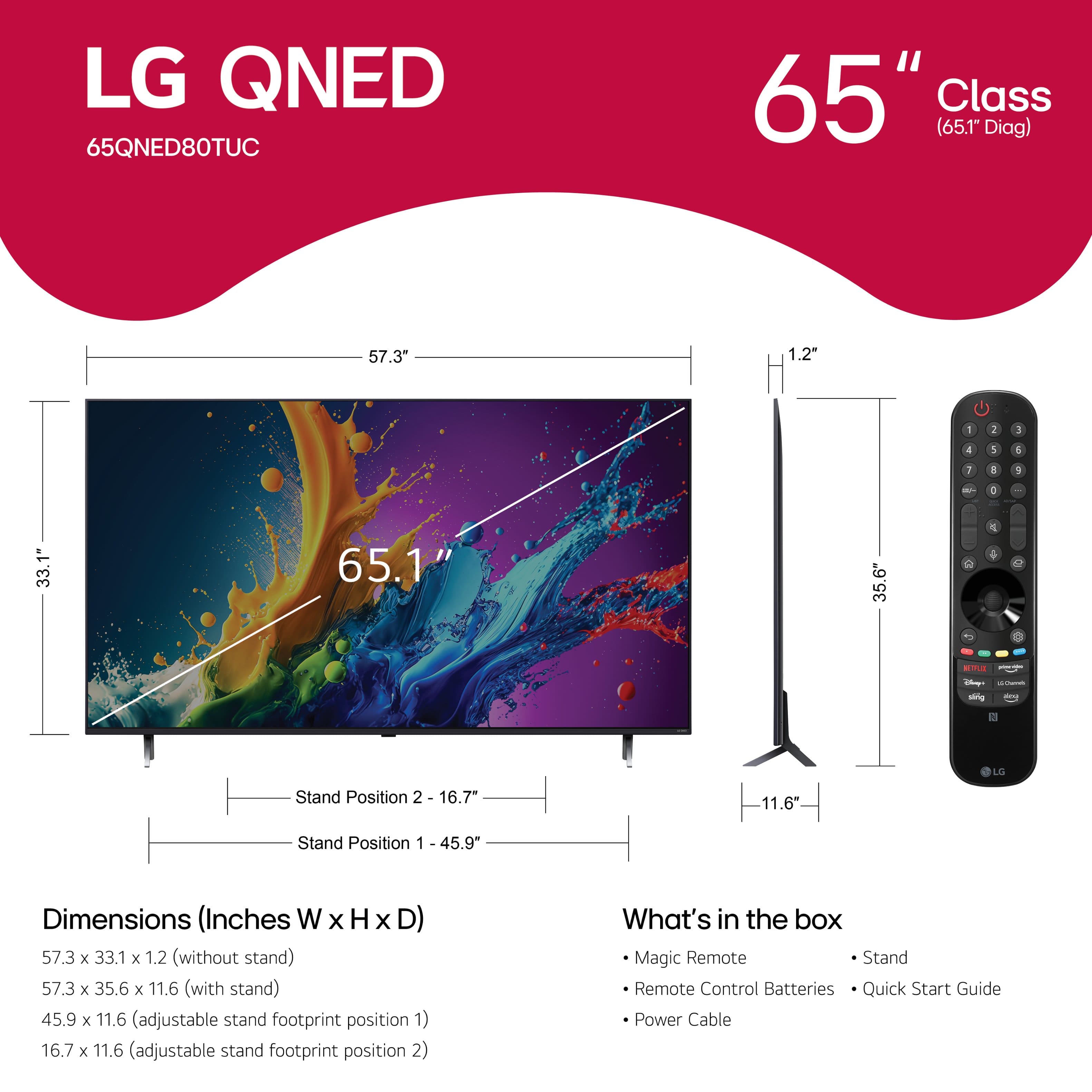
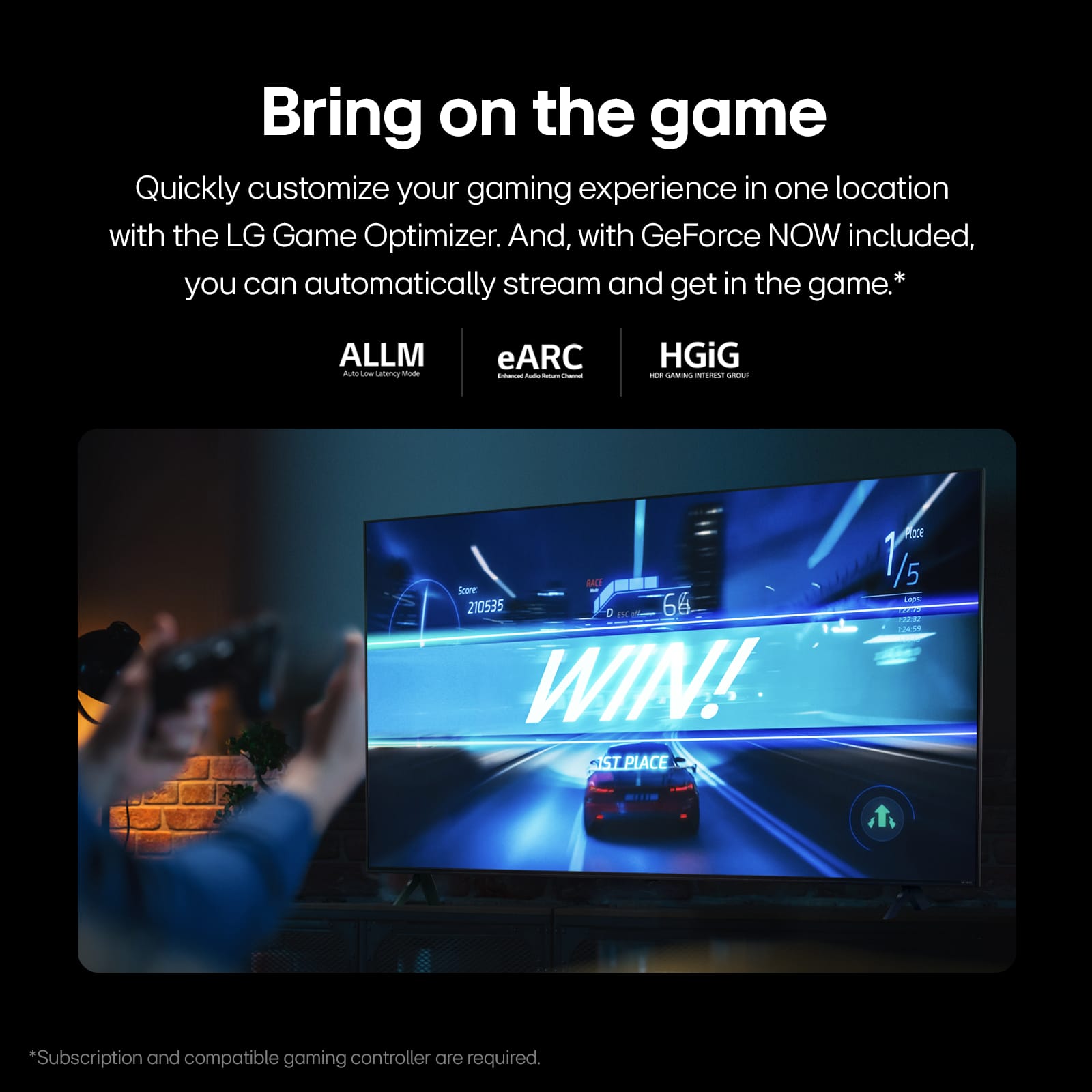
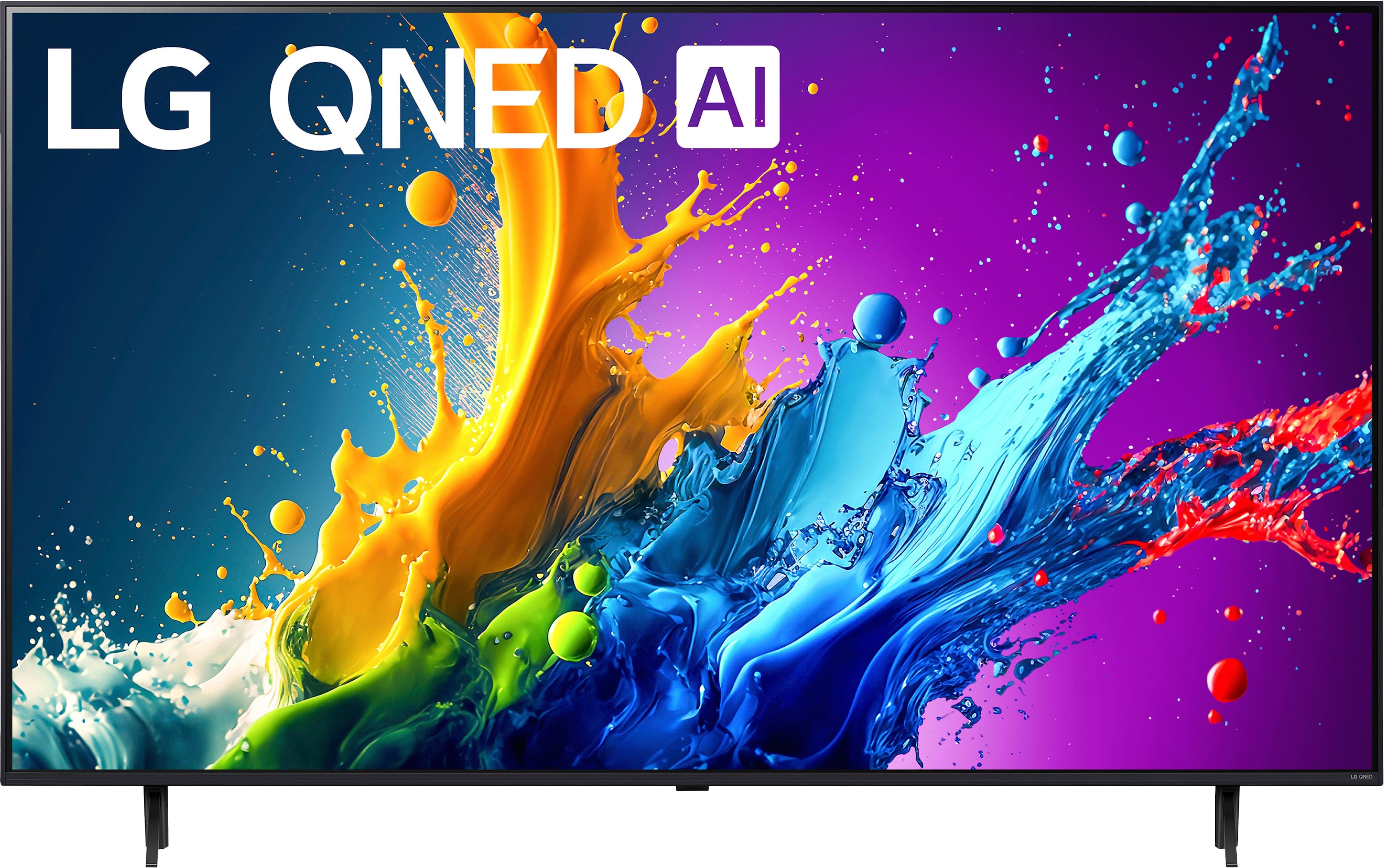
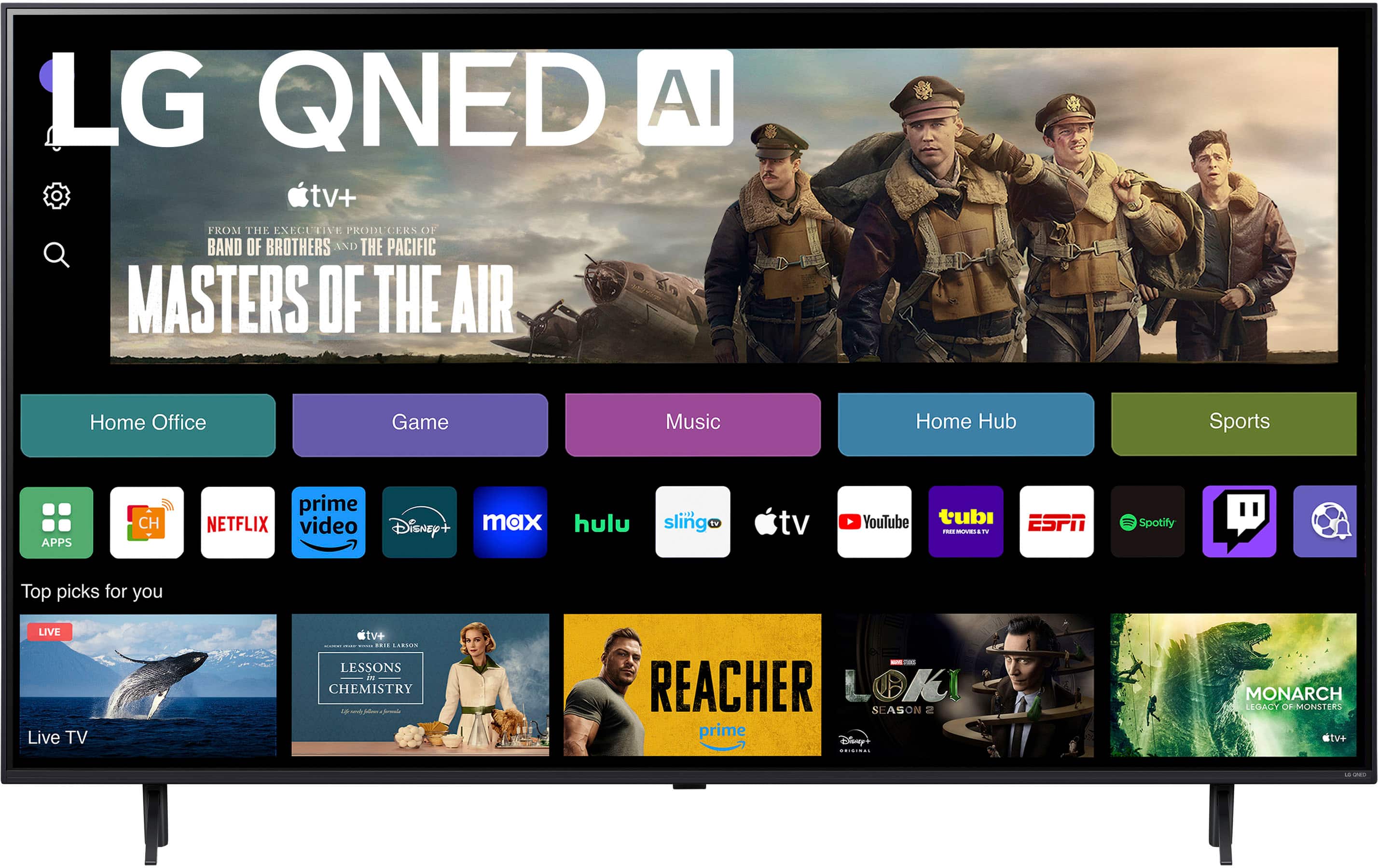
    • Answer HDMI 2 on the LG LG 65 Inch Class QNED80T Series 4K QNED TV with webOS 24, Model # 65QNED80TUC is an HDMI eARC port so you can connect it to a soundbar with an HDMI ARC port using an HDMI cable. To take advantage of eARC, you’ll need a TV and a soundbar or receiver that support this feature. You’ll also need an HDMI cable that’s capable of transmitting eARC signals. Not all HDMI cables are created equal, so make sure to choose one that’s specifically designed for eARC. eARC, or enhanced Audio Return Channel, is a feature that allows for the transmission of high-quality audio signals from a TV to a soundbar or home theater system through an HDMI connection. Unlike ARC (Audio Return Channel), which has limited bandwidth and can only support up to 5.1 channels of audio, eARC can support up to 8 channels of audio, including Dolby Atmos® and DTS:X. It’s also worth noting that eARC may not work with all devices, such as older soundbars or home theater systems that do not support eARC. In these cases, you may need to use a different type of audio connection, such as optical audio or analog audio. However, if you have a newer TV and soundbar or home theater system that both support eARC, you should be able to use eARC without any issues...^Ivan.
      Answered by LG Digital Customer Care

  • QuestionIs installation free?

    Asked by Anonymous.

    • Answer Yes

      Answered by GregoryR

  • QuestionDoes this LG TV have the capability to connect to the home Wi-Fi with an SSID and Password?

    Asked by MJ.

    • Answer Yes the TV have the ability to connect to home wifi

      Answered by GamerGuy

  • QuestionDoes the 80 Series LG webOS tv have a cable connection as well

    Asked by Steve.

    • Answer Yes

      Answered by YaksiB

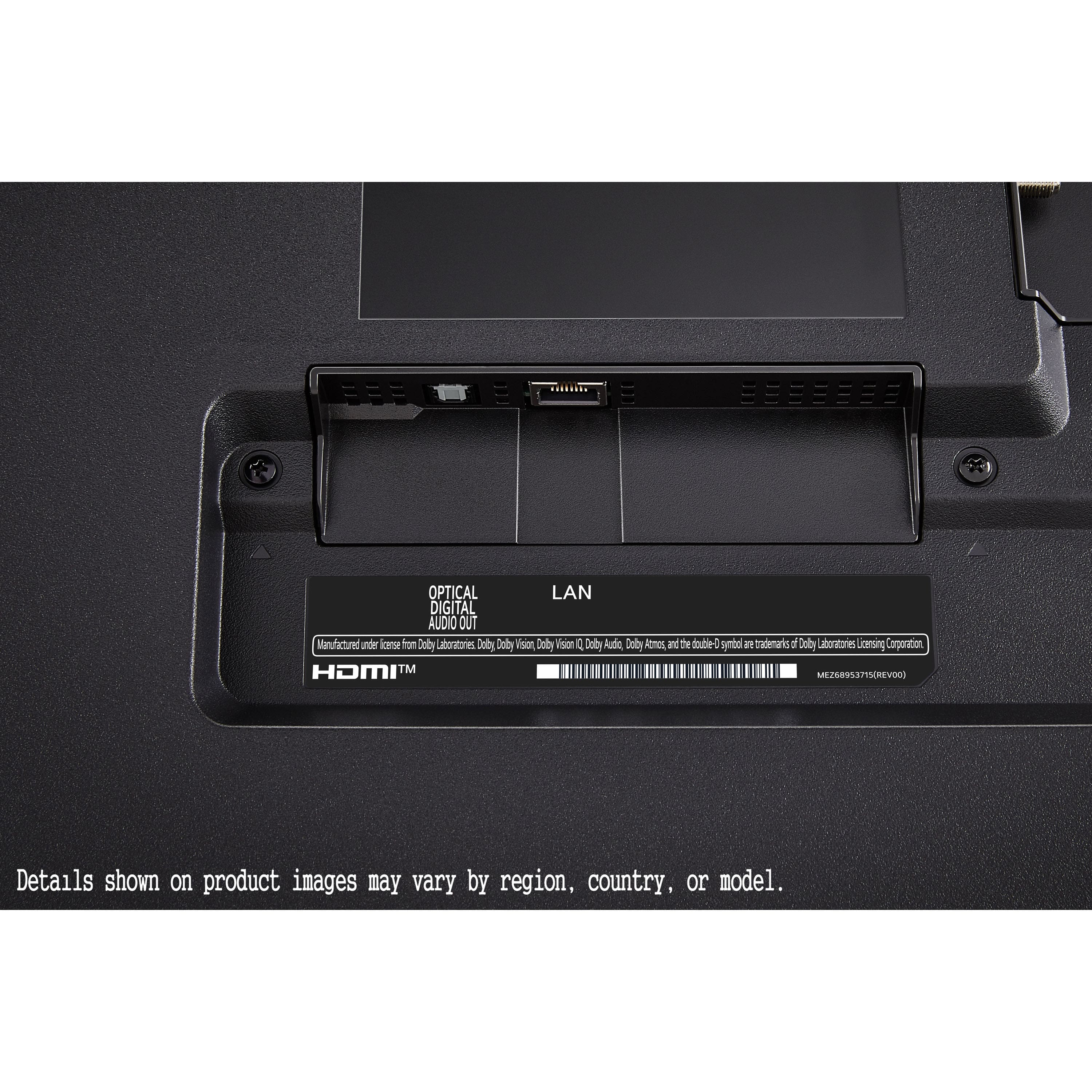
  • QuestionDoes it have a port for optical output?

    Asked by output.

    • Answer No it does not

      Answered by SamsungLover

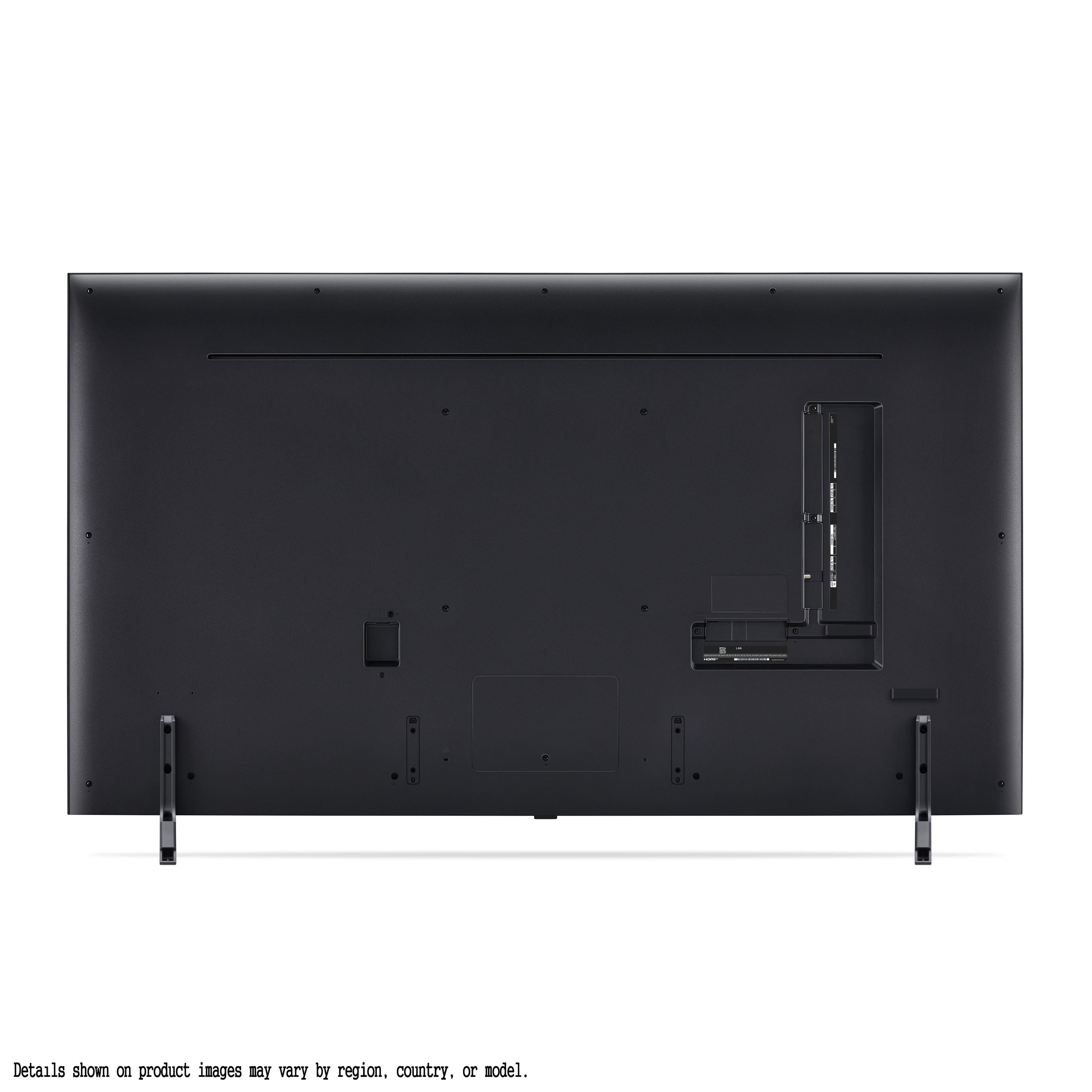
  • QuestionWhat kind of screws does this tv use for a wall mount?

    Asked by Anonymous.

    • Answer No wall mount used but did have in box

      Answered by BrendaLee

  • QuestionWhat year is this TV?

    Asked by Anonymous.

    • Answer 2024

      Answered by Techappy

  • QuestionVery confused, I assumed that the TV had 120 Hz, in the features it says there are 2 HDMI 2.1 ports, why am I paying 1000 dollars for no 2.1? Am i doing something wrong?

    Asked by Zvodinsky.

    • Answer Hi there. Thank you for reaching out regarding your concerns about the 65QNED80TUC model. We understand your confusion and want to clarify the specifications for you. The 65QNED80TUC TV indeed features 120 Hz refresh rate capabilities, which enhances motion clarity for a smoother viewing experience. As for HDMI 2.1 ports, while the TV is equipped with 2 HDMI ports, they are HDMI 2.0 ports, not HDMI 2.1. HDMI 2.0 ports still offer robust performance for most current devices and content, including high-definition and 4K signals. We apologize for any confusion caused and appreciate your feedback. If you have further questions or need assistance with optimizing your TV setup, please send us a private message on Social Media @LGUSSupport. We're here to help. Thank you for choosing LG. —Renzo

      Answered by LG Digital Customer Care

  • QuestionI’m confused in features it says the tv has 60 Hz why does 2023 tv has 120Hz and this one has 60 Hz

    Asked by Chris.

    • Answer Thank you for reaching us regarding LG Smart webOS TV. The LG 65QNED80TUC TV has a refresh rate of 60Hz. It can be confusing because other models in the LG QNED80 series have different specs. For example, the 2023 model, 65QNED80URA, has a refresh rate of 120Hz, while the 2024 model, 65QNED80TUC, has 60Hz. You can download its owner's manual through this link for more information: https://www.lg.com/us/support/product/lg-65QNED80TUC.AUS. For additional assistance, please reach out to us on social media @LGUSSupport so we can help you further. ^Cris

      Answered by LG Digital Customer Care