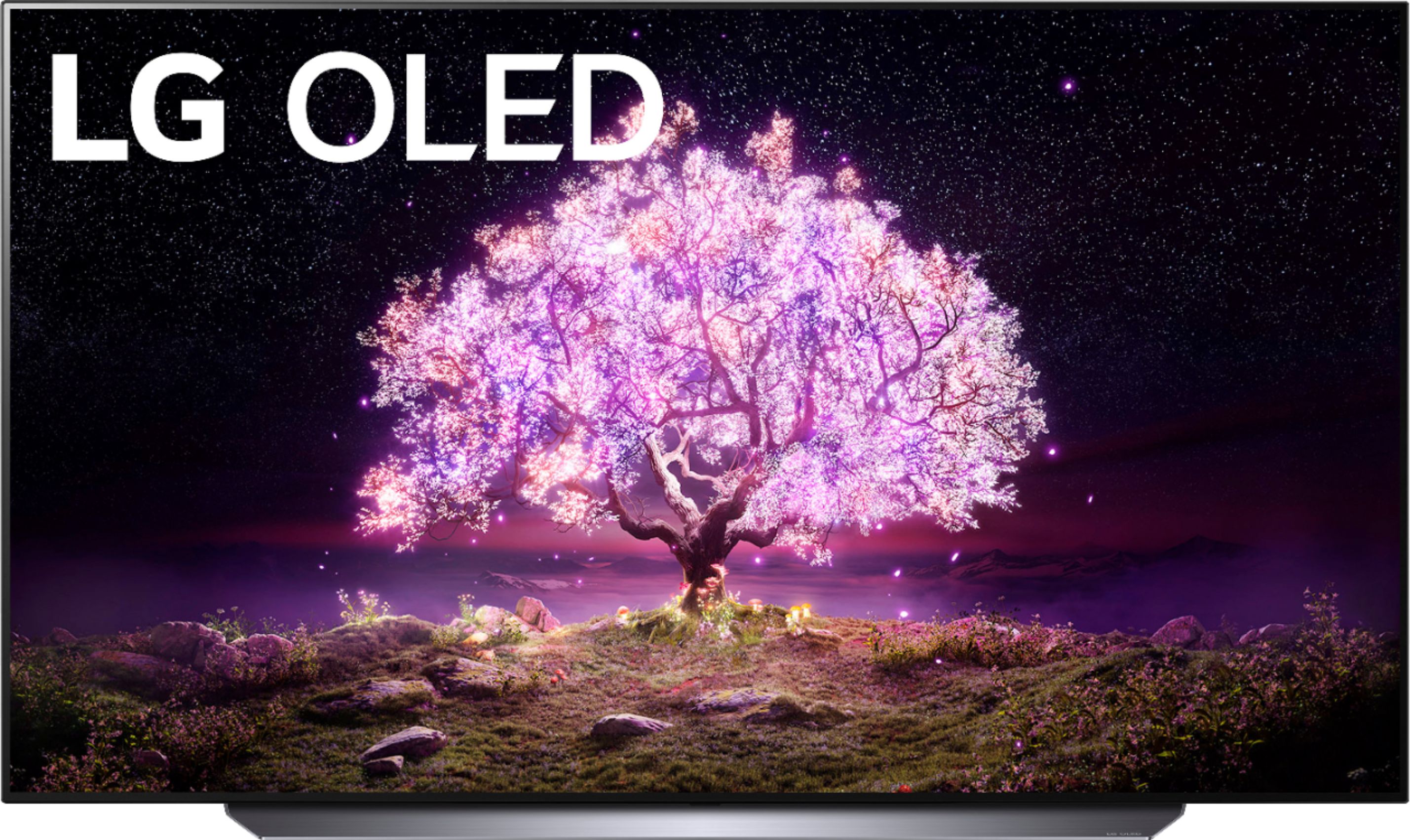
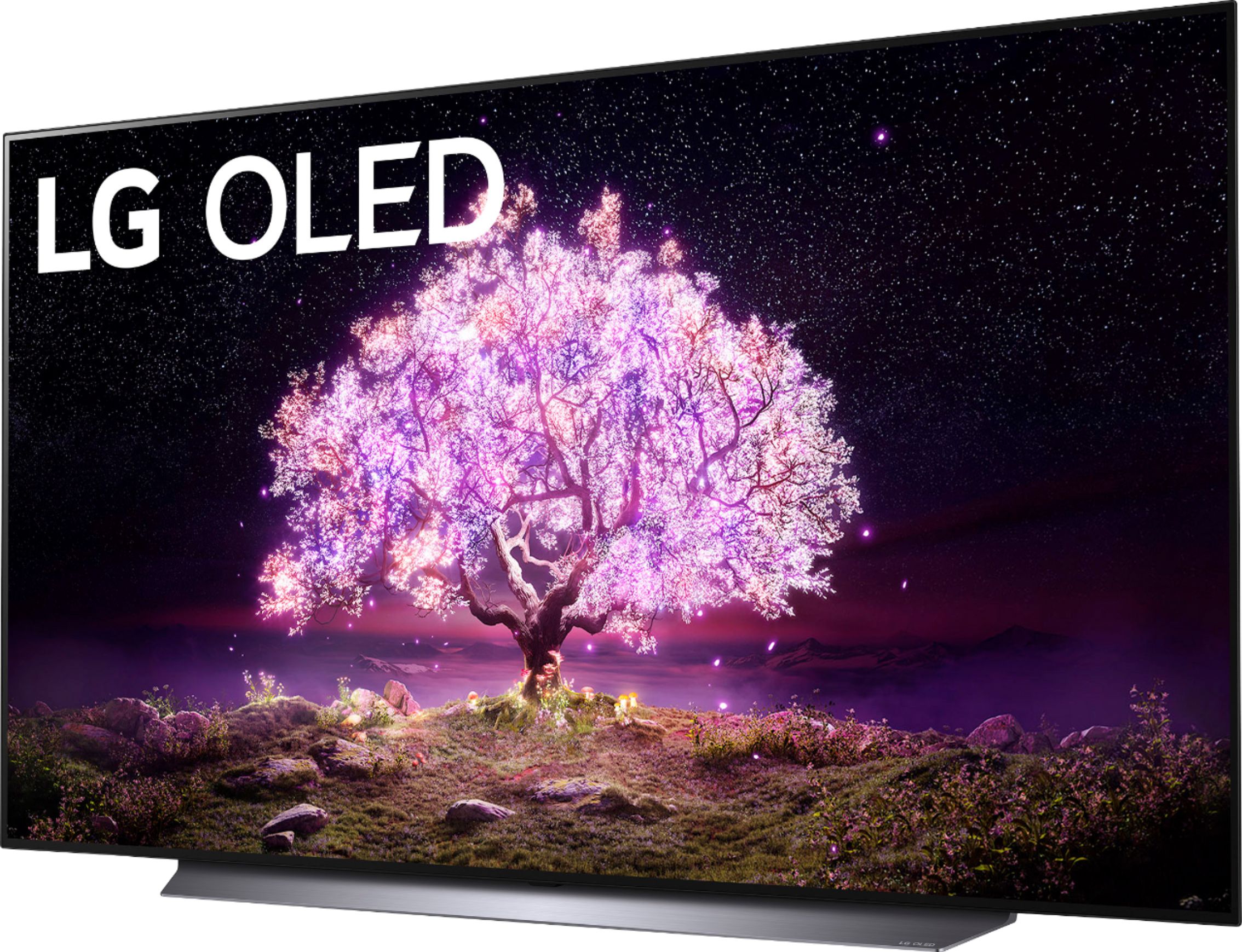
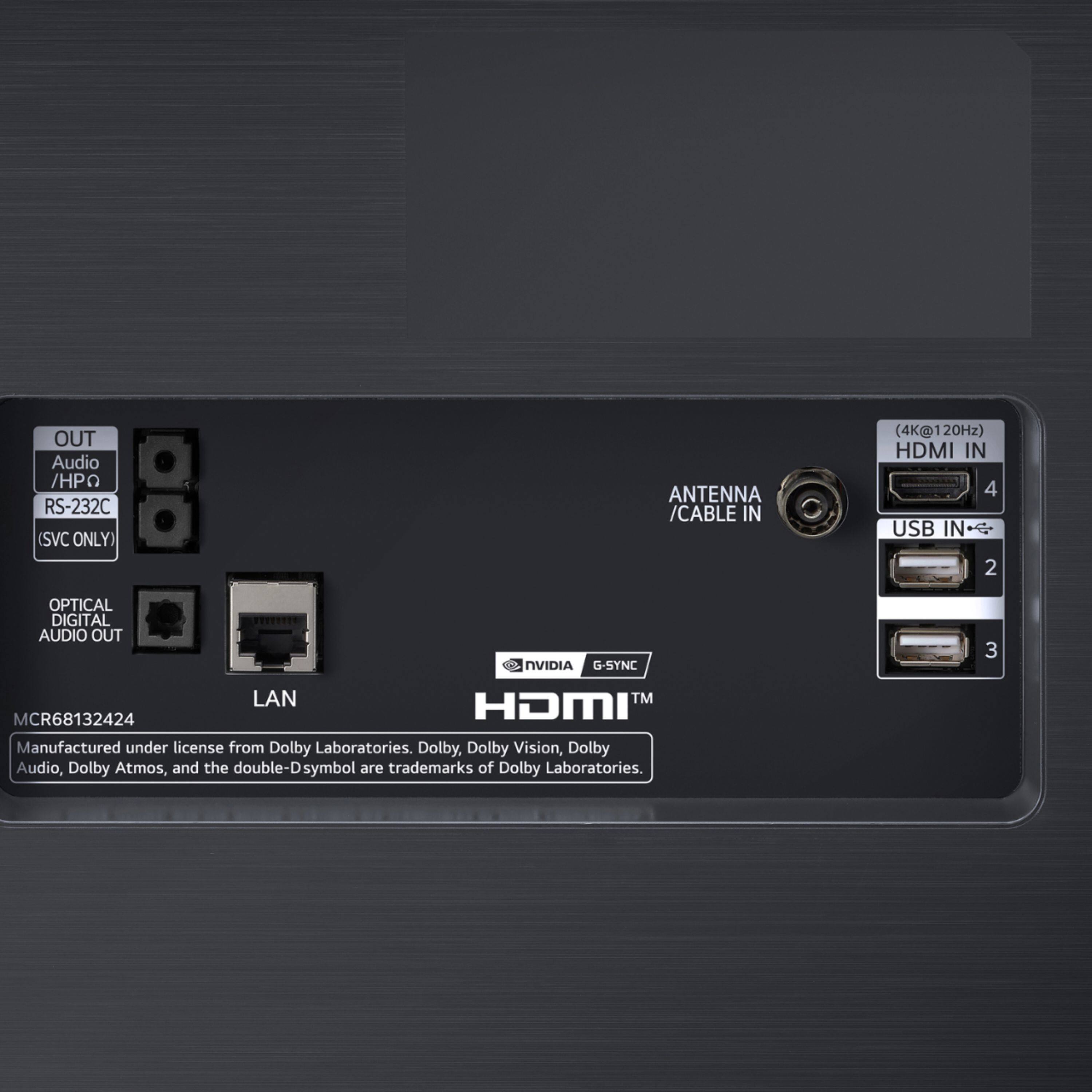
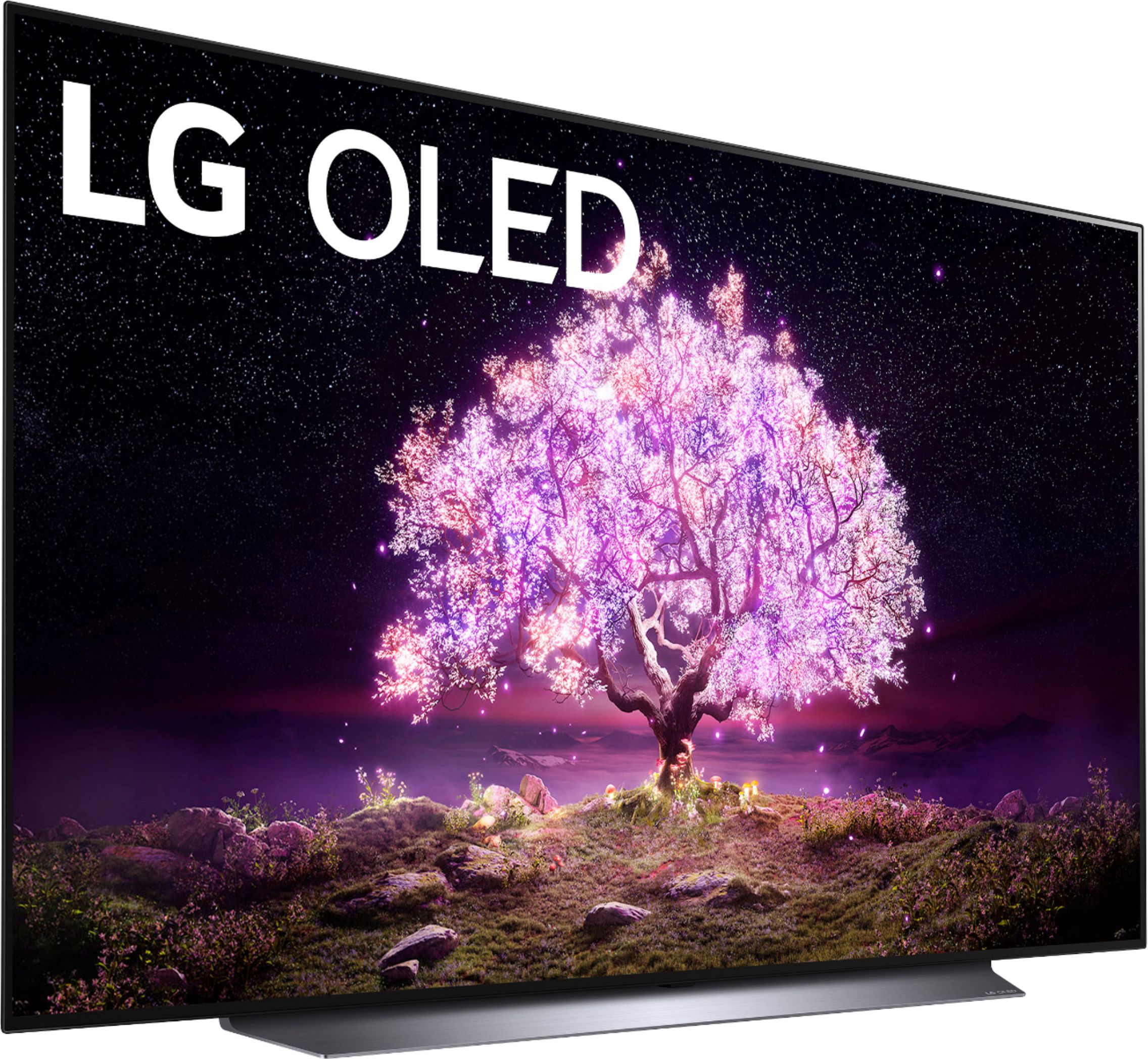
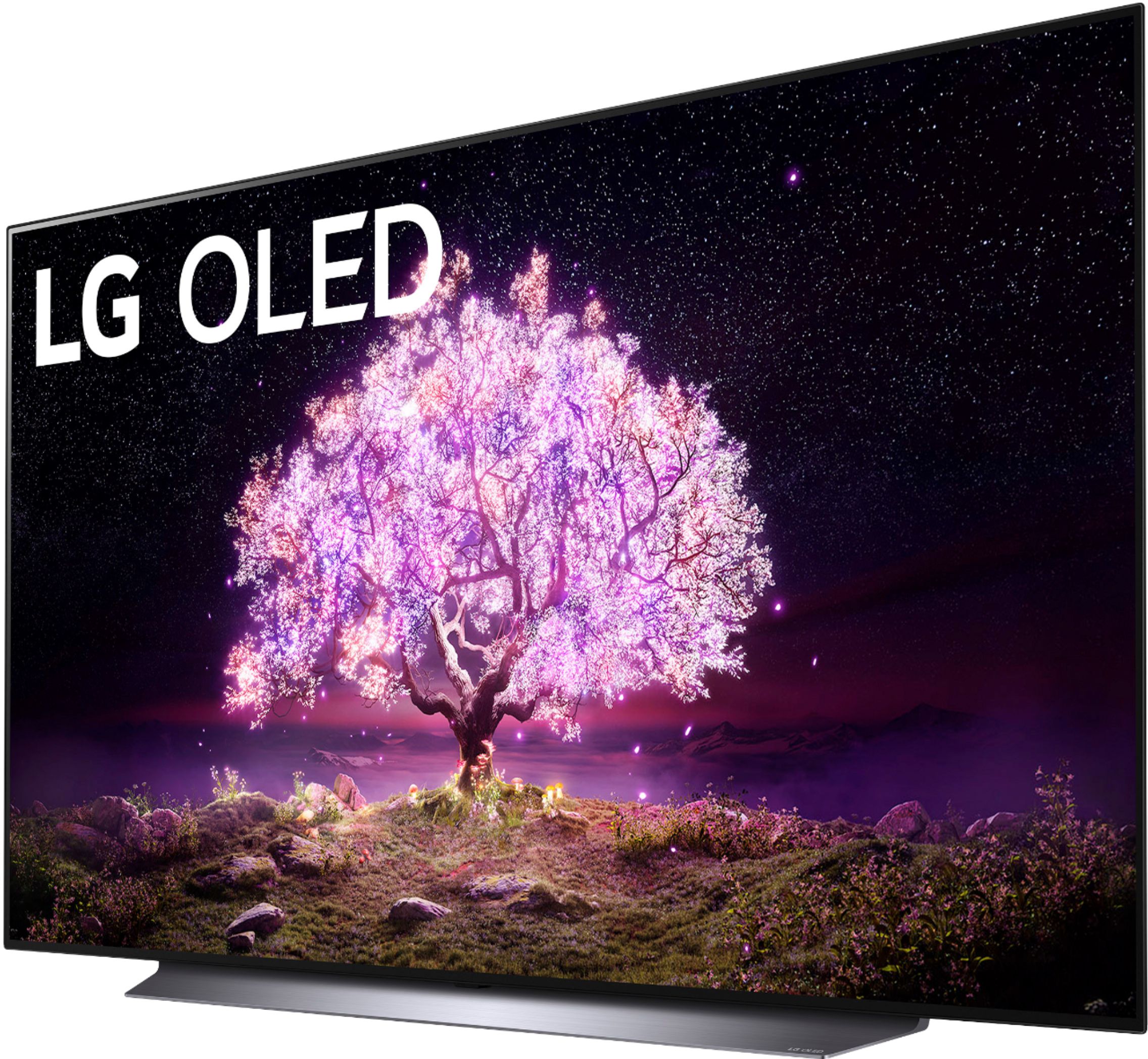
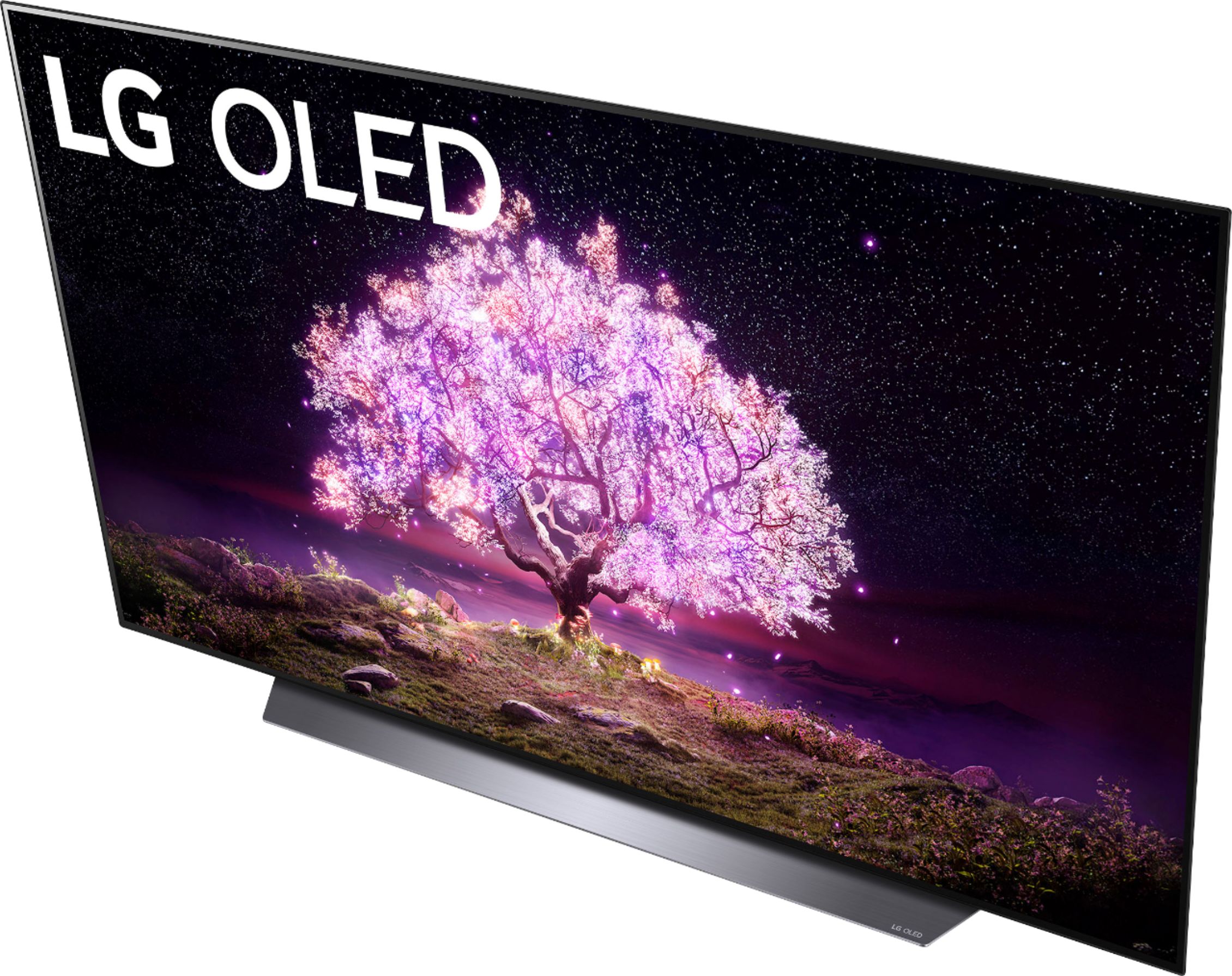
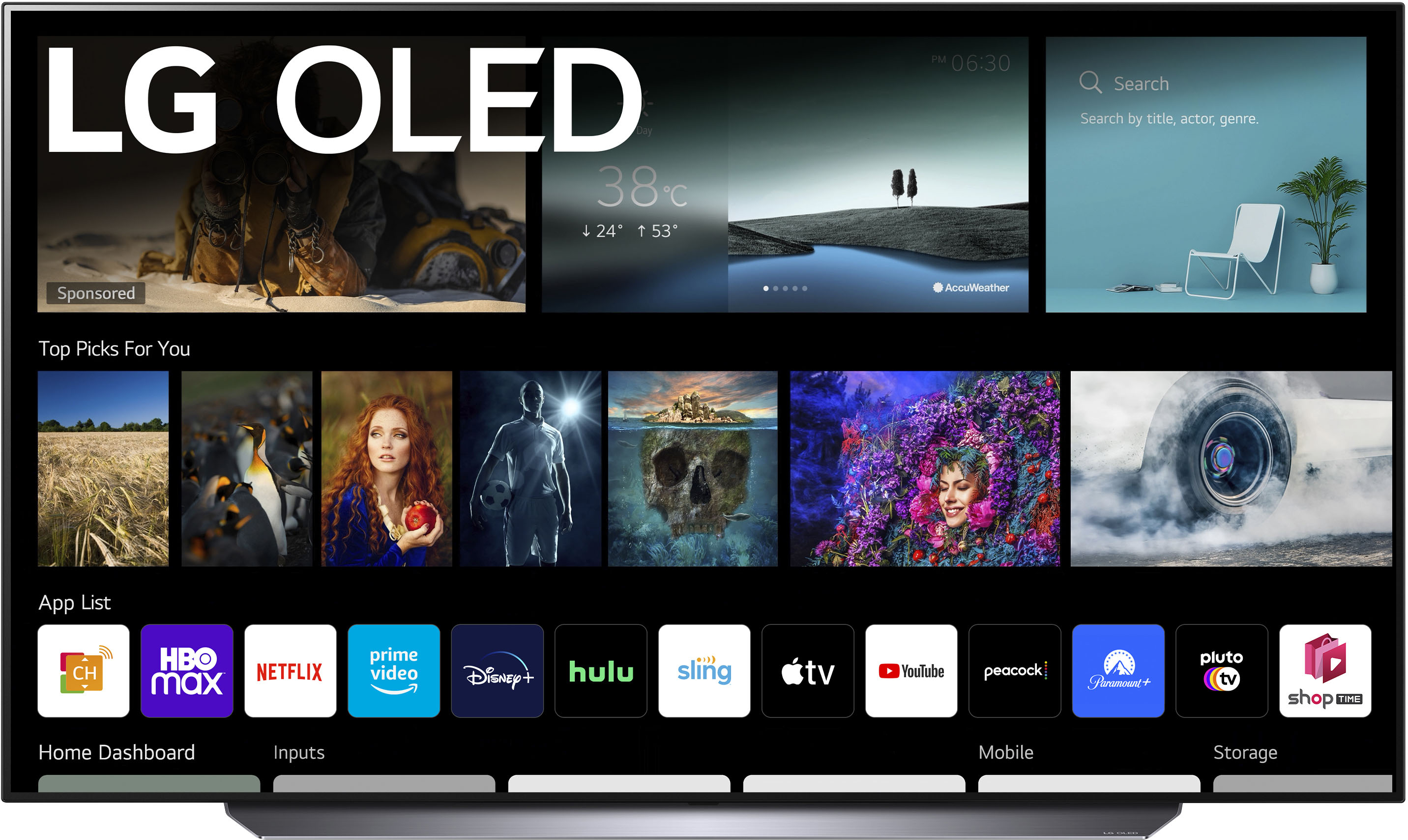
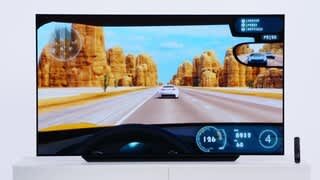
A:AnswerHBO Max is available on LG TVs with webOS4.0/4.5/5.0/6.0. Model OLED65C1PUB has a 6.0 webOS platform. Our webOS platform offers over 600 apps including streaming content and games - including over 180 free streaming channels via the LG Channels (on select models). Additional charges apply for some streaming services. To search available apps, please visit: https://us.lgappstv.com/main/tvapp. ^Daphane
A:AnswerThis tv does have paramount plus which let's you stream 1883 if you are a member and you can download paramount to watch the new yellowstone however you need to have a TV provider to watch this unless you buy it off Amazon Prime which is also an app this TV supports.
A:AnswerYes it has YouTubeTV. I don’t believe you can download additional apps. It does sometimes jump back to the LG channels. I haven’t had the TV long enough. I am going to probably use an AppleTV
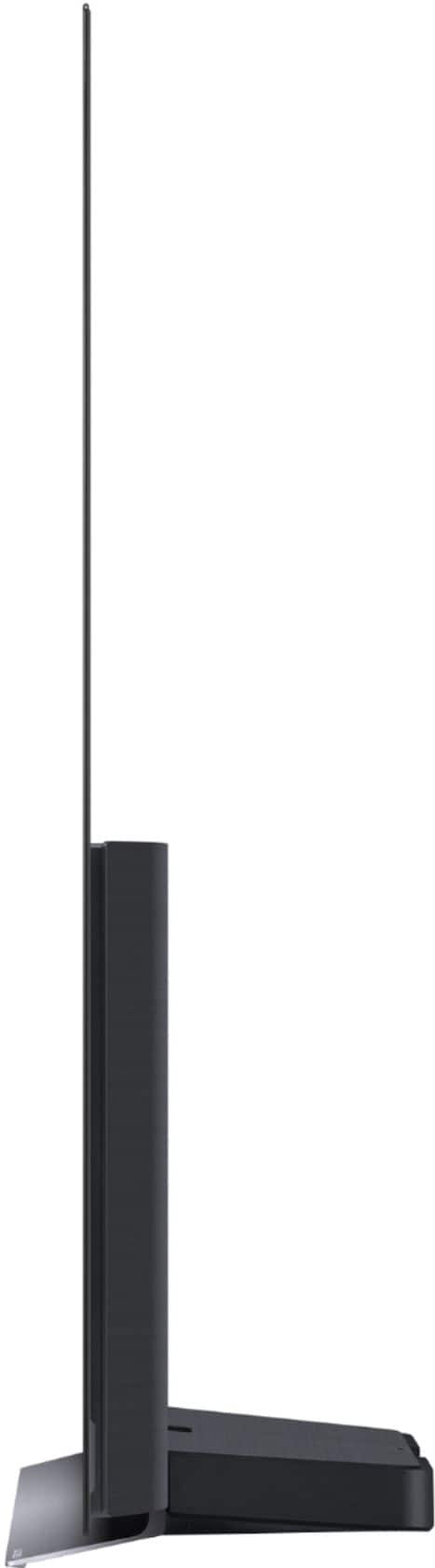
A:AnswerAbout 70 pounds. It *can* be lifted by one person onto a stand 4 feet high, but I don't recommend doing so as there's not really any good places to hold it .
A:AnswerSeveral customers opt to us this TV as a monitor. You will need to be mindful off the possibility of burn-in. Please seek recommendations/opinions on the forums at https://www.facebook.com/LGUSA; they are a great resource for getting help from other LG customers. Thank you. ^Daphane
A:Answer"Clear Voice Pro" in the Sound Mode is perhaps the best audio setting for this set. However, bear in mind that a wafer-thin set like this was not designed for true AI sound. Only an external stereo speaker attachment will give you the sound quality you seek.
A:AnswerI checked into the "burn in" or "afterburn" problem after my Samsung Galaxy Note 20 Ultra phone experienced it. Do not confuse "burn in" with eventual set "burn out"; they ARE NOT the same! Today's LG OLED set will last JUST AS LONG AS your plasma (QLED) set. "Burn in" is more likely, in the long run, if you play the same video game for many hours with the same fixed logos and monikers remaining each in the same exact spot on the screen. But normal tv viewing should not experience burn in. LG offers warranties that cover "afterburn."
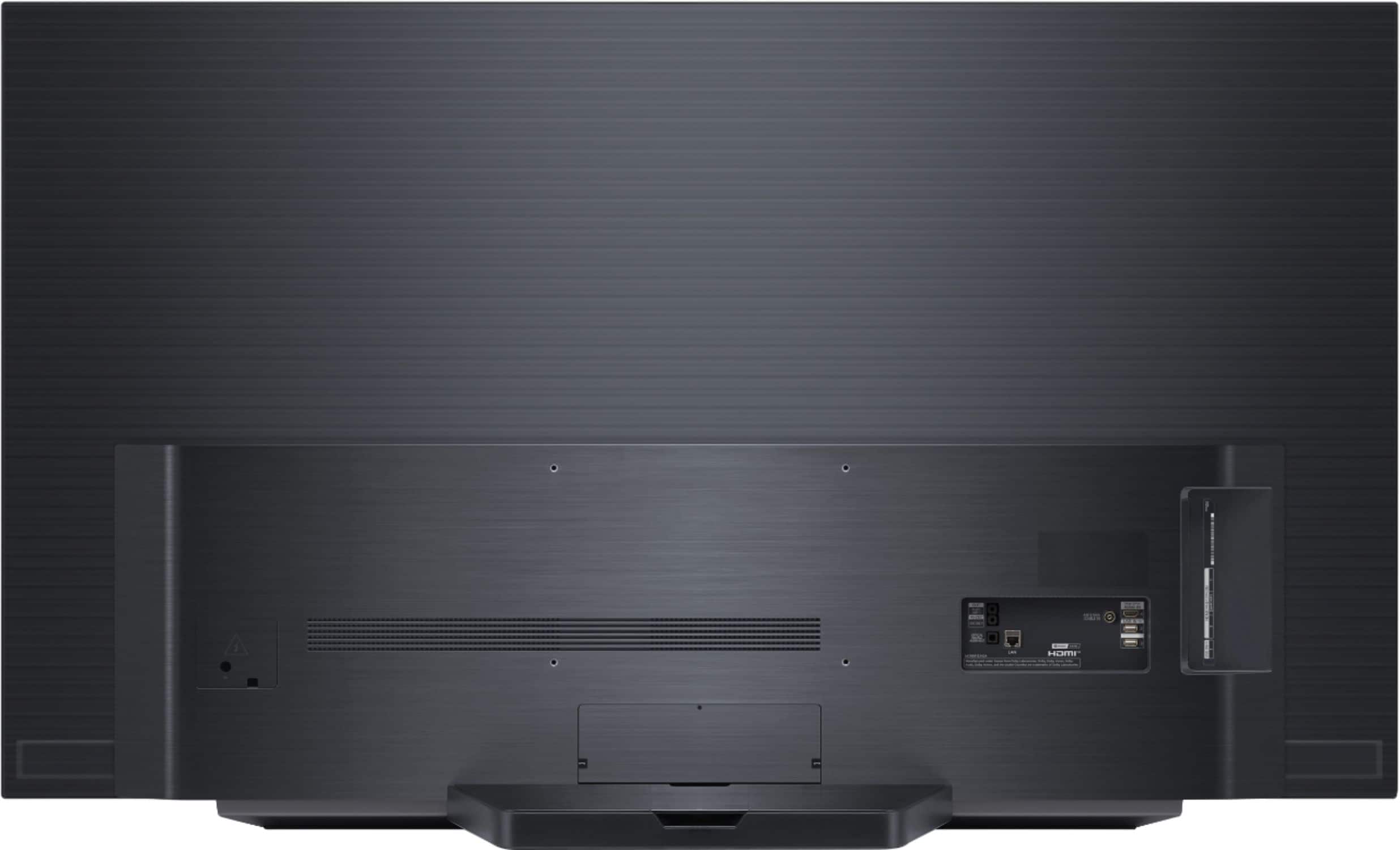
A:AnswerModel OLED65C1PUB has a VESA Mounting interface pattern of 300 x 200 (W x H). The top mounting holes are 18.976" from the top of the TV. ^Daphane
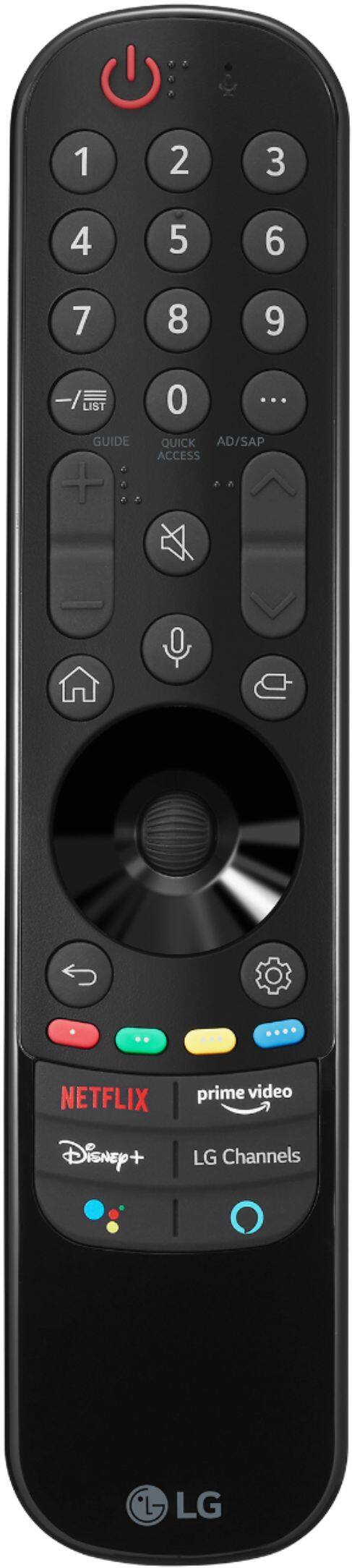
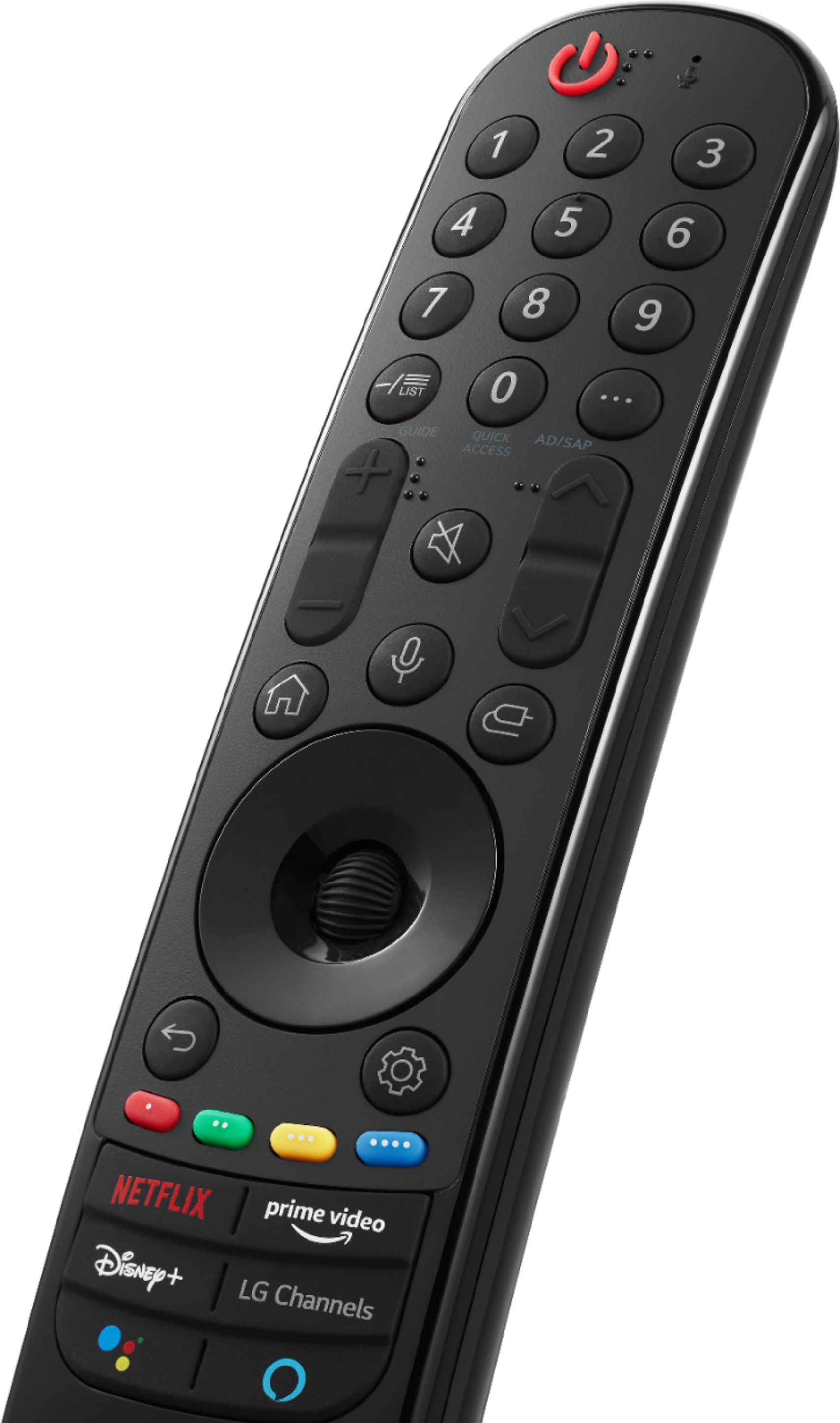
A:AnswerThe difference from CX to C1 is that processor has been upgraded, the new webOS 6.0 with new user interface with the aim of being more intuitive and user friendly and newly redesigned Magic remote. ^Daphane
A:AnswerOLED screens are susceptible to burn in, but it takes weeks of stationary video signals to cause this. I experienced burn in after 6 years of watching news and financial channels with the running information string at the bottom of the screen, but have never experienced a problem with the center of the screen. I have had more problems with lightning strikes taking the motherboard out. I would and did buy another LG OLED TV and have no problems with them. If you look at Sony, the OLED panel is still made by LG. OLED TVs are a lot like plasma TVs when it comes to burn in, Just avoid no changing video signals for extended periods of time and use the software to refresh the screen, or set it up to do,it automatically, and you should be OK.