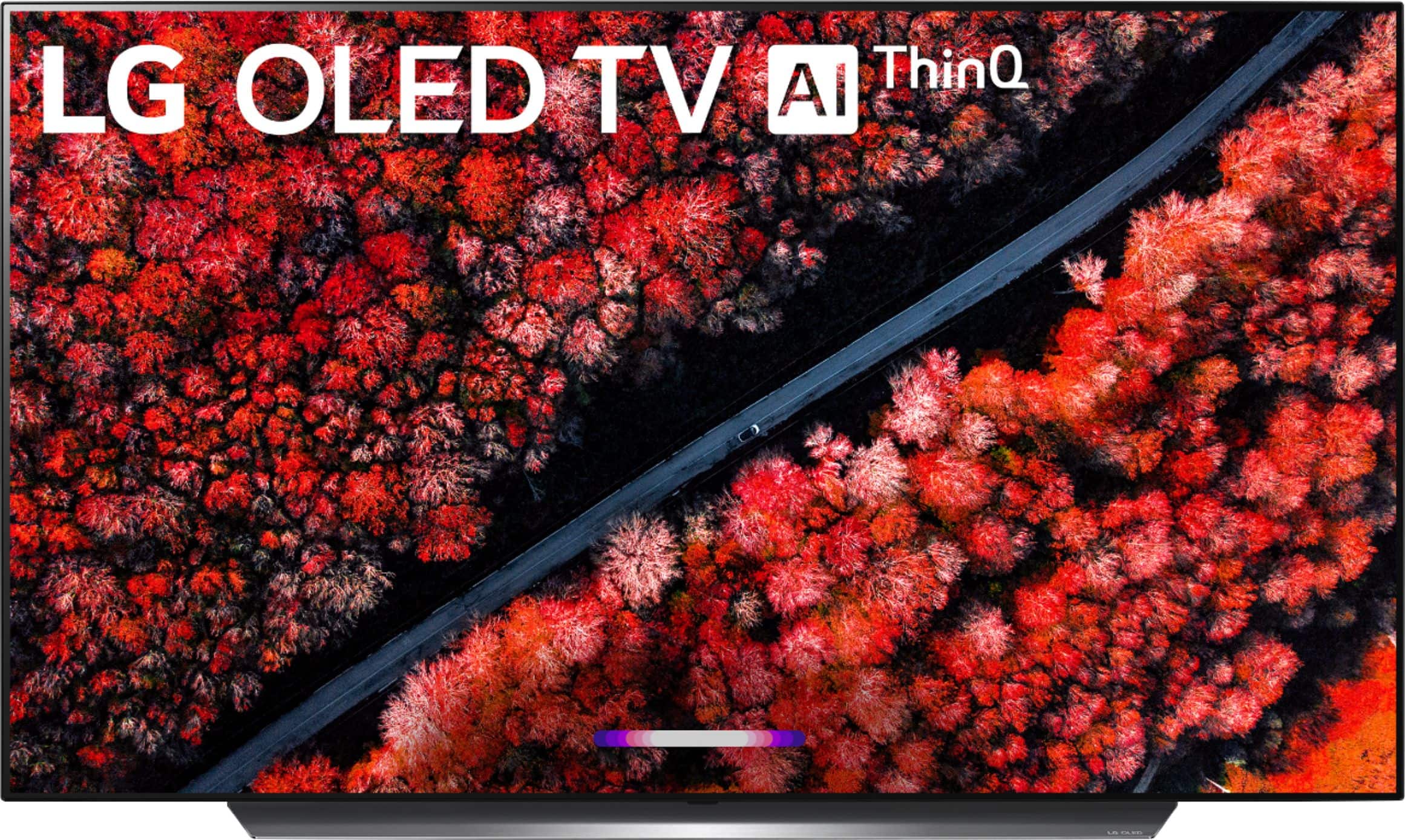
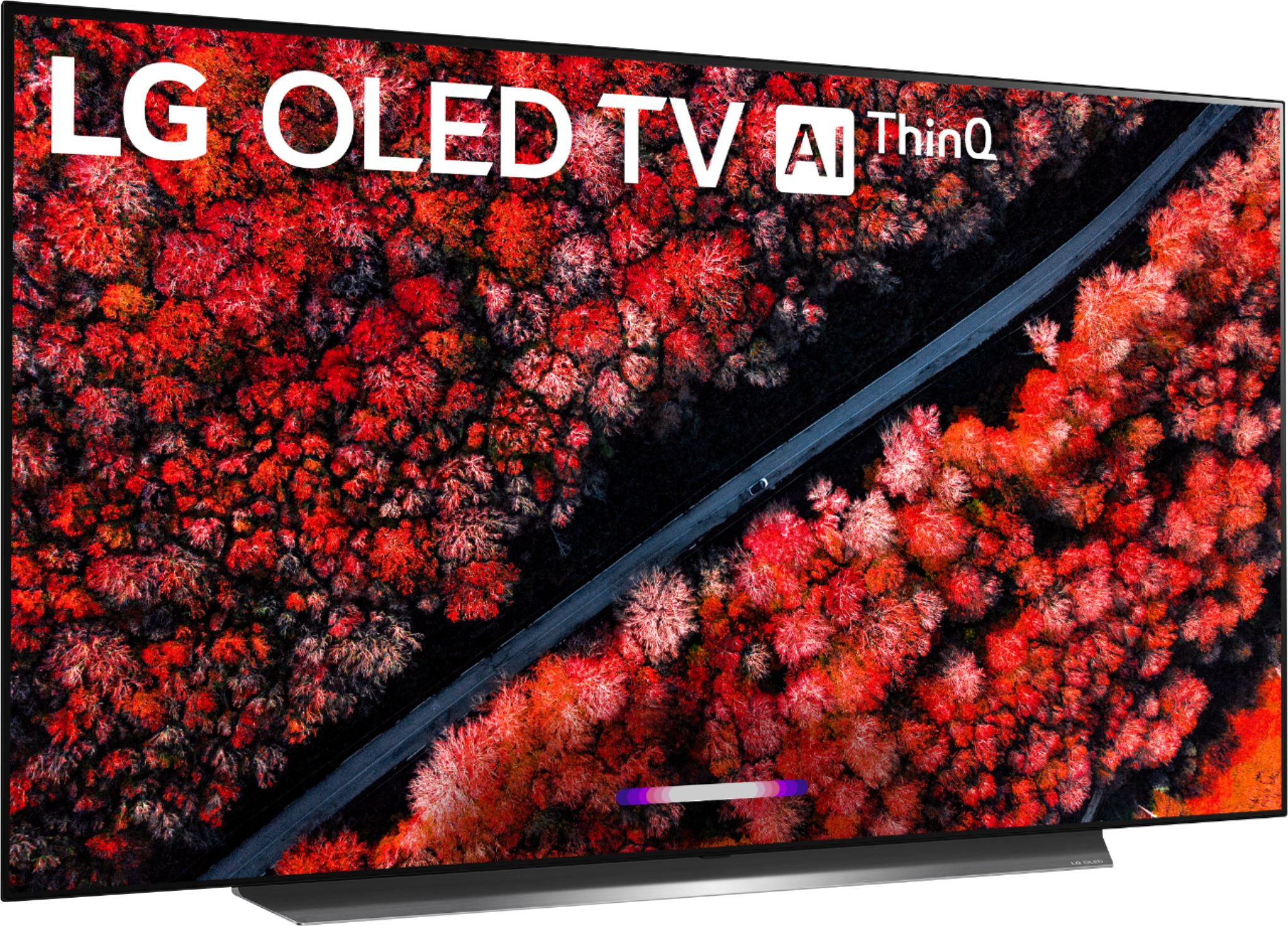
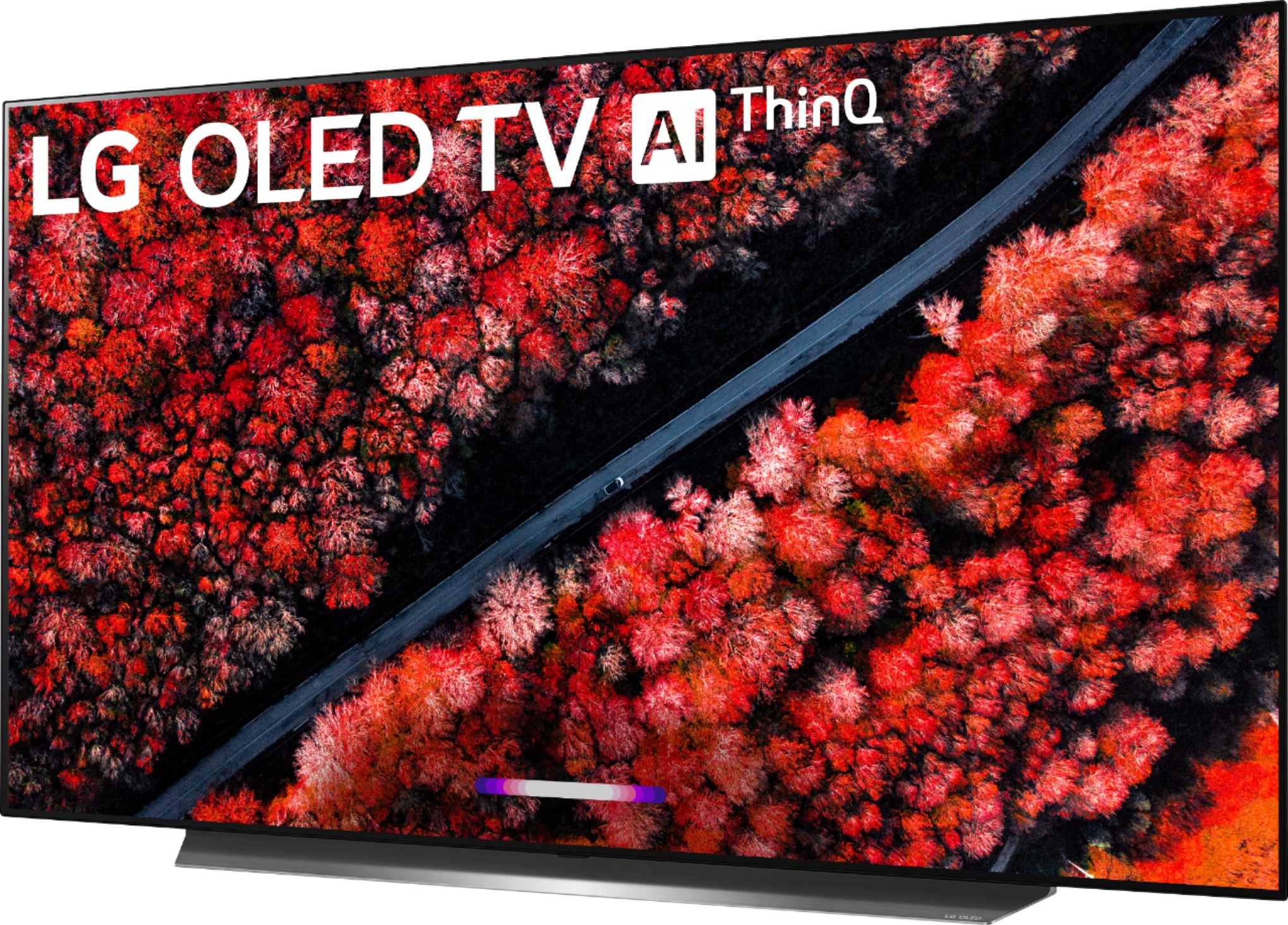
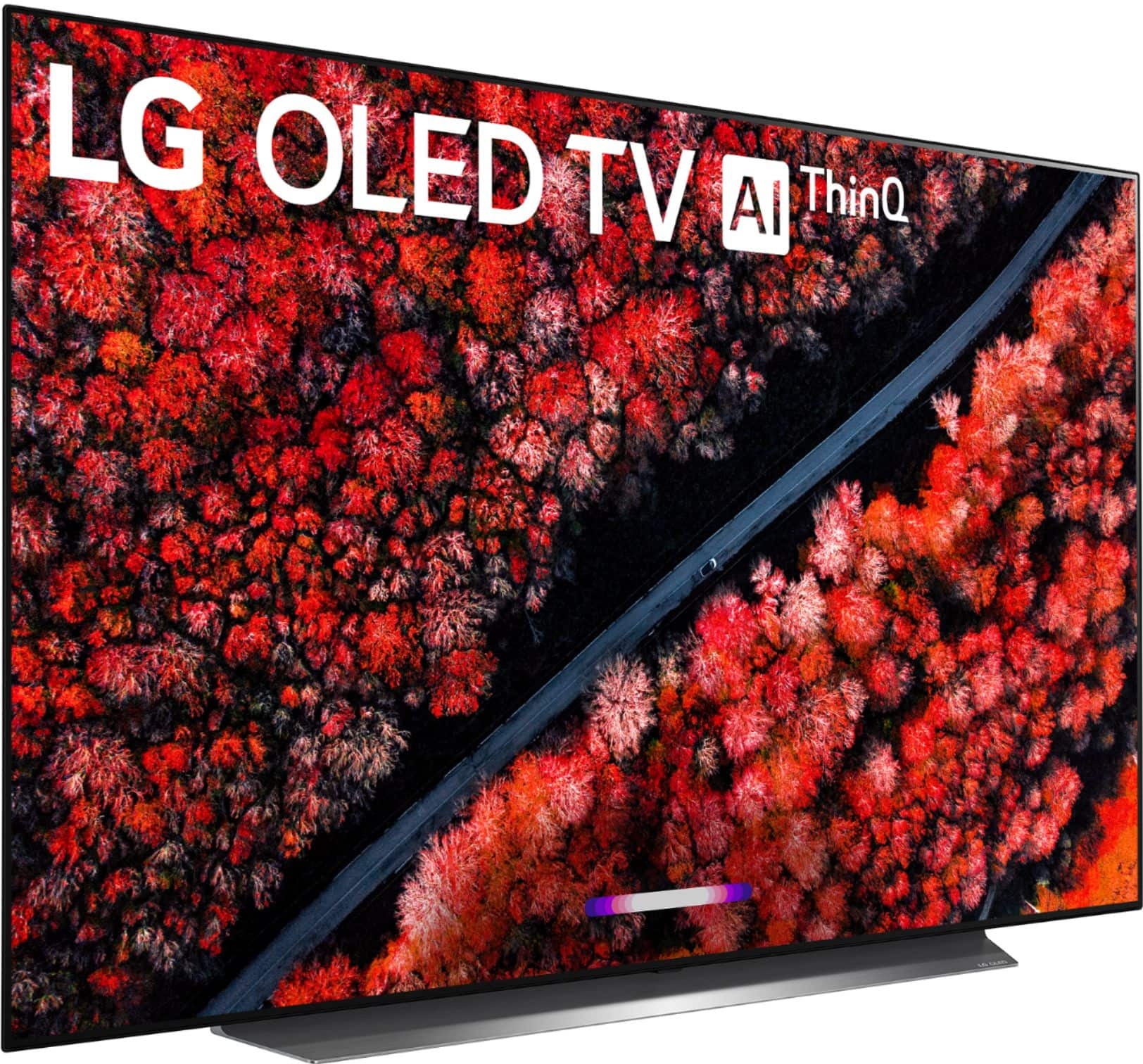
A:AnswerWhich new Apple Ear Buds are you referring to? What is the model number for them and are they Bluetooth Ear Buds. The LG C9 55 inch Class 4K Smart OLED TV w/ AI ThinQ® (54.6'' Diag), Model # OLED55C9PUA is a Bluetooth enabled TV and you can pair Bluetooth headsets or Bluetooth earbuds with the TV...^IFV
A:AnswerThe included Magic Remote fort the LG C9 65 inch Class 4K Smart OLED TV w/ AI ThinQ® (64.5'' Diag), Model # OLED65C9PUA works extremely well with the FIOS Set-Top Box...^IFV
A:AnswerI am not sure standard size for this TV. I have few extra inches compared to length of TV. I have standard TV stand from past, length is around 40-45 cm and width is 15-20 cm. but it is heavy TV stand. I was able to fit this big TV too. because base is less than 40 cm.
hope this helps for your answer.
A:AnswerYes. Alexa is built into the magic remote as they call it. Very convenient. Just have to do a quick update when you first setup the tv, then hold the prime button on your remote down and ask alexa a question.
A:AnswerIt fits any standard mount. Just make sure your wall attachment is very secure because you don’t want this beautiful tv crashing to the ground.
A:AnswerA list of the changes for each update can be found on our website at https://www.lg.com/us/support/software-firmware-drivers?customerModelCode=OLED65C9PUA&csSalesCode=OLED65C9PUA.AUS&category=CT10000018&subcategory=CT30017665 ^CP
A:AnswerThe TV itself doesn't listen to anything. You have to push the microphone button on the remote control to give it a command, or chose to link the TV to a smart speaker. So if you don't do either of those, there is nothing to worry about.
A:AnswerThat particular question is the same one that I wanted answered when I did the upgrade from an existing wall mounted 55" Sony TV. This particular 65" LG model dimensions are approximate to allow for when it was wall mounted. The width was 58" and the height was 33" and the depth after being mounted was right at 3 1/2" once installed. The LG was a nice upgrade from my original TV of several years ago.
A:AnswerOn my LG OLED65C9PUA remote I press the button between the Netflix button and the prime button, it has a symbol like a computer mouse with a cord on it.
A:AnswerI almost didn't answer this because I don't have a Samsung Soundbar. I am fairly certain that it will work with a Samsung soundbar though because I have a Definitive Technology soundbar and I was surprised that it was compatible to the point that the TV remote will work adjusting the volume on the soundbar. LG has a very nice configuration menu for setting up a soundbar and it has a myriad of different manufacturers available on the main screen of the setup. Mine wasn't on the main screen so I searched for it and Definitive Technology was found through the search. I said all of this because Samsung is a much more popular brand that my Definitive Technology and if that is available then I am almost certain that the Samsung will be available. One last thing to note is that I have my soundbar connected using the fiber optic cable because it is an older unit. The TV is capable of connecting using the HDMI port of the TV but my soundbar doesn't have that capability.
The menu to setup the soundbar is under Settings - All Settings - Connections - Device Connection - Bluetooth / Soundbar where it will help you setup your soundbar with a wizard.
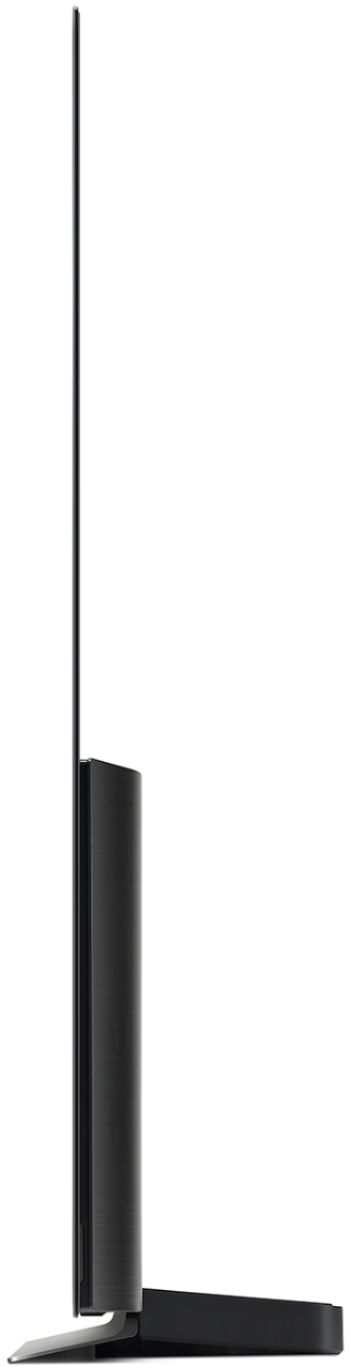
A:Answerthe stand is not quite a perfect rectangle and it has some angles.
it is about 38" long and at the center is about a foot wide/depth (front to back)
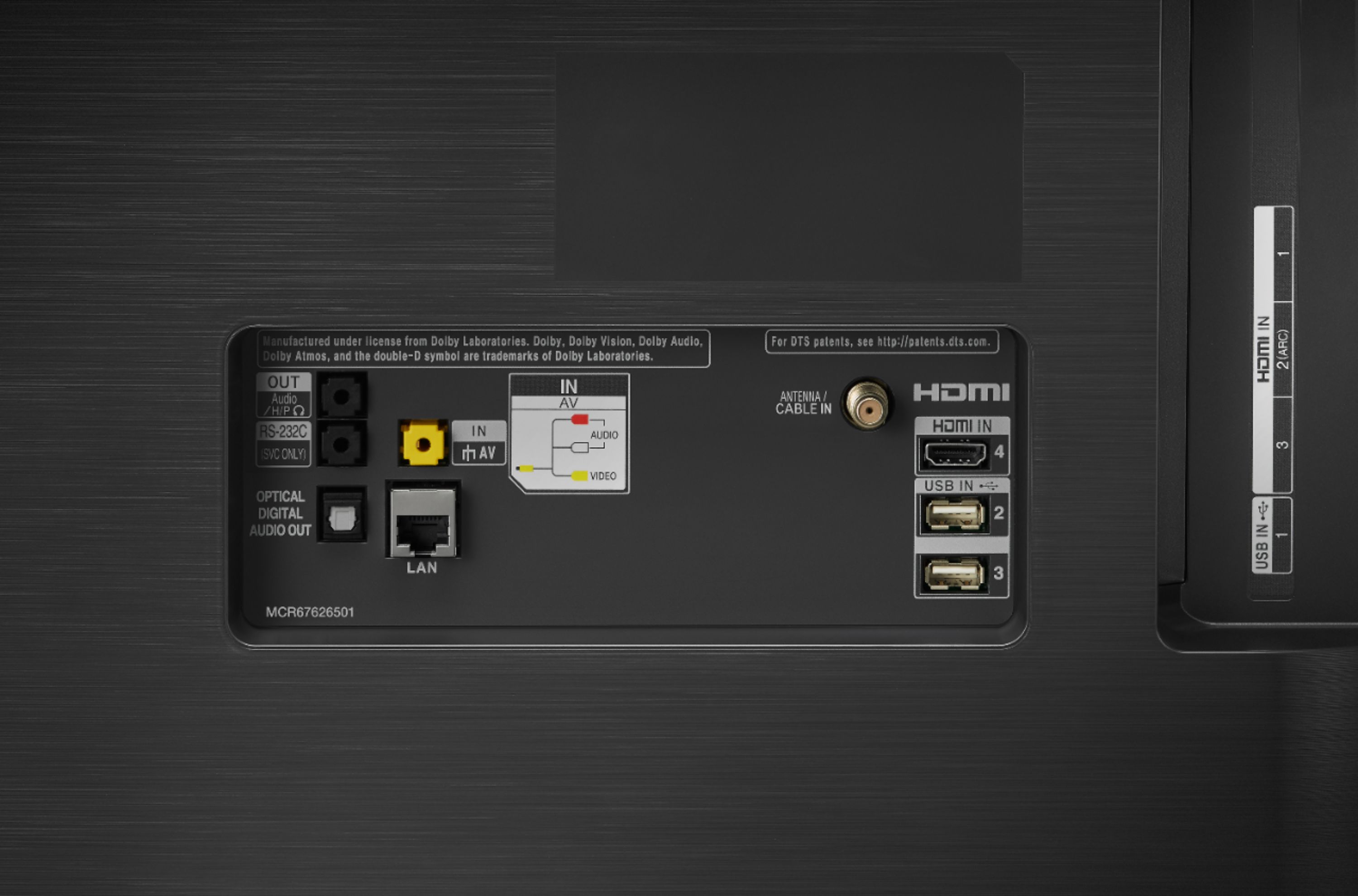
A:AnswerUSB storage devices (USB HDD, USB Flash Drive) connected to the USB port on the LG C9 65 inch Class 4K Smart OLED TV w/ AI ThinQ® (64.5'' Diag), Model # OLED65C9PUA must be formatted with the FAT32 or NTFS file system provided by Windows OS...^IFV