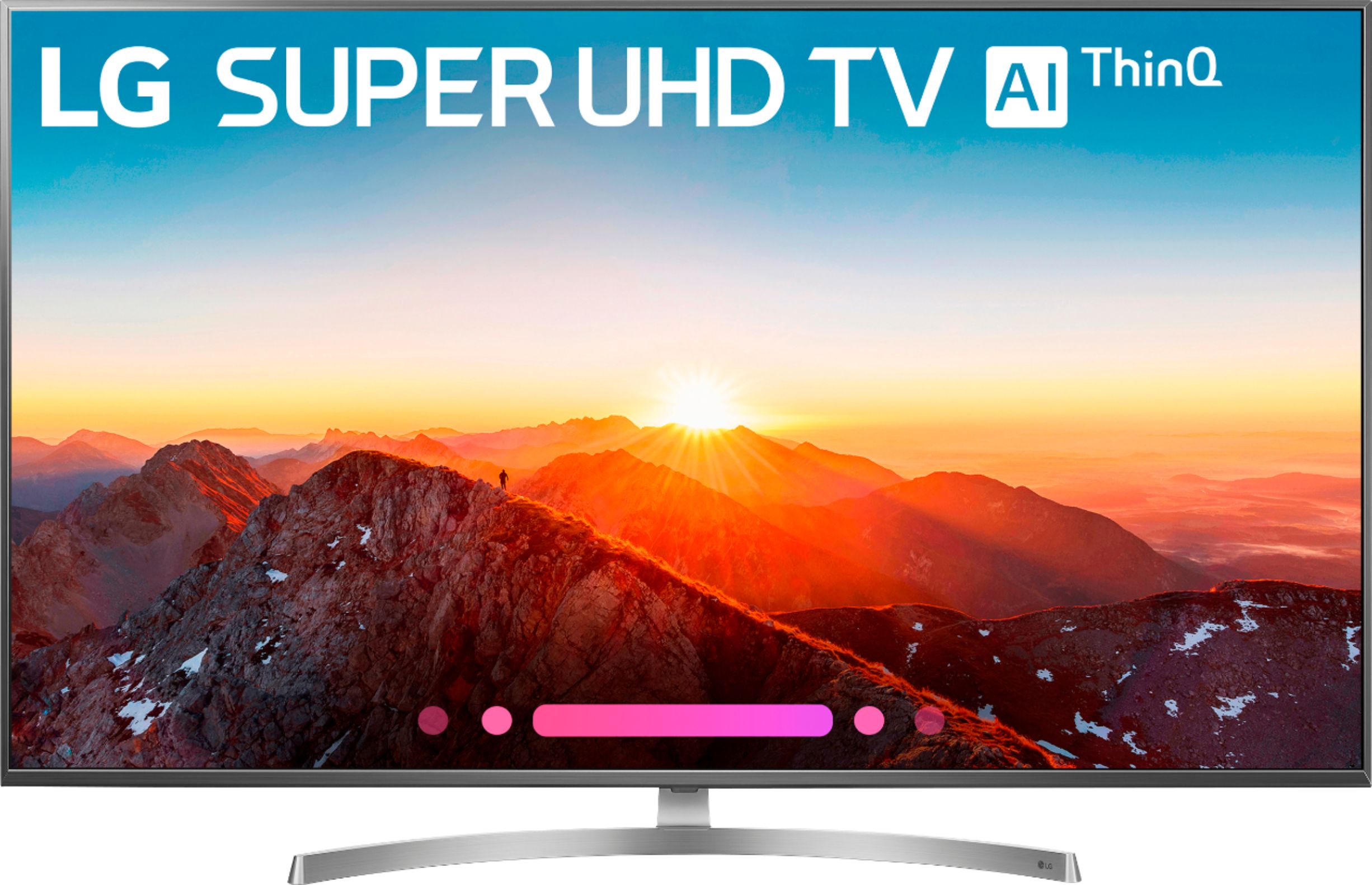
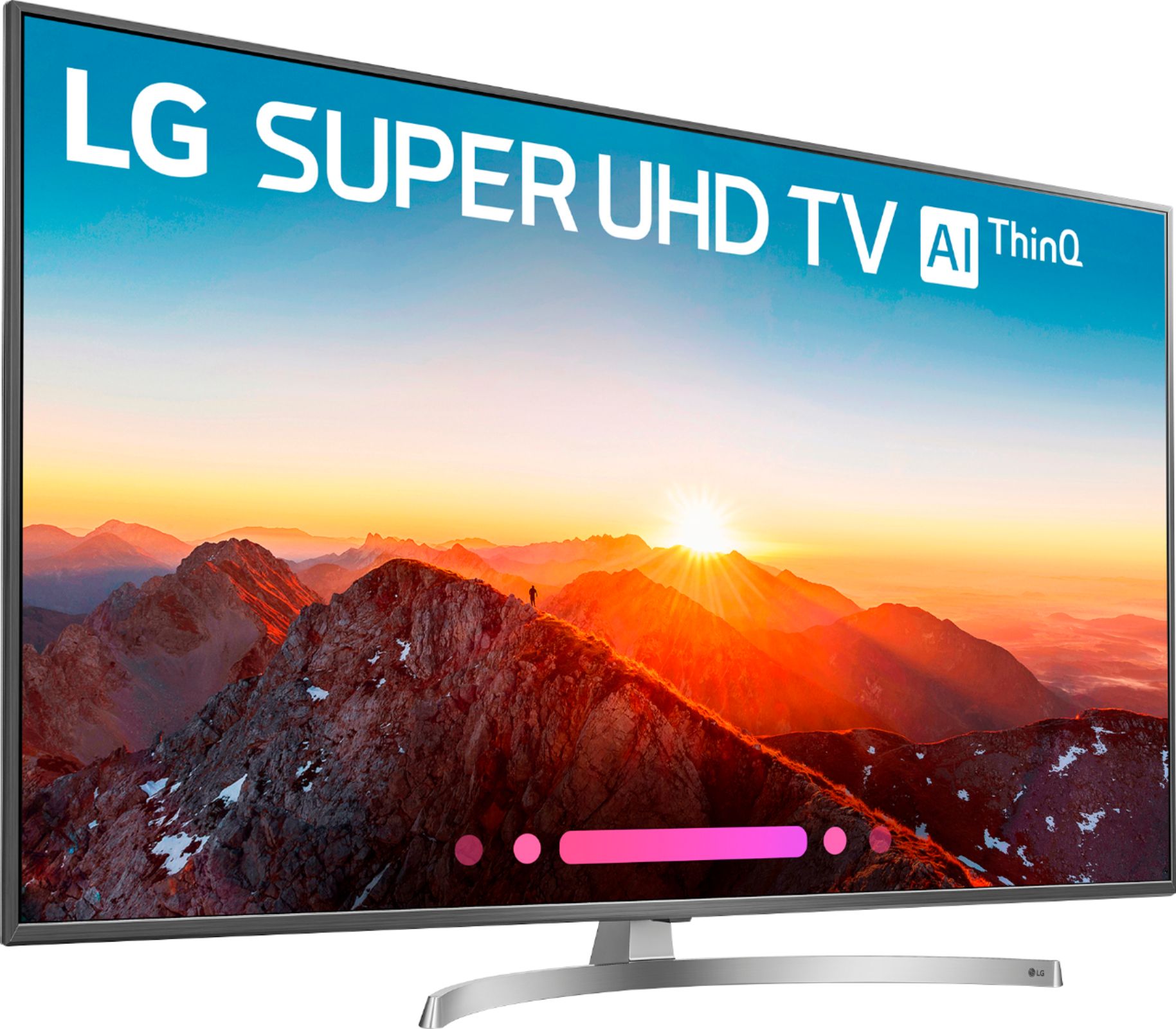
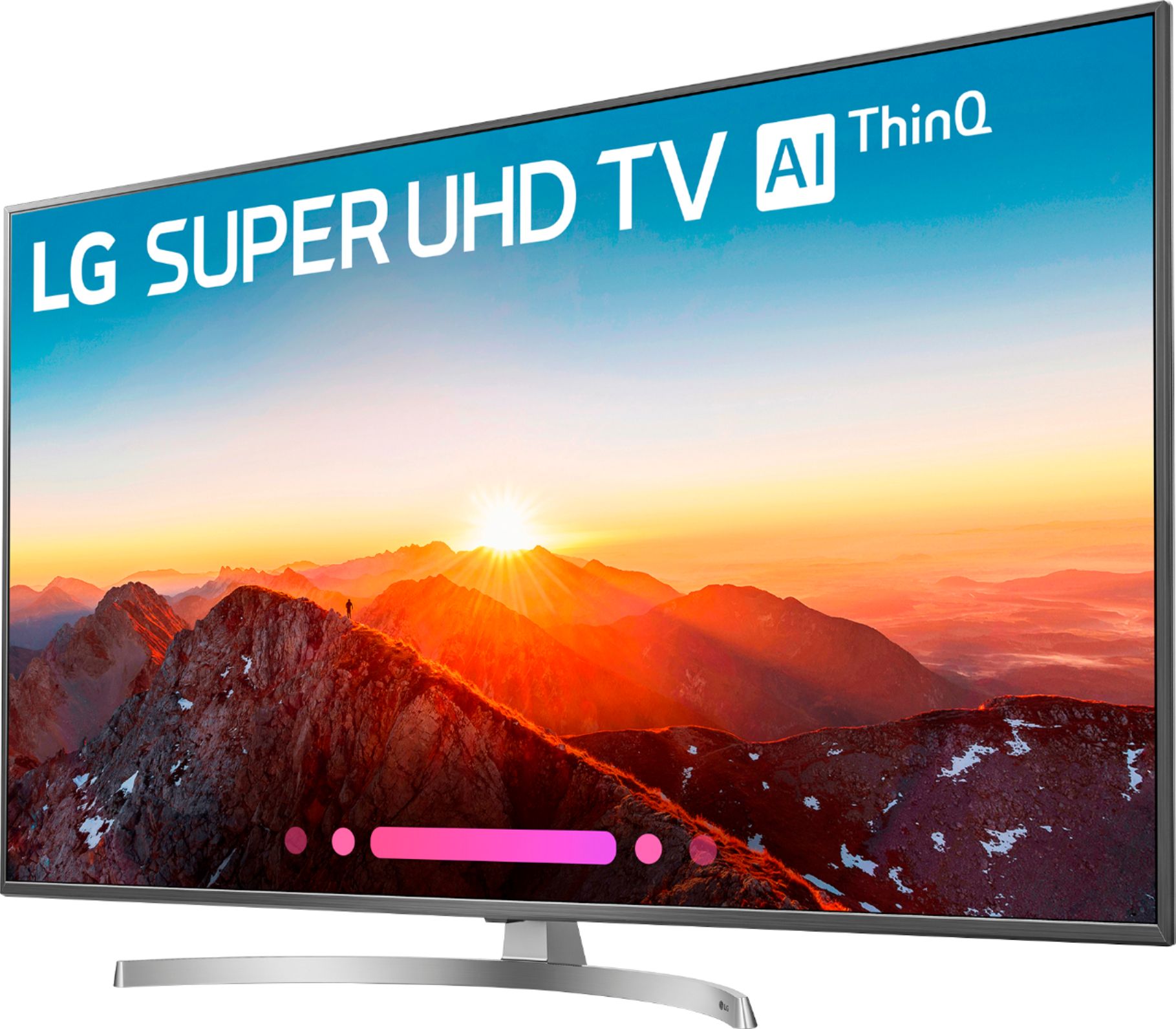
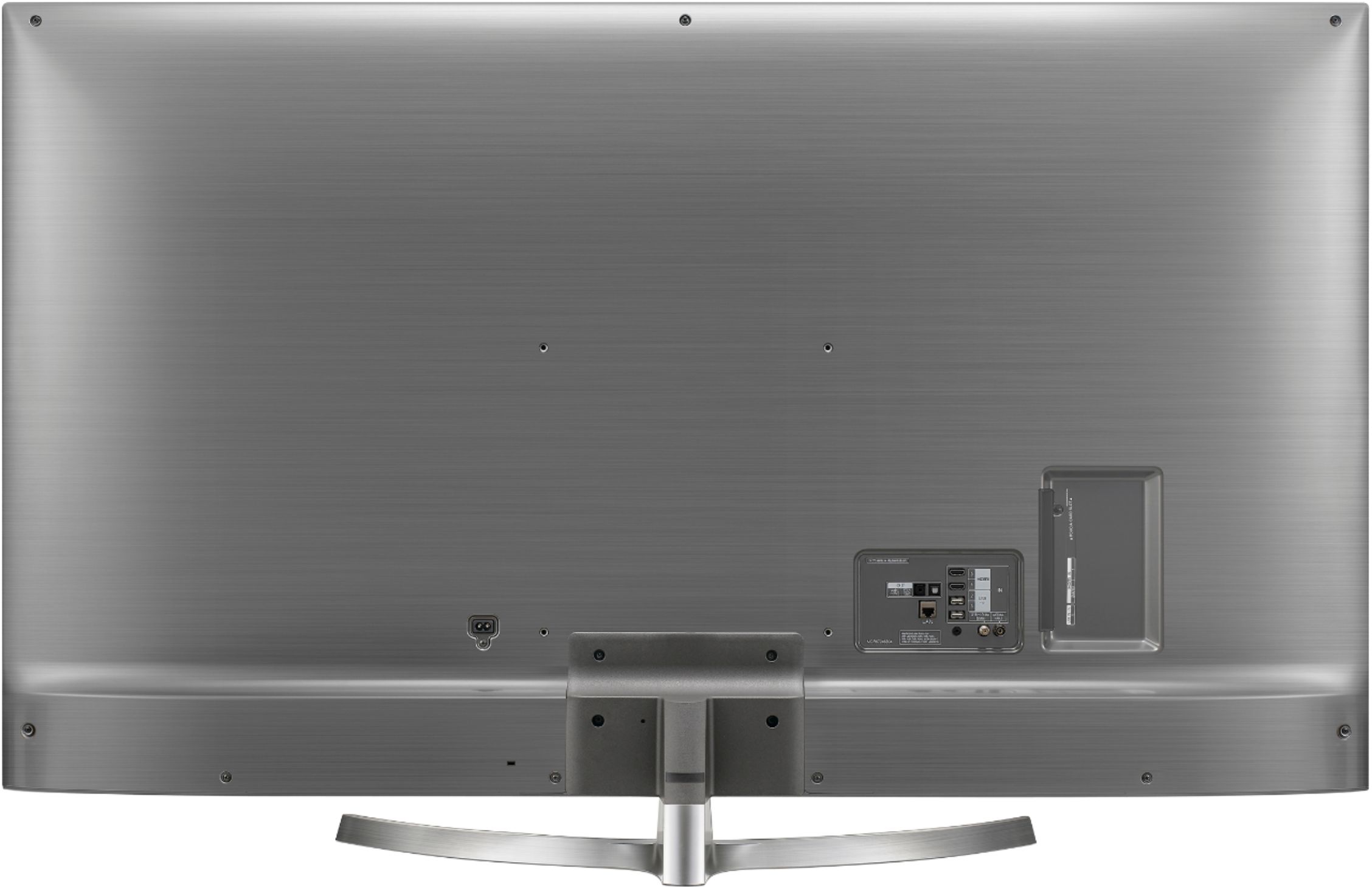
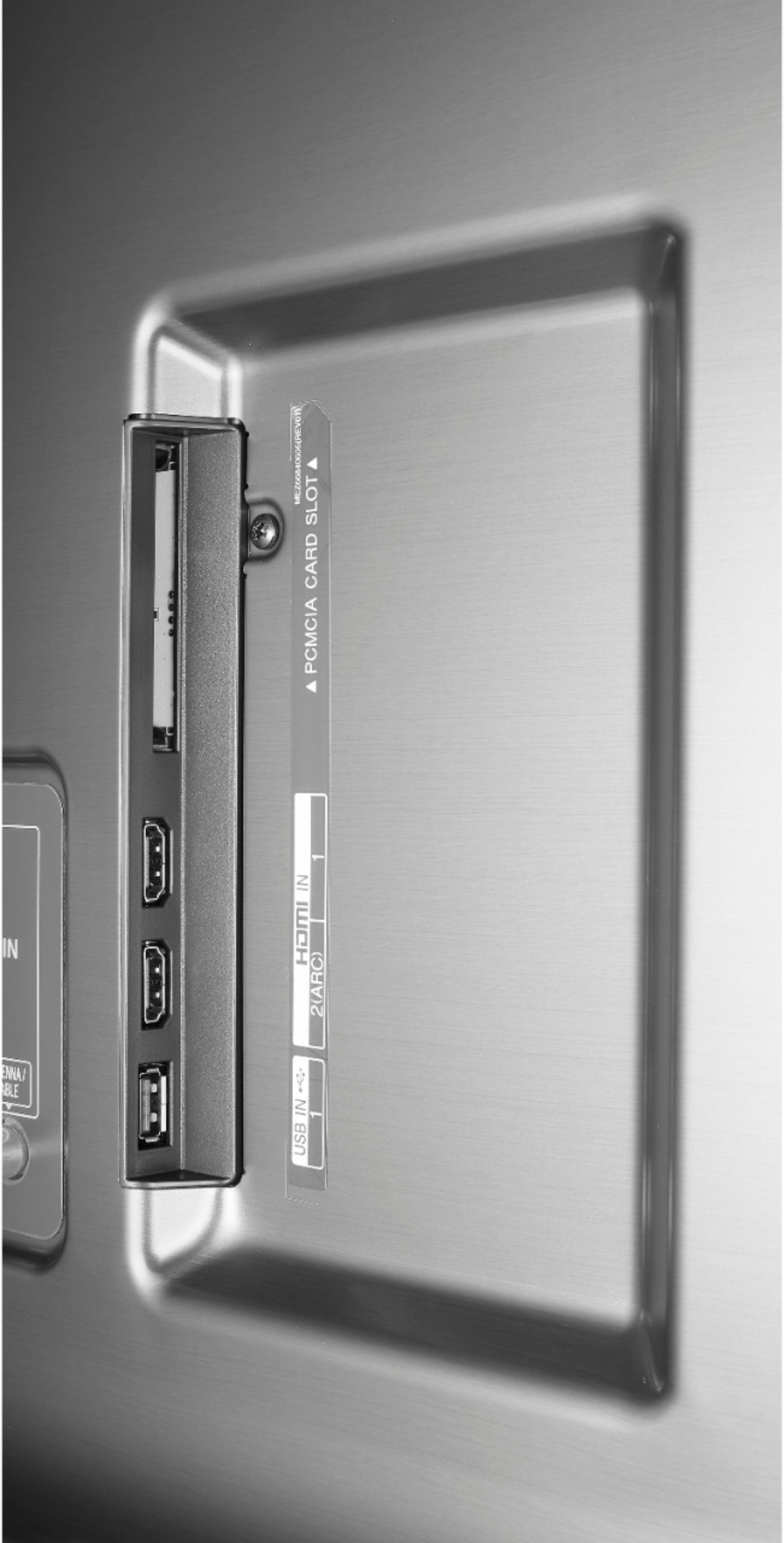
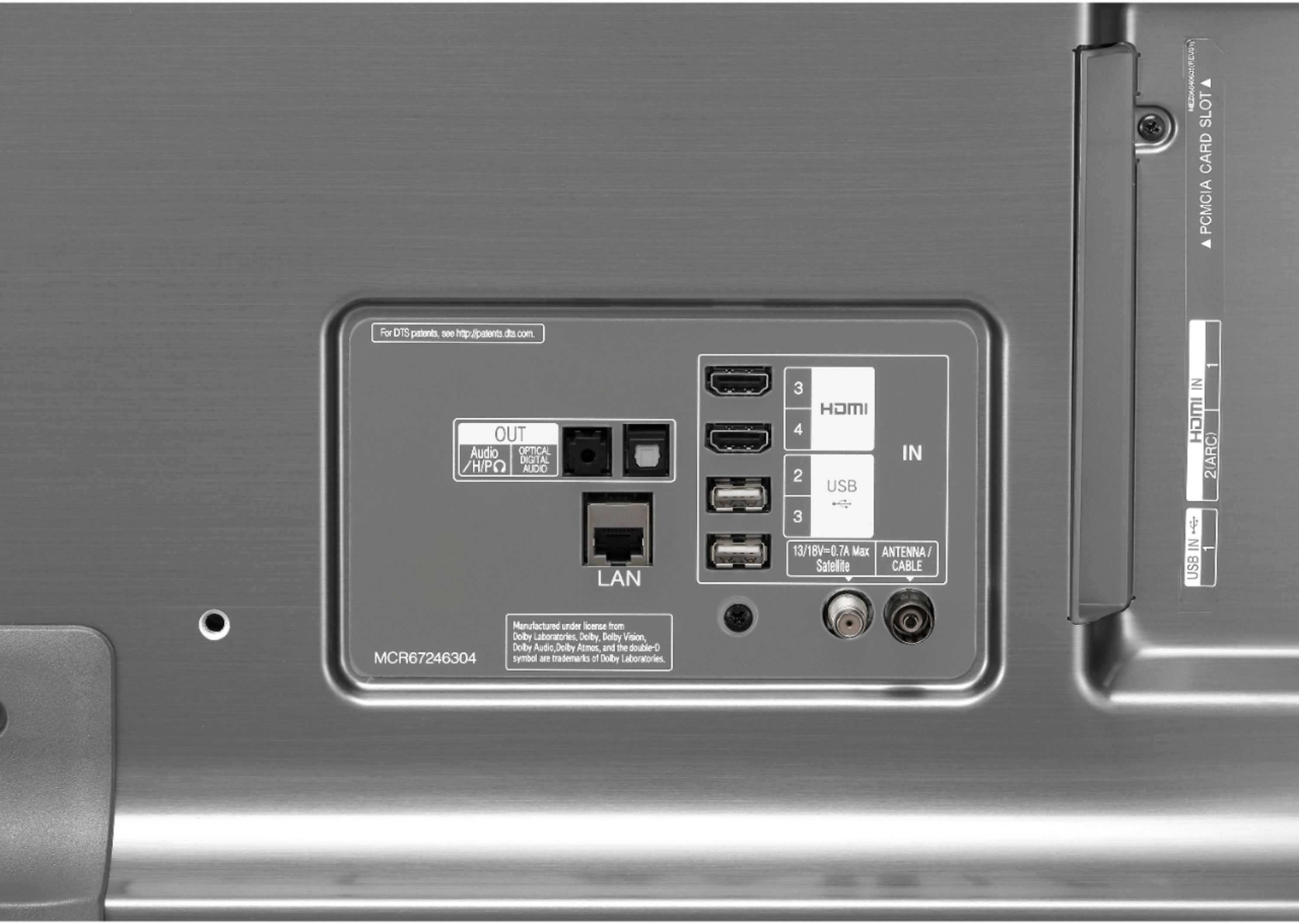
A:Answer Let's try the following. Go to All Settings > General > HDMI ULTRA HD Deep Color and set the desired port to On. Select Restart when the message prompts to restart the TV. In the Xbox settings, Select Display &Sound, then Video Output, then Advanced video settings, the select Allow HDR. (If you have not enabled Deep Color on the TV first, Allow HDR will be greyed out and will not allow you to select it). If this doesn't resolve the issue you are experiencing, our support team would be happy to help. Please reach out to a specialist via Twitter @LGUSSupport, Facebook https://www.facebook.com/LGUSA/ or you can give us a call at 800-243-0000. ^CP