






A:AnswerNo it is not. I believe it's even better. You could also set up an app on your phone to operate it from your phone or from your Alexa if you have one.
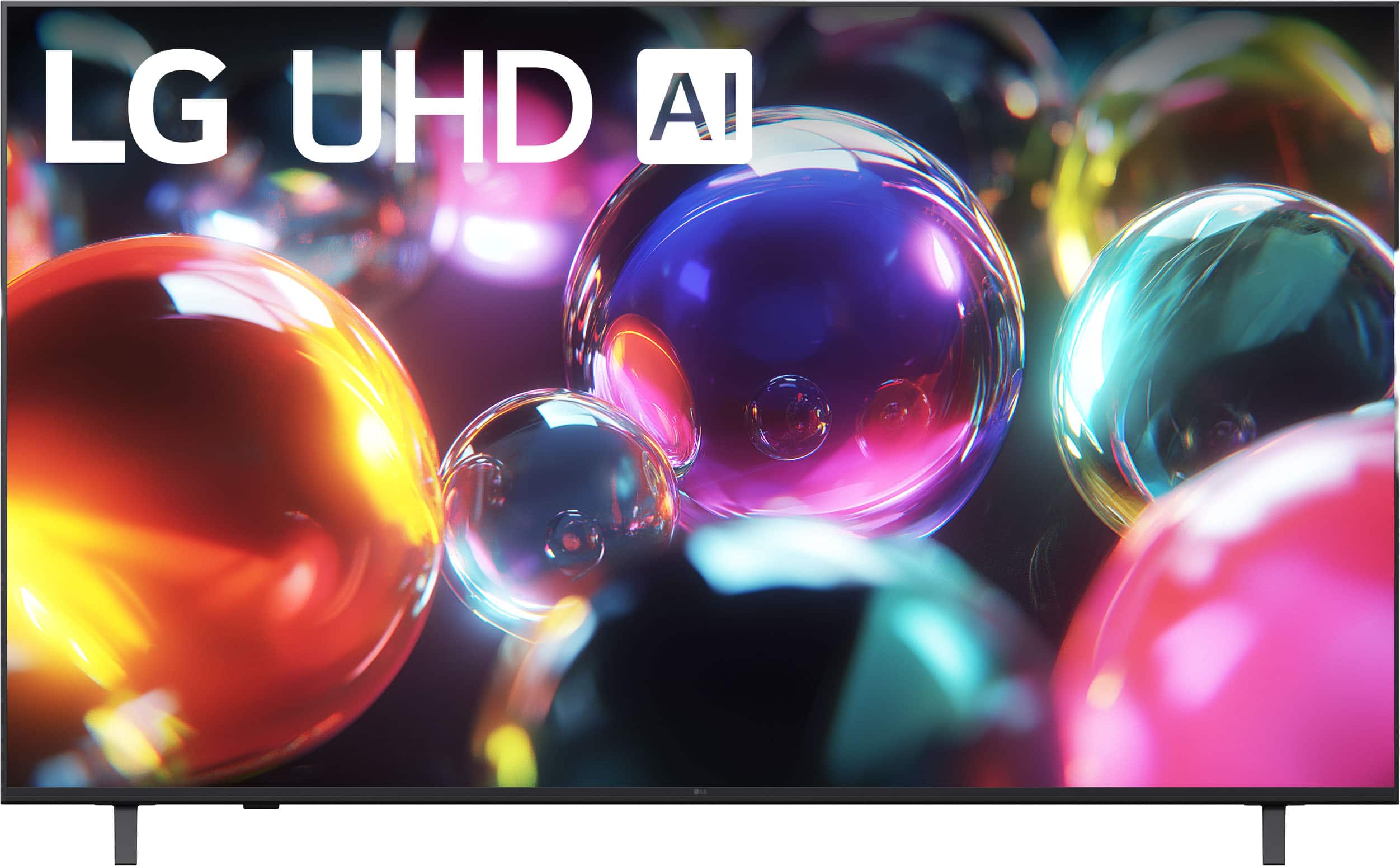
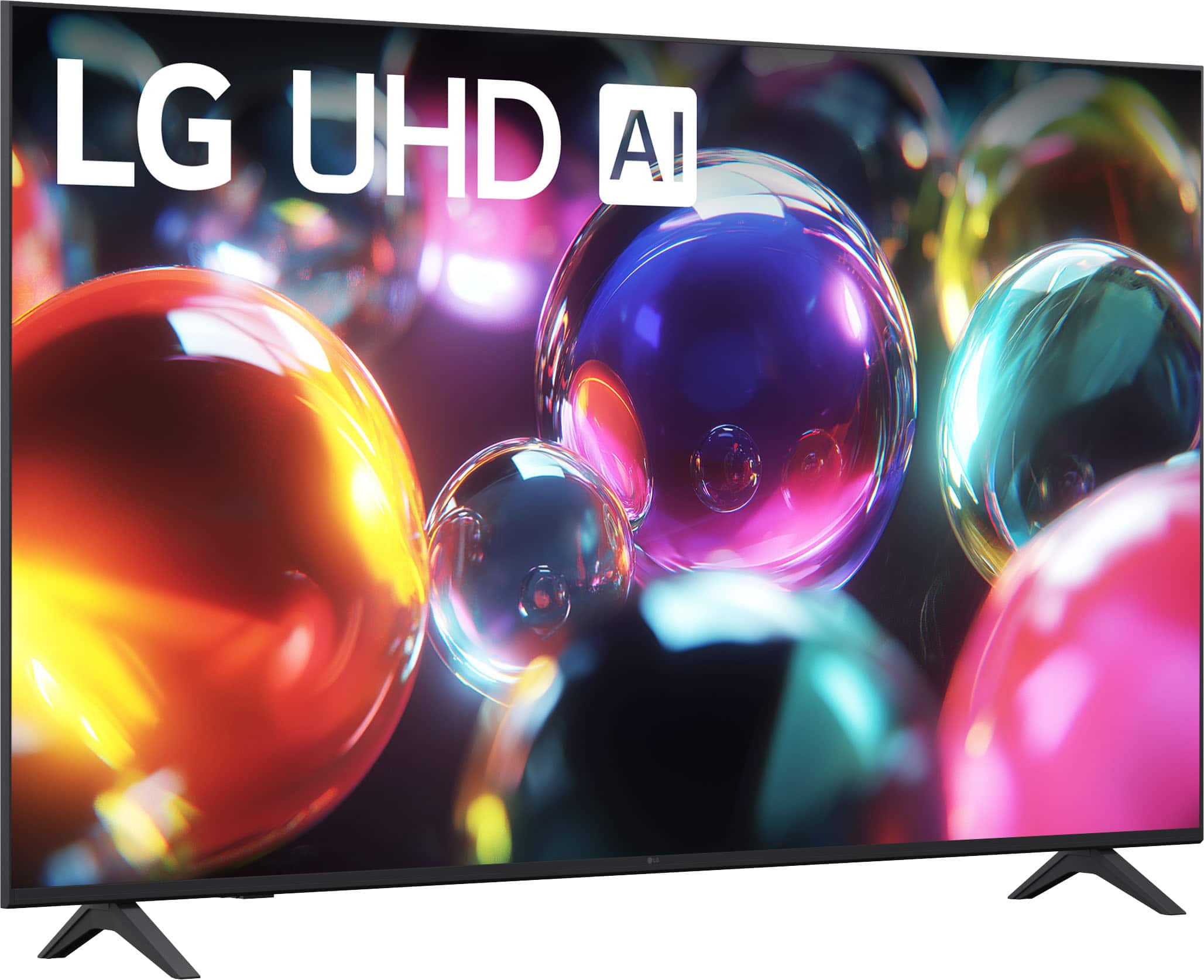
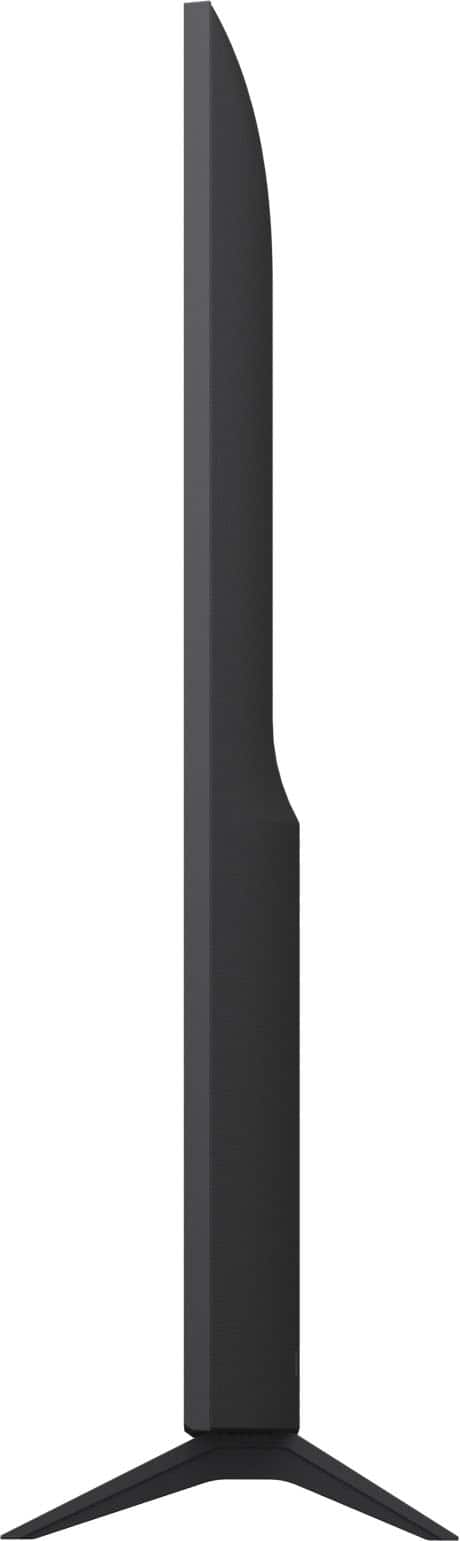
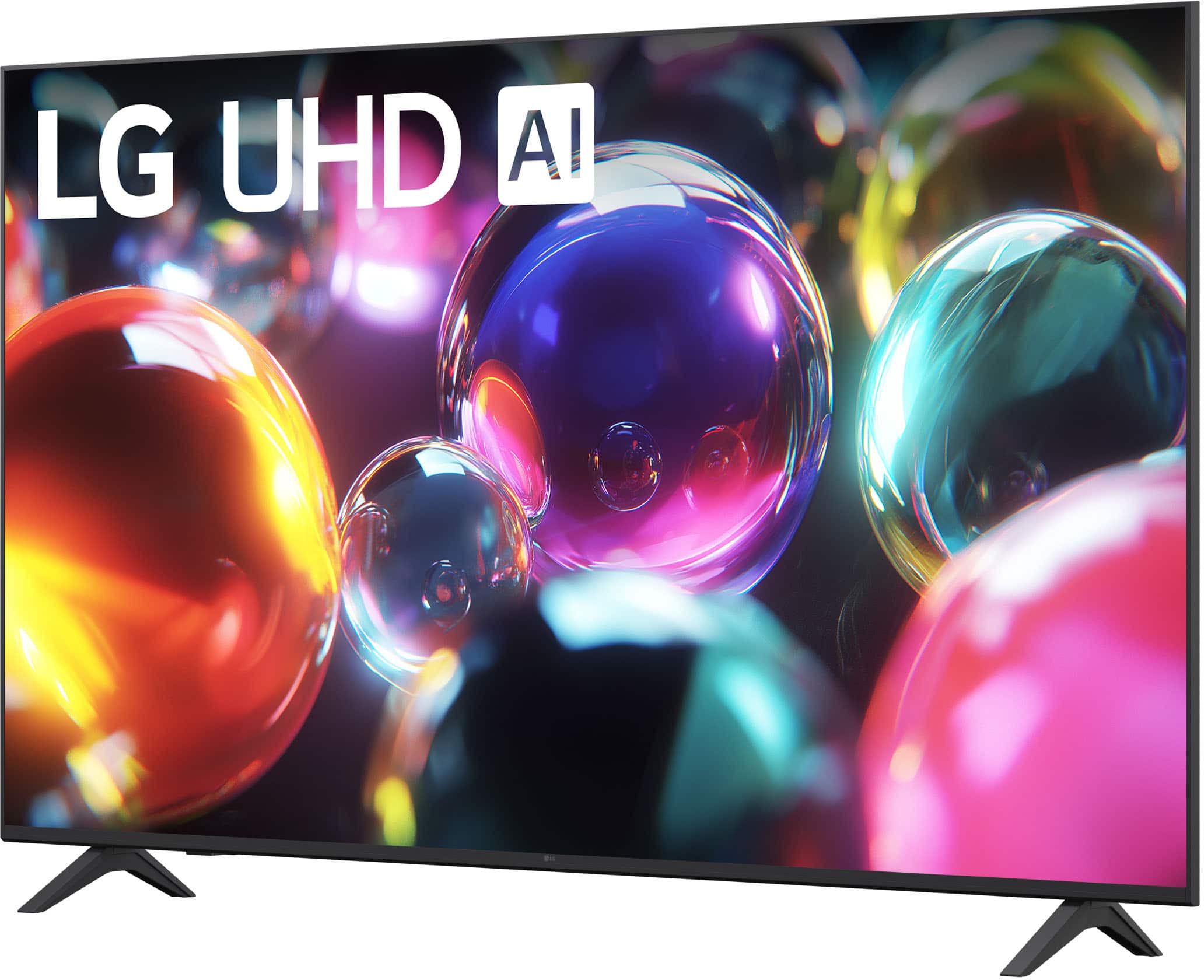
A:AnswerAI (short for Artificial Intelligence) on the LG - 65” Class UA7050 Series LED AI 4K UHD Smart webOS TV (2025), Model # 65UA7050PUB, enhances your viewing experience through features like content recommendations, picture and sound optimization, and smart home integration.
The TV utilizes AI to analyze your viewing habits and preferences, providing personalized content suggestions. This means that the more you watch, the better the TV becomes at recommending shows and movies that align with your tastes.
Overall, AI in your LG TV is designed to create a smarter, more personalized viewing experience by optimizing content delivery, enhancing audio-visual quality, and integrating seamlessly with your smart home devices...^Ivan.
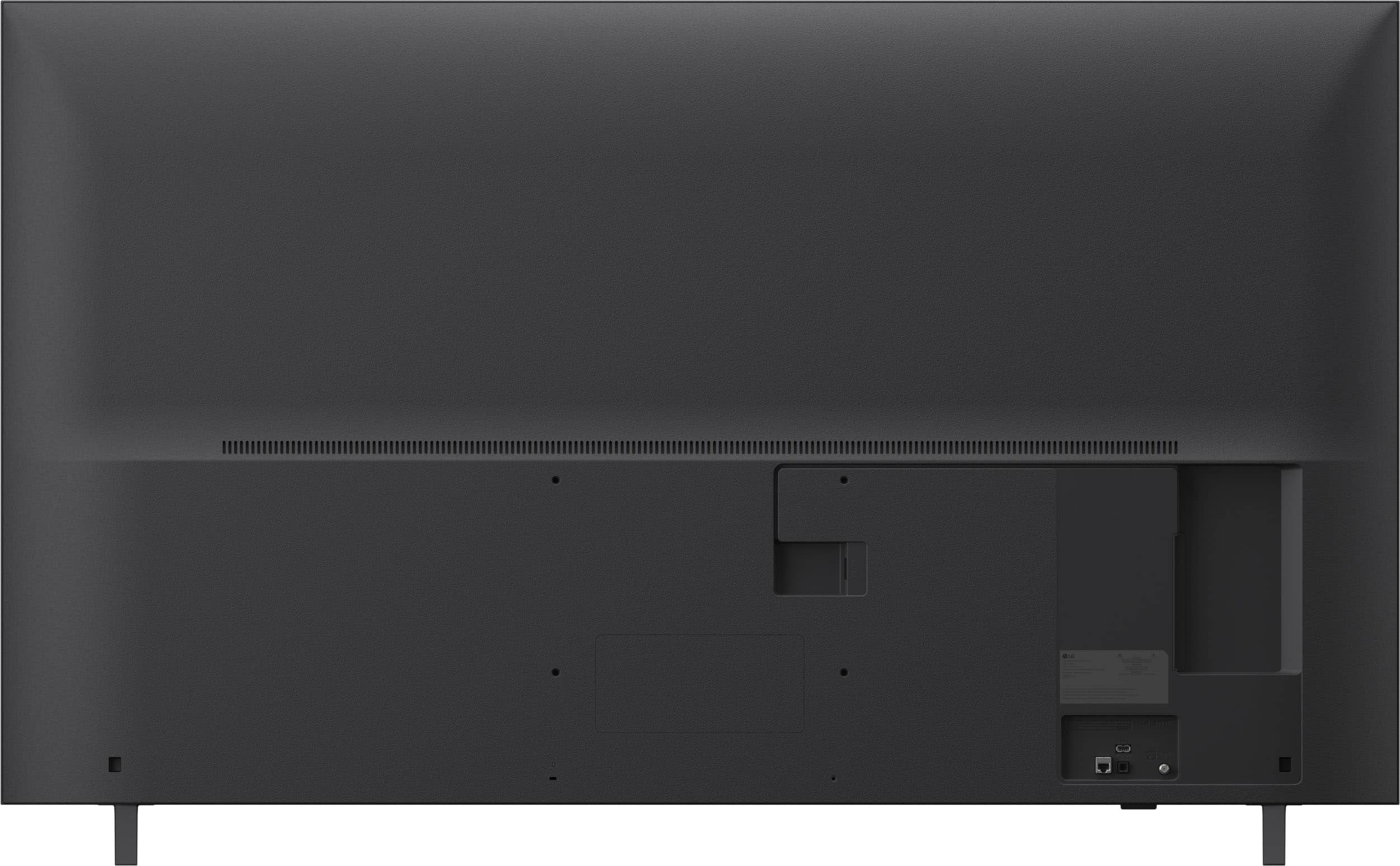
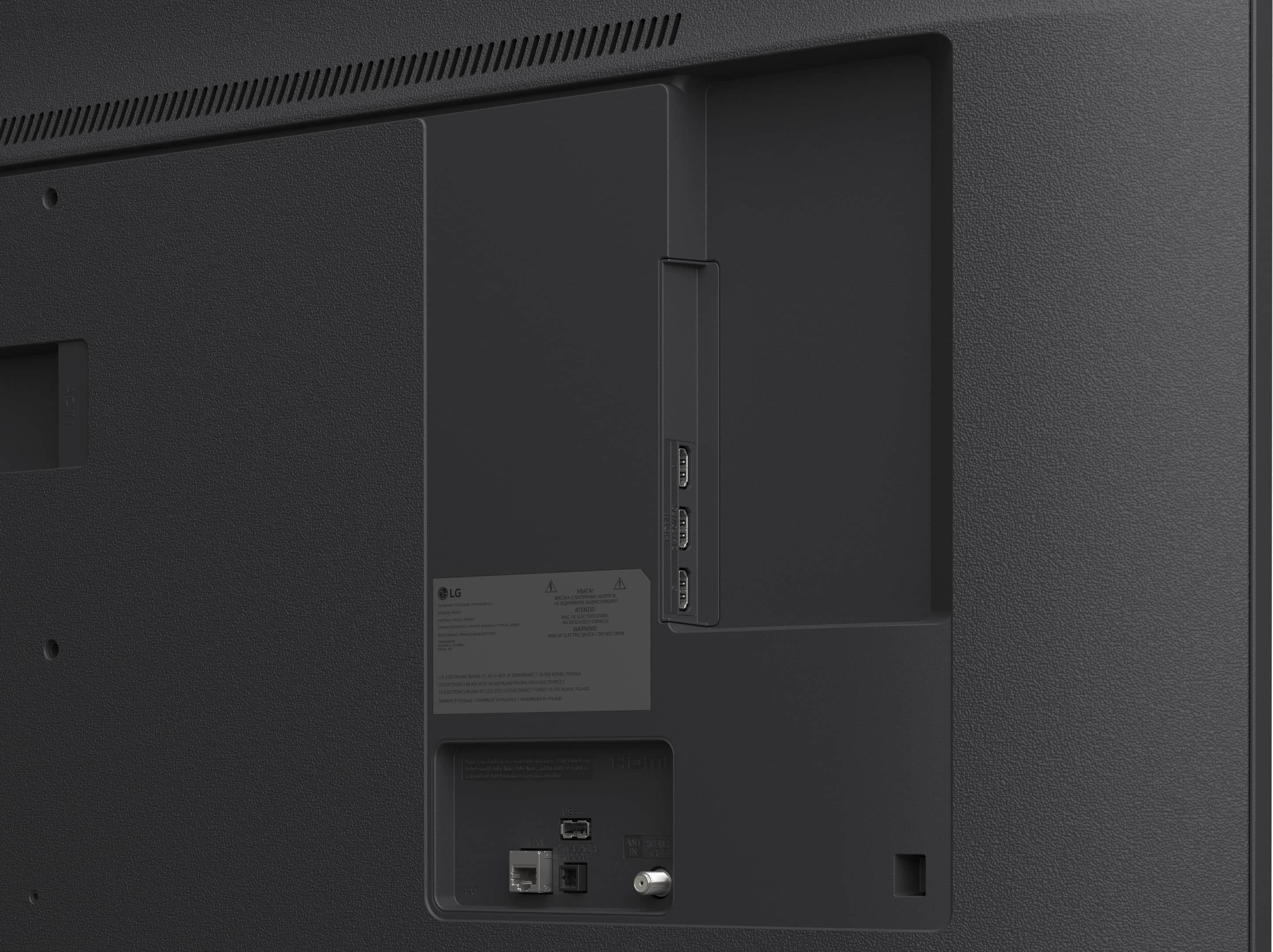
A:AnswerHi there, Rose. Thank you for sharing your experience with us. We understand your inquiry regarding the use of a Roku streaming stick with your 65UA7050PUB. We understand that you would like to continue using your preferred streaming interface alongside our built-in webOS features. You can certainly use your Roku stick with this unit; however, we recommend plugging the Roku stick into one of the three available HDMI ports on the back or side of the television to receive the video and audio signal, while the USB port can be utilized to provide power to the device. We want to ensure that you have the most versatile and enjoyable viewing experience possible with your LG 4K UHD TV. We are committed to providing you with the technical support and information necessary to make the most of your home entertainment setup. It is our goal to ensure that all your devices work harmoniously with your new unit for your complete satisfaction.
https://www.bestbuy.com/product/lg-65-class-ua7050-series-led-ai-4k-uhd-smart-webos-tv-2025/JJ8VPZKYT2
If you have any further questions about its features or connectivity, please contact us on [email protected], and our team will be more than happy to assist you. —Renzo
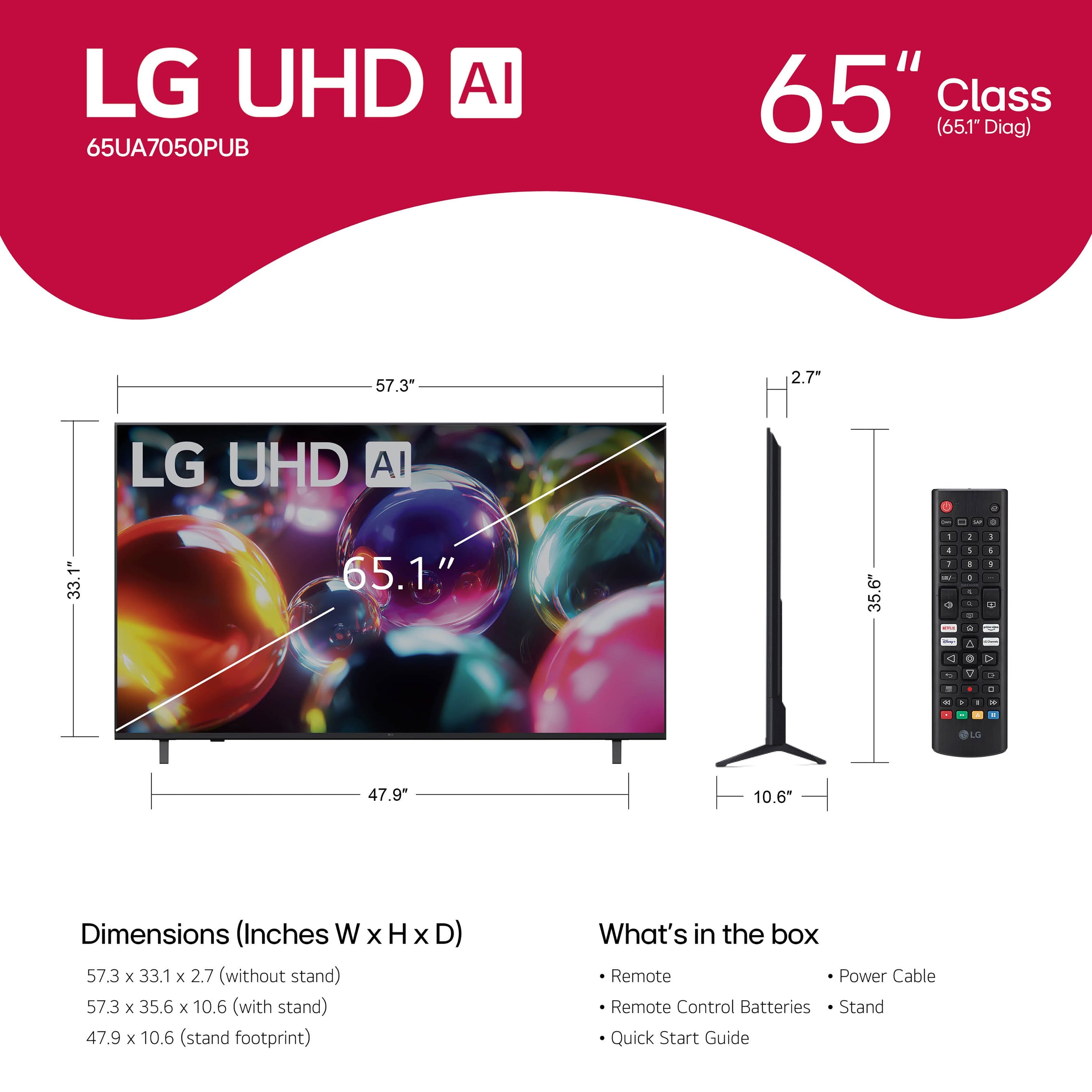
A:AnswerThe standard remote control that comes with the LG 65” Class UA7050 Series LED AI 4K UHD Smart webOS TV (2025), Model # Model # 65UA7050PUB, does not support voice activation, nor does it have a built-in microphone.
The TV is compatible with the optional LG Magic Remote, Model # MR25GA, which has to be purchased separately. The LG Magic Remote has a built-in microphone, and to issue voice commands, you have to press and hold the Mic button while speaking into the microphone.
The LG Magic Remote, Model # MR25GA can be ordered directly from LG through its product detail page on the company site. The Magic Remote is currently out of stock, so you can click on the 'Notify Me' button on its product detail page to submit your ZIP Code and Email so you can be notified as soon as it is back in stock...^Ivan.
A:AnswerHi there, Rich. Thank you for your inquiry. We understand you're asking about the weight of the LG 65" Class UA7050 Series LED AI 4K UHD Smart webOS TV (65UA7050PUB). Based on the information you provided, the weight of the TV with the stand is 36.8 pounds, and the weight without the stand is 36.4 pounds.
https://www.bestbuy.com/product/lg-65-class-ua7050-series-led-ai-4k-uhd-smart-webos-tv-2025/JJ8VPZKYT2
If you have any further questions about the TV's specifications or setup, please send us a private message on Social Media @LGUSSupport, and our team will be more than happy to assist you. —Renzo
A:AnswerHello there. Roses4me. Thank you for sharing your inquiry with us. We understand your inquiry regarding a film on the screen of your LG TV, model 65UA7050PUB.
LG TVs are sometimes shipped with a protective film to prevent scratches during handling and installation. The removable protective film will always have a tab in the corner to assist with removal. If you do not see a tab, the film you are noticing is most likely a functional film, such as a polarizer, that must be left on the screen.
It is important to only remove films that have a designated removal tab. Removing a functional film could result in poor picture performance or even panel damage. We want you to have the best viewing experience possible.
LG TV – How to Remove the Screen Protection Film - https://www.lg.com/us/support/help-library/lg-tv-how-to-remove-the-screen-protection-film--20154106203657LST
If you have any further questions about your TV's picture or features, please send us a private message on Social Media @LGUSSupport, and our team will be more than happy to assist you. —Renzo
A:AnswerWhich 32" TV for $59.99 are you inquiring about?
You are on the page for the LG 65” Class UA7050 Series LED AI 4K UHD Smart webOS TV (2025), Model # 65UA7050PUB, which is the wrong page for your inquiry about a 32" TV...^Ivan.
A:AnswerHello there. Thank you for sharing your experience with us. We understand your inquiry regarding the warranty coverage for the LG UHD TV (Model # 65UA7050PUB). Based on the specifications for this unit, it comes with a Limited Warranty that covers 1 Year for Parts and Labor from the date of original purchase. Your feedback is important, and we'd like to assist you further.
https://www.bestbuy.com/product/lg-65-class-ua7050-series-led-ai-4k-uhd-smart-webos-tv-2025/JJ8VPZKYT2
If you have any further questions about its features, please contact us on [email protected], and our team will be more than happy to assist you. —Renzo
A:AnswerYou will need six M4 x L20 screws to attach the stand feet to the LG - 65” Class UA7050 Series LED AI 4K UHD Smart webOS TV (2025), Model # 65UA7050PUB...^Ivan.












