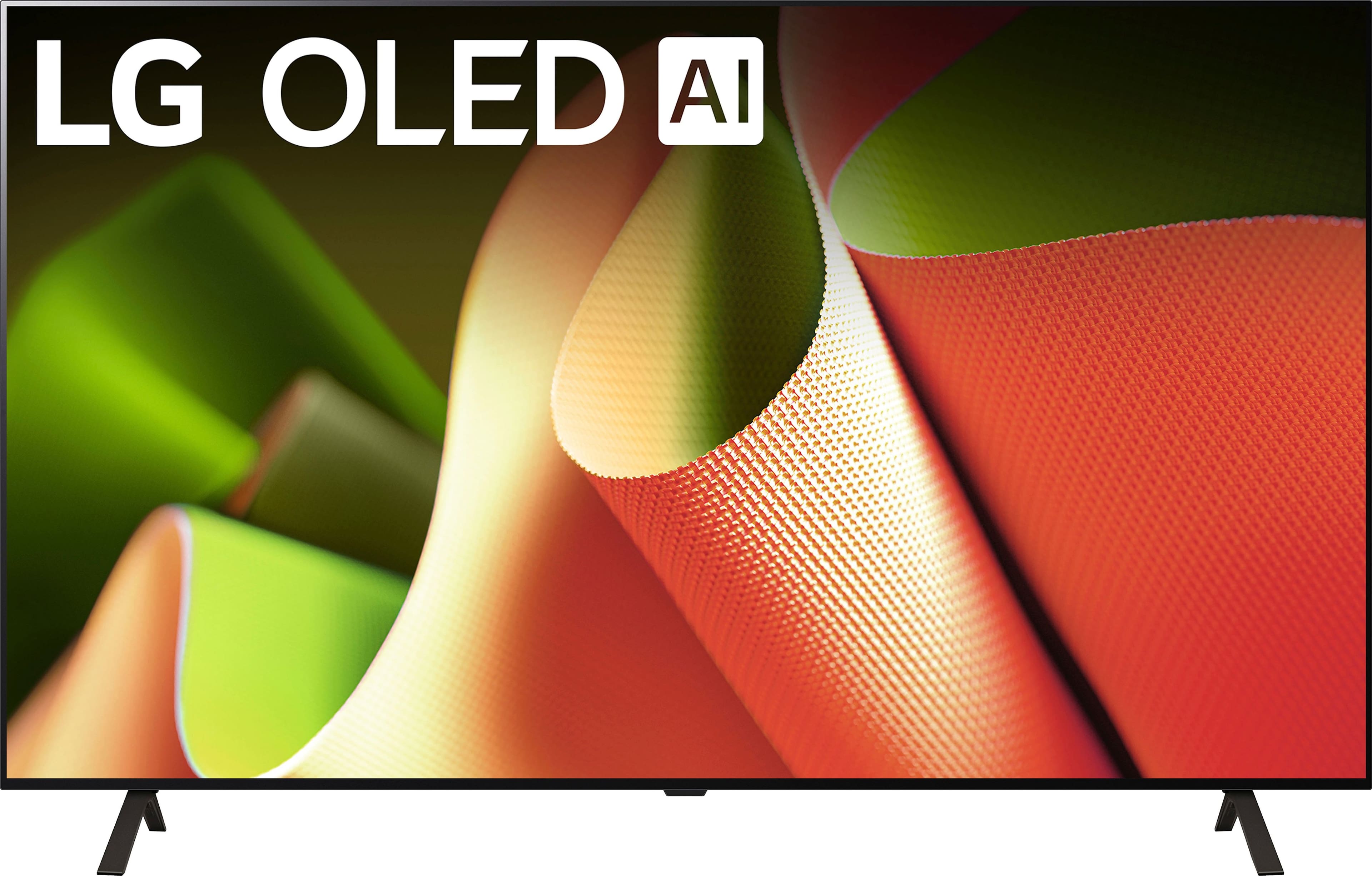
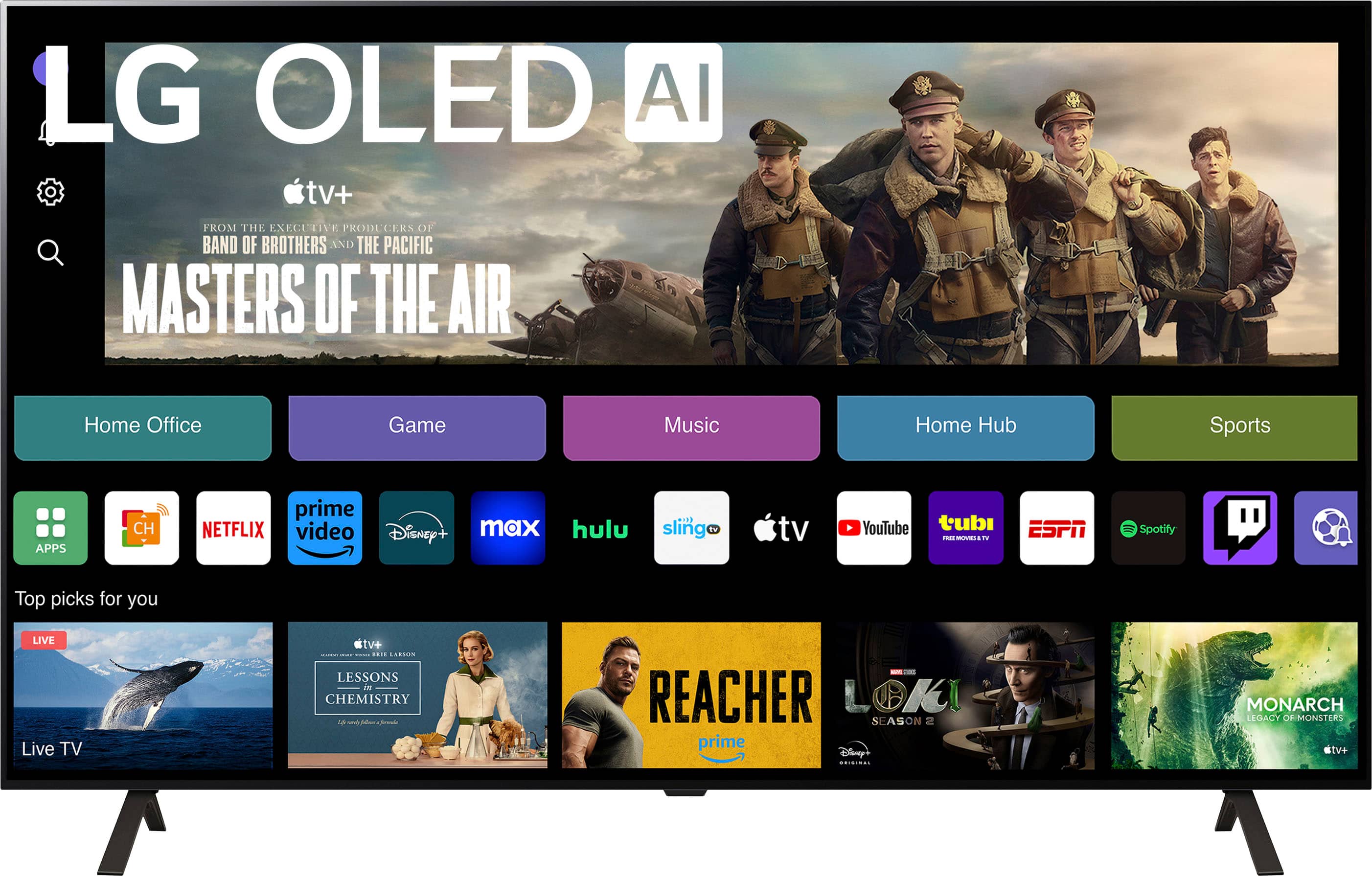
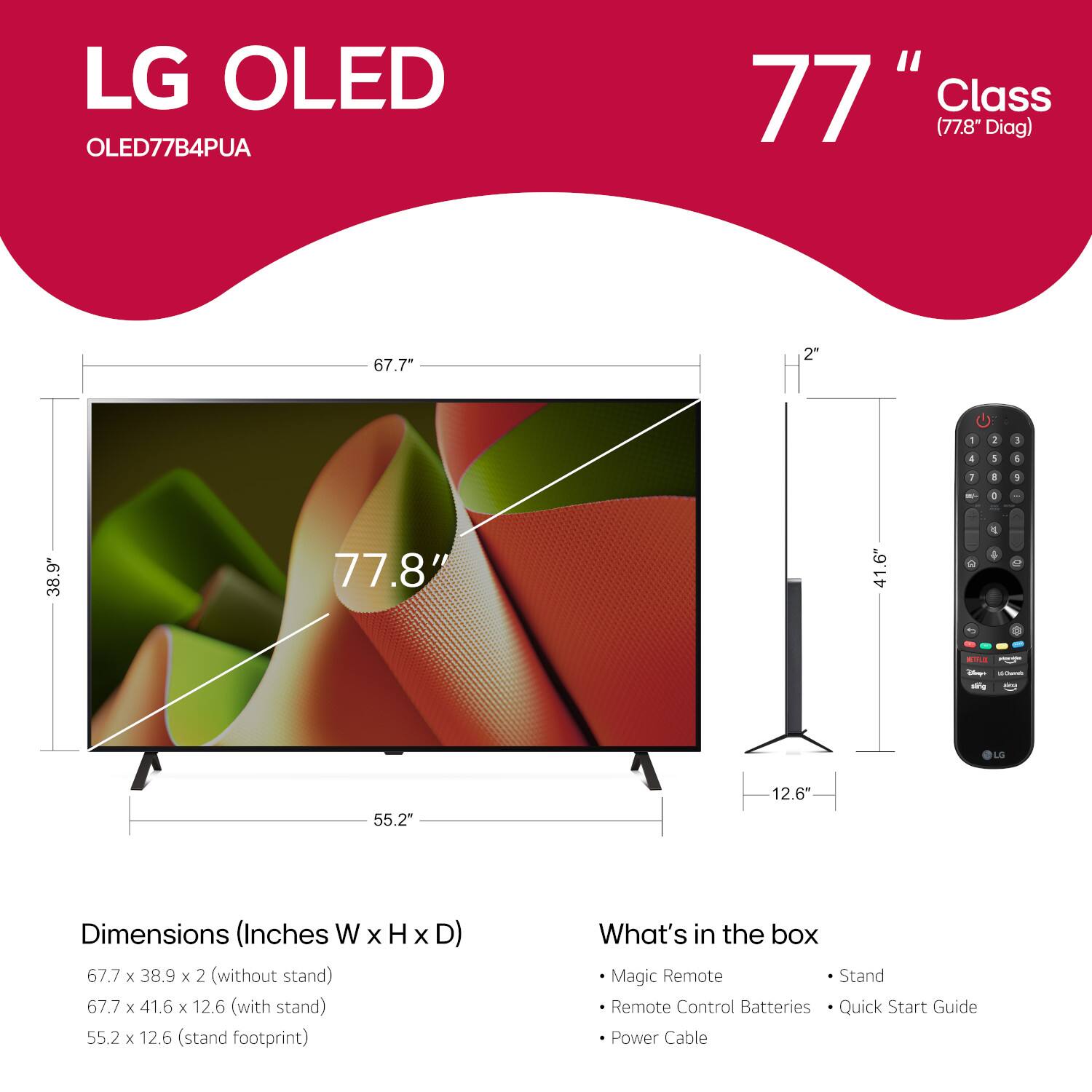
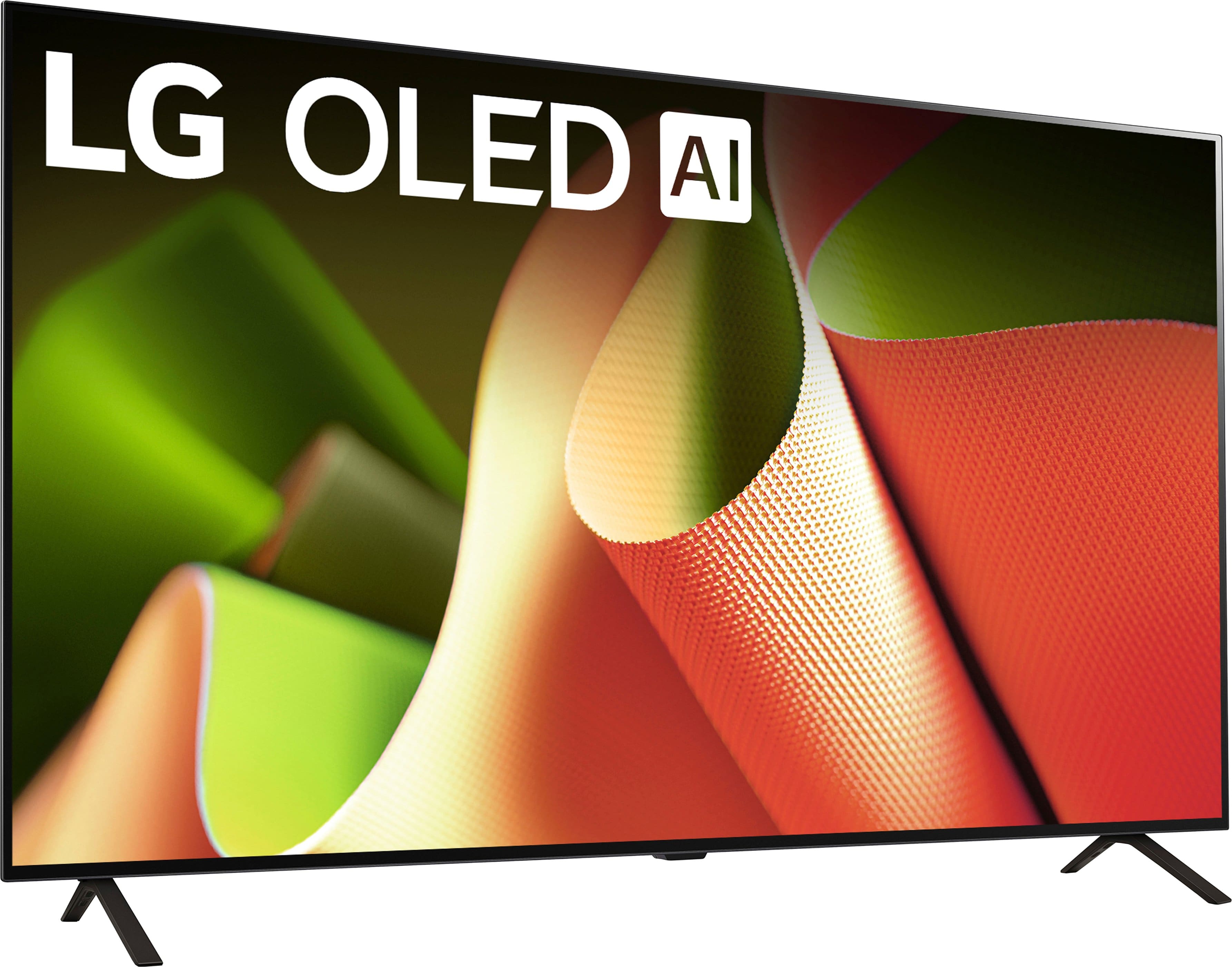
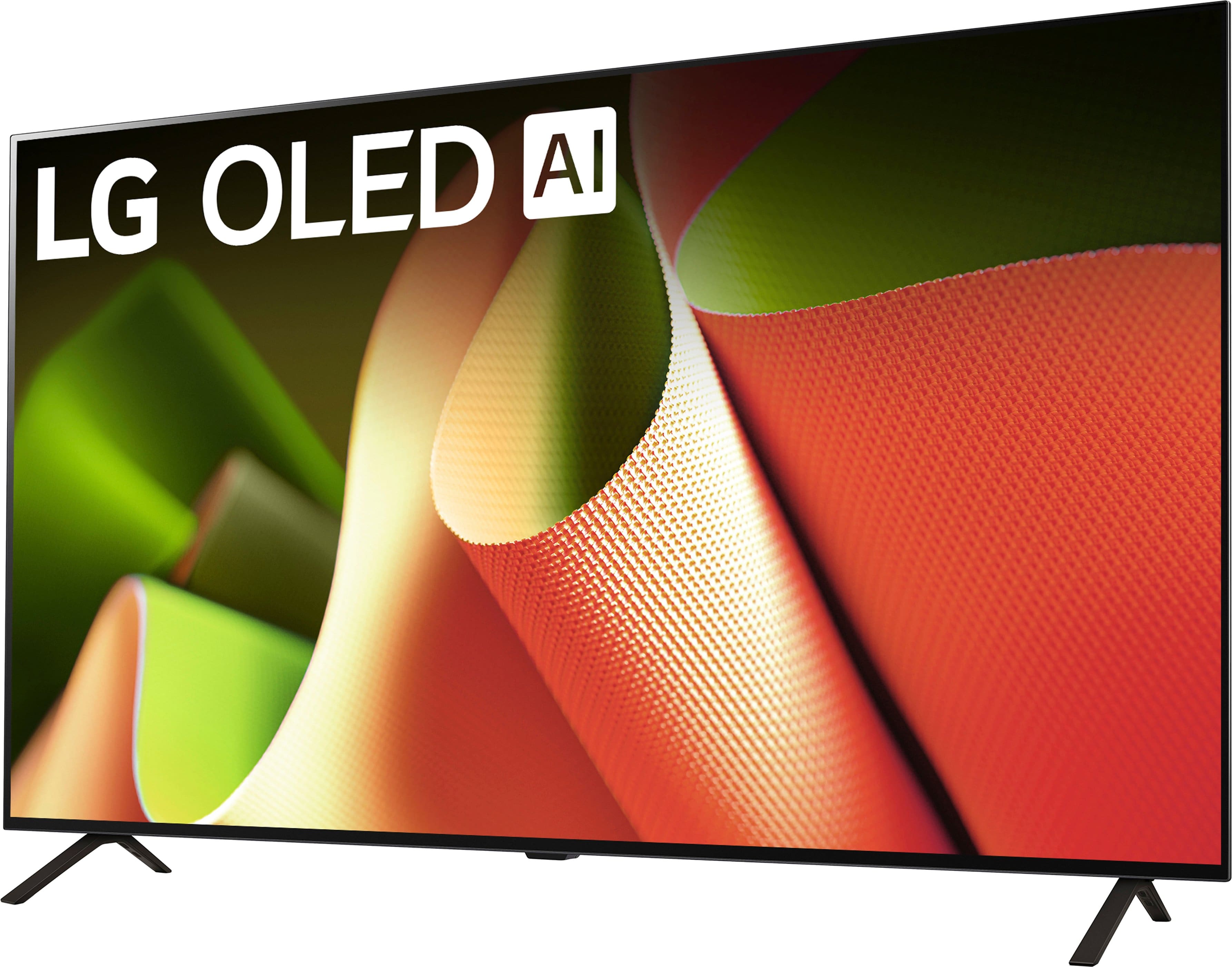
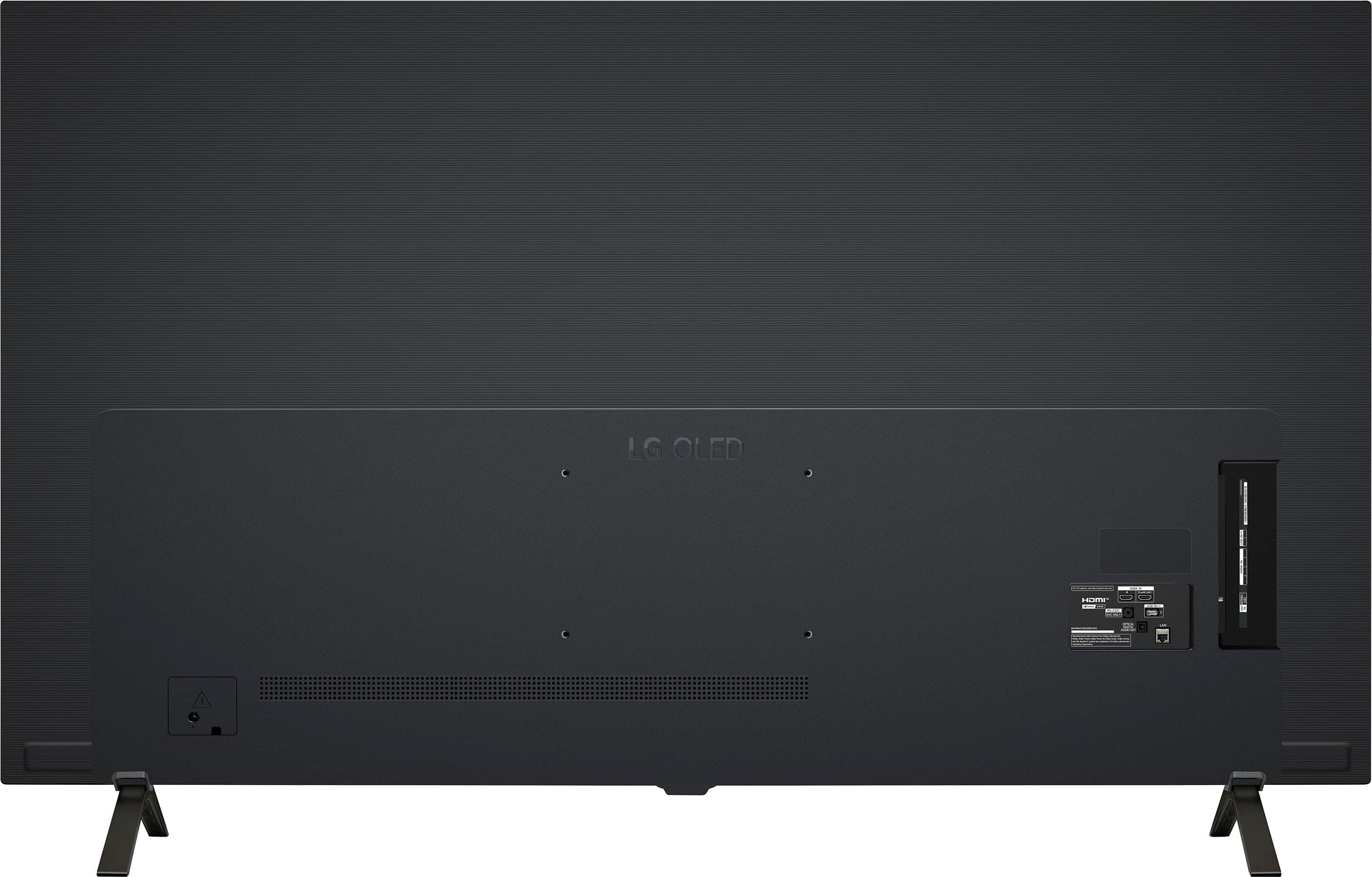
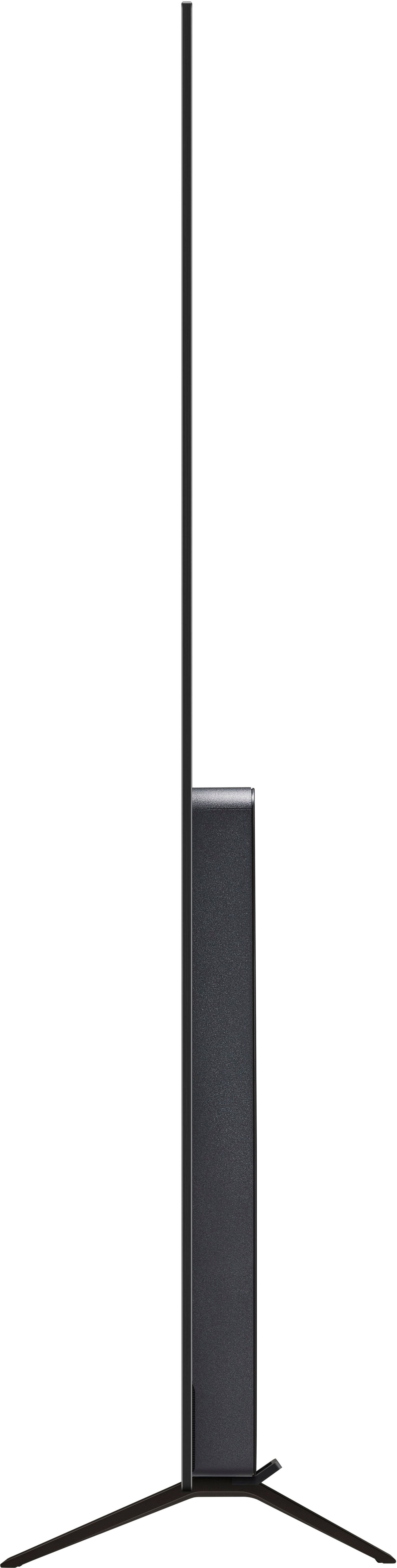
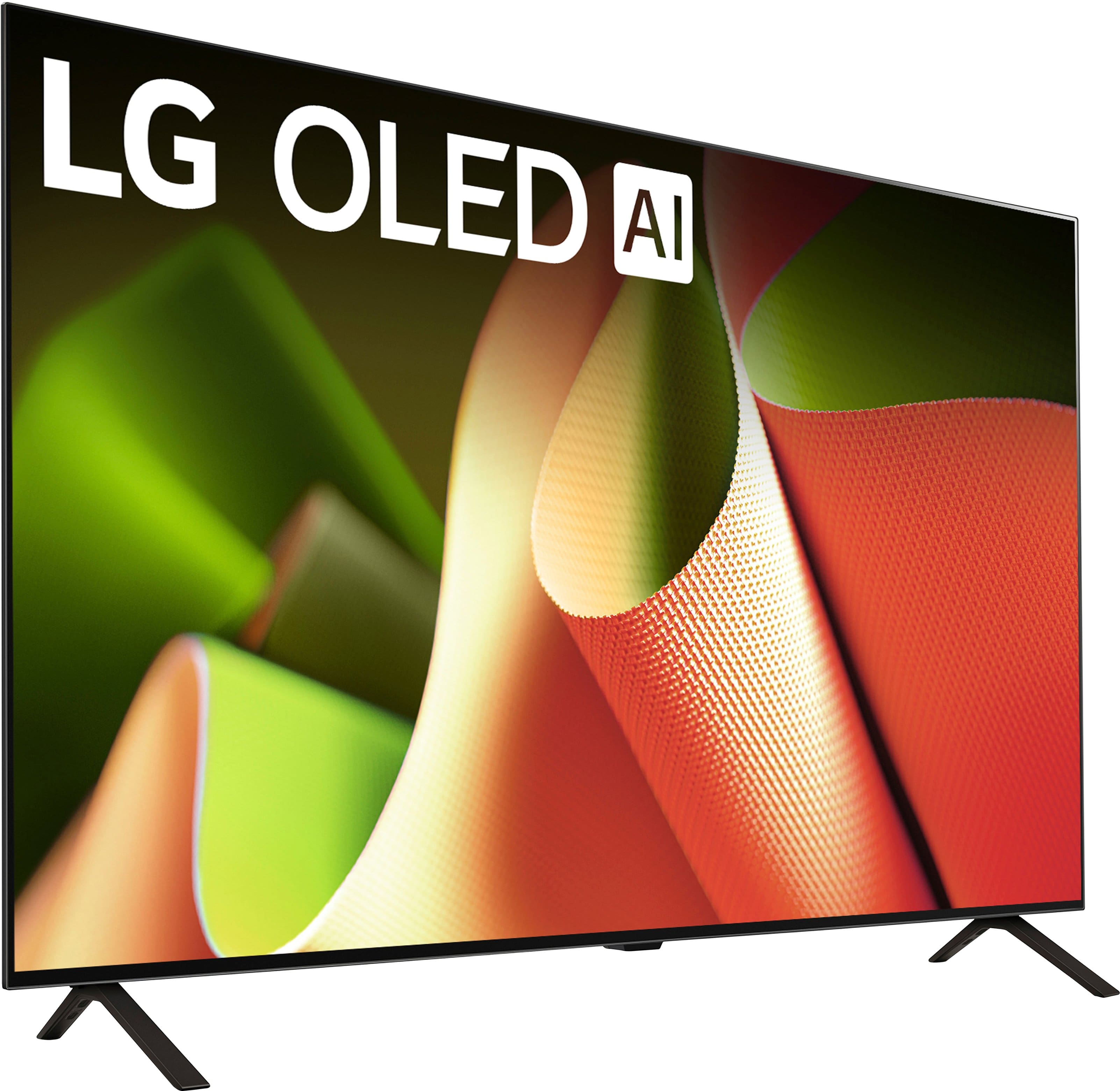
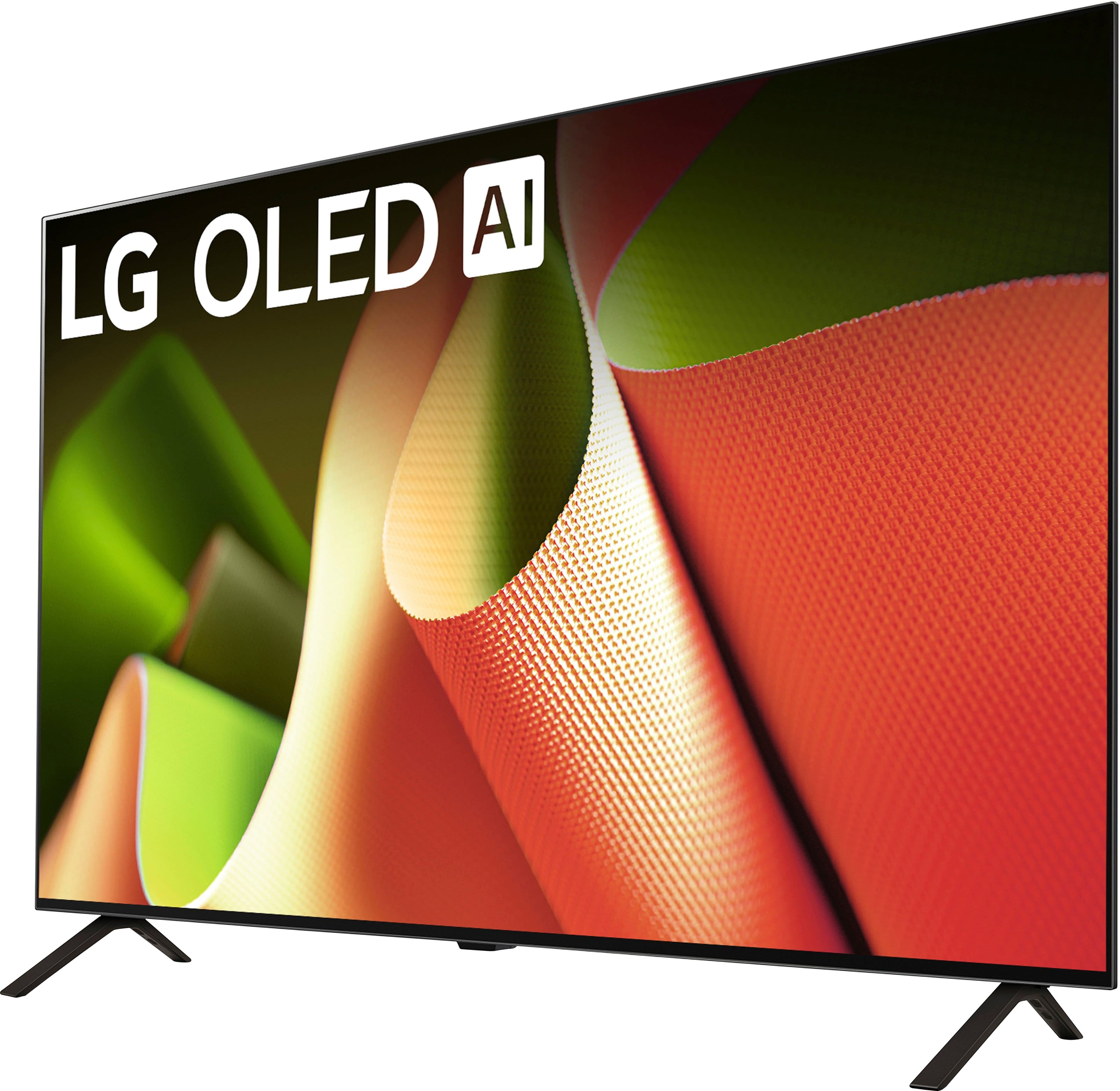
A:AnswerHello there. Congratulations on your new LG OLED77B4PUA TV, and thank you for reaching out with your question. We understand how important it is to ensure your TV will fit perfectly on your console. The OLED77B4PUA has a central stand design, meaning the legs are positioned more towards the middle rather than at the edges. The distance between the legs is approximately 47.2 inches. Since your TV console is 60 inches, the TV should fit comfortably with some space on either side. If you have any further questions or need additional assistance, please don’t hesitate to send us a private message on social media @LGUSSupport. We’re here to ensure your setup is just right. —Renzo
A:AnswerThank you for reaching us regarding LG Smart webOS TV. The LG OLED77B4PUA is an OLED TV that claims to boost brightness by up to 70% compared to previous models, potentially reaching up to 2,000 nits of peak brightness. You can download its owner's manual through this link for more information: https://www.lg.com/us/support/product/lg-OLED77B4PUA.AUS. For additional assistance, please reach out to us on social media @LGUSSupport so we can help you further. ^Cris
A:AnswerHello there, Trentster. Thank you for your question! We understand your interest in playing videos and displaying pictures from a USB thumb drive on the LG OLED77B4PUA.
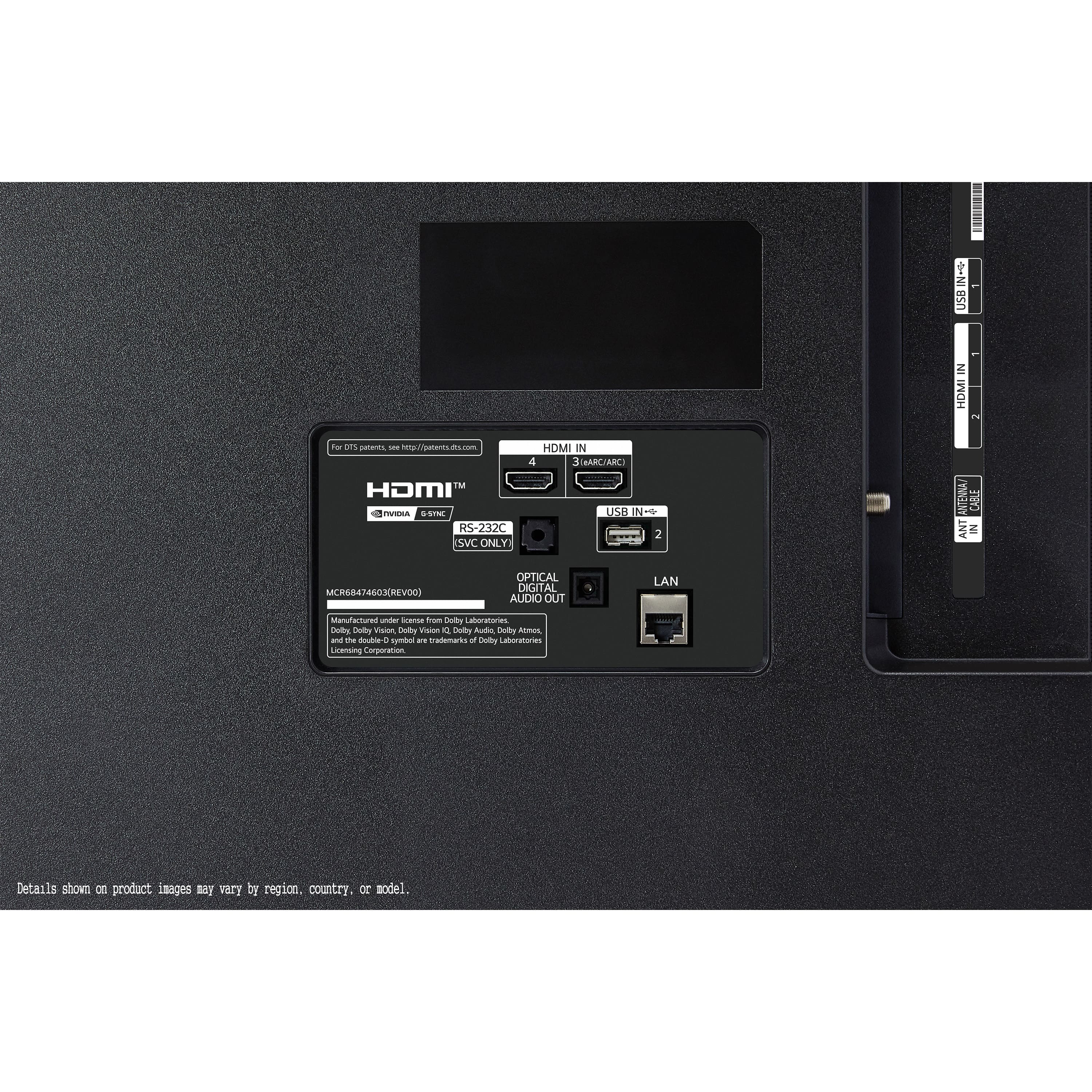
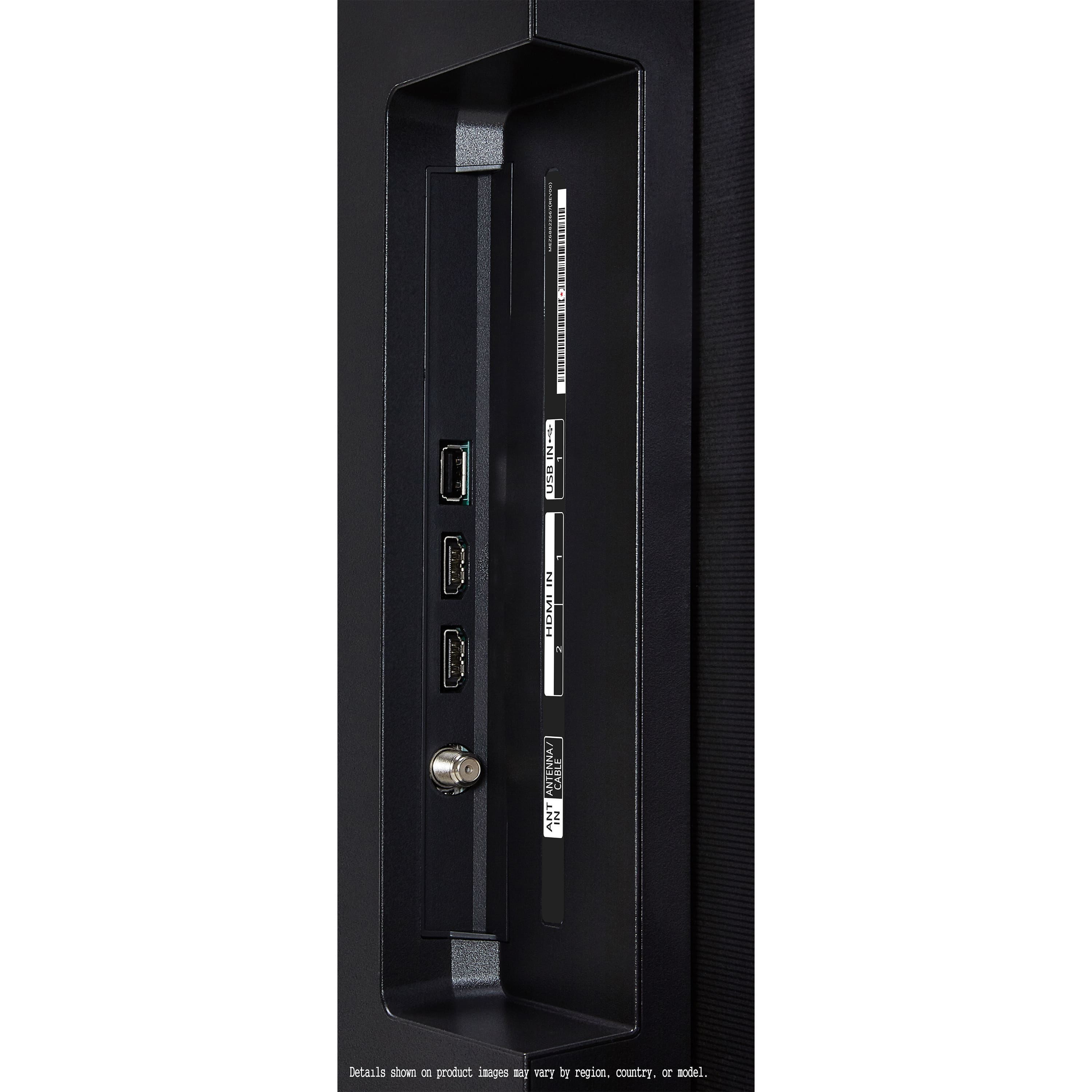
Yes, you can absolutely use a USB thumb drive to view pictures and play videos on this TV. The TV supports USB input via two available USB ports (USB 2.0), which allows you to connect a USB thumb drive and access your media files.
Simply plug the USB drive into one of the USB ports, and then navigate to the Photo & Video section through the TV’s menu to view your content. Make sure your video files are in a supported format for playback, such as MP4 or MKV.
If you need further assistance with the setup or file compatibility, feel free to reach out.
https://www.lg.com/us/tvs/lg-oled77b4pua-oled-4k-tv#pdp_specs
Please send us a private message on Social Media @LGUSSupport, and our team will be happy to provide additional guidance or answer any further questions. We appreciate your patience!
—Renzo
A:AnswerThe LG 77" Class B4 Series OLED 4K UHD Smart webOS TV (2024), Model # OLED77B4PUA does not have a built-in microphone on its frame. As you noted in your inquiry, the microphone is only on the LG Magic Remote, Model # MR24GN, which is an included accessory with the TV...^Ivan.
A:AnswerHi there, Davey. We understand that you wanted to know if this model have a sleep timer. Yes, the LG OLED77B4PUA does have a Sleep Timer feature. You can set a timer to turn off the TV automatically after a set period. This can be accessed through:
Settings > General > Timers > Sleep Timer
https://www.lg.com/us/tvs/lg-oled77b4pua-oled-4k-tv#pdp_specs
You can select various time options depending on your preference. Let us know if you need any guidance on setting it up! Feel free to message us privately on Social Media @LGUSSupport for further assistance.
—Renzo
A:AnswerHi, Jojo.
Thank you for your interest in the LG 77" Class B4 Series OLED 4K UHD Smart webOS TV (2024), Model # OLED77B4PUA.
The TV does not come with a Soundbar.
The TV and all of the LG OLED B4 series support WOW Orchestra...^Ivan.
A:AnswerThe LG 77" Class B4 Series OLED 4K UHD Smart webOS TV (2024), Model # OLED77B4PUA, is a Bluetooth-enabled TV so you can pair wireless Bluetooth Headphones/earbuds with it.
It does not have a 3.5 mm headphone out (aka headphone jack) for connecting wired headphones...^Ivan.
A:AnswerHi, Hondo. Thank you for reaching out with your question. The power cord for the LG TV (OLED77B4PUA) model, typically measures around 6 feet in length. This should provide a decent amount of flexibility for most installations, but if you need a longer reach, you can always use an appropriate extension cord as long as it's rated for the TV's power requirements.
If you have any other questions or need further assistance, feel free to send us a private message on social media @LGUSSupport. Our team will be more than happy to assist you. ^Juvy
A:AnswerHi there, thank you for your inquiry about the OLED77B4PUA! The distance from the bottom VESA mounting holes to the bottom edge of the TV is approximately 9.8 inches. The IR sensor is located just below the center of the TV’s bottom edge, so the clearance for it would not significantly add to this measurement.
If you’re mounting the TV above a console, this measurement should help you achieve a snug and aesthetic setup. For more detailed guidance or additional questions, feel free to send us a private message on Social Media @LGUSSupport. Our team is happy to assist further!
—James
A:AnswerHello there! We understand your inquiry regarding your LG 77" Class B4 Series OLED 4K UHD Smart TV (Model OLED77B4PUA) only accepting optical audio from your Sony surround/DVD and not picking up HDMI audio. We appreciate you sharing the details, and we’d like to help you get sound over HDMI as intended.
First, please confirm that you’re using the TV’s dedicated HDMI ARC (Audio Return Channel) port to connect to your Sony surround receiver. On the back of your OLED77B4PUA, you should see one HDMI port labeled “ARC” or “eARC.” If your receiver also supports ARC/eARC, be sure to use an HDMI High-Speed cable (preferably Ultra High Speed) plugged firmly into both the TV’s HDMI (ARC) port and the matching HDMI ARC input on your receiver. Here’s one troubleshooting step you can try:
Enable ARC/eARC and set the TV’s Sound Output to HDMI ARC
• Go to Settings → All Settings → Sound → Sound Out.
• Select HDMI (ARC) or RX (HDMI ARC) instead of “Optical” or “TV Speaker.” This tells the TV to send audio through the HDMI ARC channel.
• Next, navigate to Settings → All Settings → General → SIMPLINK (HDMI-CEC) and make sure SIMPLINK is turned On. SIMPLINK allows the TV to control connected devices over HDMI, ensuring that ARC functions properly.
• Finally, under Settings → All Settings → Sound → Sound Out → Digital Sound Out Format, set it to PCM (if you’re unsure whether your Sony receiver supports Dolby Digital or DTS over ARC). PCM is a widely compatible format that most receivers can decode.
After adjusting those settings, power-cycle both the TV and your Sony surround (turn both off, unplug them for 30 seconds, and plug back in). Then turn on the TV first, followed by the receiver. You should now hear audio via HDMI instead of optical. If you still only get sound through optical, double-check that your receiver’s input is set to the HDMI ARC port (sometimes labeled “ARC” or “HDMI TV”). If the receiver is set to a different HDMI input, it won’t pick up the ARC signal from the TV.
If the HDMI ARC port on your TV or receiver isn’t functioning, you can also test with a different high-speed HDMI cable—or try the same cable and port with another HDMI-ARC-compatible device (like a Blu-ray player) to isolate whether it’s the TV port, the cable, or the receiver port. In some rare cases, a firmware update on the TV can resolve ARC handshake issues; you can check for updates by going to Settings → All Settings → General → About This TV → Check for Updates.
https://www.bestbuy.com/site/lg-77-class-b4-series-oled-4k-uhd-smart-webos-tv-2024/6578055.p?skuId=6578055
If you continue to experience difficulties after trying these steps, please send us a private message on social media @LGUSSupport. Our team can gather more information about your exact connection setup and guide you through any additional adjustments or tests. We appreciate your patience as we help you get HDMI audio working seamlessly with your Sony surround. —Renzo
A:AnswerHello there! Thanks for reaching out with your question. We understand how important a clear viewing experience is in a bright room. The LG OLED77B4PUA features advanced pixel-level dimming and supports HDR, which helps maintain excellent picture quality and contrast, even in well-lit environments. However, like most OLED screens, it does not have a specific anti-glare coating.
To enhance viewing in bright rooms, consider positioning the TV to reduce direct sunlight exposure or using light-diffusing curtains.
https://www.lg.com/us/tvs/lg-oled77b4pua-oled-4k-tv#pdp_specs
For more tips or specific assistance, please feel free to send us a private message on social media @LGUSSupport, and our team will be happy to assist you further.
—Renzo