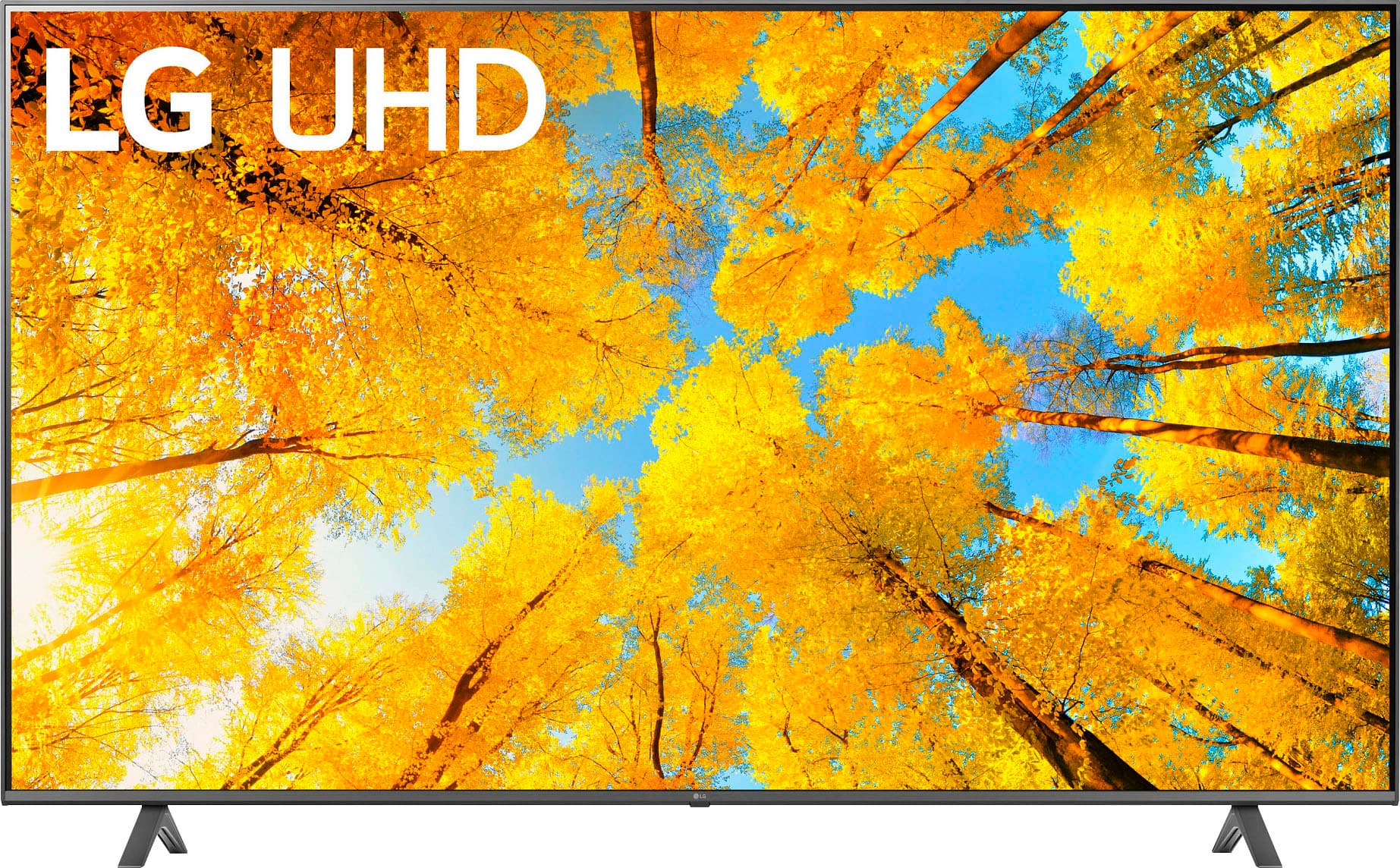
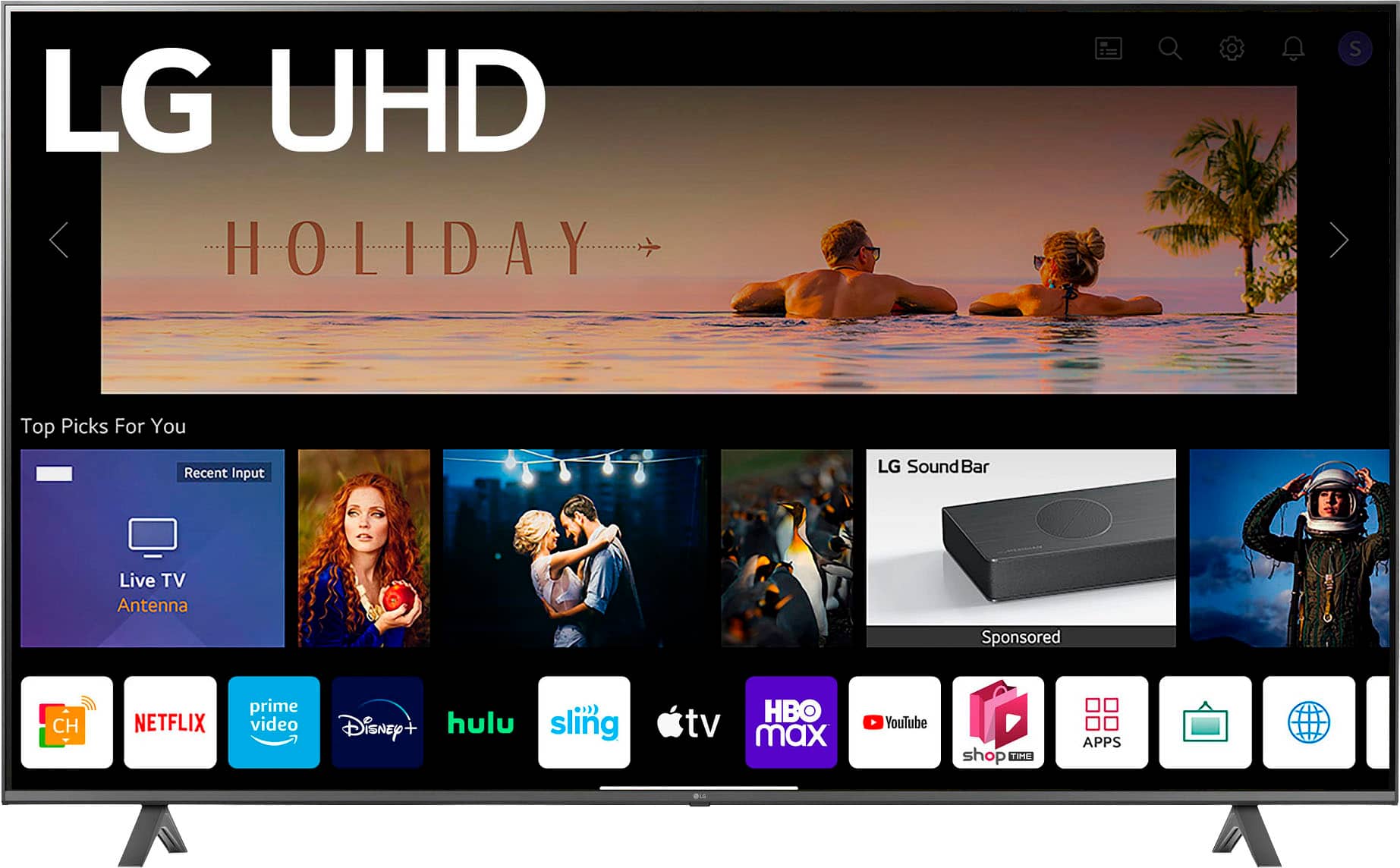
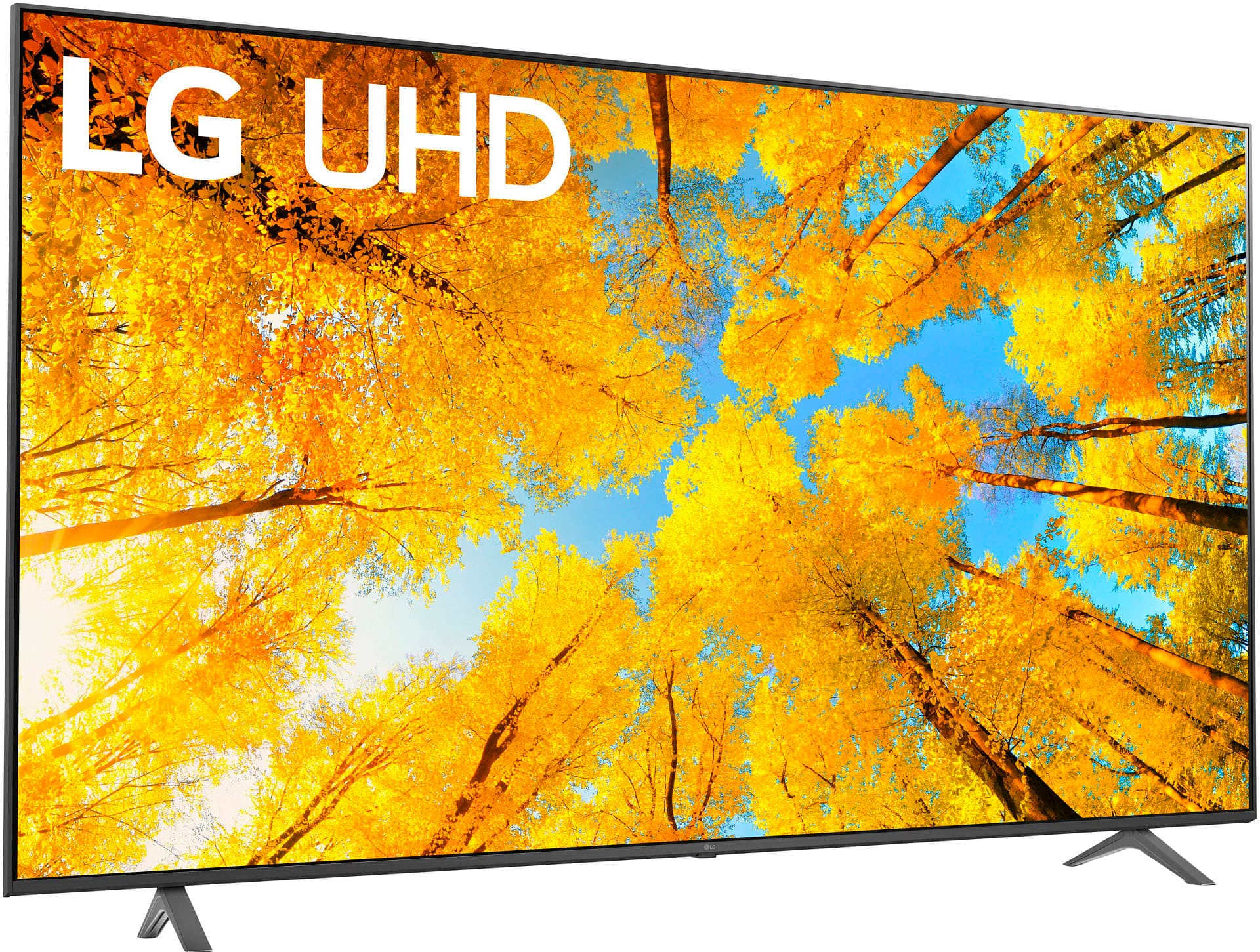
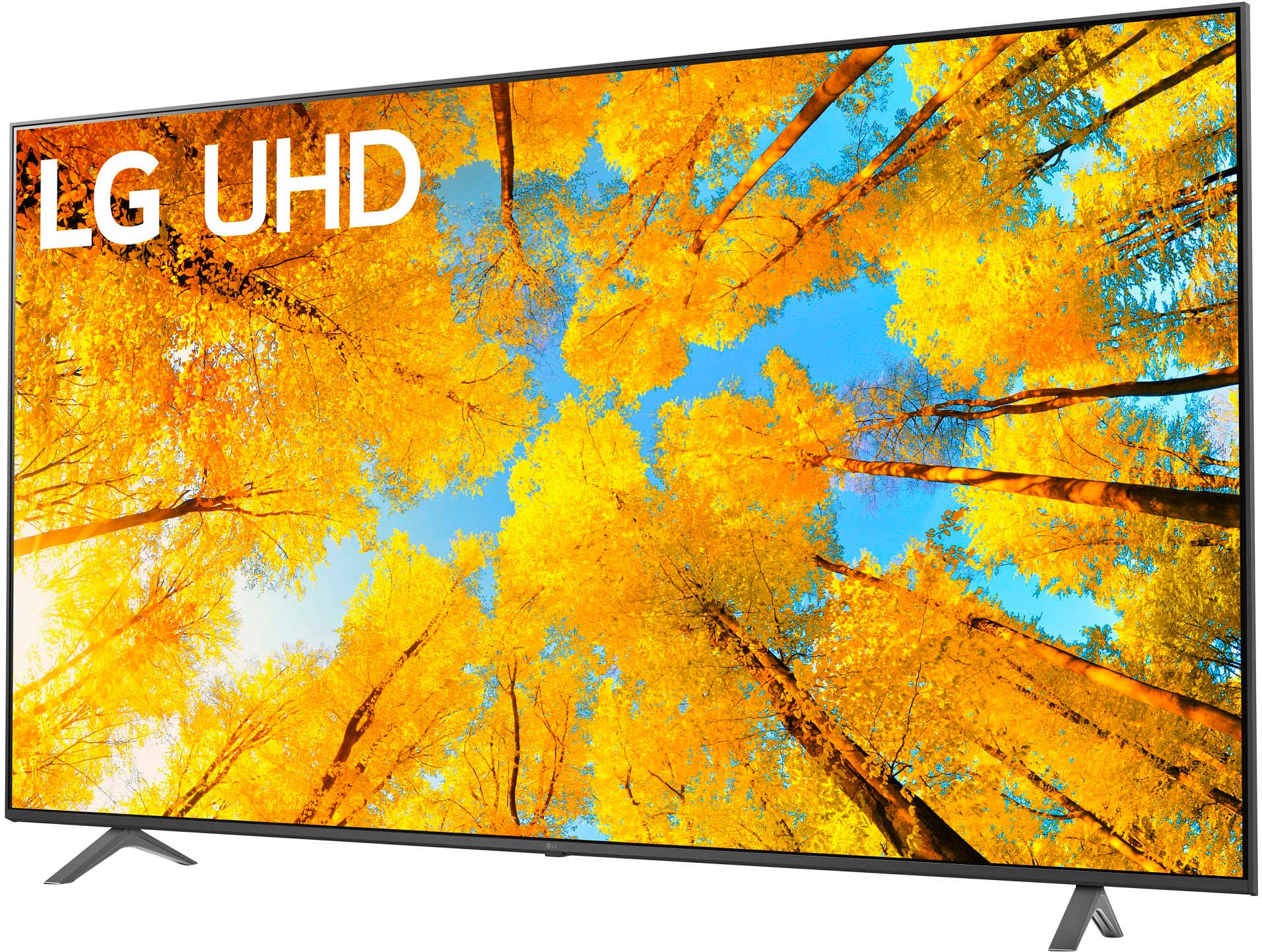
A:AnswerYou will need to measure the cargo space in your 2021 Volkswagen Atlas to determine if the LG 86” Class UQ75 Series LED 4K UHD Smart webOS TV (2022), Model # 86UQ7590PUD will fit.
The W x H x D dimensions for the carton are 83.3" x 47.8" x 9"..
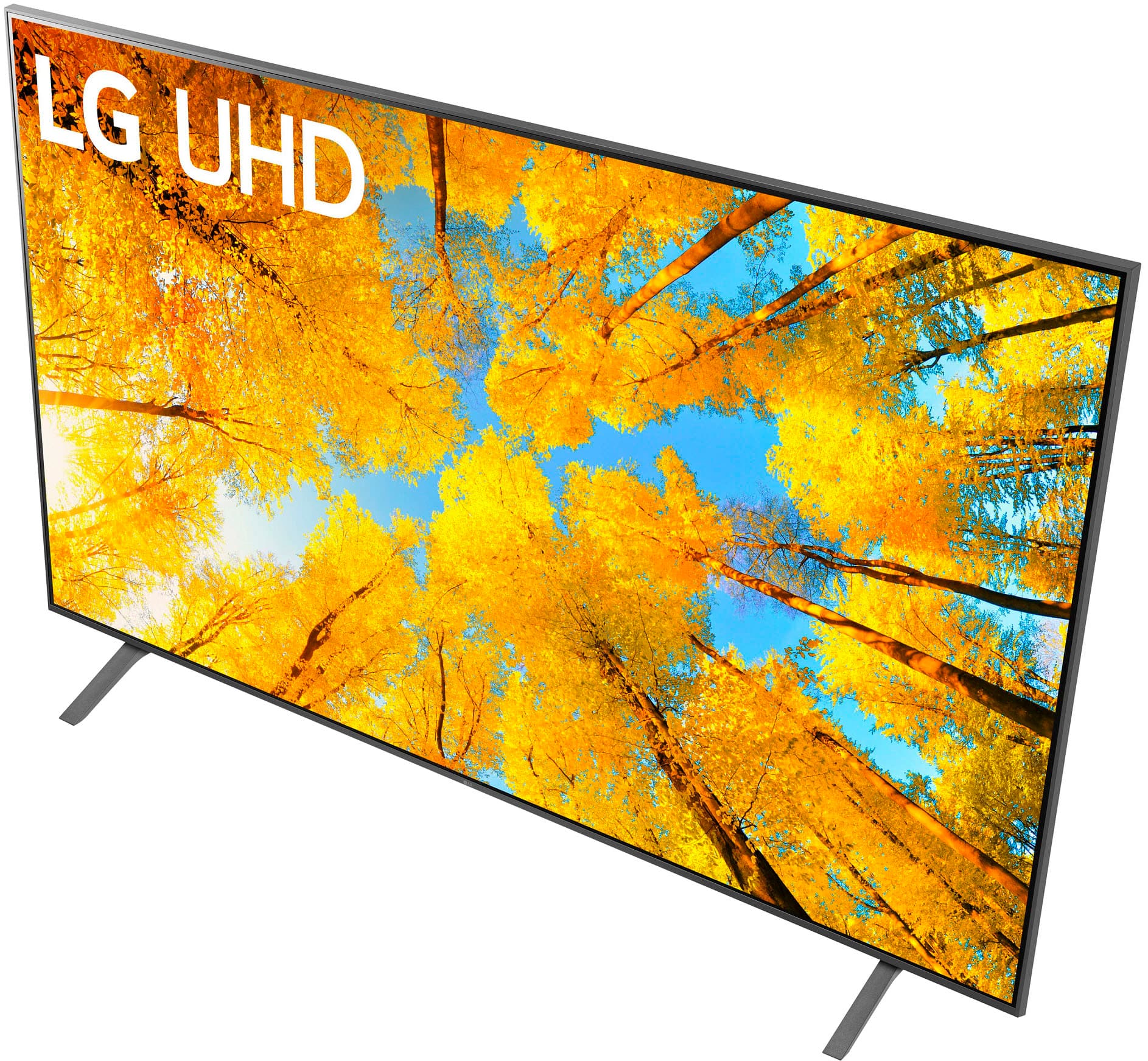
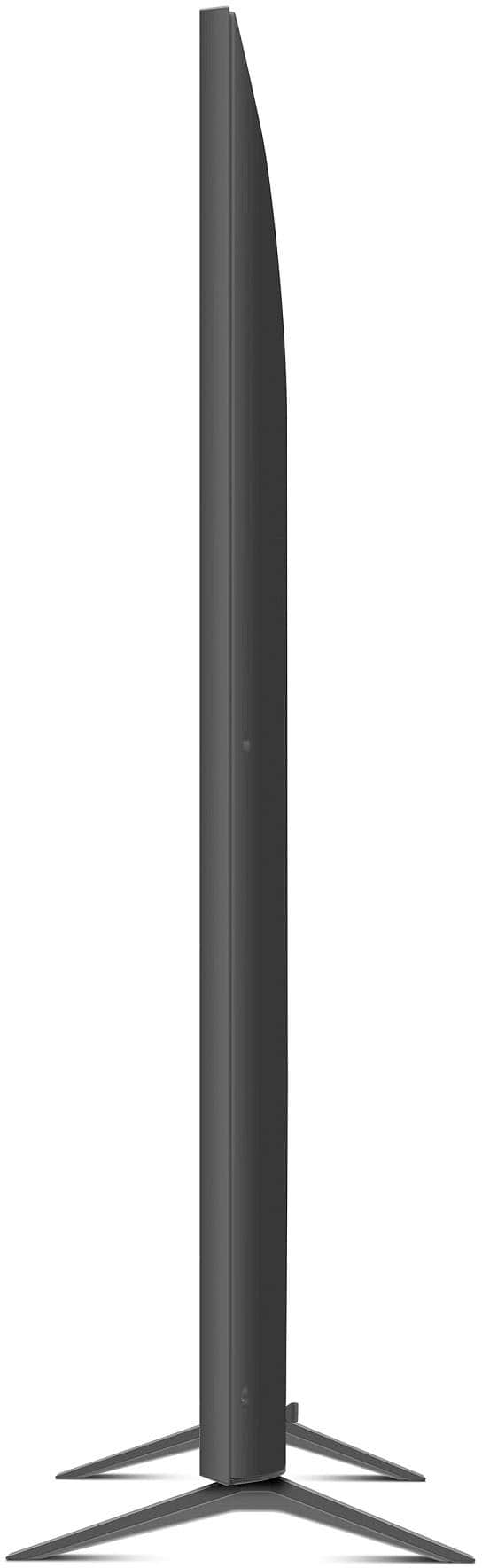
The W x H x D dimensions for the TV itself are 75.9" x 43.5" x 2.4" so if the carton is too big to fit, if you can find a way to insulate the TV from excessive vibrations and protect it from damage, you can see if it will fit if taken out from the carton...^Ivan.
A:AnswerHi there, Bells. We understand your inquiry about your LG 86UQ7590PUD 86″ Class UQ75 Series LED 4K UHD Smart webOS TV (2022). Here are the details you requested:
Standard Warranty
Parts: 1 year
Labor: 1 year
Troubleshooting Step
To confirm and activate your warranty coverage:
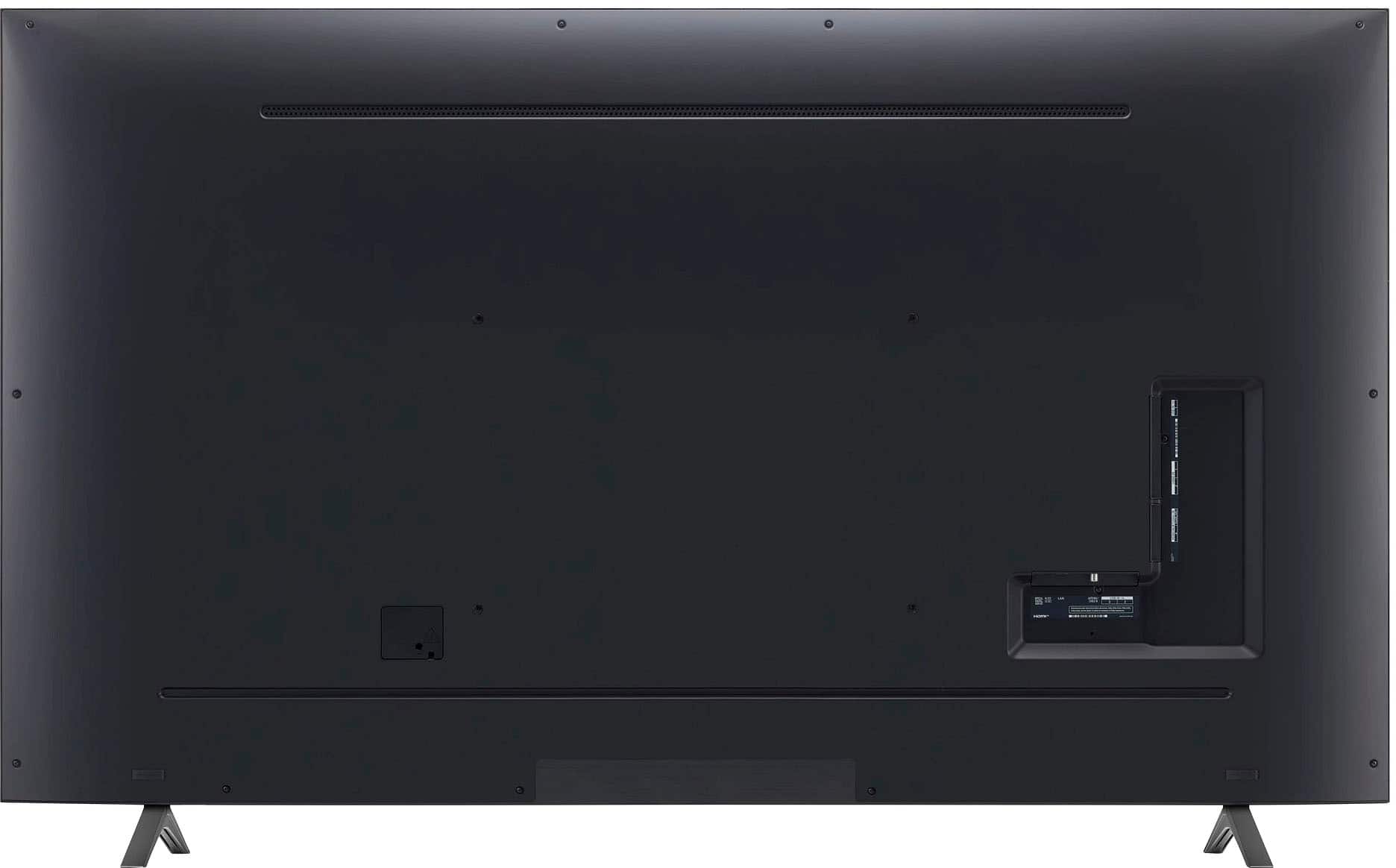
Locate your TV’s serial number on the back panel.
Visit LG’s Warranty Registration page at lg.com/us/support/warranty.
Enter your model number (86UQ7590PUD) and serial number, then complete the registration form.
LG Product Registration | Register Your Product | LG USA - https://www.lg.com/us/support/product-registration
This ensures we have your details on file and lets you track your warranty status easily.
Refunds & Exchanges
For return, refund, or exchange policies, please reach out directly to Best Buy, as they handle all purchase-related transactions. Their standard procedure typically allows returns within 15 days of purchase (with proof of purchase) but may vary based on membership status or promotional periods. Best Buy’s Customer Service can provide exact windows and any restocking fees that may apply.
https://www.bestbuy.com/site/lg-86-class-uq75-series-led-4k-uhd-smart-webos-tv-2022/6524315.p?skuId=6524315
If you need any further assistance—whether it’s registering your TV online, understanding warranty coverage, or navigating your Best Buy purchase—please send us a private message on social media @LGUSSupport and our team will be more than happy to explore possible solutions. We appreciate your patience and are here to ensure you get the most from your LG experience. —Renzo
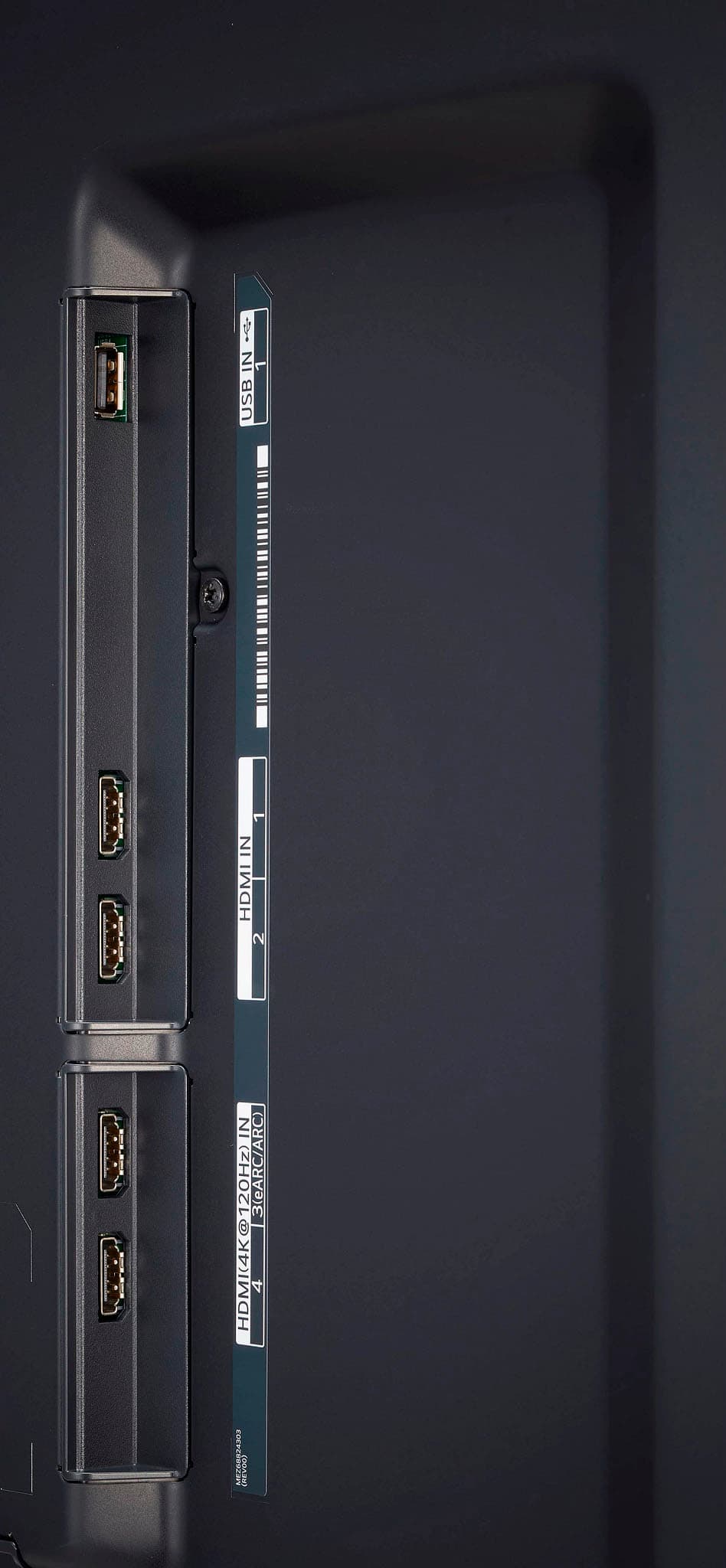
A:AnswerHi there. Thank you for reaching out! The LG 86UQ7590PUD TV comes with three HDMI ports—one on the rear and two on the side. Among these, HDMI 2 supports eARC (Enhanced Audio Return Channel), allowing for high-quality audio passthrough when connected to a compatible soundbar or AV receiver.
https://www.lg.com/us/tvs/lg-86uq7590pud-uhd-tv#pdp_specs
If you need further assistance, please send us a private message on Social Media @LGUSSupport, and we’d be happy to help. Enjoy your viewing experience! —Renzo
A:AnswerHello, Kuskus.
The LG 86-inch Class UQ7590 series LED 4K UHD Smart webOS 22 TV, Model # v is not a dual voltage (or what some refer to as a "free voltage' TV) and you would need a stepdown transformer to use it on a 220-240 volt electrical supply line.
It has a power requirement of 120 VAC, 50/60Hz, but besides the issue with the power requirement, Ghana adopted the DVB-T2 as the standard for digital terrestrial TV in the country which is incompatible with the built-in ATSC, NTSC and QAM 64 & 256 tuners in the TV...^Ivan.
A:AnswerHi, there. Thank you for your question about the LG TV (86UQ7590PUD) model. Yes, this model does support voice remote functionality, allowing you to control your TV using voice commands. This feature enhances your viewing experience by making it easier to navigate menus, search for content, and control playback without needing to use the remote buttons. For more information, you may visit https://www.lg.com/us/tvs/lg-86uq7590pud-uhd-tv. If you have more questions or need assistance, feel free to send us a private message on social media @LGUSSupport, and we will be glad to help. We appreciate your interest in LG. ^Juvy
A:AnswerHello there, Bill. Thank you for reaching out. The LG 86UQ7590PUD UHD TV can indeed be connected to your Bose Wave Sound System. There are a few ways to connect the two:
Using Bluetooth: If your Bose Wave Sound System supports Bluetooth connectivity, you can pair it wirelessly with the TV via Bluetooth.
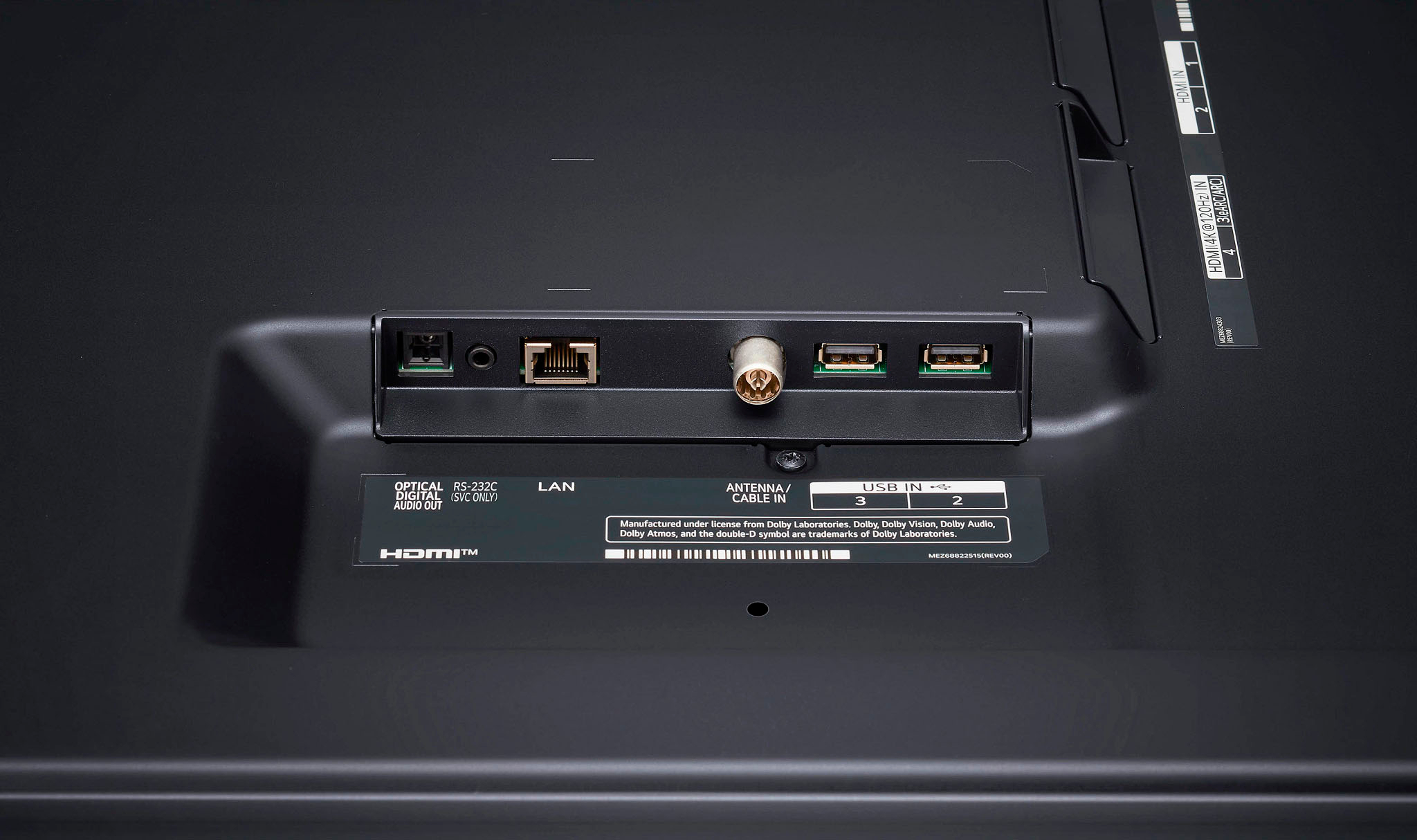
Using an Optical Cable: You can also connect the TV to the Bose Wave Sound System using the digital audio output (optical) port on the back of the TV and the corresponding input on the Bose system.
Using HDMI ARC/eARC: If your Bose system has HDMI capabilities, you can use the HDMI eARC (HDMI 2) port for a more seamless connection.
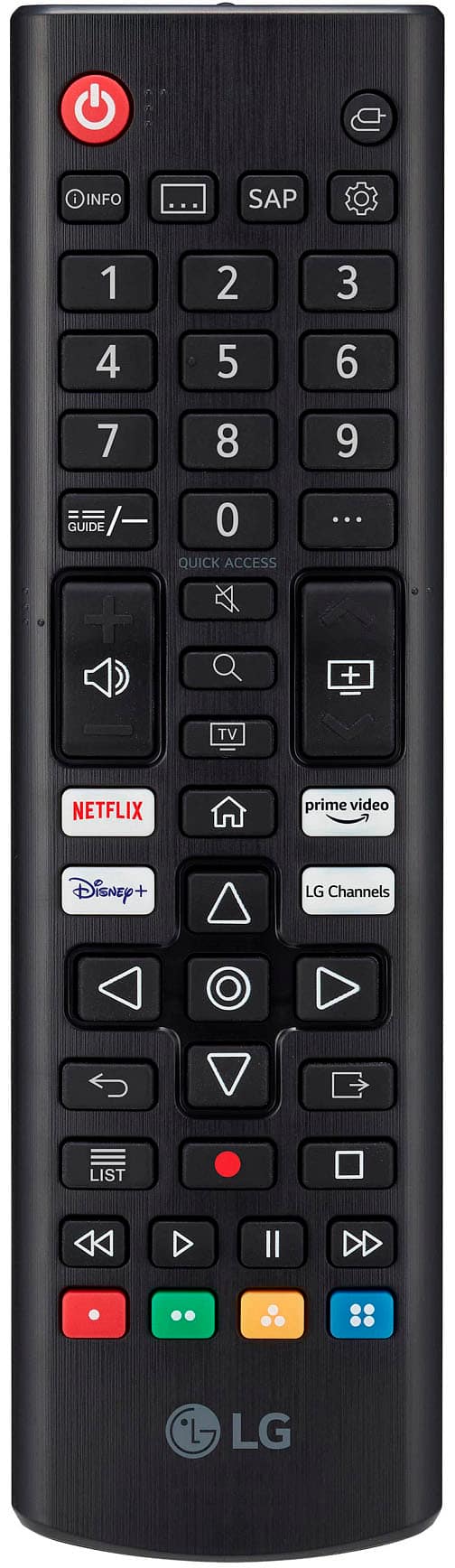
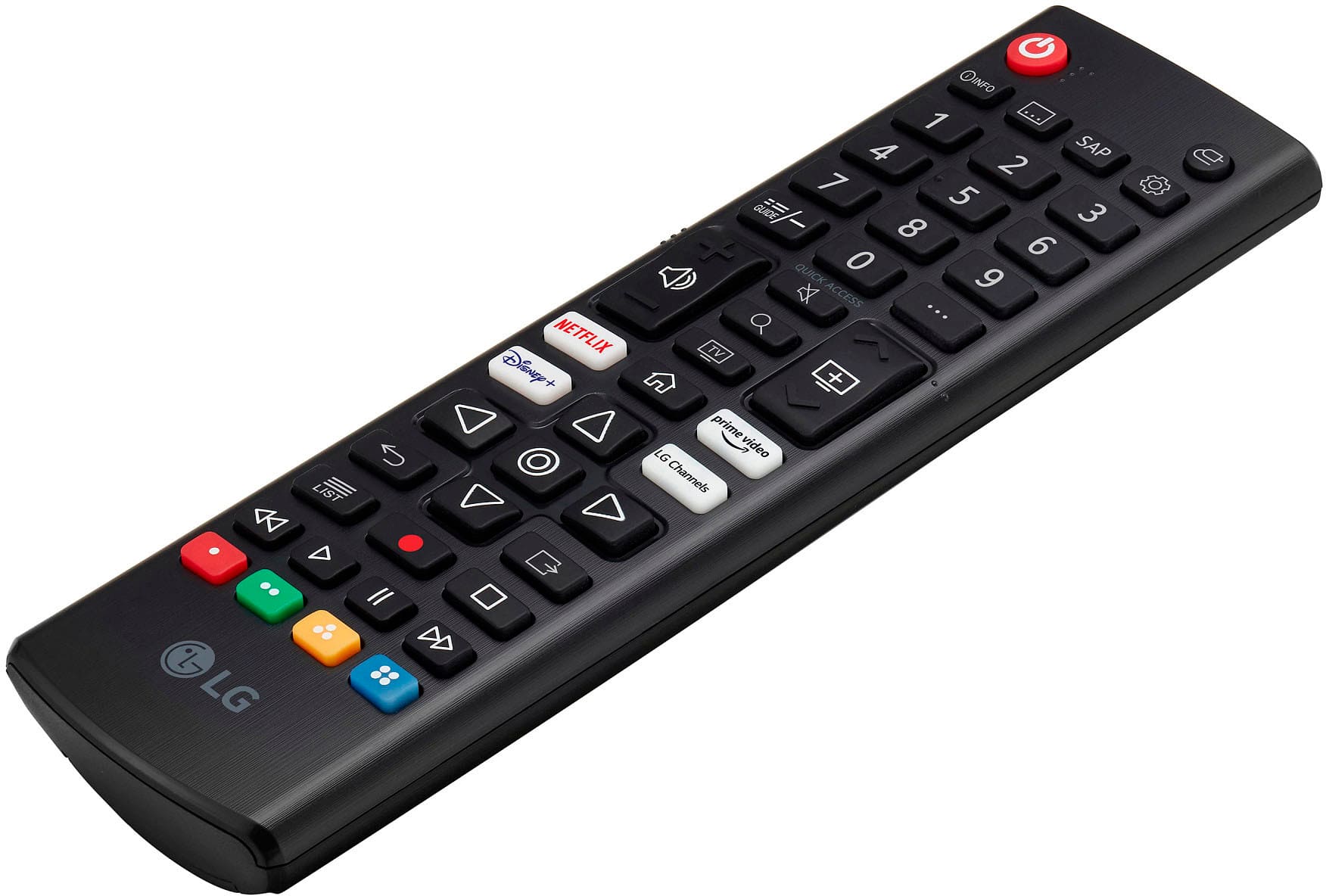
As for the compatible voice remote for this TV, you would need to purchase the Magic Remote separately. The Magic Remote is compatible with this model and supports both Google Assistant and Alexa for voice control. This remote offers an intuitive voice control experience, allowing you to navigate and control your TV with ease.
https://www.lg.com/us/tvs/lg-86uq7590pud-uhd-tv#pdp_specs
For more personalized assistance, feel free to contact @LGUSSupport via social media. We’re always here to help! —Renzo
A:AnswerHello there. Thank you for reaching out to us. We understand that dealing with screen damage on a brand-new TV is challenging. LG screens are specifically engineered for their respective models, and replacement screens from other LG TVs—even those of the same size—may not be compatible due to differences in internal components and connections. We recommend reaching out to @LGUSSupport on social media for assistance in locating authorized service options or exploring repair solutions for your LG 86UQ7590PUD. Our team is here to help guide you. —Renzo
A:AnswerHi there! Thank you for your inquiry about the 86UQ7590PUD TV. This model does come with audio output options, including optical audio output, which allows you to connect it to your receiver. You can also use the HDMI ARC port for audio output if your receiver supports it.
For detailed connection instructions, please refer to the user manual. If you have any further questions or need assistance with the setup, feel free to send us a private message on Social Media @LGUSSupport. We're here to help, and we appreciate your understanding!
—Avril
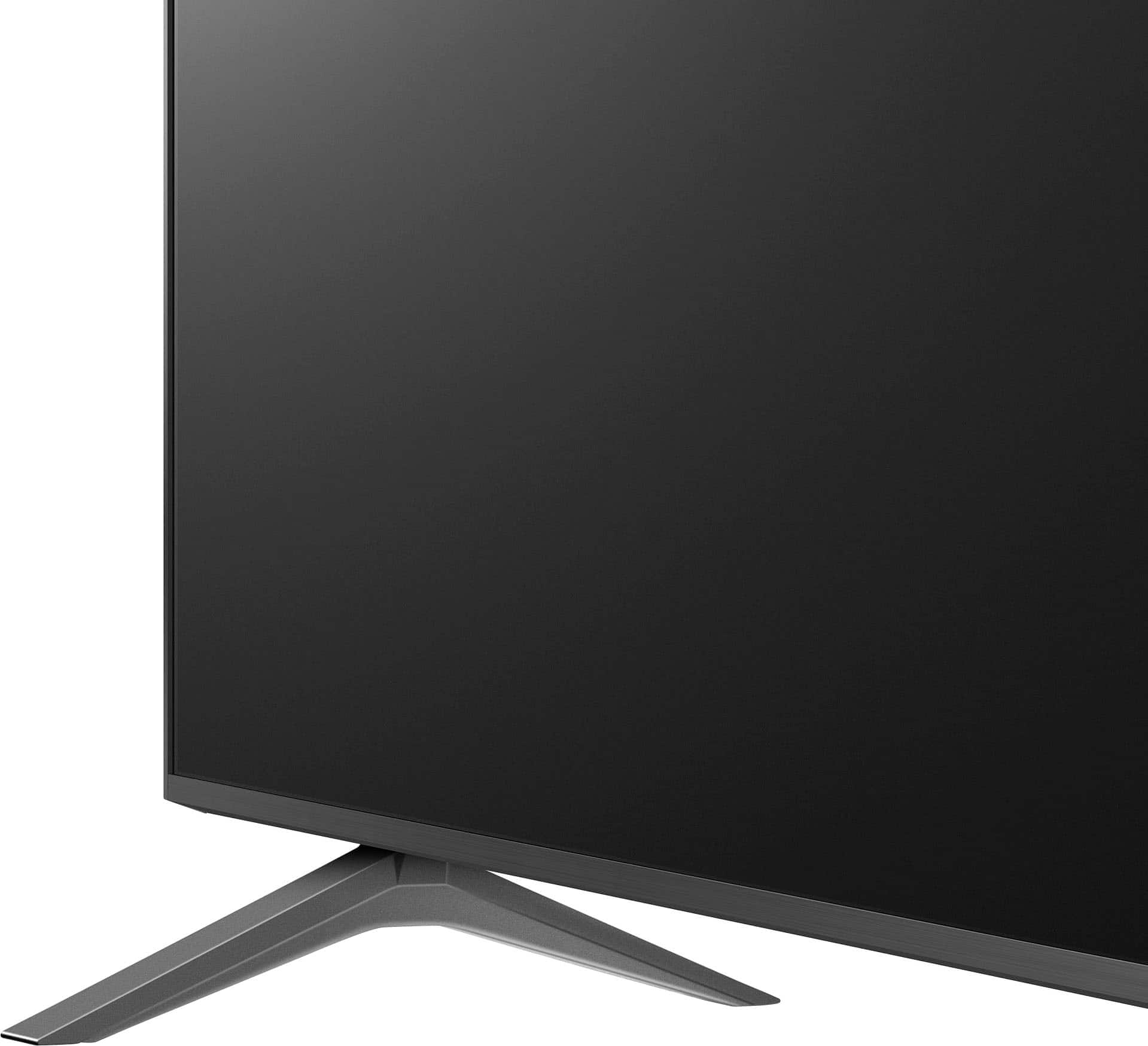
A:AnswerThank you for your interest in the LG Smart webOS TV. The distance between the feet or the width of the stand for the LG 86UQ7590PUD 85.6" TV is:
• 60.3 inches (in)
• 153.16 centimeters (cm)
• 1531.62 millimeters (mm)
You can download its owner's manual through this link for more information: https://www.lg.com/us/support/product/lg-86UQ7590PUD.AUS. For additional assistance, please reach out to us on social media @LGUSSupport so we can help you further. ^Cris
A:AnswerHi there, thank you for sharing your experience with the LG 86UQ7590PUD! We understand your concern about HDMI 2.1 support. This TV model features HDMI 2.0 ports, which support up to 4K at 60fps. To enjoy gaming at 120fps, HDMI 2.1 is required, which unfortunately is not available on this model.
We appreciate your feedback and want to assist you further. Please send us a private message on Social Media @LGUSSupport, and our team will be happy to discuss possible solutions with you. Thanks again for your patience.
—Avril
A:AnswerThank you for reaching us regarding LG Smart webOS TV. The LG model 86UQ7590PUD runs on 120 VAC at 50/60 Hz and can't work with 220-240V. Most LG TVs sold in the U.S. are not dual voltage, so if you're using one in a country with higher voltage, you'll need a step-down transformer. You can visit this website for more options and more information: https://www.lg.com/us/search?q=tv&tab=product. ^Cris
A:AnswerHi there, thank you for your question about the 86UQ7590PUD! Yes, this TV is wall-mountable and compatible with VESA 600 x 400 mounts. While LG doesn't endorse a specific brand, any sturdy, full-motion or fixed VESA-compatible wall mount should work well, depending on your viewing preferences. As for installation, Geek Squad or other professional services can often handle mounting during setup, but it's best to confirm with them directly. If you need additional details or have more questions, feel free to send us a private message on Social Media @LGUSSupport. We’d be glad to assist you further!
—Avril