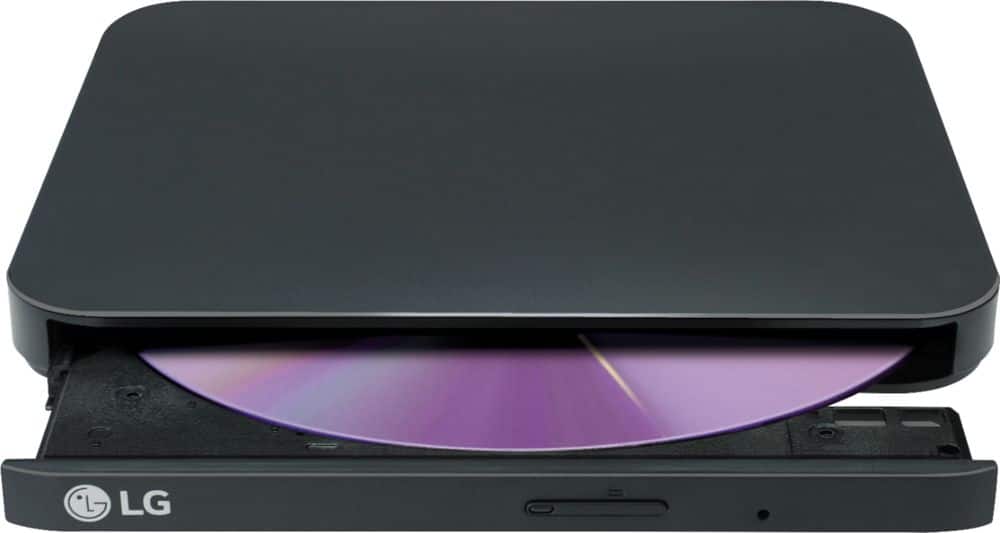
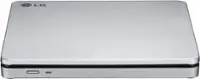
A:AnswerHi RachelGR. There is nothing in the documentation or specifications for the LG - 8x External USB Double-Layer DVD±RW/CD-RW Drive, Model # SP80NB80 that shows that it has region coding, CSS, or RPC-2 which stores the region code in the drive's firmware. So depending on what media player you have on the computer that you have connected to the drive, you should be able to play DVDs from other regions. VLC is a region free media player, but Windows Media Player is not and might prompt you to set the region...^IFV
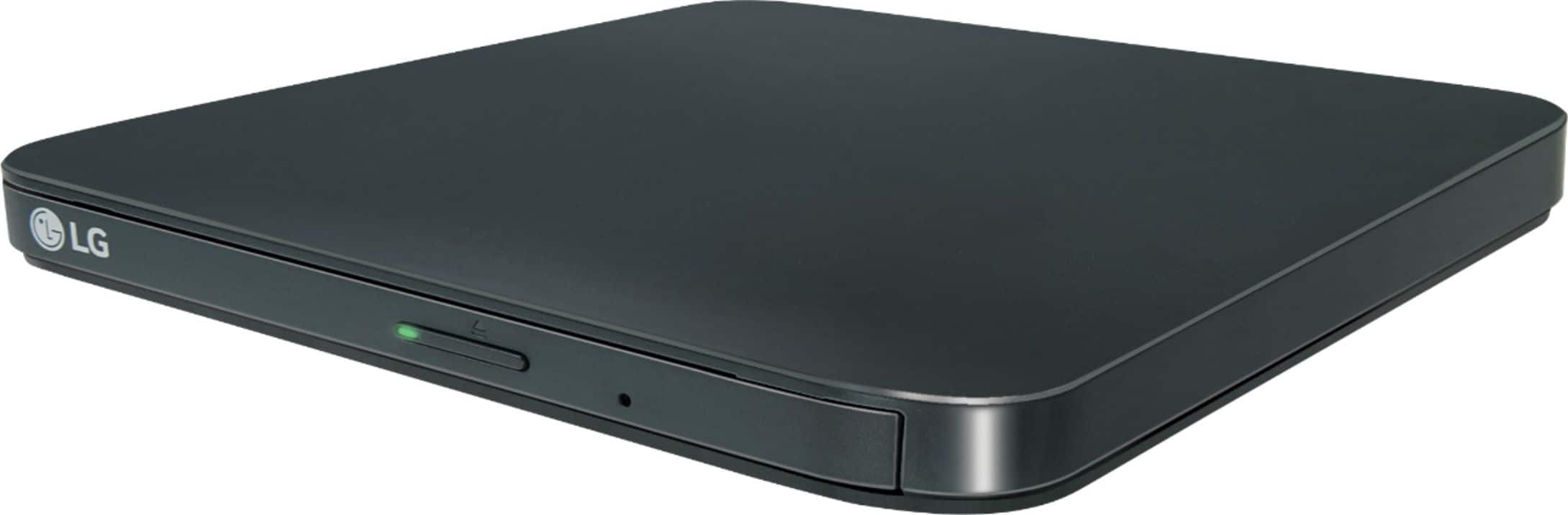
A:AnswerThe LG - 8x External USB Double-Layer DVD±RW/CD-RW Drive - Black, Model # SP80NB80 gets its power from the USB port on the device it is connected to. It only has one micro USB port for connection...^IFV
A:AnswerI was able to use mine on both a MacBook Air and PC. It has an HDMI cable so if your MacBook Air has the new smaller Apple ports, you will need to get a little converter dongle to connect the HDMI to the Apple port.
A:AnswerI would download a modern DVD player software like PotPlayer and VLC media for Windows 10. You still may have to File, Select the video file in a folder and 'Play' it. I had to do that on a couple DVD's because of how they were formatted.
A:AnswerThere is nothing in the documentation or specifications for that shows that it has region coding, CSS or RPC-2 which stores the region code in the drive's firmware. Depending on what media player you have on the computer connected to the drive, you should be able to play DVDs from other regions. ^Daphane
A:AnswerThat is the main thing I bought this drive for and it works great. You’ll rip your CDs into iTunes, then use iTunes to sync your iPhone to push the songs you want over to the phone. iTunes will also save a backup of the phone every time you sync.
A:AnswerYes, you can use the LG - 8x External USB Double-Layer DVD±RW/CD-RW Drive - Black, Model # SP80NB80 as a boot drive. It works the same way as a built-in optical DVD drive in a PC/Laptop will if you had one in your computer. Make sure that you have enabled in BIOS the option to boot from other devices and adjust the boot order so that the dvd drive is accessed before the hard drive...^IFV
A:AnswerA lot of laptops provide support for region code change but they can only change region codes for several times. It relates to the DVD drives in most cases. Although laptop DVD drives are technologically capable of playing any DVD, they typically force you to switch among region settings to play imported discs. However, if you switch this setting more than a fixed number of times (typically five over the entire life span of the computer), and the setting will be locked forever. If you have a region-free media player like VLC, it will turn your laptop into a region-free player that you can use to play any disc with the LG - 8x External USB Double-Layer DVD±RW/CD-RW Drive - Black, Model # SP80NB80...^IFV
A:AnswerYes This Should Work Just Fine With an HP Laptop, it also has an av mode as well which is nice to find on an external dvd Player/Burner, which makes it compatible with more devices. I have used this on my desktop, and my laptop with no problems whatsoever, it also comes with a bunch of software from cyberlink for burning cds/dvds and making backups if you choose to install them.