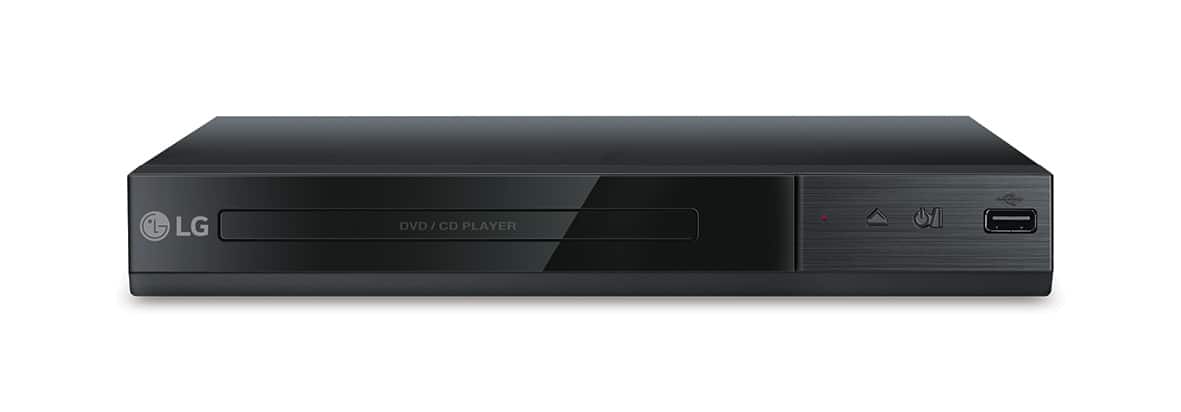
A:AnswerThe USB Direct Recording feature is a powerful and easy to use function that allows you to directly extract audio tracks from CDs & transfer them to a USB device. Just insert a CD and make your own MP3 music file collection. It is not able to record from cassette to USB. ^CP
A:AnswerThis DVD player is designed to be used with a TV by connecting an AV cable between the player and the TV. It cannot be used on a tablet or phone. ^CP
A:AnswerThe USB Direct Recording feature is a powerful and easy to use function that allows you to directly extract audio tracks from CDs & transfer them to a USB device. Just insert a CD and make your own MP3 music file collection. ^CP
A:AnswerYou can do direct recording from the CD player to the USB drive on the LG - DVD Player with USB Direct Recording - Black, Model # DP132. The recording format is MP3 Files and the Encoding Bit rates are: 128 Kbps / 160 Kbps / 192 Kbps / 256 Kbps / 320 Kbps. ^CP
A:AnswerWe apologize for the confusion regarding the region codes for the DP132. This unit has a regional code printed on the rear of the unit. This unit can play only DVD discs labeled same as the rear of the unit or “ALL” ^CP
A:AnswerHi Hill. The LG DVD Player with USB Direct Recording, Model # DP132 does not have an ethernet port or built-in Wi-Fi to connect to the internet and so it will not have the capability to stream apps. It does not have apps...^IFV