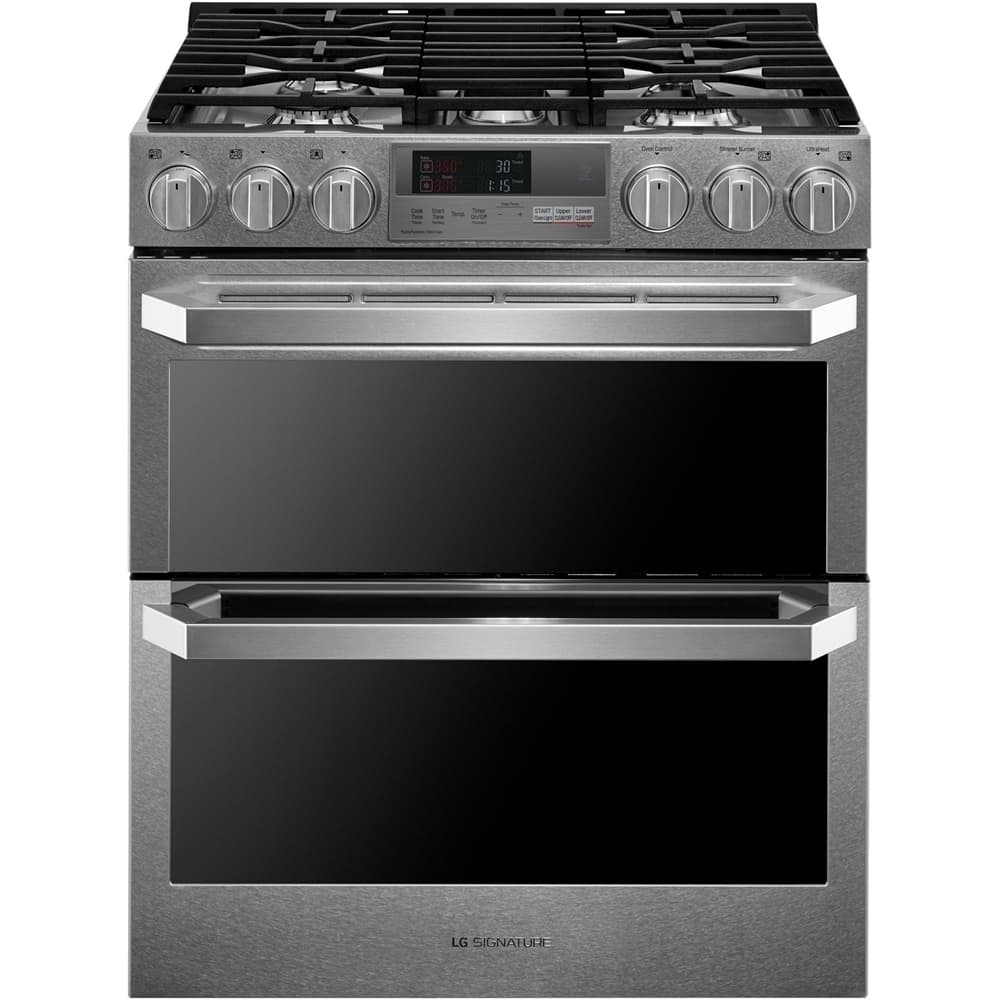
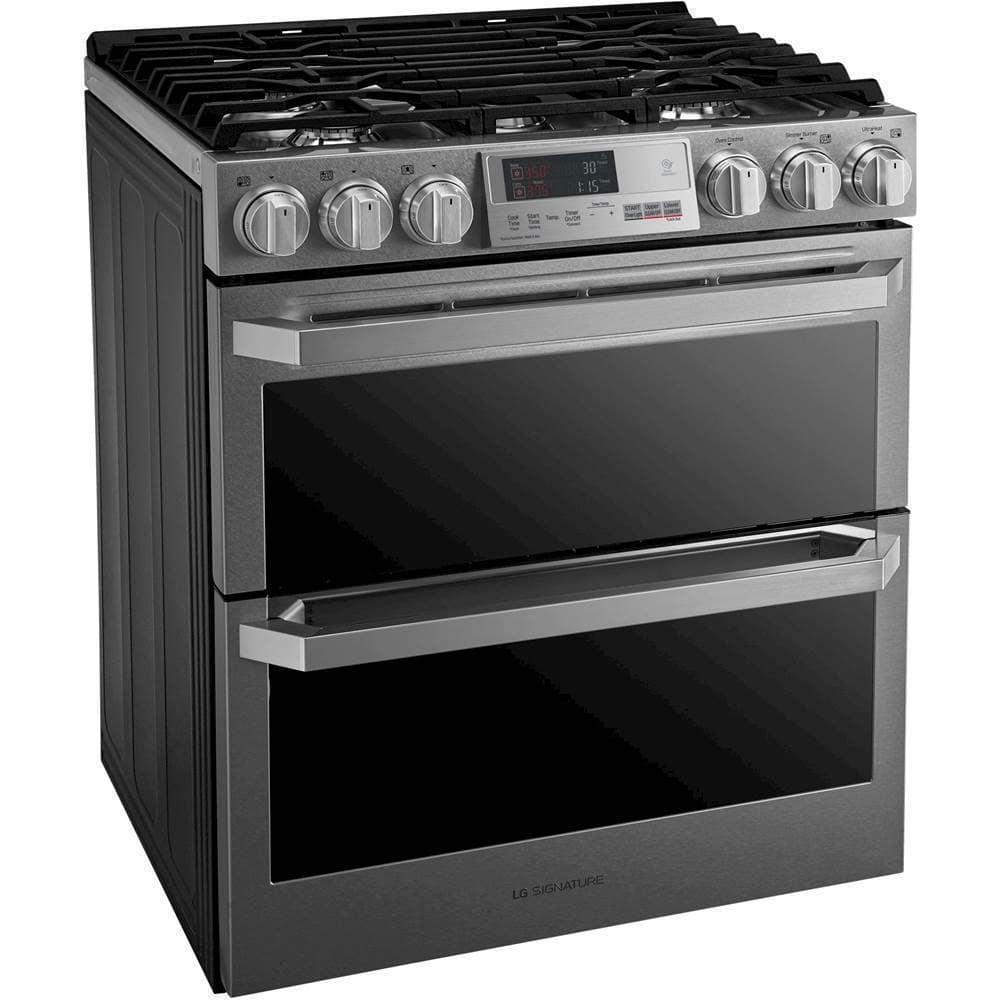
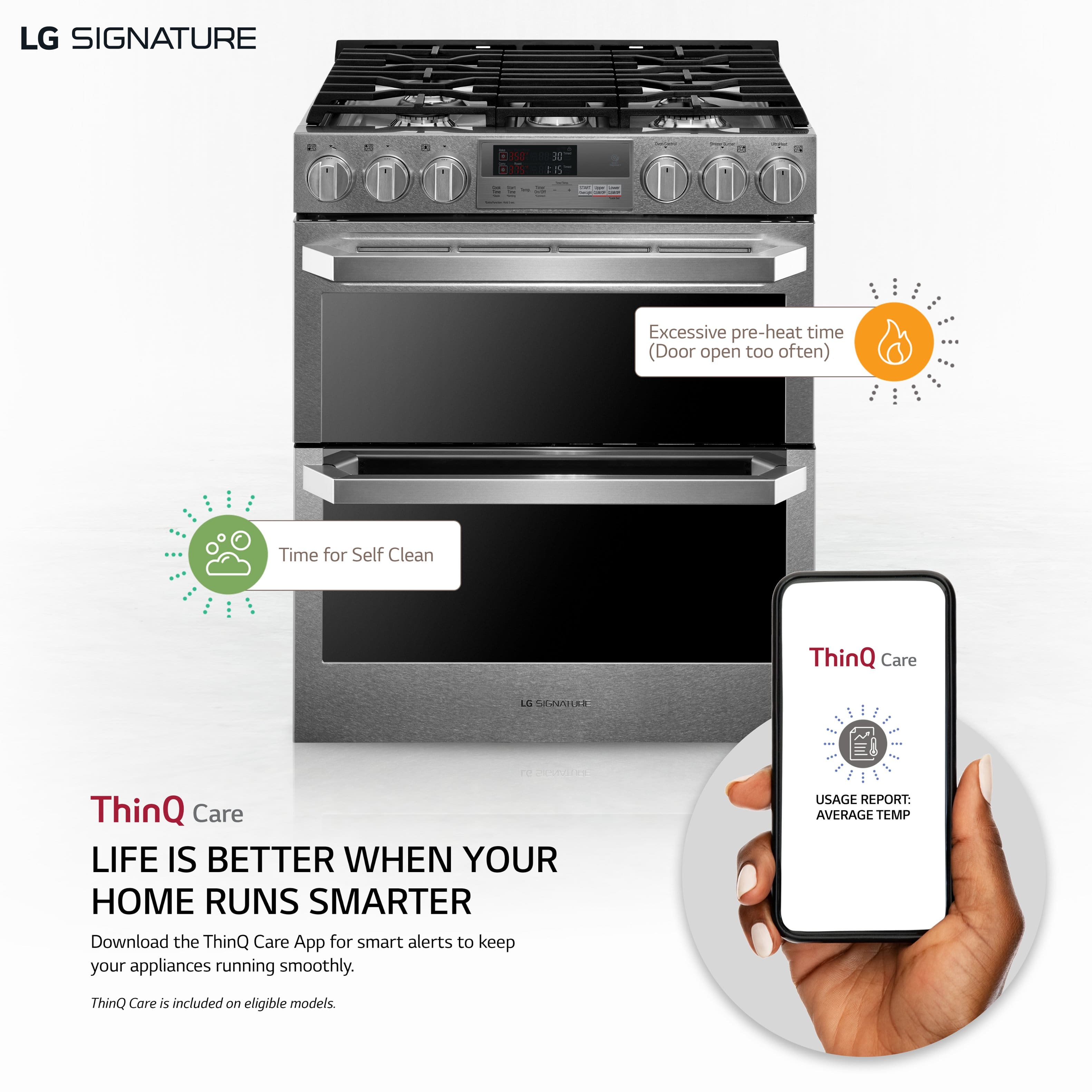
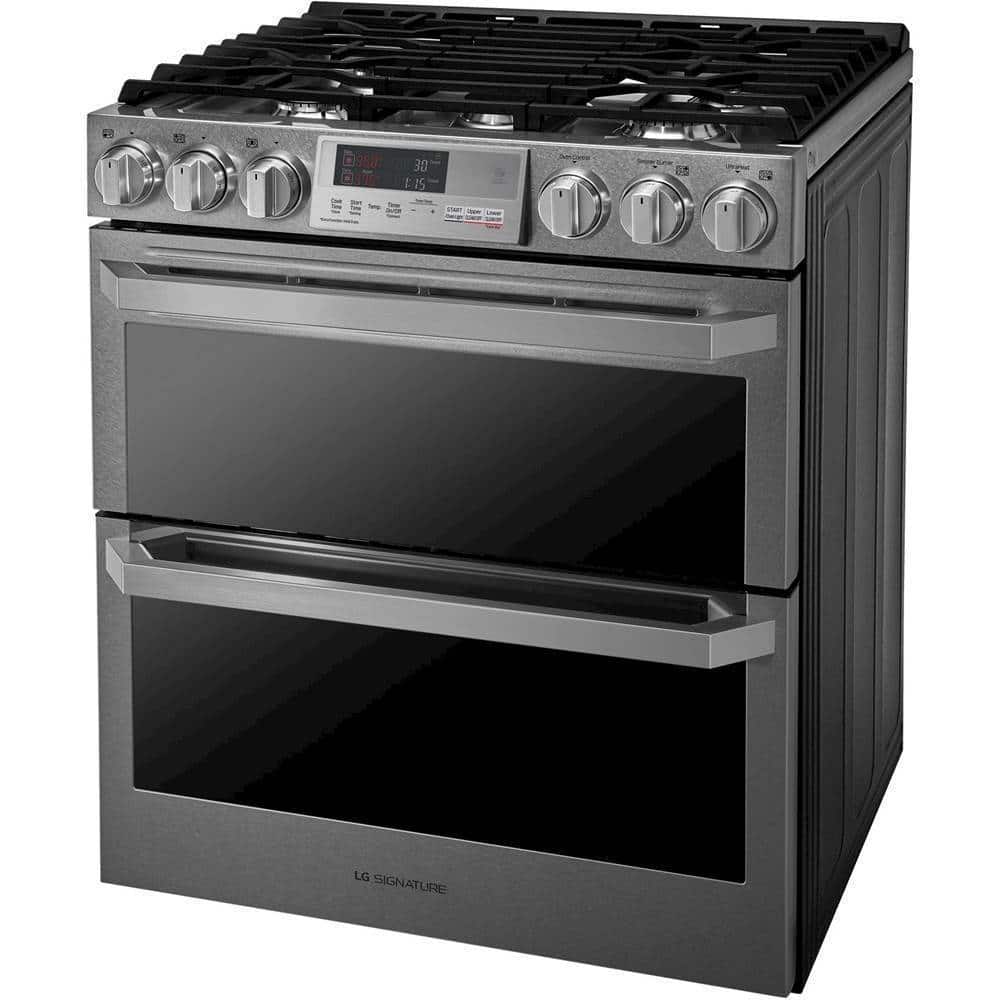
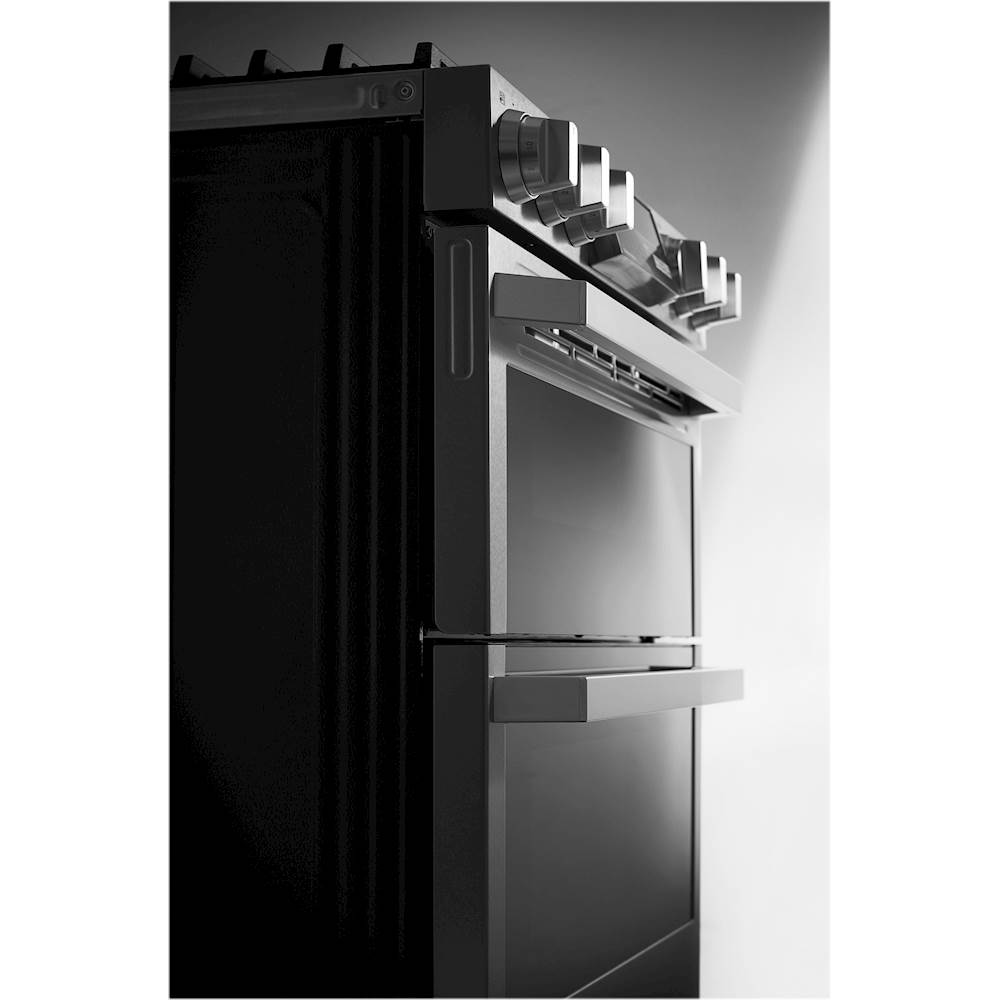
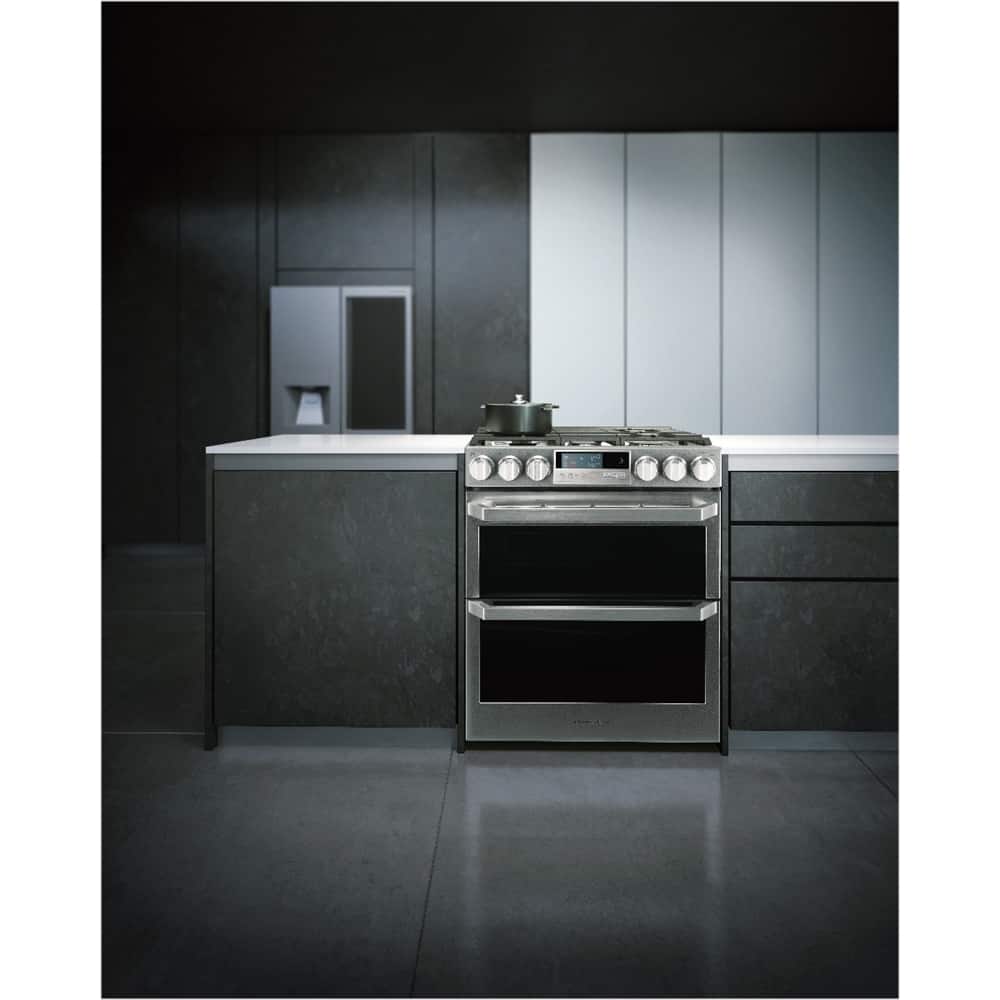
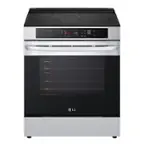
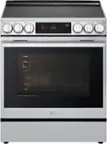
A:Answer Hello there, Tom. To find the serial number for your LG SIGNATURE LUTD4919SN range and register it, you can check the following locations:
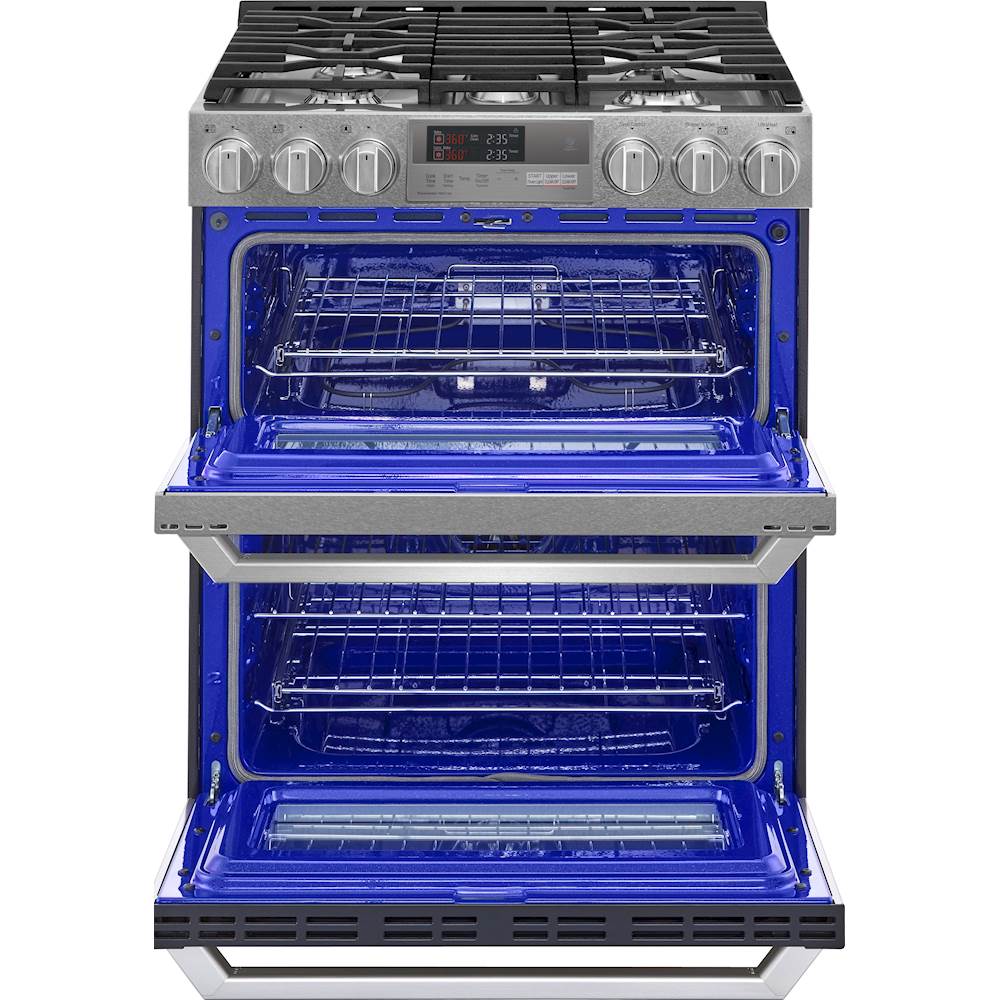
On the left-hand side of the door or drawer: Open the oven door, and the label should be located on the left side.
Behind the oven panel headboard: This is typically near the top area inside the unit.
On the left-hand side of the frame of the bottom drawer: If your model has a bottom drawer, check along the left side.
Beneath the upper lip of the top oven (when the door is open): Open the top oven door, and you should find the serial number underneath the upper lip.
For further details on where to locate your serial number, you can check the official guide here.
https://www.lg.com/us/support/help-library/how-to-find-my-lg-model-and-serial-number--20152254906058
If you need any further help with registering your appliance, feel free to reach out to @LGUSSupport on social media.
Thanks! —Renzo