Black Friday is hereAlso, shop the 24-Hour Flash Sale.Shop now

Main Content

Questions & Answers

Your price for this item is $75.99
Clearance
The comparable value price is $299.99
Page Showing 101-120 of 192 questions
  • QuestionWill it work with my 12 year old, regular HD, Sony, Flat screen TV?

    Asked by RegularHD.

    • Answer It doesn't completely work with my 2007 TV that only supports 1080i, not 1080p. The Netflix app forces 1080p and crashes. YouTube app and DVD/Blu-ray playback seem fine, but there are no other apps available.

      Answered by sadzbear

  • QuestionWill the player perform well on a non 4K tv?

    Asked by Anonymous.

    • Answer It will. I have a Samsung tv that is pre 4k and it plays beautifully.

      Answered by RickG

  • QuestionCan this play audio CDs?

    Asked by Merm.

    • Answer Yes, it plays audio CDs through whatever speakers your TV uses, or the 2nd audio-only HDMI port.

      Answered by sadzbear

  • QuestionSo, just to clarify...This does not play Amazon? We were told by the LG customer service that it does.

    Asked by me12.

    • Answer The LG - UBK90 4K ULTRA-HD BLU-RAY PLAYER comes with the NETFLIX and YouTube apps loaded. There are no other apps loaded, like Amazon, or HULU. If you want Amazon Prime access to stream movies, you will need something like the Amazon Fire TV stick.

      Answered by Wilson

  • QuestionWill this work on an samsung led full hd 1080 TV?

    Asked by Mrlovkim.

    • Answer The LG 4K Ultra-HD Blu-ray Disc™ Player with Dolby Vision®, Model # UBK90 will work with any 1080p TV regardless of brand or manufacturer. When you use the HDMI connection, you can change the resolution for the HDMI output. The player provides several output resolutions for HDMI OUT jack. You can change the resolution using[Settings] menu. When set to [Auto], if the HDMI OUT jack is connected to TVs providing display information (EDID), it automatically selects the resolution best suited to the connected TV...^IFV

      Answered by LG Digital Customer Care

  • QuestionCan you add surround sound speakers to this device since there are no speakers ports located on the back of the device?

    Asked by Speakers.

    • Answer No, you cannot add external speakers to this unit. ^Daphane

      Answered by LG Digital Customer Care

  • QuestionIs the Lg UBK-90 controllable via IP? If not, which current LG models are controllable via IP?

    Asked by hmbldrpjb.

    • Answer Neither the LG - Streaming 4K Ultra HD Hi-Res Audio Wi-Fi Built-In Blu-ray Player - Black, Model # UBK90 nor any of our other Streaming 4K Ultra HD Blu-ray Players are controllable via IP...^IFV

      Answered by LG Digital Customer Care

  • QuestionIs play free region and will play region a b and c and pal blue ray discs. i know it sounds it will play 4k discs but i need to know if it will play other those other blue ray discs.

    Asked by werewolf.

    • Answer The LG 4K Ultra-HD Blu-ray Disc™ Player with Dolby Vision®, Model # UBK90 is not a region free player, however, for some reason, manufacturers have decided not to code 4K discs by region. In other words, if you have a 4K movie title, it should play in any 4K player, regardless of what country the disc came from. This is only true for 4K Ultra HD Blu-ray discs. Blu-ray DVD discs, standard DVD discs and CDs still have regional coding. By default, most Blu-ray Discs and DVDs utilize a special region coding within disc. What this coding does is provide information that's read by the Blu-ray or DVD Player to determine if the disc is compatible with the player. Around the world, Blu-ray Discs and DVDs from specific regions are embedded with a code that is native to that region only. Likewise, most Blu-ray and DVD Players around the world are designed to only play discs that are encoded for the local region. For example, a Blu-ray Player sold in the United States is only setup to read and play discs sold in the United States. A Blu-ray Player from Asia is only setup to read and play discs sold in Asia. Attempting to play a disc from Asia in a Blu-ray Player purchased in the United States will result in an error message, and the disc simply will not play. The player is reading the disc, recognizing that it's from a different region and determining that the disc is incompatible...^IFV
      Answered by LG Digital Customer Care

  • QuestionHello, anyone else having a problem hooking this up to a Yamaha receiver? I have a RX-A3080 and all I get is "no signal" no matter what input I use. It works hooked up directly to the tv. All of my other components work with the receiver, except for this.

    Asked by kap64.

    • Answer How do you have the LG 4K Ultra-HD Blu-ray Disc™ Player with Dolby Vision®, Model # UBK90 connected to your receiver? HDMI 2 (Audio Only) should be connected to the receiver and HDMI 1 (Out to TV) should be connected to your TV. The HDMI 2 (Audio Only) port does not output a video signal. Make sure that you have the HDMI Audio Setting on the player set to output through HDMI 2. If that does not resolve the issue, you may have an HDCP handshake issue. You can contact our Customer Support Center at (800) 243-0000 for troubleshooting assistance or contact Yamaha...^IFV

      Answered by LG Digital Customer Care

  • QuestionDoes this model have a readout display on the unit.?

    Asked by Professorofoldies.

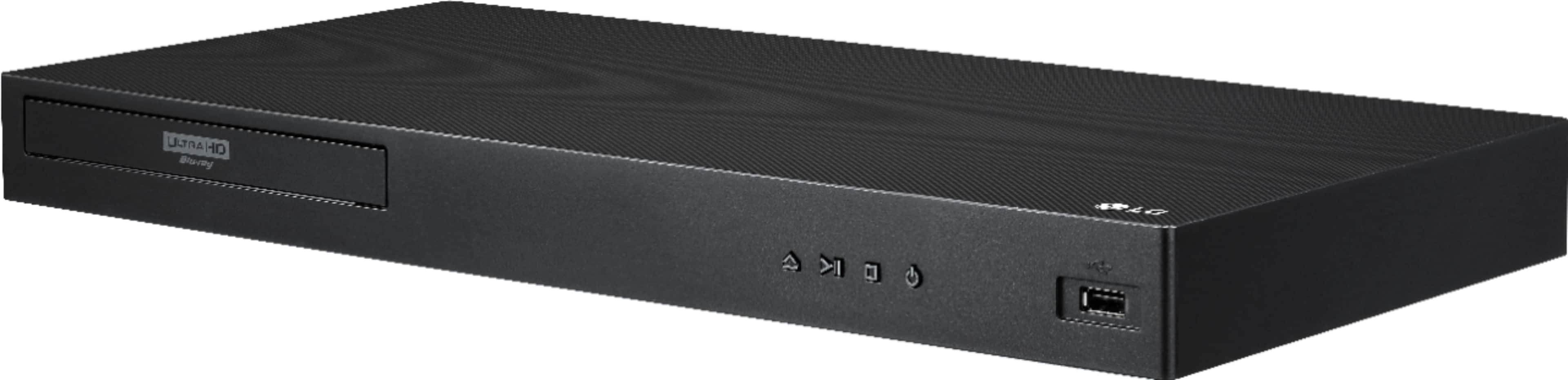
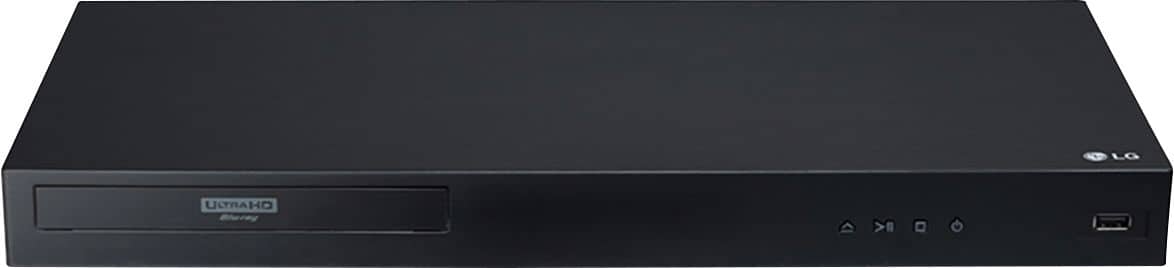
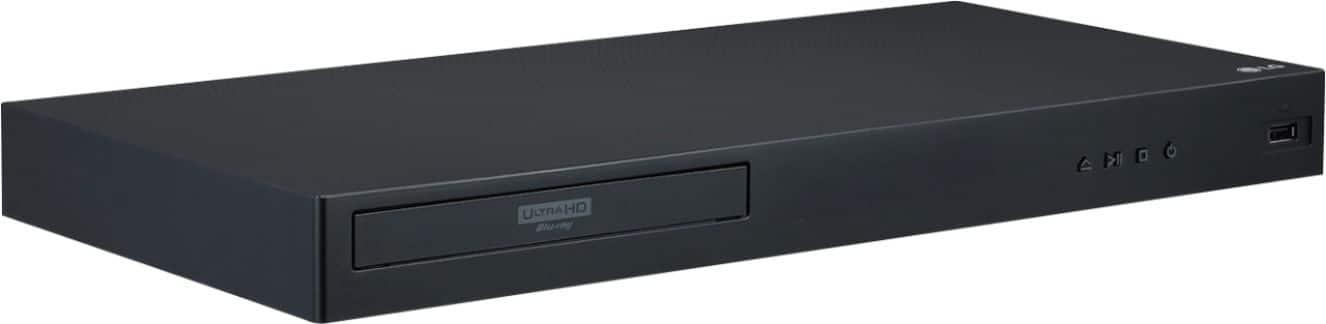
    • Answer No, there is not a display. Only a Power Indicator that illuminates green when the player is on. ^Daphane

      Answered by LG Digital Customer Care

  • QuestionI have dvds from Europe I'd like to play. So, region 2. Will this allow me to play them? Thanks

    Asked by rah.

    • Answer This unit has a regional code printed on the rear of the unit. This unit can play only BD-ROM or DVD discs labelled same as the rear of the unit or “ALL”. ^Daphane

      Answered by LG Digital Customer Care

  • QuestionIs this able to run blurays and DVD's from region B and/or C (AKA blurays from outside the U.S.?

    Asked by Darcy.

    • Answer The LG 4K Ultra-HD Blu-ray Disc™ Player with Dolby Vision®, Model # UBK90 has a region coding of A for Blu-ray discs and region 1 for DVDs. It will also play discs coded as "ALL" or "0". However, for some reason, manufacturers have decided not to code 4K discs by region. In other words, if you have a 4K movie title, it should play in any 4K UHD player, regardless of what country the disc came from. However, this is only true for 4K UHD discs...^IFV

      Answered by LG Digital Customer Care

  • QuestionIs the a region free player?

    Asked by Will.

    • Answer The LG 4K Ultra-HD Blu-ray Disc™ Player with Dolby Vision®, Model # UBK90 is not a region free player and there is a misconception that 4k UHD Blu-ray Players are region free. By default, most Blu-ray Discs and DVDs utilize a special region coding within disc. What this coding does is provide information that's read by the Blu-ray or DVD Player to determine if the disc is compatible with the player. Around the world, Blu-ray Discs and DVDs from specific regions are embedded with a code that is native to that region only. Likewise, most Blu-ray and DVD Players around the world are designed to only play discs that are encoded for the local region. For example, a Blu-ray Player sold in the United States is only setup to read and play discs sold in the United States. A Blu-ray Player from Asia is only setup to read and play discs sold in Asia. Attempting to play a disc from Asia in a Blu-ray Player purchased in the United States will result in an error message, and the disc simply will not play. The player is reading the disc, recognizing that it's from a different region and determining that the disc is incompatible. However, for some reason, manufacturers have decided not to code 4K discs by region. In other words, if you have a 4K movie title, it should play in any 4K UHD Player, regardless of what country the disc came from. However, this is only true for 4K discs...^IFV

      Answered by LG Digital Customer Care

  • QuestionCan this player stream Disney plus?

    Asked by Cdub11.

    • Answer No, this player cannot stream Disney+. ^Daphane

      Answered by LG Digital Customer Care

  • QuestionDoes this unit support streaming thru the Disney + app?

    Asked by cnazp.

    • Answer No, this unit does not support Disney+. ^Daphane

      Answered by LG Digital Customer Care

  • QuestionDoes this player support ARC or eARC?

    Asked by Gizziepapa.

    • Answer No, this unit does not support ARC/eARC. ^Daphane

      Answered by LG Digital Customer Care

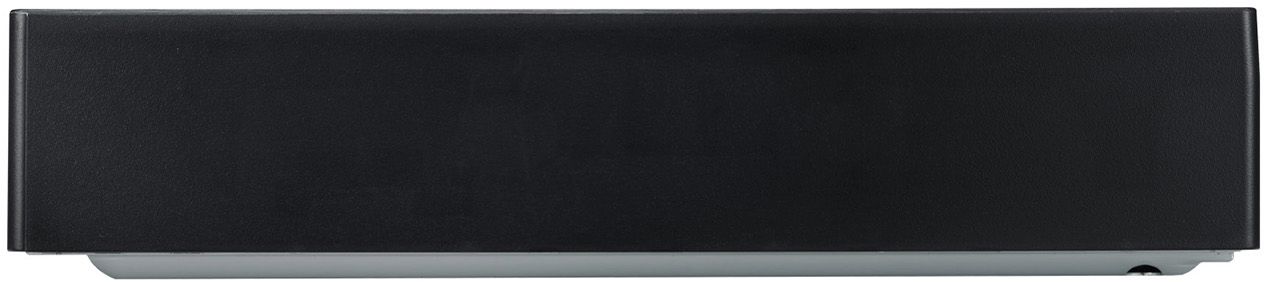
  • QuestionWill this player work, if mounted vertically?

    Asked by Ted.

    • Answer No. To bad. It would really a space saver wouldn’t it.

      Answered by BillsBest1

  • QuestionI have an LG OLED 55E6V and she supports DOLBY VISION but she doesn't support DOLBY ATMOS. If I buy an LG UBK90 4K BLURAY, will I be able to watch movies with DOLBY ATMOS and DOLBY VISION from Netflix?

    Asked by DOUM.

    • Answer No, both the Blu-ray player and TV will need to support Dolby Vision and Dolby Atmos for those features to work. ^CP

      Answered by LG Digital Customer Care

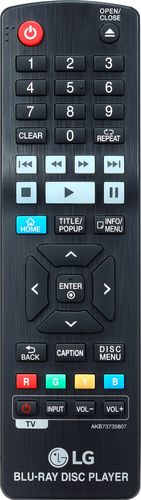
  • QuestionDoes the Pause feature work after turning off the TV? I know it's strange that I have to ask this, but I purchased a Sony blu-ray player recently, and it had this problem.

    Asked by rbrj.

    • Answer The functions on the LG Streaming 4K Ultra HD Hi-Res Audio Wi-Fi Built-In Blu-ray Player, Model # UBK90 are independent of whether the TV is on or off and the pause will still work after the TV is turned off...^IFV

      Answered by LG Digital Customer Care

  • QuestionDoes this Blue ray player support HDMI 2.1?

    Asked by Edb2020.

    • Answer This unit has the following HDMI ports: HDMI 2.0a x 1, HDMI 1.4 x 1. ^CP

      Answered by LG Digital Customer Care