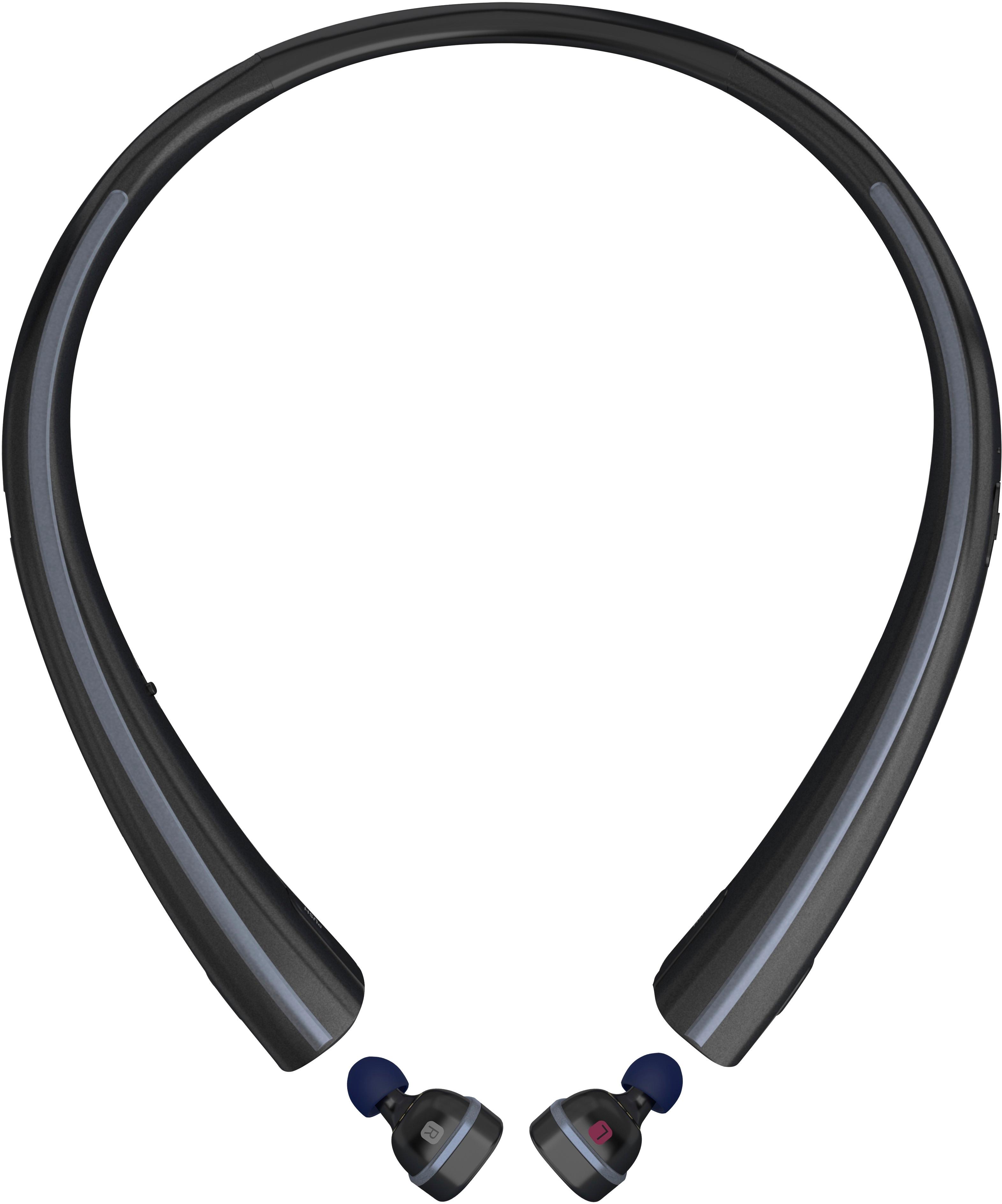
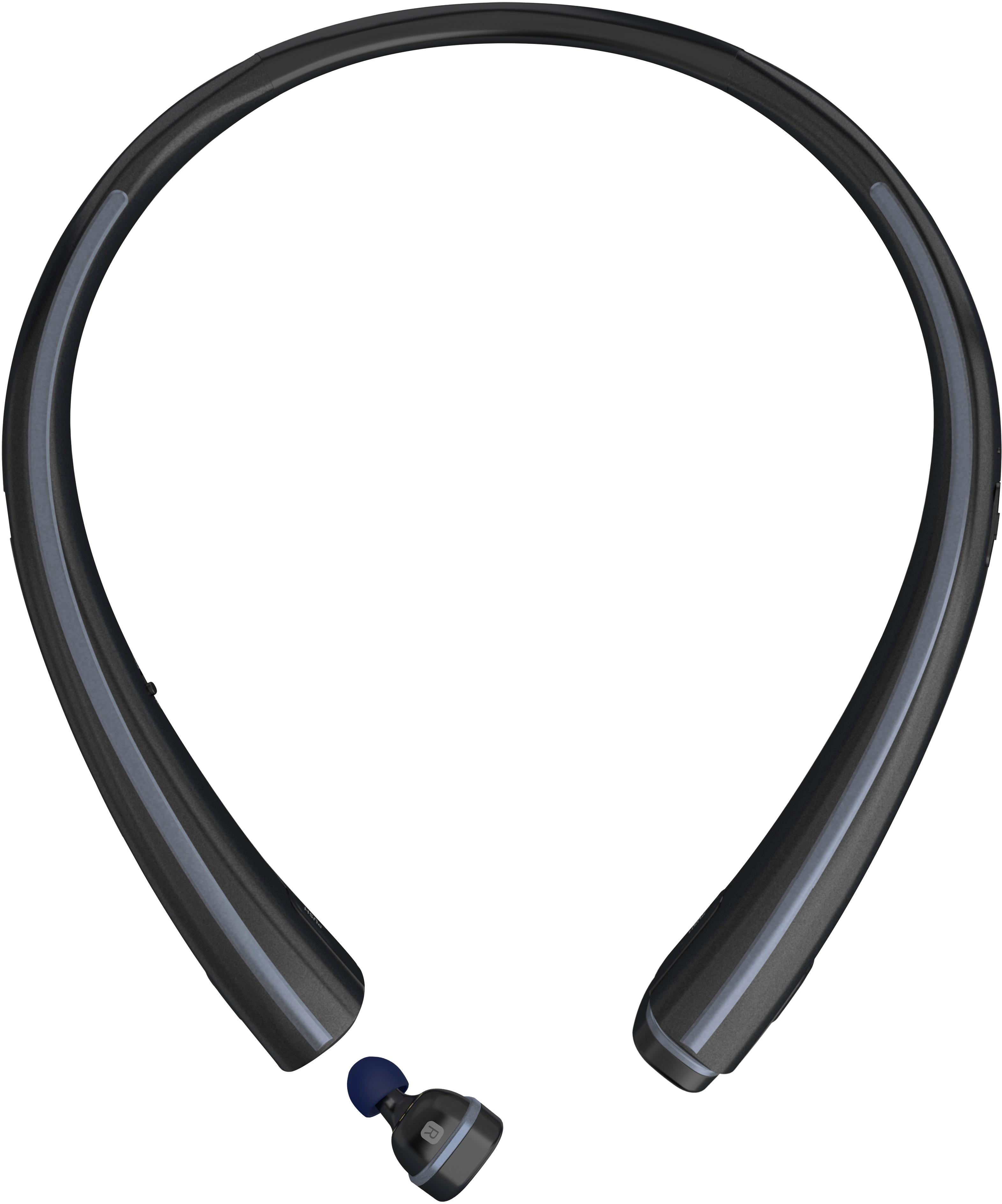
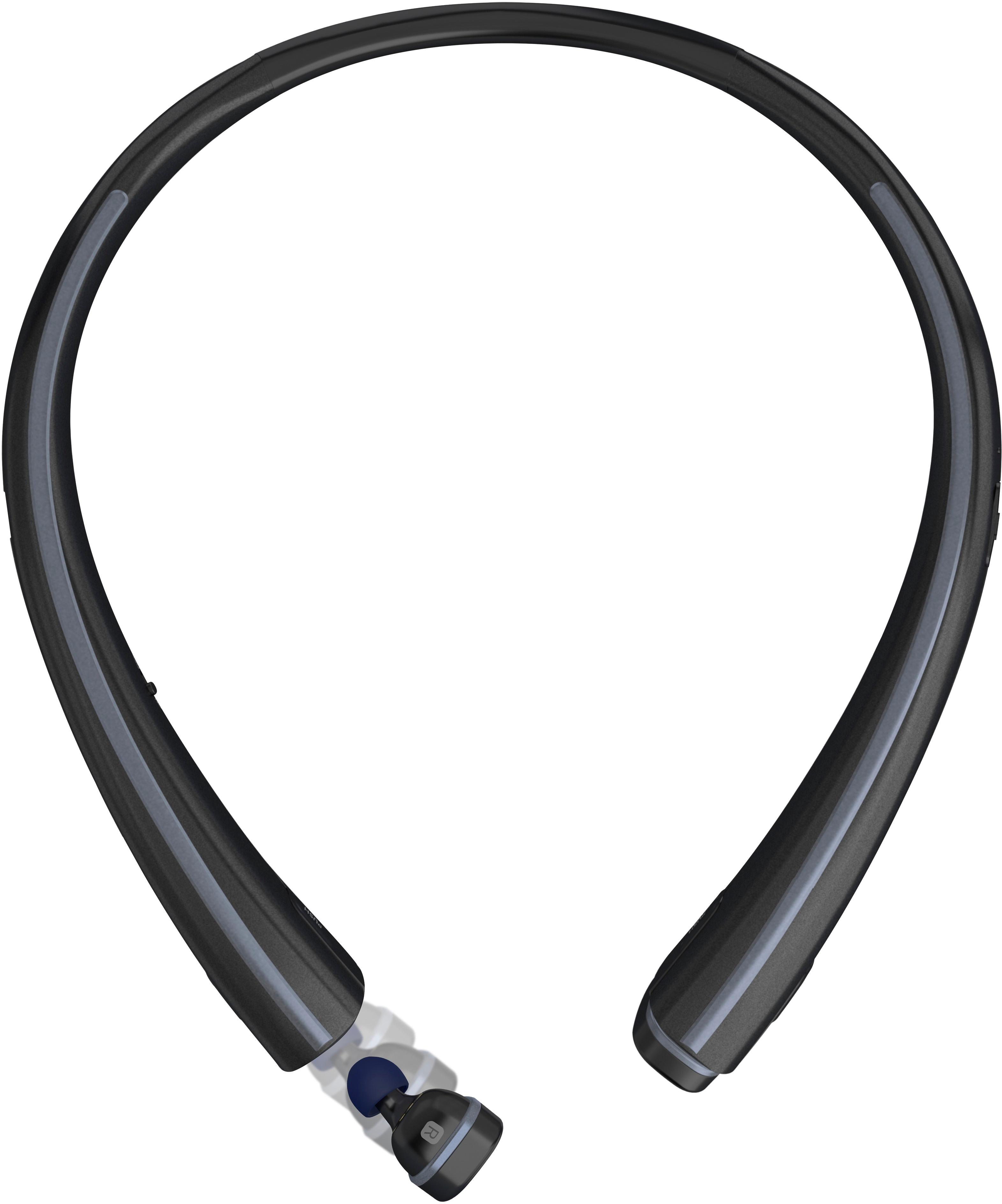
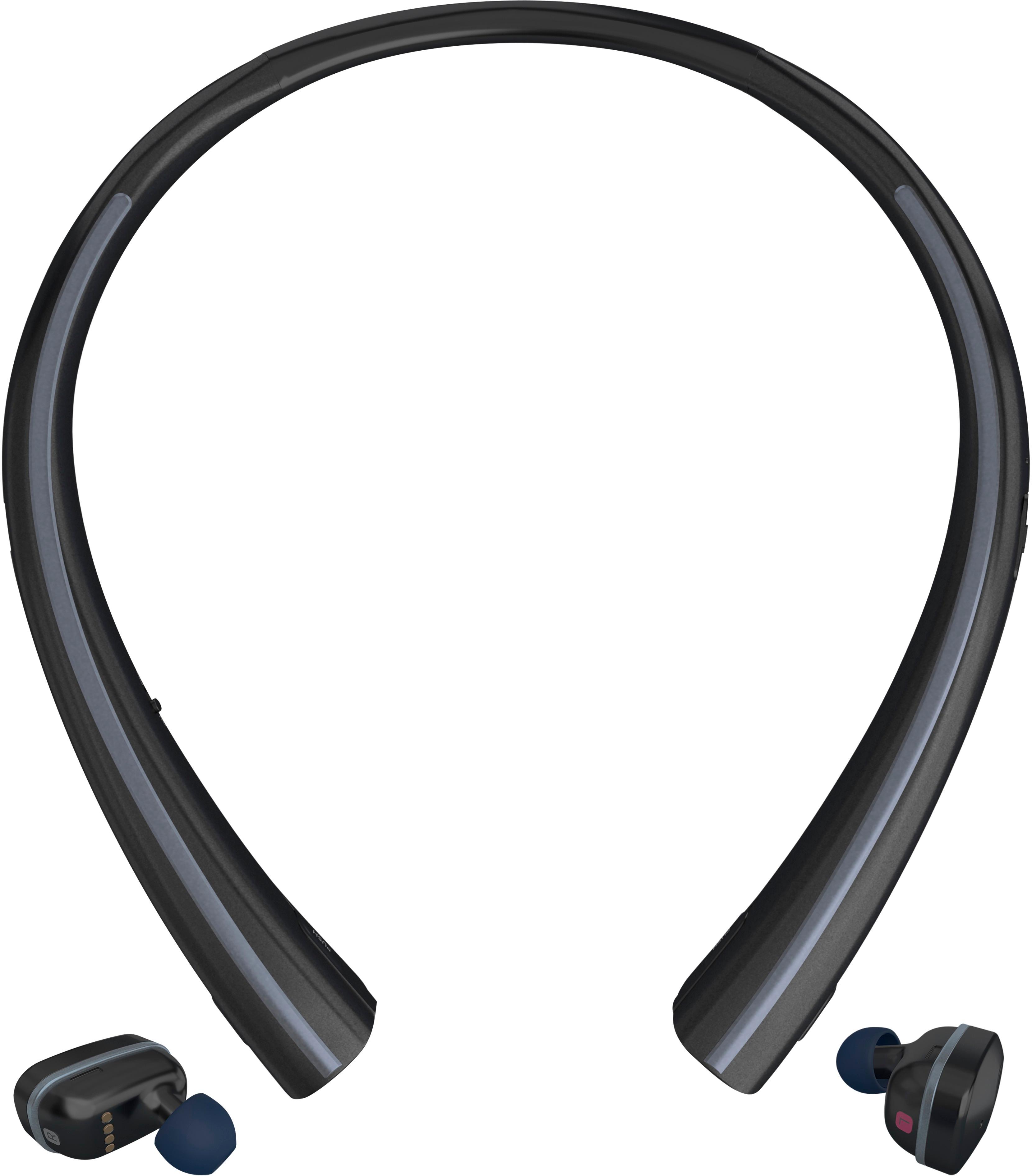
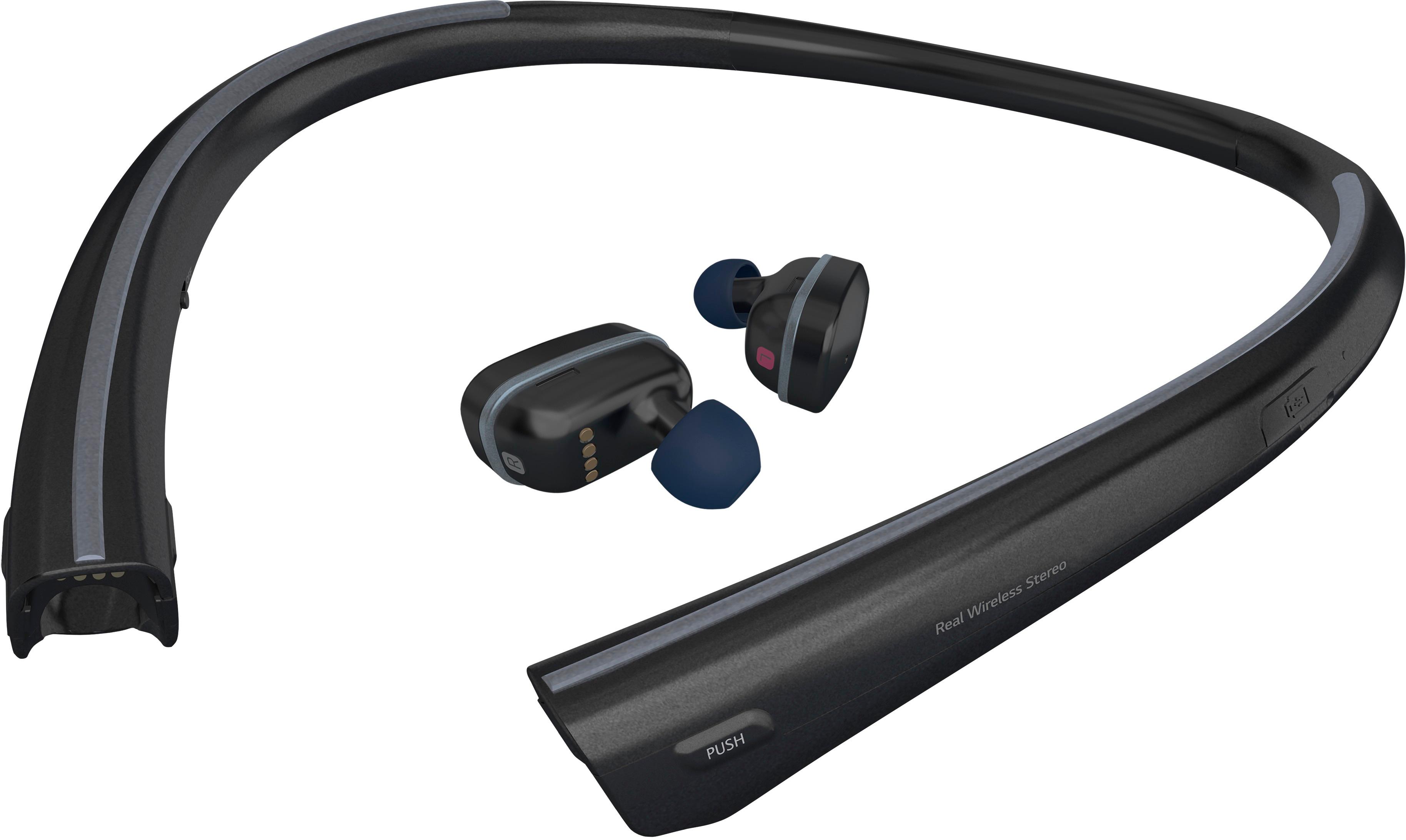
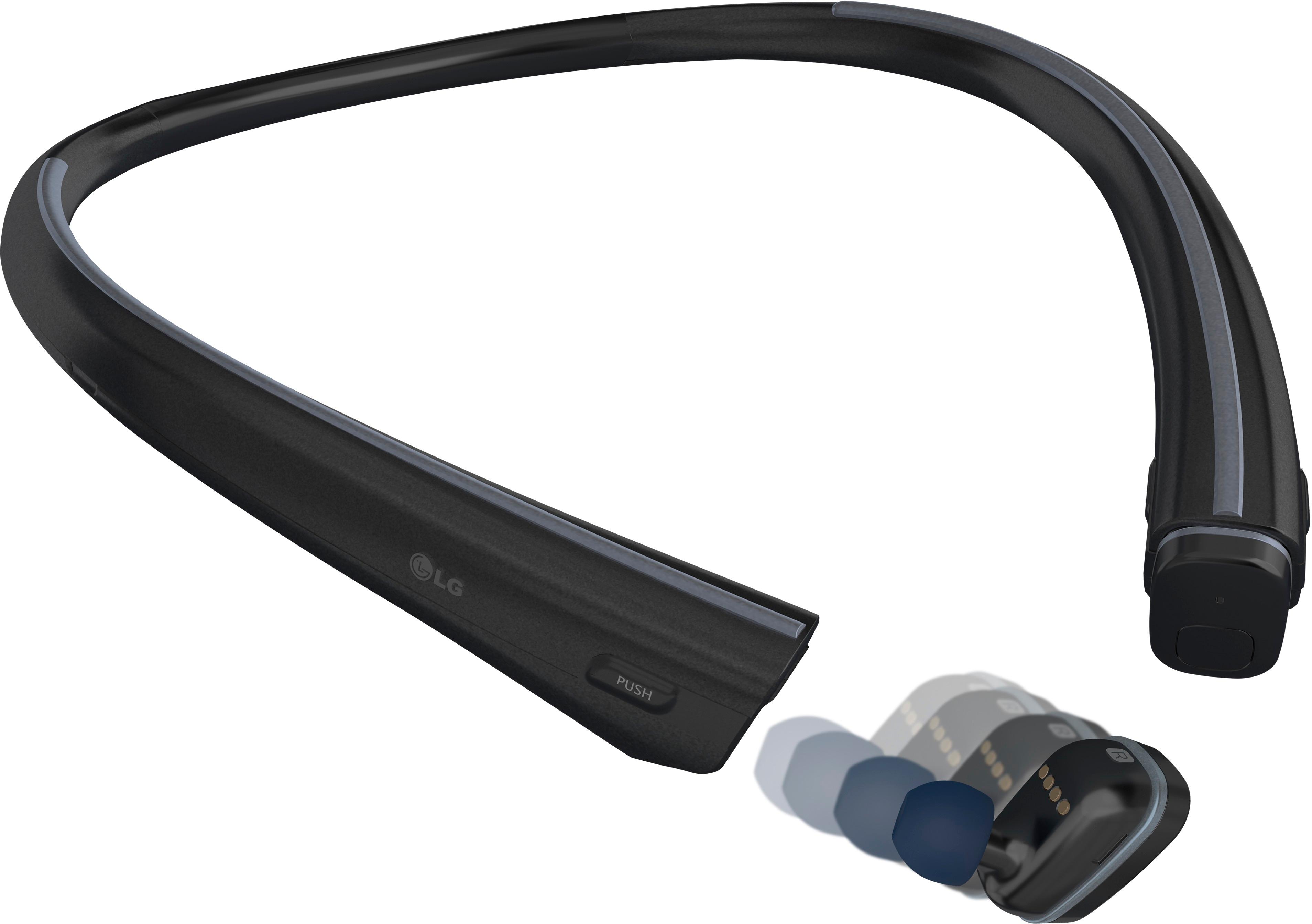
A:Answer1. Fully charge the TONE Free unit with both earbuds attached.
2. Before removing the earbuds, turn the neckband switch ON then wear it around your neck.
3. Detach each earbud and insert them in the appropriate ear.
4. Hold the LEFT earbud's button until you get a tone and audio queue that its ready for pairing...
5. Go to your Bluetooth settings on the target device and look for "HBSF110 Master" and follow the prompts. ONLY PAIR THE MASTER!
6. Follow all of the prompts then you should be able to use it as an audio output device as with any other bluetooth connected peripheral (different based on the type of device you have. Enjoy!
A:AnswerWe hate to hear you are having an issue staying connected. Please reach out to us on Twitter at @LGUSSupport or on Facebook www.facebook.com/LGSupportUSA so we can get more info and see what we can do. ^CP
A:AnswerThe neckband does not have to be on your body during operation. We would recommend keeping the neckband within 30 feet of the earbuds and your phone. ^CP
A:AnswerIt sounds like we'll need to walk through some troubleshooting for your headset. Please head over to our support team via @LGUSSupport on Twitter so that we can dig into this a little more for you. ^CP
A:AnswerIt sounds like we'll need to walk through some troubleshooting for your headset. Please head over to our support team via @LGUSSupport on Twitter so that we can dig into this a little more for you. ^CP
A:AnswerThis doesn't sound right. We will definitely need to do some troubleshooting with you regarding this. So that we are able to gain more insight and research what assistance may be available to you, we request that you reach out to a specialist via Twitter @LGUSSupport or Facebook www.Facebook.com/LGSupportUSA ^CP
A:AnswerYou can get replacement earbud purchasing information here: http://www.lg.com/us/bluetooth-headsets-headphones/lg-HBS-F110L and here: http://www.lg.com/us/bluetooth-headsets-headphones/lg-HBS-F110R ^CP
A:AnswerIf you paid for the extended warranty thru best buy they will replace no questions asked. I always buy this warranty haven't had to pay for new headset in 6 years
A:AnswerRegrettably, there is no way to determine how many full charges the neckband on the LG TONE FREE™ Bluetooth® Wireless Earbuds will provide because a full charge may have different starting levels.= and the charging When the earbud time and charge delivered will depend on how you charge the unit. When the earbud battery level is 5% or lower, you should hear a voice alert telling you that the battery is low. When the neckband battery level is low, the red LED indicator light on the neckband will blink. The charging speed can decrease because of low current when you charge the neckband
cradle by connecting it to a PC and even there, it will vary depending on what version the USB port is since they all deliver different amps even though the voltage is the same. Amps determine how quickly the unit charges. The neckband battery is a 3.7 V/ 120 mAh lithium-ion polymer battery and the ear buds have a 3.7 / 58mAh lithium -ion battery. The rated input voltage for the neckband and earbuds is a DC voltage range of 4.75 ~ 5.3 V, 400 mA. The cradle has a 3.7 V / 410 mAh lithium-ion polymer battery which has a rated input DC voltage of 4.75 ~ 5.3 V, 600 mA. A rechargeable battery has a long service life if treated properly. A new battery or one that has not been used for a long period of time could have reduced capacity the first few times it is used. Do not expose the battery to extreme temperatures, never above +50°C (+122°F) or below -10°C (+14°F). For maximum battery capacity, use the battery at room temperature. If the battery is used in low temperatures, the battery capacity will be reduced. The battery can only be charged
in temperatures between +10°C (+50°F) and +45°C (+113°F)...^IFV