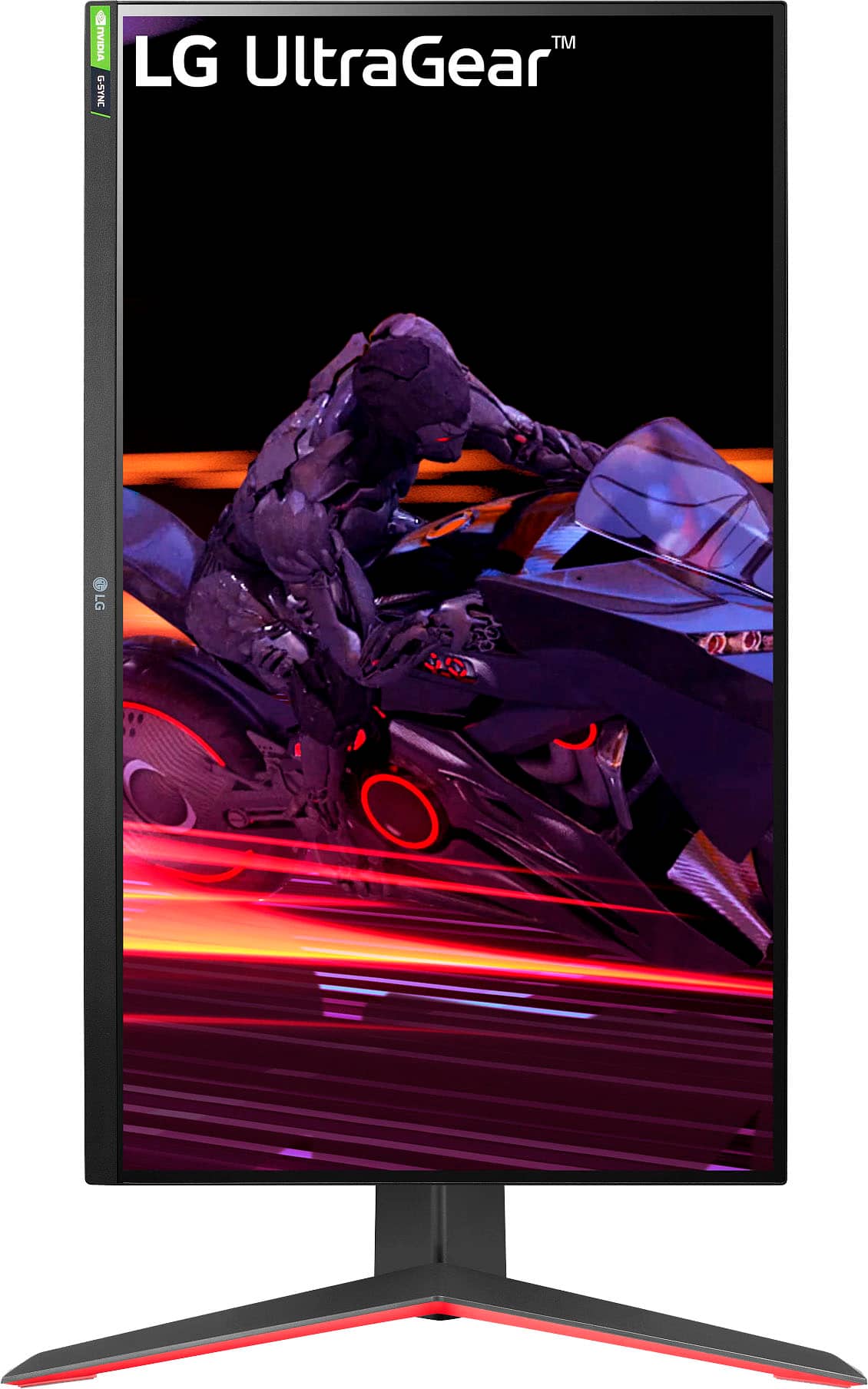
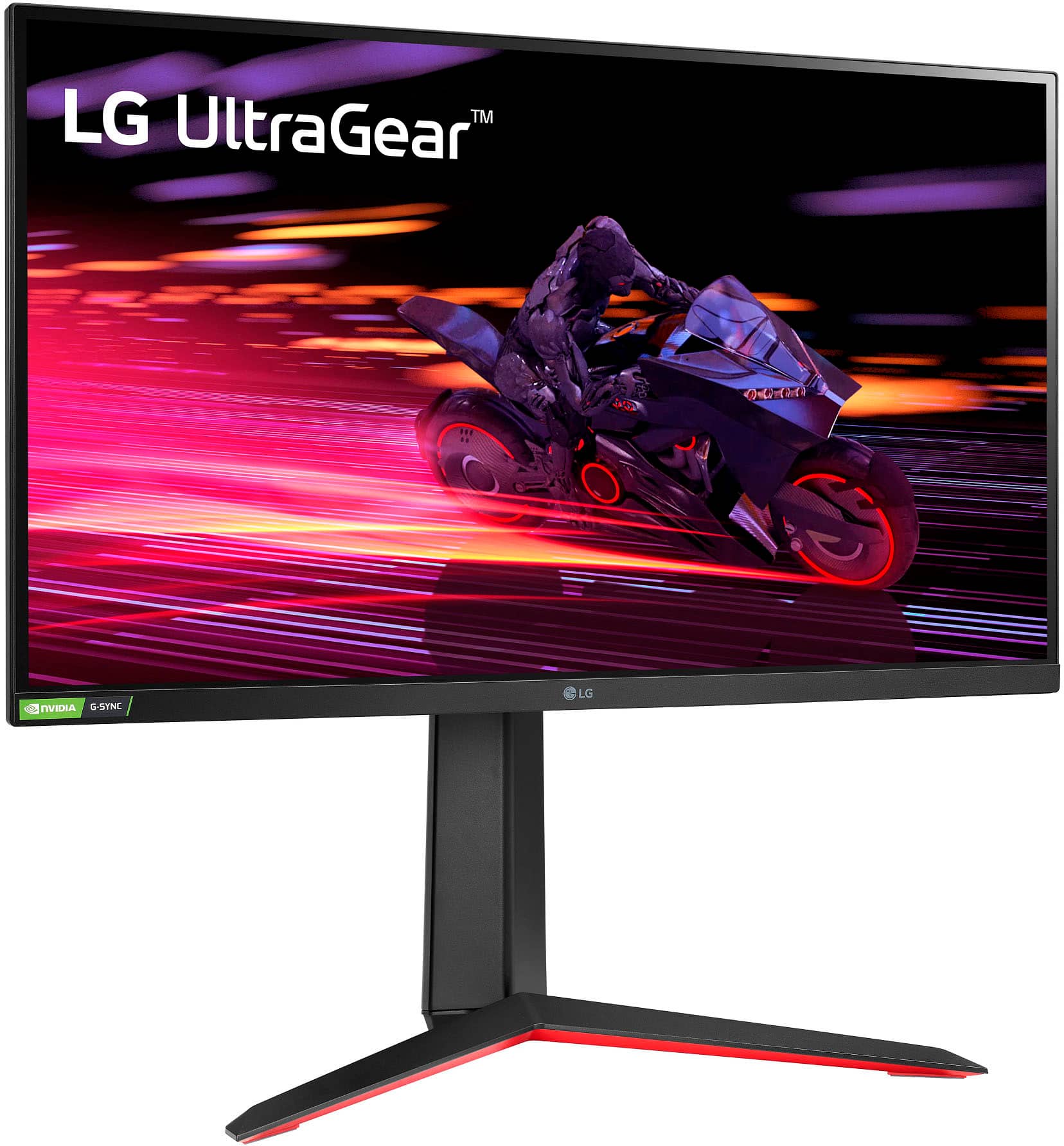
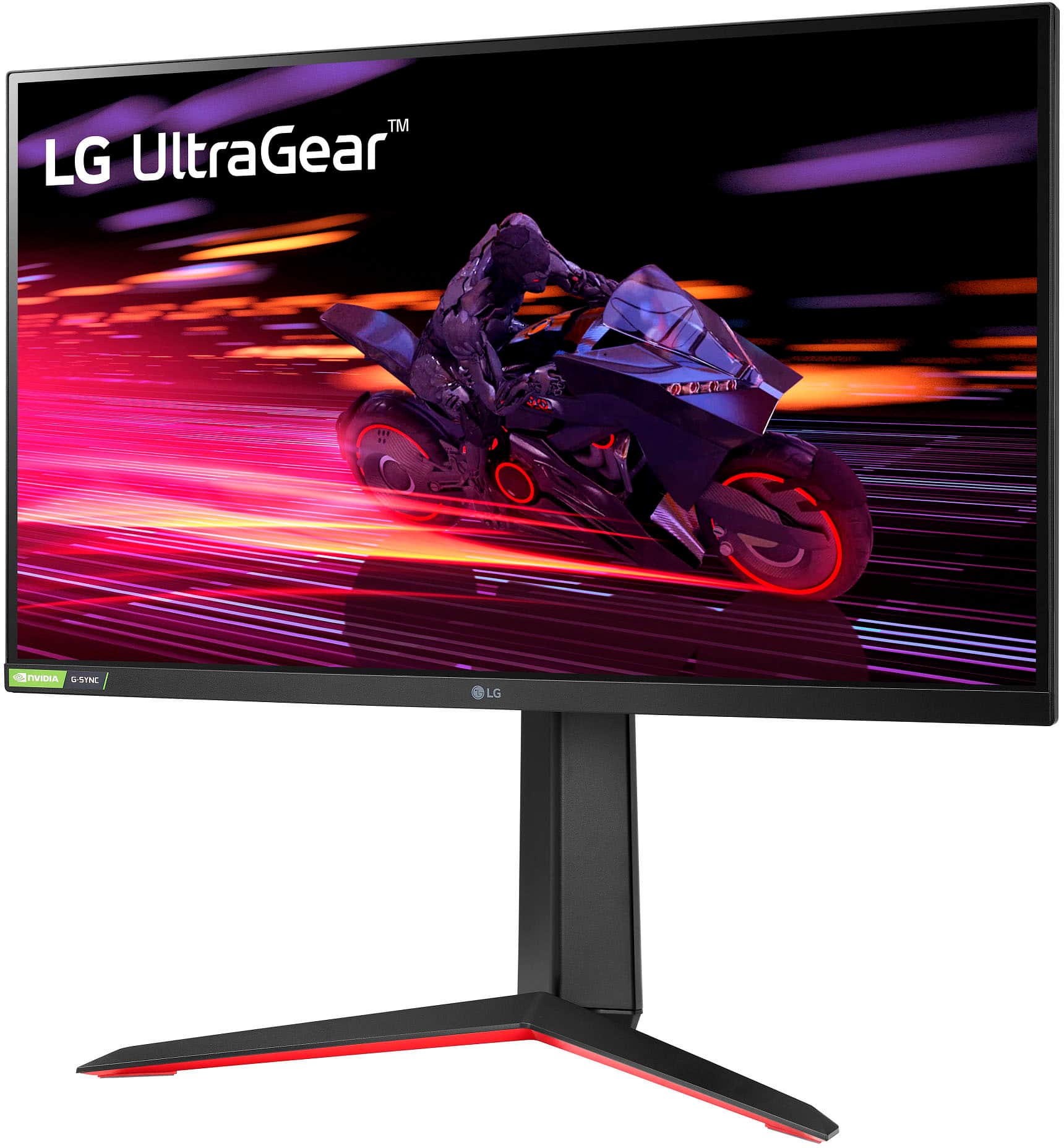
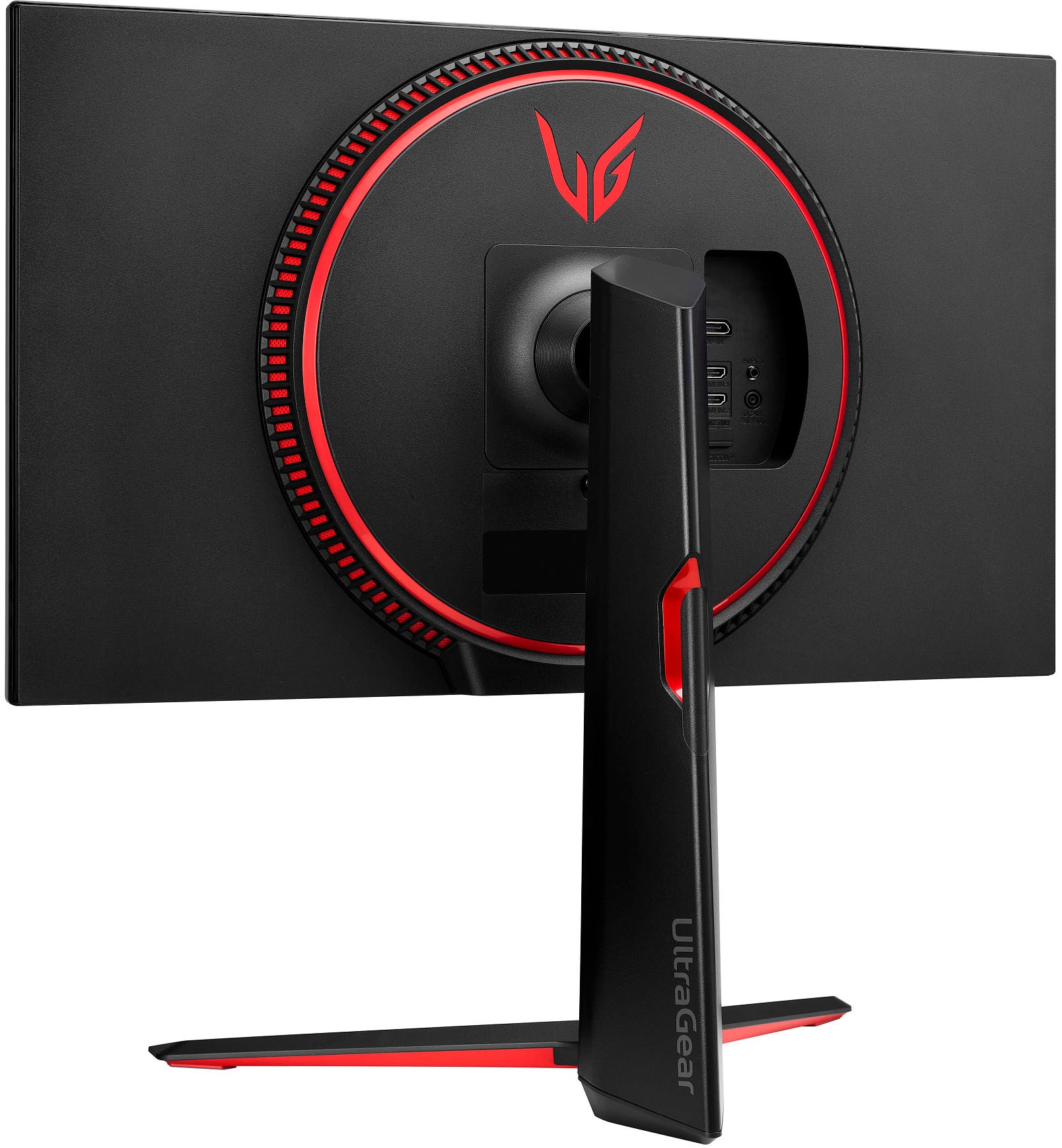
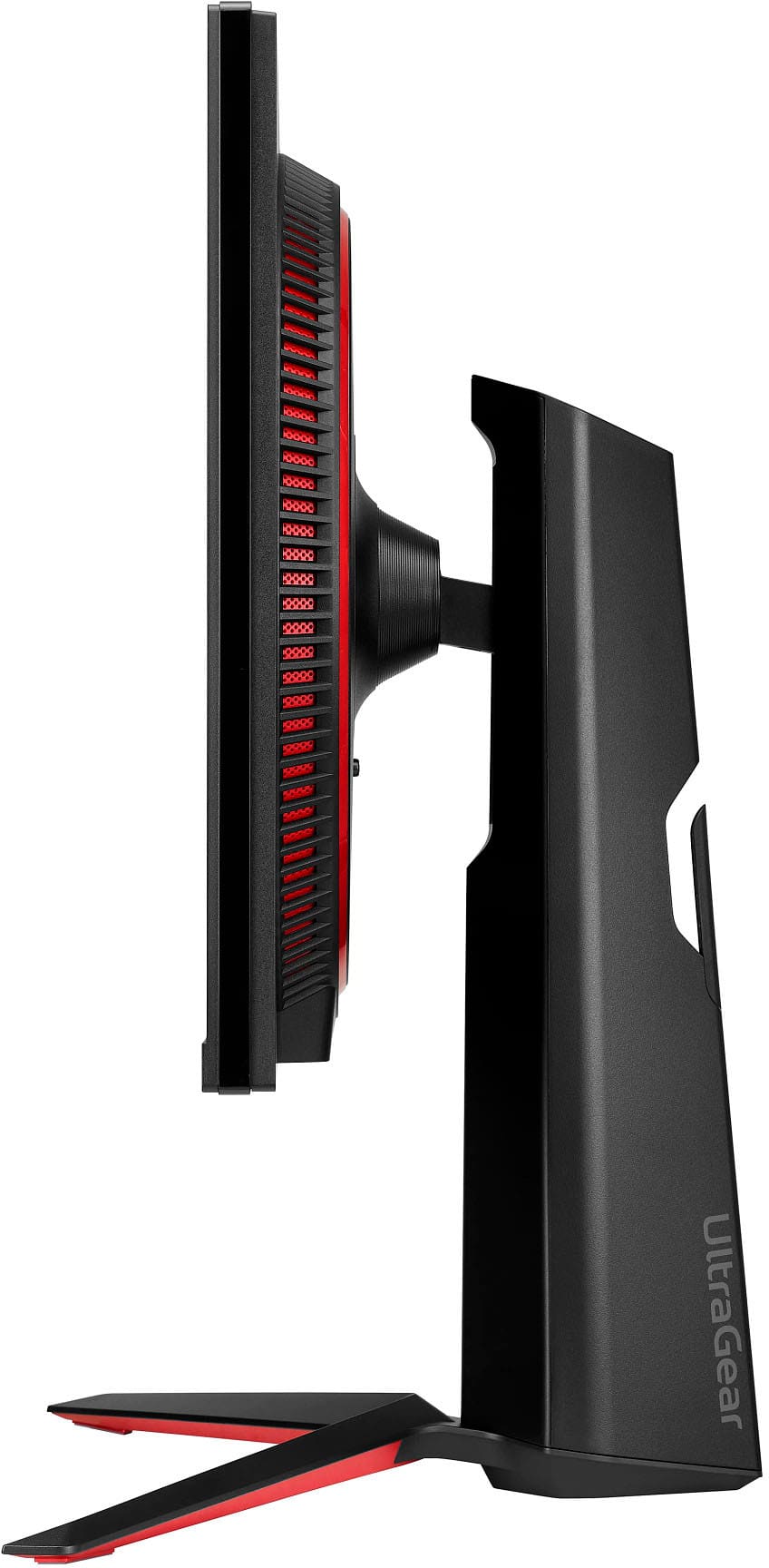
A:AnswerThe LG UltraGear monitor is 24.2 inches wide and 2 inches deep without the stand. With the stand, the monitor is 11.5 inches deep and 22.7 inches high.
This question and answer was generated by AI based on customer and product data.
A:AnswerThe plug on the power cord that is included with the AC/DC Adapter for this LG 27-inch UltraGear® FHD IPS 1ms 240Hz HDR Monitor with G-SYNC® Compatibility, Model # 27GP750-B, is a Type B plug (i.e., two vertical parallel blades over a horseshoe-shaped grounding pin), The other end of the power cord that fits into the socket on the AD/DC adapter is a "mickey mouse" plug.
A Mickey Mouse plug refers to a type of power connector known as the IEC C5 connector.
These plugs are often referred to as "Mickey Mouse" due to their shape, resembling a mouse's ears.
The IEC C5 connector is commonly used for connecting electronic devices to power supplies, particularly for laptops and projectors. It is rated for voltages of 250V and can handle currents of 2.5A. It typically uses 18 AWG wire for light-duty applications...^Ivan.
A:AnswerThe DisplayPort input for the LG UltraGear™ 27" FHD 240Hz 1ms NVIDIA G-SYNC Compatible with AMD FreeSync™ Premium Gaming Monitor with HDR 10 - Black, Model # 27GP750-B, is DisplayPort version 1.4...^Ivan.
A:AnswerHello there, Smr. Thank you for reaching out with your question. We understand your inquiry about your LG UltraGear monitor 27GP750-B and achieving 120 FPS with your Xbox. The 27GP750-B features HDMI 2.0 ports that support 48–240 Hz at 1920×1080 resolution, allowing high-refresh-rate signals over HDMI. The Xbox Series X and Series S can output 1080p at up to 120 Hz, provided the display supports it.
To enable 120 FPS on your Xbox with this monitor:
Use a high-quality HDMI cable rated for HDMI 2.0 bandwidth.
Connect the Xbox to one of the monitor’s HDMI ports.
On the Xbox, go to Settings > General > TV & display options, set resolution to 1080p, and under Refresh Rate select 120 Hz (you may need to disable higher resolutions if set to 4K by default).
Ensure the game you’re playing supports 120 FPS mode. Not all titles offer 120 Hz gameplay; check the game’s settings or documentation for a performance mode.
On the monitor’s On-Screen Display (OSD), confirm the input is set correctly and any gaming presets or Adaptive Sync features (FreeSync/NVIDIA G-SYNC Compatible) are enabled for smooth performance.
If after these steps you’re not seeing 120 Hz, verify the monitor’s firmware is up to date via LG’s OnScreen Control or support site, and ensure the Xbox settings reflect 1080p@120Hz (some consoles default to 4K if connected to a 4K-capable display).
https://www.bestbuy.com/site/lg-ultragear-27-fhd-240hz-1ms-nvidia-g-sync-compatible-with-amd-freesync-premium-gaming-monitor-with-hdr-10-black/6597419.p?skuId=6597419
If you continue to experience difficulties enabling 120 FPS, please send us a private message on Social Media @LGUSSupport and our team will be more than happy to guide you through additional checks or settings. We appreciate your patience and want to help you enjoy peak performance on your LG UltraGear monitor. —Renzo
A:AnswerHello there, Doug. We understand your inquiry about your LG UltraGear 27GP750-B gaming monitor. This model does not support Bluetooth video streaming; it’s designed to connect via its DisplayPort or HDMI inputs for the best 240 Hz performance.
As a first troubleshooting step, please ensure you’re using the DisplayPort cable included in the box and that it’s firmly seated in both your graphics card’s DP output and the monitor’s DP input. Then, use the monitor’s on-screen menu to select “DP” as the active source and confirm your PC’s graphics settings are set to output at 1920×1080 @ 240 Hz.
If you’re interested in a wireless solution, you might explore a compatible wireless display adapter (e.g., Miracast or a USB-C dongle) plugged into your PC, but note that this will still rely on the monitor’s HDMI input rather than Bluetooth.
https://www.bestbuy.com/site/lg-ultragear-27-fhd-240hz-1ms-nvidia-g-sync-compatible-with-amd-freesync-premium-gaming-monitor-with-hdr-10-black/6597419.p?skuId=6597419
Your feedback is important, and we’d love to help you further. Please send us a private message on social media @LGUSSupport so our team can explore additional solutions with you. We appreciate your patience. —Renzo
A:AnswerHello there! We understand your inquiry about the cables included with your LG UltraGear 27GP750-B monitor. This model ships with the following in the box:
Power cable
DisplayPort cable
It does not include an HDMI cable, so you will need to provide your own High Speed HDMI cable (at least HDMI 2.0–rated) to achieve the full 240 Hz refresh rate over HDMI.
Troubleshooting Tip:
If you experience any signal drop or can’t select 240 Hz, double-check that you’re using a certified High Speed HDMI 2.0 (or better) cable securely seated in the monitor’s HDMI port, and then verify in On-Screen Display > Picture > Input > HDMI that the correct input is selected.
https://www.bestbuy.com/site/lg-ultragear-27-fhd-240hz-1ms-nvidia-g-sync-compatible-with-amd-freesync-premium-gaming-monitor-with-hdr-10-black/6597419.p?skuId=6597419
Please send us a private message on social media @LGUSSupport if you have any further questions or need personalized assistance setting up your new monitor. We appreciate your patience and look forward to helping you get the best gaming experience with your LG UltraGear! —Renzo
A:AnswerHi there, thank you for your question about the LG 27GP750-B.AUS monitor! This model is equipped with HDMI 2.0 ports, not HDMI 2.1. While HDMI 2.0 supports high-quality video and gaming experiences, HDMI 2.1 is typically found in models designed for higher frame rates and resolutions, such as 4K at 120Hz. You may access this link for more information, go to "All Specs": https://www.lg.com/us/monitors/lg-27gp750-b-gaming-monitor.
If you have any further questions or need assistance, please feel free to send us a private message on Social Media @LGUSSupport. We’re here to help!
—Avril