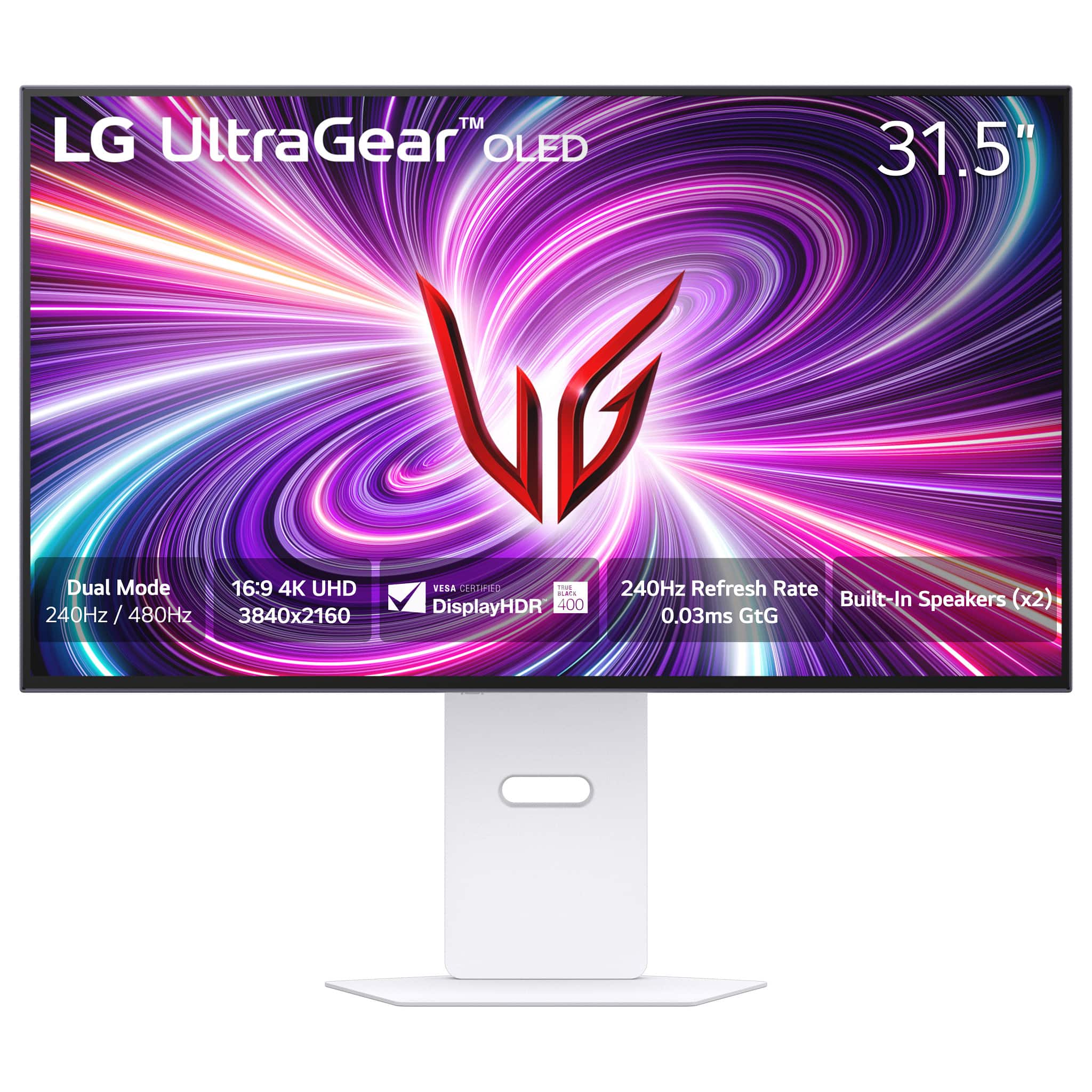
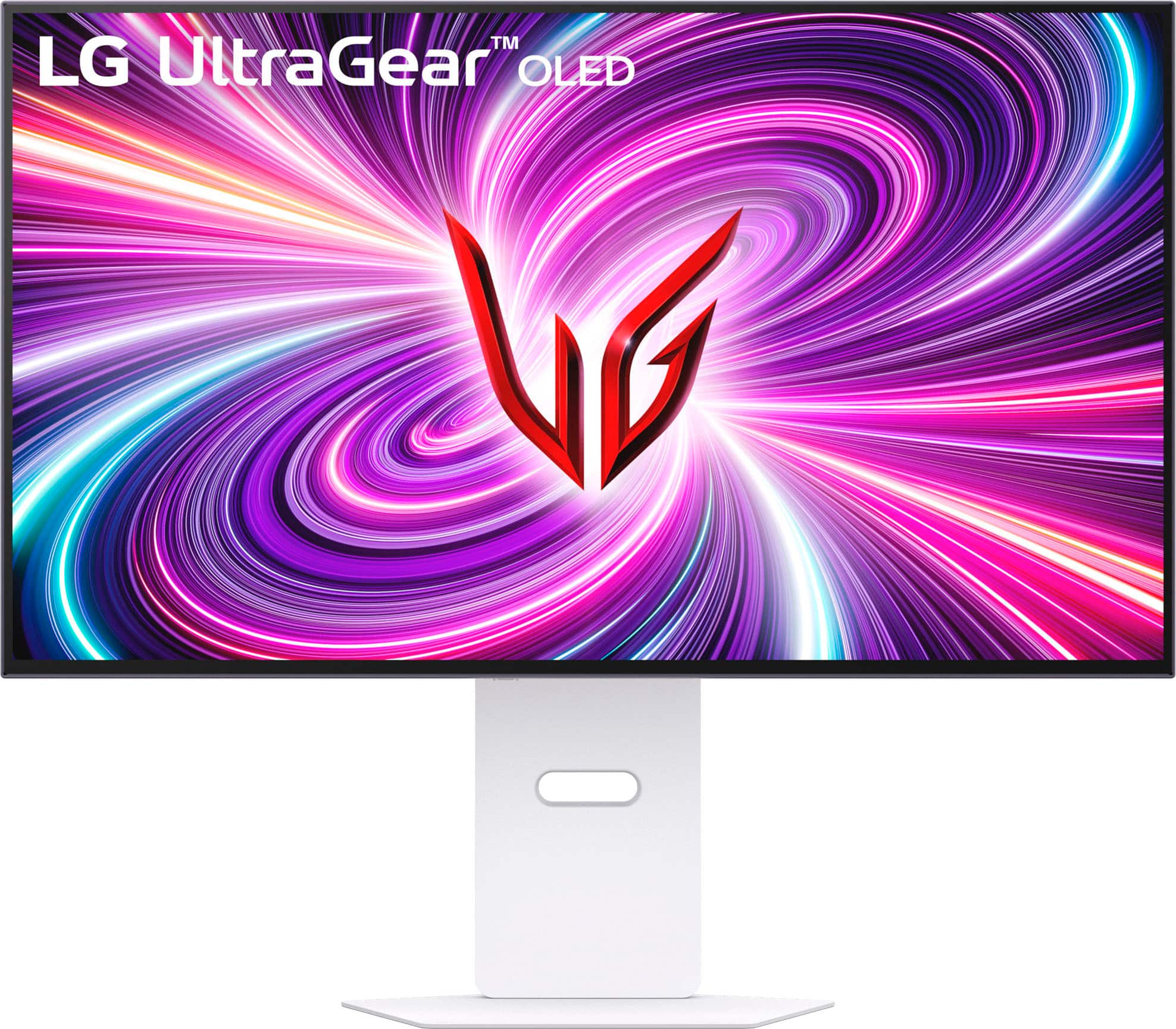
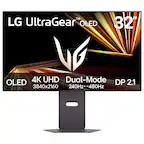
A:AnswerHi there, Edward. Thank you for sharing your experience with us. We understand your inquiry about the availability of the LG 32GS95UV-W.AUS monitor in black.
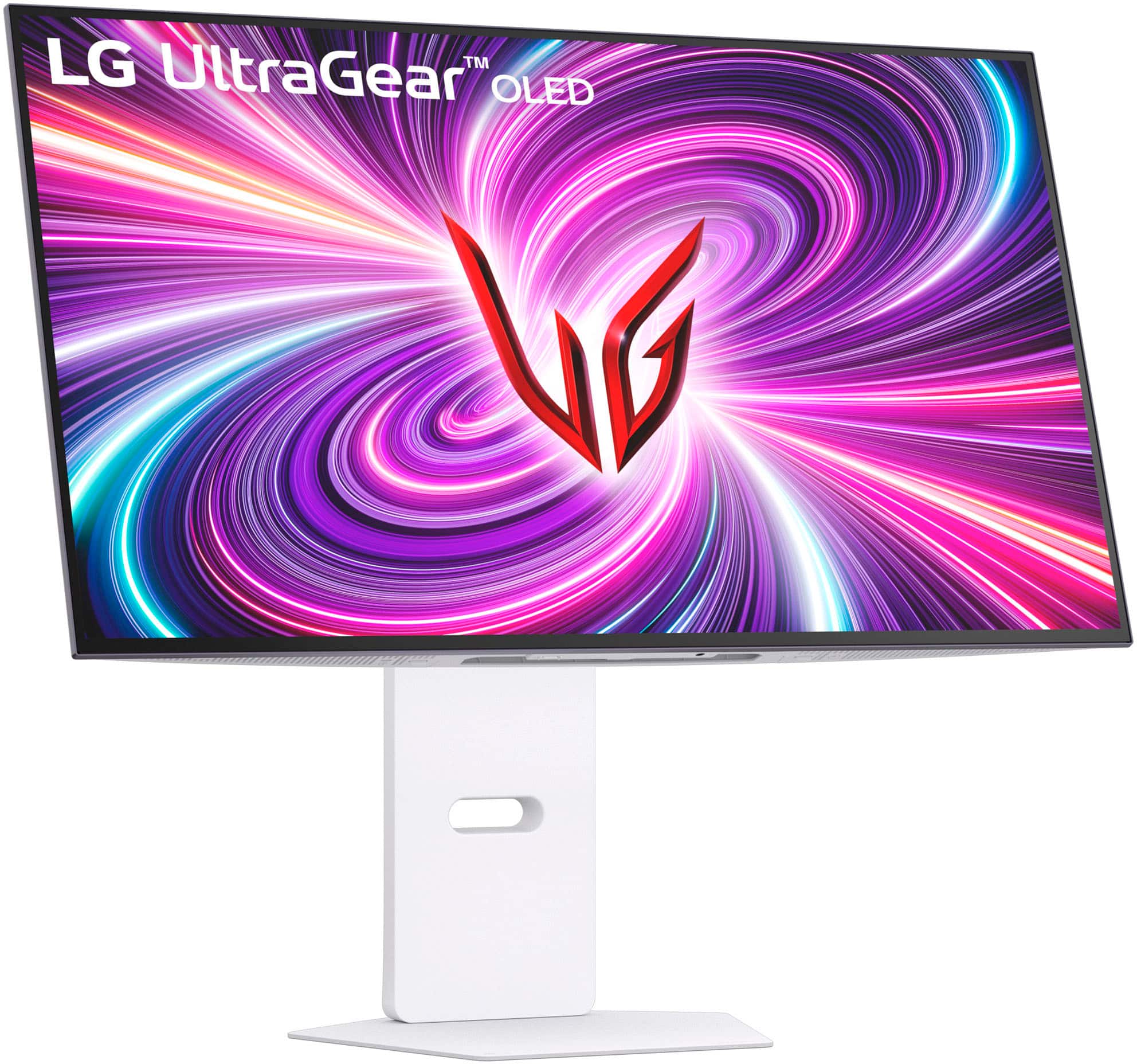
Based on the information for the LG UltraGear 32GS95UV-W.AUS monitor, the model number indicates that it is a white-colored unit, as represented by the "W" in the model number. There is no publicly listed version of this specific model available in black.
https://www.bestbuy.com/site/lg-ultragear-32-oled-dual-mode-4k-uhd-240hzfhd-480hz-0-03ms-nvidia-g-sync-compatible-amd-freesync-pro-gaming-monitor-white/6595425.p?skuId=6595425
Please send us a private message on Social Media @LGUSSupport and our team will be more than happy to explore possible solutions. We appreciate your patience. —Renzo
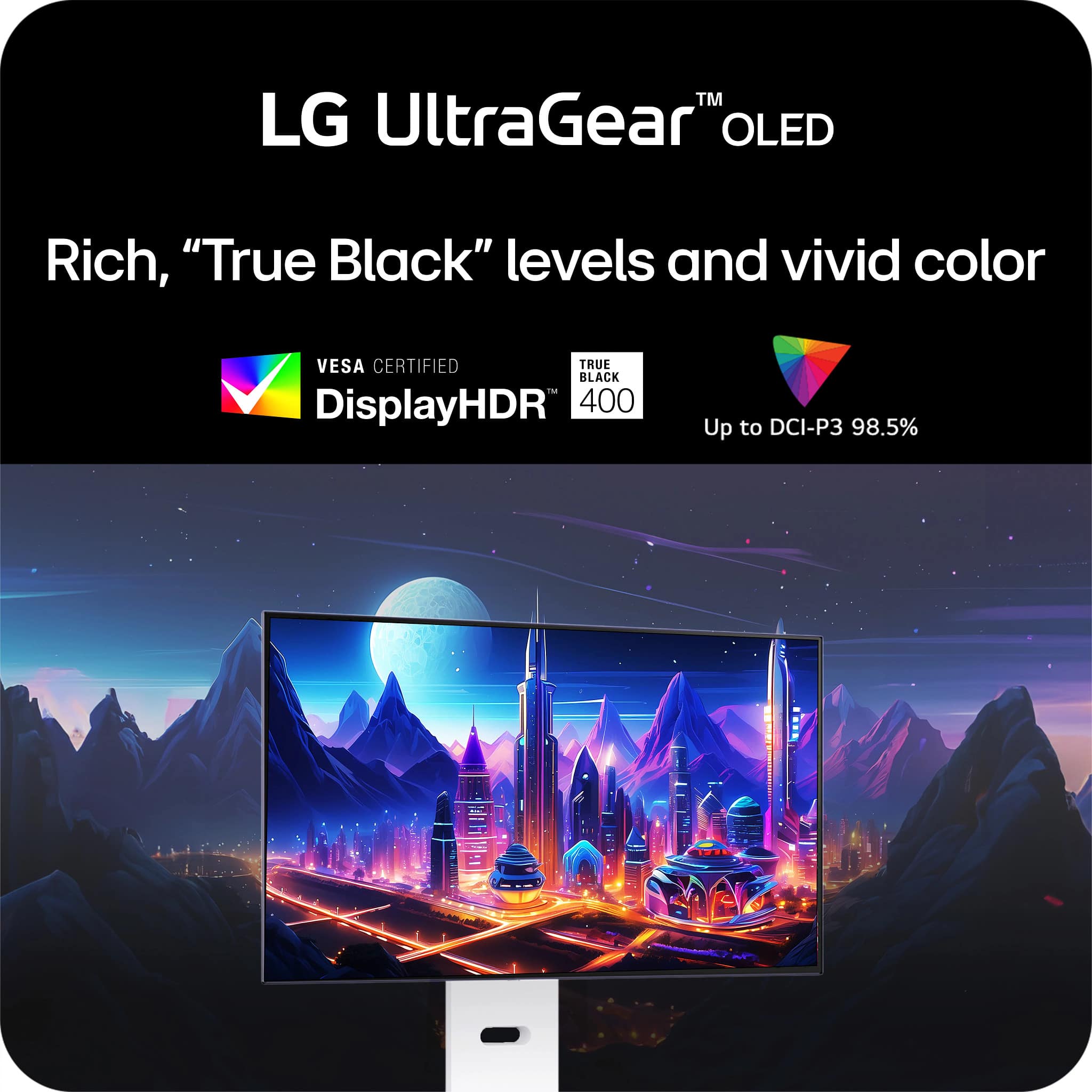
A:AnswerHi there, Osmiy. Thank you for sharing your inquiry with us. We understand your inquiry about HDR certification for your LG UltraGear 32GS95UV-W.AUS monitor. This model is VESA DisplayHDR™ True Black 400 certified and supports HDR10 content, meaning it meets industry standards for deep blacks and adequate peak brightness for HDR gaming and media.
When Windows reports “HDR certification not found,” it often refers to Windows’ own HDR-capable display certification flag rather than the monitor’s VESA certification. To ensure Windows recognizes HDR properly, confirm you are using a compatible connection (DisplayPort 1.4 or HDMI 2.1 cable provided/included) and that your GPU drivers are up to date. In Windows Settings > System > Display, enable “Play HDR games and apps” and verify that the correct display is selected; sometimes reconnecting the cable or switching ports (e.g., DP instead of HDMI) helps the OS read HDR capabilities correctly.
On the NVIDIA side, ensure in the NVIDIA Control Panel under “Display > Change resolution” you select the proper output format (e.g., 10 bpc if available) and enable HDR in “Set up G-SYNC” or “Display” sections as needed. Also verify the game itself is launched in HDR mode: some titles require enabling HDR/configuring in-game settings. If HDR appears when launching a game but Windows still shows “not found,” this may indicate Windows’ HDR indicator is not detecting the EDID flag, yet the panel can still display HDR content when the application requests it.
https://www.bestbuy.com/site/lg-ultragear-32-oled-dual-mode-4k-uhd-240hzfhd-480hz-0-03ms-nvidia-g-sync-compatible-amd-freesync-pro-gaming-monitor-white/6595425.p?skuId=6595425
If after checking cables, ports, driver updates, and Windows/NVIDIA settings you still see the Windows indicator showing “HDR certification not found,” but HDR content displays correctly in games, the monitor is functioning as intended. However, if HDR content appears washed out or not engaging correctly, try toggling “HDR Effect” or calibration presets on the monitor’s on-screen menu, and ensure firmware is up to date (via LG’s support site/manual). For detailed troubleshooting or calibration guidance, please send us a private message on Social Media @LGUSSupport and our team will be more than happy to explore possible solutions. We appreciate your patience and thank you for choosing LG. —Renzo
A:AnswerHello there, AngeloM. We understand your inquiry about Dolby Vision support on your 32GS95UE‑B.AUS. This UltraGear monitor features HDR10 for high‑dynamic‑range gaming and video, but it does not support Dolby Vision. To enjoy HDR content on your PS5 or Xbox Series X, please set your console’s video output to HDR10 in its display settings.
https://www.bestbuy.com/site/lg-ultragear-32-oled-dual-mode-4k-uhd-240hzfhd-480hz-0-03ms-nvidia-g-sync-compatible-amd-freesync-pro-gaming-monitor-black/6575402.p?skuId=6575402
If you have any other questions or need further assistance, please send us a private message on social media @LGUSSupport, and we’ll be more than happy to help. We appreciate your patience. —Renzo
A:AnswerThe LG UltraGear 32" OLED Dual Mode gaming monitor (model 32GS95UE-B) does not have built-in Bluetooth connectivity. However, it features Pixel Sound speakers and a headphone out port, allowing you to connect external audio devices.
A:AnswerIts not native... which sucks, and even though 1080p goes into 4k 3 times exactly they did not do that. The 1080p picture is super blury at 32inchs and it gets alittle better at 27inches. But if you dint have a consistent fps then you get terrible stutter. The 4k 240hz mode is amazing but the 1080p 480hz is more of a gimmick.
A:AnswerHi there, Roxanne. Thank you for your interest in the LG - UltraGear 32" OLED Dual Mode Gaming Monitor. We understand your inquiry regarding compatibility with your console. Yes, the PlayStation 5 will work with this monitor as it features HDMI 2.1 connectivity, allowing you to enjoy 4K gaming.
https://www.bestbuy.com/product/lg-ultragear-32-oled-dual-mode-4k-uhd-240hzfhd-480hz-0-03ms-nvidia-g-sync-amd-freesync-pro-gaming-monitor-hdmi-dp-white/JJ8VPZTLXW
For further assistance and any specific concerns you may have, please contact us on lgdigitalcare@lg.sprinklrsupport.com. We appreciate your patience. —Renzo
A:AnswerHello there. Thank you for your question about the LG monitor model 32GS95UE-B.AUS. The typical power consumption for this monitor is approximately 55 watts during operation.
If you need any further information or assistance, please send us a private message on Social Media @LGUSSupport. Our team will be more than happy to assist you further. We appreciate your patience. —Renzo
A:AnswerThank you for reaching us regarding LG Monitor. The LG 32GS95UE-B monitor does not appear to have a digital optical output. You can download its owner's manual through this link for more information: https://www.lg.com/us/support/product/lg-32GS95UE-B.AUS. For additional assistance, please reach out to us on social media @LGUSSupport so we can help you further. ^Cris
A:AnswerHi there, Kellypeaa. Thank you for reaching out. We understand you're curious about the screen type and the anti-glare performance of the LG 32GS95UE-B gaming monitor.
This model features an OLED display, which provides superior color accuracy and contrast. However, it does not have a nano-texture coating like some of our other displays. Instead, it relies on the natural properties of the OLED panel to deliver vibrant visuals and deeper blacks. As for the anti-glare feature, the monitor is equipped with a display that minimizes reflections to some extent, though OLED screens are generally more prone to glare compared to matte screens. You can adjust the brightness and viewing angle for optimal performance, especially in well-lit environments.
https://www.lg.com/us/monitors/lg-32gs95ue-b-gaming-monitor#pdp_specs
If you have more questions or need further assistance, please send us a private message on Social Media @LGUSSupport, and we’ll be happy to help you out!
—Renzo
A:AnswerYour console will be the limiting factor, if frames per second matters to you. Assuming you have a PS5 or xbox Series X, the console will limit you to 120 FPS.