Save up to 50% on 3-Day Sale deals.Ends 12/7.Shop now

Main Content

Questions & Answers

Your price for this item is $899.99
The comparable value price is $1,599.99
Page Showing 1-10 of 10 questions
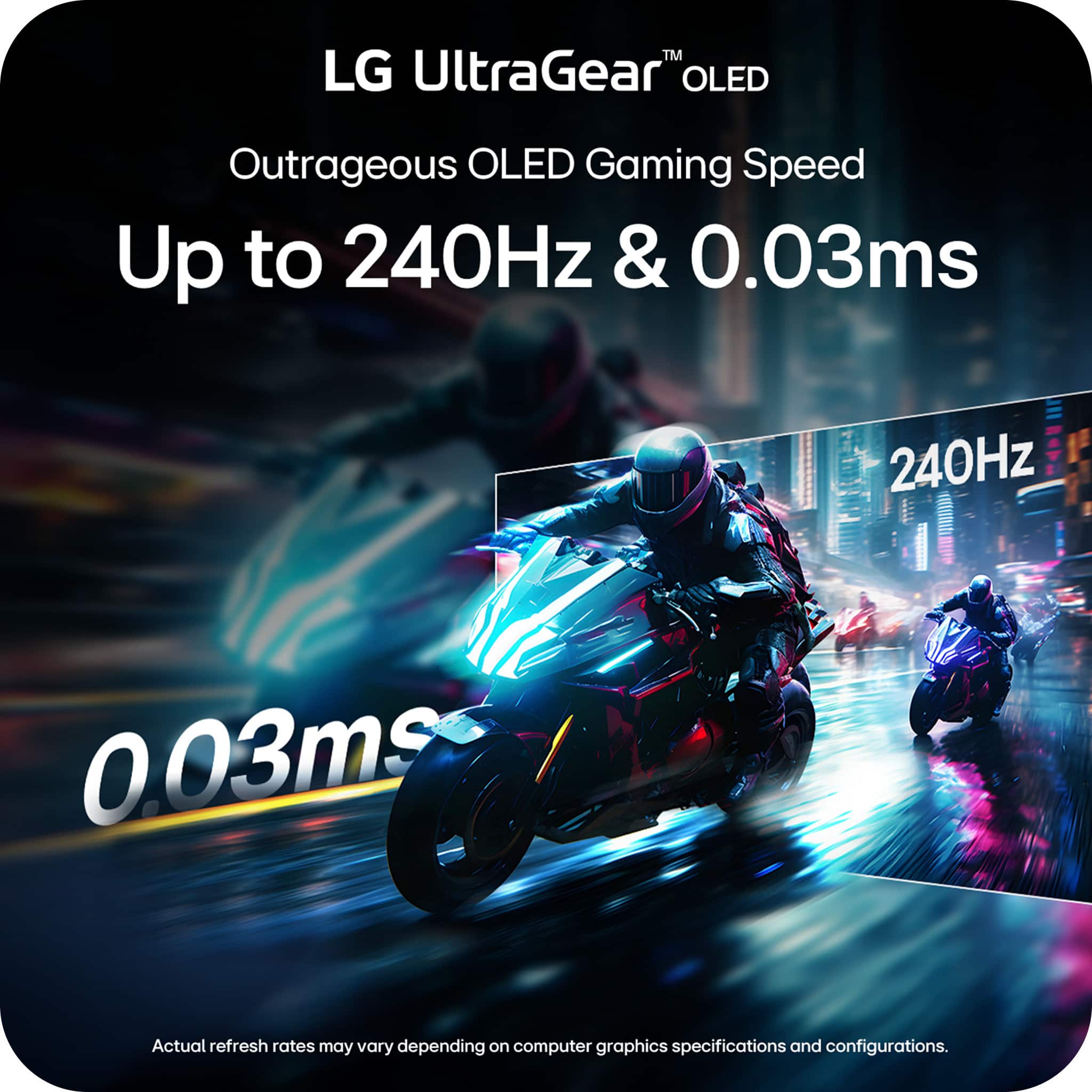
  • QuestionWhat is the response time of this monitor?

    • Answer This monitor boasts a 0.03ms (GtG) response time.
    This question and answer was generated by AI based on customer and product data.
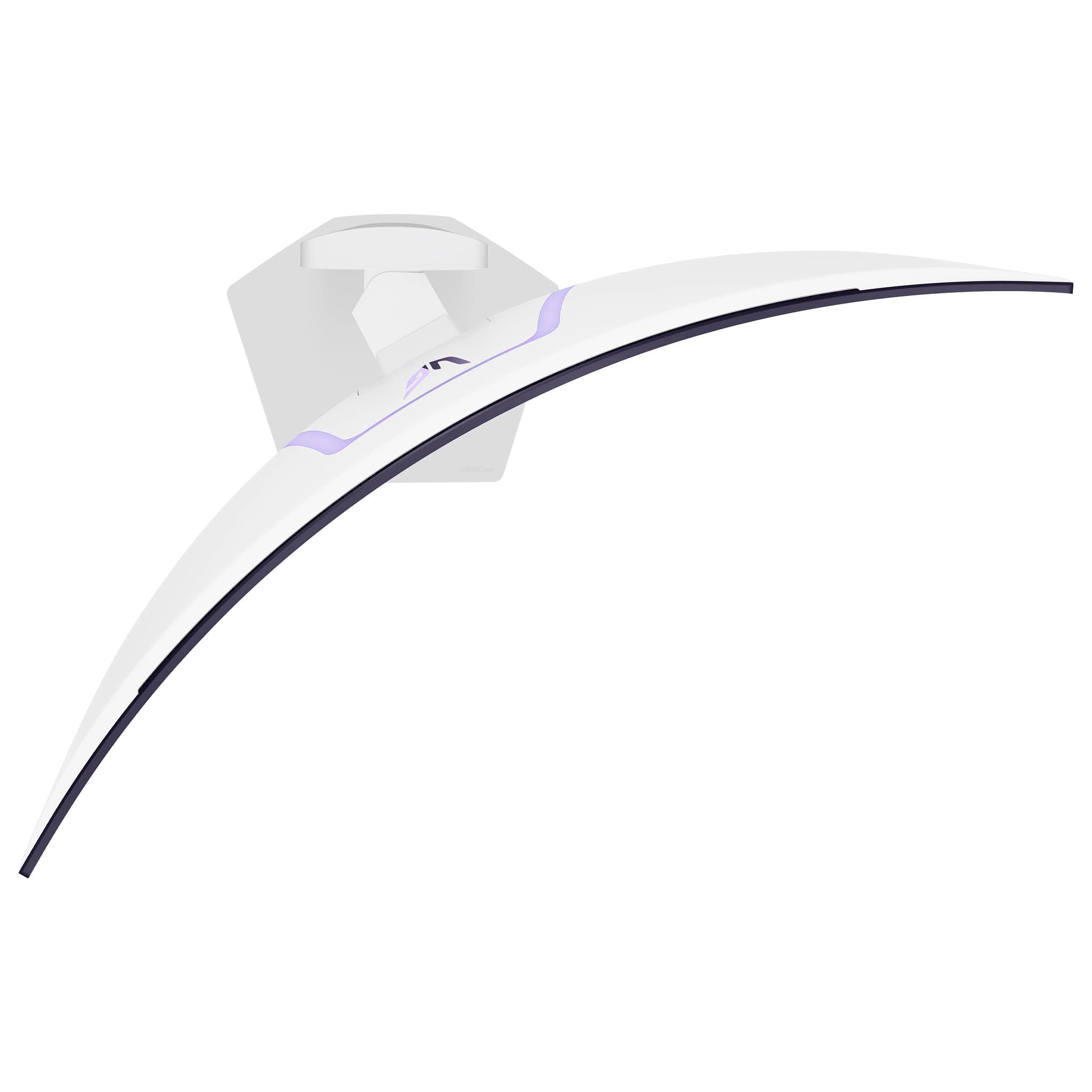
  • QuestionIs this monitor wall-mountable?

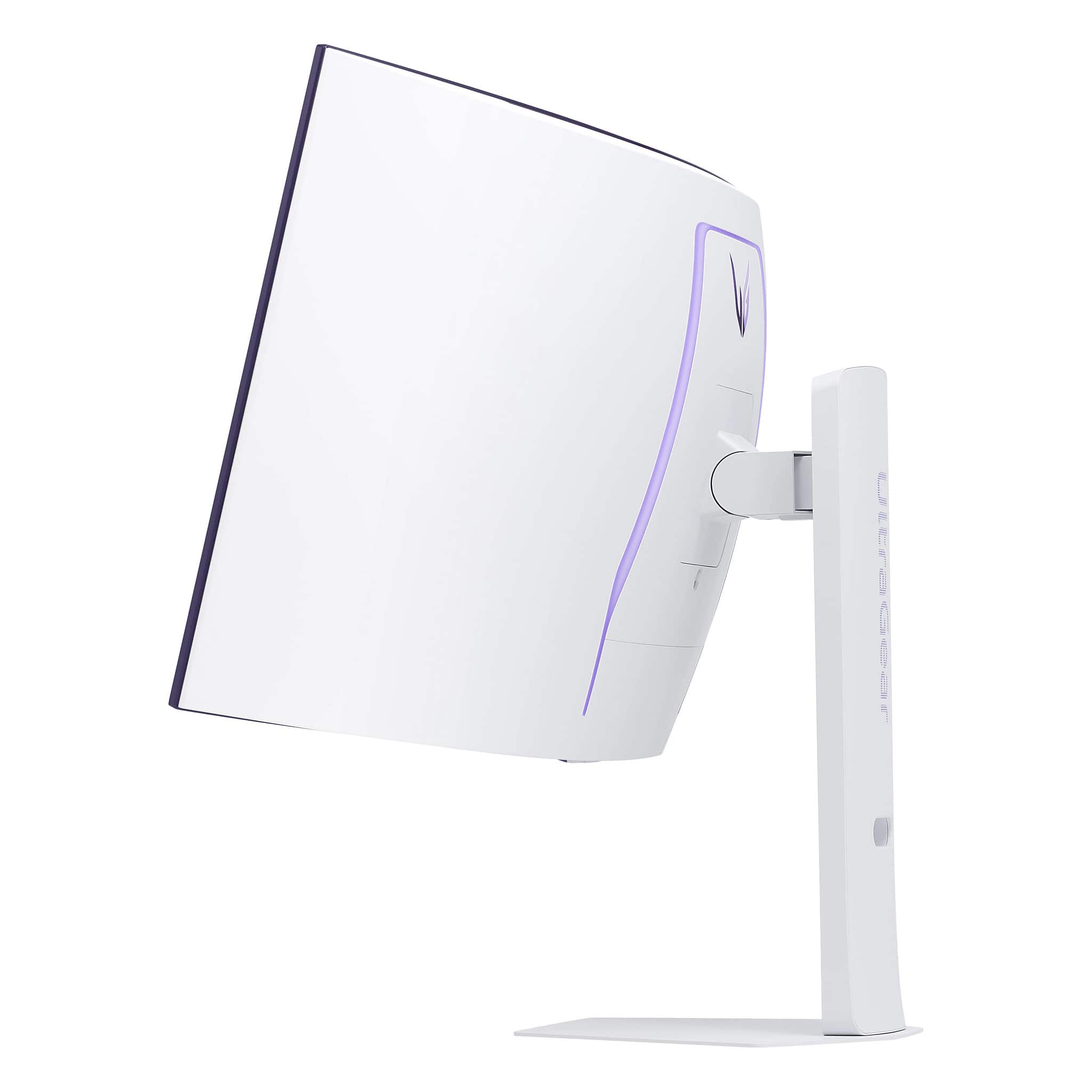
    • Answer No, this monitor is not wall-mountable.
    This question and answer was generated by AI based on customer and product data.
  • QuestionWhat is the contrast ratio of this OLED monitor?

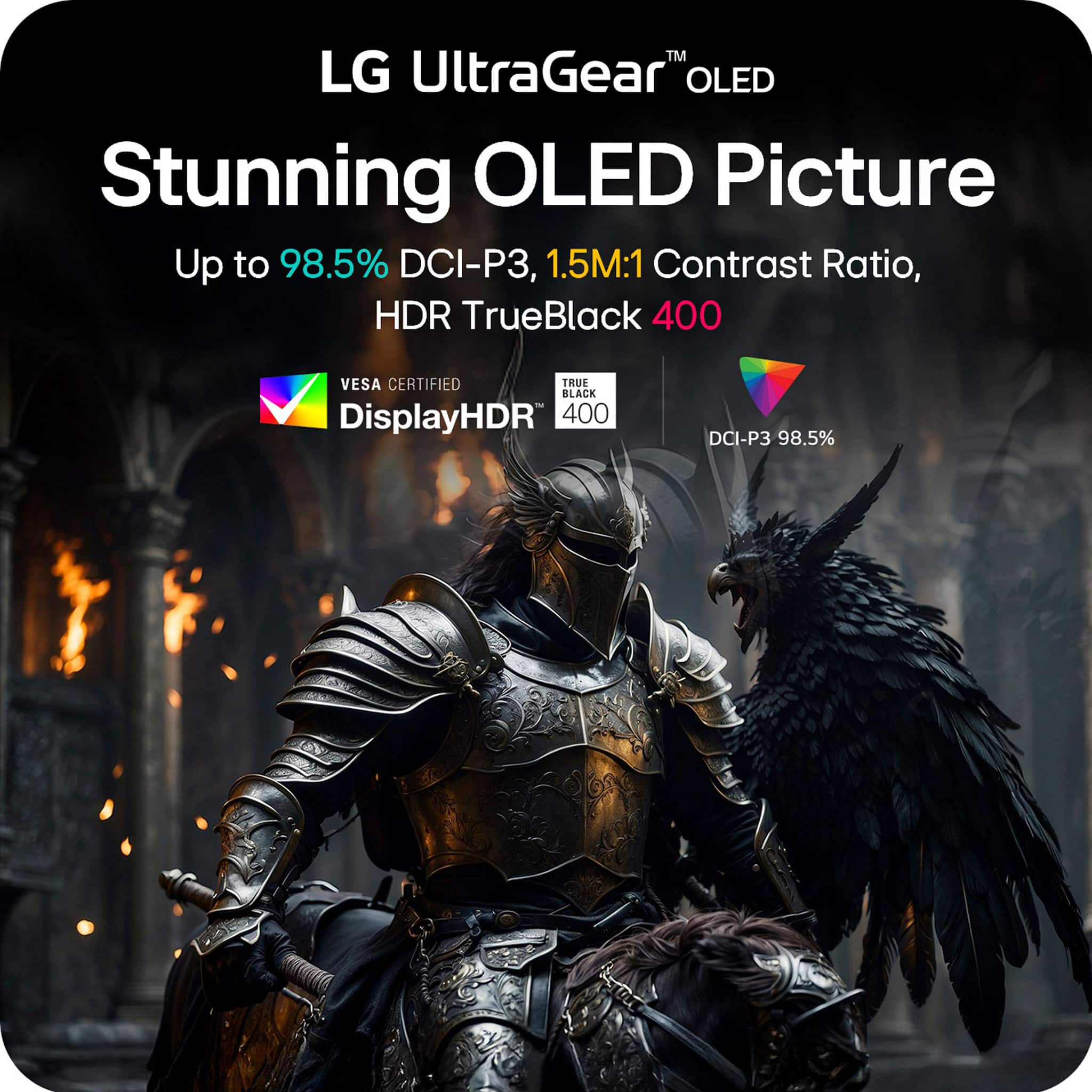
    • Answer The monitor has a contrast ratio of 1,500,000:1.
    This question and answer was generated by AI based on customer and product data.
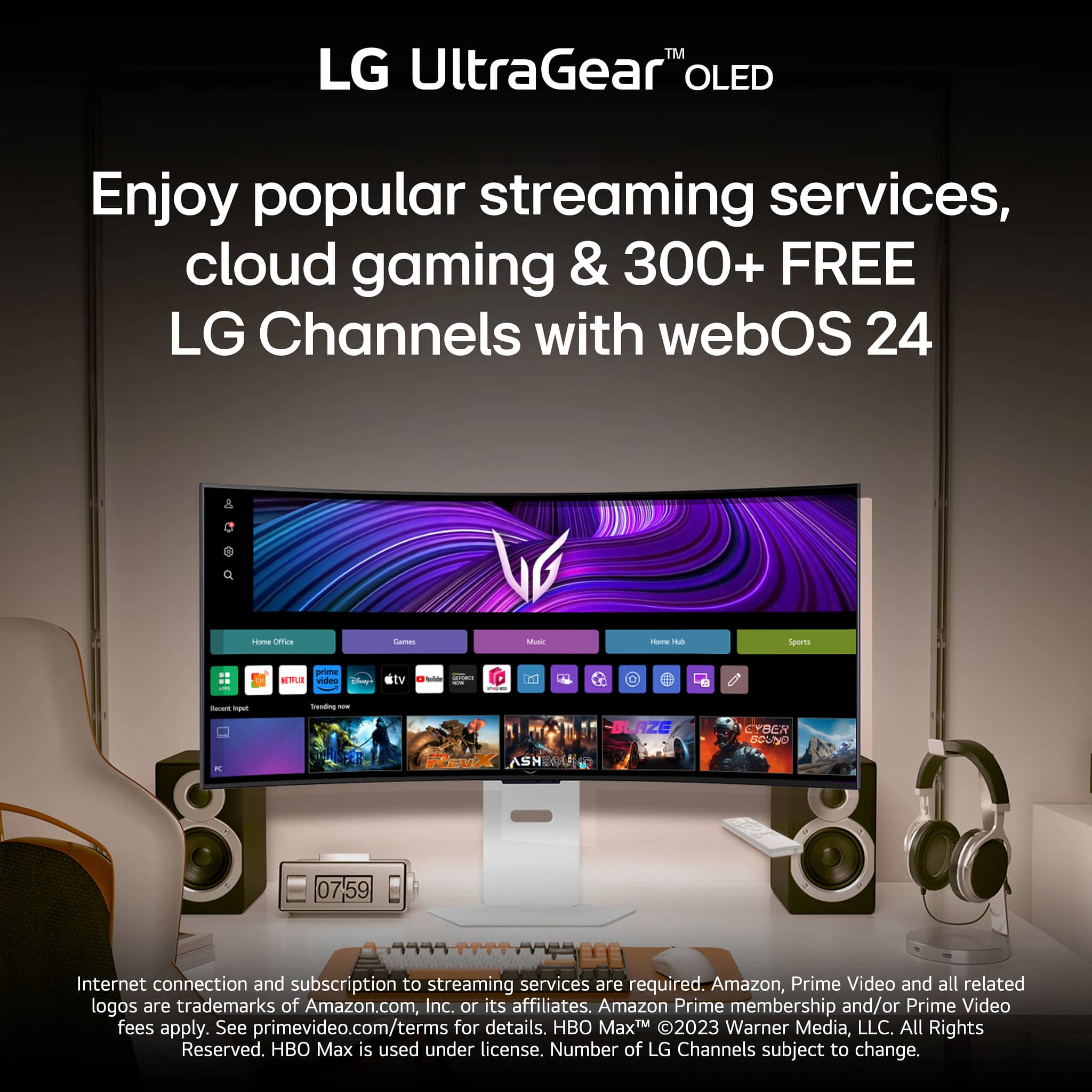
  • QuestionWhat streaming services are available on this monitor?

    • Answer You can access Netflix, Prime Video, Apple TV, Disney+, HBO Max, and over 300 free LG Channels directly on the monitor.
    This question and answer was generated by AI based on customer and product data.
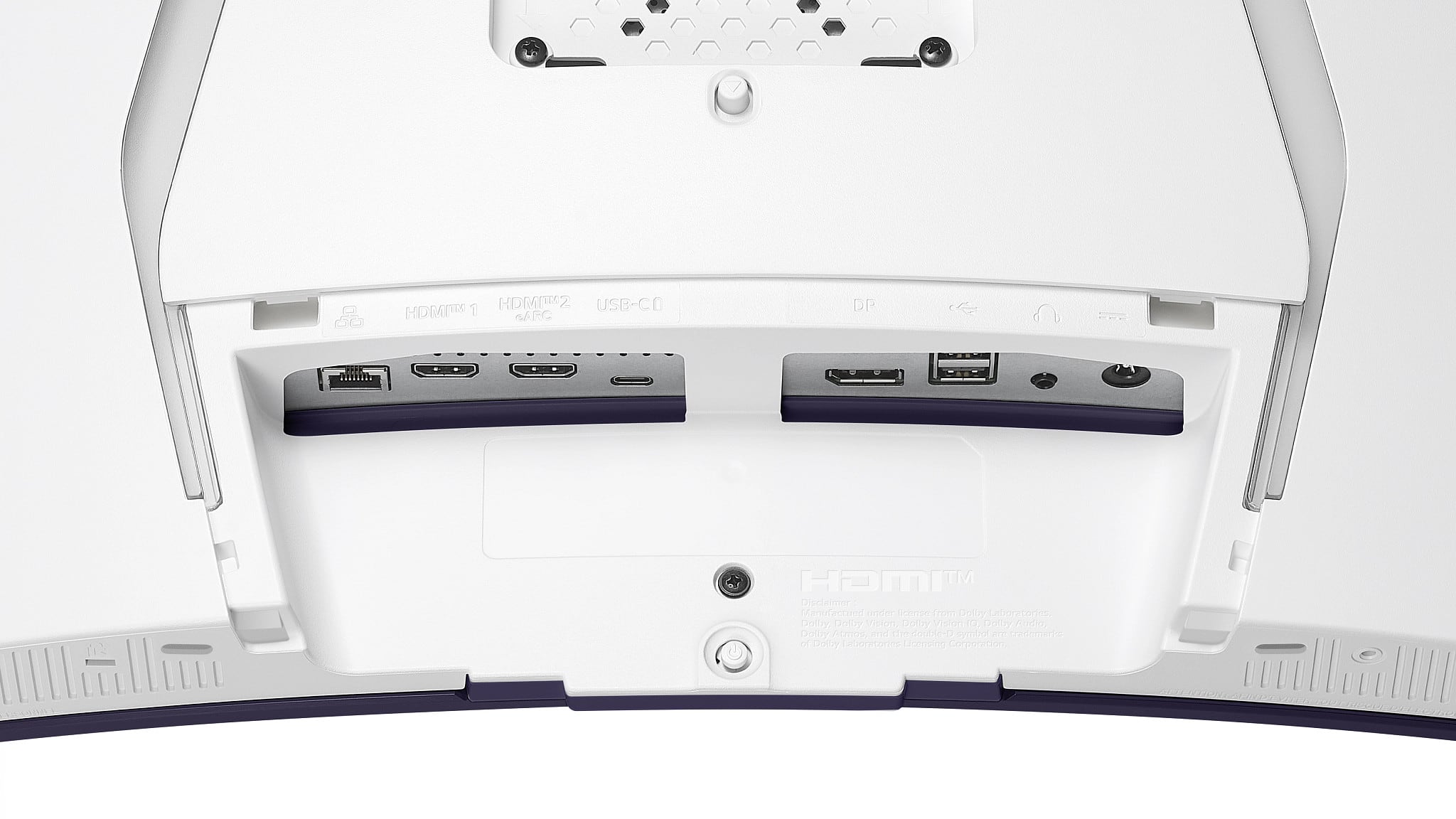
  • QuestionHow is the monitor's connectivity?

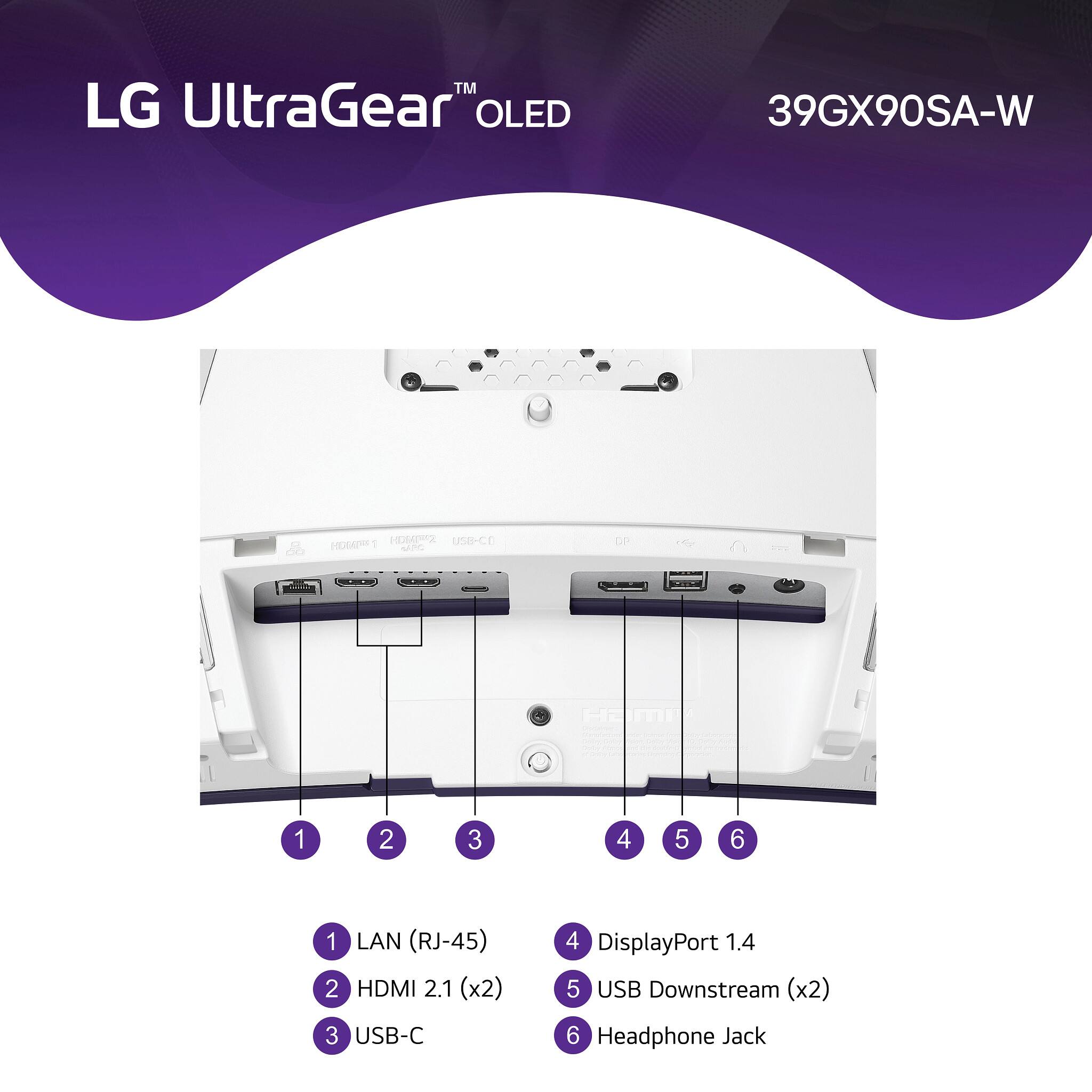
    • Answer It offers HDMI 2.1, DisplayPort 1.4, and USB Type-C (with 65W power delivery) for versatile connectivity.
    This question and answer was generated by AI based on customer and product data.
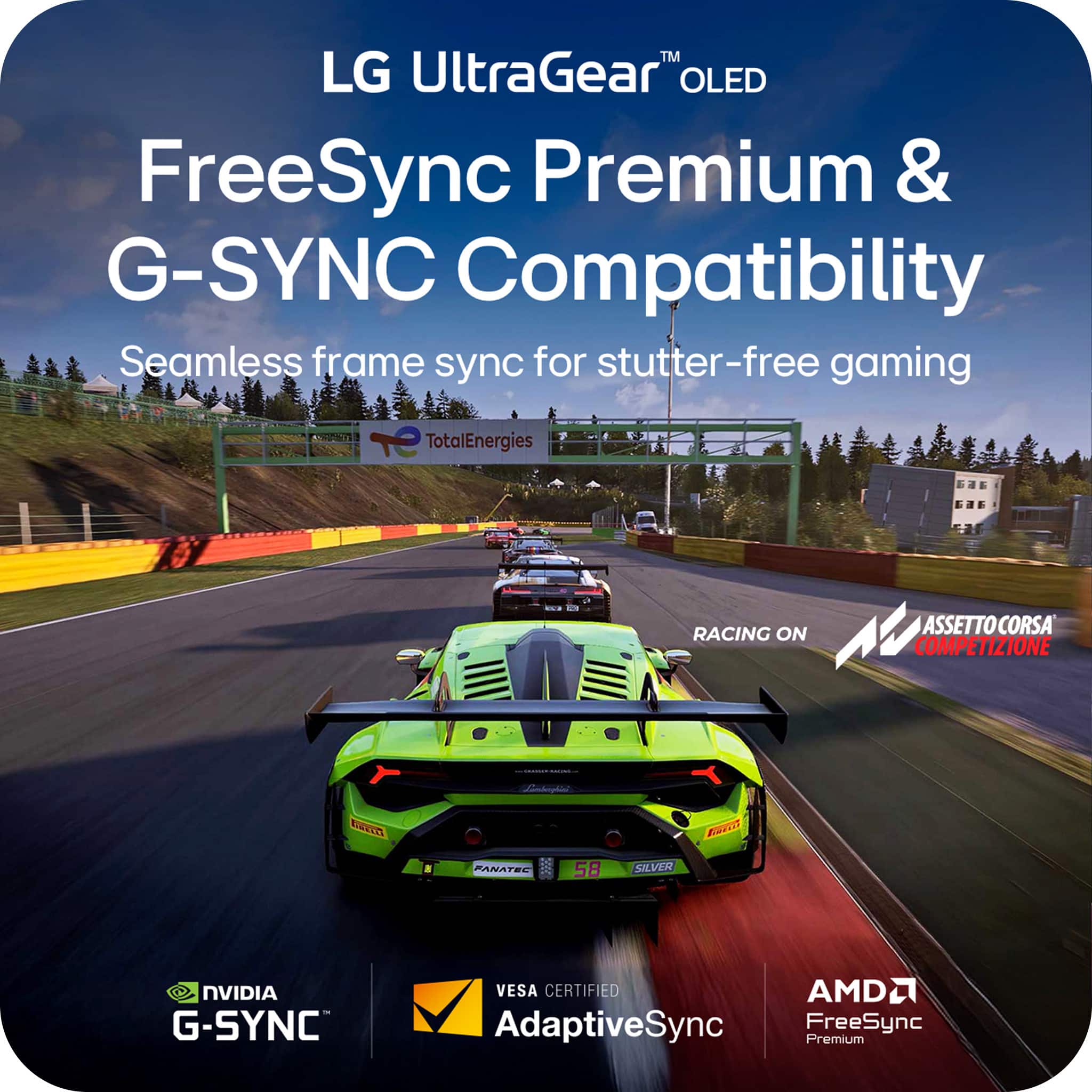
  • QuestionDoes this monitor support FreeSync and G-SYNC?

    • Answer Yes, it supports both AMD FreeSync Premium Pro and NVIDIA G-SYNC for a tear-free and stutter-free gaming experience.
    This question and answer was generated by AI based on customer and product data.
  • QuestionCan this be used for a pc / laptop monitor?

    Asked by IiGg.

    • Answer Hello there. Thank you for sharing your inquiry with us. We understand your inquiry about using the LG UltraGear™ OLED Gaming Monitor, Model # 39GS95QE-B, with a PC or laptop. Yes, this LG UltraGear™ OLED Gaming Monitor is perfectly suited for use as a PC or laptop monitor. It features high-performance video inputs such as HDMI (x2) and DisplayPort (x1), which allow seamless connection to almost any modern computer setup for a superior viewing experience. https://www.bestbuy.com/product/lg-ultragear-39-oled-curved-wqhd-240hz-0-03ms-g-sync-freesync-premium-smart-gaming-monitor-with-displayhdr-400-true-black-white/JJ8VPZWY6X If you have any further questions about its features, please contact us on [email protected], and our team will be more than happy to assist you. —Renzo

      Answered by LG Digital Customer Care

  • Questionis this monitor compatible with regular Secretlab MAGNUS Monitor Arm

    Asked by josh.

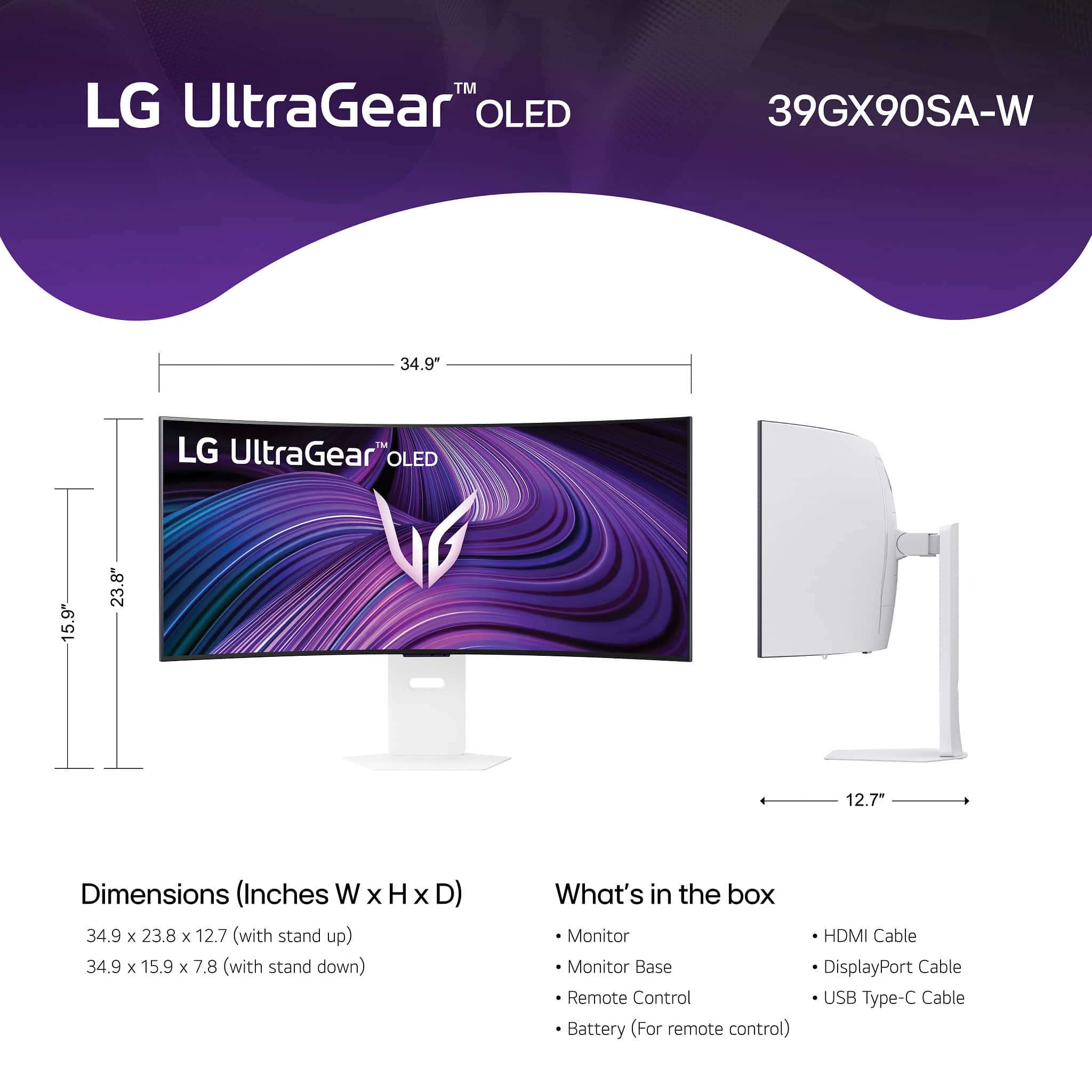
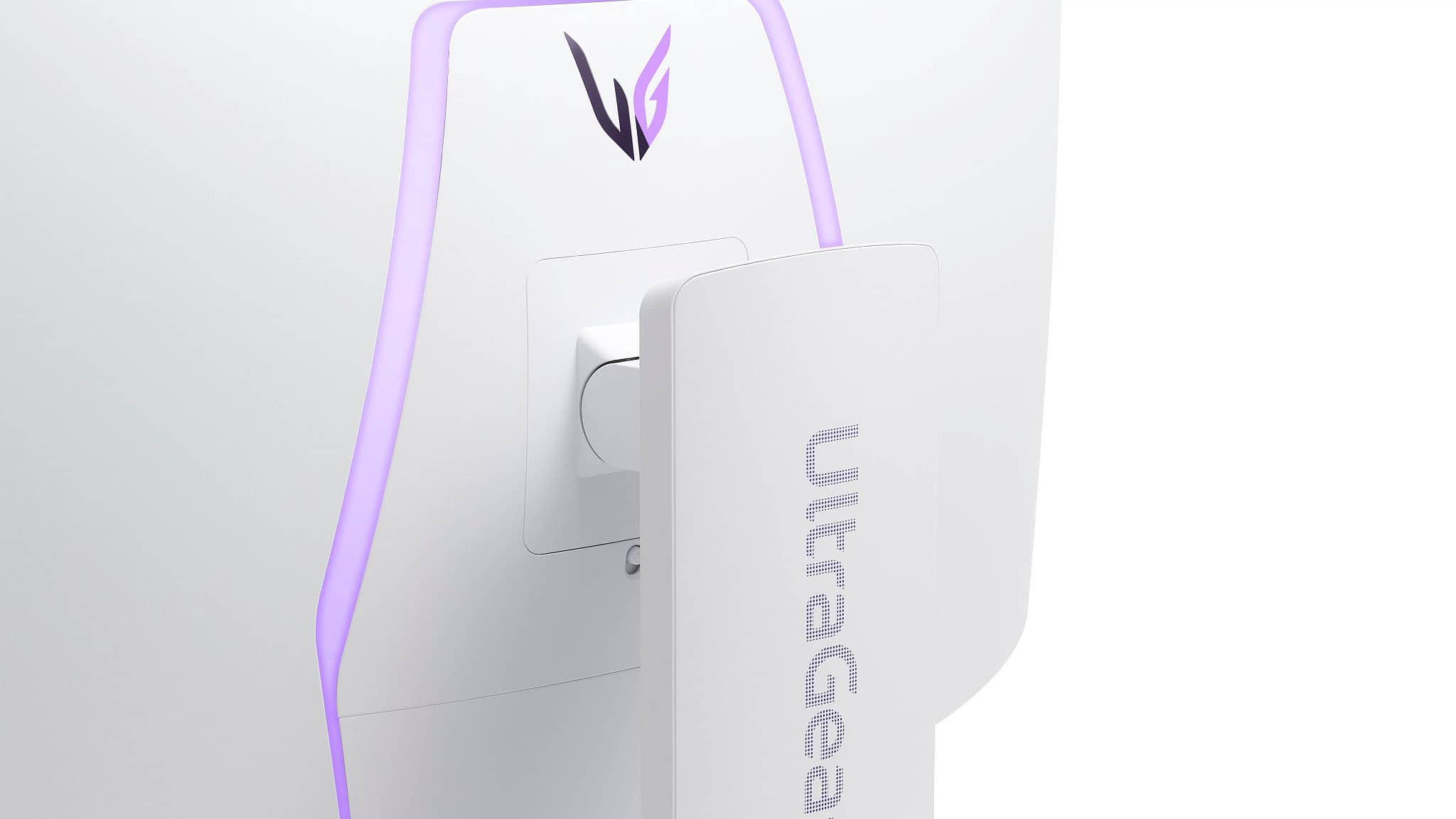
    • Answer Regrettably, we are not familiar with the specifications for the Secretlab MAGNUS Monitor ARM, and do not know what VESA Mount Patterns it supports, but the LG 39-inch UltraGear™ OLED WQHD 240Hz 0.03ms G-Sync Compatible 800R Curved Gaming Monitor with webOS, Model # 39GX90SA-W, is a VESA-compliant display with a 100 x 100 mm VESA Mount Pattern that can be used to mount the monitor on any VESA-compliant Monitor Arm that supports the monitor's VESA Mount Pattern as guaranteed by VESA Compliance. Check the specifications for your monitor arm to see if it supports the monitor's VESA Mount Pattern. The monitor also has a weight of 16.1 lbs without the stand, a width of 34.9", and a height of 15.9", so you will need to check the specifications for your monitor arm to see if it can support the monitor's weight or it's width or height, depending on whether it is a vertical monitor arm or horizontal monitor arm...^Ivan.

      Answered by LG Digital Customer Care

  • QuestionWould I have to use HDMI 2.1 Port to drive this monitor at the supported 240Hz without DSC? (Display Stream Compression)

    Asked by Kelrics.

    • Answer The LG UltraGear™ 39" OLED Curved WQHD 240Hz 0.03ms G-Sync®/FreeSync™ Premium Smart Gaming Monitor with DisplayHDR 400 TRUE BLACK - White, Model # 39GX90SA-W support a maximum resolution of 3440 x 1440 @ 240 Hz over HDMI without DSC...^Ivan.

      Answered by LG Digital Customer Care

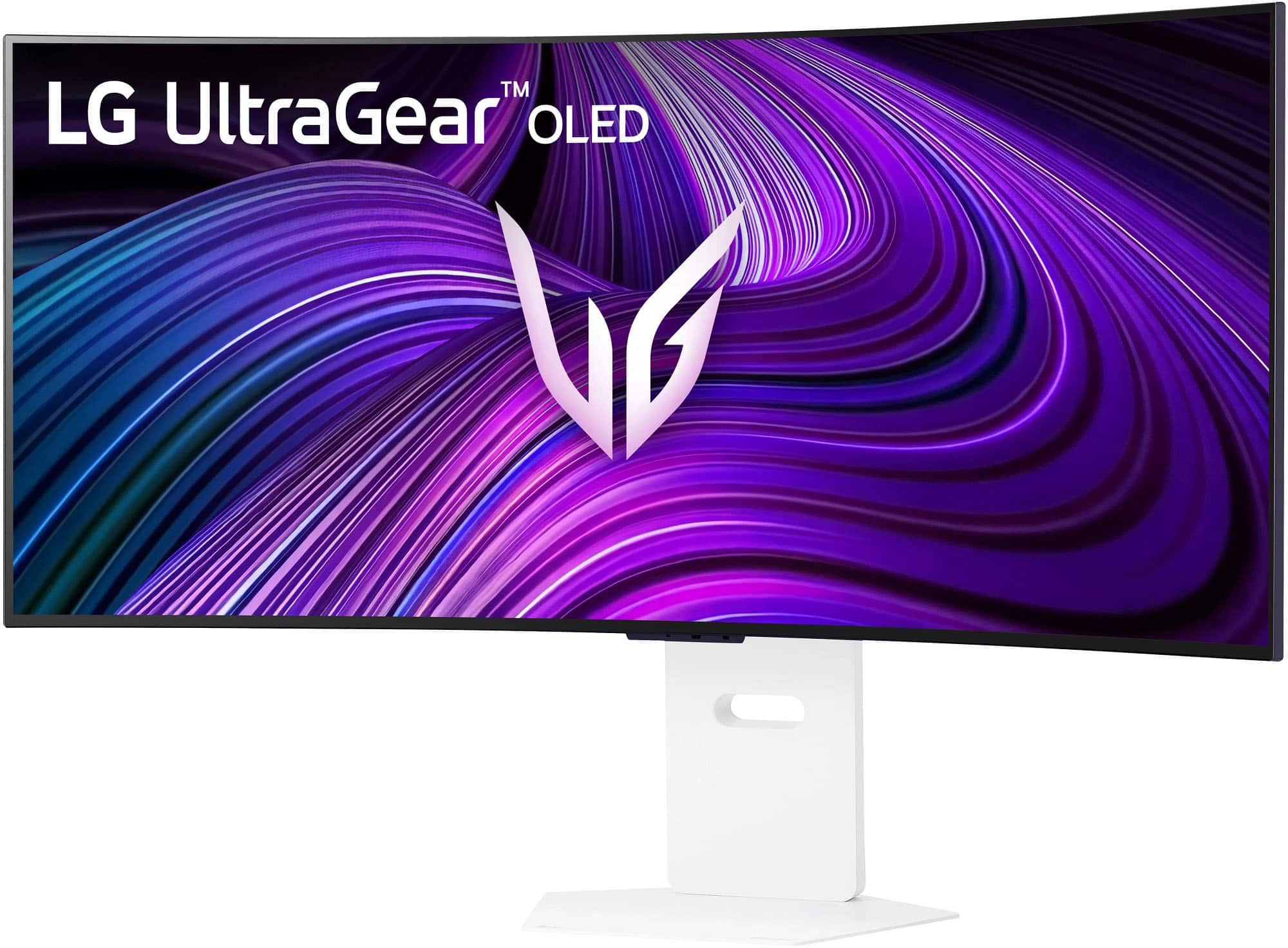
  • Questionwhats name of demo playing on this monitor in store?

    Asked by joseph.

    • Answer Hello there, Joseph. Thank you for reaching out about your LG 39GX90SA‑W UltraGear OLED monitor. We understand your situation and are happy to explain the in‑store demo setup. In our retail locations, the monitor runs a proprietary UltraGear OLED Showcase Demo Loop when put into Store Mode. Internally, this demo is labeled as “StoreMode_Demo.mp4” in the webOS Samples section, but it’s not distributed for end‑user download. The loop highlights key features—gaming footage at 240 Hz, HDR scenes, and webOS app previews. Here’s one helpful troubleshooting step if you’d like to view or verify the demo content yourself: Enter Store Mode on your monitor: Press the joystick, go to Settings → All Settings → General → Support → Home/Store Mode, and select Store Mode. Open the Media Player app from the home screen. Navigate to Samples → Store Mode Only. You’ll see StoreMode_Demo.mp4 listed—select it to play the same loop you see in stores. If the file doesn’t appear, please make sure your monitor’s firmware is up to date by visiting the Support & Downloads section on LG.com and installing the latest webOS update. That will restore the full Store Mode demo package. https://www.lg.com/us/monitors/lg-39gx90sa-w-gaming-monitor#pdp_specs We’re here to help with any further questions or setup tips. Please send us a private message on social media @LGUSSupport and our team will be more than happy to explore additional solutions. —Renzo
      Answered by LG Digital Customer Care