Black Friday is hereShop new DoorbustersShop now

Main Content

Questions & Answers

Your price for this item is $699.99
The comparable value price is $899.99
Page Showing 1-20 of 24 questions
  • QuestionWhat is the color gamut of this monitor?

    • Answer This monitor supports up to 95% of the DCI-P3 color gamut.
    This question and answer was generated by AI based on customer and product data.
  • QuestionWhat is the response time of this LG monitor?

    • Answer This monitor has a 1ms (GtG) response time.
    This question and answer was generated by AI based on customer and product data.
  • QuestionWhat type of display panel does this monitor use?

    • Answer This monitor uses a VA display panel.
    This question and answer was generated by AI based on customer and product data.

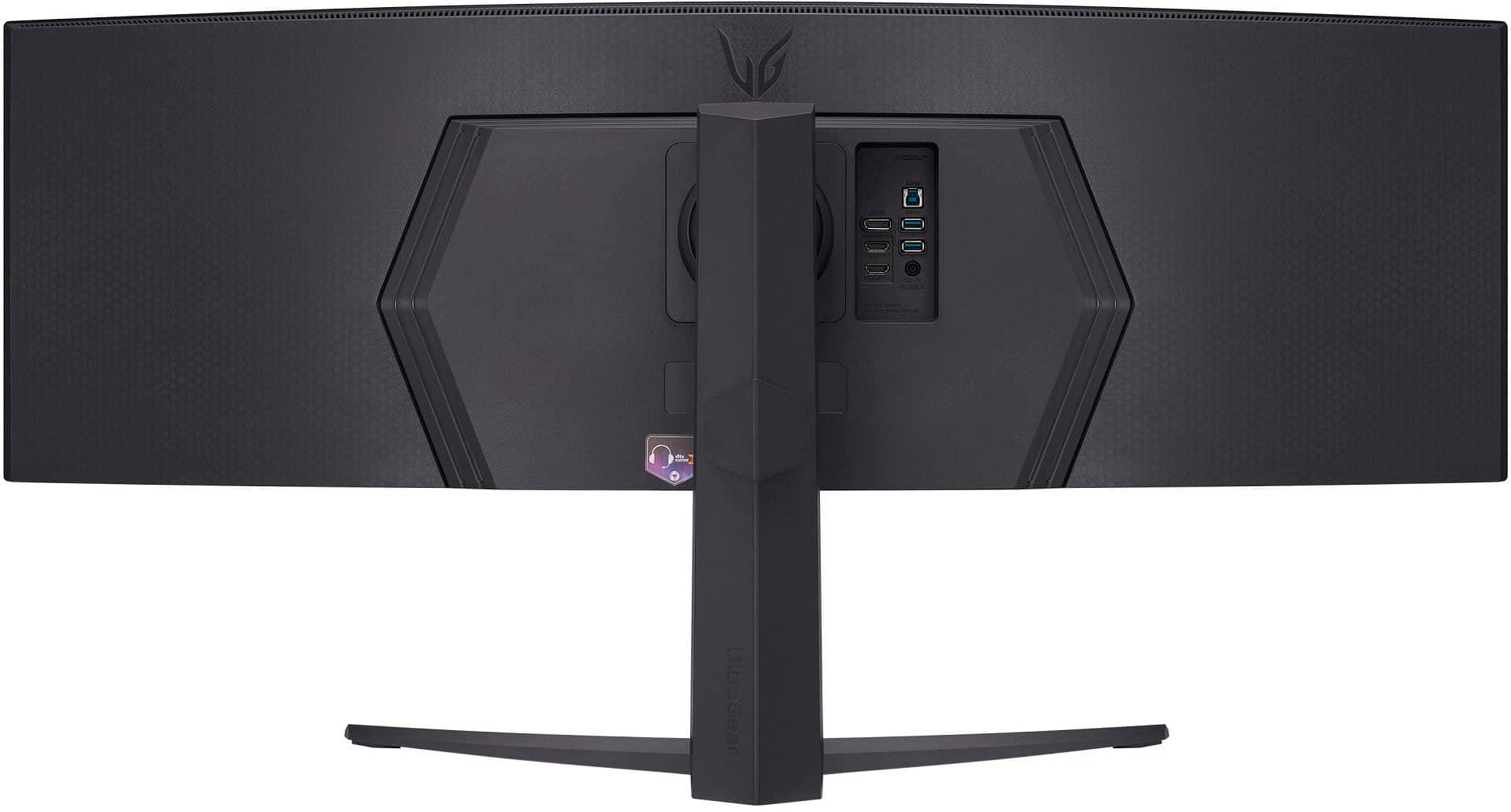
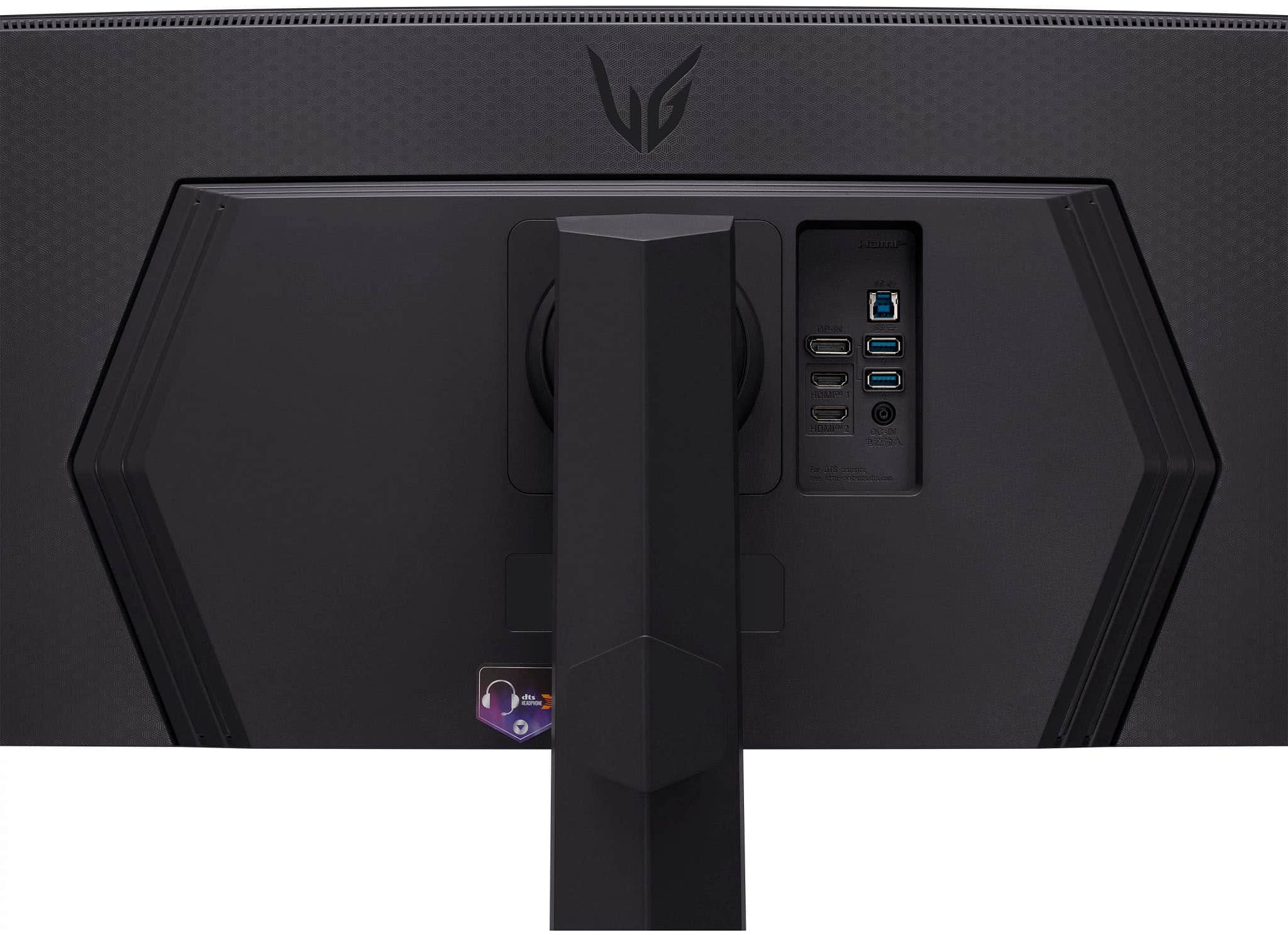
  • QuestionCan I connect my laptop to this monitor to charge it?

    • Answer Yes, you can charge your laptop through the USB Type-C port.
    This question and answer was generated by AI based on customer and product data.

  • QuestionWhat is the power consumption of this monitor?

    • Answer The power consumption of the monitor is 90 watts.
    This question and answer was generated by AI based on customer and product data.

  • QuestionDoes this monitor include a headphone jack?

    • Answer Yes, it has a 4-pole headphone jack that supports both stereo headphone and mono microphone signals.
    This question and answer was generated by AI based on customer and product data.

  • QuestionDoes this monitor have built-in speakers?

    • Answer No, this monitor does not have built-in speakers.
    This question and answer was generated by AI based on customer and product data.

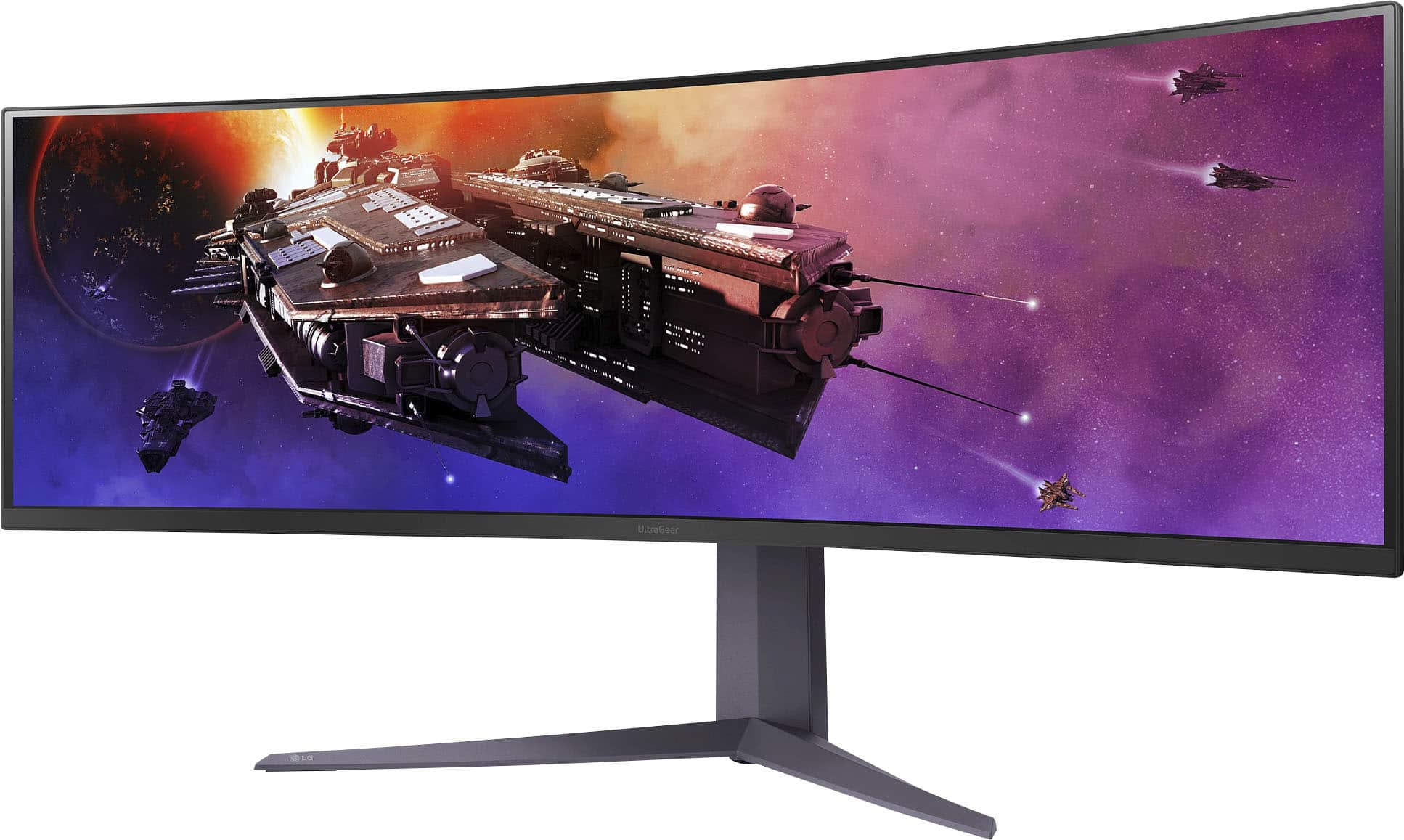
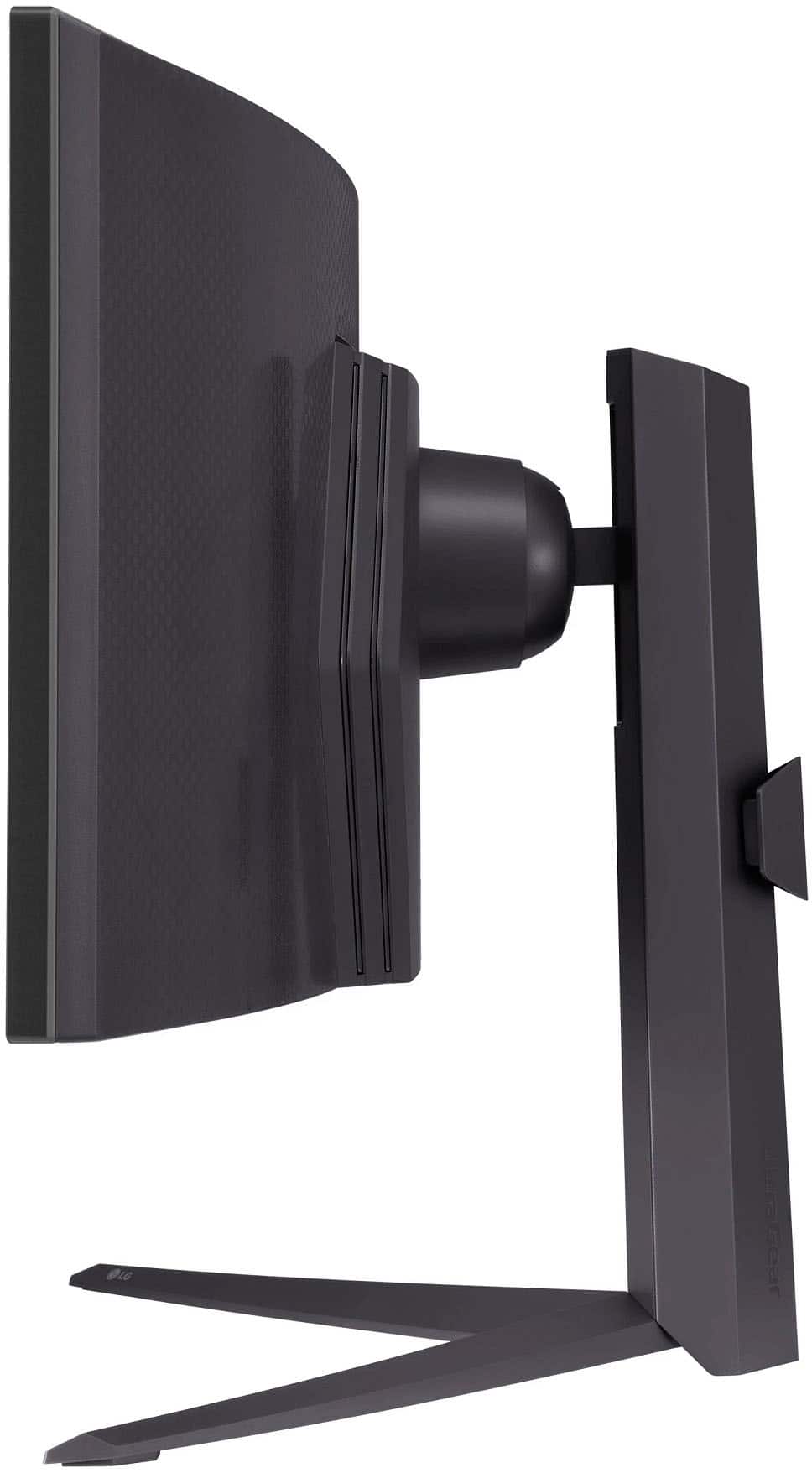
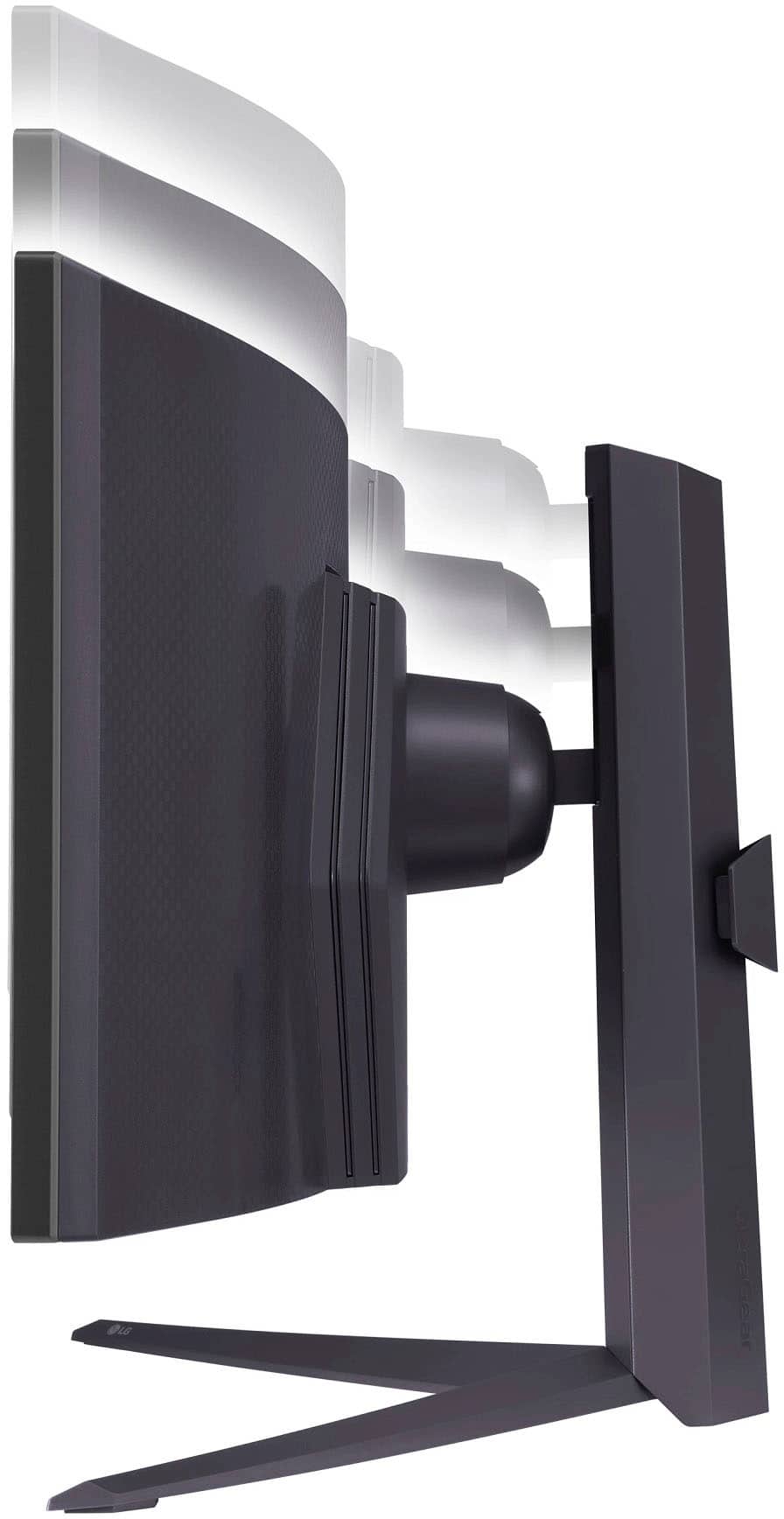
  • QuestionSpecs show 22" height with the stand, is that 22" total height when monitor is at its peak height or can it be adjusted down to a lower height? I need this to fit under a desk credenza with a max height of 19.25"

    Asked by Mike.

    • Answer Minimum height is slightly under 17 3/4" when monitor is on its stand at lowest setting, max height is 22" adjusted at peak height.

      Answered by Adrian

  • QuestionIs this monitor split screen compatible?

    Asked by PA.

    • Answer Hi there, thank you for sharing your experience with us. We understand your situation with the LG 45GR75DC-B. Yes, this gaming monitor is split-screen compatible. It features both PBP (Picture by Picture) and PIP (Picture in Picture) modes, which allow you to display content from multiple sources on the screen simultaneously. This makes multitasking and gaming with different inputs much easier. To use this feature, you can adjust the settings through the OnScreen Control (OSC) and select the preferred configuration. https://www.lg.com/us/monitors/lg-45gr75dc-b-gaming-monitor#pdp_specs Please send us a private message on Social Media @LGUSSupport, and our team will be more than happy to assist you further with setup or any other questions you may have. We appreciate your patience. —Renzo

      Answered by LG Digital Customer Care

  • QuestionCan this monitor be used for a mount on the all wall & mounted on desk with a mount besides what comes with the monitor itself ?

    Asked by Ry.

    • Answer Hi there, Ry. Thank you for your interest in the LG 45GR65DC-B Gaming Monitor. We understand you’re looking for flexible mounting options. Yes, this monitor is VESA-compatible with a 100 x 100 mm mount size, allowing it to be mounted on both a wall and a desk using compatible third-party mounts, aside from the stand that comes with it. Just ensure the mount supports the monitor’s size and weight for secure installation. https://www.lg.com/us/monitors/lg-45gr65dc-b-gaming-monitor#pdp_specs If you need further assistance, please send us a private message on Social Media @LGUSSupport. We’d be happy to help! —Renzo

      Answered by LG Digital Customer Care

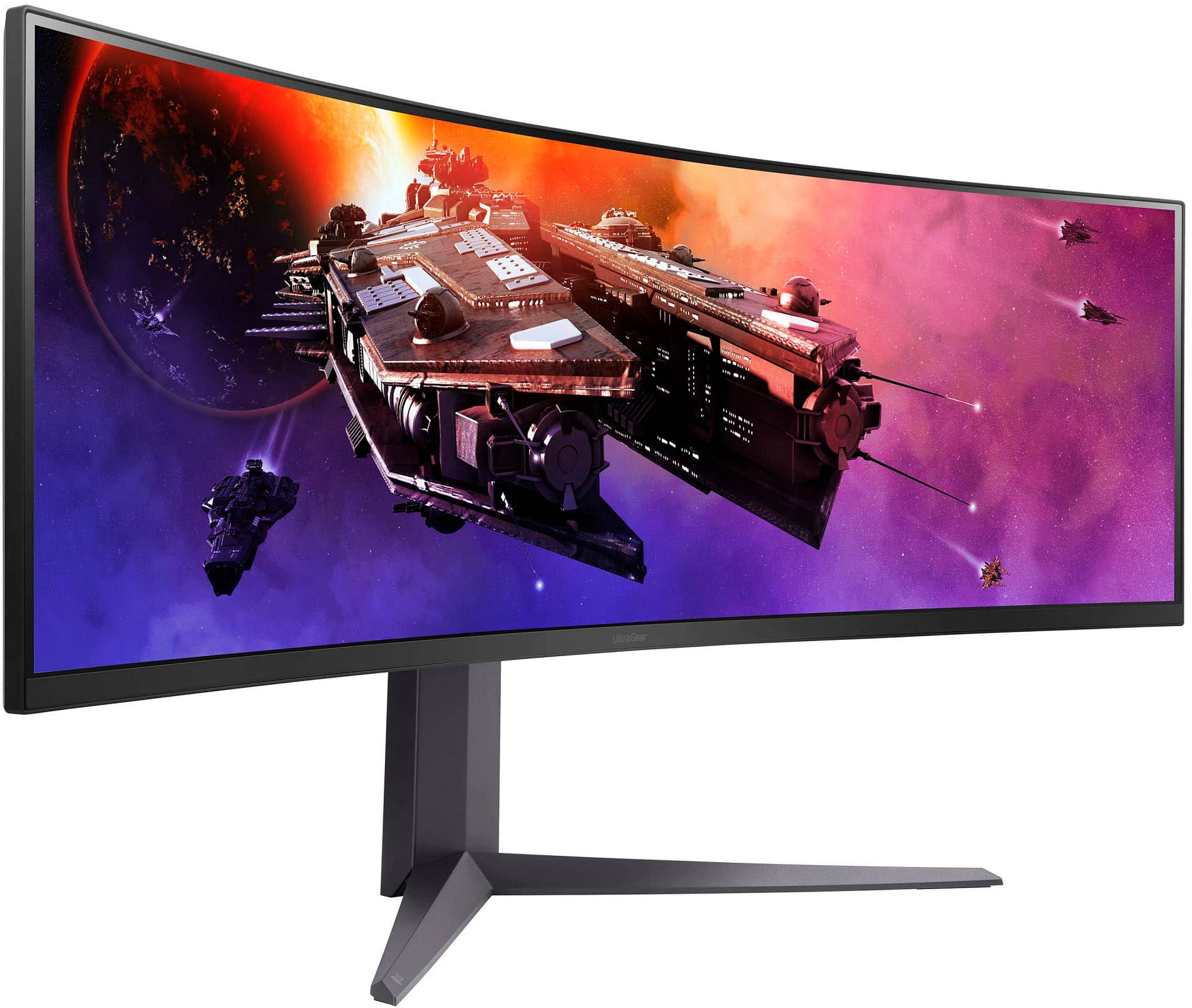
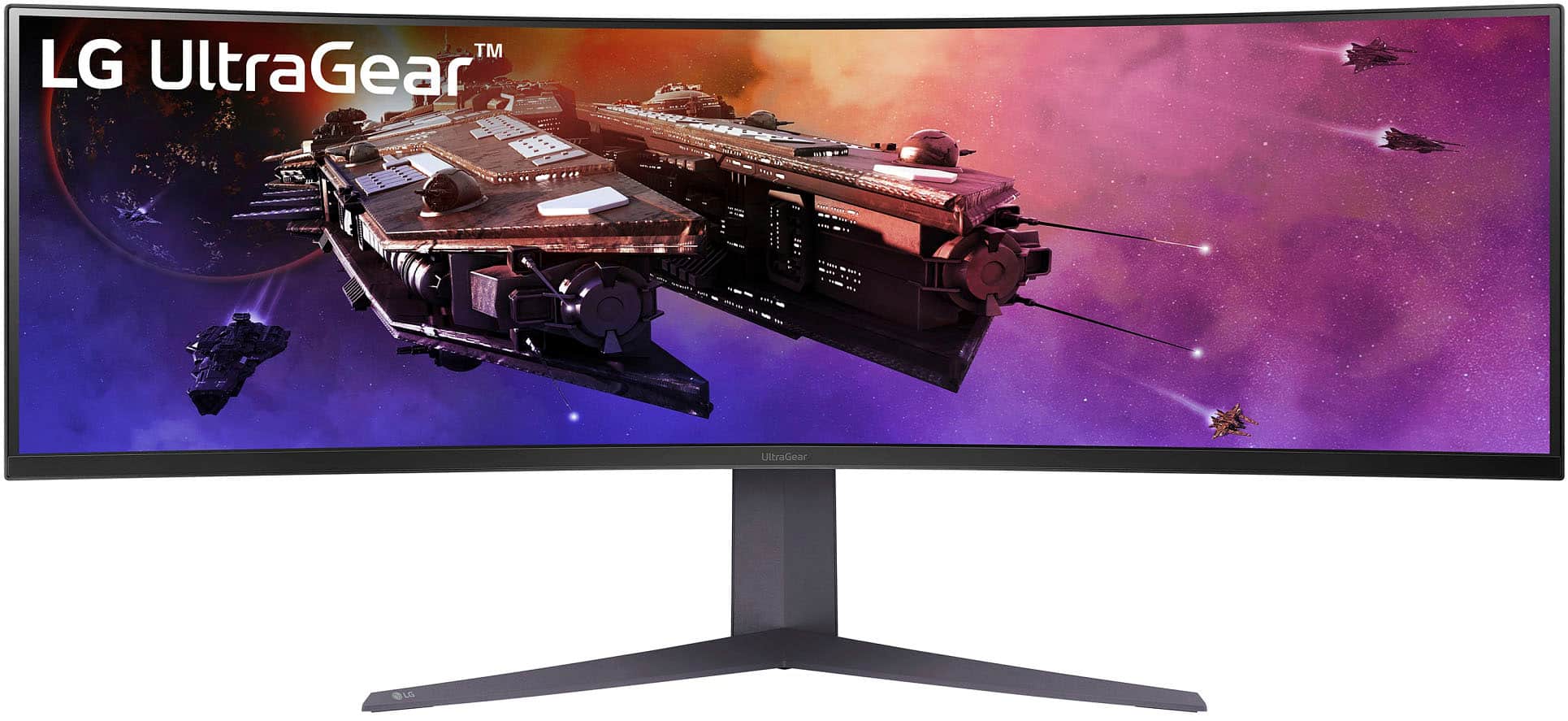
  • QuestionWhat is the curvature radius of this monitor? Looking for 1800R

    Asked by 1MonitorBuyer.

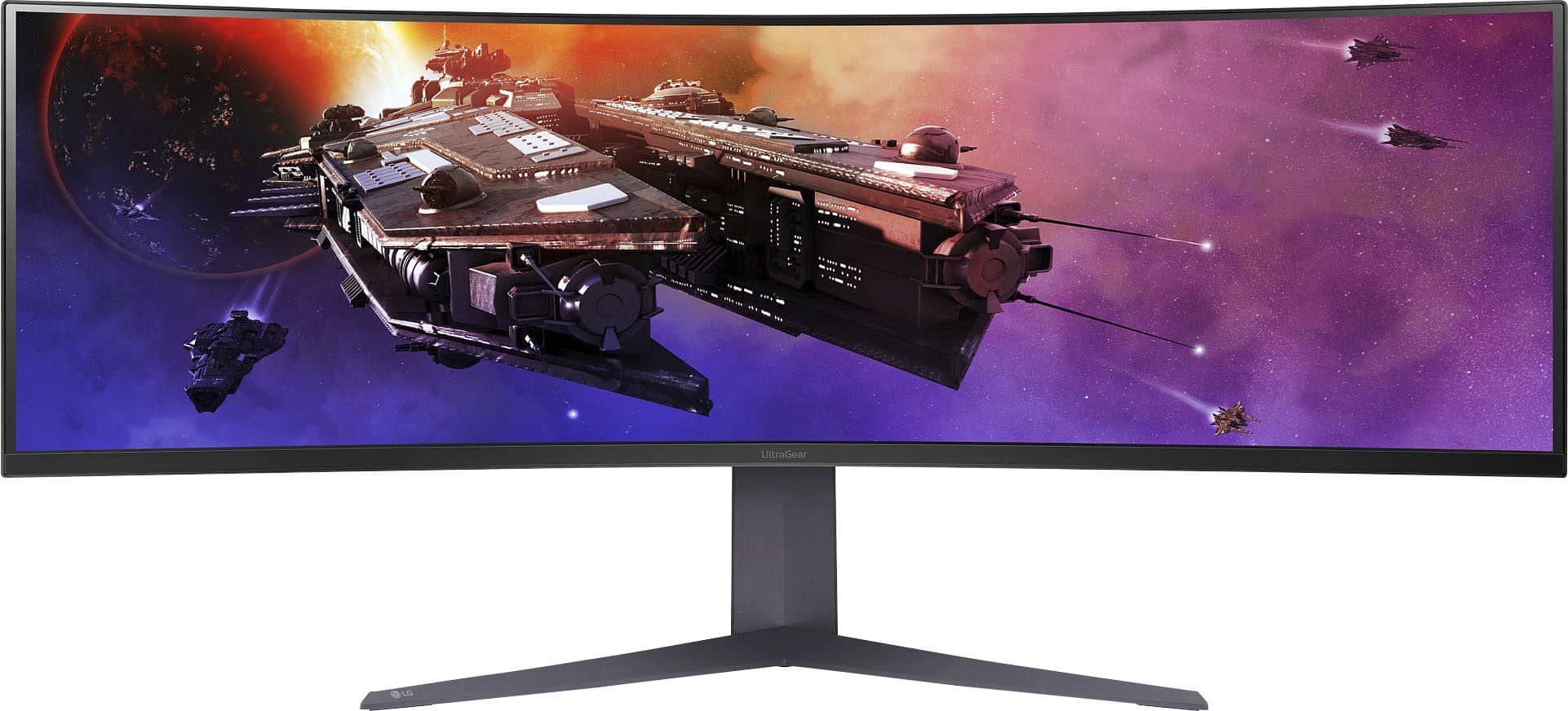
    • Answer Hi there! Thank you for reaching out to us with your question. The LG 45GR75DC-B Gaming Monitor has a 1000R curvature radius, which is a more aggressive curve designed to provide an immersive gaming experience. We understand you were looking for a 1800R curve, and while this model doesn't have that specific radius, the 1000R is optimized to enhance your viewing angles and overall performance. https://www.lg.com/us/monitors/lg-45gr75dc-b-gaming-monitor#pdp_specs If you'd like more details or further assistance, please send us a private message on Social Media @LGUSSupport, and our team will be happy to help you with any other questions you may have. We appreciate your interest in our products! —Renzo

      Answered by LG Digital Customer Care

  • QuestionWhat docking station works best with this monitor?

    Asked by Sportskid79.

    • Answer Hello there! Thank you for reaching out about the LG 45GR75DC-B Gaming Monitor. We understand you're looking for a docking station that would work well with this monitor. Since the 45GR75DC-B has multiple input options, including USB-C (Power Delivery 90W), DisplayPort, and HDMI, you'll want a docking station that supports high bandwidth for your 5120 x 1440 resolution and 200Hz refresh rate. Here are a few options that would complement your monitor: LG 4K USB-C Dual Screen Docking Station (Model 14Z990) Supports USB-C with Power Delivery (up to 90W), allowing you to charge and connect your device seamlessly. Offers multiple USB ports, HDMI, DisplayPort, and Ethernet ports, so you can connect various peripherals and external displays. CalDigit TS3 Plus Thunderbolt 3 Dock Offers DisplayPort 1.2 and HDMI options, which can support high resolutions and refresh rates. Provides Thunderbolt 3 connectivity for fast data transfer and power delivery (up to 87W). It supports dual displays, so you can connect additional screens if needed. Plugable USB-C Triple Display Docking Station Supports USB-C with DisplayPort 1.2 and HDMI outputs, which would work well with your monitor. Has multiple USB-A ports and Ethernet, perfect for expanding your connectivity options. These docking stations would help you get the most out of your LG 45GR75DC-B monitor, especially with the high resolution and refresh rate for gaming or productivity. https://www.lg.com/us/monitors/lg-45gr75dc-b-gaming-monitor#pdp_specs If you need further assistance in choosing the right option or setup guidance, feel free to send us a private message on social media @LGUSSupport, and we’ll be happy to assist you! We appreciate your inquiry! —Renzo

      Answered by LG Digital Customer Care

  • QuestionHow much blurry can I expect with this VA monitor when vertically scrolling through text

    Asked by Brett.

    • Answer Hi, Brett. Thank you for your question about the 45GR75DC-B VA monitor! VA (Vertical Alignment) panels typically offer great contrast ratios and deep blacks, but they can sometimes experience some motion blur, especially when vertically scrolling through text or fast-moving content. With the 45GR75DC-B, the degree of blur you experience when scrolling will depend on factors like: Refresh rate: This monitor has a 165Hz refresh rate, which helps reduce blur during motion, providing a smoother experience when scrolling. Response time: The 5ms (GtG) response time is fairly good for a VA panel, but VA panels generally have slower response times compared to IPS, meaning there might be slight blur when scrolling fast. Viewing angle: VA panels typically have narrower viewing angles, so if you're not looking at the screen directly, you might see some color shift or blurring. While there might be some minimal blur, especially with fast vertical scrolling or if you’re moving through dense text, it should not be overly pronounced with this monitor's specs. For the clearest experience, try adjusting the scroll speed and make sure the monitor is positioned at the optimal viewing angle. If you need help with further settings or have more questions, feel free to send us a private message on Social Media @LGUSSupport. We're here to assist you! —James

      Answered by LG Digital Customer Care

  • QuestionWhat is the length in inches in width (from left end to right end)?

    Asked by Meep.

    • Answer The monitors width is 31-3/32”

      Answered by stealth2012

  • QuestionCan the screen be divided into panels -- for example, like one computer projecting onto 3 monitors at once?

    Asked by LisaB.

    • Answer Yes

      Answered by RB1234

  • QuestionWill USB-A to USB-C cable both charge a connected laptop as well as deliver video? I know USB-C to USB-C will.

    Asked by Trey.

    • Answer Thank you for your interest in the LG Monitor. No, a USB-A to USB-C cable will not be able to both charge a laptop and deliver video to the LG 45GR75DC-B monitor. You can download its owner's manual through this link for more information: https://www.lg.com/us/support/product/lg-45GR75DC-B.AUS. For additional assistance, please reach out to us on social media @LGUSSupport so we can help you further. ^Cris

      Answered by LG Digital Customer Care

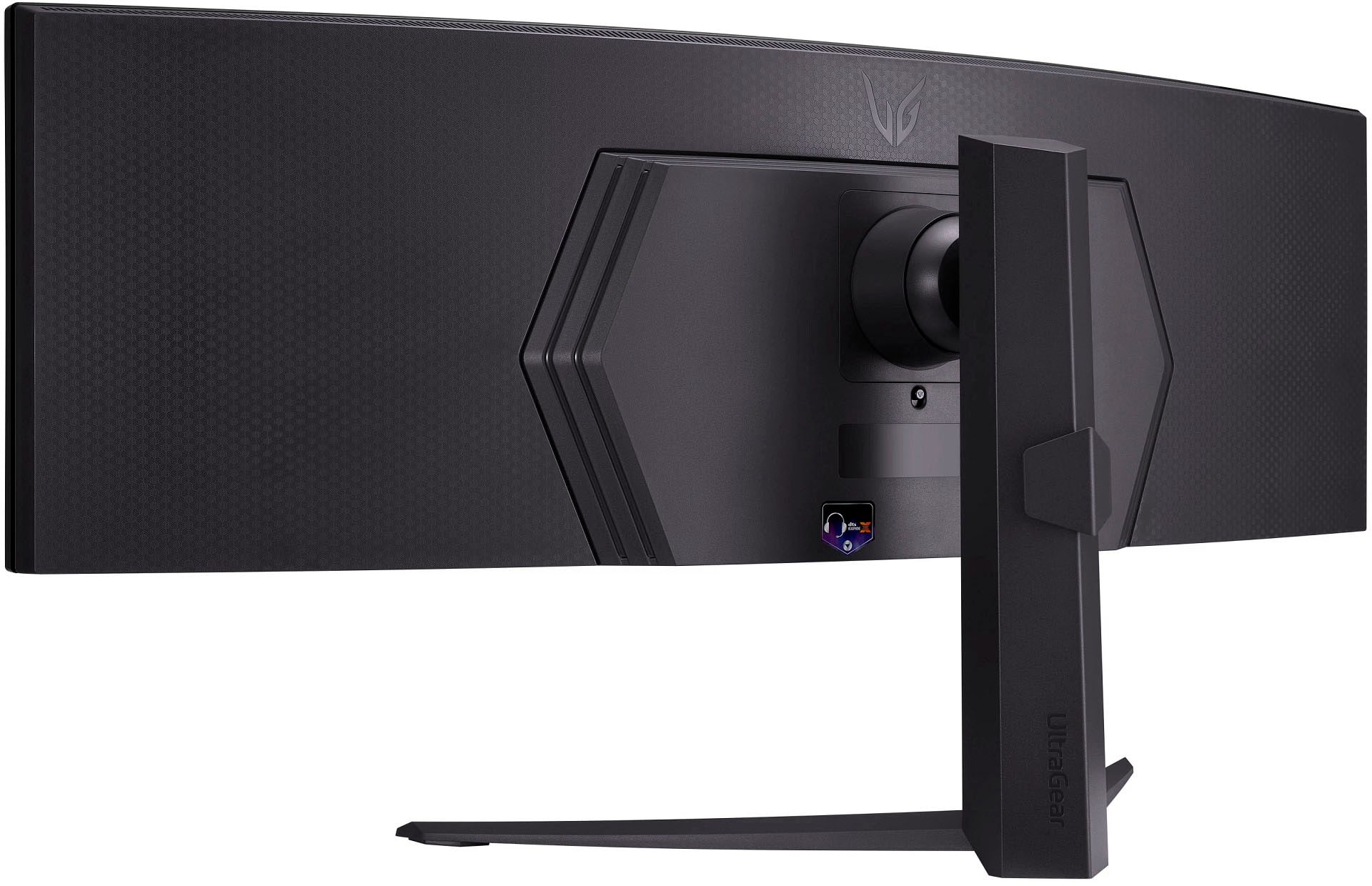
  • QuestionCan this monitor be mounted vertically?

    Asked by TomG.

    • Answer Not with the included stand. However, if you purchase a compatible VESA mount, it definitely can be.

      Answered by Adrian

  • QuestionCan this monitor be mounted vertically?

    Asked by TomG77.

    • Answer Thank you for your interest in the LG Monitor (45GR75DC-B.AUS) model. The LG 45GR75DC-B UltraGear™ Gaming Monitor can be mounted vertically using a VESA mount that meets the 100 x 100 standards. You can download its owner's manual through this link for more information: https://www.lg.com/us/support/product/lg-45GR75DC-B.AUS. ^Cris

      Answered by LG Digital Customer Care

  • Questiondoes it have speakers

    Asked by Gaga.

    • Answer No speakers. 3.5mm headphone jack for external speakers.

      Answered by Adrian

  • QuestionCan this monitor power a laptop via USBC?

    Asked by JJ.

    • Answer Thank you for reaching us regarding LG Monitor. The LG 45GR75DC-B monitor can charge your laptop through its USB-C port. This USB-C port not only supports video input using DisplayPort Alternate Mode but also delivers up to 90 watts of power, which is enough to charge most laptops. You can download its owner's manual through this link for more information: https://www.lg.com/us/support/product/lg-45GR75DC-B.AUS. For additional assistance, please reach out to us on social media @LGUSSupport so we can help you further. ^Cris

      Answered by LG Digital Customer Care