A:Answerthe monitor comes with a built in crosshair for fps games. look in settings and disable it if its on, if not then i'm not sure. the monitor has a break in period so the picture gets better the more you use it. hope this helps
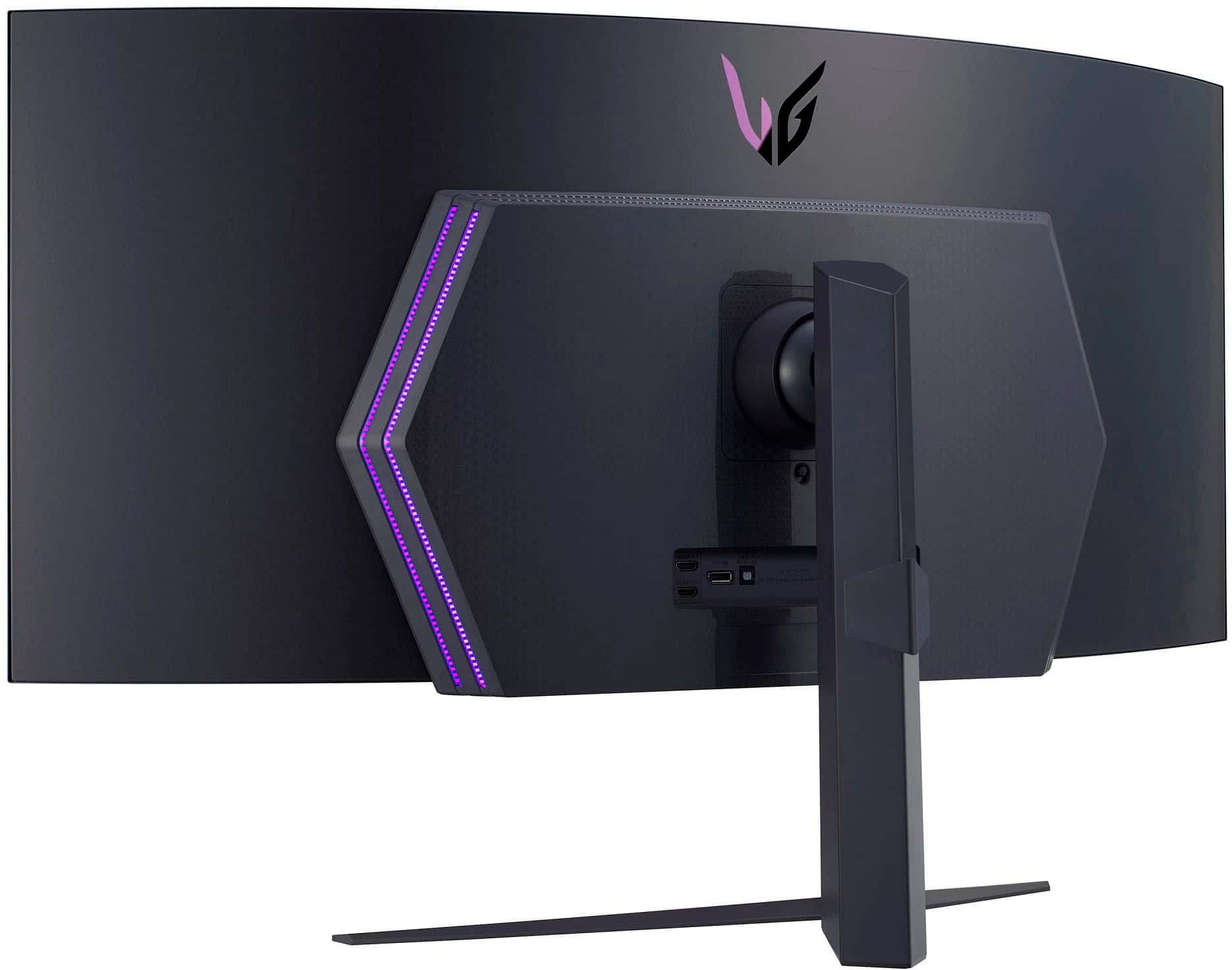
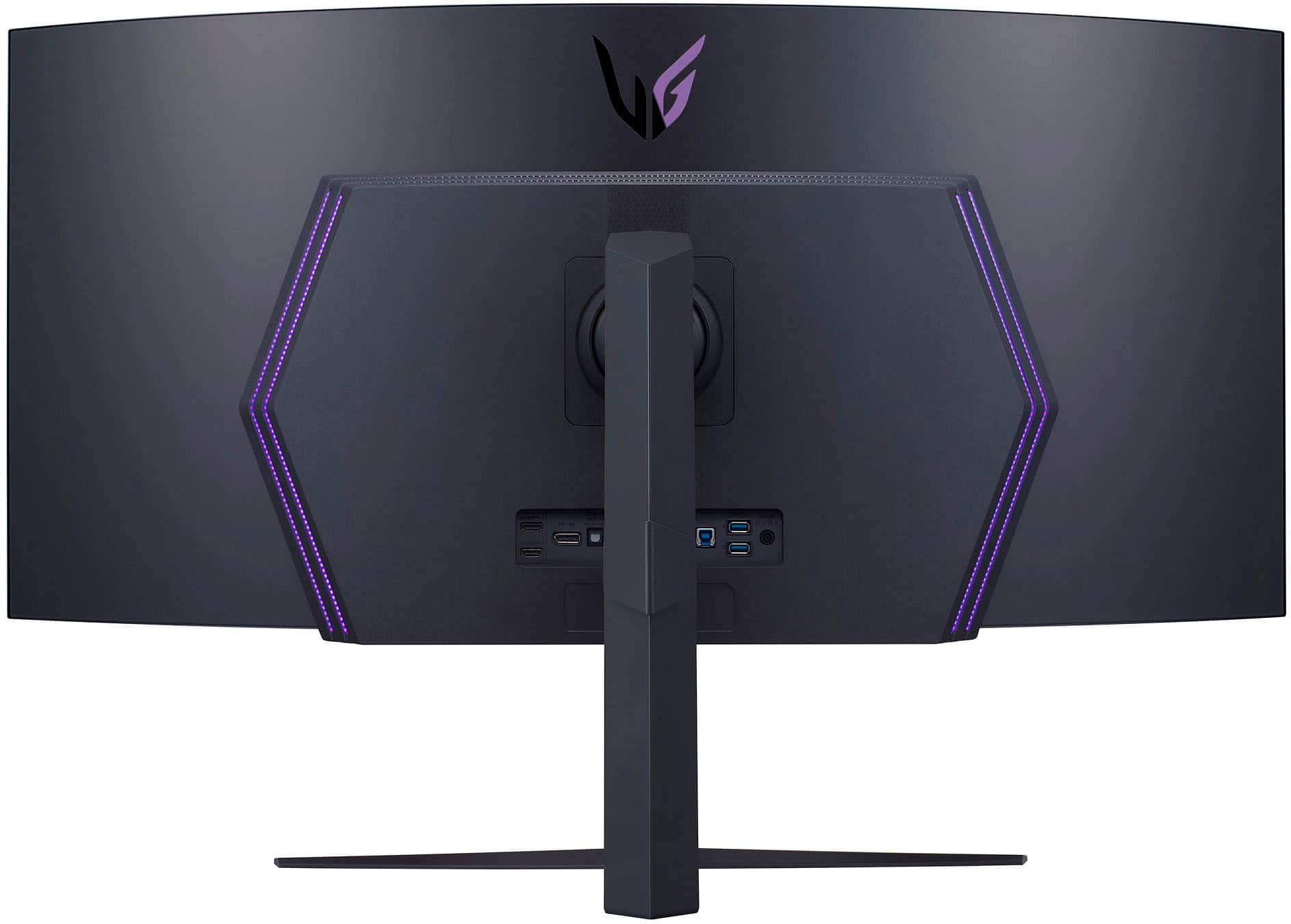
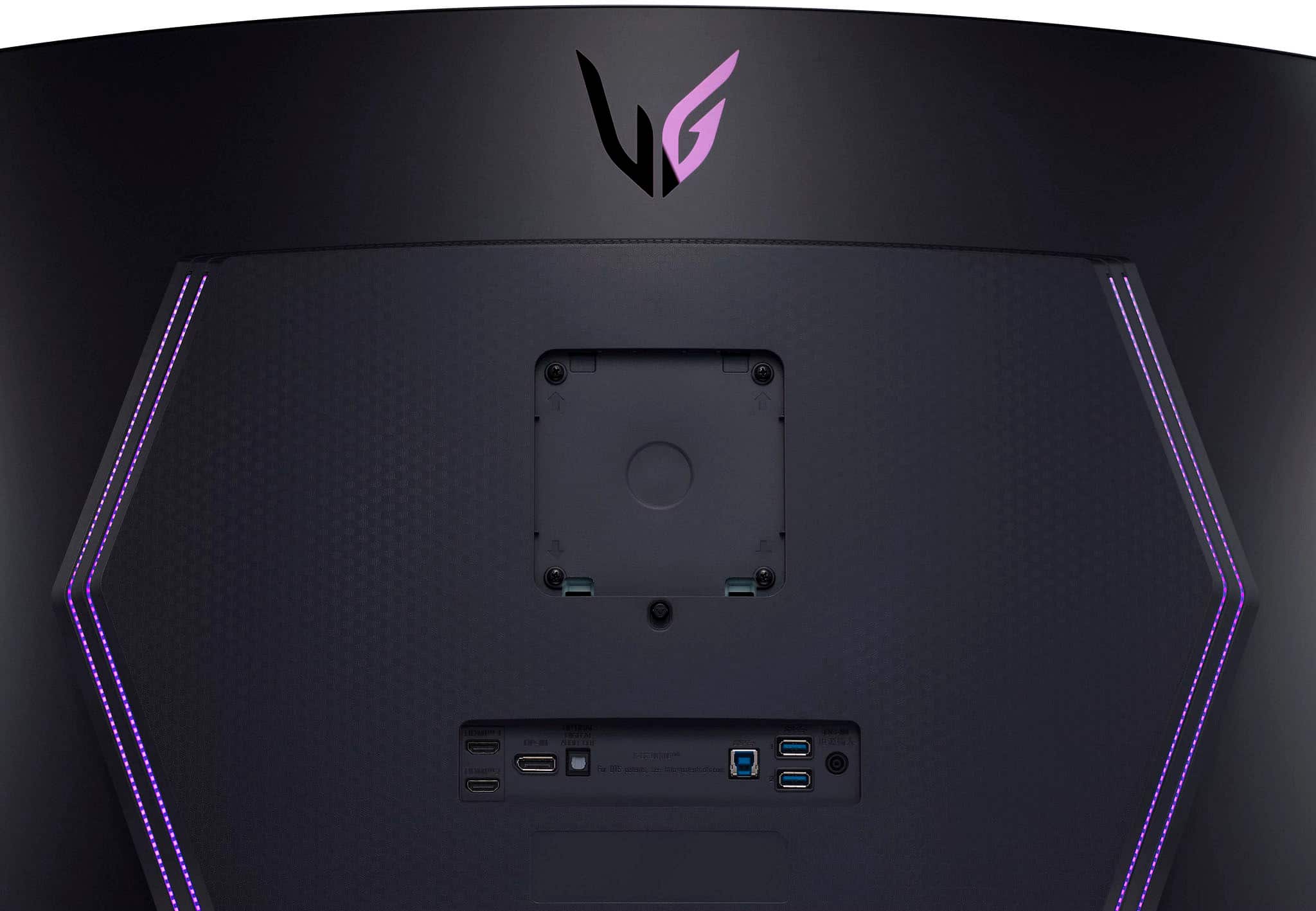
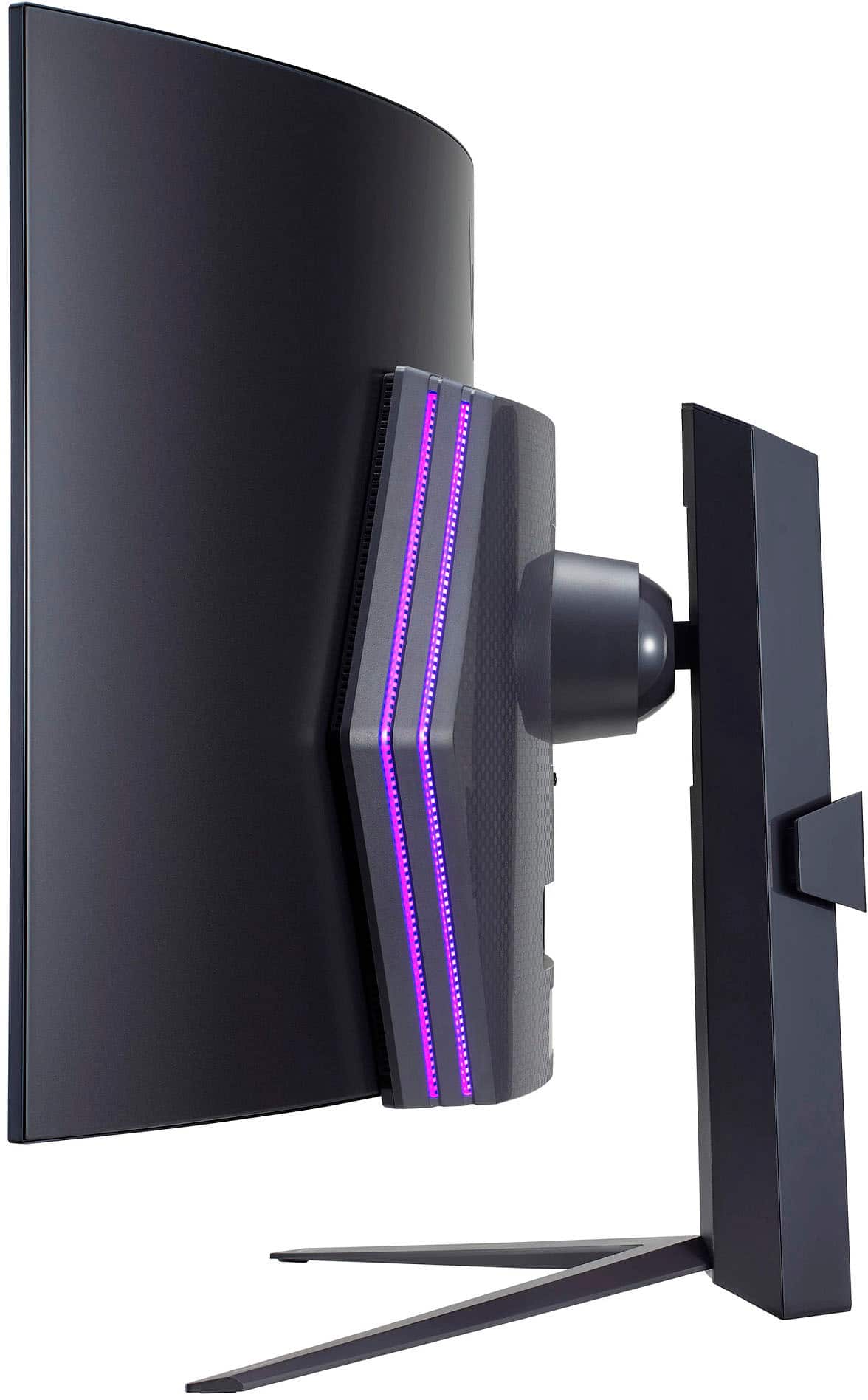
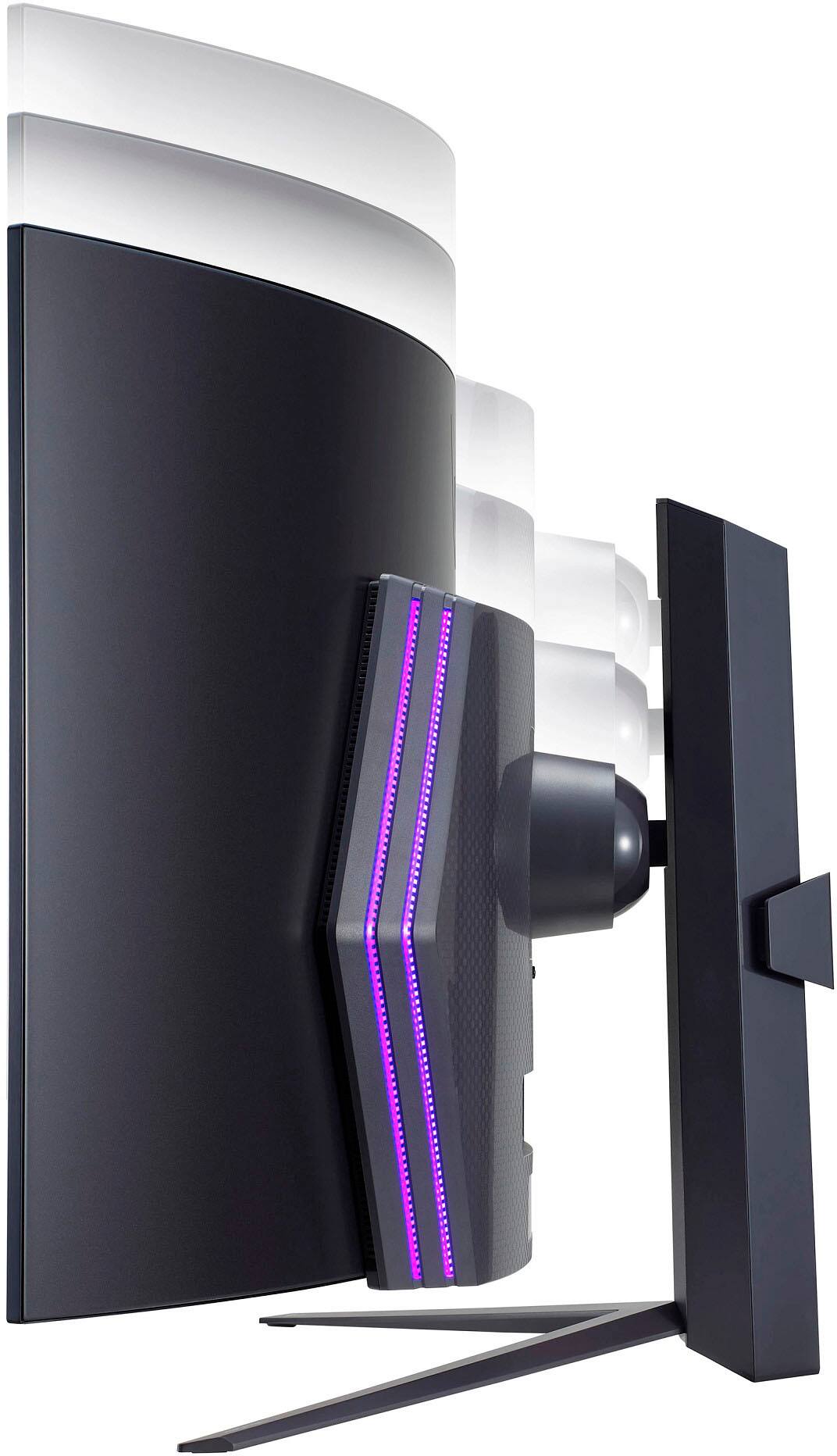
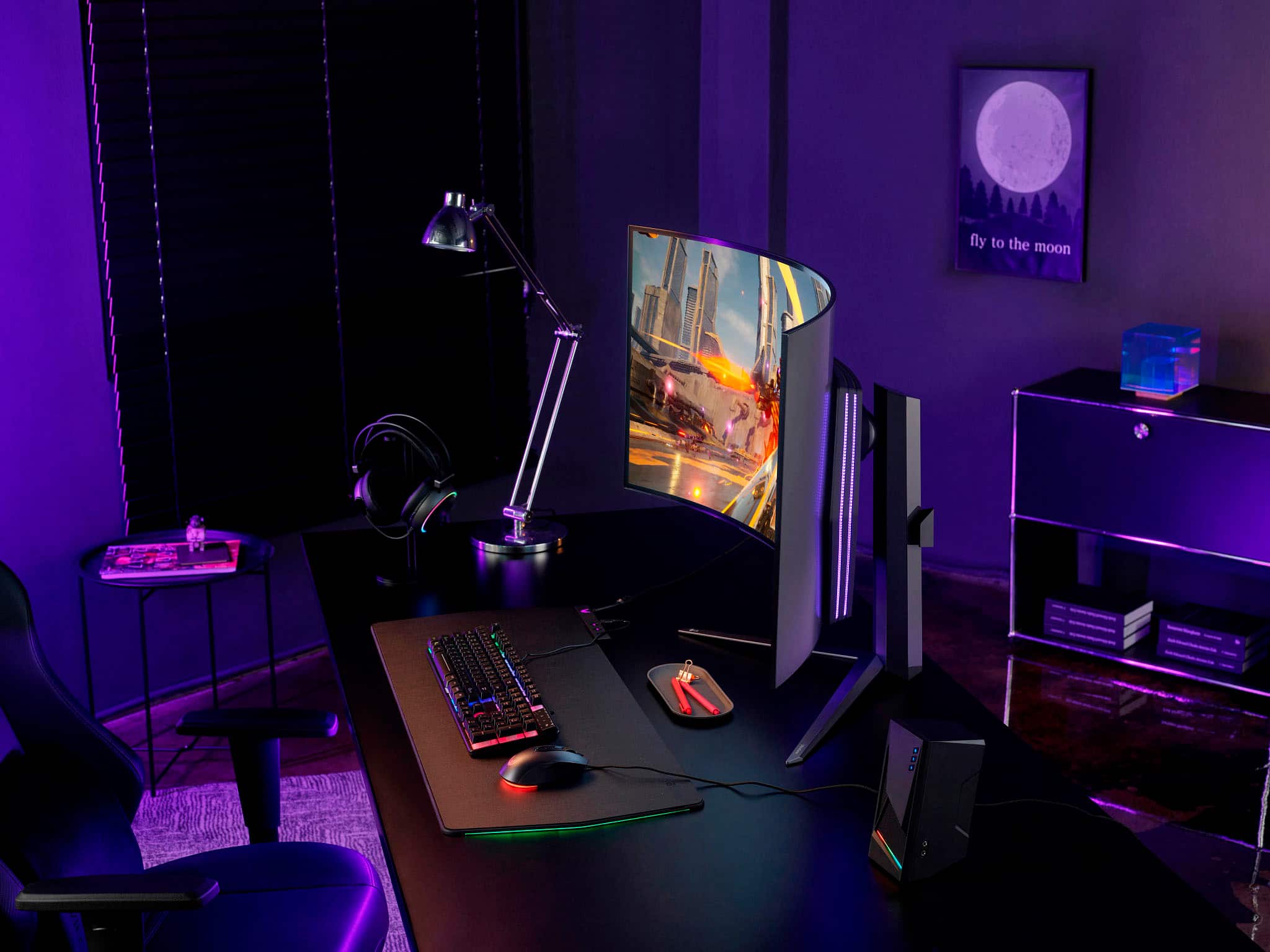
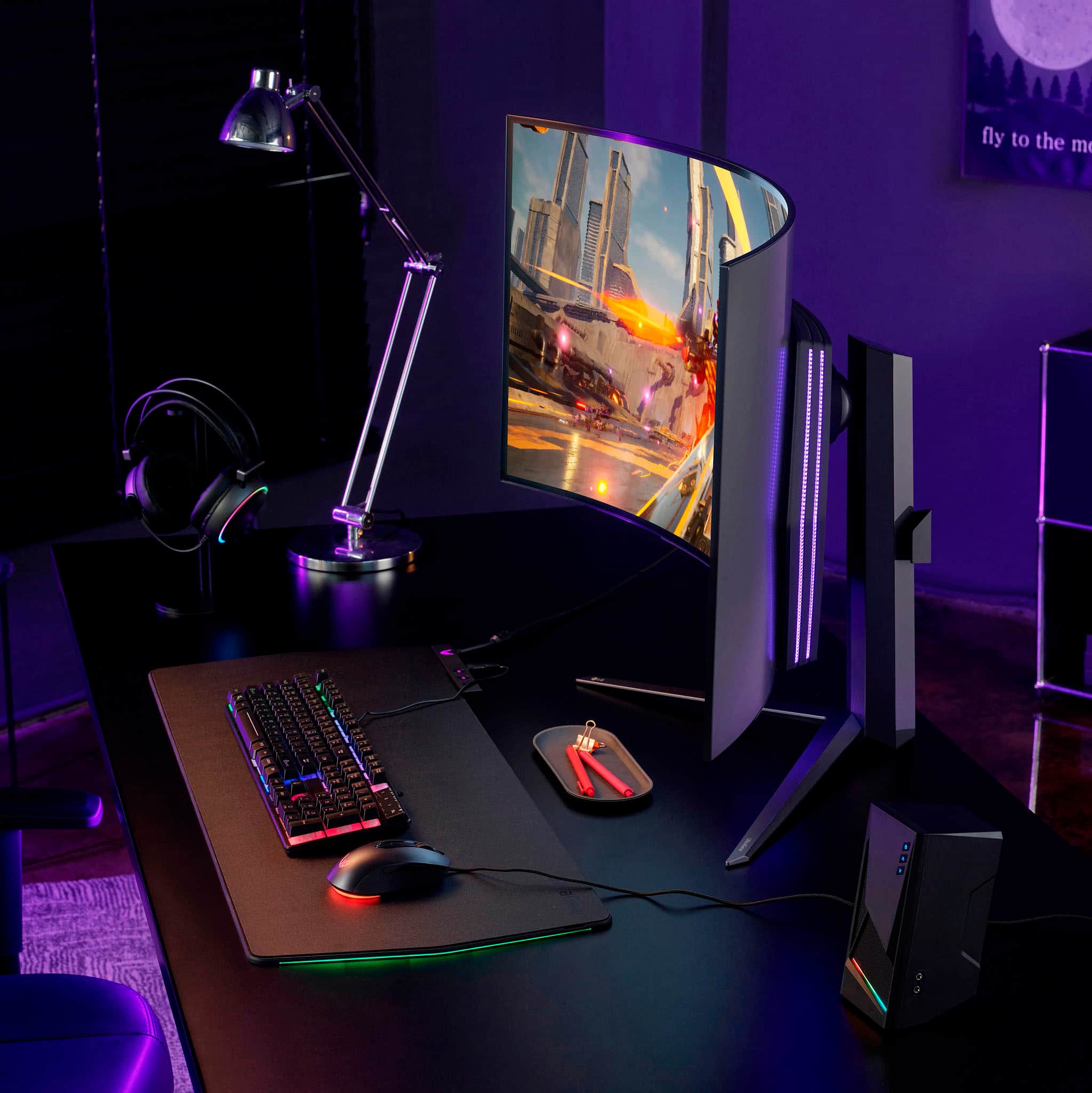
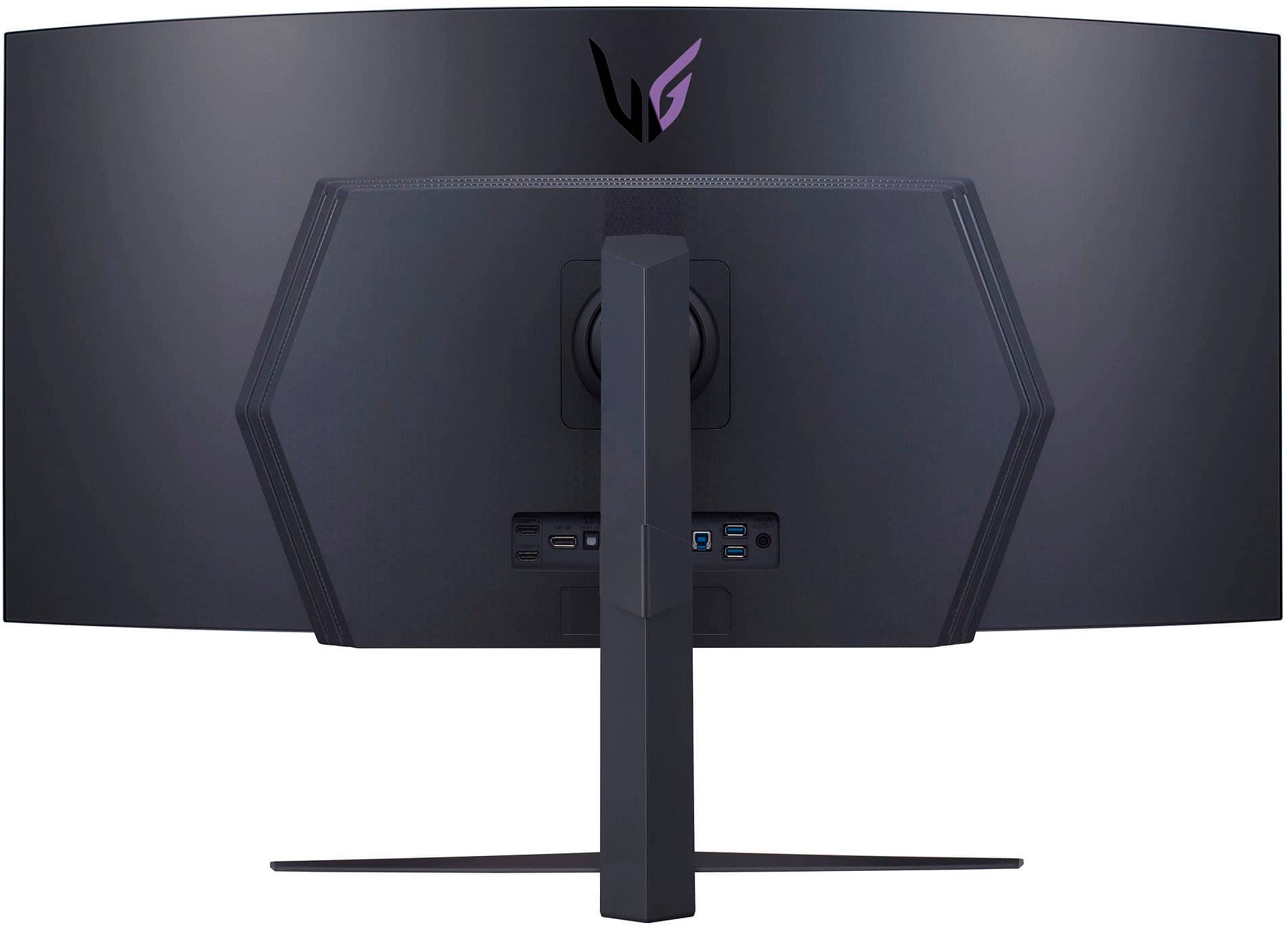
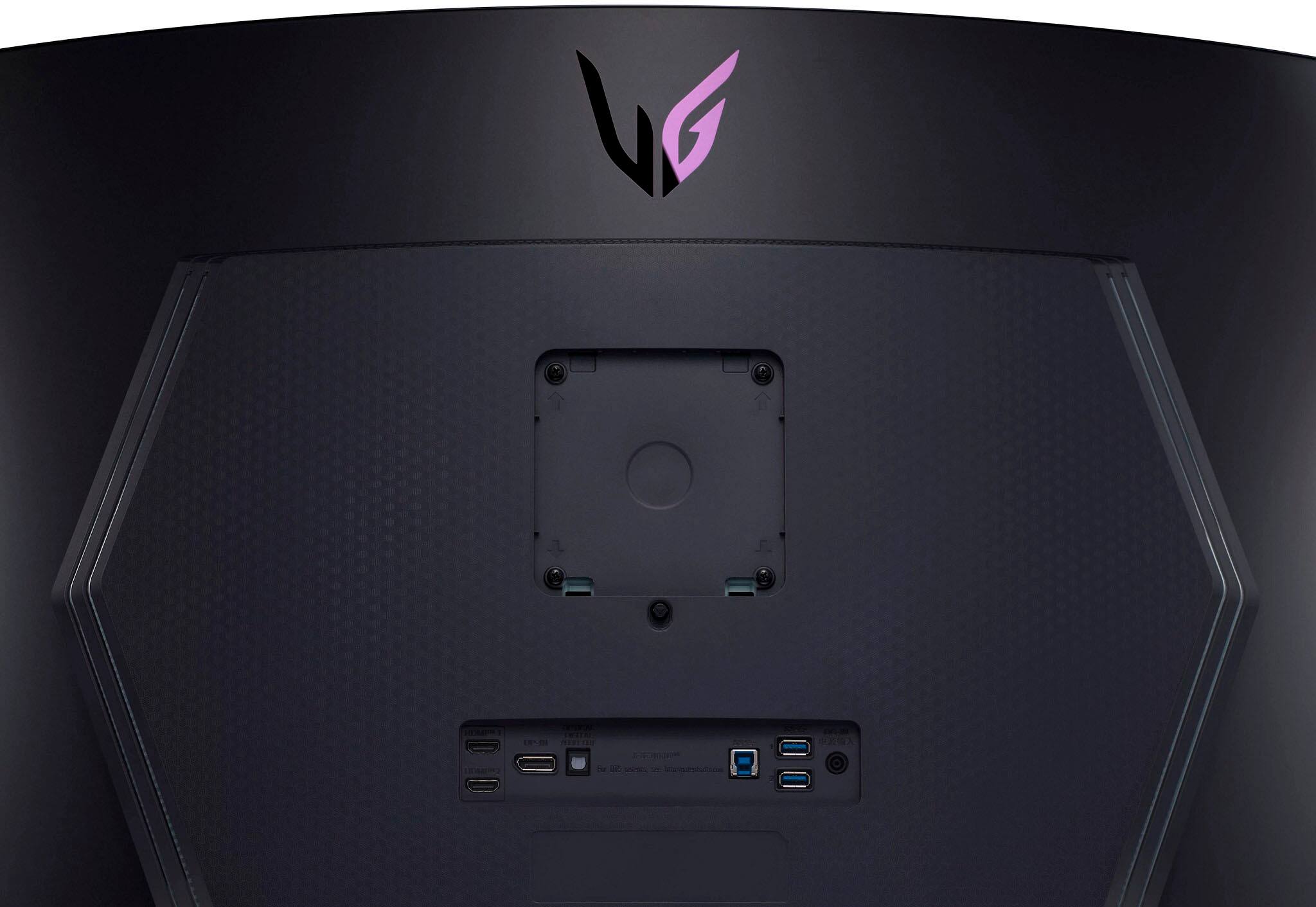
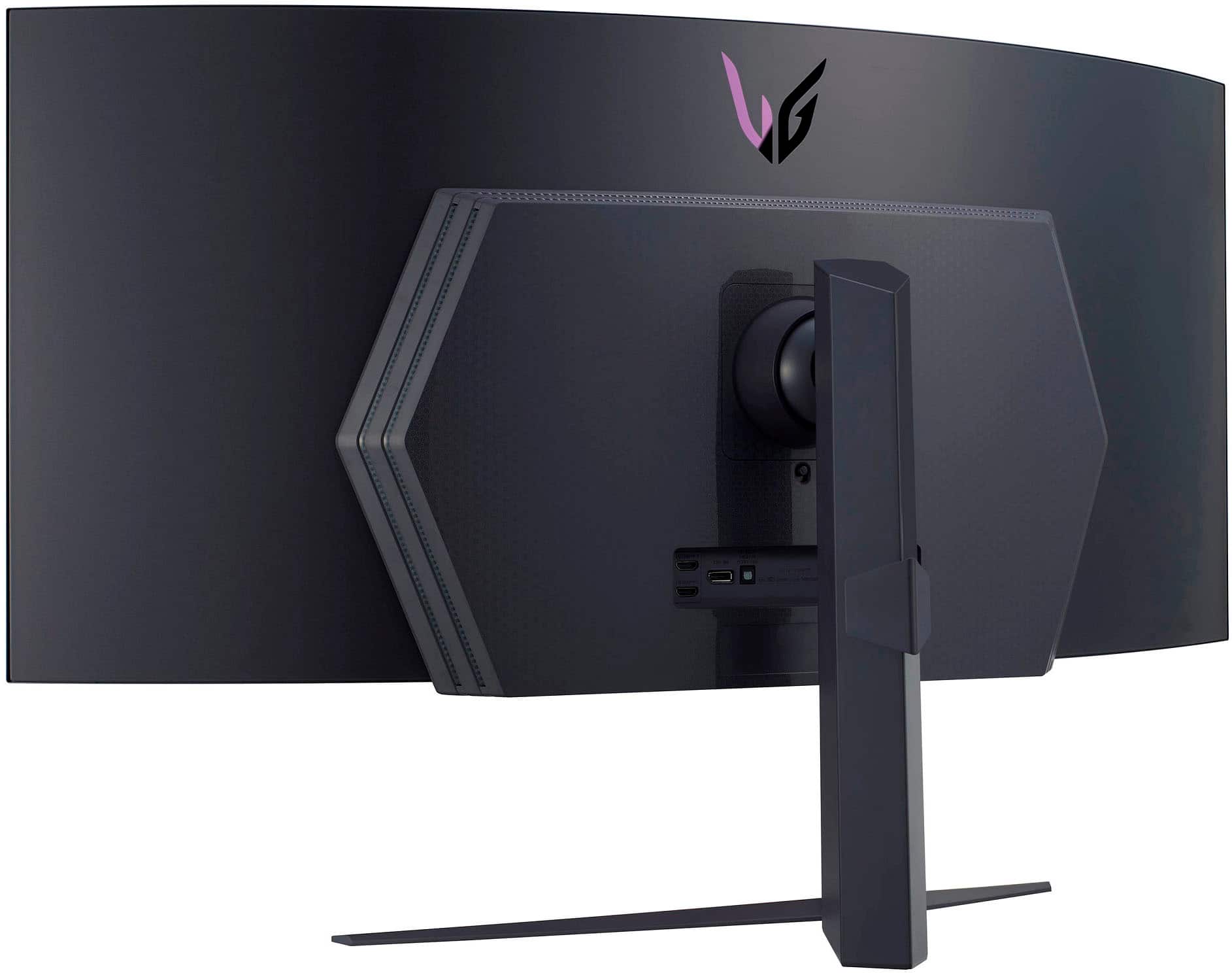
A:AnswerYou just remove the stand it unsnaps in the back, then if you have any standard 4 screw VESA mount you can use that in its place, standard screw holes on the back.
A:AnswerAccording to my tape measure, it's about 6 and a half inches from the bottom of the monitor, to the bottom edge of the bracket where the included stand hooks into. I'd have take it off the stand to measure exactly where the bottom holes are, because the plastic from the stand covers the vesa mount holes, and I'm just too darn lazy to do all that for you.
A:Answernot at the moment, all of secret labs arms only support up to a 34 inch, though i imagine its possible theyll make on for larger monitors at some point in the future
A:AnswerIt literally comes with a remote, your best bet is to set the macro with windows itself such as manage multiple displays. Then set the function key on your software for keyboard and mouse like swarm, or lghub, depends what brand you have.
A:AnswerThank you for reaching us regarding LG Monitor. Need an OEM power cord for your LG 45GR95QE-B monitor? Try these options:
• LG USA Support Website: Visit LG's website for support, manuals, and warranty information. They may have information on purchasing an OEM power cord or you can contact their customer support for assistance.
• eBay: Search for an OEM power cord on eBay, a popular online marketplace with a wide range of products. Make sure to check compatibility and seller ratings before making a purchase.
You can download its owner's manual through this link for more information: https://www.lg.com/us/support/product/lg-45GR95QE-B.AUS. For additional assistance, please reach out to us on social media @LGUSSupport so we can help you further. ^Cris
A:AnswerHello there, thank you for your question about the LG 45GR95QE-B.AUS monitor! For mounting this monitor, it's recommended to use a VESA-compatible wall mount that supports a 100mm x 100mm mounting pattern, which is standard for many monitors.
When selecting a wall mount, ensure it can support the weight of the monitor and allows for the desired range of motion (tilt, swivel, or height adjustment) according to your setup needs.
If you have any more questions or need further assistance, please send us a private message on Social Media @LGUSSupport. We’re here to help!
—Avril
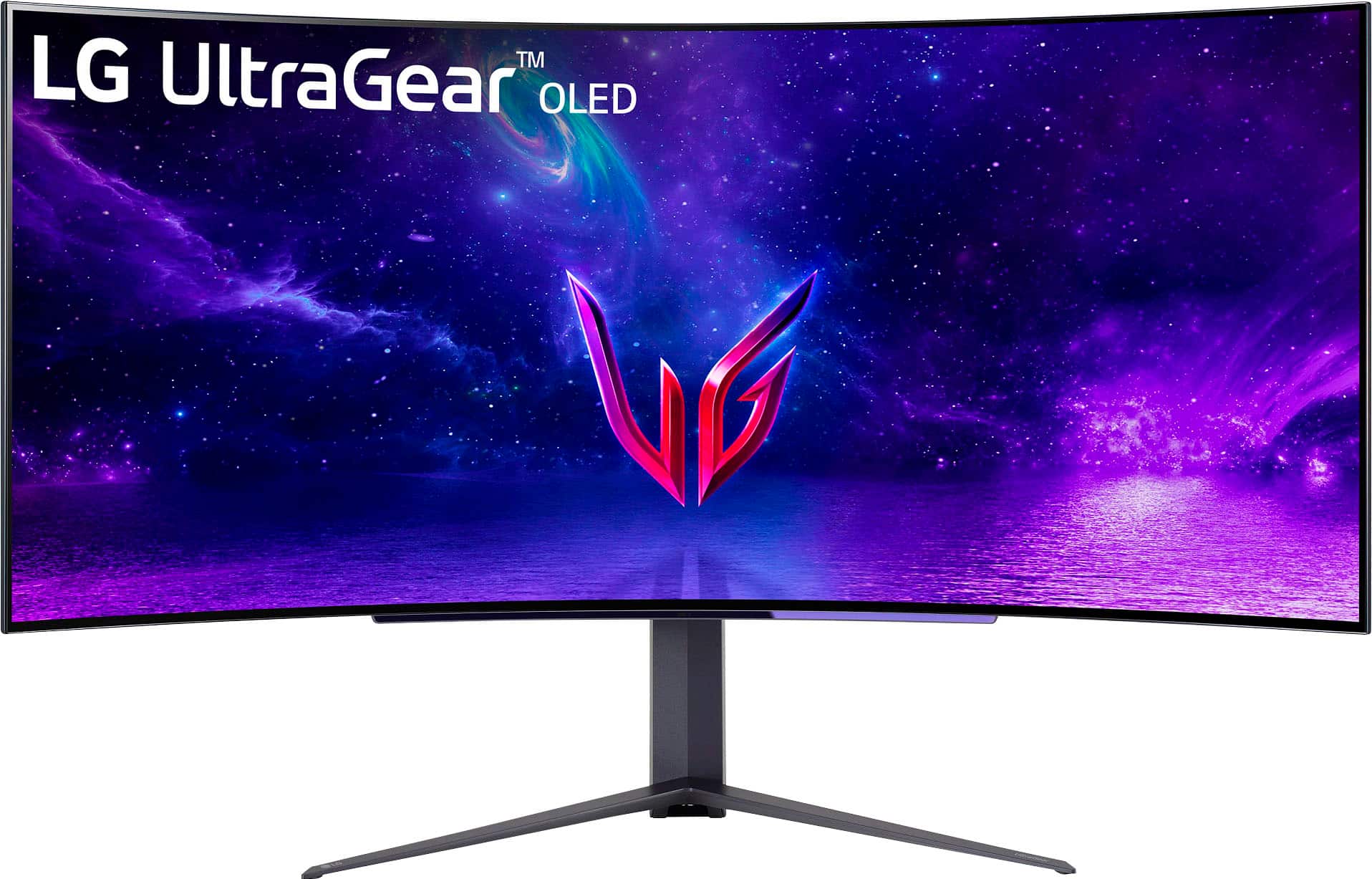
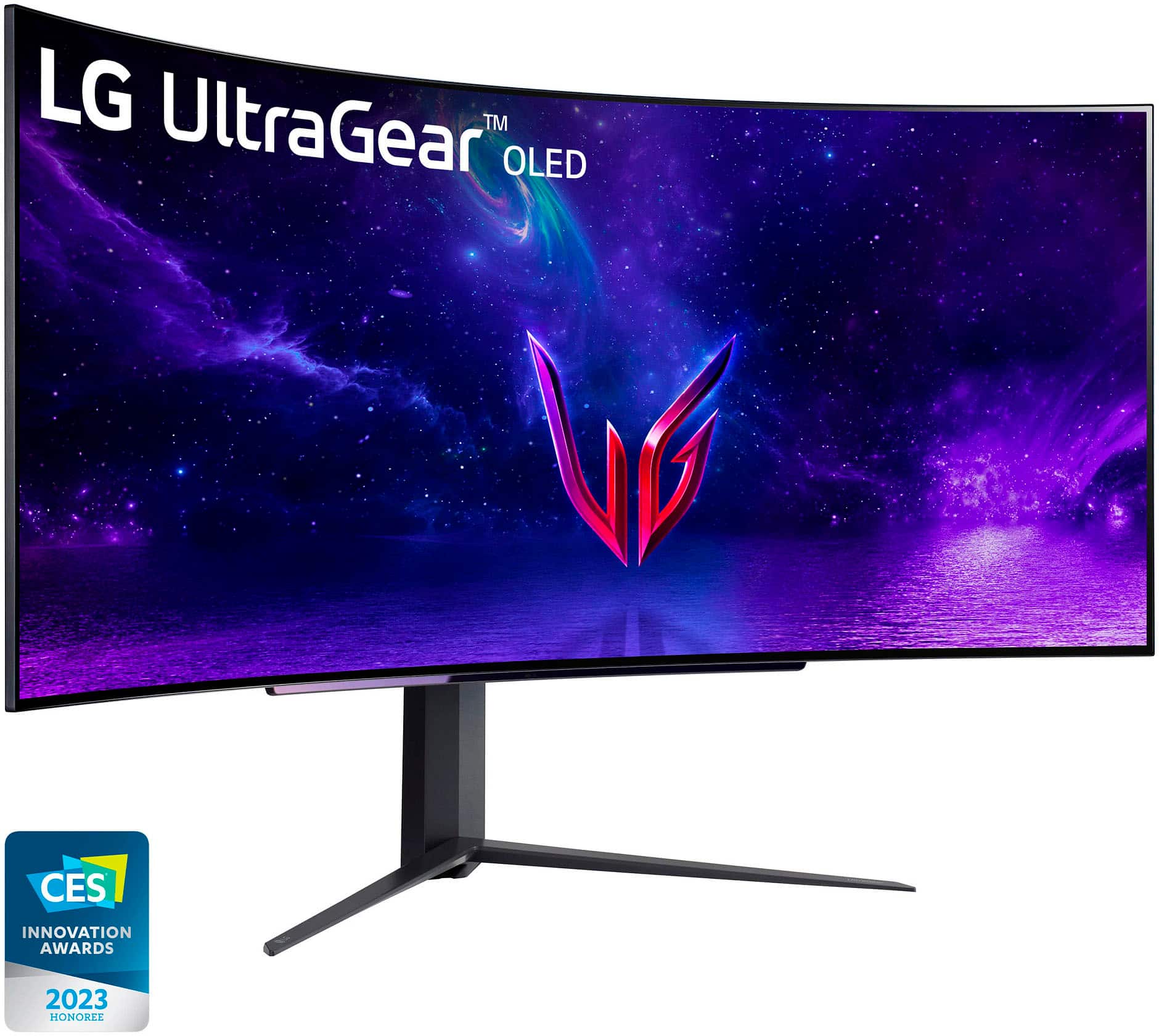
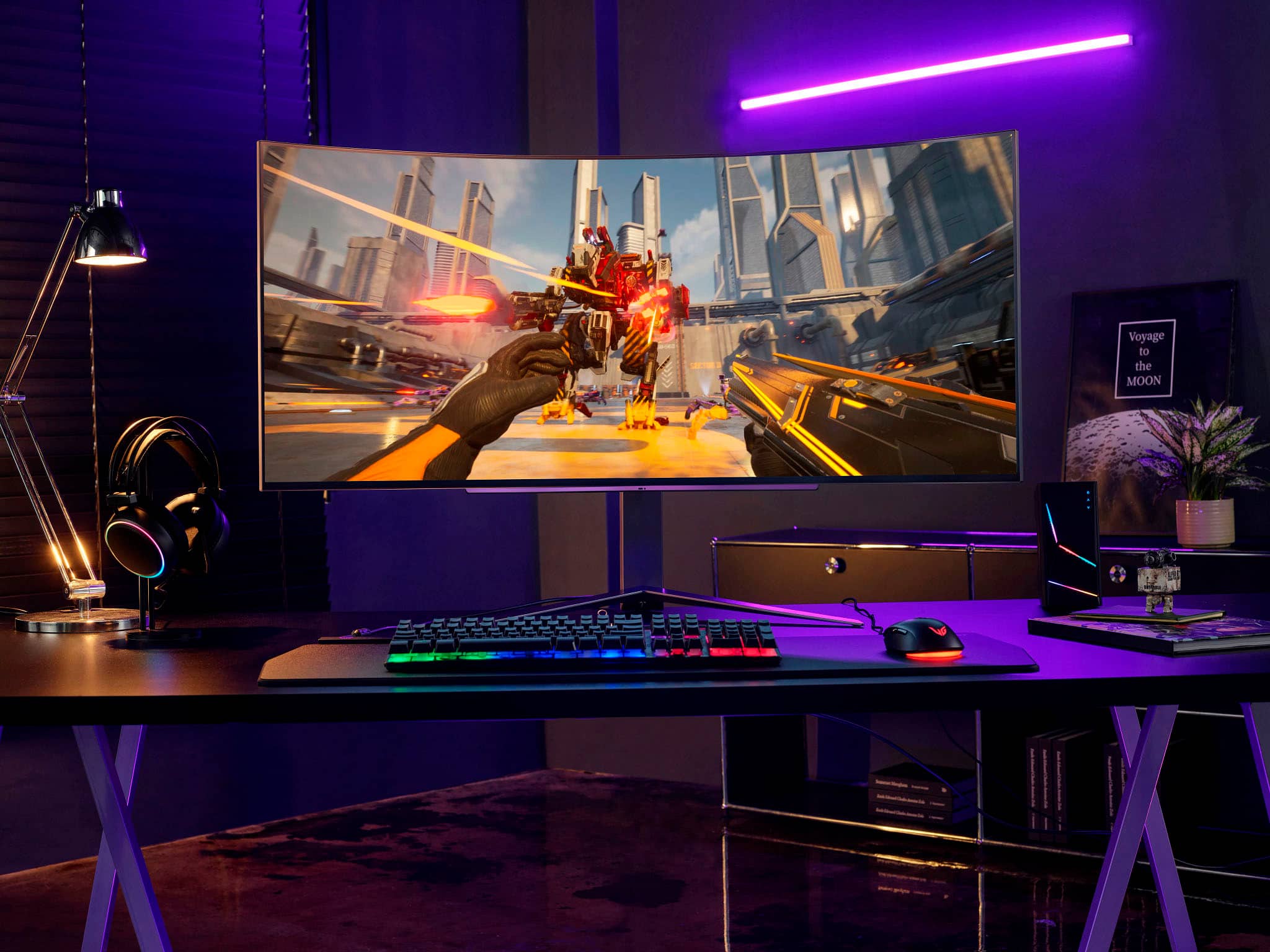
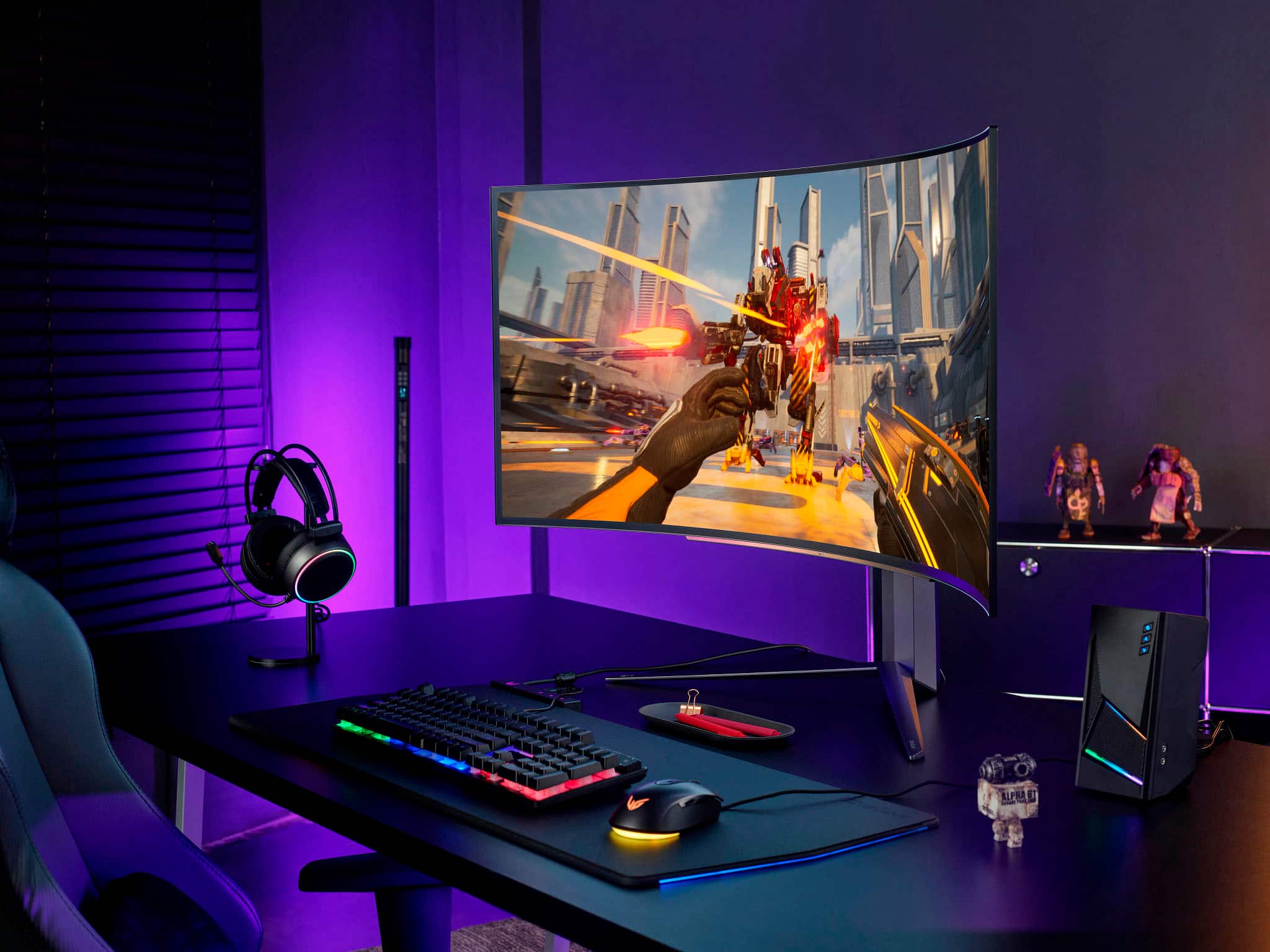
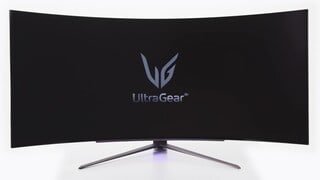
A:AnswerThank you for your interest in the LG 45" UltraGear™ OLED Curved Gaming Monitor WQHD with 240Hz Refresh Rate 0.03ms Response Time (45GR95QE-B) model. The LG 45GR95QE-B is a top-notch gaming monitor with amazing features. With its 45" curved OLED display and crisp 3440x1440 resolution, it offers an immersive and visually stunning gaming experience. Its 240Hz refresh rate and lightning-fast 0.03ms response time ensure smooth and responsive gameplay. This monitor is not only perfect for gaming but also ideal for graphic design, thanks to its high-quality visuals. You can download its owner's manual through this link for more information: https://www.lg.com/us/support/product/lg-45GR95QE-B.AUS. ^Cris
A:AnswerThank you for your interest in the LG 45" UltraGear™ OLED Curved Gaming Monitor WQHD with 240Hz Refresh Rate 0.03ms Response Time (45GR95QE-B) model. For optimal graphics in gaming and graphic design with your Mac mini setup (3.2 GHz i7, 64 GB RAM, AMD RX 6800 e-GPU, macOS Sonoma 14.1.2) and the LG 45GR95QE-B monitor, the best connection for achieving high-quality graphics performance is through the use of a DisplayPort 1.4 with DSC. The LG 45GR95QE-B monitor supports DisplayPort 1.4 with DSC, which provides high bandwidth and is ideal for driving the monitor's 3440×1440 resolution at a high refresh rate of 240Hz. You can download its owner's manual through this link for more information: https://www.lg.com/us/support/product/lg-45GR95QE-B.AUS. ^Cris