Questions & Answers
- Model:
- 45GX90SA-B
- |
- SKU:
- 6619493
Q: QuestionAs of December 29th how much long will this monitor be on sale
Asked by Asia21.
- A:Answer Hello there. Thank you for sharing your experience with us. We understand your inquiry regarding the sale duration for the 45GX90SA-B. To answer your question, as this unit is being sold through Best Buy, pricing and promotional periods are determined and managed directly by the retailer. We recommend contacting Best Buy customer support or checking their weekly advertisement to confirm the exact end date of this sale. https://www.bestbuy.com/product/lg-ultragear-45-oled-qhd-240hz-0-03ms-g-sync-freesync-premium-pro-smart-gaming-monitor-with-displayhdr-400-true-black/JJ8VPZWYXR If you have any further questions about its features, please contact us on [email protected], and our team will be more than happy to assist you. —Renzo
Answered by LG Digital Customer Care
Q: QuestionIs the monitor able to be adjusted further down? Or somewhere in the middle? Not too high up not too low?
Asked by Olive.
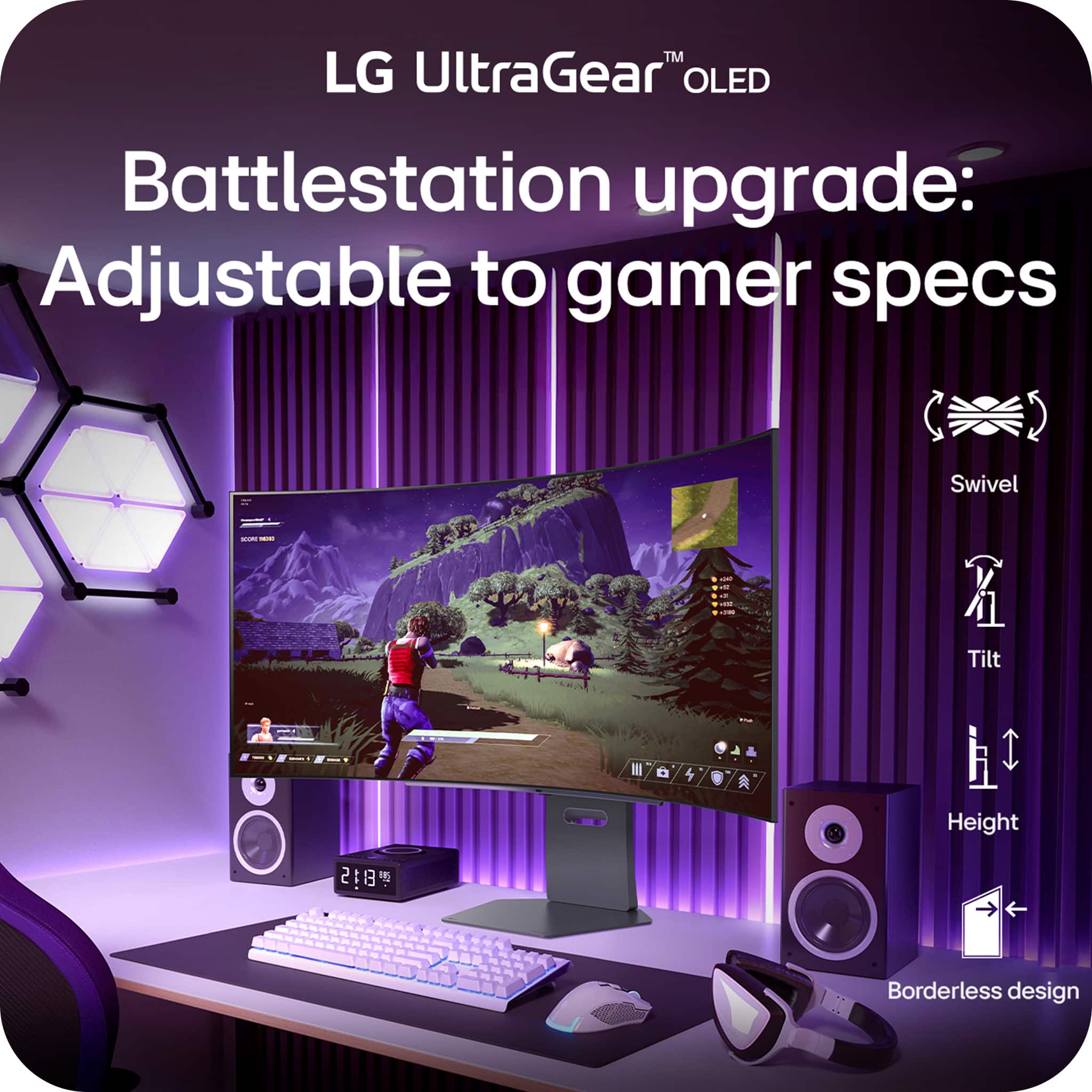
- A:Answer Yes you can adjust the vertical position of the monitor.
Answered by Zach
Q: Question49" monitor with webcam for conferencing?
Asked by Trish.
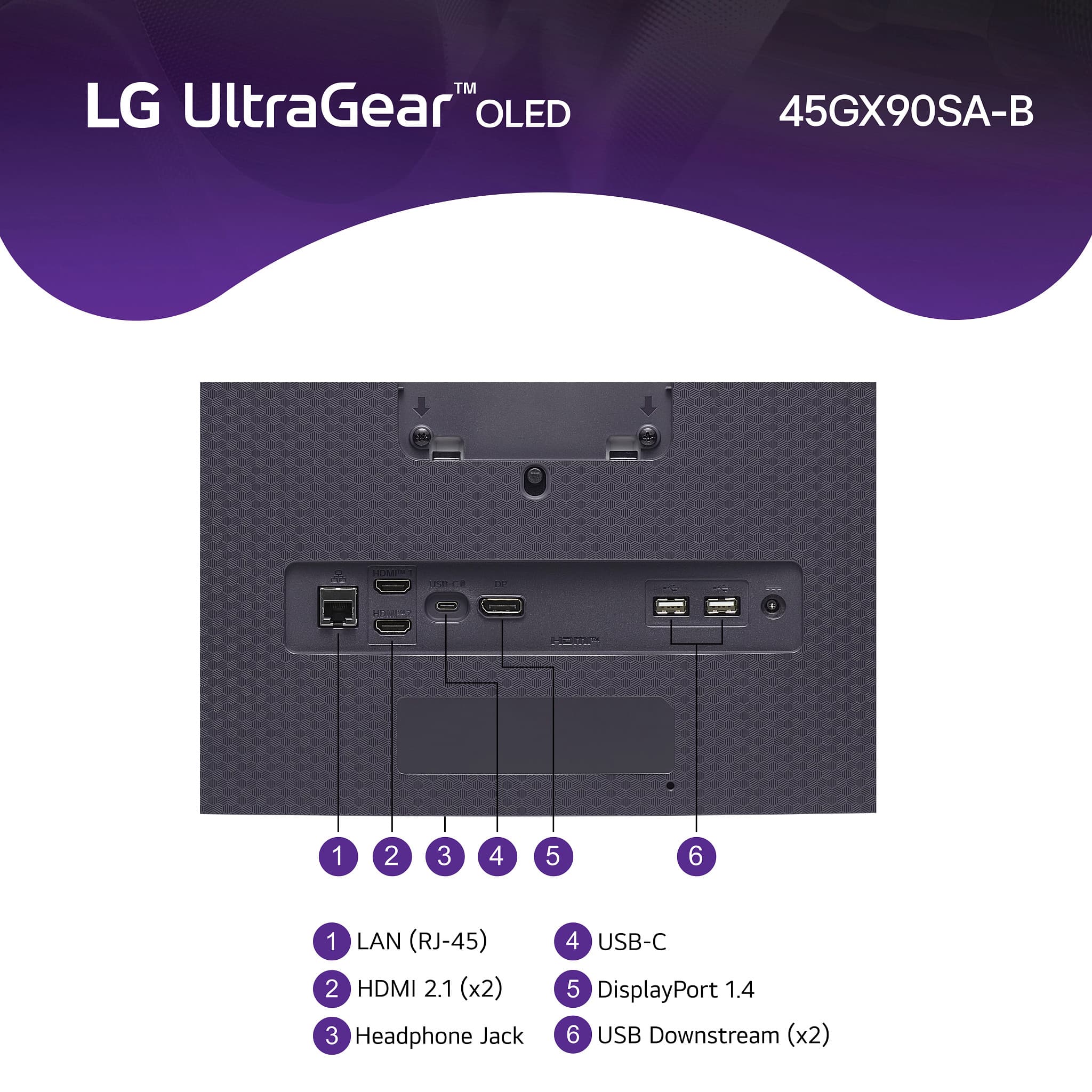
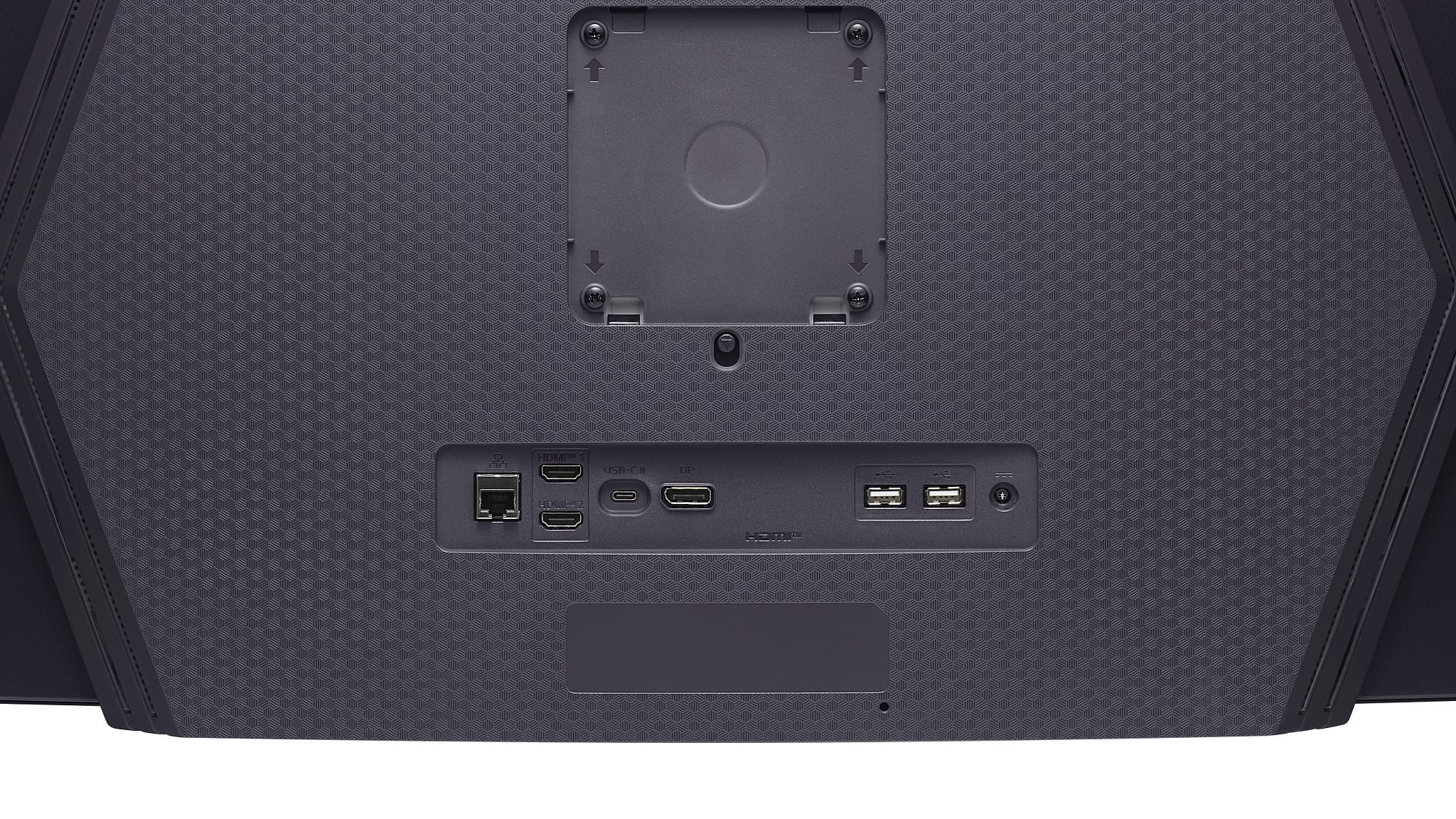
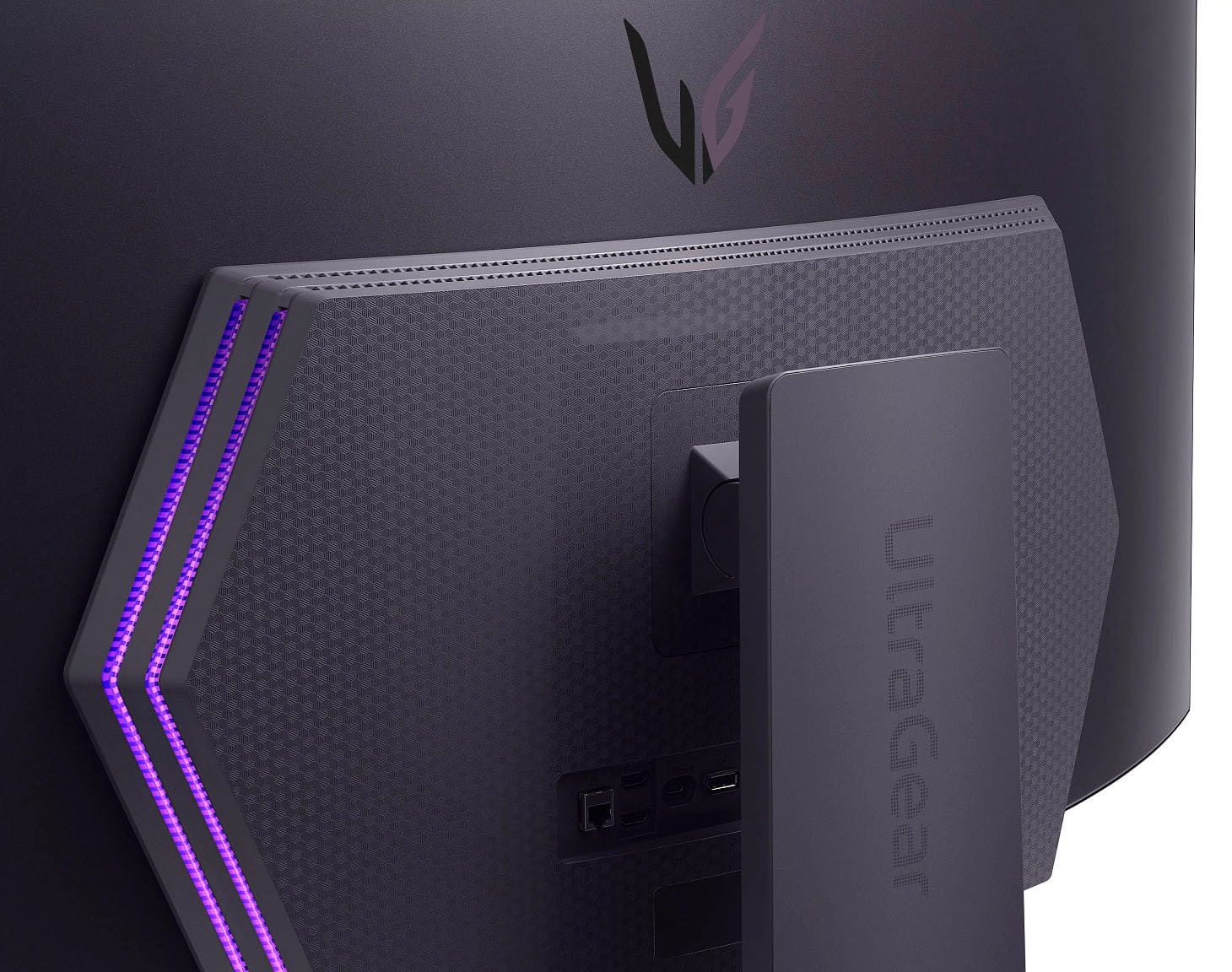
- A:Answer Hello there, Trish. Thank you for sharing your inquiry with us regarding your 45GX90SA-B UltraGear™ OLED monitor. We understand your inquiry about using a webcam for conferencing with this unit. Your 45GX90SA-B is a high-performance gaming monitor that is not equipped with a built-in webcam. However, we want to share that your monitor includes multiple USB Down-stream ports and a USB Type-C (Up-stream) port with 65W Power Delivery, which means you can easily connect and use a compatible external webcam for your conferencing needs. https://www.bestbuy.com/product/lg-ultragear-45-oled-qhd-240hz-0-03ms-g-sync-freesync-premium-pro-smart-gaming-monitor-with-displayhdr-400-true-black/JJ8VPZWYXR If you have any further questions about connecting external devices or using the Smart Monitor features for conferencing, please contact us on [email protected], and our team will be more than happy to assist you. —Renzo
Answered by LG Digital Customer Care
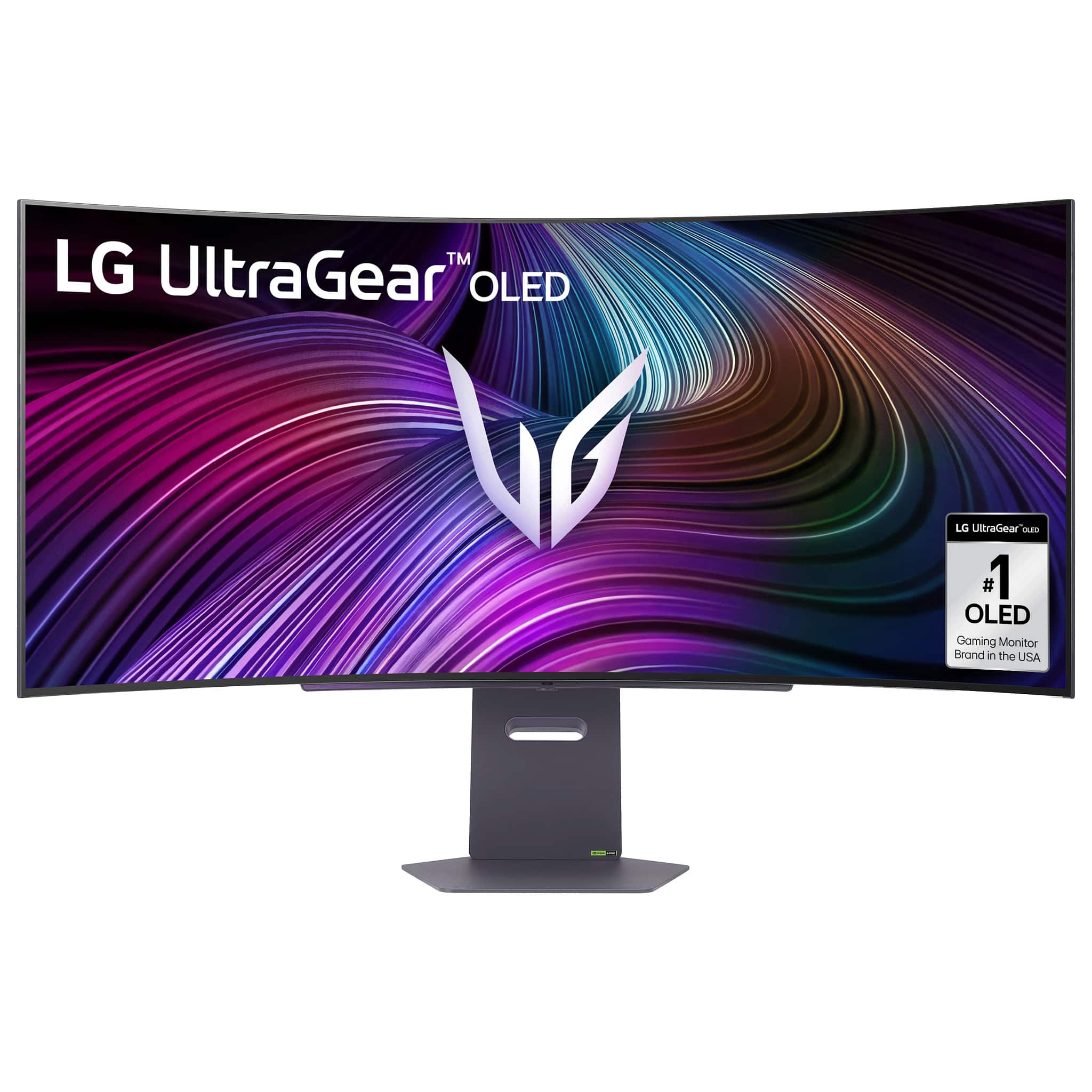
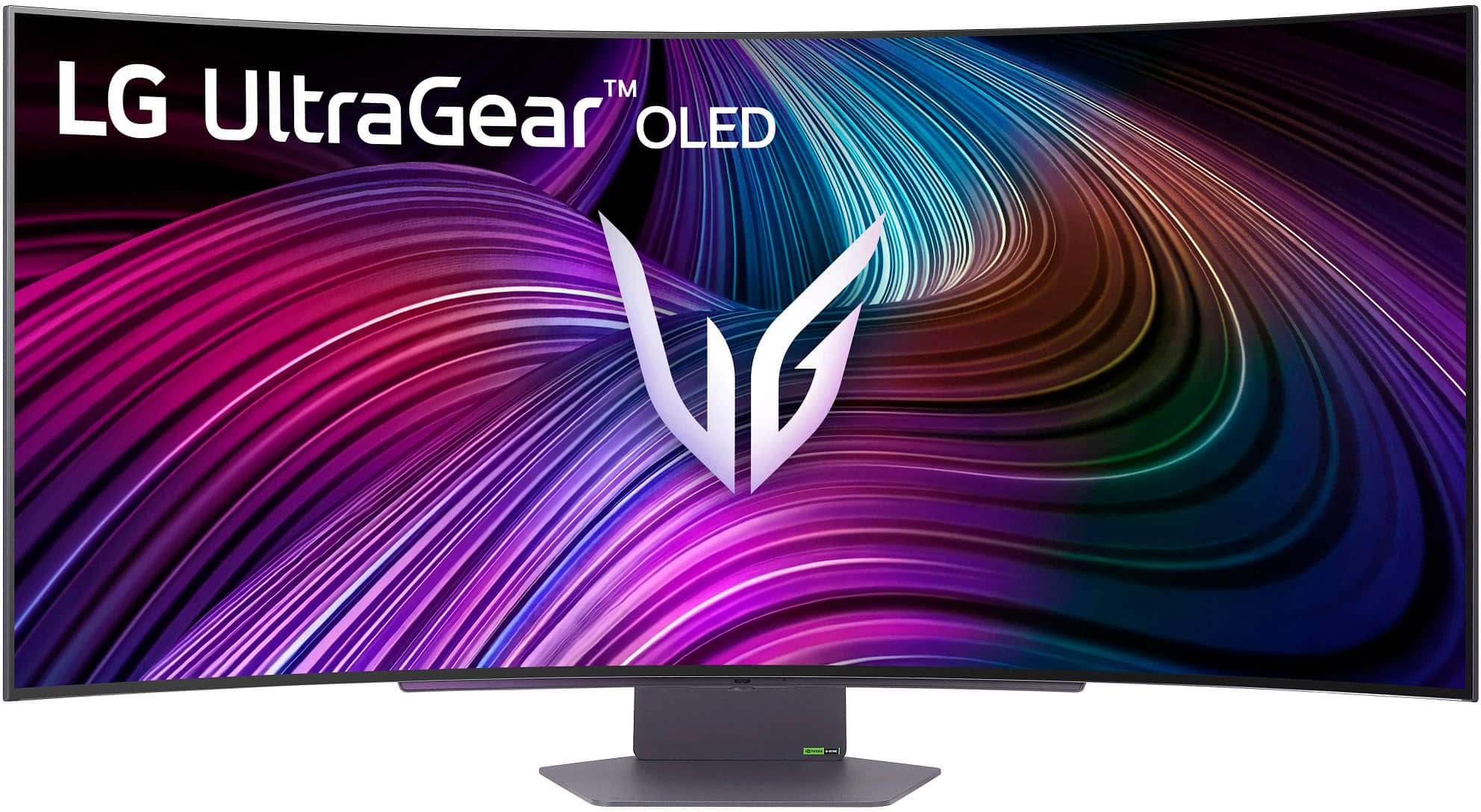
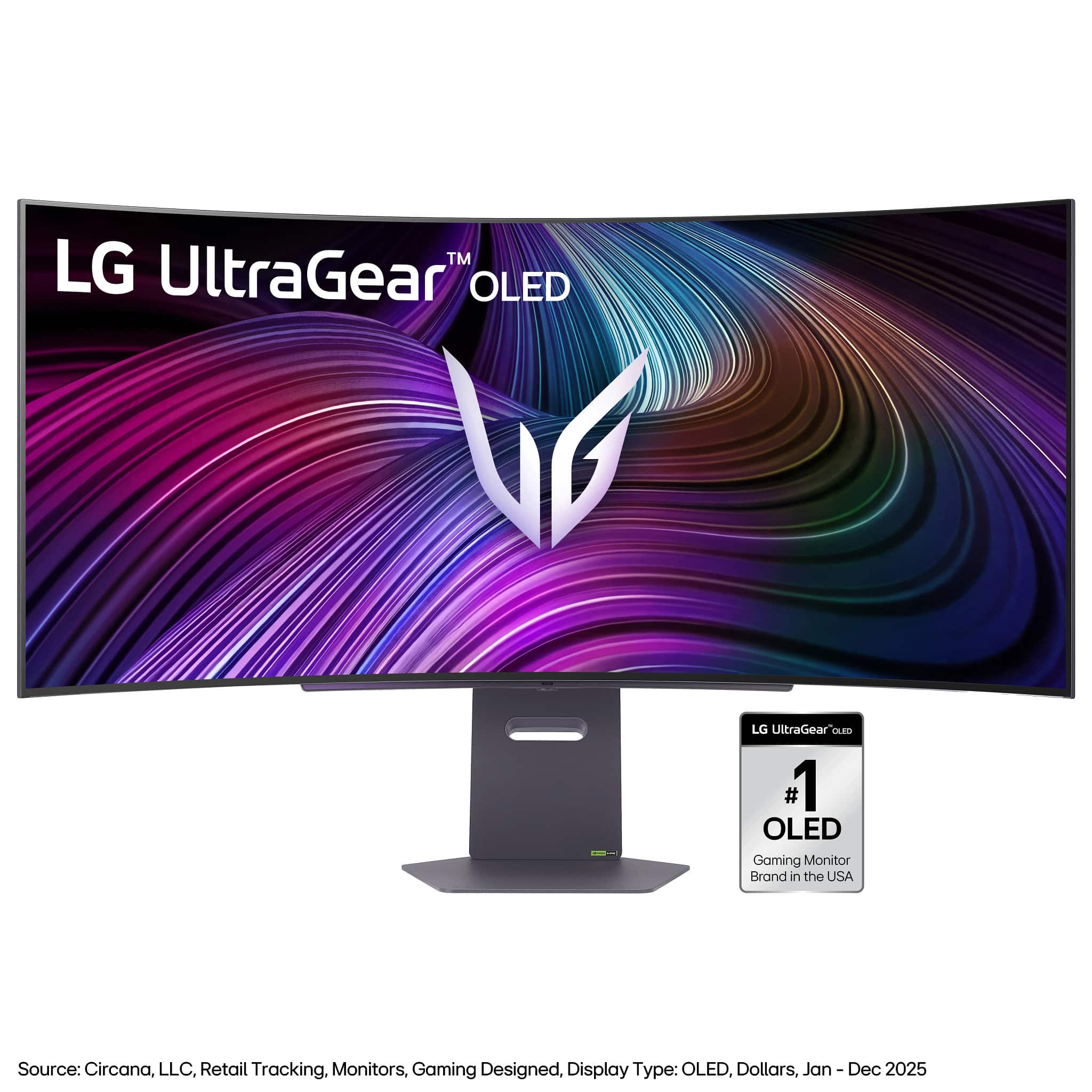
Q: QuestionHow big are the bezels around the monitor
Asked by Numbah0.
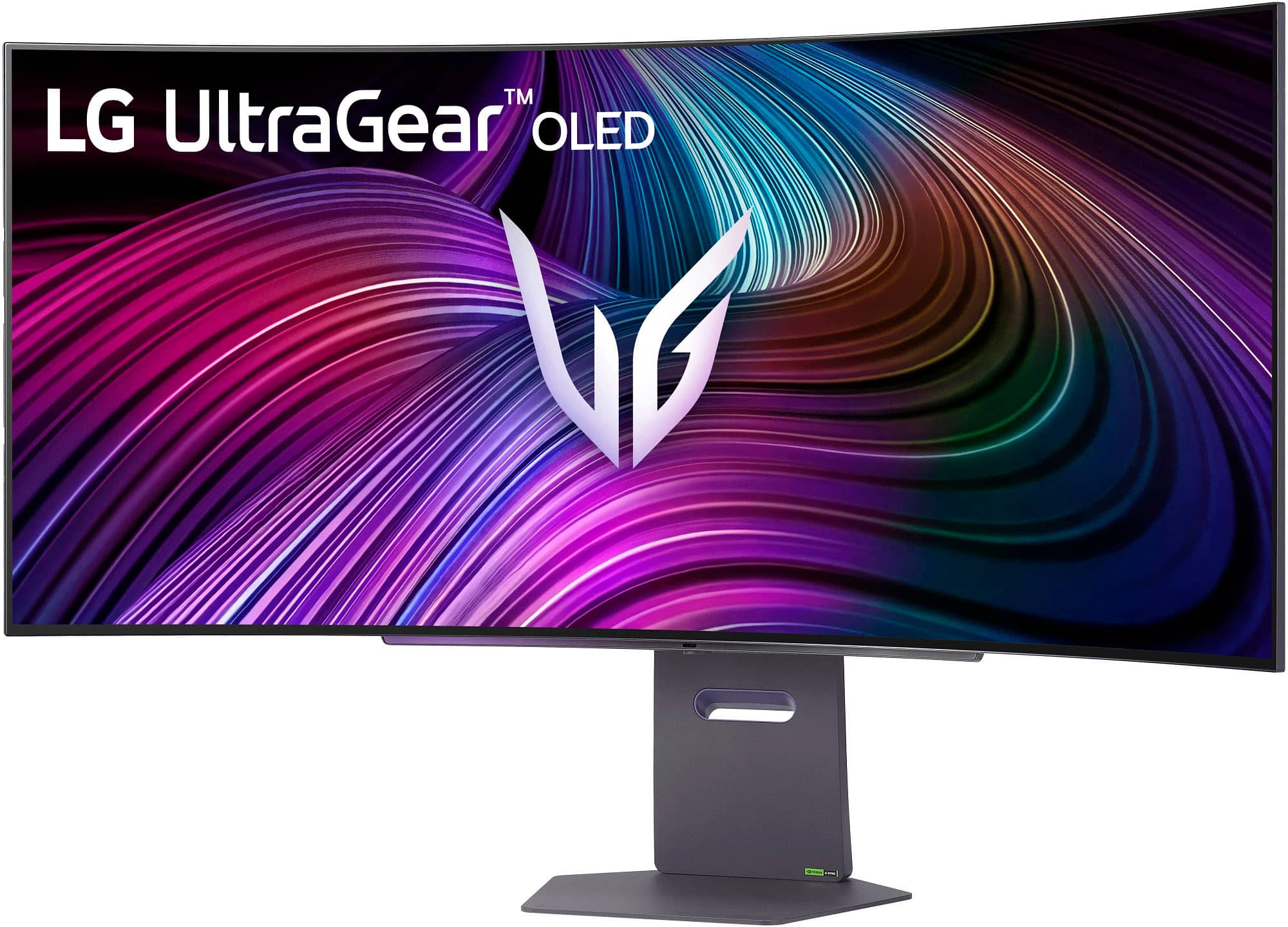
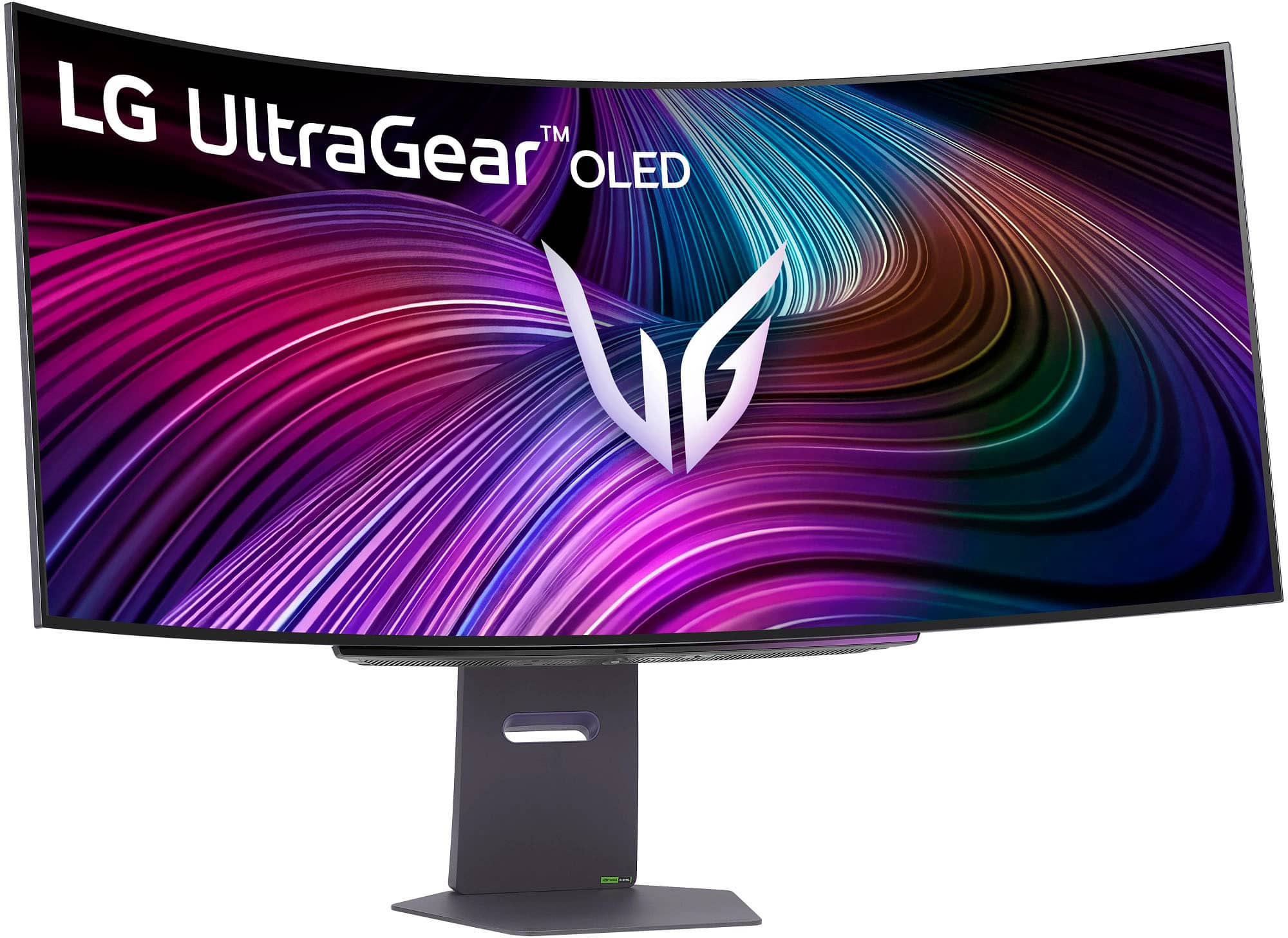
- A:Answer 1/4" top and sides. 3/8" at bottom.
Answered by JohnS
Q: QuestionCan i play my Ps5 pro in this monitor?
Asked by Gamer.
- A:Answer Monitor has display ports and HDMI ports
Answered by LarryK
Q: QuestionDoes this monitor support Xbox? Or does it stretch everything out?
Asked by Bespoke.
- A:Answer Yes, great optical view but it will shrink everything down a little bit just so you get that screen stretch
Answered by CoachQuag
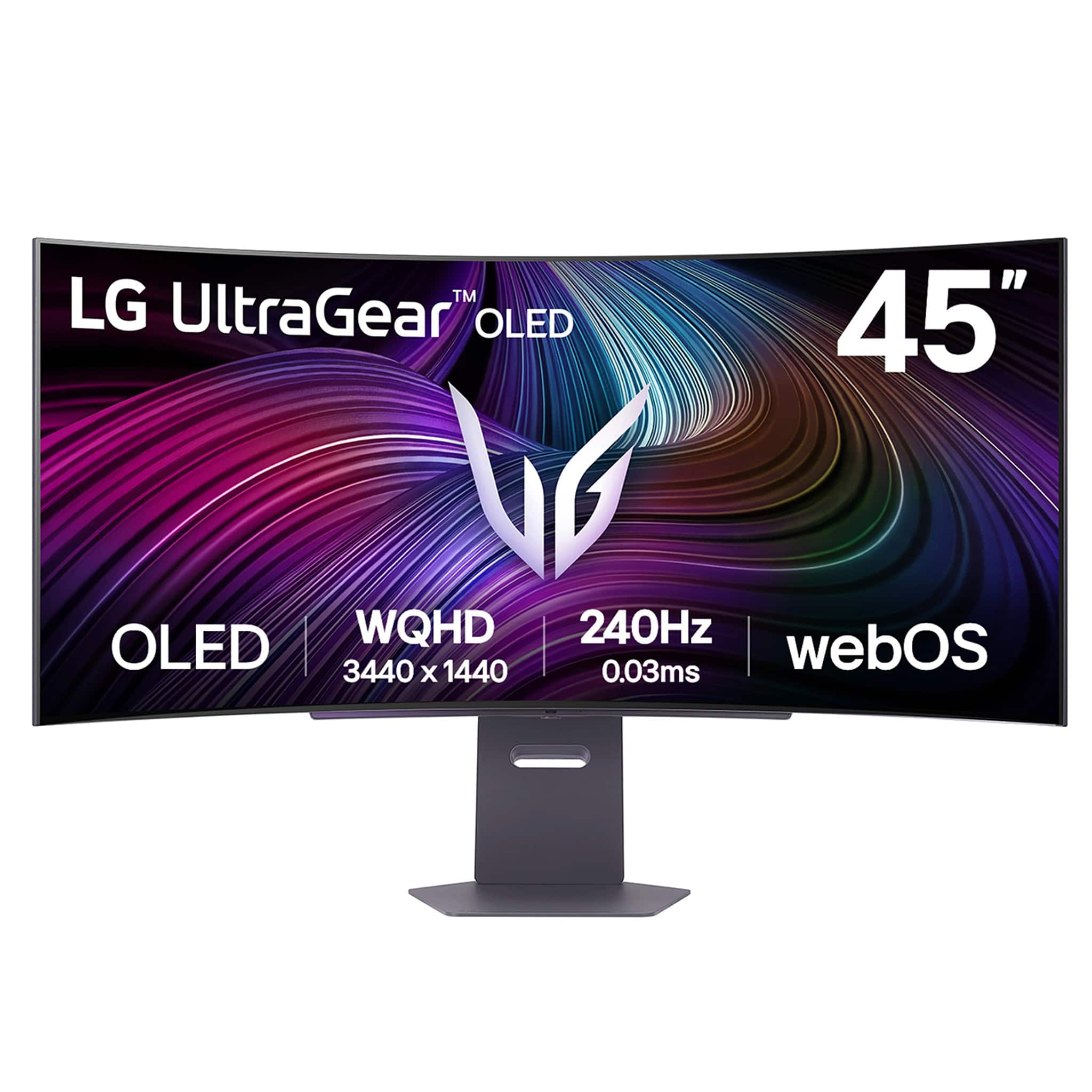
Q: QuestionWhat are the dimensions of the monitor. Specifically the width?
Asked by Samuel.
- A:Answer Straight across from edge to edge 39 1/4
Answered by LarryK
Q: QuestionHow far from the wall does teh screen stick out if wall mounted?
Asked by deleriousdi.
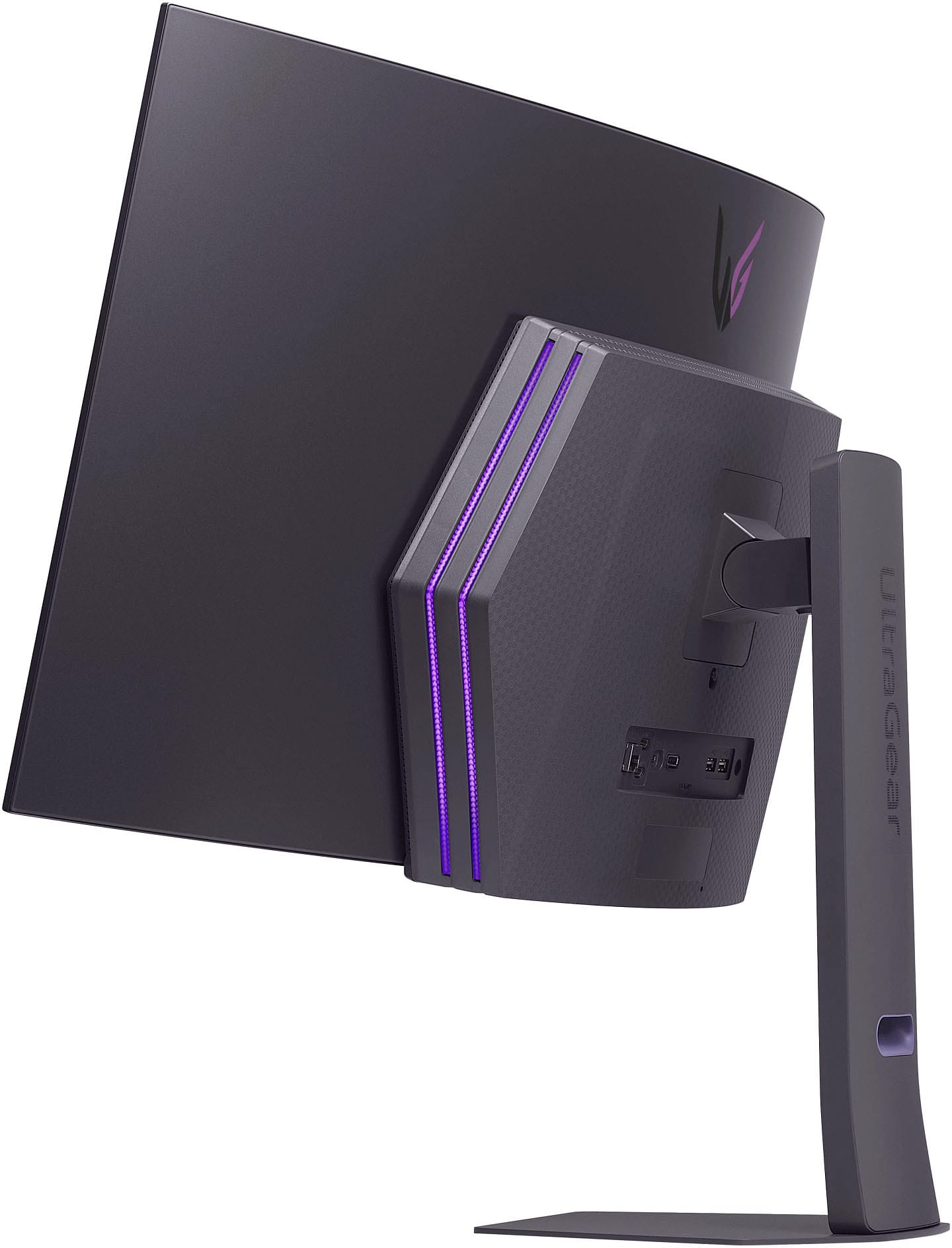
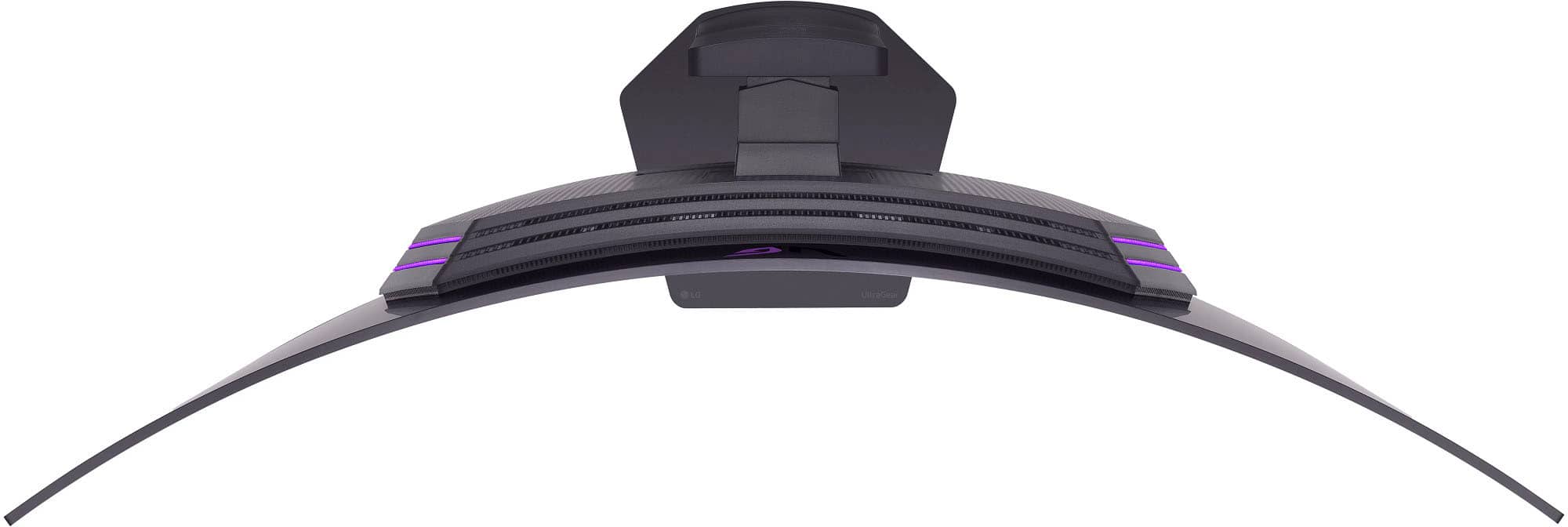
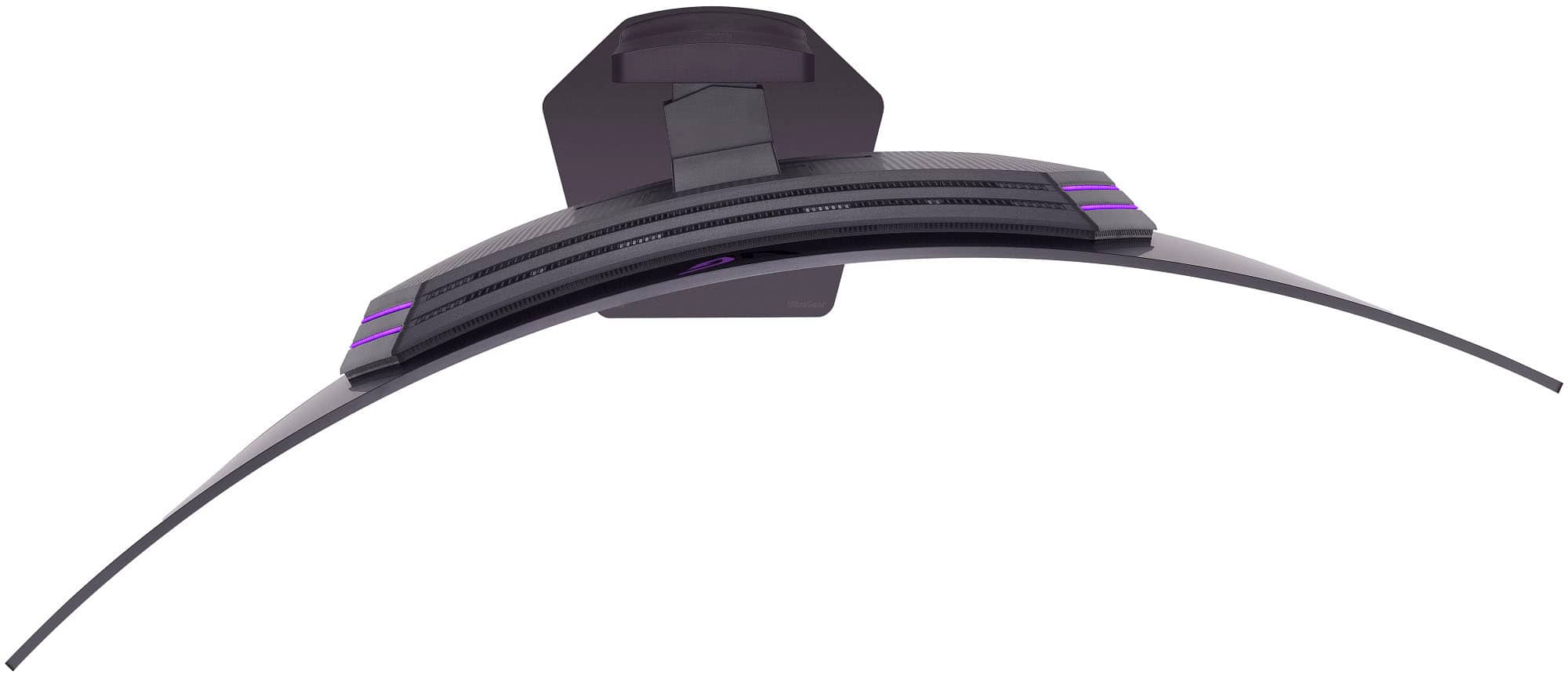
- A:Answer The wall mount that you use to mount the LG 45-inch UltraGear™ OLED WQHD 240Hz 0.03ms G-Sync Compatible 800R Curved Gaming Monitor with webOS, Model # 45GX90SA-B, will determine how far from the wall the monitor will extend. The monitor has a depth of 8.6"...^Ivan.
Answered by LG Digital Customer Care
Q: QuestionHow do I remove the terrible data mining smart tv feature on the gaming monitor? It's crazy you guys charge 1700$ (which is 700$ more than the old model because you added "stupid tv" functionally) but you guys mine so much data and make so much money..
Asked by Jordan.
- A:Answer You do not have to agree to the Smart TV User Agreements on the LG 45 Inch UltraGear™ OLED WQHD 240Hz 0.03ms G-Sync Compatible 800R Curved Gaming Monitor with webOS, Model # 45GX90SA-B. If you do not agree to the terms, you will not be able to use the monitor's smart features or services...^Ivan.
Answered by LG Digital Customer Care
Q: QuestionIs this monitor compatible with the Apple MAC Studio or Mac MINI?
Asked by RAMbis.
- A:Answer Yes, but you have to let Mac control the DPI or you will notice font issues.
Answered by Realist
Q: QuestionCan you really not wall mount this monitor? Is it because of the curve?
Asked by Anonymous.
- A:Answer I was able to mount it to an externa table mount that I previously had for my monitor that I replaced this with. I can't see why you wouldn't be able to use a wall mount. It might must be troublesome to get it mounted because of how big it is.
Answered by John
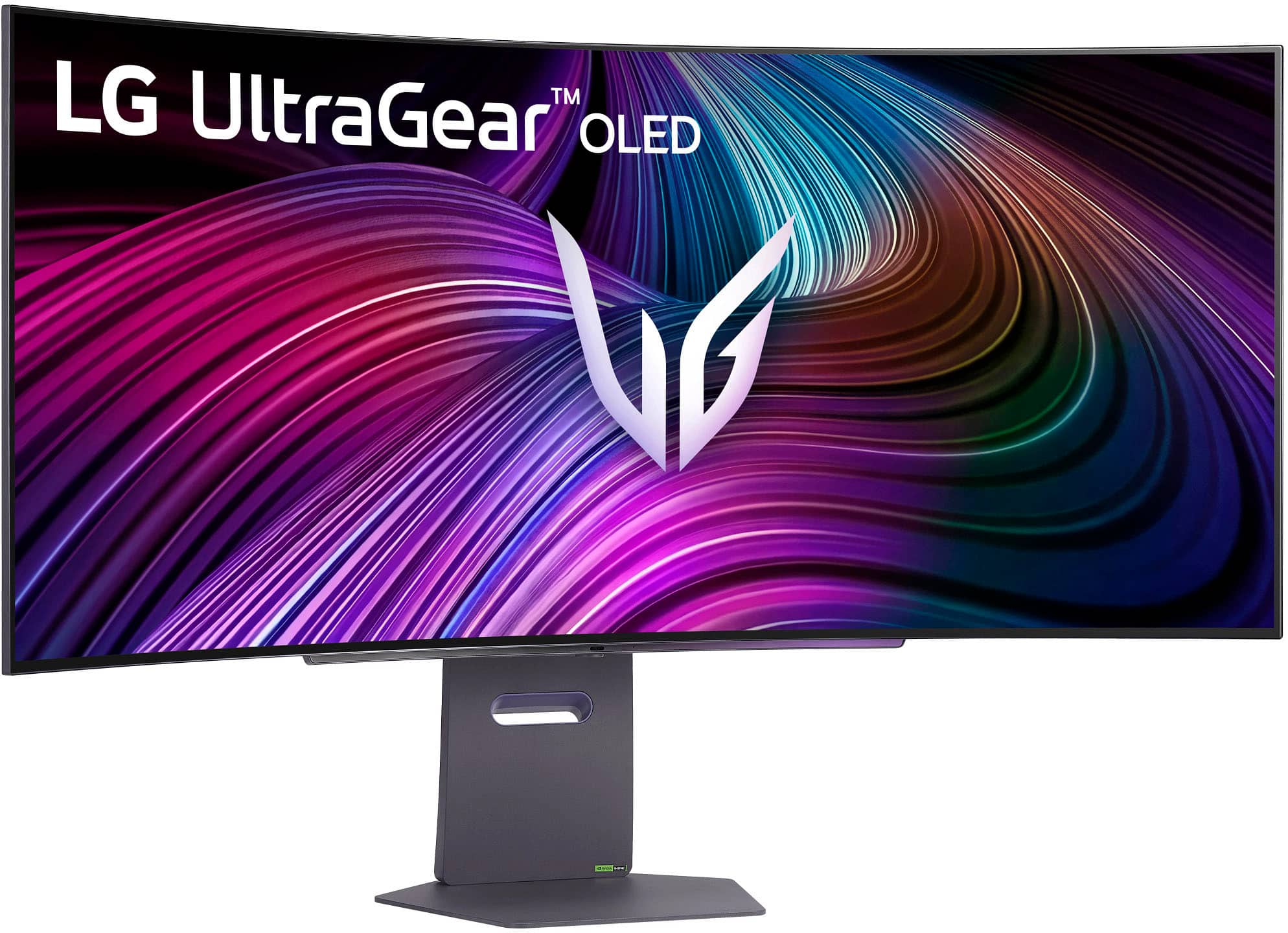
Q: QuestionDoes this monitor stand have the ability to swivel?
Asked by Sam.
- A:Answer The stand for the LG 45 Inch UltraGear™ OLED WQHD 240Hz 0.03ms G-Sync Compatible 800R Curved Gaming Monitor with webOS and DisplayHDR™ TRUE BLACK 400, Model # 45GX90SA-B can be swiveled (Swivel (Angle) -10~10º)...^Ivan.
Answered by LG Digital Customer Care

Q: QuestionCan i Display My PS5 and PC on split screen?
Asked by Loor.
- A:Answer It is a 21:9 Aspect ratio, so splitting the screen would result in 5:4 aspect ratios at best. So not the best for multiple display sessions.
Answered by Realist
Q: QuestionWhy am I not able to.power on my monitor? All I'm getting is a flashing red light... I've owned this for maybe 1 week!
Asked by Brandon.
- A:Answer Hi, there. Thank you for reaching out! We understand your concern about having your LG Monitor (45GX90SA) model not powering on after just one week. We aim to offer top-notch products and ensure a smooth experience. To start troubleshooting, try the following step: Unplug the monitor from the power source, wait for about 30 seconds, then plug it back in. After doing this, check if the red light still flashes or if the monitor powers on. For more help, visit https://www.lg.com/us/support/help-library/lg-monitor-troubleshooting-no-power--20150893043202. If that doesn't work, please send us a private message on social media @LGUSSupport, and our team will be more than happy to help resolve this issue. We’re here to make sure you get the most out of your monitor. ^Juvy
Answered by LG Digital Customer Care

Q: QuestionWhen viewing or streaming a movie, or video content, would you get the full screen 21/9 aspect ratio, or would you still get those black bars on the side? Also, would the image be stretched if you get the full screen watching movies?
Asked by sufka28.
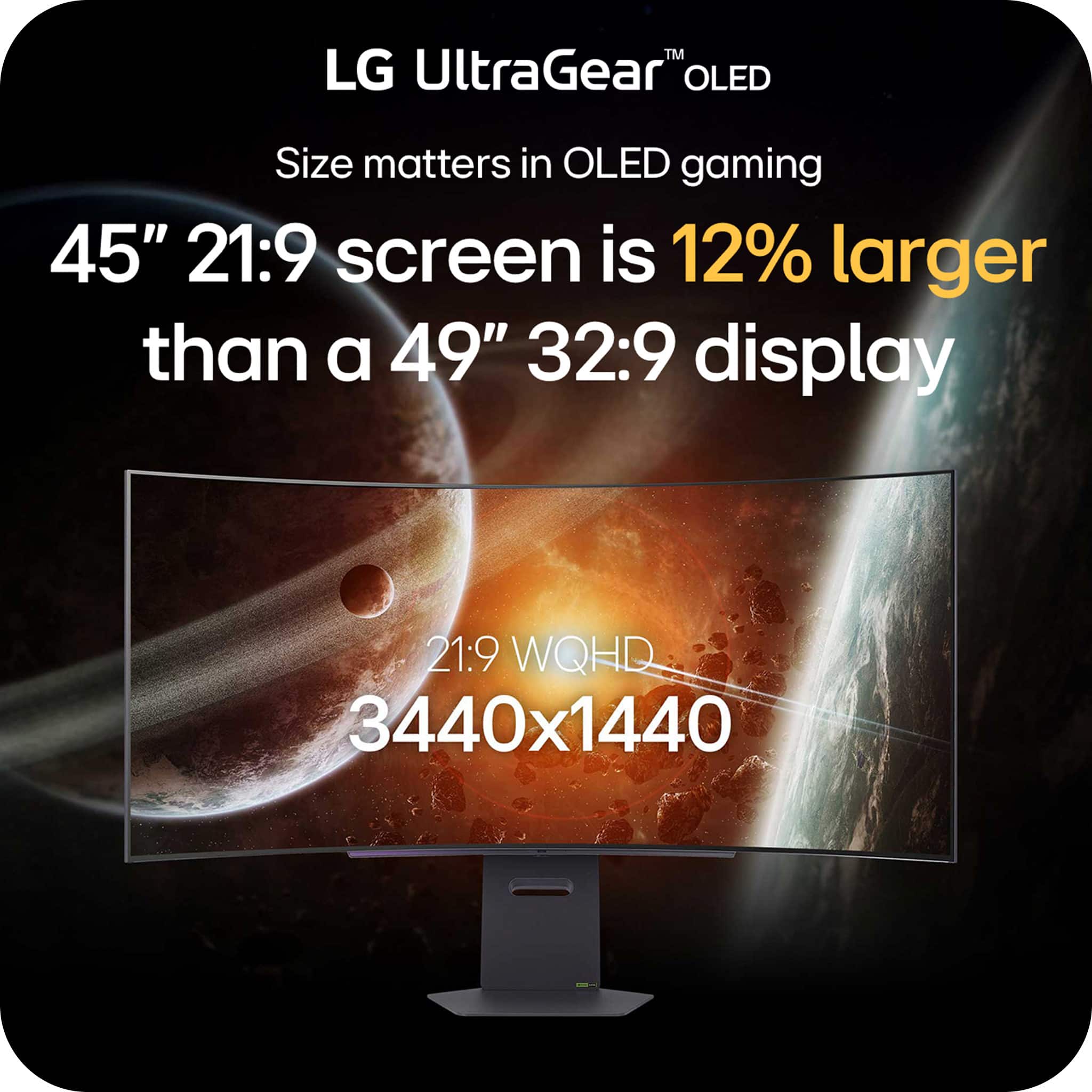
- A:Answer Whether you get black bars on the sides on or the top and bottom of the LG UltraGear™ 45" OLED 240Hz 0.03ms G-Sync®/FreeSync™ Premium Pro Smart Gaming Monitor with DisplayHDR 400 TRUE BLACK - Black, Model # 45GX90SA-B when viewing or streaming a movie, or video content will depend on what aspect ration the movies, or video content are. The monitor has a native WQHD (3440 x 1440) resolution which is an aspect ratio of 21:9. When viewing 16:9 video content on a 3440 x 1440 screen, you will get black bars at the sides, because the content does not match the native resolution or aspect ratio of the monitor. Some movies have a 2.35:1 aspect ratio and those will also have black bars on the top and bottom on a 3440 x 1440 screen...^Ivan.
Answered by LG Digital Customer Care

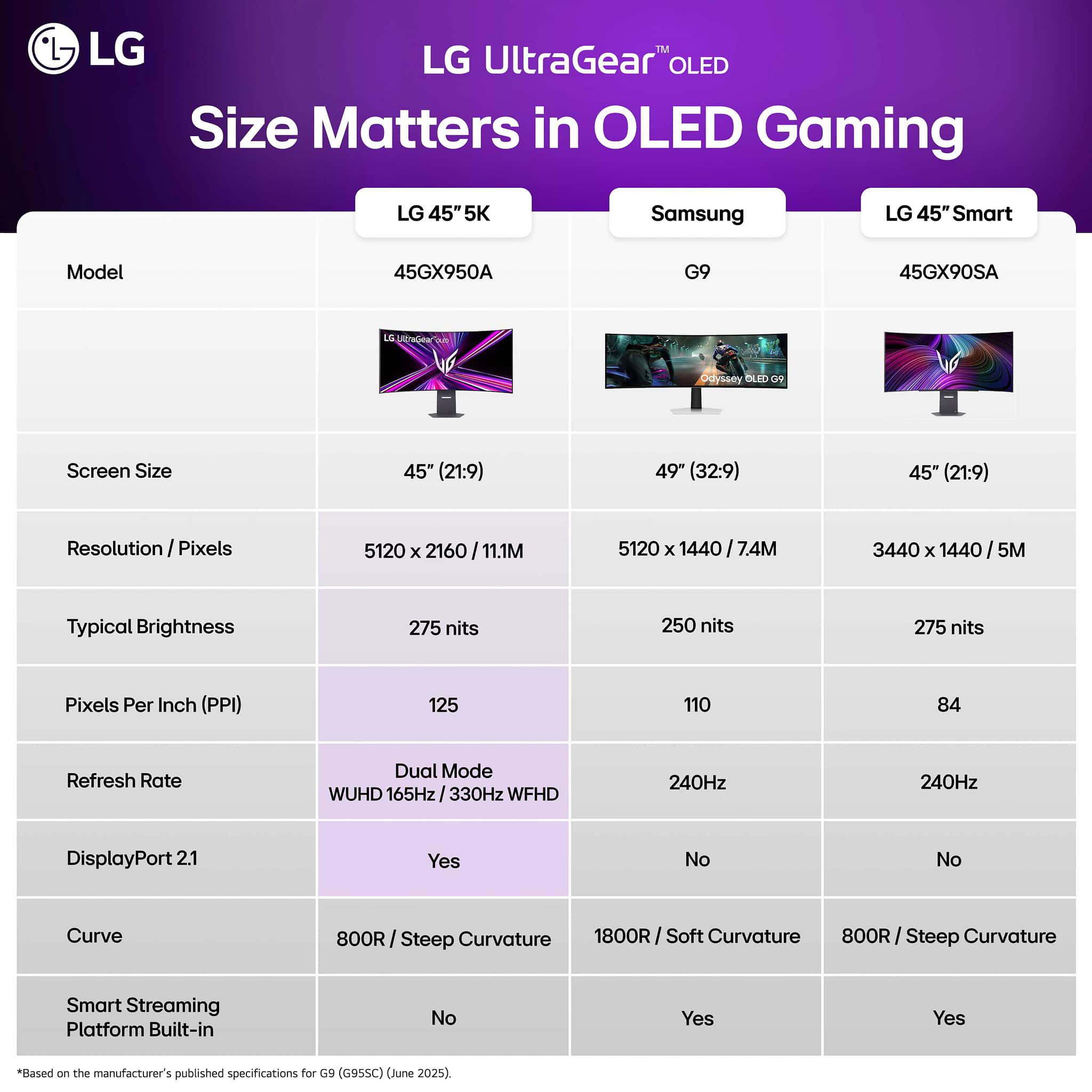
Q: QuestionSee images from the product ad. One says DP 2.1 but the specs are DP 1.4. Why the false advertising?
Asked by JohnnyB.
- A:Answer Thank you for pointing out that discrepancy. The fourth thumbnail image of a DisplayPort 2.1 port for the LG 45-inch UltraGear™ OLED WQHD 240Hz 0.03ms G-Sync Compatible 800R Curved Gaming Monitor with webOS, Model # 45GX90SA-B, is an entry error. The DisplayPort version for the DisplayPort on the monitor is DisplayPort version 1.4, as you have noted. We will have Best Buy correct that!...^Ivan.
Answered by LG Digital Customer Care
Q: QuestionWhy am I not able to use multi view using both HDMI ports to split my laptop screen in to two? I want to be able to use this monitor instead of having two separate monitors.
Asked by Sam.
- A:Answer Multi View is a feature for LG Smart TVs that support the feature. The feature on the LG UltraGear™ 45" OLED 240Hz 0.03ms G-Sync®/FreeSync™ Premium Pro Smart Gaming Monitor with DisplayHDR 400 TRUE - Black, Model # 45GX90SA-B that splits the screen in two so you can view two external video input sources simultaneously side-by-side on the monitor is a feature called PBP (Picture-by-Picture)...^Ivan.
Answered by LG Digital Customer Care
Q: QuestionPlease share the steps on finding the feature called PBP (Picture-by-Picture) on the lg 45gx90sa-b monitor. I have tried all the settings and have updated the software and downloaded the required application and I still can’t find this feature.
Asked by Sam.
- A:Answer Hello there, Sam. Thank you for sharing your inquiry with us. We understand that you're trying to locate the Picture-by-Picture (PBP) feature on your LG UltraGear 45" OLED Gaming Monitor (45GX90SA-B) and have had difficulty finding it. The LG 45GX90SA-B monitor does support PBP, which allows you to display content from two different input sources simultaneously on your screen. Based on typical LG monitor menu structures, here's how you can usually find and enable this feature: Access the On-Screen Display (OSD) Menu: Press the joystick button (usually located at the bottom center of the monitor) to bring up the OSD menu. Navigate to Settings: Use the joystick to navigate through the menu and select "Settings" (or a similar option like "Menu" or "Function"). Find PBP/PIP: Look for an option related to "Input," "Picture," or "Display." Within these sections, you should find "PBP (Picture-by-Picture)" or sometimes "PIP (Picture-in-Picture)" which might lead to PBP settings. Select PBP Mode: Once you find the PBP option, select it. You might then need to choose the layout (e.g., side-by-side) and assign the input sources for each side of the PBP display (e.g., HDMI 1 for one side and DisplayPort for the other). Confirm Settings: After making your selections, confirm them to activate PBP. It's important to note that for PBP to function, you generally need to have two active input sources connected to the monitor (e.g., a PC connected via DisplayPort and another device via HDMI). Some PBP functionalities might have limitations regarding resolution and refresh rate depending on the input combination. If you've already explored the OSD menu thoroughly and still cannot locate it, or if the options are greyed out, please ensure that you are using compatible input combinations as some monitors have specific requirements (e.g., not all input types may support PBP simultaneously). https://www.bestbuy.com/site/lg-ultragear-45-oled-240hz-0-03ms-g-sync-freesync-premium-pro-smart-gaming-monitor-with-displayhdr-400-true-black/6619493.p?skuId=6619493 Your feedback is important, and we'd like to assist you further. Please send us a private message on Social Media @LGUSSupport and our team will be more than happy to explore possible solutions. We appreciate your patience. —Renzo

Answered by LG Digital Customer Care