A:AnswerHi Astroboy.
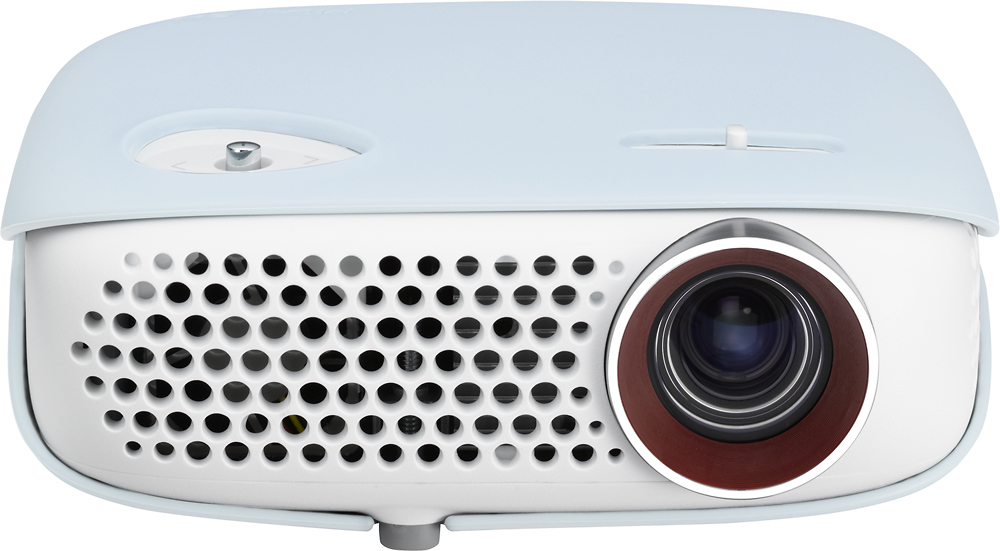
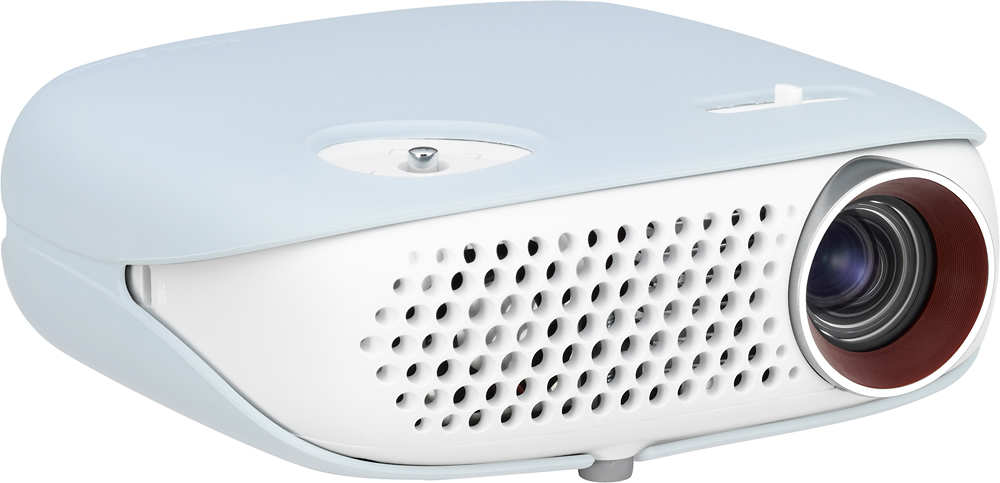
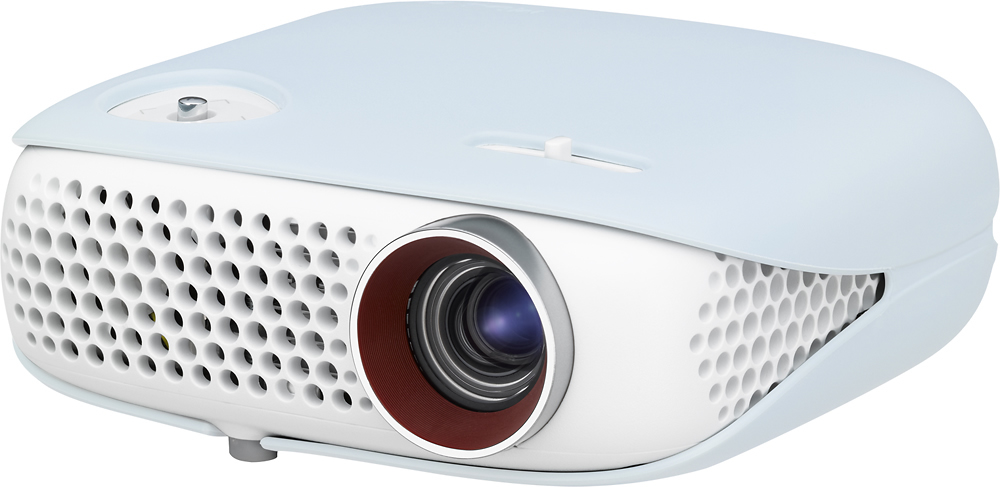
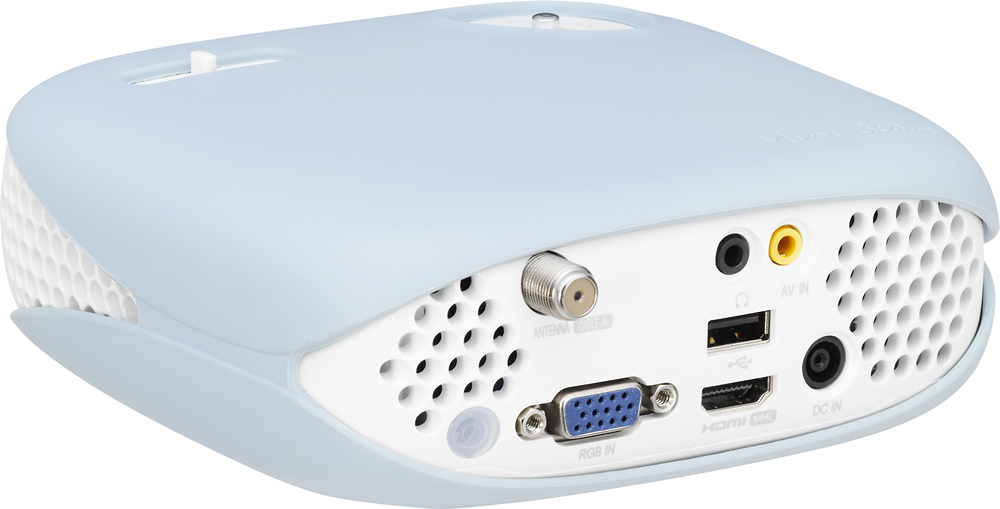
You can see document files stored on a connected device on the LG - WXGA LED DLP Projector, Model # PW800. The supported file formats are; XLS, XLSX, DOC, DOCX, PPT, PPTX, TXT, PDF, HWP Microsoft Office 97/2000/2002/2003/2007 versions.
Adobe PDF 1.0/1.1/1.2/1.3/1.4 versions
Hangul: 97/2000/2002/2005/2007 Versions. File Viewer realigns a document, so it may look different from what is displayed on a PC. For documents that include images, the resolution may look lower during the realigning process and if the document is large or has many pages, it may take longer to load.
Unsupported fonts may be replaced by other fonts and the file viewer may not open for
Office documents that contain many high resolution images. In that case, you would have to
reduce the image file size, save it on a USB storage device and run the file viewer again or connect your PC to the projector and open the file on your PC. You can also use the Screen Share feature on this unit if you have devices that support Screen Share, by connecting the projector from the search list of the device you want to connect to and a pin code will be shown on the initial connection and if the device you wish to connect to accepts the pin code, then Screen Share is started. Windows 7 / 8 / 8.1 are compatible with SCREEN SHARE. However, other versions of Windows, and some other operating systems, may not be compatible with
SCREEN SHARE. Ice Cream Sandwich, Jellybean, and KitKat versions of LG’s Android devices are guaranteed to be compatible. Certain Windows 8.1 laptops may have difficulty in reconnecting when initializing the device information during a wireless connection. In this case, it is recommended that you remove the registered device and reconnect. You can view photos stored on a connected device, but only JPEG files are supported. Non-supported files are displayed in
the form of an icon and may take some time to view high resolution images in full screen.You can control playback to select the previous or next photo. The Slide Show function will allow you to display all photos during slide show and you can set Slide Speed in the Option ? Set Photo
View. menu...^IFV