A:AnswerI noticed that it took a while for all of my devices (TVs, iPhones, printer, thermostat, and PCs) to log in when I initially brought the router up, but no issues with this otherwise. I did have a bit of a problem when I disconnected, but forgot to unplug, my old router, and so had two devices with the same ID, but that was quickly resolved.
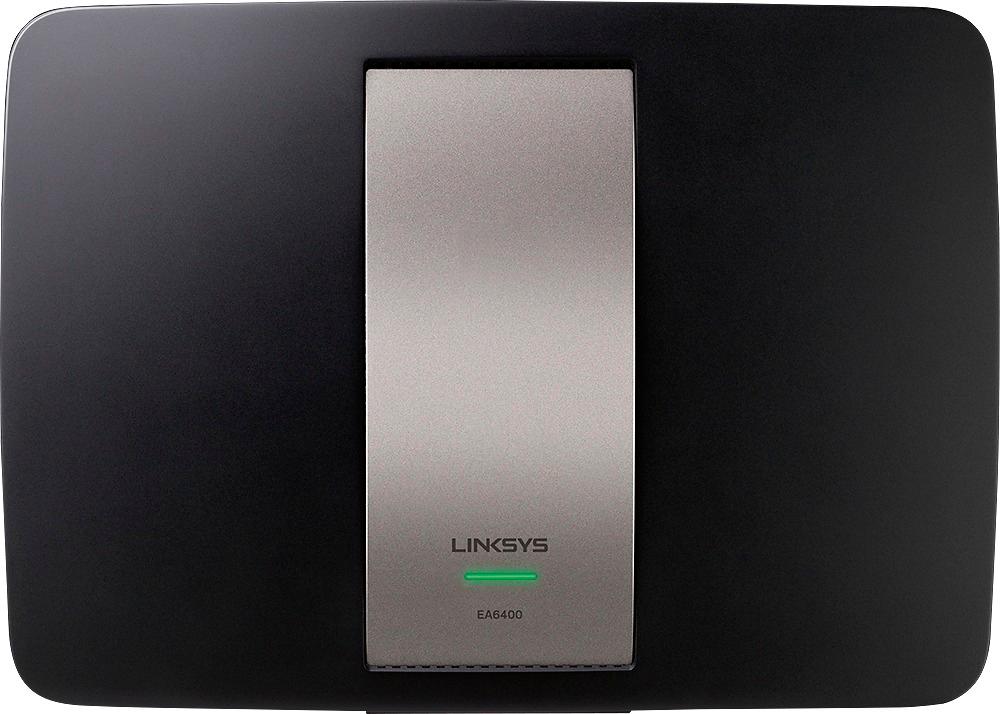
A:AnswerThe answer is no. It cannot increase internet speed. It can increase distance of speed. Speed is regulated only by the max speed your device can process
A:AnswerThe number of wireless devices is only limited by available IP addresses. That should give you up to 256 devices at any one time if you did not change/limit the IP range.
A:AnswerYour Verizon router is probably a modem as well, and you'll still need that part of it. You can still plug this router into the Verizon one and run off of this router's wifi instead.
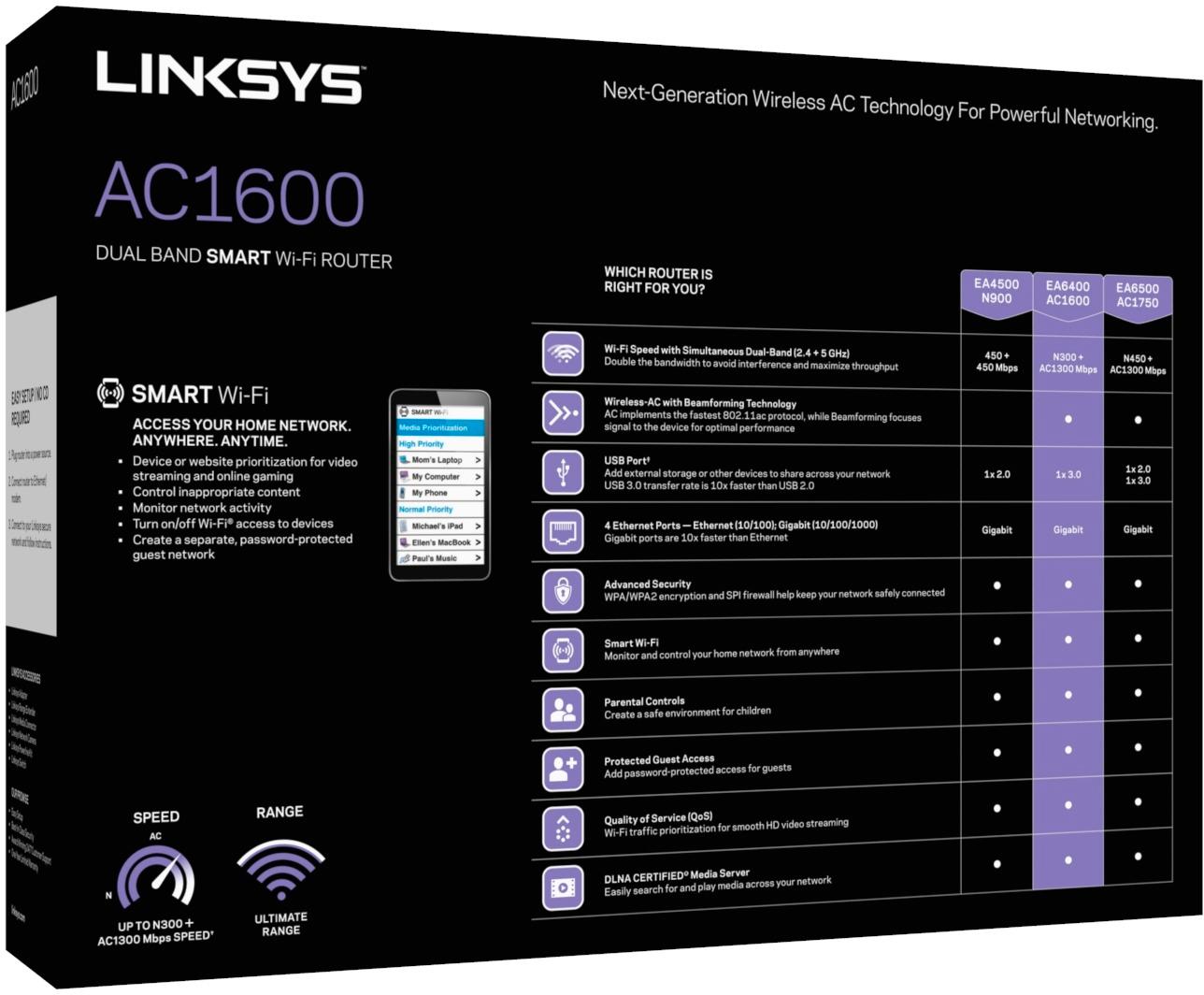
A:AnswerHello there. You would not need other parts for the setup. Check this link out for more details about the router's Media Prioritization feature: https://www.linksys.com/fi/support-article?articleNum=138353.