A:AnswerYes. The Linksys EA7450 has the Parental Control feature that allows you to block a device by a specific time or to restrict internet sites on specific devices for users within your network. You might find this link interesting: https://www.linksys.com/us/support-article/?articleNum=140897
A:AnswerHi. Please note that the Linksys EA7450 is a dedicated router and cannot function as a modem.
We suggest that you verify with your ISP if you need a dedicated router or a gateway (modem/router) to make sure.
Should you have further questions, feel free to email us at [email protected].
A:AnswerYes! I have Xfinity Comcast as my internet provider and just bought this WiFi router recently. It has worked great so far, a very noticeable improvement from one I had from Bellingham that was a few years old. I have been happy with this purchase!
A:AnswerHi Arthur. The Linksys EA7450 does not come with an installation CD. You can easily set it up via the web browser or on the Linksys app. Additionally, this router is compatible with any modem and should work with your mentioned device.
As for VPN, yes, the Linksys EA7450 allows Virtual Private Network (VPN) tunnels.
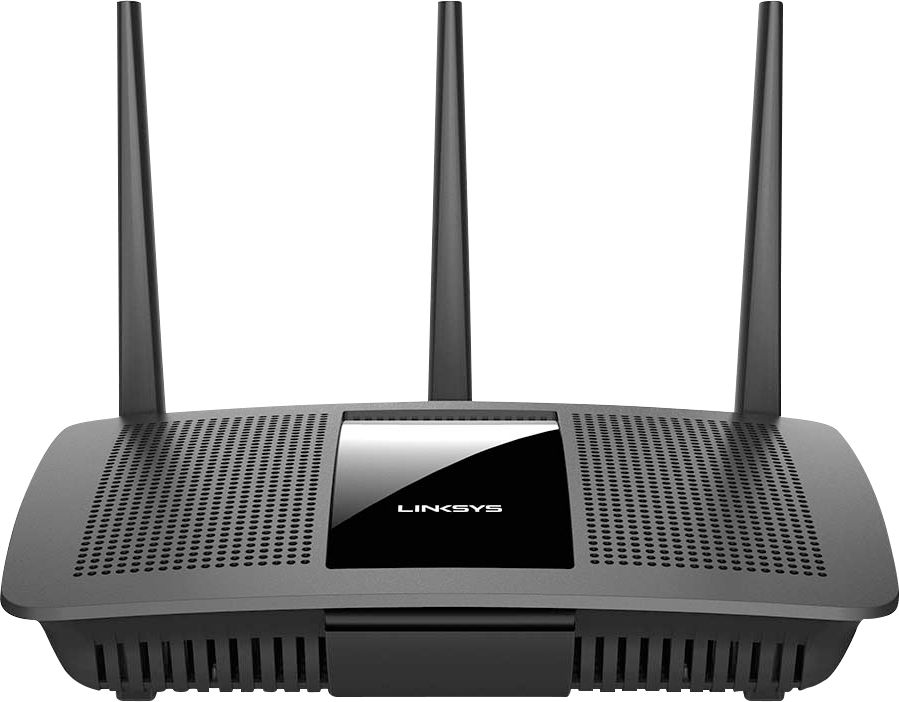
A:AnswerHi. These are the things that we need to consider before connecting a wireless printer:
- The router is working properly.
- The wireless printer must support WPA/WPA2 wireless standard.
- Ensure that the printer is about 3-10 feet away from the router.
- The printer's software and drivers are ready. Make sure to check the printer's manual for instructions.
Reach out to [email protected] should you need further assistance. Include the link to this post for reference.
A:AnswerYes this router will work, as to your connection with numerous devices working, your speed/connectivity/performance is something you'll have to sign up with your ISP Suddenlink or whomever you use to connect to the “interwebs”.
A:AnswerHi, Chris. The available wireless channels may vary depending on your region. Thus, the 2.4 GHz band has three (3) non-overlapping channels: 1, 6 and 11. The most commonly used channel is 6. While the 5 GHz band coupled with its 23 non-overlapping channels.
A:AnswerHi, ED. You may need to configure the Linksys EA7450 before you will connect your devices to the network (wired and wireless). For setup process, you may check out the following links:
-Using Android device: https://www.linksys.com/us/support-article?articleNum=315100
-Using iOS device: https://www.linksys.com/us/support-article?articleNum=316934
-Using Smart Setup Wizard: https://www.linksys.com/us/support-article?articleNum=142526
A:AnswerHi, Mulva. The Linksys EA7450 WiFi 5 router works with any modem or modem/router (gateway) that is provided by the ISP connected to the Internet/WAN port.