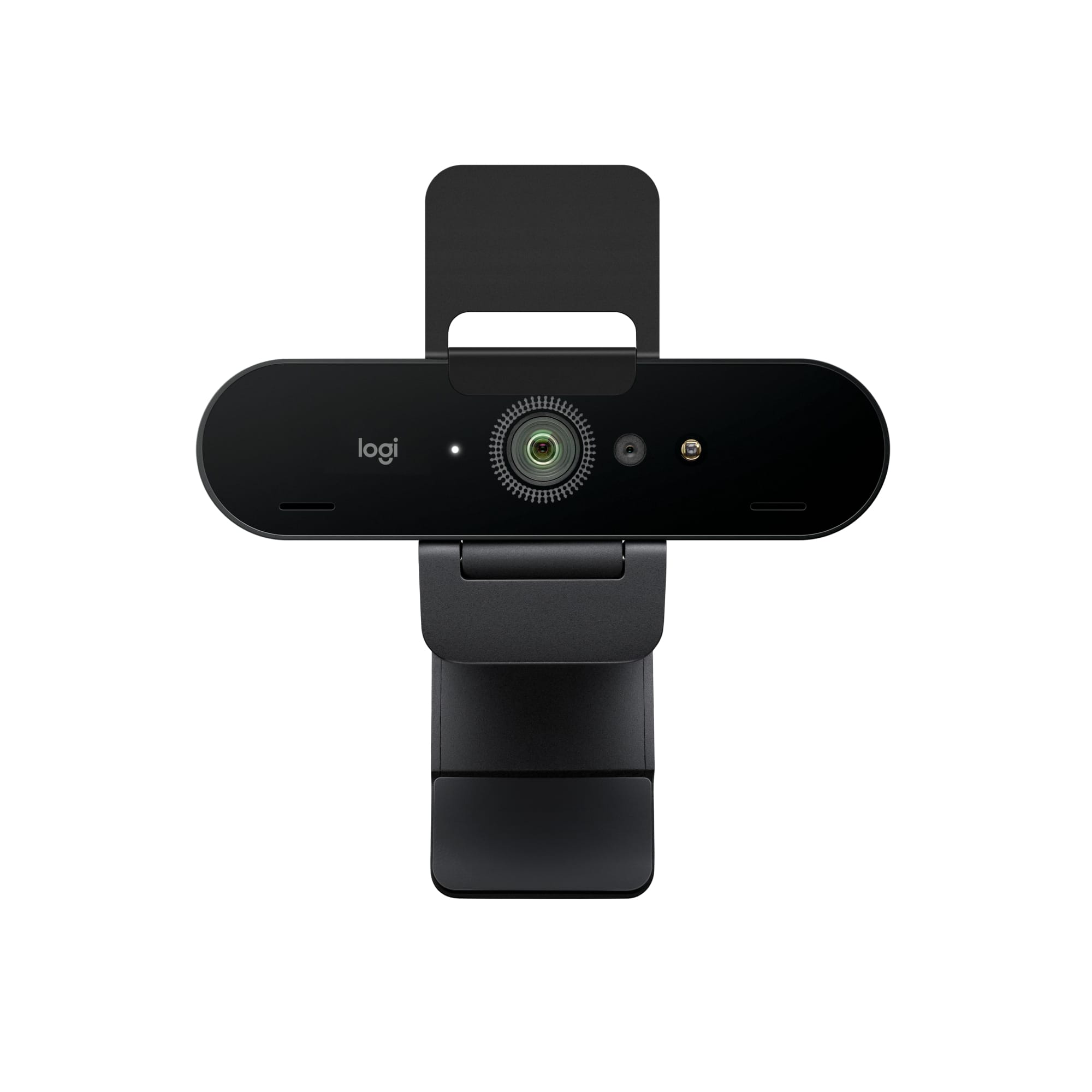
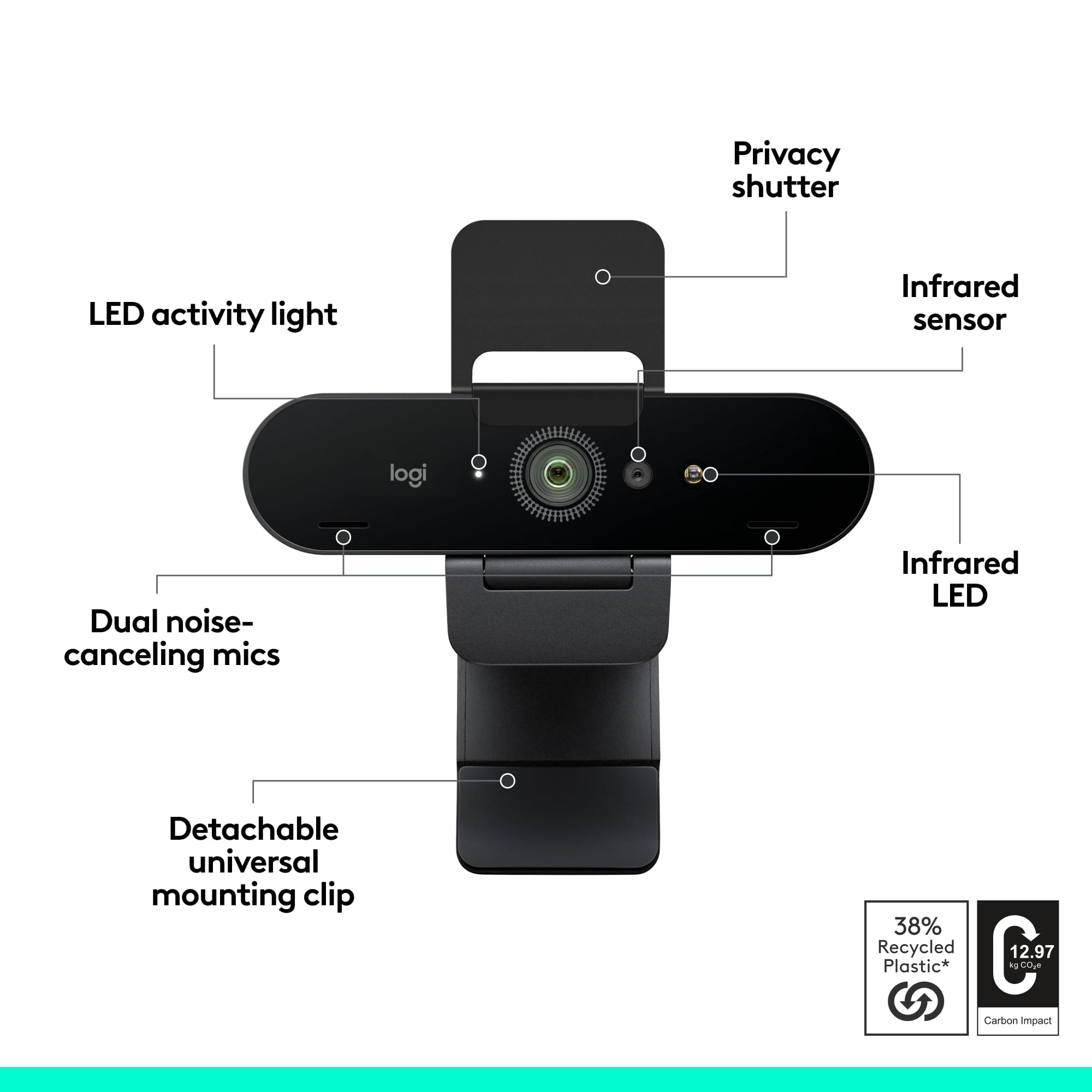
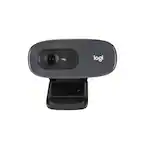
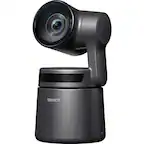
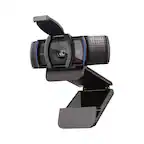
A:AnswerThe StreamCam Plus has 1080p and 60 fps. The 4K Pro has 4K or 1080p. The C922 Pro Stream has 1080p or 60 fps @ 720p. The C920s has 1080p, and any of these webcams are more than capable of excellent performance with Zoom and virtual background.
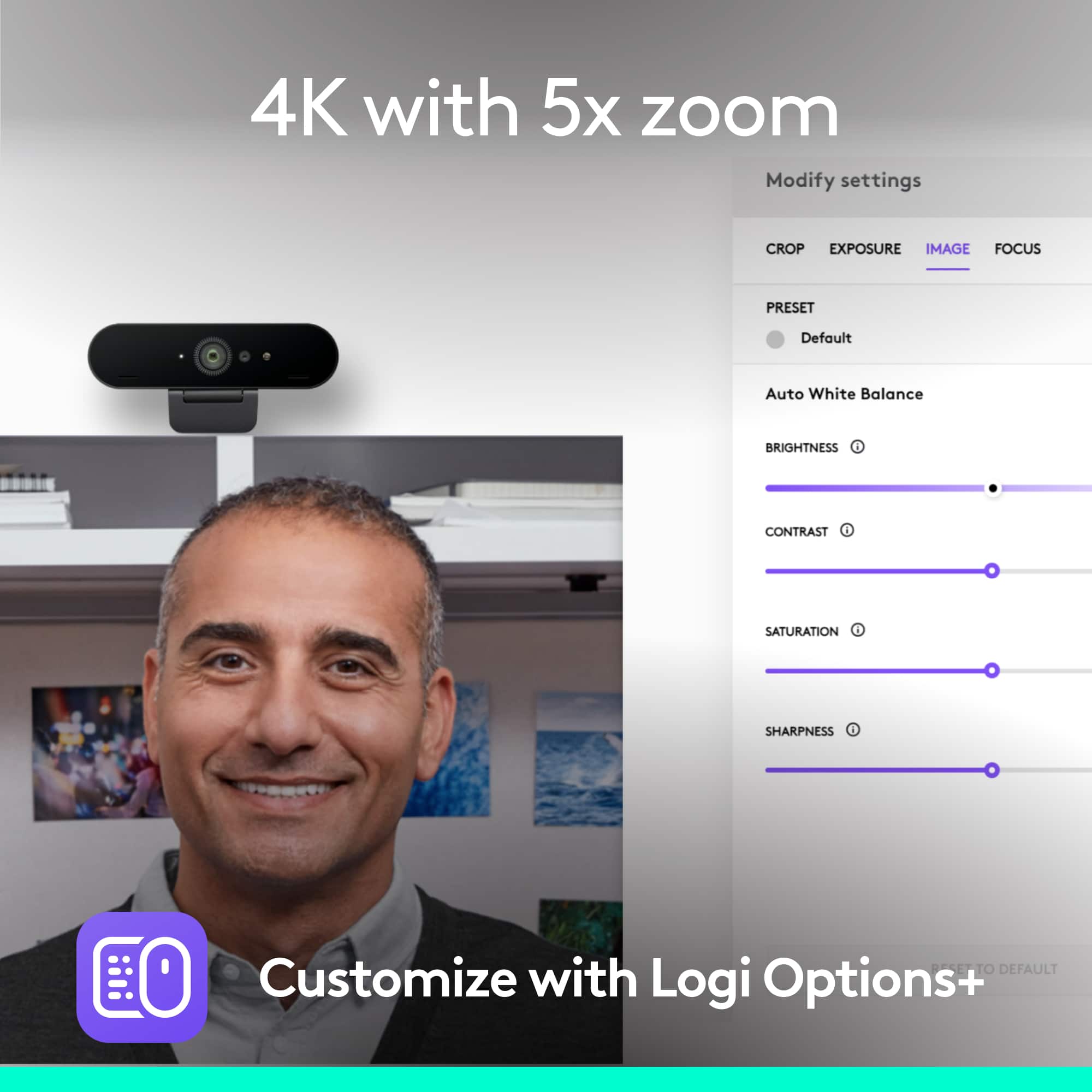
A:AnswerYes, this webcam in compatible with your Dell computer and will give you the Zoom virtual background capabilities you are looking for. Make sure to also download the free Logitech Capture software to help adjust your camera features as well.
A:AnswerThe webcam will work with your computer that you have attached to your tv for use as a monitor. The webcam itself will not work as a solution connected directly to your tv.
A:AnswerIt's pretty clear for a conference room but ultimately the question is how large of a video conference room. If it's to large you'll need better sound and mic that the built in and the camera may have issues at people further back while focusing on people up close.
A:AnswerThe 4K Pro Webcam will work great with most computer software capabilities. It will provide high quality video, which you can use for many green screen / virtual backgrounds.
A:AnswerThe 4K webcam is designed to work with your computer, which you can connect to your TV as a monitor. It depends on the TV, but most do not work without a computer connected.