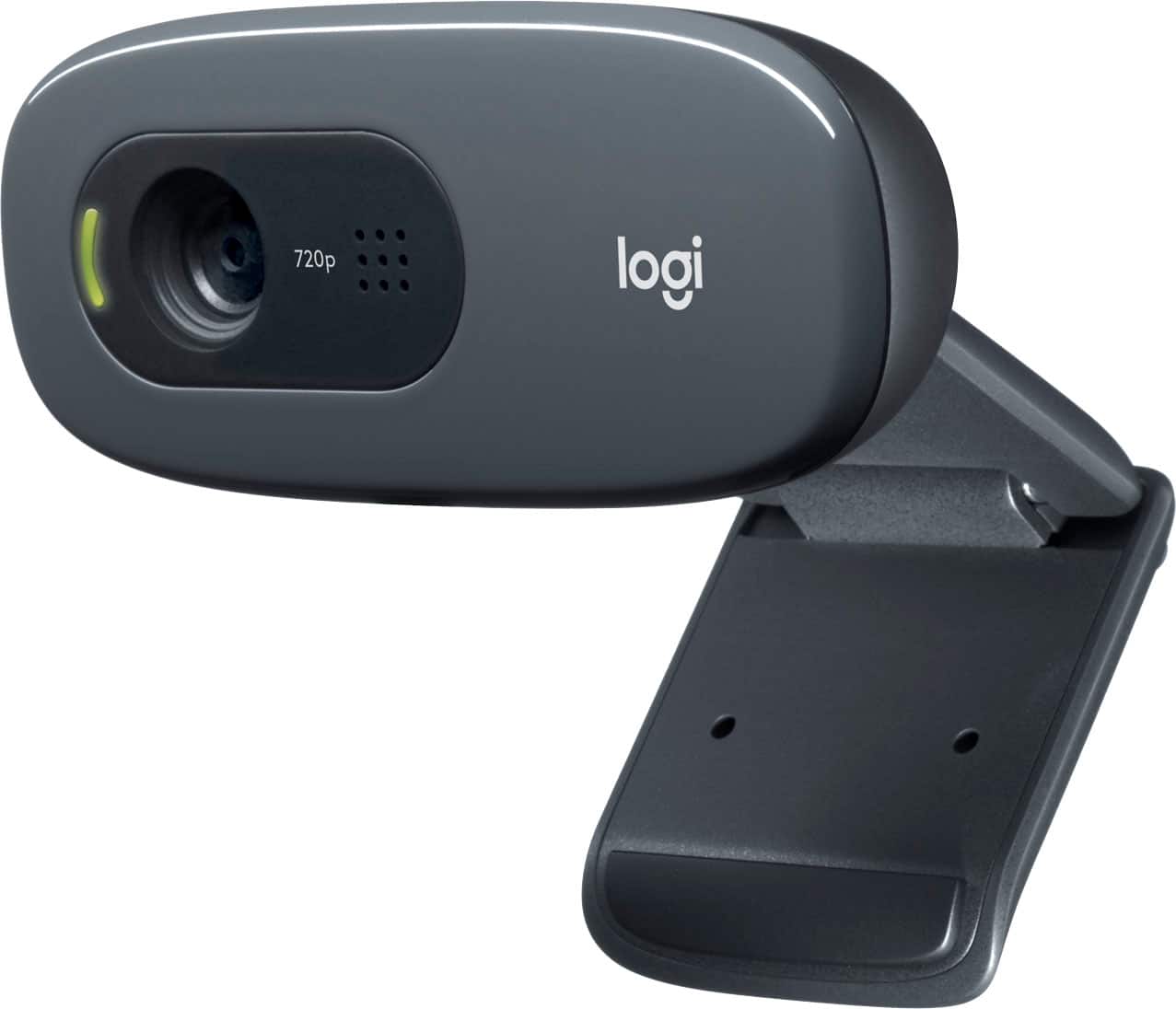
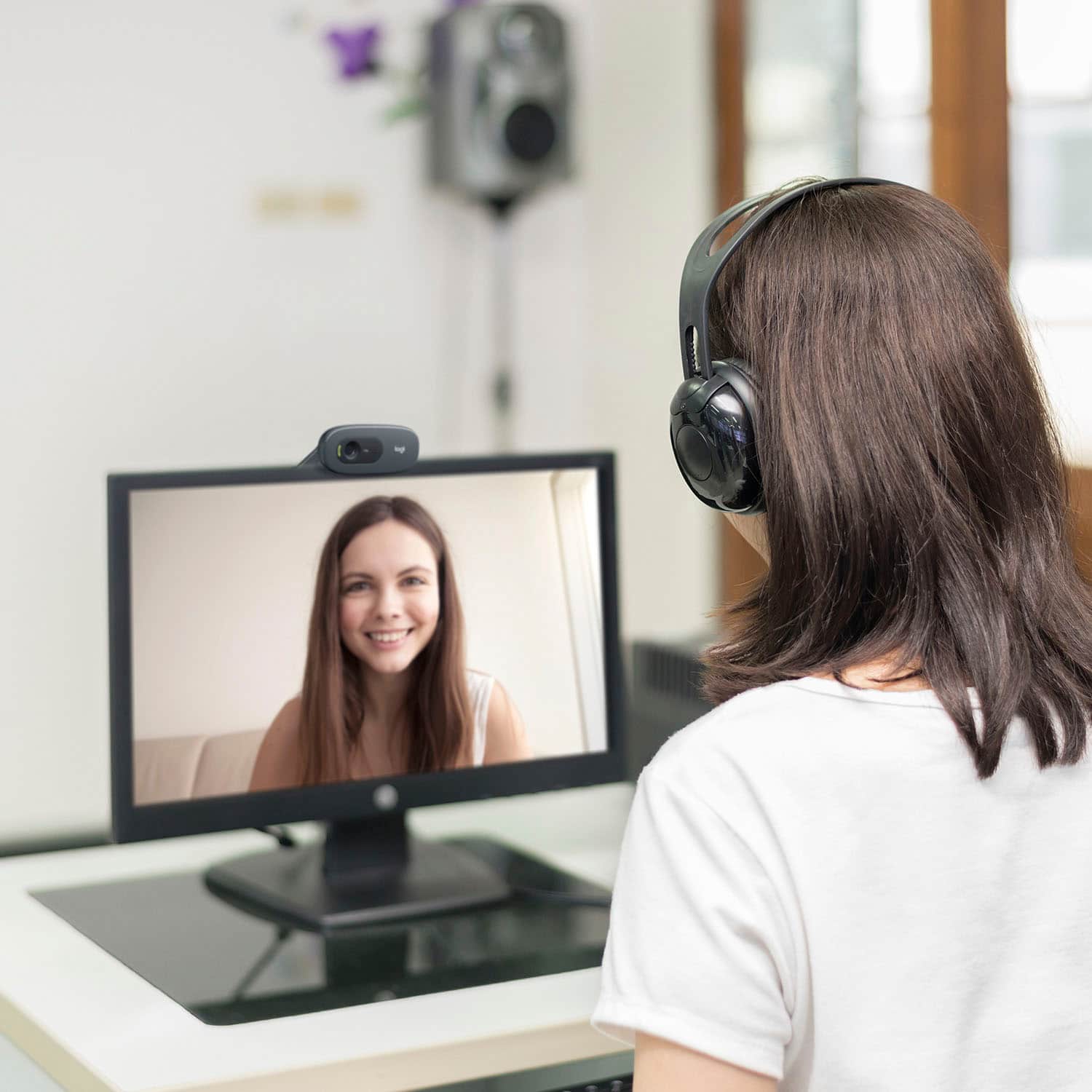
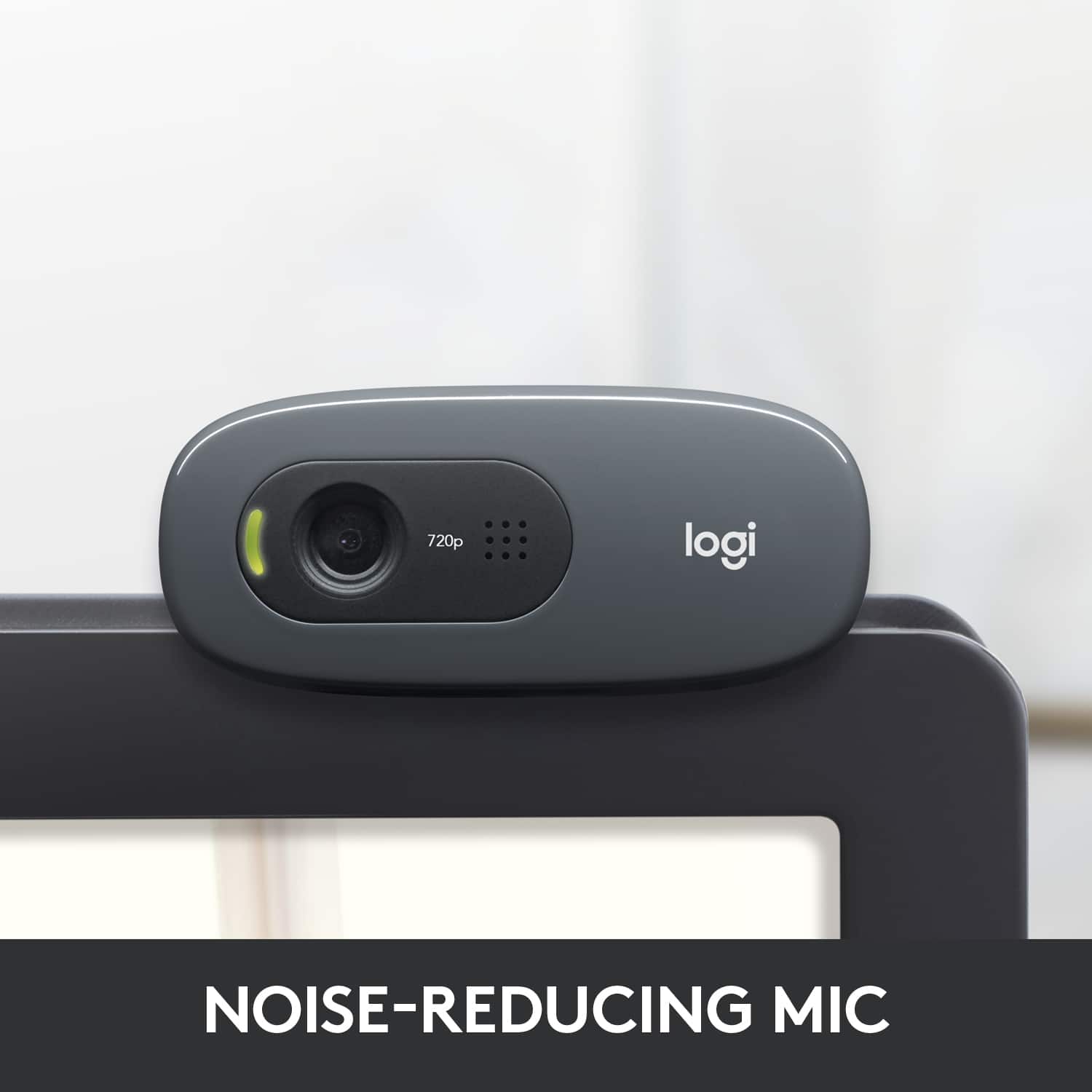
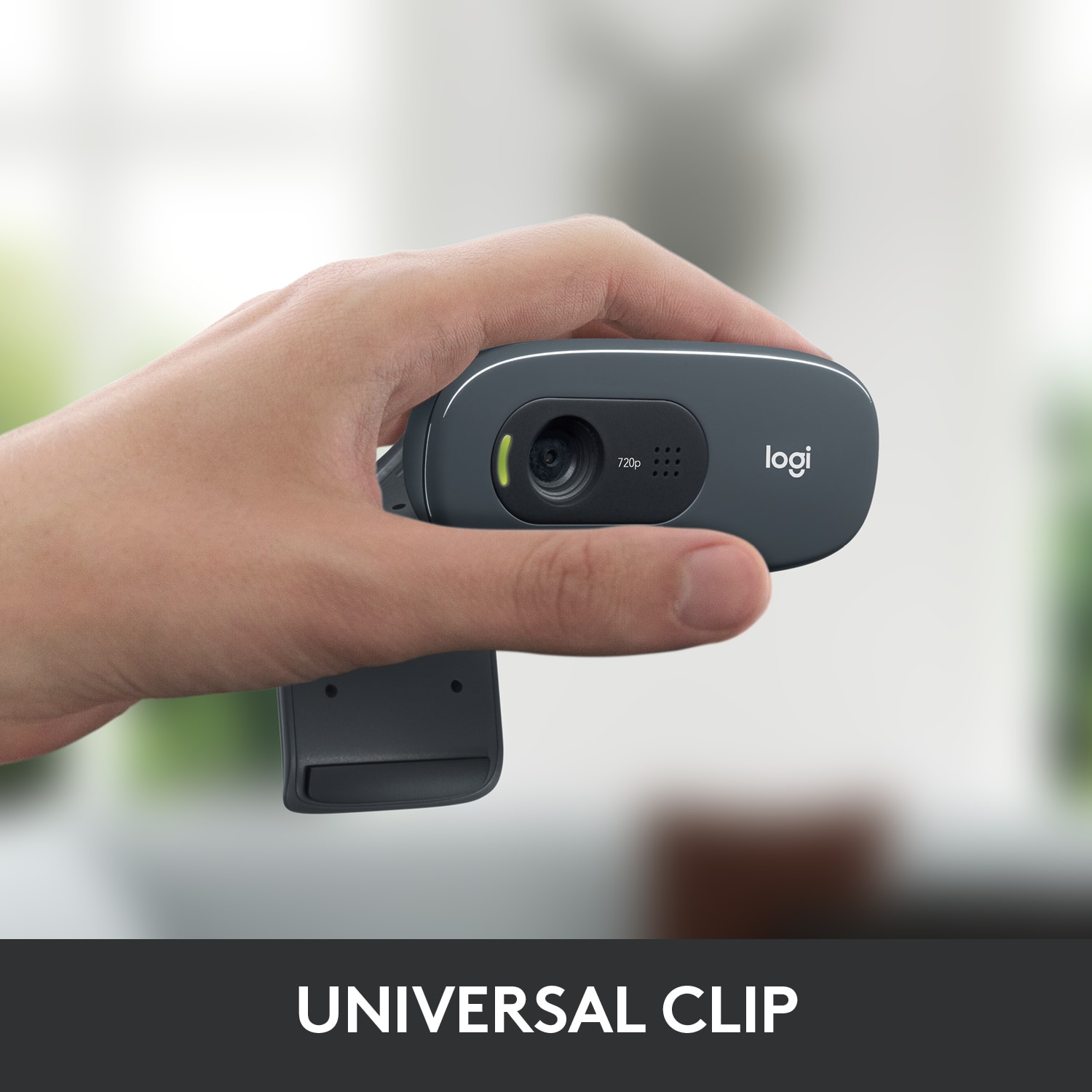
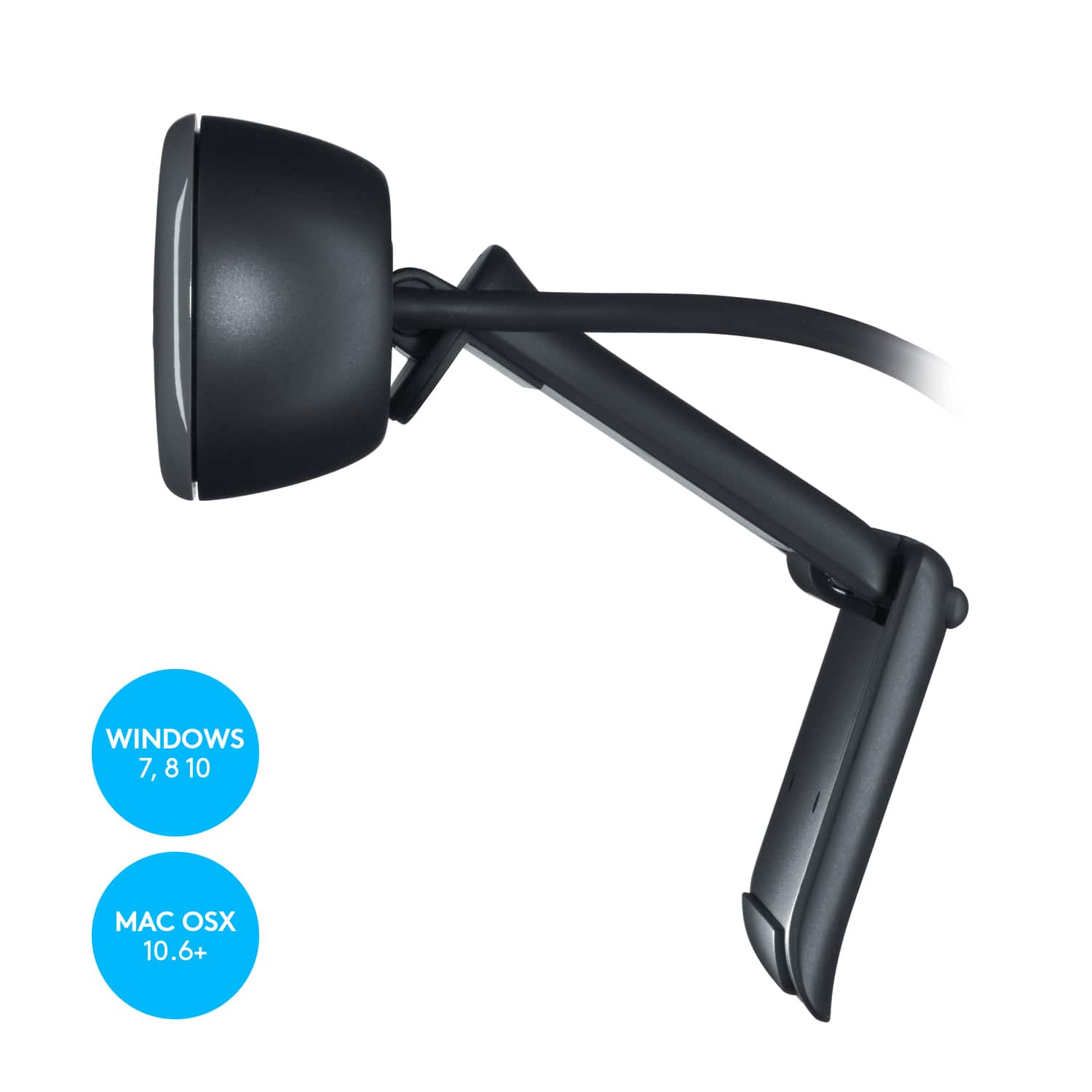
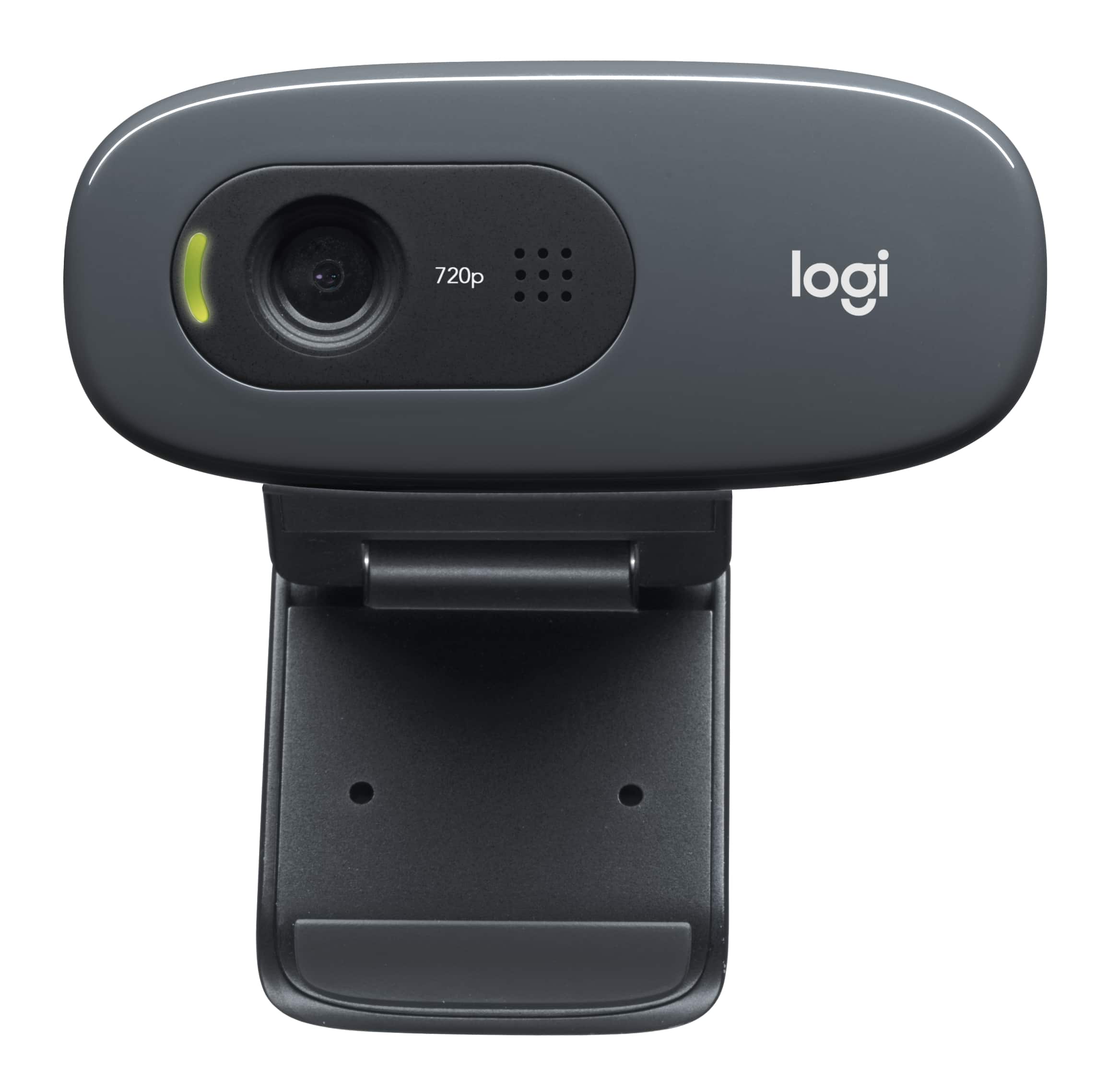
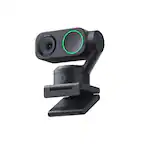
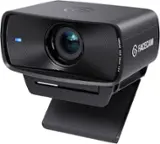
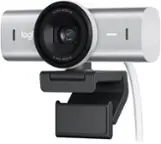
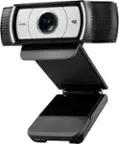
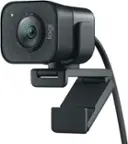
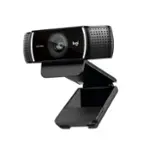
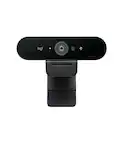
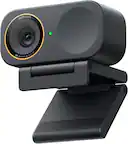
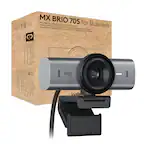
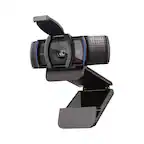
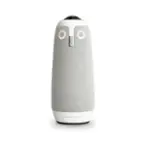
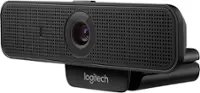
A:Answer Yes, perfectly. I use it for teams. People have told me I sound chrystal clear and the background on teams work as well. My image is sharp and clear. Note that it does not have a camera cover, but they are available on the market. My laptop had sound issues so I also bought logitech speakers to complete the set. Better sound and no echo issue just be sure to check your settings. It is just plug in and go. At this time I am pleased with mine. I bought headset too, but with speakers and camera/microphone a headset really is not needed, but good to have on hand if needed.