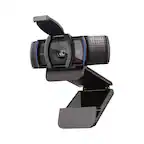
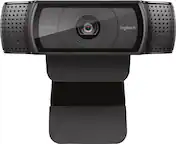
A:AnswerYes, the Logitech C920s Pro 1080 webcam is compatible with the Xbox Series X. You can directly connect it to one of the USB ports on your console and use it for streaming or video calls.
A:AnswerThe Logitech C920s Pro webcam is primarily designed for use with computers and laptops. It's compatible with Windows 8 or later, macOS 10.10 or later, and ChromeOS.
A:AnswerThe Logitech C920s Pro 1080 is not compatible with Xbox Series X/S or PS5. It's designed for use with computers running Windows 8 or later, macOS 10.10 or later, or ChromeOS.
A:AnswerYes, the Logitech C920s Pro webcam is compatible with Mac desktops, including those with the M1 chip. It connects via USB-A, and the software is compatible with macOS. You should be able to use it without any issues.
A:AnswerHey! In order to assist you effectively, please provide your information to our support team by emailing socialcare@logitech.com. Name – Email address – Country – Product name – Brief description of the issue –