A:AnswerNo. I was able to set it up on my Win10 laptop, but it is not recognized in Win11. Logitech tech support said it is not compatible with Windows 11, and their suggestion was that I use my Win10 device. I tried asking Microsoft support what joystick works with Win11, and they can't find an answer. So Logitech and Microsoft have both bailed on PC gamers.
A:AnswerI use this stick for Elite Dangerous. It works well, very little ship drift while sub-warping to distant space docks. I program the throttle for both forward and reverse action. Midway is the stop. You can program the hat switch for views. I use the main trigger button for beams and the thumb trigger for cannons. You still have 10 other buttons to program for whatever you like. I always program one for return to center view (you can control the hat switch to do the same but return to center button is instant). The stick has good feel and is built solid. Stays put on your desk during use. I think you would have to spend over 100 bucks to top it.
A:AnswerWhile I do not know the windows flight simulator, I am certain you will have little to no problems using this joystick for it.
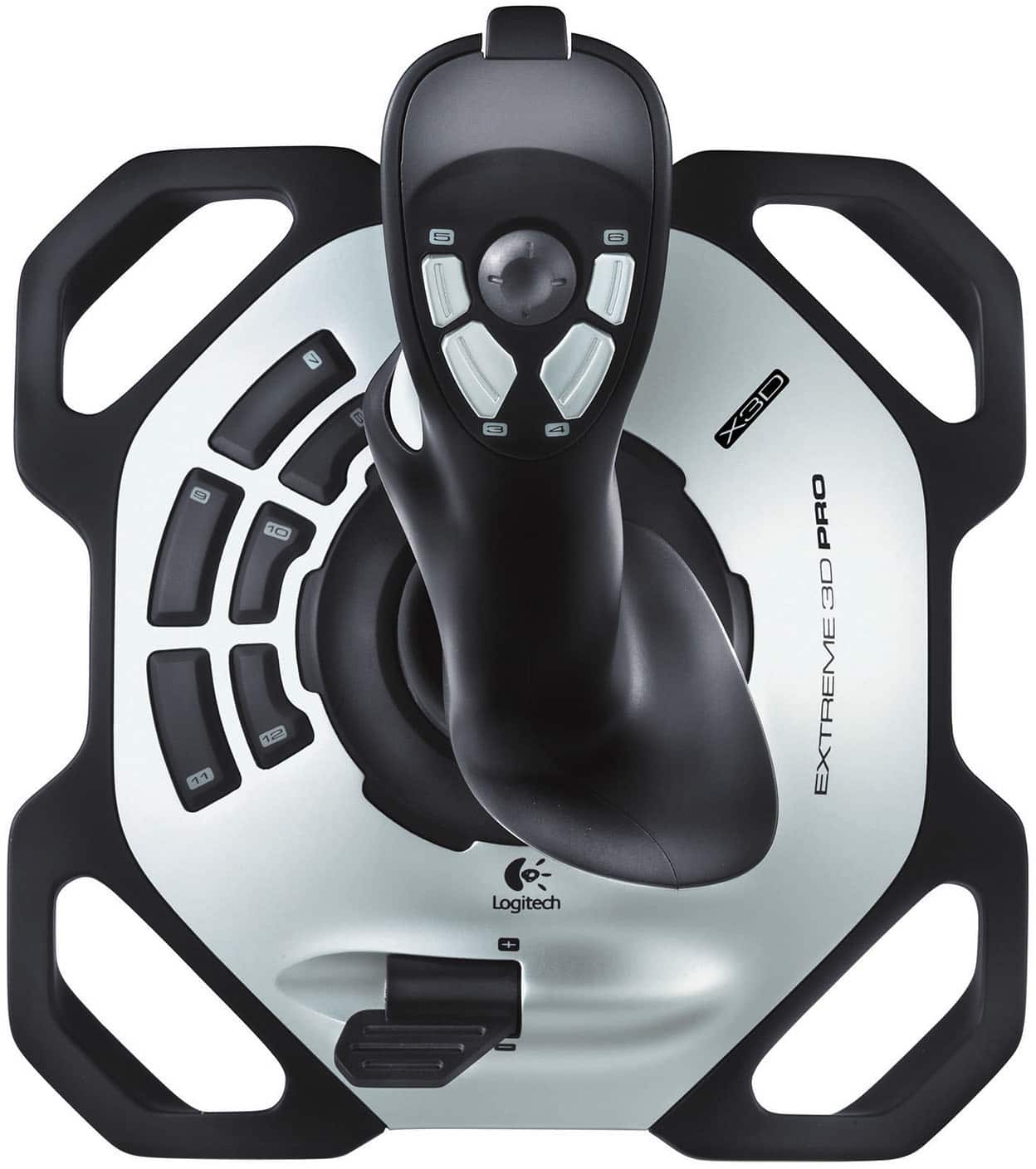
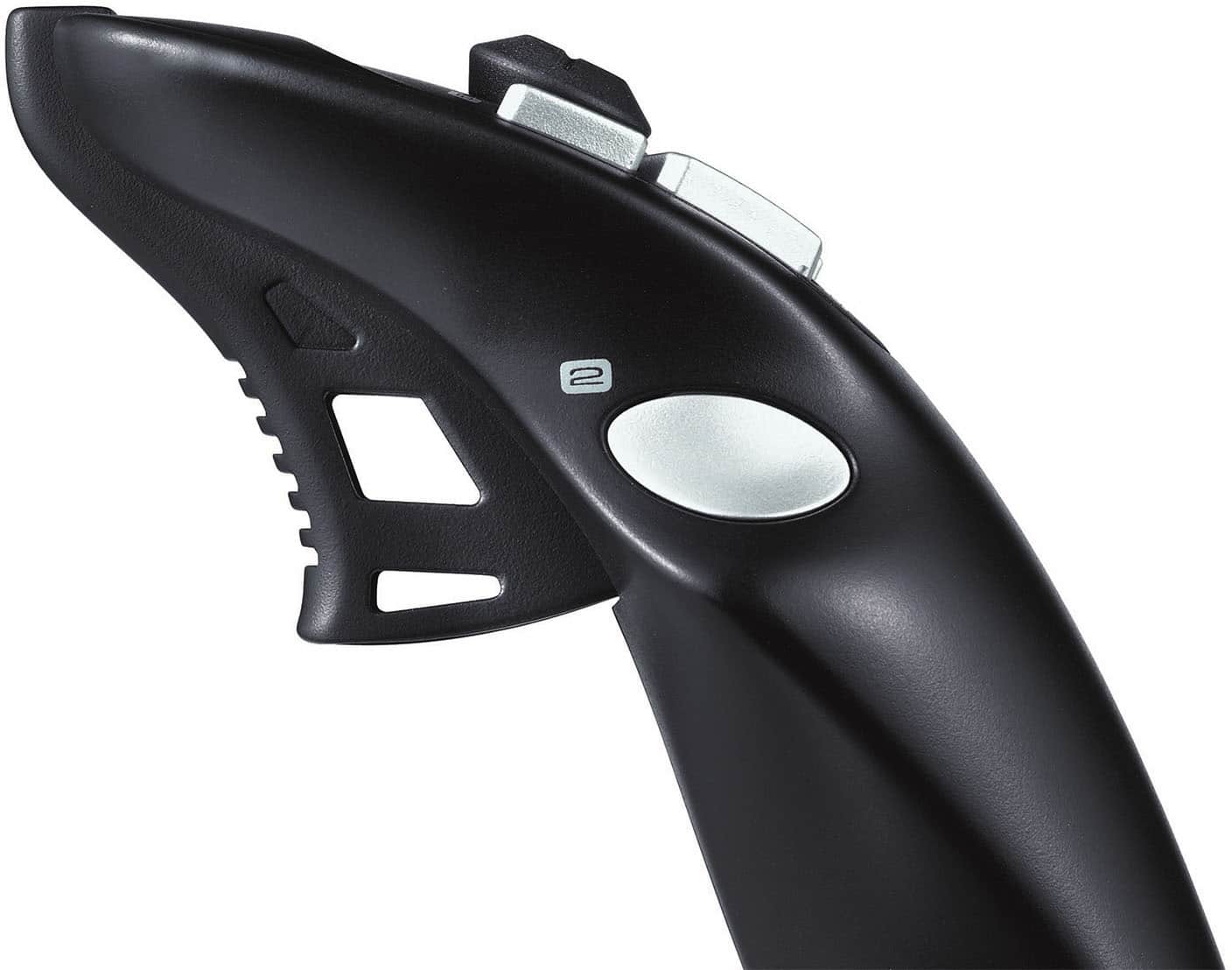
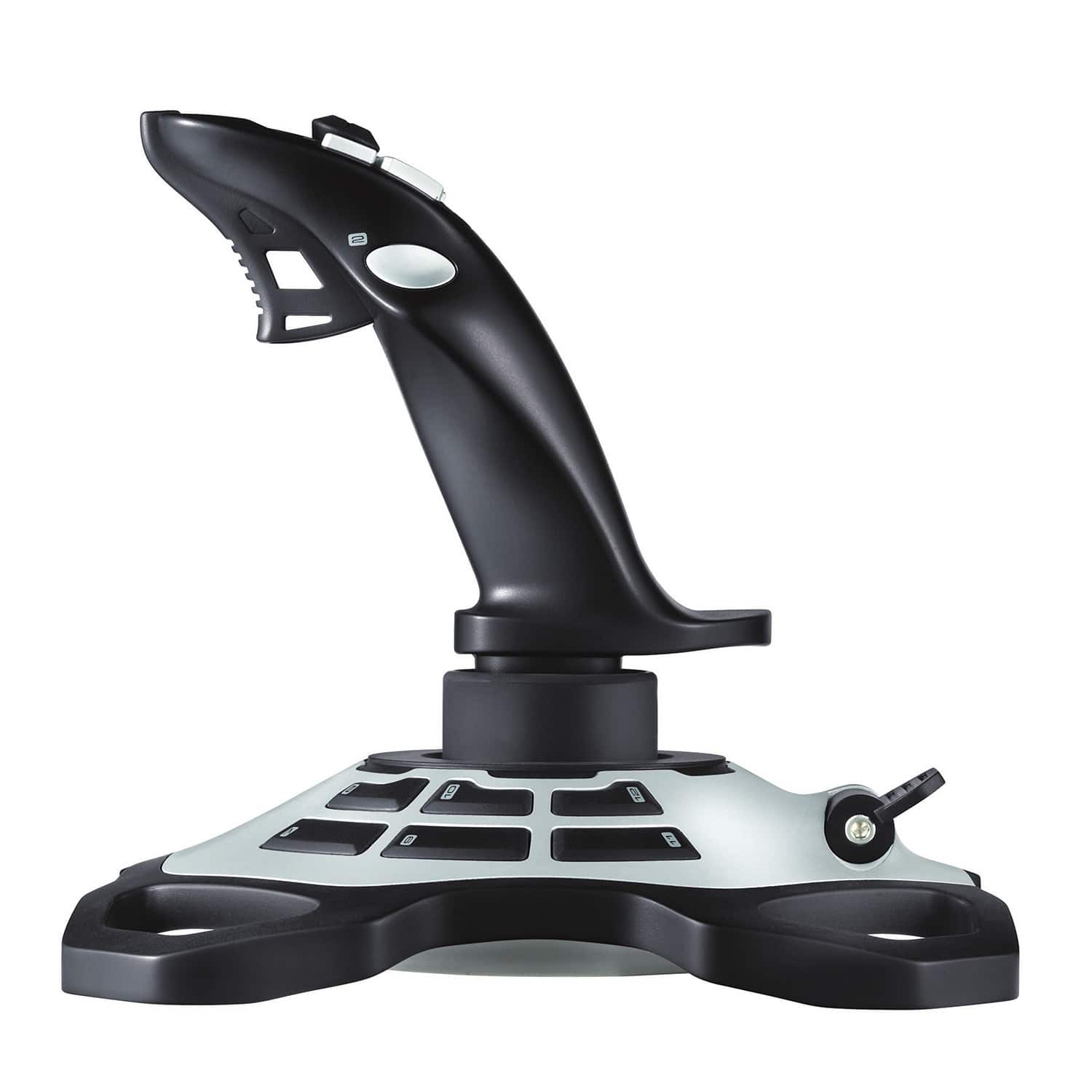
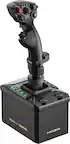
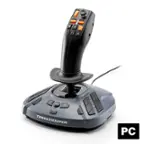
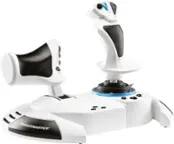
This joystick not only has controls for the standard axis's of movement (up/down, roll right/left, turn right/left, throttle, ect.), it also has 12 triggers/buttons for whatever you will need for the simulator.
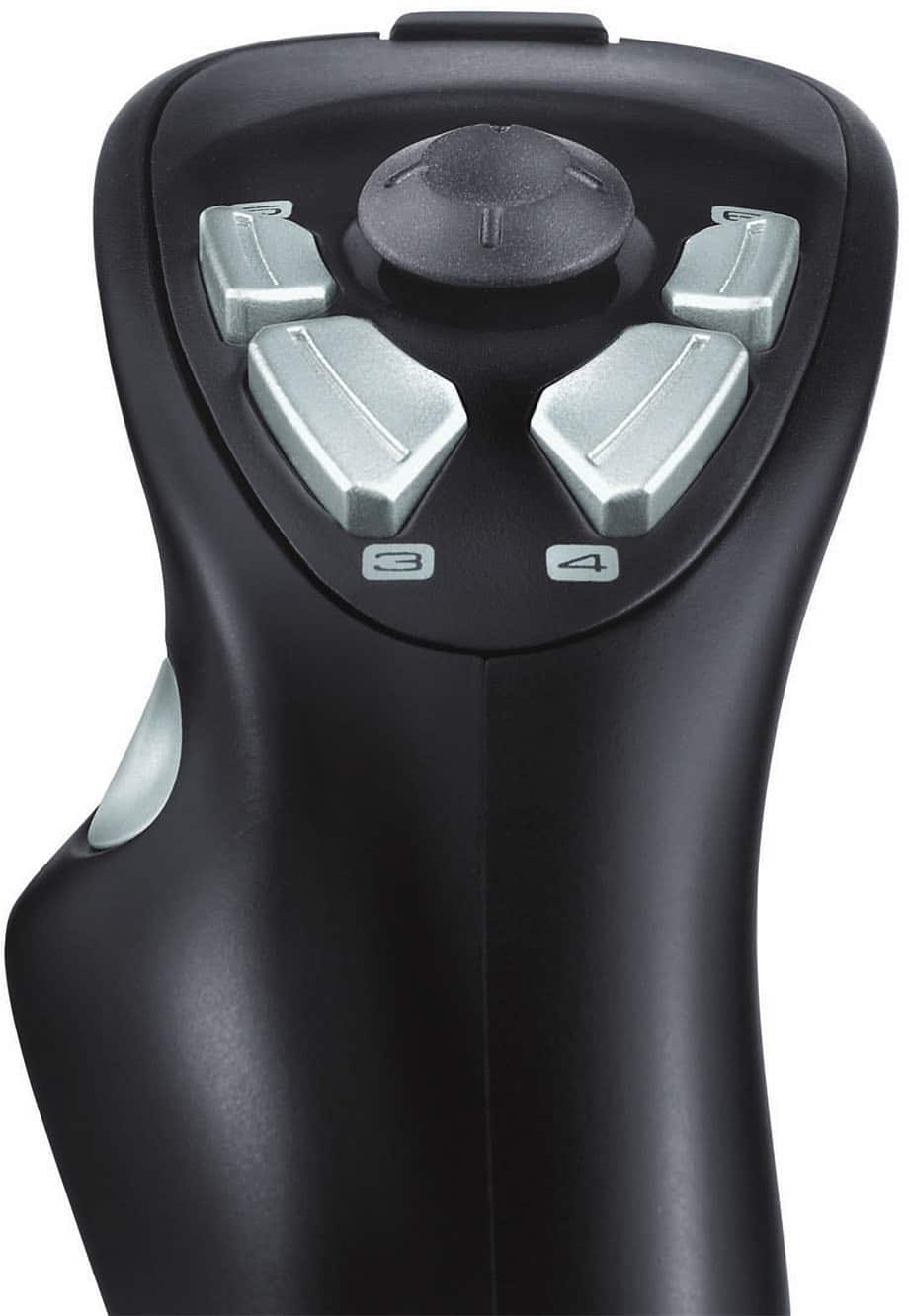
This includes the obvious trigger, a thumb button (for right handers) on the side of the shaft, 4 easy-to-use buttons on the top of the shaft, and six (6) buttons on the base beside the shaft.
Also on the top of the device (in the center of the 4 buttons) is a small joystick like the joystick commonly found in many high-end game consoles.
This 'swiggle-stick' is easily used by the player's thumb.
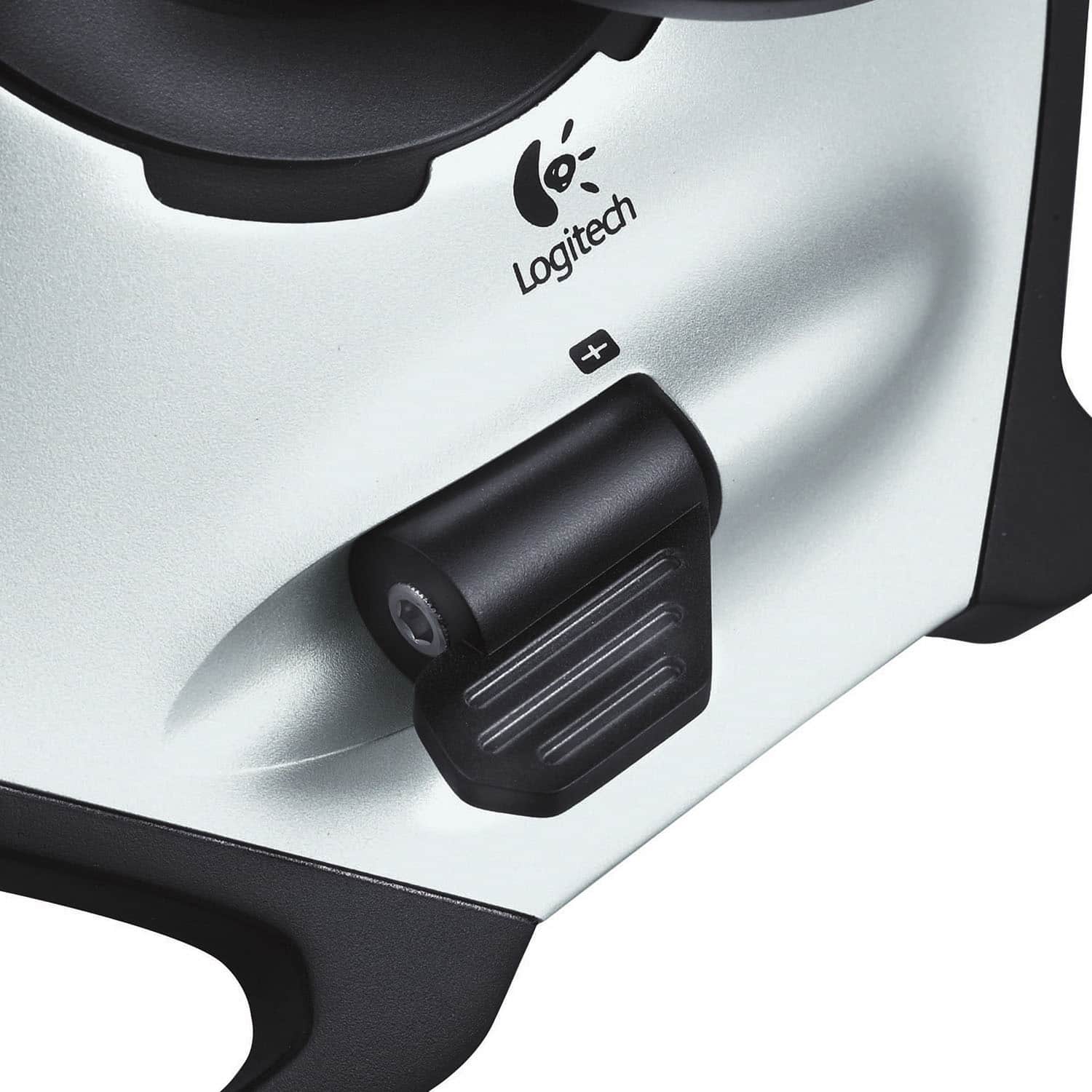
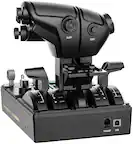
The throttle control is at the base of the device.
It is a variable control (not a 'push-button' control) which gives the player much more control of the engine power available in the simulator.
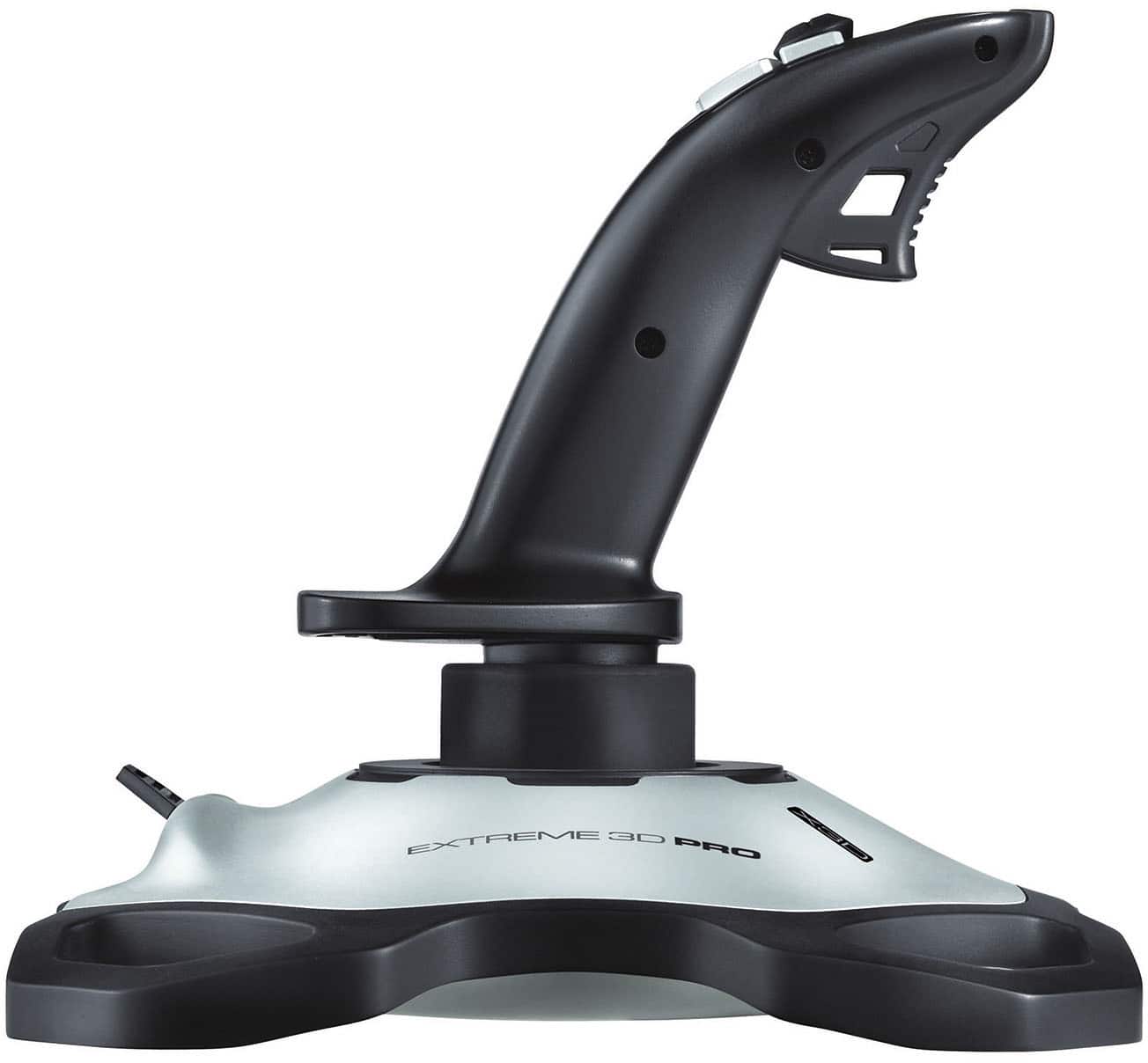
One surprising aspect of the device is the wide and very stable base.
Anybody who has used free-standing joysticks will know what I'm talking about.
unlike other joysticks, the base to this one is well thought-out and quite sturdy.
This allows the player to 'one-hand' even the most violent maneuvers without having to hold down the joystick with his/her other hand.
Instead, the player would be able to use that other hand to manipulate the throttle and the 6 buttons on the base.
Oh (in case you didn't know this already) the shaft can be turned (twisted) to control the 'yaw' (turn right/left, like a car's steering).
All in all, The joystick is a very good control device for just about any gaming environment you would want to use it for.
It is very rugged and highly programmable to do just about anything you want.
As an example, I use it to play 2 games which have nothing to do flight combat.
One game simulates tank-on-tank combat and the other simulates ship-on-ship combat.
In both games, this joystick allows me to control all aspects of maneuvering my unit with one hand when the game normally requires 2 hands.
A:Answeryes, im currently using mine on win10 64bit. while the paperwork says to download the drivers from logitechs website, there driver/software page has been down for a while. mine worked without downloading any specific software, and is directly recognized in games.
A:AnswerI am using the J-UK17 model with Win10 right now. No troubles. I don't have FSX deluxe but with sims or games which have advanced J-stick set-up; I have always been able to use it.
A:AnswerHi CODGamer, The Extreme 3D Pro Gaming Joystick was designed for Flight simulator games and not for FPS games like COD. - Richard from Logitech
A:AnswerHe should be able to install and run them on his new laptop in either order and have it work just fine. From my personal experience, having the hardware connected first so that its the first thing the game recognizes when its installed has worked the best. Good luck to your dad in the aviation journey!
A:AnswerYes, Extreme 3D Pro will work with MechWarrior 5. Make sure you download the free Logitech Gaming Software from our website to configure the profile and sensitivity.