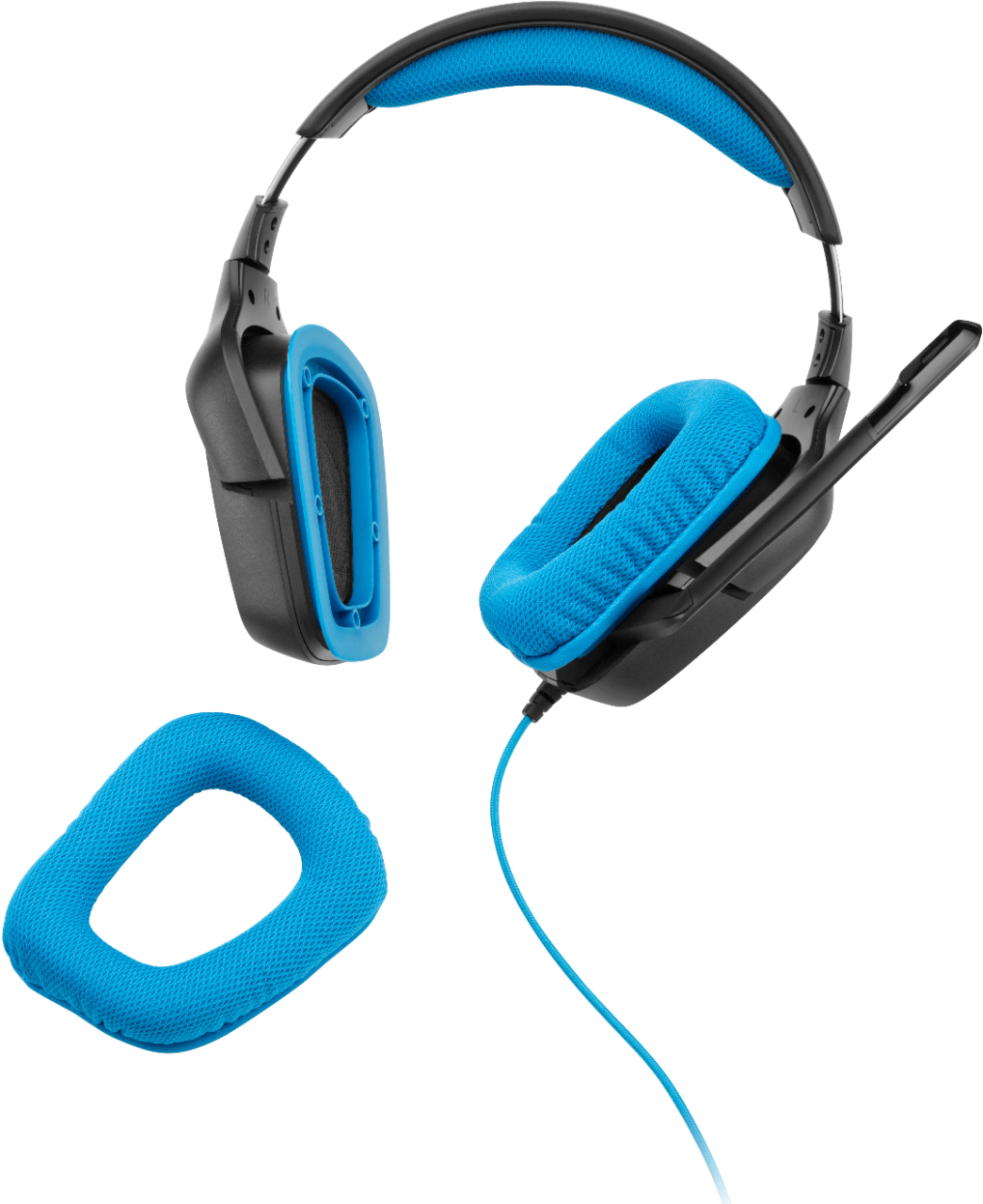
A:AnswerYes, the cables end in separate headphone and microphone jacks, and these can be plugged into an included USB adapter. You can use the headphone jack with a splitter, no worries. However, I believe you only get stereo sound in that case, and with the USB adapter you can experience surround sound, if supported by whatever you're listening too.
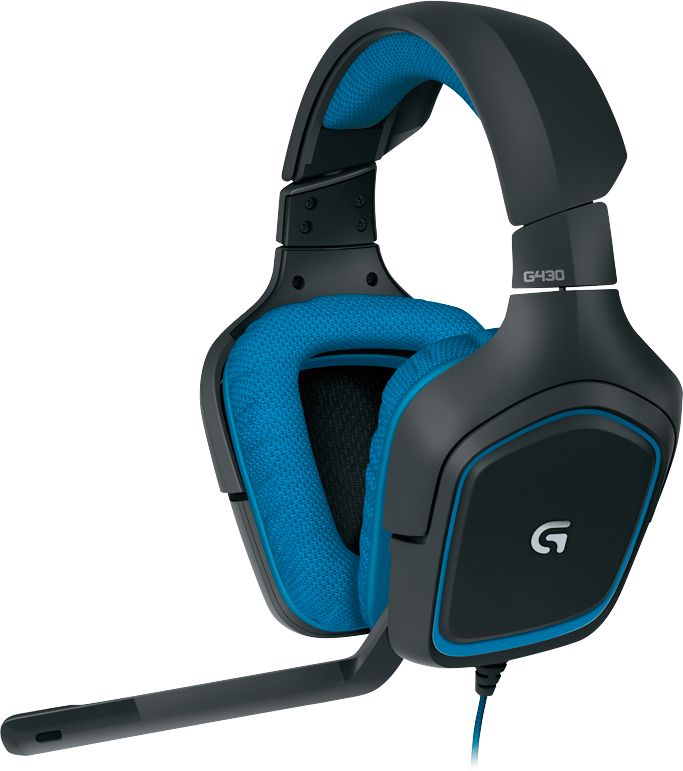
A:AnswerI use them with my switch however only the audio will work for listening. Really good fortnite headphones! Or watching movies. voice mic will not work because the switch does not have a port to plug the headphone jack into . It plugs into the headphone jack on top of the nintendo switch ( with the headphones audio port only)
A:AnswerThe headset splits into mic and headphones.. but an adapter comes with it.. USB adapter. This didn’t work for my Xbox, so I had to buy an adapter to plug into the controller. Works fine now, just wished it came with the adapter
A:AnswerI can only speak for PC, but it just plugs straight into either a usb port (with the included adapter) or your headphone and mic ports. I believe you can also plug in the headphone plug into an xbox one controller, but I'm not sure if or how the mic works then.
A:AnswerDefinitely woks with the ps4. It'll plug right into the USB port in front of the console. However, to plug into the controller, you'll need an adapter that separates voice and sound.
A:AnswerYes, it works with PS4 by using the USB connection. Both the mic and headphones work using this method. You plug it into the front of the console not the controller. It has a long cable so plugging into the console isn't a problem if you want to sit farther back.