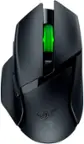
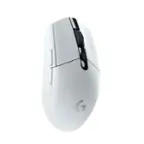
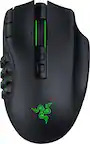
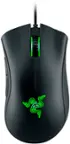
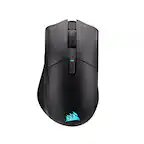
A:AnswerYou can do a lot with it in the manner of customization, but you need to set your rgb setting and key bindings in the app on a computer and save it to the onboard memory then you can use it on consoles the way you'd like.
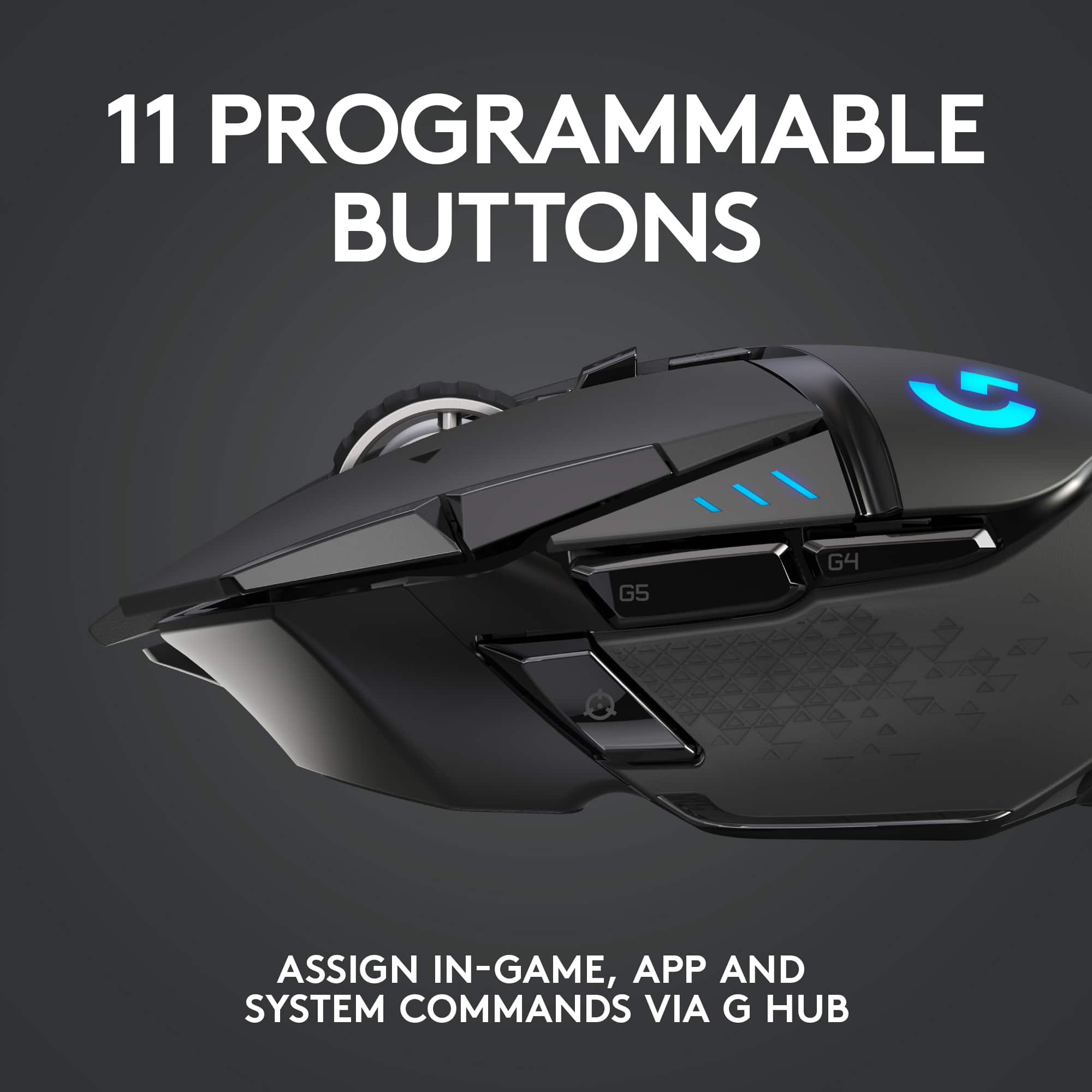
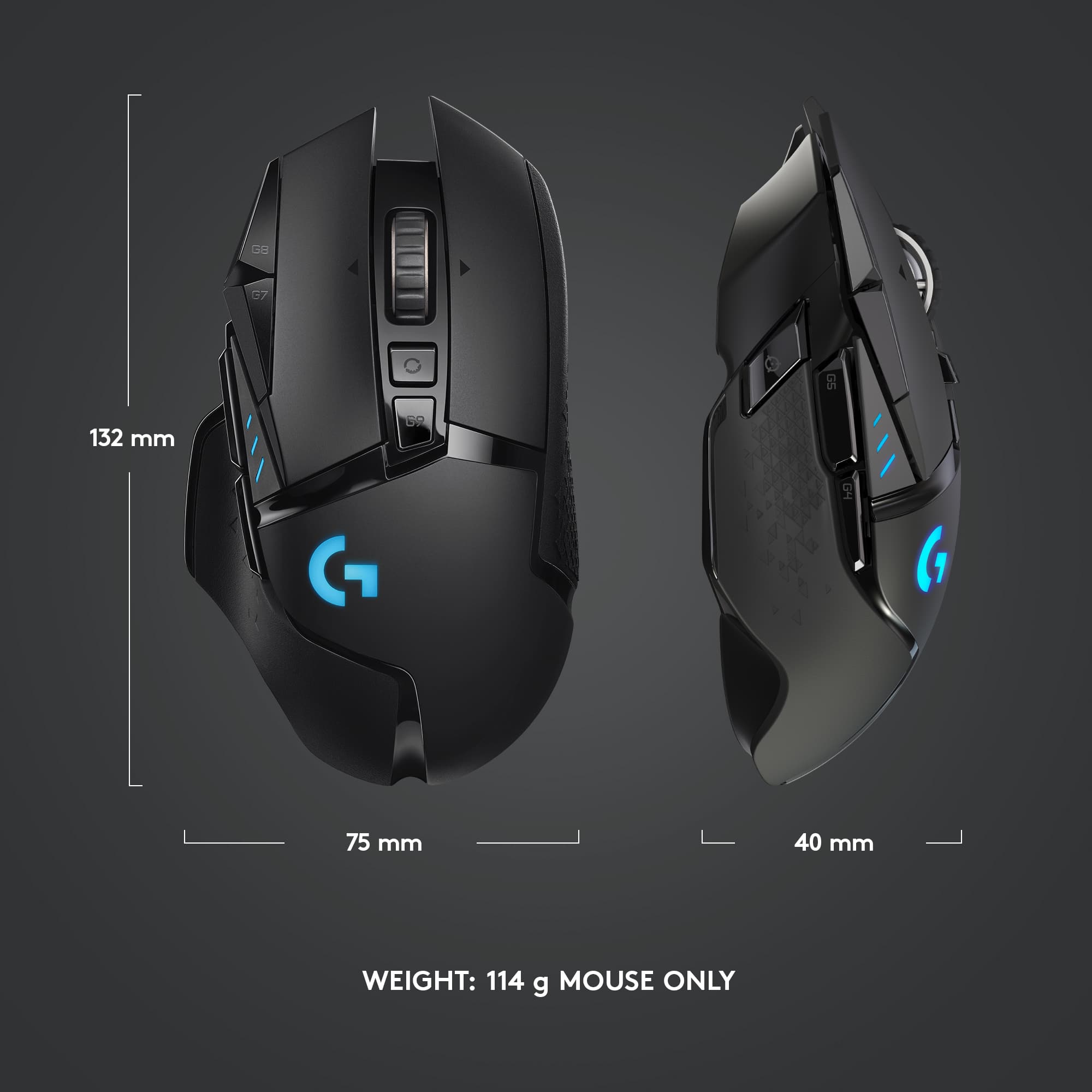
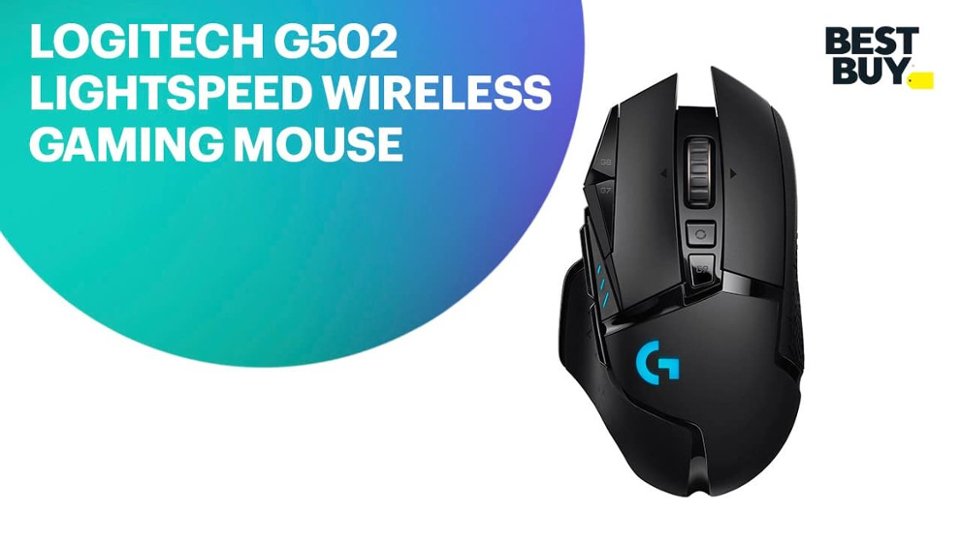
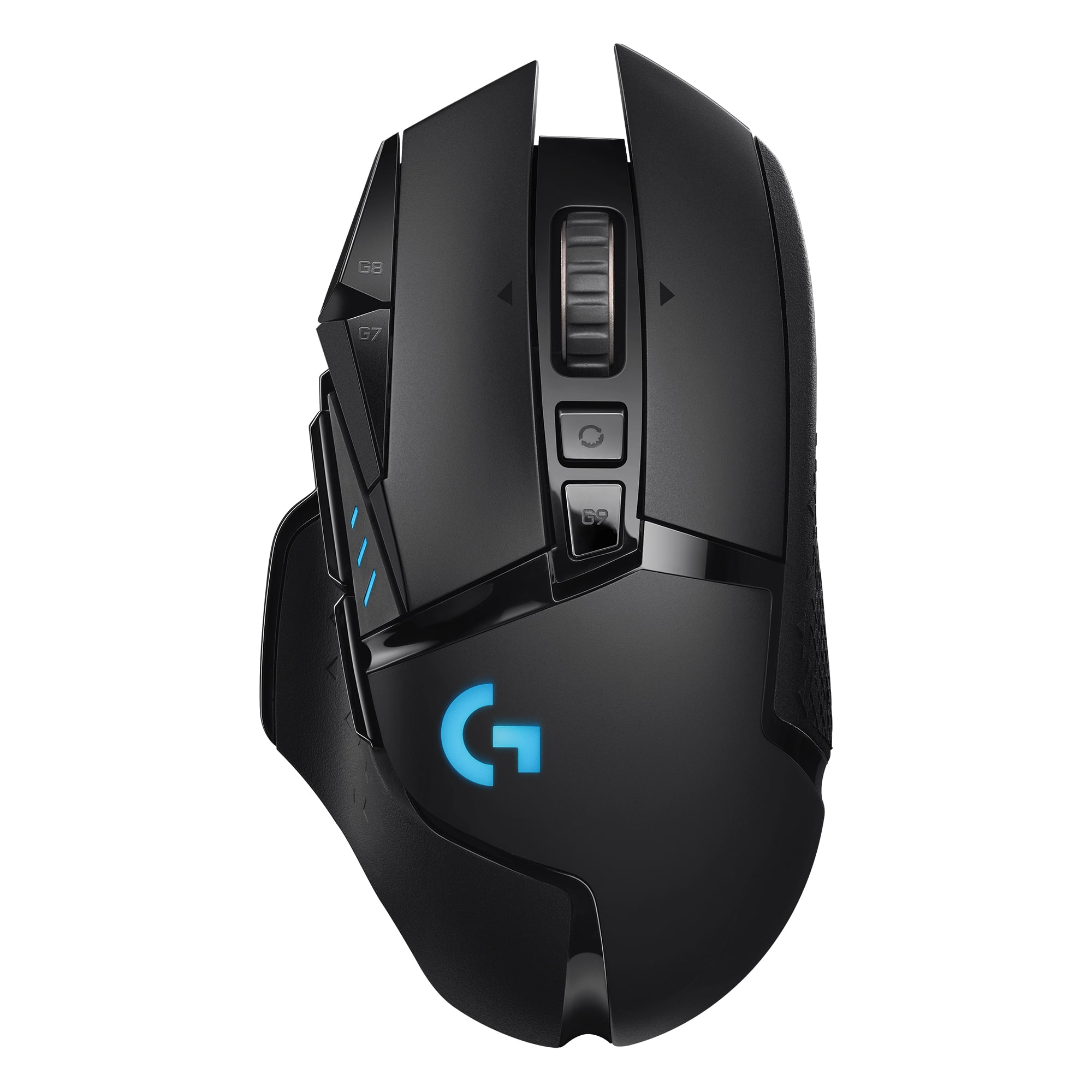
A:Answer11 buttons.
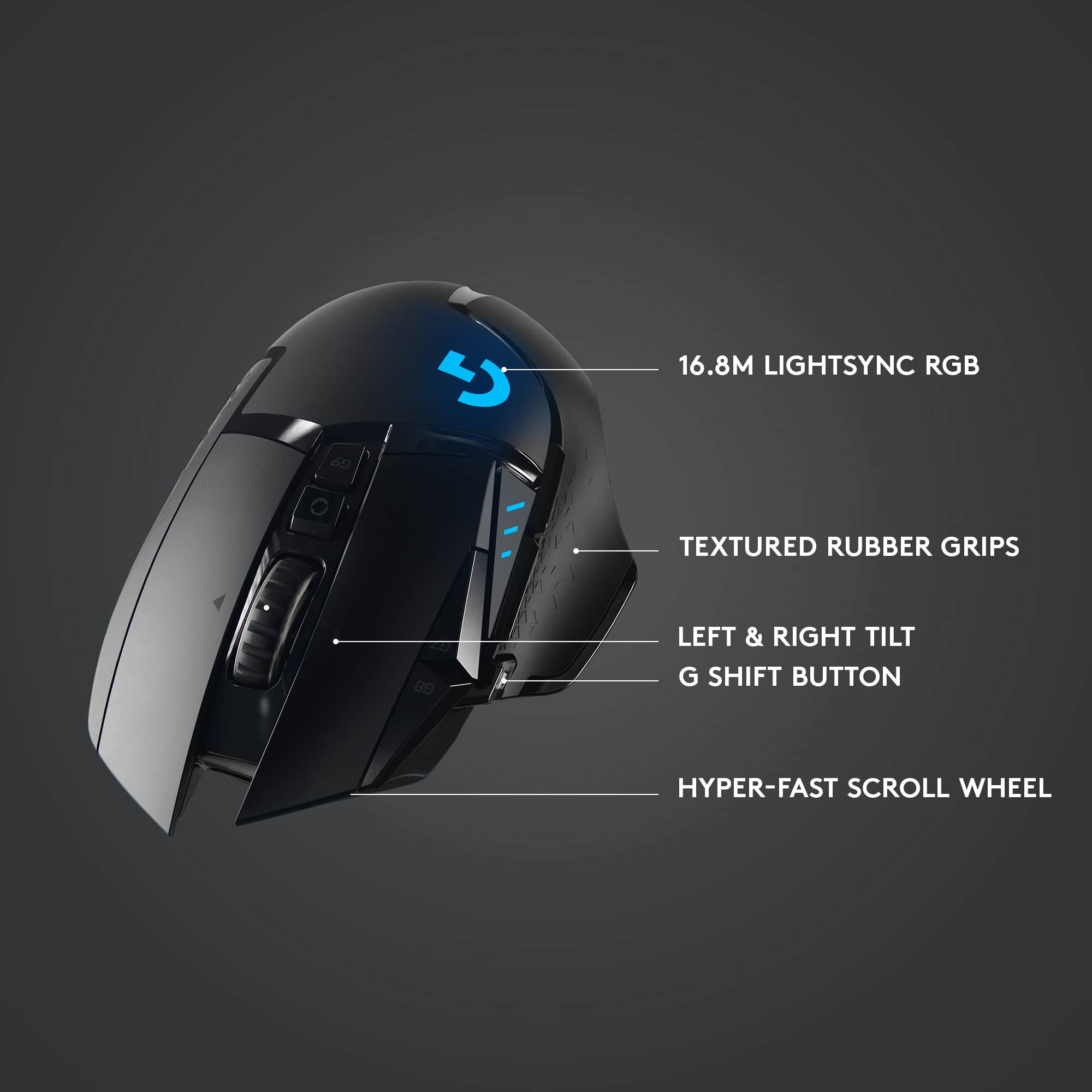
"Sniper" button where your thumb usually rests.
2 above thumb.
2 to the left of the left primary click button.
1 left click.
1 right click.
1 scroll wheel click.
2 scroll wheel tilt buttons, one left and one right.
1 button under the "infinity scroll" button, closer to the palm.
each button is programmable in the Logitech G Hub App on your computer
A:AnswerThe G502 will perform all of is default capabilities on a Dell OptiPlex 9020. However, depending on the OS date you are running you may not be able to access software such as G HUB for customization.
A:AnswerIt's sad to say but yes, this mouse has a double click issue. Mine comes and goes, recently it seems to be most 'stay'. For what they charge I'd think that they would use better components. I love the mouse but am currently looking for another. No matter what Logitech says, they do not make the equipment out of good quality parts. Sorry.
A:AnswerAre you using the cable that came with the mouse? And the RGB could be a couple things one being it's shut off in the GHub software or you have another software controlling the RGB on the mouse.