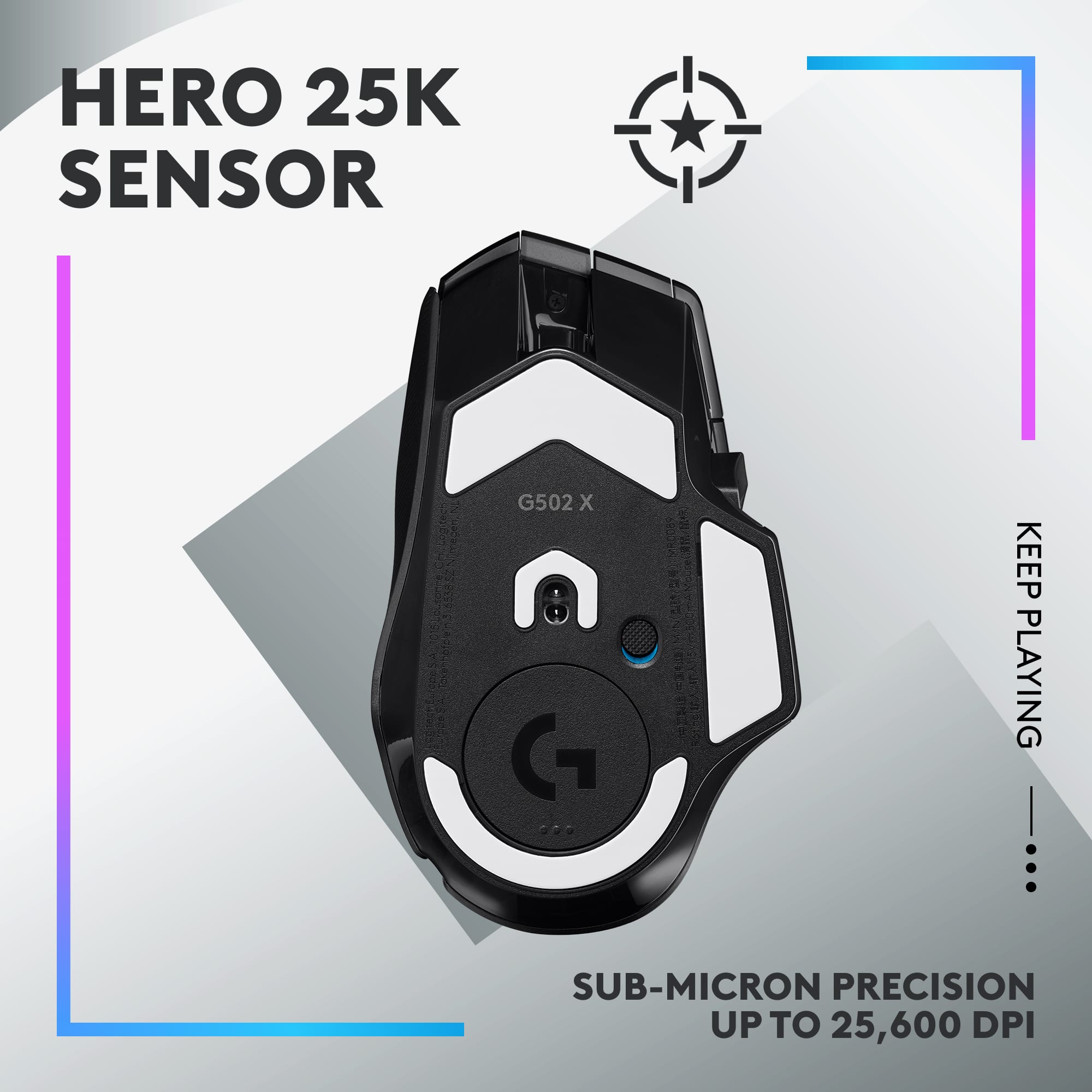
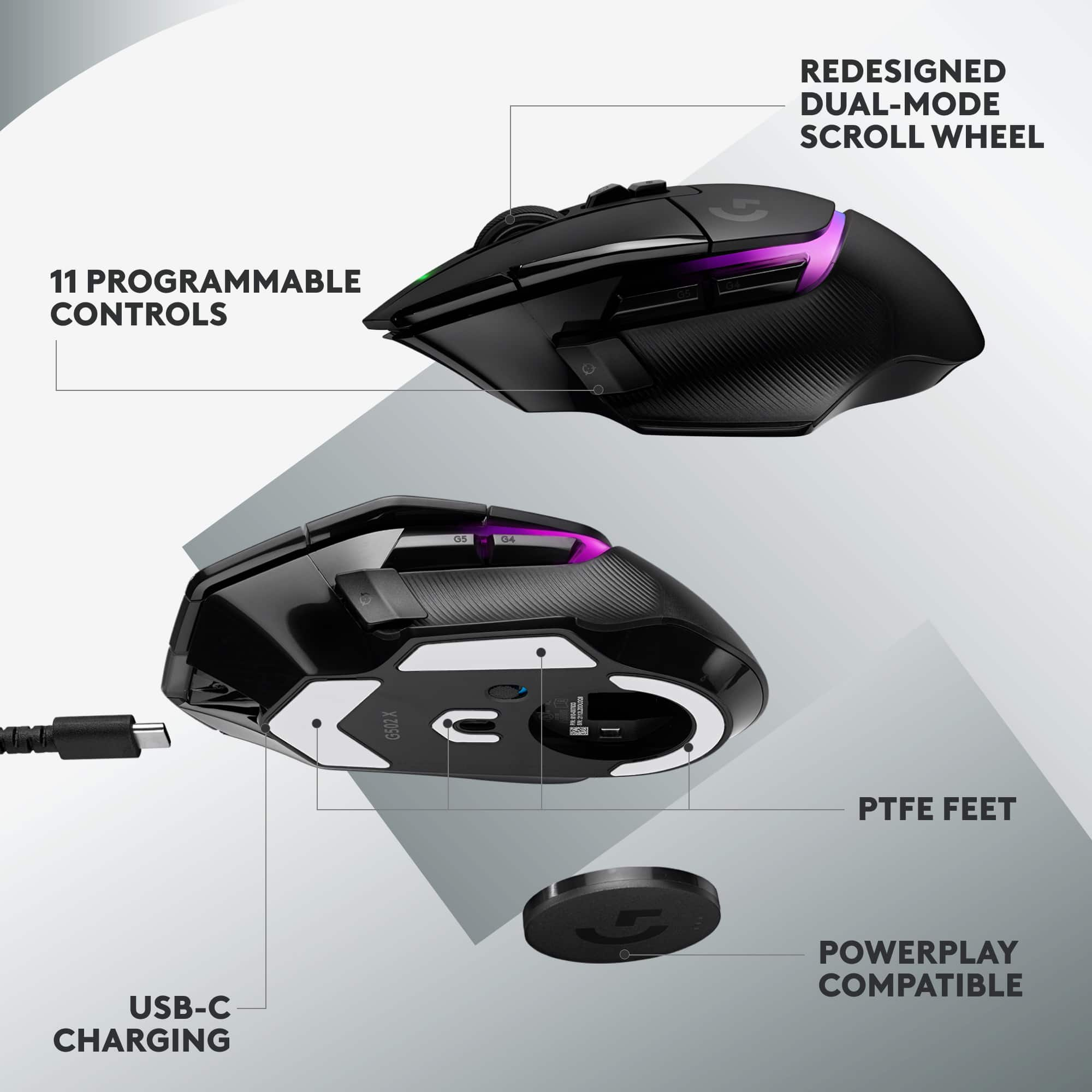
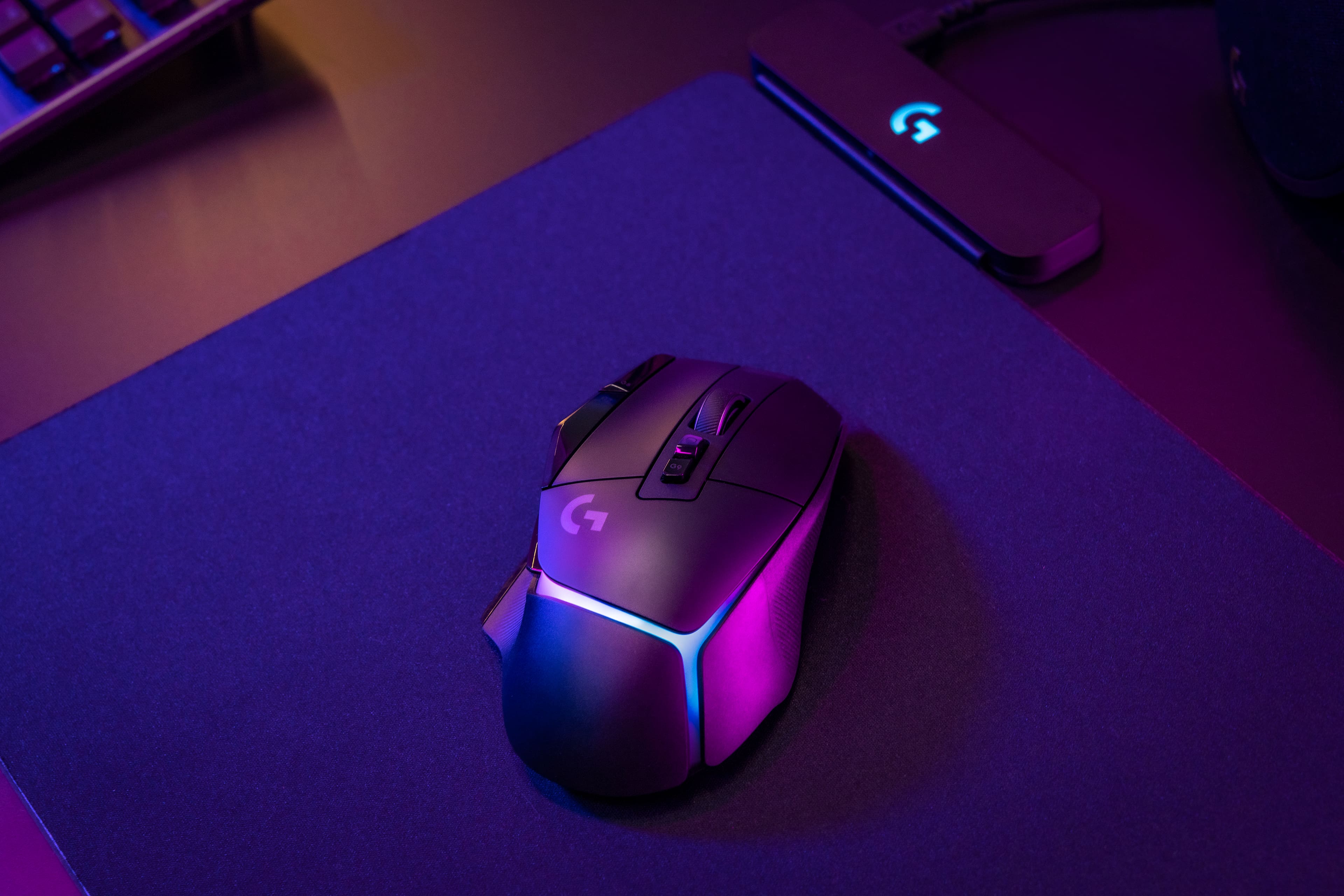
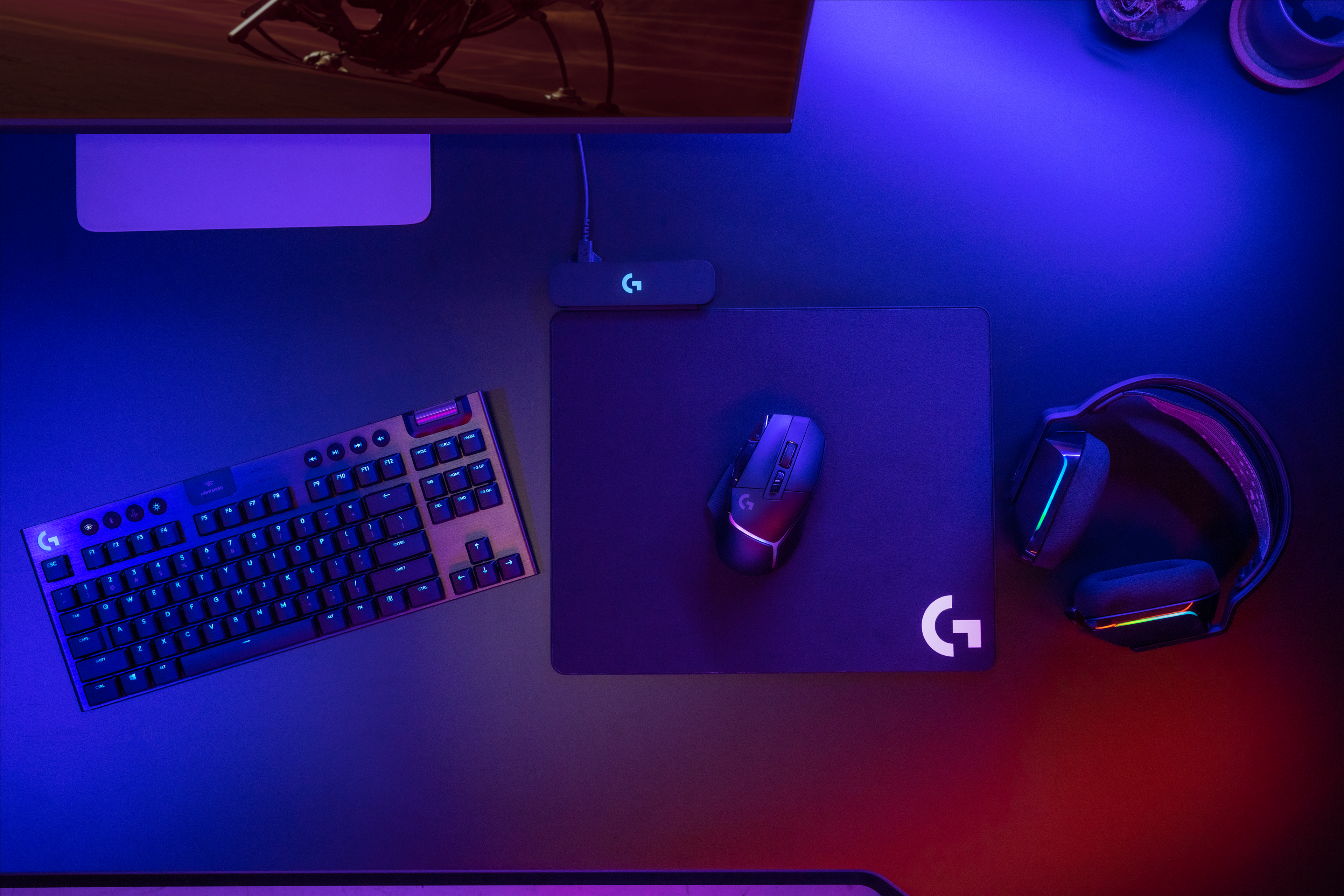
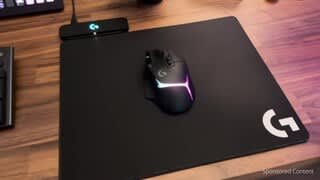
A:AnswerNo, just plug the Powerplay mat into a USB port on your computer. Where the battery is on the bottom of your mouse, make sure you insert the battery adapter that came with the Powerplay unit, that is what inductively charges the mouse. Also make sure you have the G Hub software installed on your computer before you try to pair the mouse with the pad.
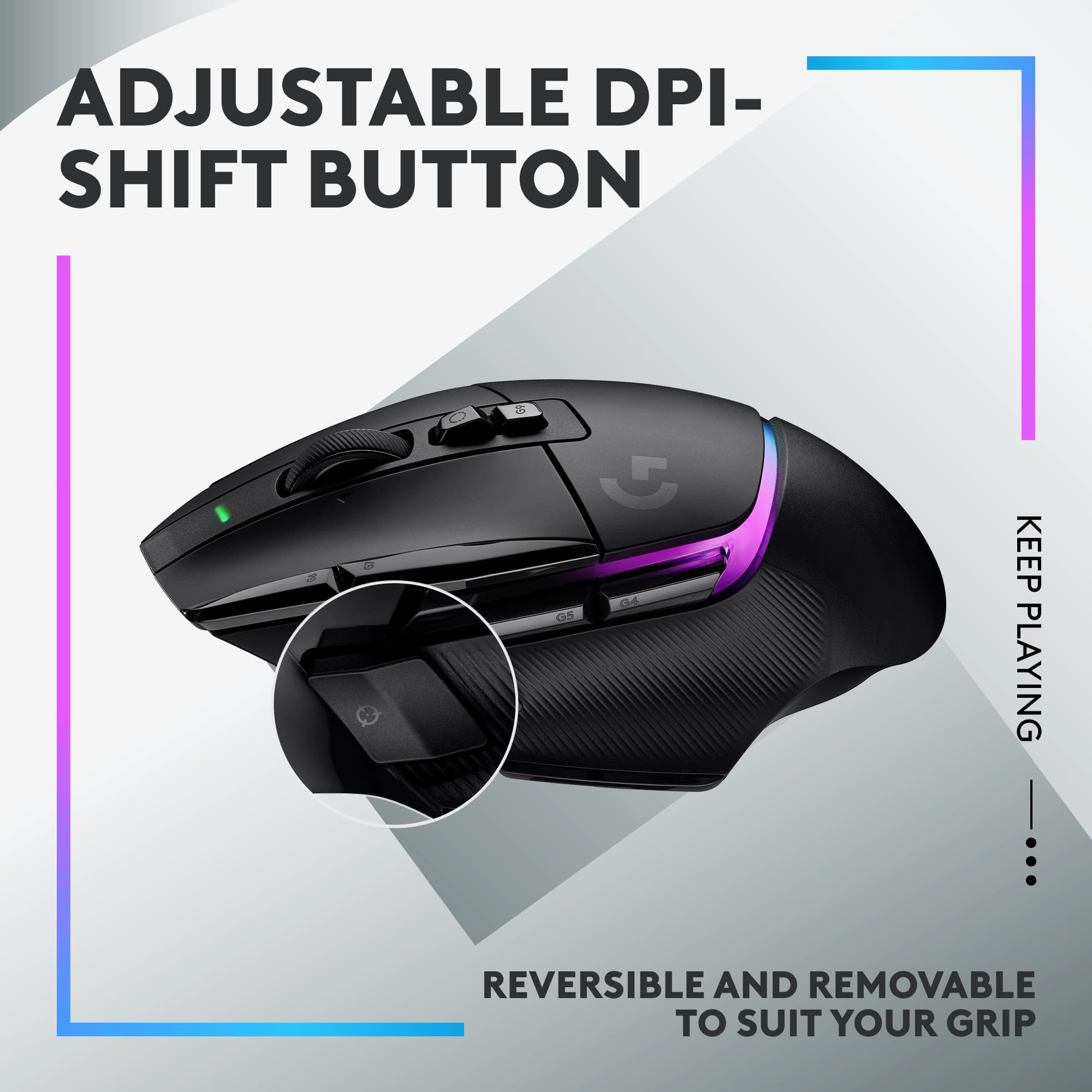
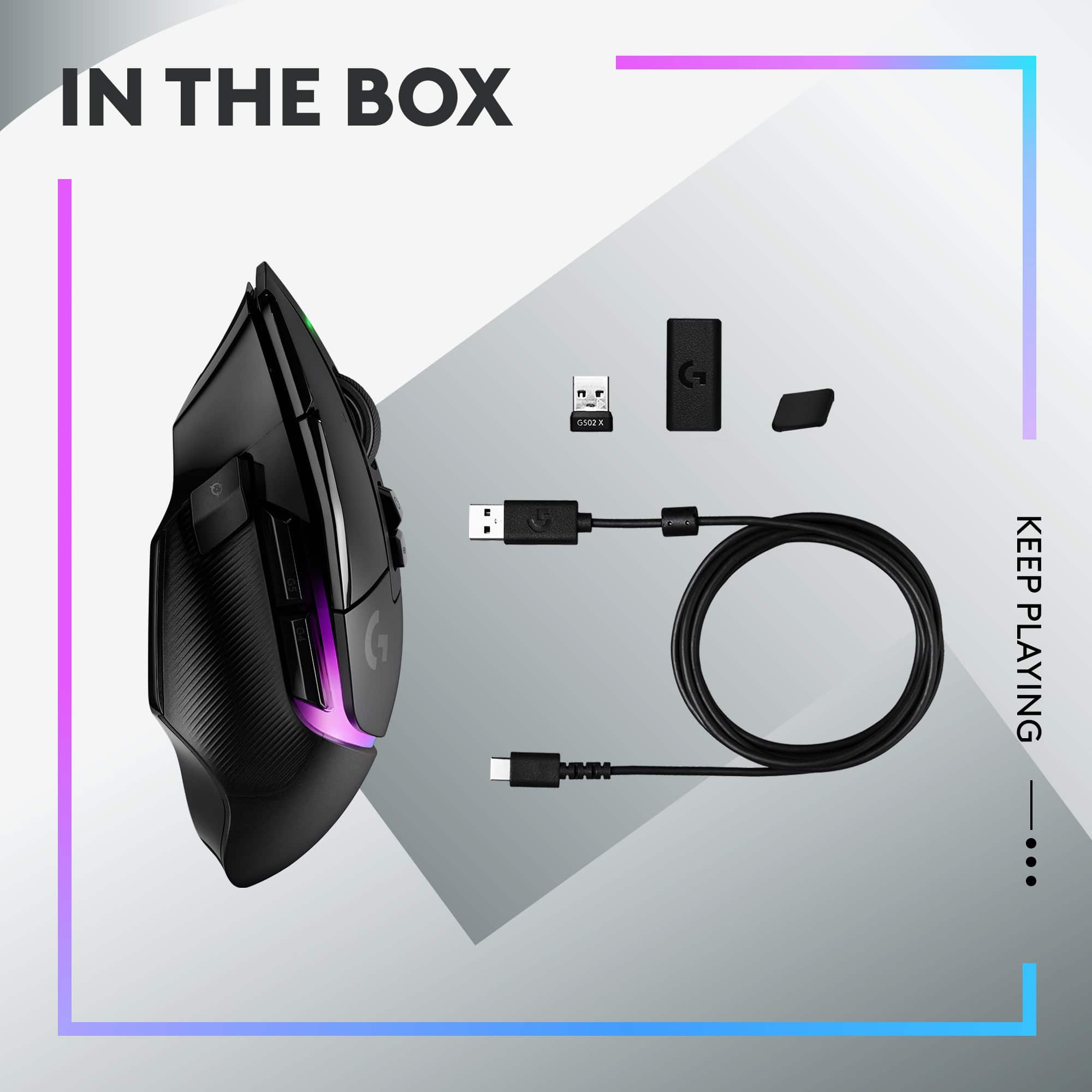
A:AnswerMouse itself, a usb C cable, and a magnetic switch to swap out the sniper mode button.
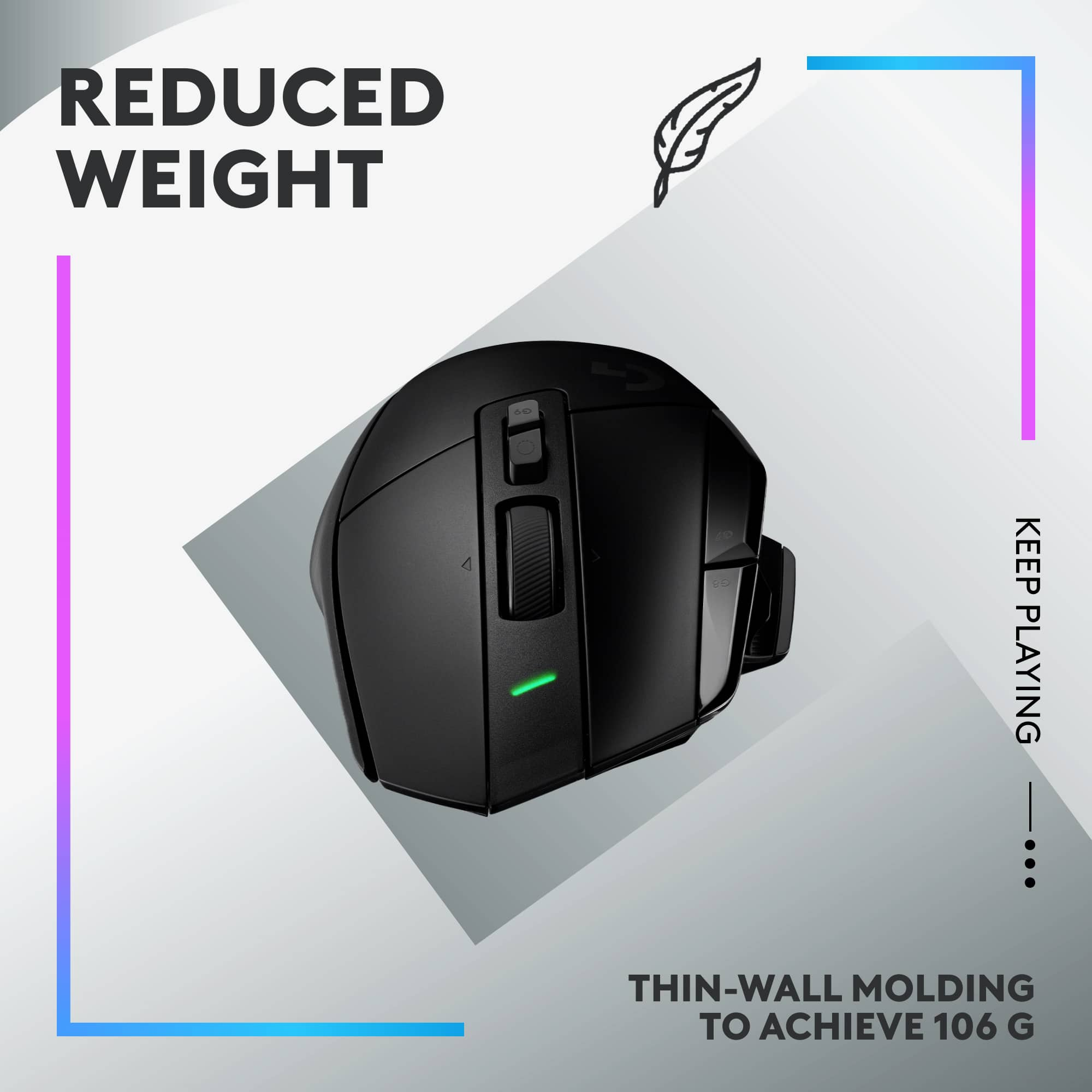
The box is missing the additional weight bits that were previous sold with G502 Lightspeed
A:AnswerI believe they are comparable honestly. I got this mouse for the extra 4 button 5 if you remap the dpi shift button to be something else. I wanted to get the basilisk v3 but ultimately I went with this one for the reason I mentioned before.
A:AnswerI also pre ordered for pickup on the 2nd, there was apparently some problem with Best Buys wharehouse that sends stuff out, and now is shipping directly to my home eta is supposed to be the 7th or 8th of September now.
Disappointing, but the manager at my local store, did what she could do to make things right.
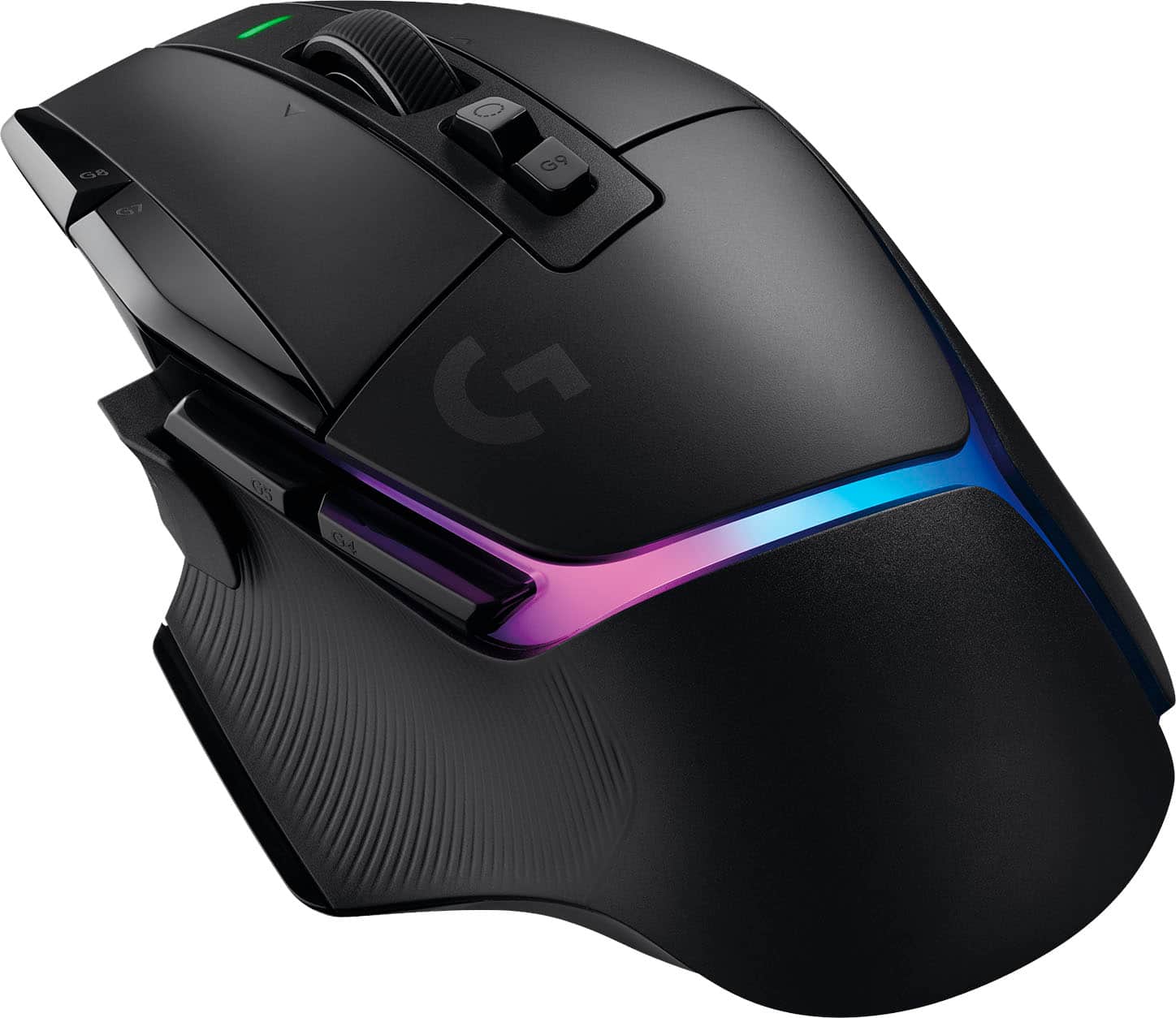
A:AnswerIt is, however the sape of the mouse is not very ergonomic on the right side and gets a little getting used to. If possible test out the mouse if its on display before you buy it.