Questions & Answers
- Model:
- 981-000942
- |
- SKU:
- 6420861
Q: QuestionIs the GHub only available for PC or can I download it to PS4?
Asked by PossibleProblem.
- A:Answer Hi, G Hub is only available for Windows and MacOS.
Answered by Logitech
Q: QuestionWould this work on my PS4? Also would the rubber razer cat ears fit on it? Thabk you!
Asked by IND08.
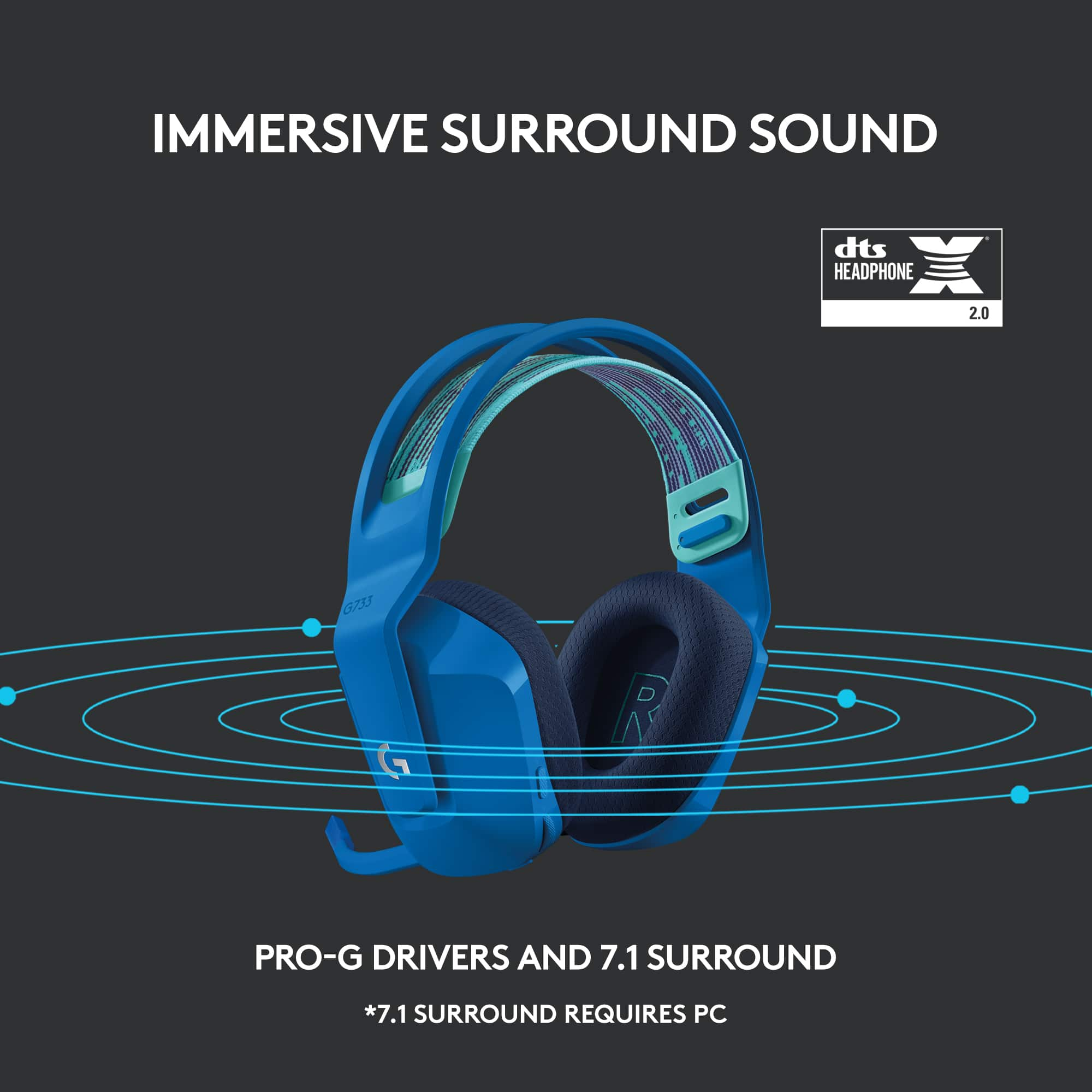
- A:Answer Hello Kat, yes, the G733 headset will work with your PS4. You just won't be able to connect them to the G-Hub software on a computer. But the mic and audio will work exceptionally well. As for the cat ears, we are unsure if they will fit the headset snug. We recommend checking out the different straps and pop filters we have available for the G733 headset on our website. I'll attach a link to it at the end of this message. Have a great day! https://www.logitechg.com/en-us/products/gaming-audio/headset-mic-covers.943-000428.html
Answered by Logitech
Q: QuestionHi am i able to use a different usb and sync it to the headphones if so how do i do this?
Asked by Mystic.
This question was asked about the related product: Logitech - G733 LIGHTSPEED Wireless Over-the-Ear Gaming Headset for PS4, Windows - Black
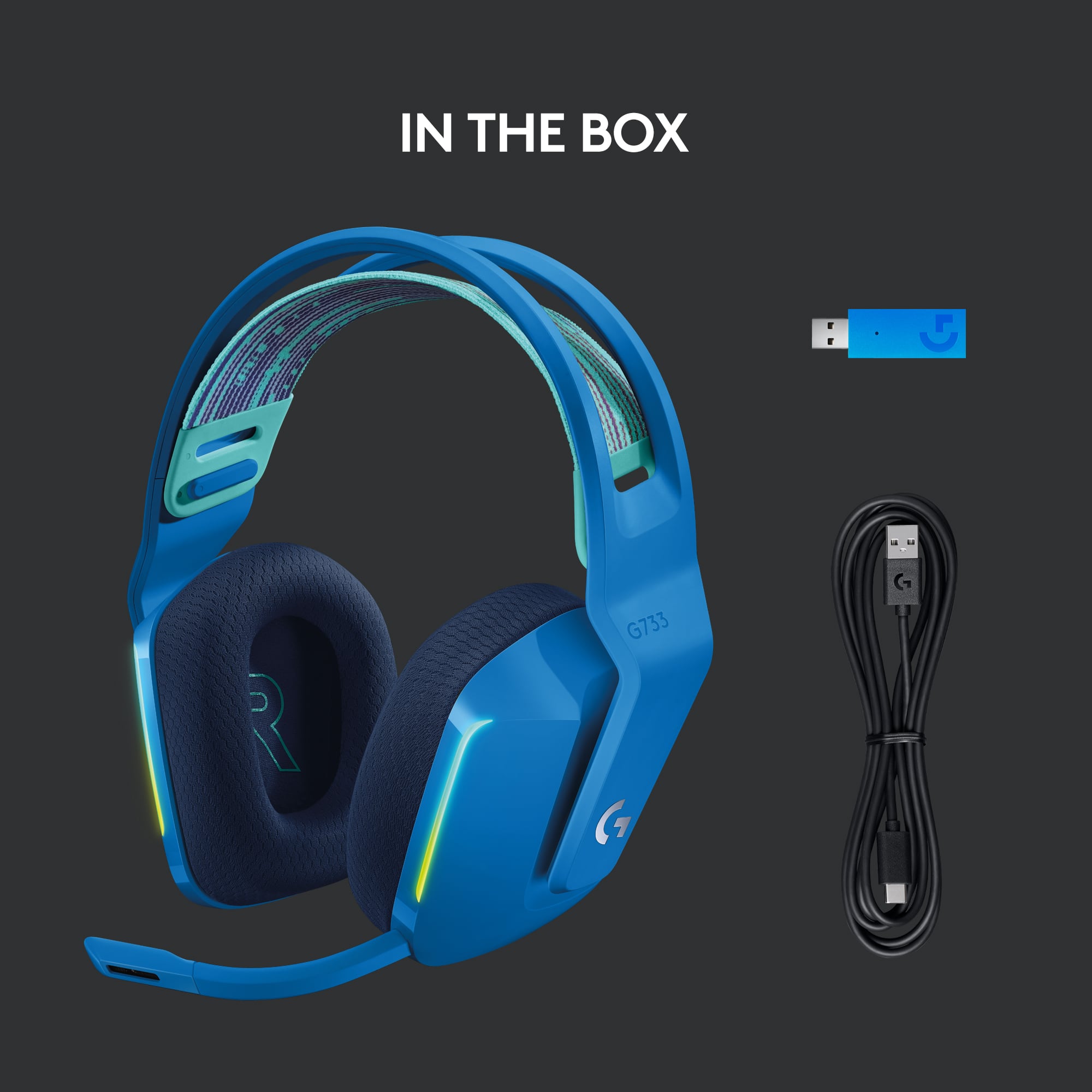
- A:Answer The G733 uses a proprietary wireless USB receiver. It will only work with the USB it comes with. - Will, Logitech G.
Answered by Logitech
Q: Questionhow is the battery life?
Asked by Anonymous.
This question was asked about the related product: Logitech - G733 LIGHTSPEED Wireless Over-the-Ear Gaming Headset for PS4, Windows - Black
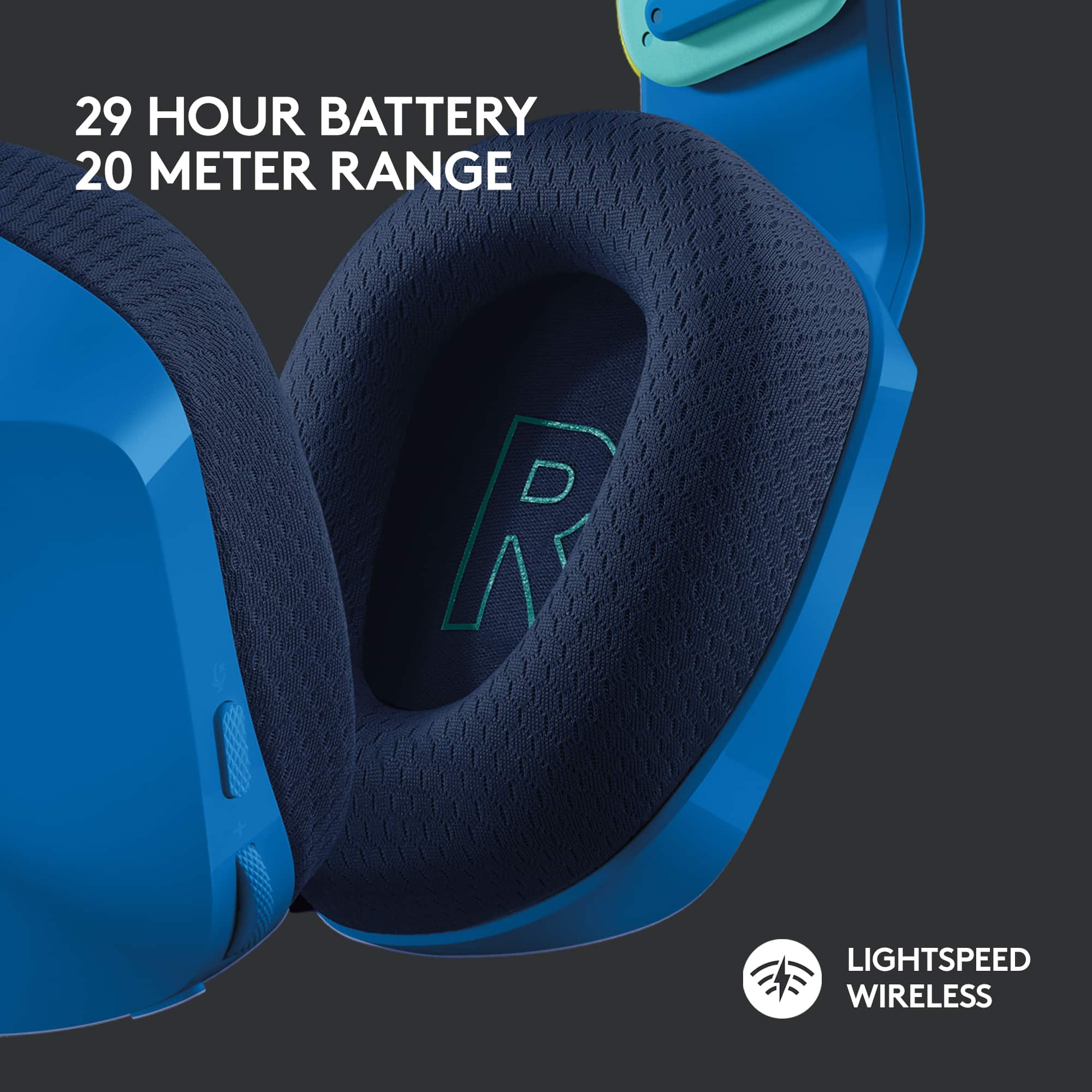
- A:Answer Great! I play for hours on end and never have had them die on me.
Answered by Ashley
Q: QuestionWill it work with ps4
Asked by Anonymous.
This question was asked about the related product: Logitech - G733 LIGHTSPEED Wireless Over-the-Ear Gaming Headset for PS4, Windows - White
- A:Answer Yes it works with ps4
Answered by BatRider56
Q: QuestionI just got it and can’t figure out how to talk on the ps4 i hear the indications but it doesn’t let me talk for some reason I don’t know what to do
Asked by Anonymous.
- A:Answer You many have to change the party chat settings on your PlayStation so that it knows to use the G733 Headset mic. If not, please contact PlayStation for more assistance.
Answered by Logitech
Q: QuestionWill this work with my I phone
Asked by Misty1978.
- A:Answer no they don't, because they require a USB to connect. it would work on a laptop or macbook but a phone doesn't have the USB port, so... no.
Answered by cherryw
Q: QuestionWhat do you do when you lose the receiver for the headset can we buy a replacement.
Asked by Sherlyn.
- A:Answer Make sure every purchase you make to give your phone number so next time you go they will look up your transactions and be able to reprint a recipe for you and do the exchange
Answered by Notgood
Q: QuestionCan I control the game and party chat separately
Asked by Anonymous.
This question was asked about the related product: Logitech - G733 LIGHTSPEED Wireless Over-the-Ear Gaming Headset for PS4, Windows - Black
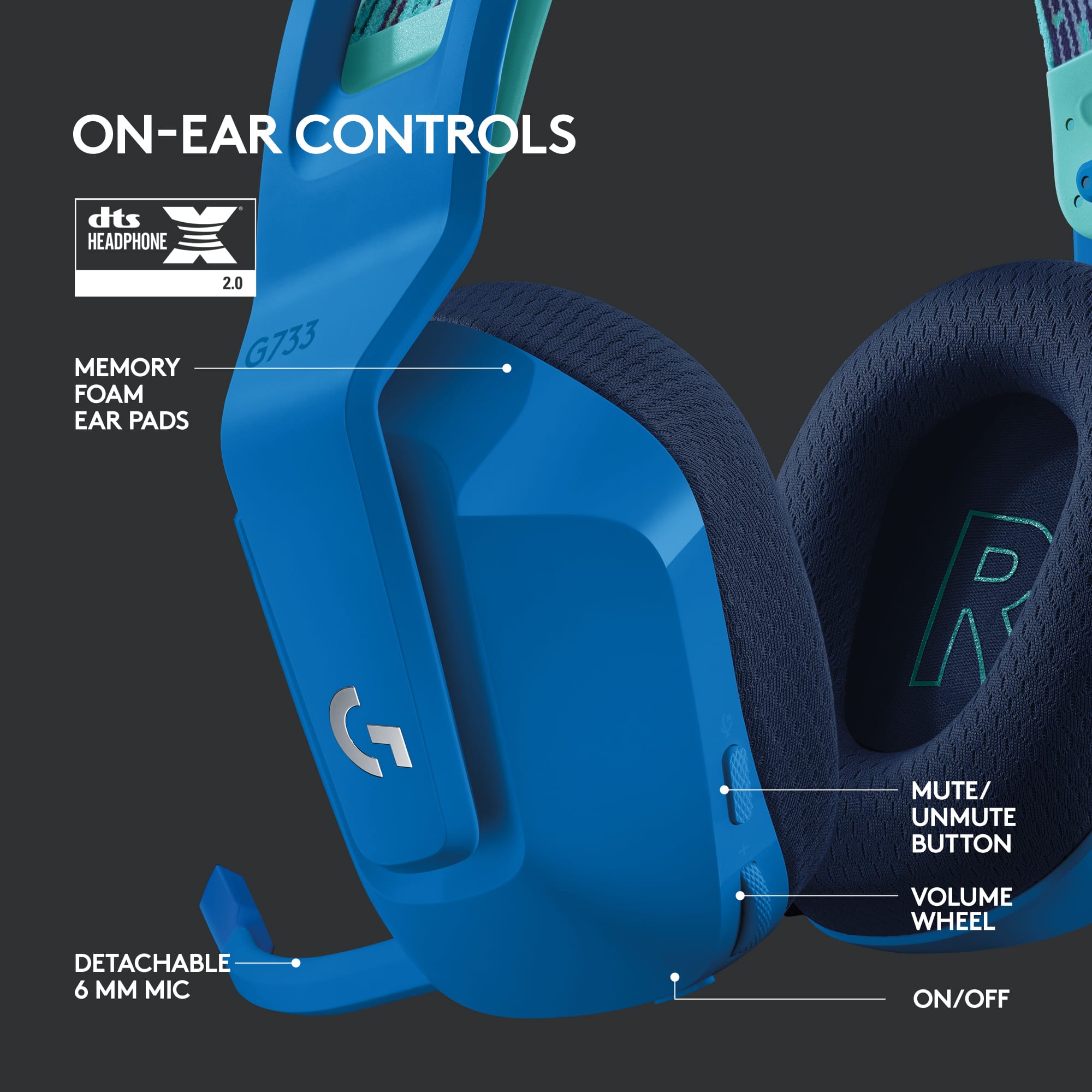
- A:Answer Hello, the volume dial will control game/voice volume together, there is no seperation.
Answered by Logitech
Q: QuestionHow long does it take to charge it?
Asked by Rosie.
This question was asked about the related product: Logitech - G733 LIGHTSPEED Wireless Over-the-Ear Gaming Headset for PS4, Windows - White
- A:Answer Hello Rosie, the G733 takes about 3 hours to get a full charge. Thank you for the question, have a great day.
Answered by Logitech
Q: QuestionIs the clamping force too strong? I am looking for comfort. Thanks
Asked by Rach.
This question was asked about the related product: Logitech - G733 LIGHTSPEED Wireless Over-the-Ear Gaming Headset for PS4, Windows - White
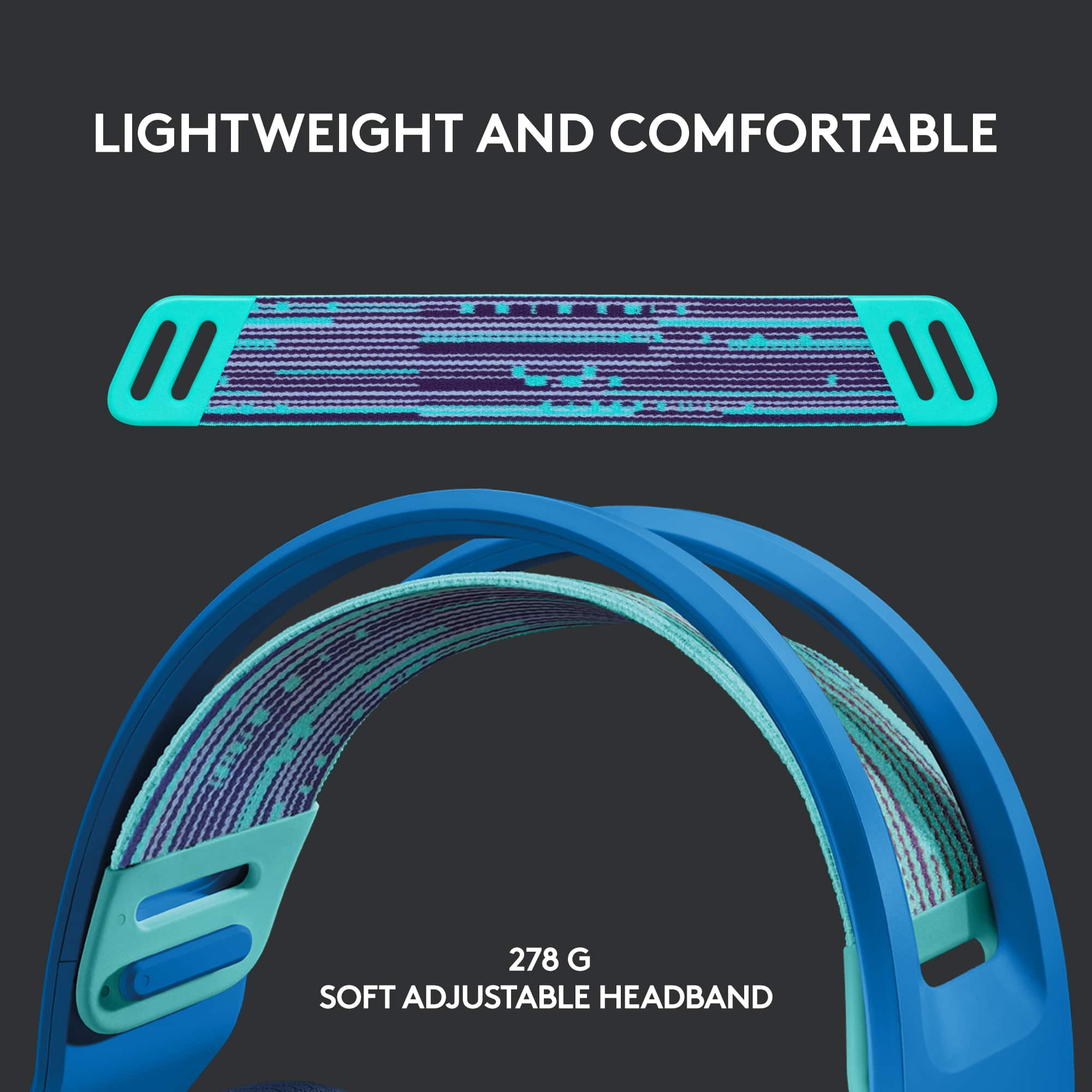
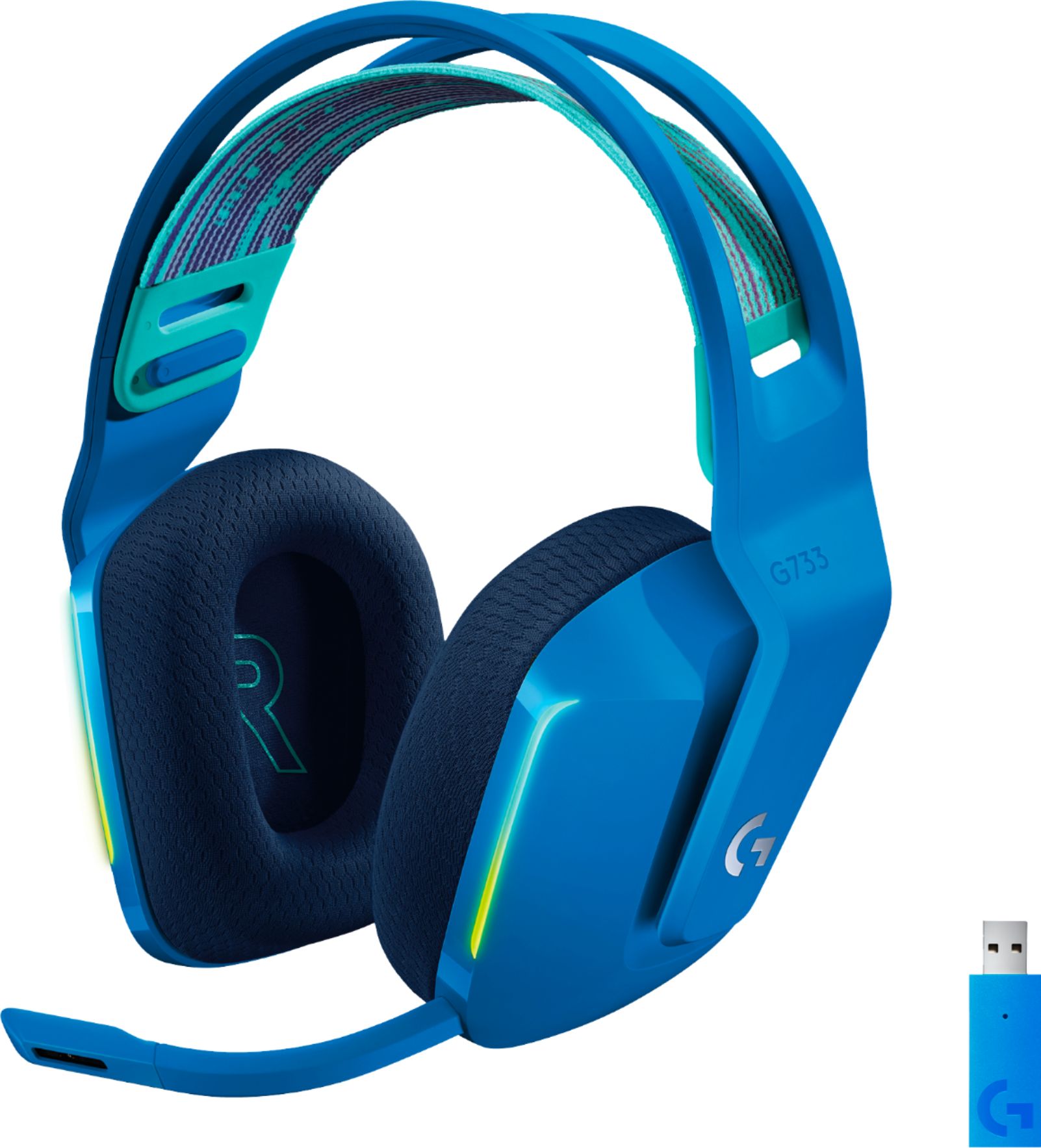
- A:Answer They’re very comfortable. I wear them with glasses for 4+ hours at a time and don’t have any pain around my ears or the top of my head. I don’t feel like my head is being crushed when wearing them. They are flexible, durable, and not overly heavy feeling. They’re on the tightest setting since I have a small head, the clamping force is perfect, no pain. Hope this helps!
Answered by SodaDragon
Q: QuestionIs this headphone compatible with the new 3D Tempest Audio feature that is available on the ps5?
Asked by PersonAskingQuestion.
- A:Answer Hello, although the 3D tempest audio feature was optimized for the 3D Pulse headset from Sony, the G733 are still compatible with that audio feature. Have a great day.
Answered by Logitech
Q: Questionif you HAVE to have the reciver it comes with to use it why do you let people SELL the adapter?
Asked by sam.
This question was asked about the related product: Logitech - G733 LIGHTSPEED Wireless Over-the-Ear Gaming Headset for PS4, Windows - White
- A:Answer Because if you lose or break it you can sync another
Answered by Vitiser
Q: QuestionSo i bought this headset and it DIDN'T come with the adapter it needs. can I get one for free through support or something?
Asked by Leo.
- A:Answer Hello Leo. I'm sorry your headset was missing the USB receiver. Please call Logitech Customer Support and we can get you taken care of: 866-632-5644
Answered by Logitech
Q: QuestionI just purchased two of these headsets after an employee at BestBuy said they were compatible with Xbox. Can you use this with a stereo headset adapter on the controller?
Asked by Miller.
- A:Answer Hi Miller, Unfortunately, the G733 will not connect and work with XBox---so sorry that you were given bad information. Logitech's G935 are a great wireless option that will work with XBox as well as Astro's A20's. Here's a link for you to check out the G935: https://www.logitechg.com/en-us/products/gaming-audio/g935-wireless-7-1-surround-sound-lightsync-gaming-headset.981-000742.html. And here's a link for you to check out Astro's A20: https://www.astrogaming.com/en-us/products/headsets/xbox/a20-gen-2.939-001882.html.
Answered by Logitech
Q: QuestionWill this headset work with calling applications on the computer?
Asked by Anonymous.
This question was asked about the related product: Logitech - G733 LIGHTSPEED Wireless Over-the-Ear Gaming Headset for PS4, Windows - White
- A:Answer Yes. It is a headset with a microphone.
Answered by Nitto
Q: QuestionIs there a way or a feature in ghub to make my speakers automatically switch over when I turn off the headset?
Asked by Dale.
This question was asked about the related product: Logitech - G733 LIGHTSPEED Wireless Over-the-Ear Gaming Headset for PS4, Windows - White
- A:Answer Hello, there is no feature in G Hub for this, you would have to adjust this setting in your OS.
Answered by Logitech
Q: QuestionDoes this headset require any extra software to run? Or can I plug in the receiver and go?
Asked by Ellis.
This question was asked about the related product: Logitech - G733 LIGHTSPEED Wireless Over-the-Ear Gaming Headset for PS4, Windows - White
- A:Answer Hello, the headset is a plug and play, but we do recommend installing our G Hub software to the get the most customization and features out of your headset.
Answered by Logitech
Q: QuestionInstead of using the dongle can I use the USB cable as a wired headset ?
Asked by Khai.
This question was asked about the related product: Logitech - G733 LIGHTSPEED Wireless Over-the-Ear Gaming Headset for PS4, Windows - Black
- A:Answer Hi Khai! You can use the cable with your G733 but in order for sound to come through, you'll have to use the dongle as well. Otherwise you'll just be wearing your headset while it's charging and that kind of defeats the purpose of getting a wireless headset ;). Hope that helps!
Answered by Logitech
Q: QuestionHello, I purchased this and I don't remember how we charged it and can't find the cord. Could you remind me ? Thank you! Mo
Asked by Beachyme.
This question was asked about the related product: Logitech - G733 LIGHTSPEED Wireless Over-the-Ear Gaming Headset for PS4, Windows - White
- A:Answer Hello, the G733 charges via USB Type-C cable. There is a port on the bottom of the ear cup.
Answered by Logitech
Best-selling Gaming Headsets
- $109.99$109.99The price was $149.99
- $139.99$139.99The price was $149.99