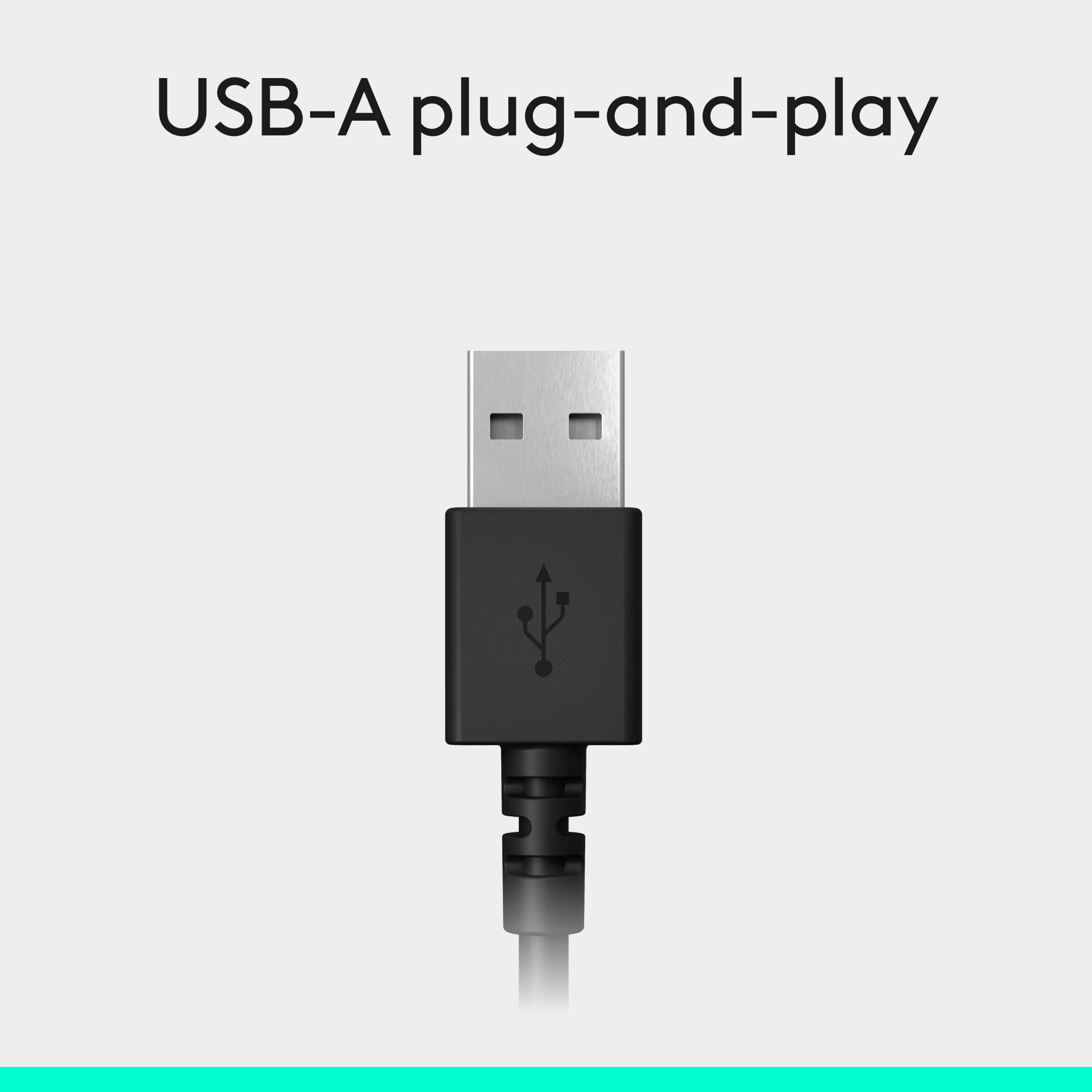
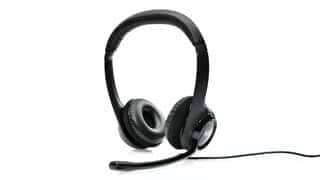
A:AnswerYes, assuming you have an open USB (not USB-C) port. Otherwise, you will need a USB hub (they're cheap). Hubs plug into the one port on your laptop and provide many USB ports.
A:AnswerIf your Mac has USB they should work fine. I'm using mine on a MacBook Pro 2016 13" with OS 10.14 - since my Mac only has thunderbolt ports, I plugged the headset into the USB port on a dock.
A:AnswerIt works great with my newest MacBook Pro 13" non-touch bar. I was hesitant to buy it since other reviewers weren't clear as if it worked, but because I needed it for work and was low on $, I decided to try it. When I fist plugged it in, it didn't show up on it's own and didn't work when I tested it by playing music. I was a little upset but then I went to system preferences and clicked on sound and picked the headset manually which made it work. At first, I had to select the headset every time I would plug it in to use it but then the computer got used to it and now it recognizes it as soon as I plug it in.
since the new macbook pros come with usb type c, I use a $10 adapter from bestbuy (usb type c to usb) and it works great with the adapter.
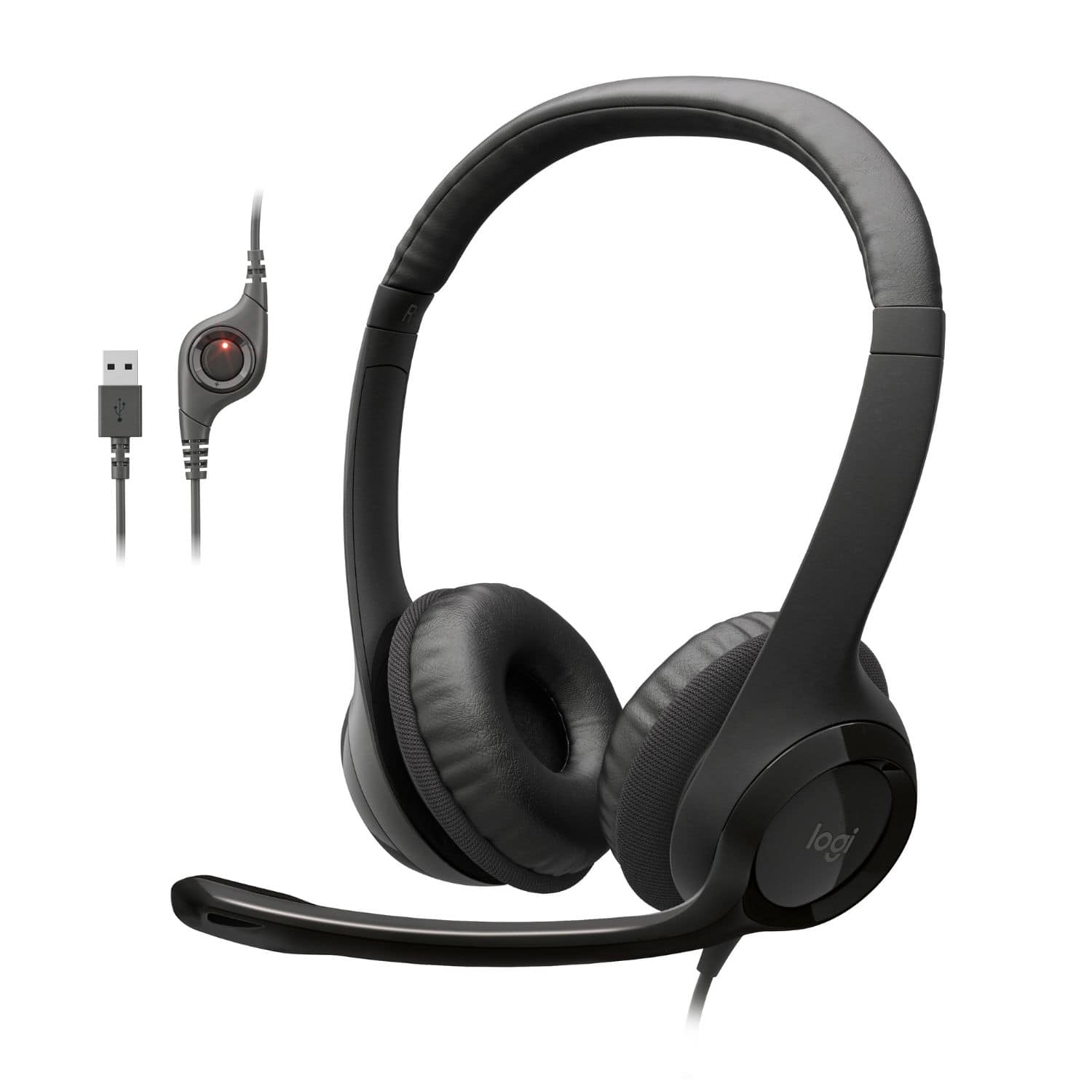
A:AnswerIf you are talking about the portable gaming PSP I don't think it will work. It's a standard USB connector. Unless the newer PSPs has a full size USB port I don't think it will work for you.
A:AnswerThe main difference between USB 2 and 3 ports is transfer (bus) speeds.
If this doesn't work with a USB 3 port, that's most likely going to be a problem with the motherboard, port, or driver.
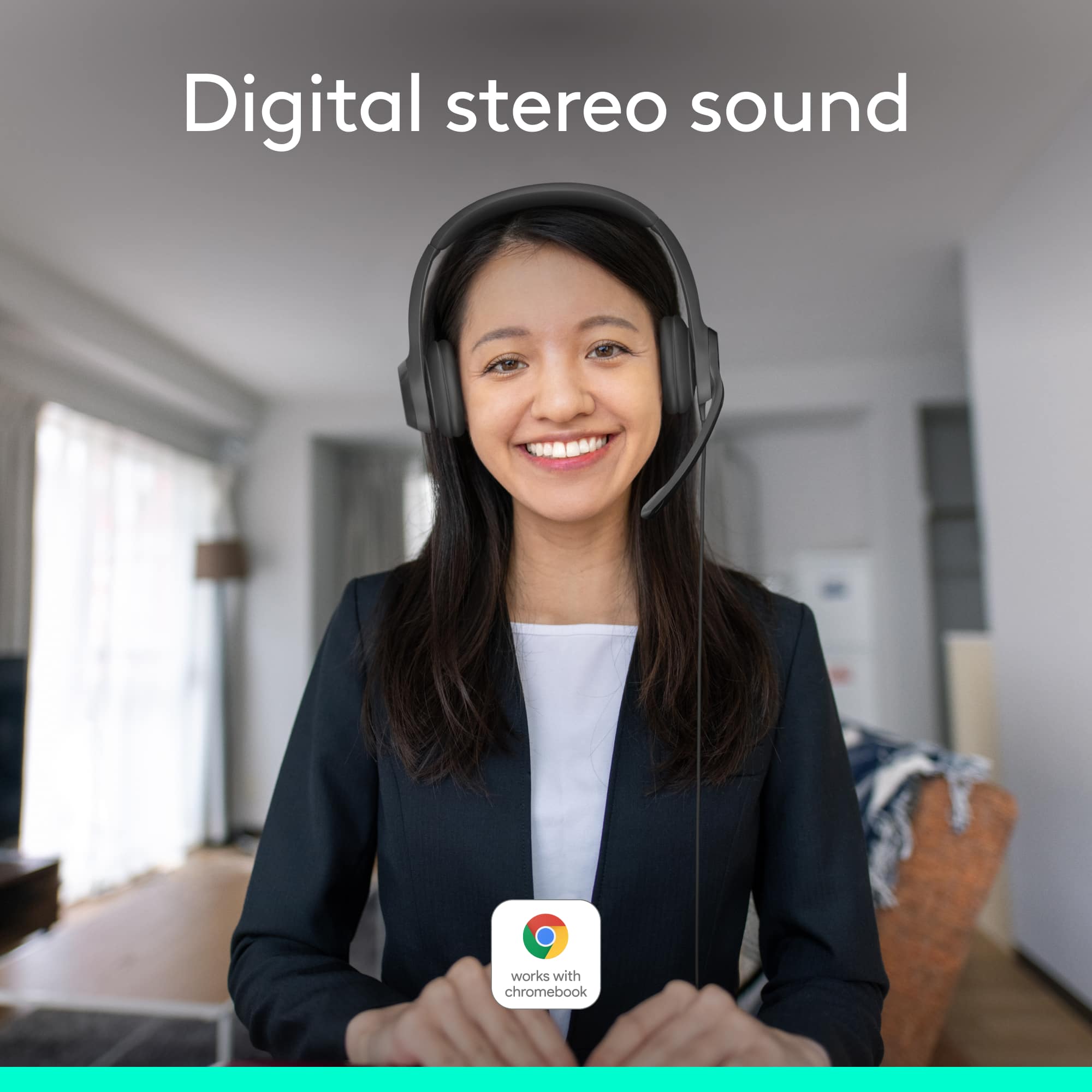
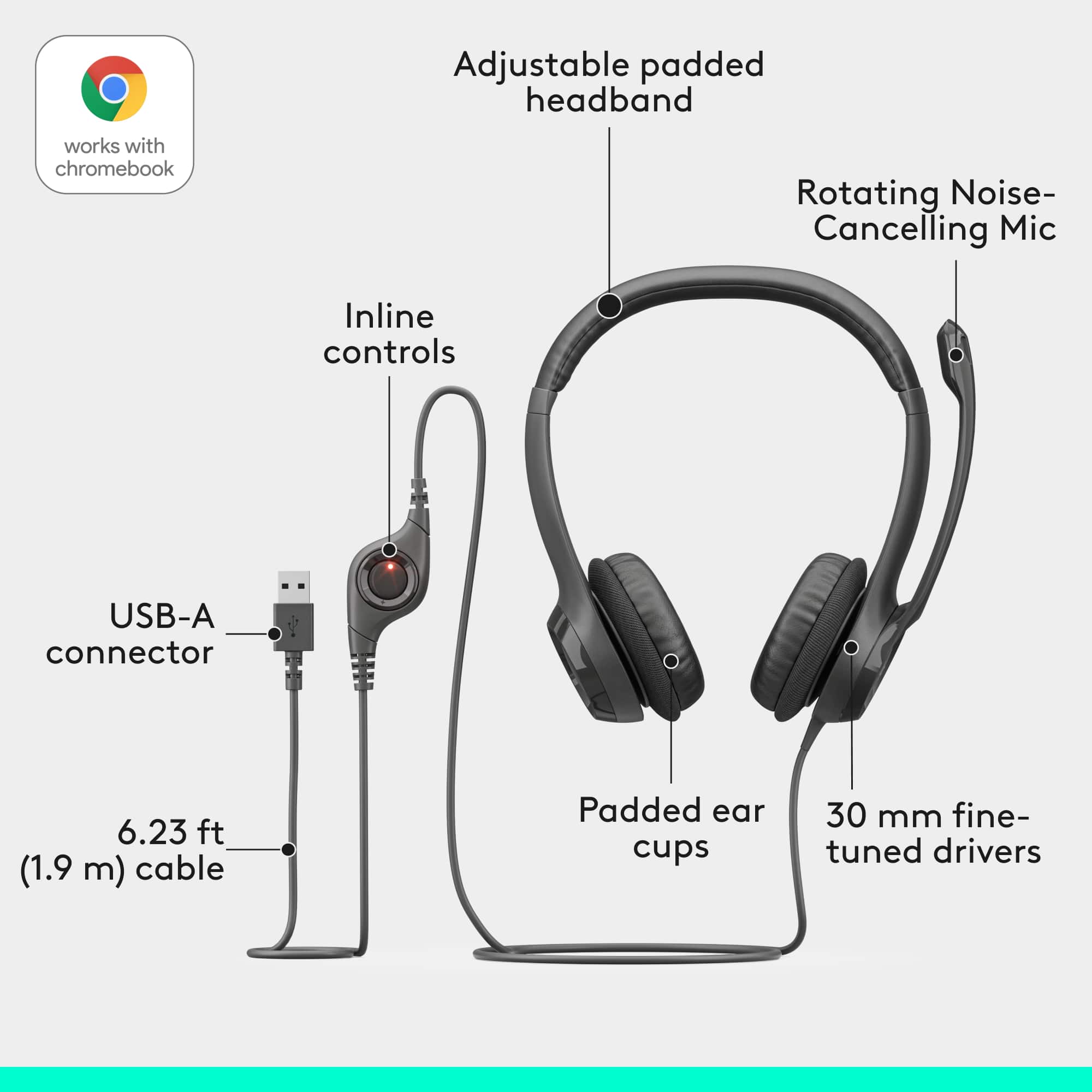
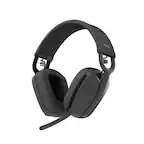
A:AnswerThe Logitech H390 headset is designed to work with most devices that support standard audio connections. This headphone is compatible with Windows, macOS, ChromeOS; Certified for Works With Chromebook.
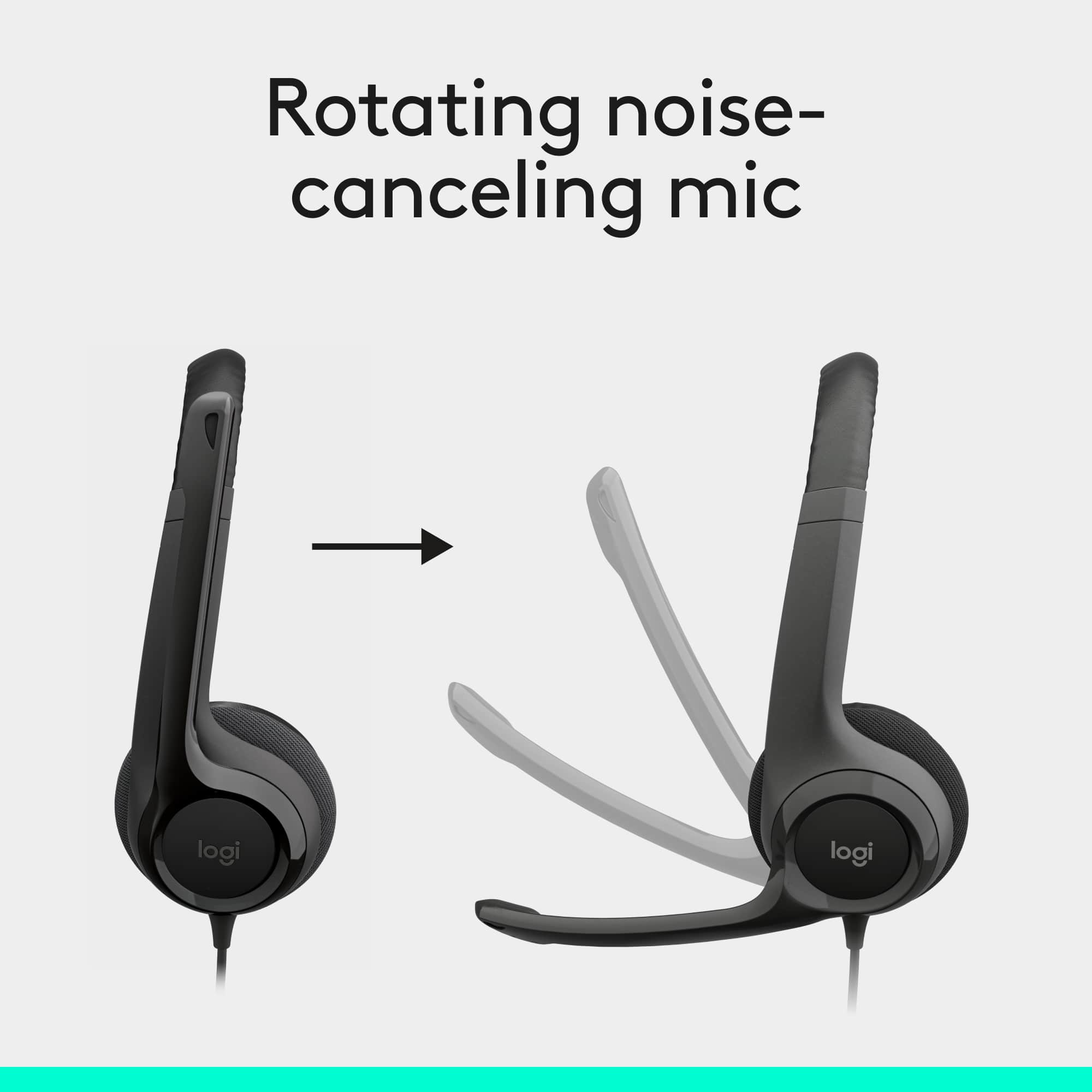
A:AnswerAbsolutely. They are great. I work remotely and these are what I use and so far have had no issues with others hearing anything but my voice. Hope this helps.