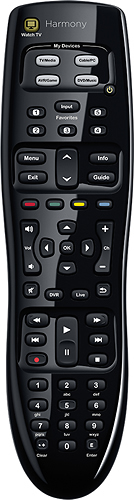
A:AnswerThe remote can learn from other remotes so if there is a button on you press on the magic remote that creates the cursor, I would think the Harmony can learn it. I taught my Harmony to start Direct Tv Now automatically from the special direct tv button on my Roku remote.
A:AnswerYES! Have this exact same setup in fact. LG and Spectrum/Charter Tv. Also have a second remote to control in other room. (That one is a Samsung TV and Spectrum/Charter Box.) Can say both remotes work great for each room. Hope this helps!
A:AnswerThe thing is you need to enter the Monitor - "Model" number and the "Serial number" when you access the product setup info. Then it does a system check to see that your system is compatible. My Harmony 350 was plugged into the USB for setup and data download from their website and it confirmed both the Laptop and the TV were compliant. It scans your system to verify that it (the Remote) will work. Beyond that there is a help function/contact number which could be useful if needed. I got mine at Best Buy and there is the option to return/replace if it doesn't work.
A:AnswerYes! It does! Which is awesome. I bought the Yamaha Sound System open box and it didn't come with a remote. This Logitech remote lets me do everything the yamaha one could have done too.
A:AnswerI'm not sure about the outside speakers, but this remote does work with the Yamaha Receiver which comes in the Home Theater in a Box from Best Buy.
A:AnswerIt worded with my Samsung TV. As long as you have the model number (which it looks like you do), it should work fine. You set it up while connected to your computer though and the online setup instructions were difficult to get to.
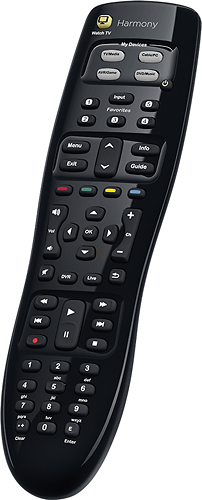
A:AnswerThere are 4 options on this remote, tv/media, cable/pc, AVR/game and DVD/music. We don't have in dash DVD player so can't say if it'd work or not. It does work with Apple TV. You might search the web and find an answer.