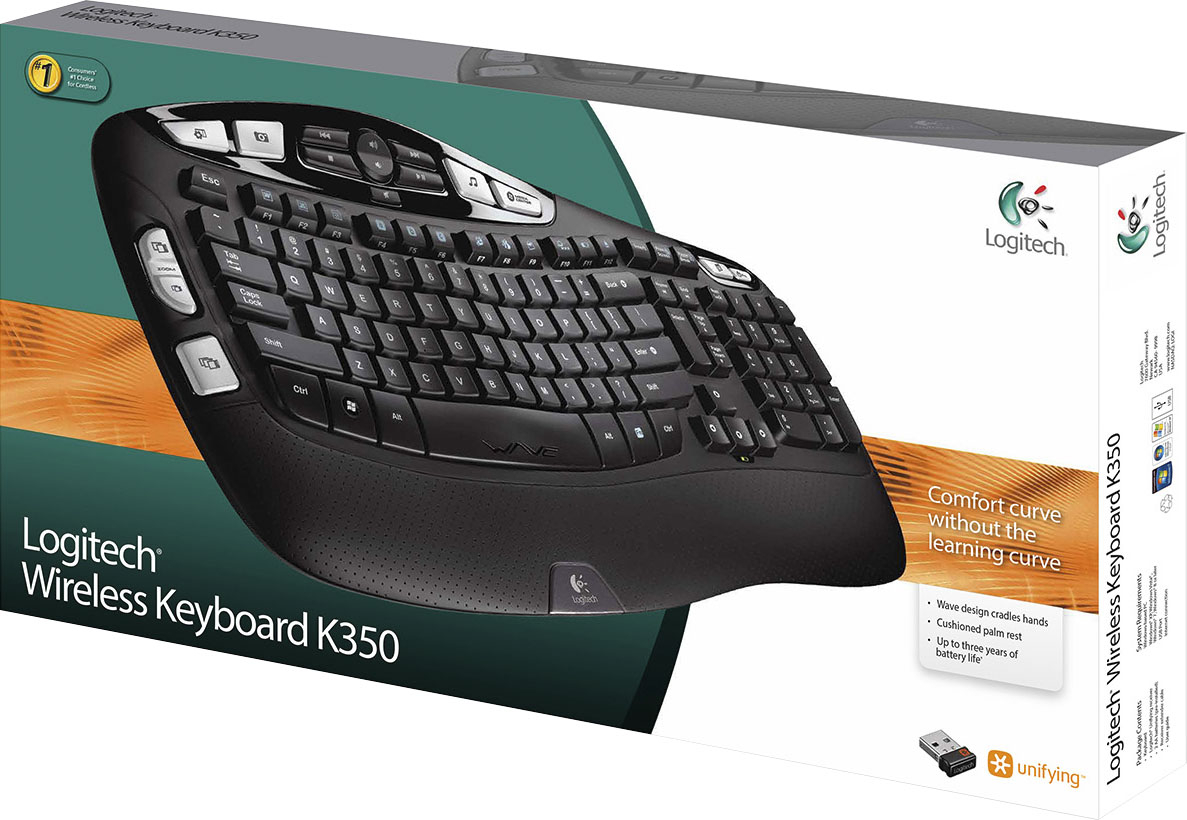
A:AnswerIn order to get the full functionality out of the keyboard you would need the software, which allows you to configure options on the keyboard. It would work without the software but you won't be able to use the options which make this keyboard unique and more useful.
A:AnswerNot unless you program this 32-bit keyboard to work on your 64-bit computer. Then the on-screen program will show you when the caps lock is on . You can program the keys to perform many functions, if you can figure out how to make it compatible to your system. Otherwise It is just an ordinary keyboard and pretty to look at.
A:AnswerThere is a caps lock key. Download the logitech software from the website and you can configure it to show a prompt on your screen whenever it's turned on/off, and with a sound if you want.
A:AnswerI use a PC at work and all Apple products at home. This keyboard was plug-and-play with my Macbook, a Mac mini, and my work PC. I didn't have to download any separate software or drivers.
A:AnswerThere isn't a port on the keyboard to hook up a usb cable.
The only time I've had a problem with lagging is when my batteries are starting to die.
Hope this helps.
A:AnswerHello mike! This is the K350 Wireless Keyboard by itself, but there is a combo available with the K350 keyboard and a mouse (the M510), it is the MK550 Wireless Wave Keyboard and Mouse Combo: https://www.bestbuy.com/site/logitech-mk550-wireless-wave-keyboard-and-mouse-black/1261402.p?skuId=1261402
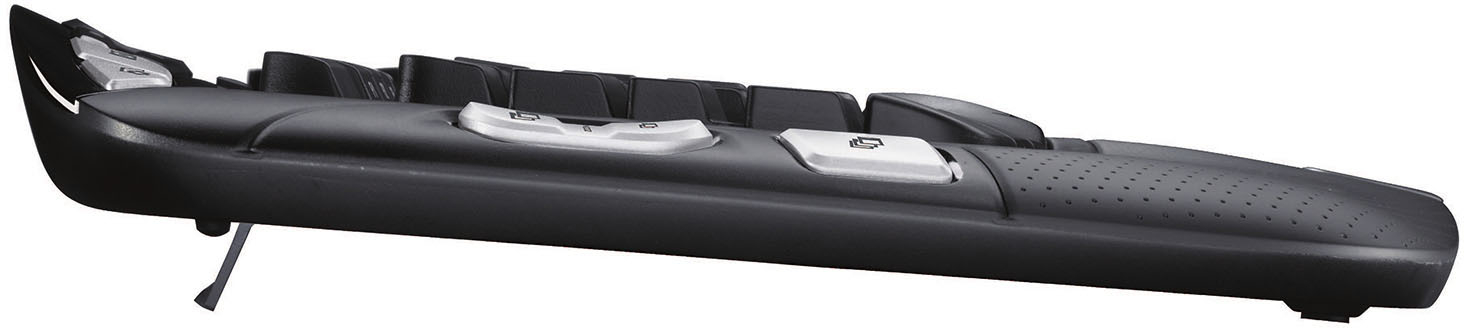
A:AnswerYes, you can order replacement feet from Logitech's website directly. The link to the spare parts for the K350 is https://support.logi.com/hc/en-us/articles/360025411073--Spare-Parts-Wireless-Keyboard-K350.
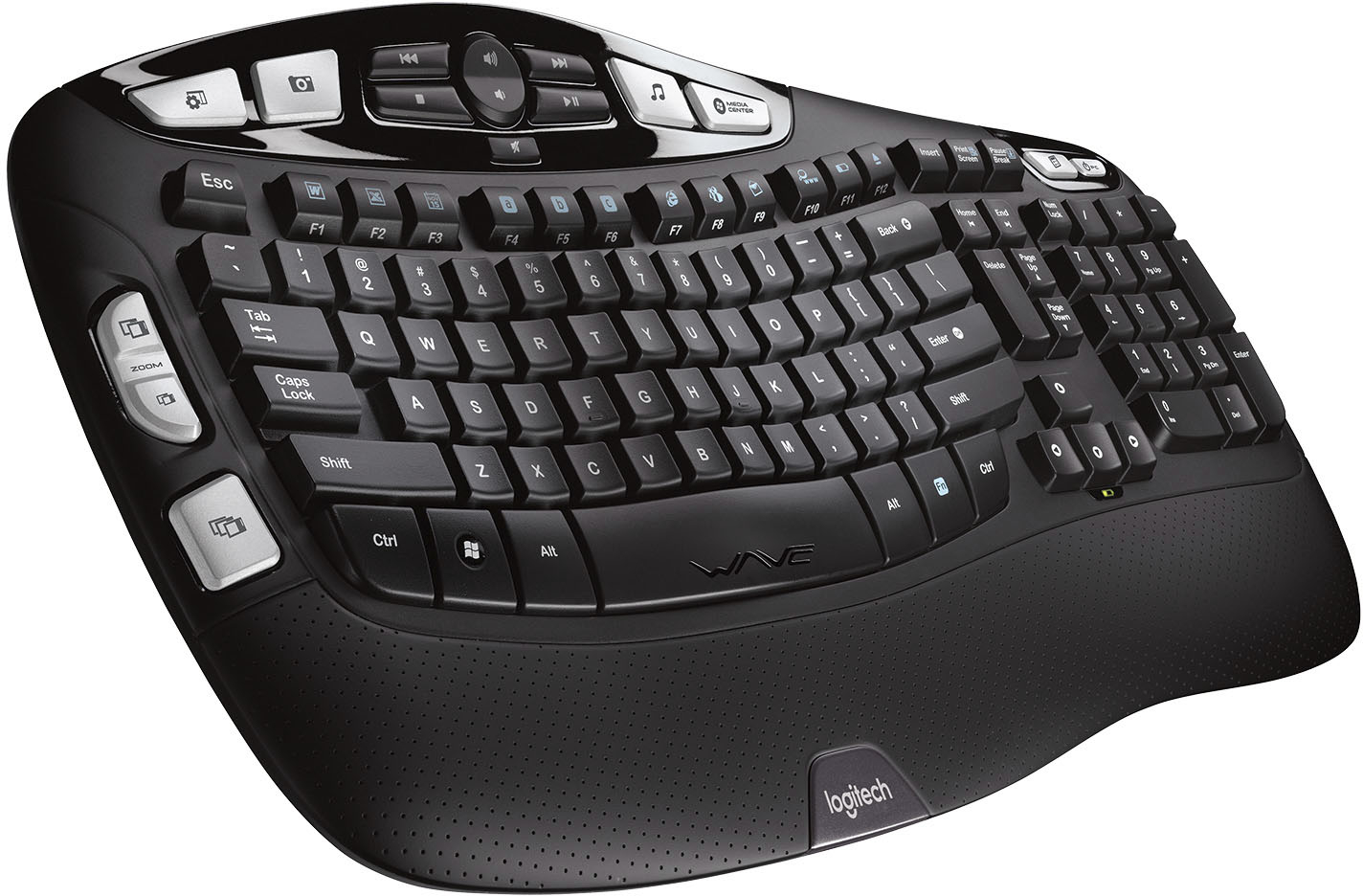
A:AnswerThat is the "hat" symbol (or caret sign) on the #6 key. To use it, press shift-6. Arrows (or the greater than/less that symbols) are upper case period and comma. Hope that helps.
A:AnswerAny Logitech wireless keyboard will use the same wireless USB unified receiver. These will connect to Logitech keyboards & mice. They are not bluetooth.
A:AnswerIt does require a "receiver" in that you need a laptop, pc monitor, or television to operate the keyboard. Otherwise, where else are you trying to type?
![The text on the image reads:
H4 H4 I MEDIA CENTER Insert Print Screen Pause Break IC MOOS Esc ~ . Tab N Caps Lock Shift ! 1 W F 2 Q A X F2 # 3 W S Z 17 F3 $ 4 E D x R C a b C F4 FS F6 % A & 5 6 7 T Y U F G H V N F7 * ( 8 9 I J K M FB ) 0 o L < , www F12 F11 F10 FD + Back - = - I } I { ] P [ u Enter E 3 ? Shift > I Home H Delete End H Page Up A Page Down Num Lock 7 Home 4 - 1 End 0 Ins / 8 t 5 2 I * 9 Po Up 6 3 Po De Del - + Enter Ctrl Alt Alt Fn Ctrl WAE logitech
The text is a list of keys on a keyboard, including function keys, arrow keys, and other special keys.](https://pisces.bbystatic.com/image2/BestBuy_US/images/products/9613/9613864_sd.jpg)