Questions & Answers
- Model:
- 961-000500
- |
- SKU:
- 6466539
Highly rated by customers for: Overall Performance, Video Quality
Page Showing 1-4 of 4 questions
Q: QuestionCan this be used for TikTok Live Streaming and does it link up to TikTok Studio?
Asked by Jay.
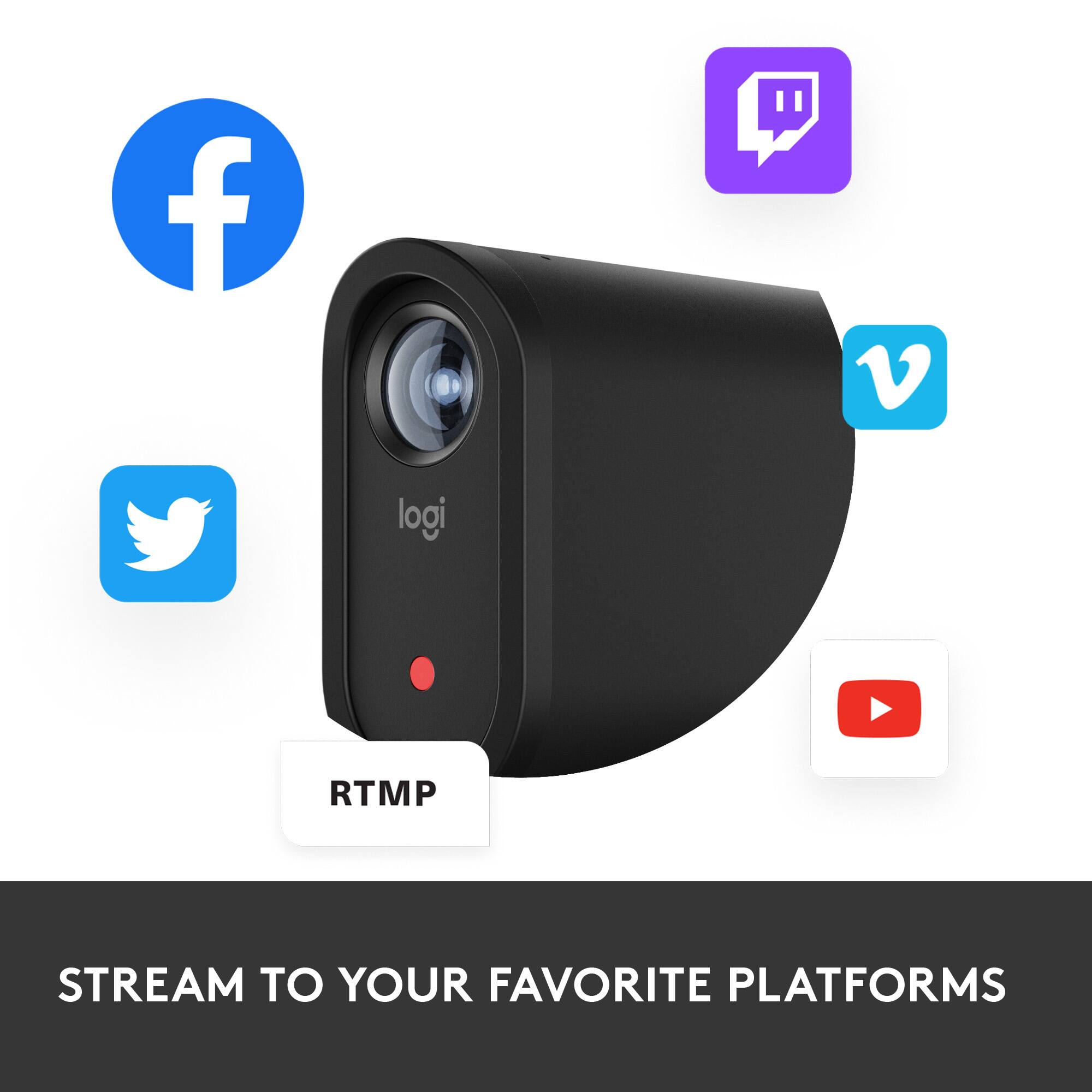
- A:Answer Hey! The Logitech Mevo Start Live Streaming Camera might be usable for TikTok Live Streaming with some limitations, but it likely doesn't directly link up with TikTok Studio.
Answered by Logitech
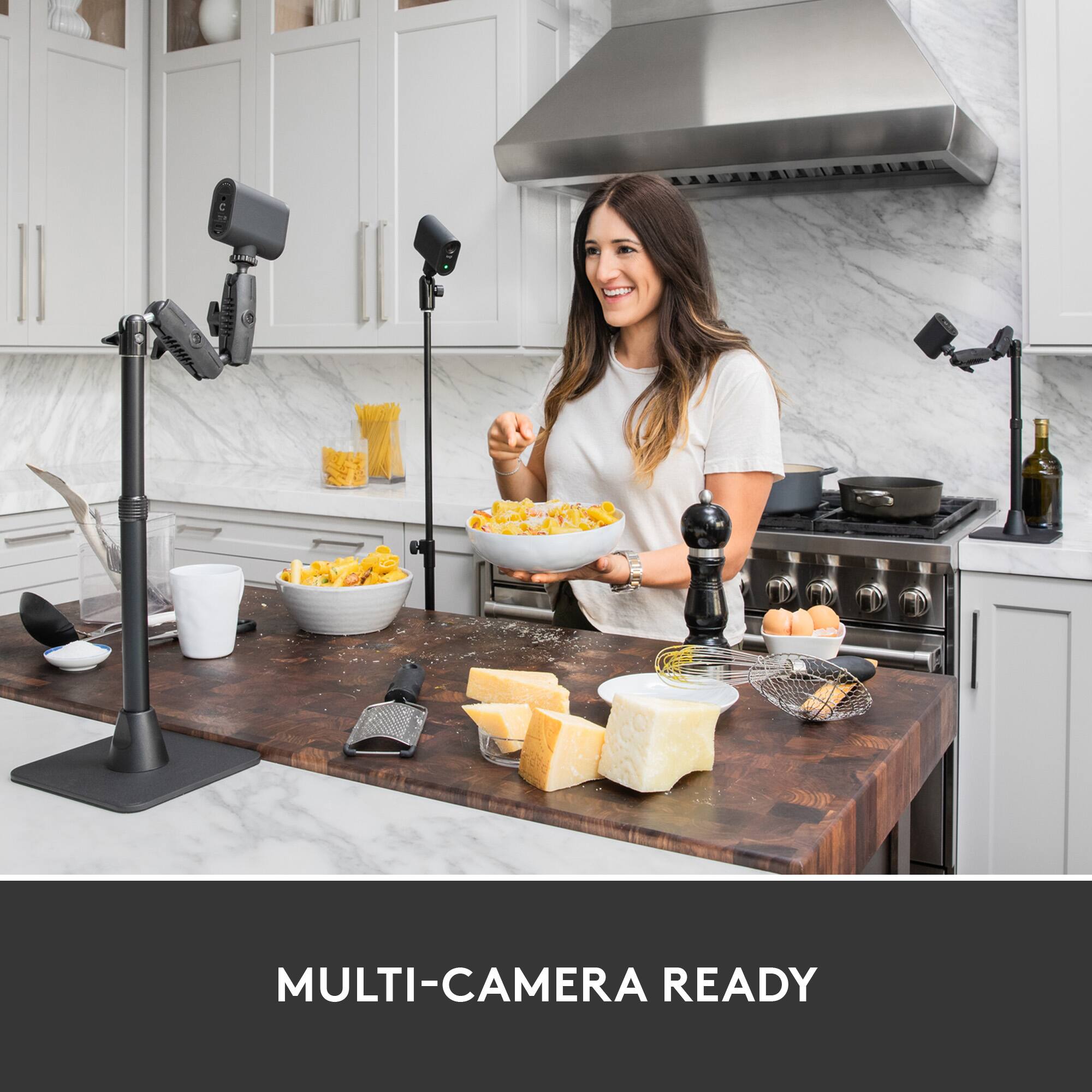
Q: QuestionCan all three cameras stream and record on the same screen at the same time? Example, different parts of the field at the same time?
Asked by RMgmt.
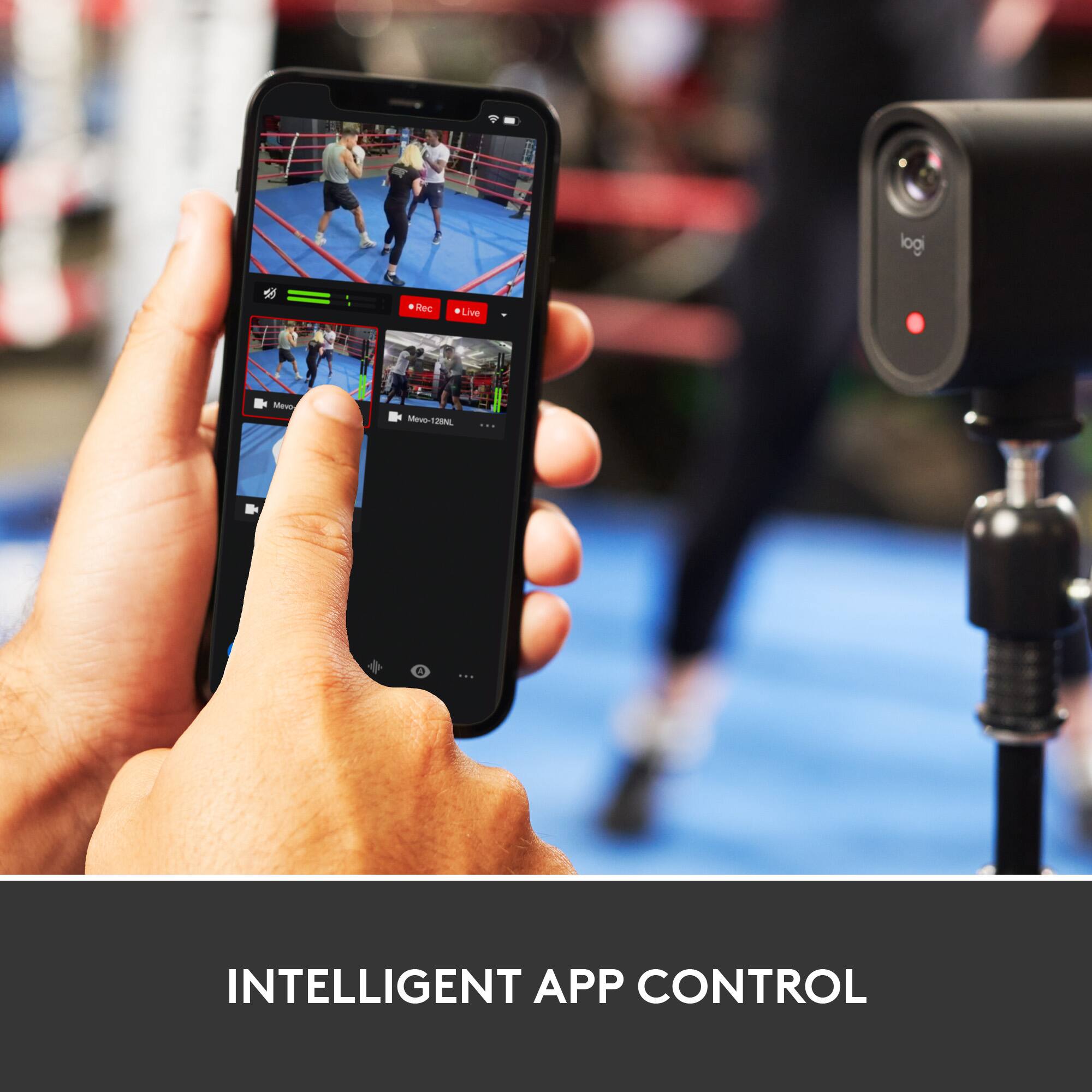
- A:Answer Hey! Yes, the Mevo Multicam App lets you wirelessly control and switch between multiple Mevo Cameras for a compelling multicamera live stream or recording.
Answered by Logitech
Q: QuestionWhat is the maximum range the cameras can be from your phone and or each other to work? Could I put one behind the plate and one in the outfield?
Asked by Range.
- A:Answer Hi Range, Each individual Mevo camera sends raw footage through your local network to the mobile device running the Mevo Multicam App. The Mobile device then encodes the footage based on the shot selections you make in the app. The mobile device then sends the encoded video through your network and to the platforms you have configured in the Multicam App located on the internet. Here's a link to how to setup multiple cameras: https://help.mevo.com/hc/en-us/articles/360058647952-Multicam-Configuration-and-Setup. - Richard from Logitech
Answered by Logitech
Q: QuestionDoes each camera do its on mic when it is on?
Asked by Dave.
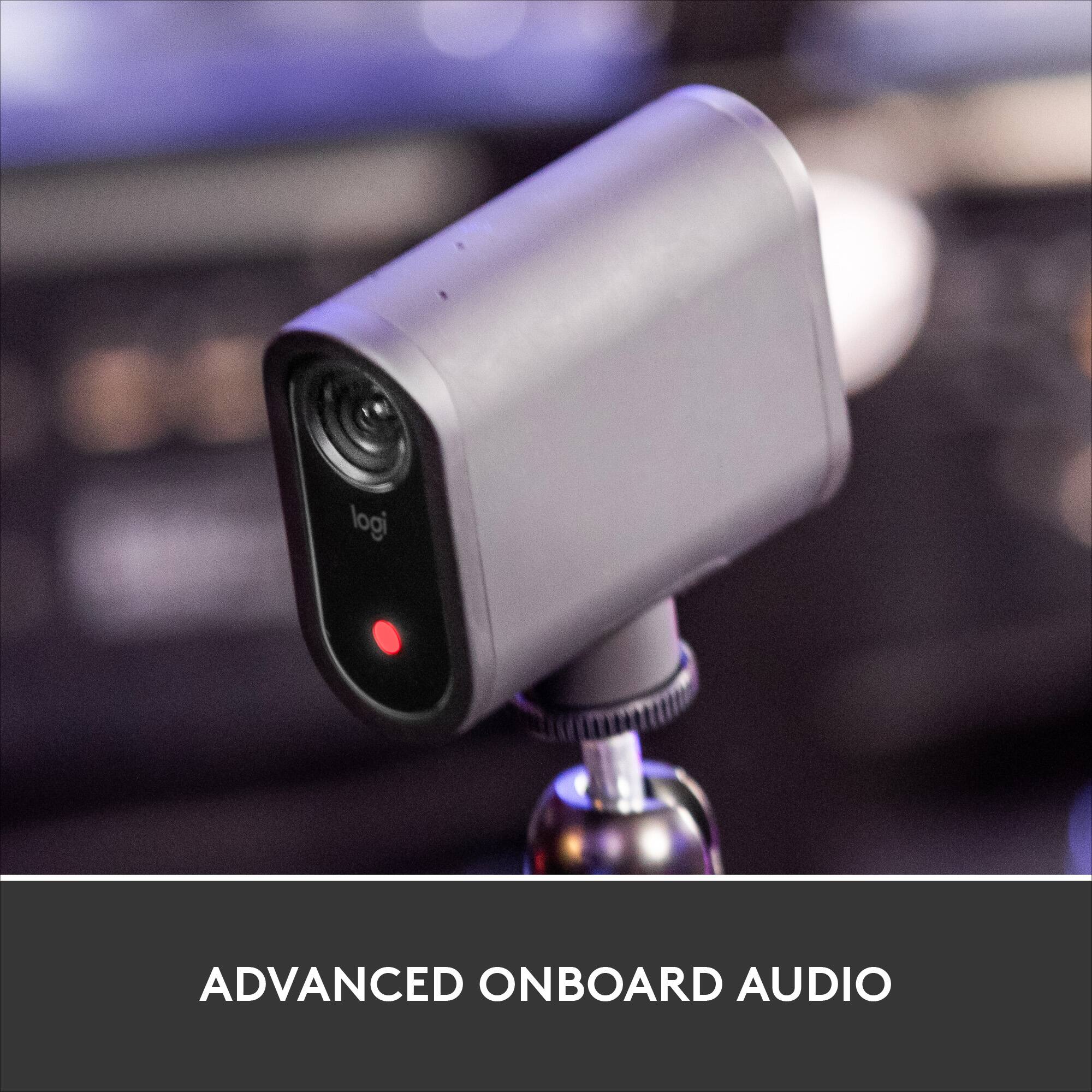
- A:Answer Hello Dave. Each camera has its own microphone. Using the software, you can choose to single out one of the camera mics, mix all three camera mics, use only the live camera mic (it only uses the camera on the mic that is currently being used), or even use an external microphone (like your cellphone).
Answered by Logitech
Page 1, Showing 1-4 of 4 questions