Questions & Answers
- Model:
- 920-009437
- |
- SKU:
- 6366562
Highly rated by customers for: Keyboard Quality, Ease of use, Size
Page Showing 41-52 of 52 questions
Q: QuestionI just purchased this combo set, and was wondering if the mouse could be used with multiple monitors (a laptop connected to a larger monitor)? Will the mouse transition across the 2 monitors?
Asked by ACARR.
- A:Answer Yes it crosses over all monitors. I think you asked this question twice.
Answered by CDGWI
Q: QuestionDoes this set come with batteries? What should I order for back ups?
Asked by Jasmine1.
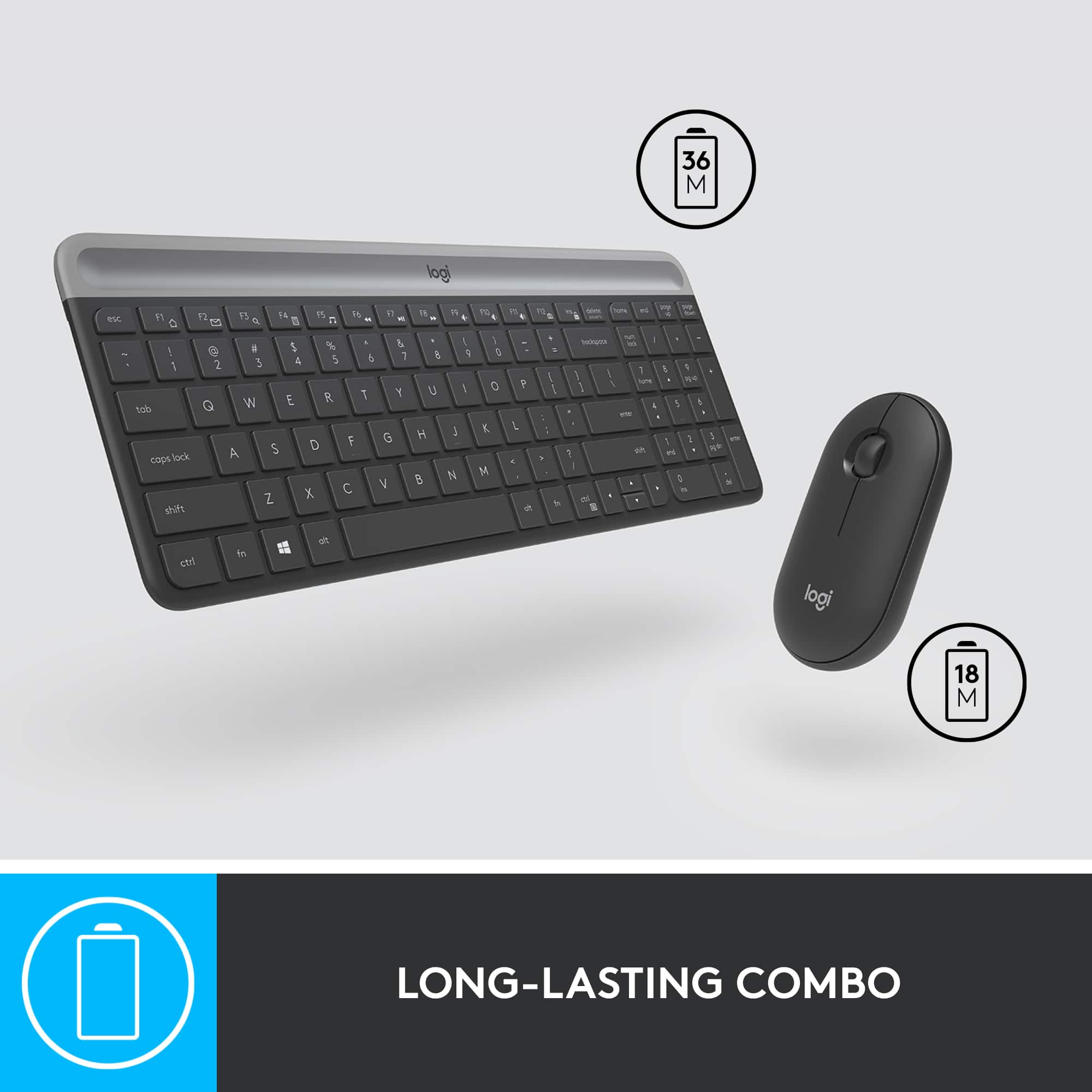
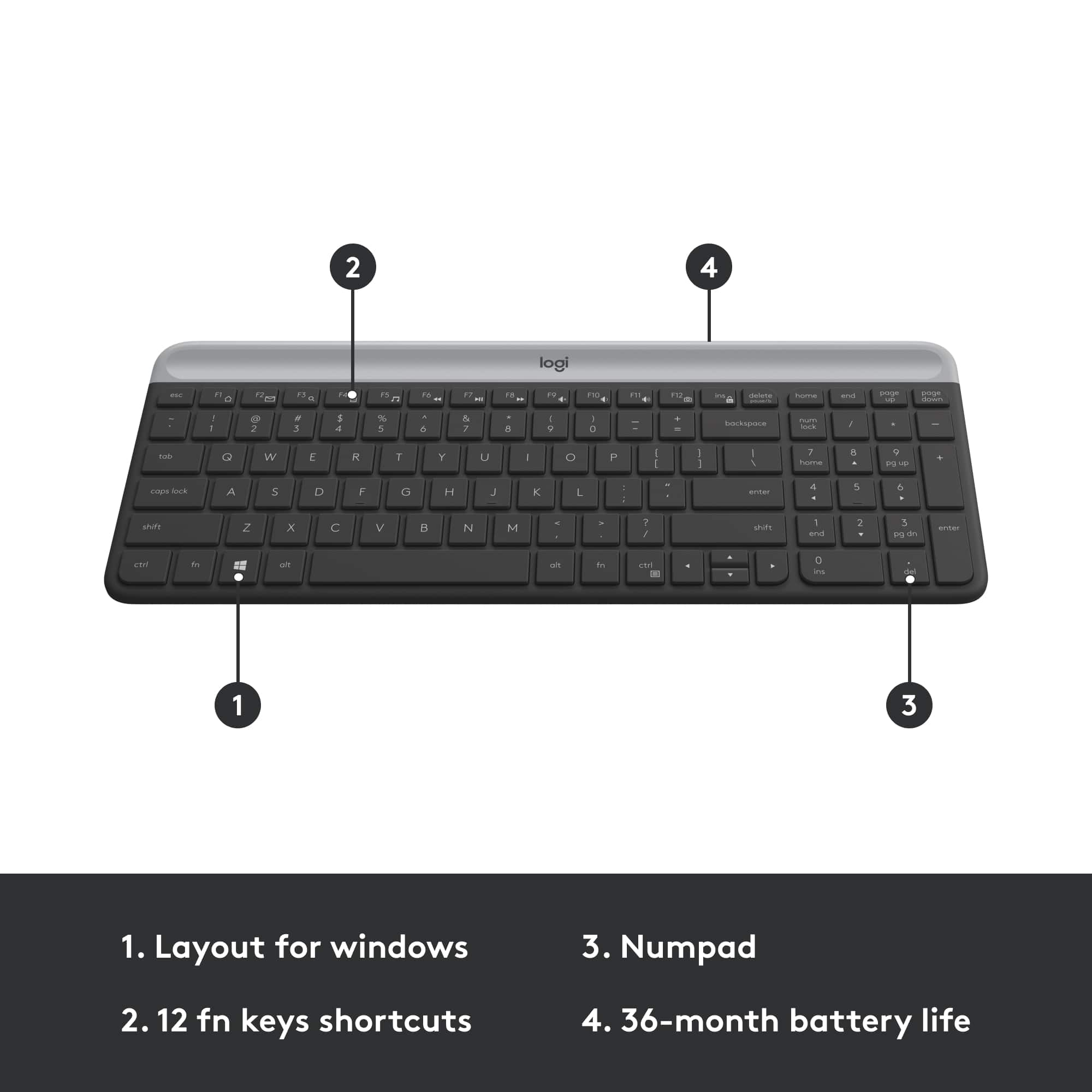
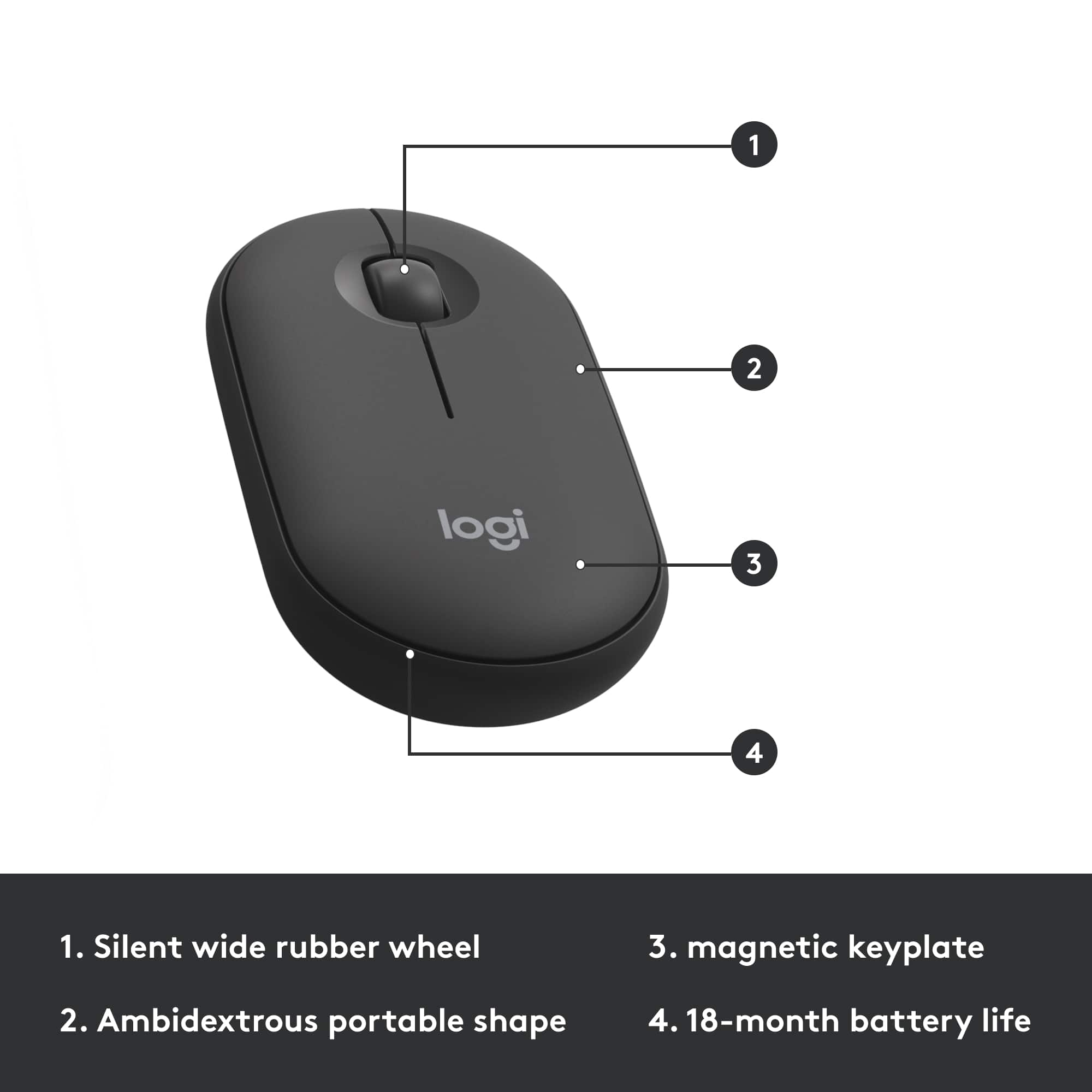
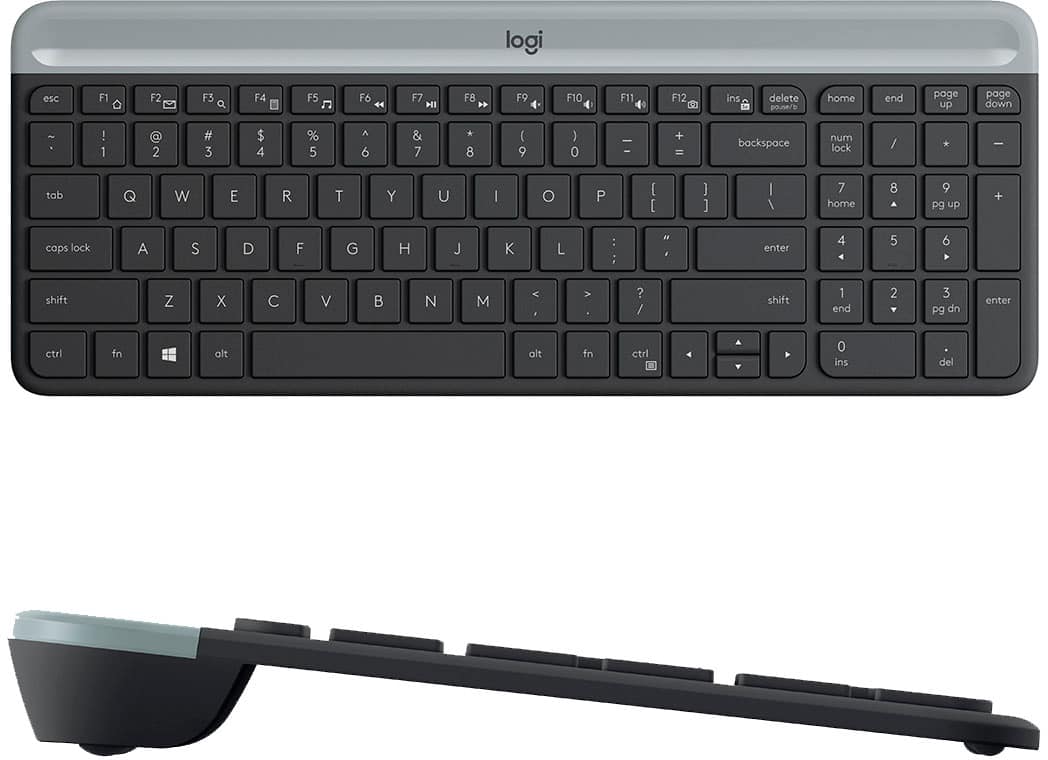
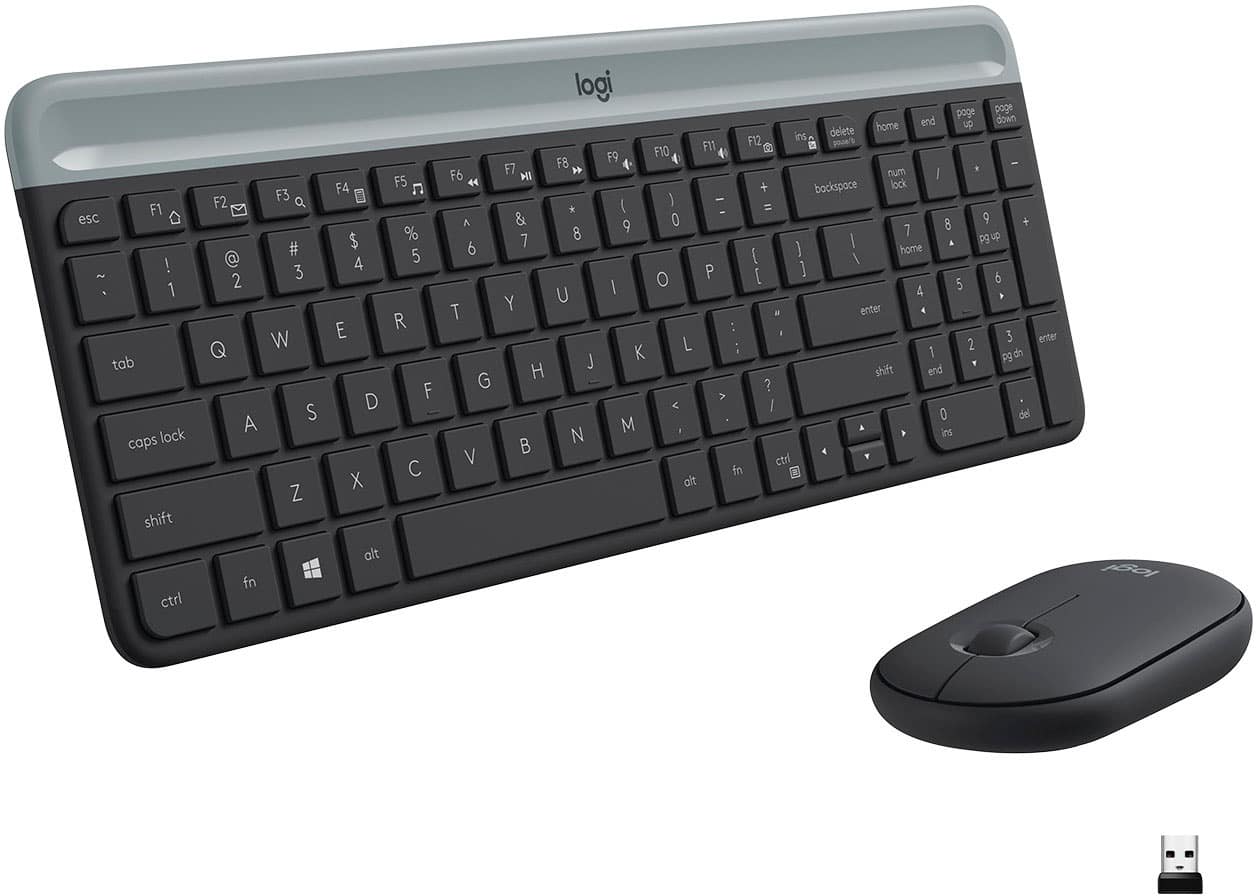
- A:Answer Yes it does come with batteries already installed inside the keyboard. Just pull the tab and it's active. Funny thing is, the mouse does not need batteries. It just has an on/off switch. But good news, the keyboard has a secret compartment where the logi brand logo is, and that's where the batteries are and the USB dongle storage is, and you can store pens/extra batteries as well
Answered by rxpcgal
Q: QuestionCan I use a different logitech mouse with this keyboard?
Asked by Mason.
- A:Answer It's the same USB receiver for both the mouse and keyboard. However, you can definitely use a different mouse. You would just need to plug in that mouse's own USB receiver to separately connect it. This mouse has an on/off switch on the bottom, so you can turn it off to prevent two mice from connecting to your computer. You wouldn't be able to use this mouse with another computer though since it doesn't have its own USB receiver.
Answered by skigirl88
Q: QuestionMy keyboard keeps going to sleep. I touch keys but it does not wake up? What buttons do this specifically? I need help.
Asked by Mem.
- A:Answer Hello. It sounds like your keyboard needs new batteries. It takes 2x AAA batteries and you can change them by sliding up the top plastic piece. You can find the Support Page for the MK470 here: https://support.logi.com/hc/en-us/articles/360026084174-Getting-Started-MK470-Slim-Wireless-Keyboard-and-Mouse-Combo
Answered by Logitech
Q: Questiondoes this work with a chromebook?
Asked by jjpl.
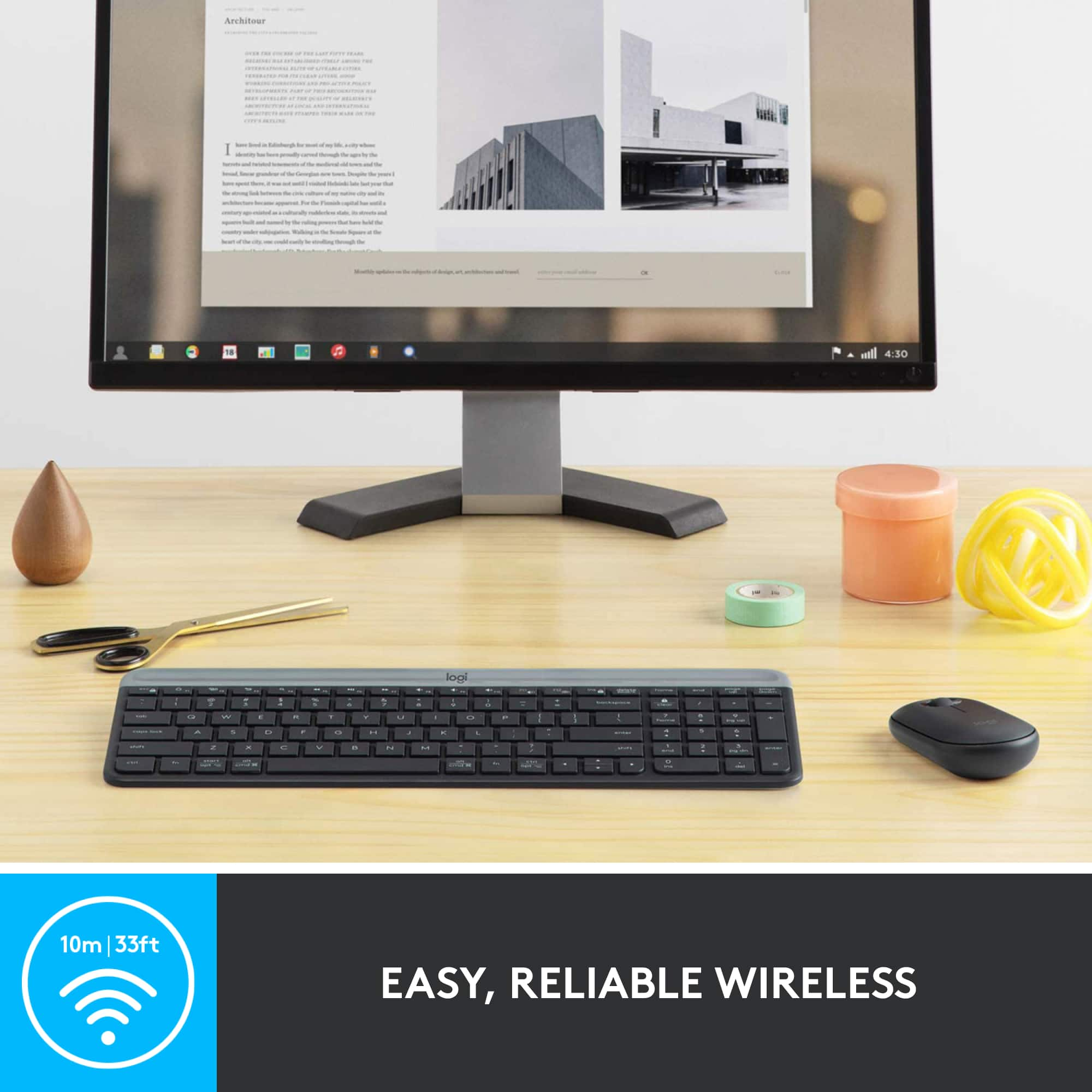
- A:Answer I don't have a chrome book. The device is Bluetooth connected
Answered by geosyncline
Q: QuestionCould I use this keyboard with the iPad Pro?
Asked by Anonymous.
- A:Answer No, unfortunately this keyboard and mouse combo uses a USB receiver to connect.
Answered by Logitech
Q: QuestionWill the MK470 USB recognize a Logitech mouse other than the one that comes with the keyboard? I have an M325 that I'd like to use instead.
Asked by Hydro5.
- A:Answer I bought an M325 Mouse at Best Buy at the same time as the keyboard because it fit my small hands. It works fine with the keyboard.
Answered by TechnicalSalesManager
Q: QuestionIs this compatible with the Logitech unifying USB receiver?
Asked by carak.
- A:Answer I have not been able to connect it through the unifying receiver.
Answered by PasadenaBob
Q: QuestionCan I buy another logitech mouse to work with the Logi keyboard?
Asked by Joan.
- A:Answer Do I need a unifying receiver if I'm just replacing the current mouse with a replacement? The mouse that it came with is malfunctioning, so I want to order a new one - will it work with the current receiver? I do not want to occupy the last USB slot nor do I want a portable USB port.
Answered by Nick
Q: QuestionI lost the USB nano receiver, will the Logitech C-U0007 Unifying Receiver function with the MK470?
Asked by Chels.
- A:Answer Hello Chelis, unfortunately the MK470 is not compatible with our Unifying Receiver. I apologize for the inconvenience, but looks like you'll have to get a new MK470 combo. Hope you have a great day.
Answered by Logitech
Q: QuestionI have just purchased the Logi K470 keyboard and would like to know how you screen print. I have seen some answers but none of them seem to work. Any help would be appreciated.
Asked by Lozza.
- A:Answer Function plus F12 and you'll screen print.
Answered by StephenS
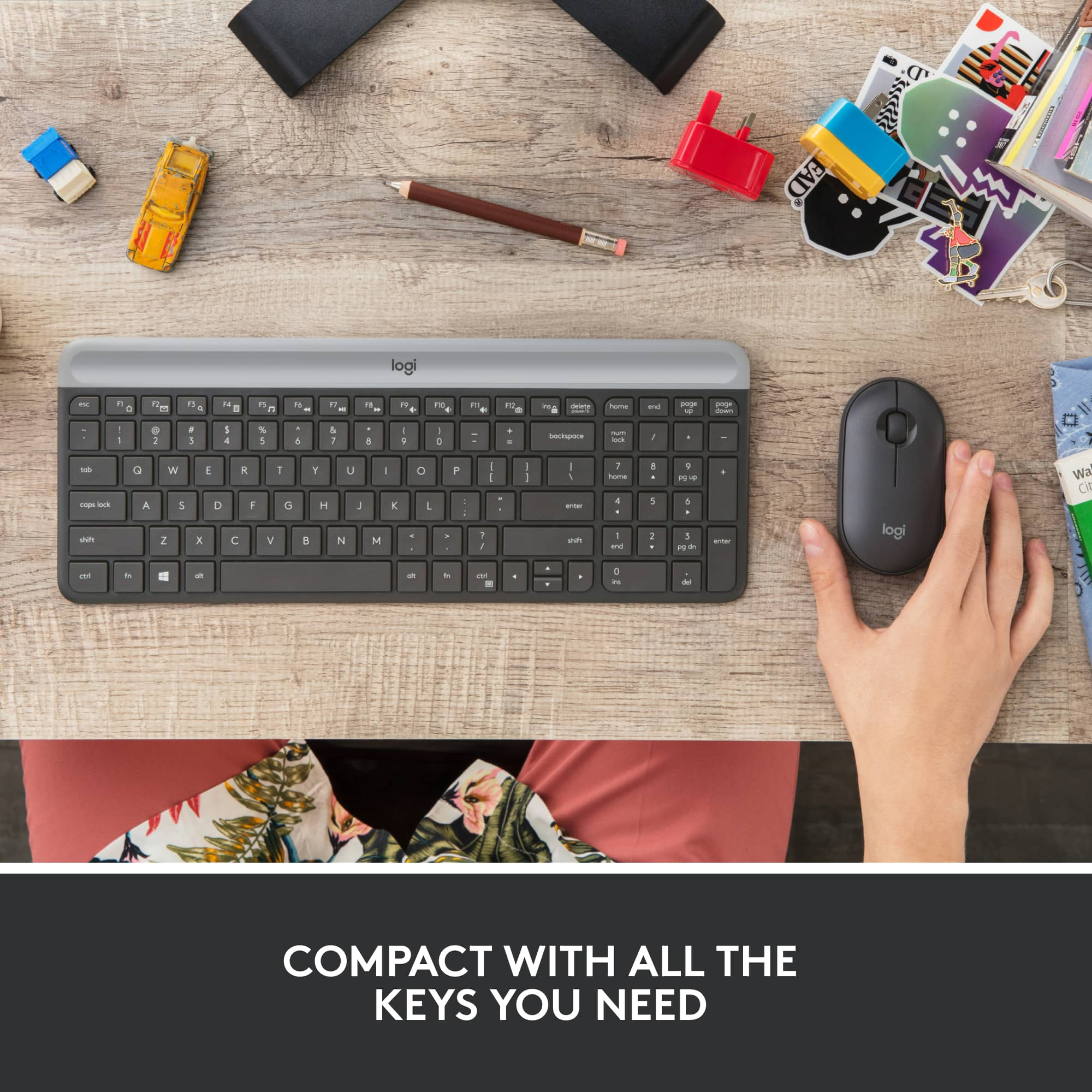
Q: QuestionHello. Does anyone know if the Logitech MK 470 keyboard has a PRINT SCREEN key?
Asked by Anonymous.
- A:Answer I don’t recall mine having a print screen button but you can use Windows Button+shift+s
Answered by TheConsumer
Page 3, Showing 41-52 of 52 questions