Questions & Answers
Q: QuestionDoes this keyboard work with a Playstation 5.
Asked by 4to25characters.
- A:Answer Hey! No, the MK470 combo is not compatible with PlayStation 5.
Answered by Logitech
Q: QuestionIs this compatible with a iPad Model A2759?
Asked by LMG.
This question was asked about the related product: Logitech - MK470 Full-size Wireless Scissor Keyboard and Mouse Bundle for Windows with Quiet clicks - Off-White
- A:Answer It doesn't have Bluetooth so it can't connect to an iPad. This requires a USB dongle.
Answered by techie
Q: QuestionIs this compatible with a Galaxy Tab S7+?
Asked by Tony.
- A:Answer It is true that this particular set is not bluetooth. If the galaxy tab s7+ has a dedicated usb port, then i don't see why it wouldn't work. However not all cell phones and/or tablets have dedicated usb ports. On phones/tablets that don't have a dedicated usb, the port where you charge the device in many cases is actualy multifuncion. All you need is a micro or usb-c adapter (or specially designed usb hubs) to full usb and that should solve the problem.
Answered by JamesF
Q: Questionmy computer cannot recognize the keyboard even after i plug in the usb, how come?
Asked by luyu.
This question was asked about the related product: Logitech - MK470 Full-size Wireless Scissor Keyboard and Mouse Bundle for Windows with Quiet clicks - Off-White
- A:Answer Gotta' download the app
Answered by WebrootUser
Q: Questionhow can i get instruction manual? cannot fine anywhere, cant use some of the function keys
Asked by peggy.
- A:Answer You may have to download one from the website.
Answered by GameReview
Q: QuestionIs there a smaller version of this without the number keys to the right?
Asked by MTM.
- A:Answer Yes. K380 https://www.logitech.com/tr-tr/products/keyboards/k380-multi-device.html
Answered by Anonymous
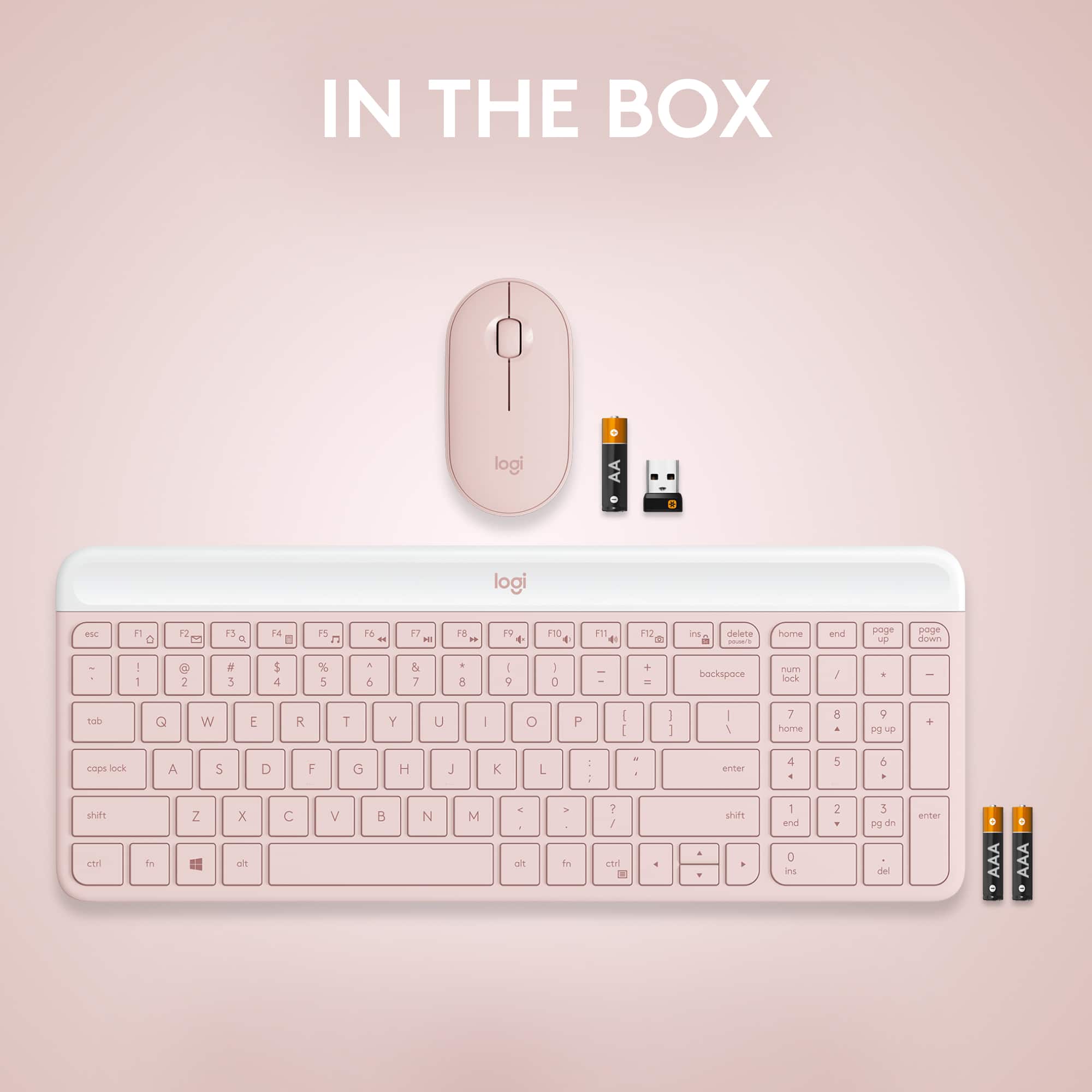
Q: QuestionI do not see the print button on the keyboard. I like to print certain parts of a page like a clipboard and save to word or an email. How do I do that with no print button?
Asked by David.
- A:Answer Ctrl+P
Answered by Mark
Q: QuestionHi, does MK470 work with Samsung galaxy tab A7 if i use OTG because tab has only type c port?
Asked by Raaja.
- A:Answer Hello Raaja! Unfortunately, the MK470 Full-size Wireless Scissor Keyboard and Mouse Bundle with Plug and Play won't work with a Samsung Galaxy Tab A7 as you need to connect the USB Receiver to the device for it to operate. There is a similar model (keyboard only) that will work with your device though, it is the K580 Multi-Device Wireless Keyboard, which can connect via the Receiver or Bluetooth: https://www.bestbuy.com/site/logitech-k580-multi-device-chrome-os-edition-full-size-wireless-membrane-keyboard-graphite/6373452.p?skuId=6373452 - Mathieu form Logitech
Answered by Logitech
Q: QuestionDoes it comes with warranty?
Asked by Loki.
This question was asked about the related product: Logitech - MK470 Full-size Wireless Scissor Keyboard and Mouse Bundle for Windows with Quiet clicks - Off-White
- A:Answer Hello, Loki! Yes, the MK470 has a 1-year limited hardware warranty from the date of purchase. - Maggie from Logitech
Answered by Logitech
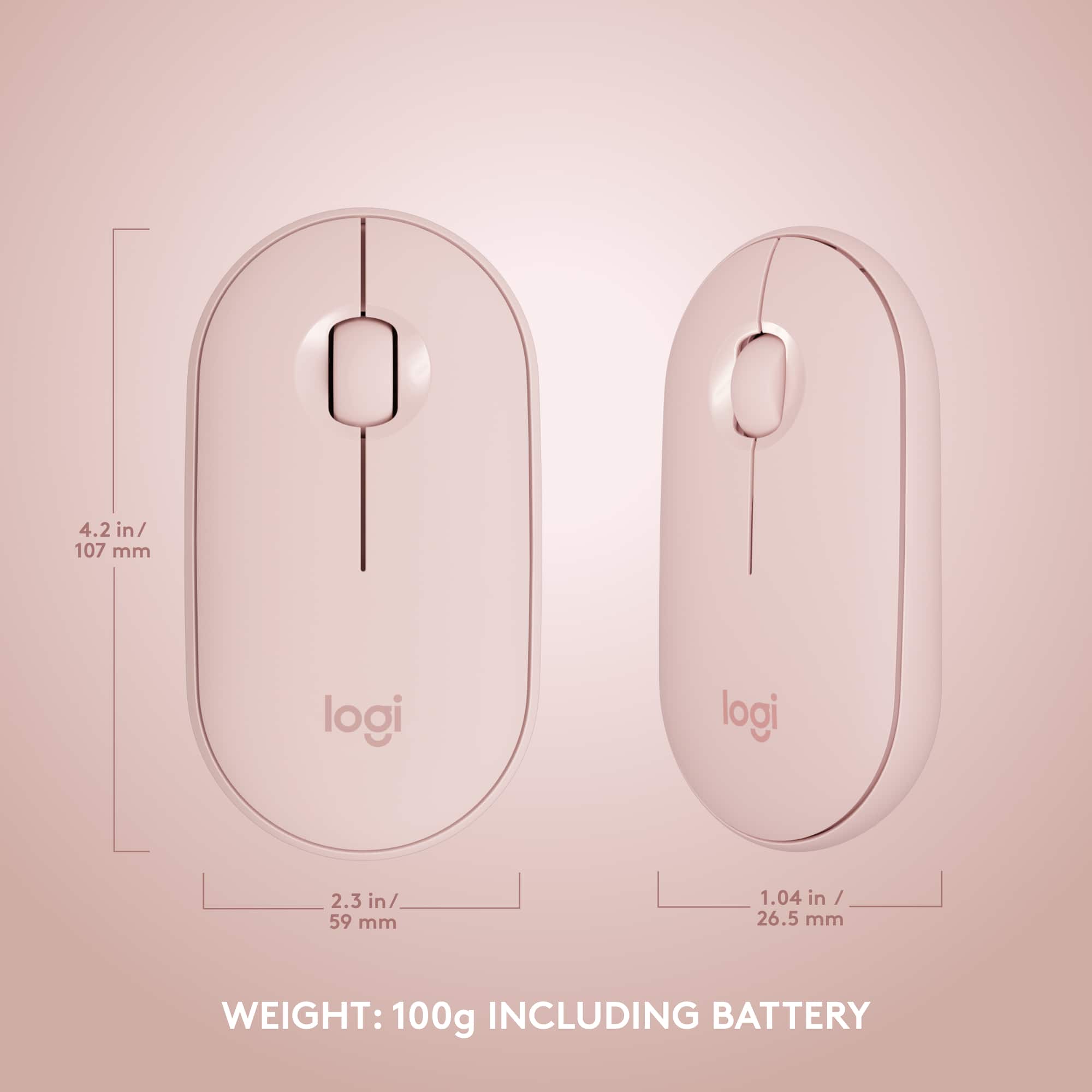
Q: QuestionCan I use a different mouse than the one that comes with the MK470 as this mouse is too small for my use?
Asked by Kim.
- A:Answer I'm not sure as I haven't tried yet myself. This mouse is 'OK' but not to my taste either. You can always try another logitech mouse for pairing purposes.
Answered by Mick
Q: QuestionCan this keyboard be connected to iPad
Asked by Anonymous.
- A:Answer Connects through USB dongle, so it would not connect to an iPad.
Answered by TimW
Q: Questionhow do you link the keyboard to your computer to start using it?
Asked by Cliff.
This question was asked about the related product: Logitech - MK470 Full-size Wireless Scissor Keyboard and Mouse Bundle for Windows with Quiet clicks - Off-White
- A:Answer Once you connect the wireless USB it will connect automatically by Bluetooth.
Answered by Alaa
Q: QuestionI recently purchased this item, and the keyboard and mouse are really slow and sometimes don't work with my macbook. what do i need to do?
Asked by Megan.
This question was asked about the related product: Logitech - MK470 Full-size Wireless Scissor Keyboard and Mouse Bundle for Windows with Quiet clicks - Off-White
- A:Answer I moved it to a different USB port and it improved the latency. But I agree, it is a bit slow at times.
Answered by Anonymous
Q: QuestionWhy is this described as a Scissor keyboard?
Asked by COZY2.
This question was asked about the related product: Logitech - MK470 Full-size Wireless Scissor Keyboard and Mouse Bundle for Windows with Quiet clicks - Off-White
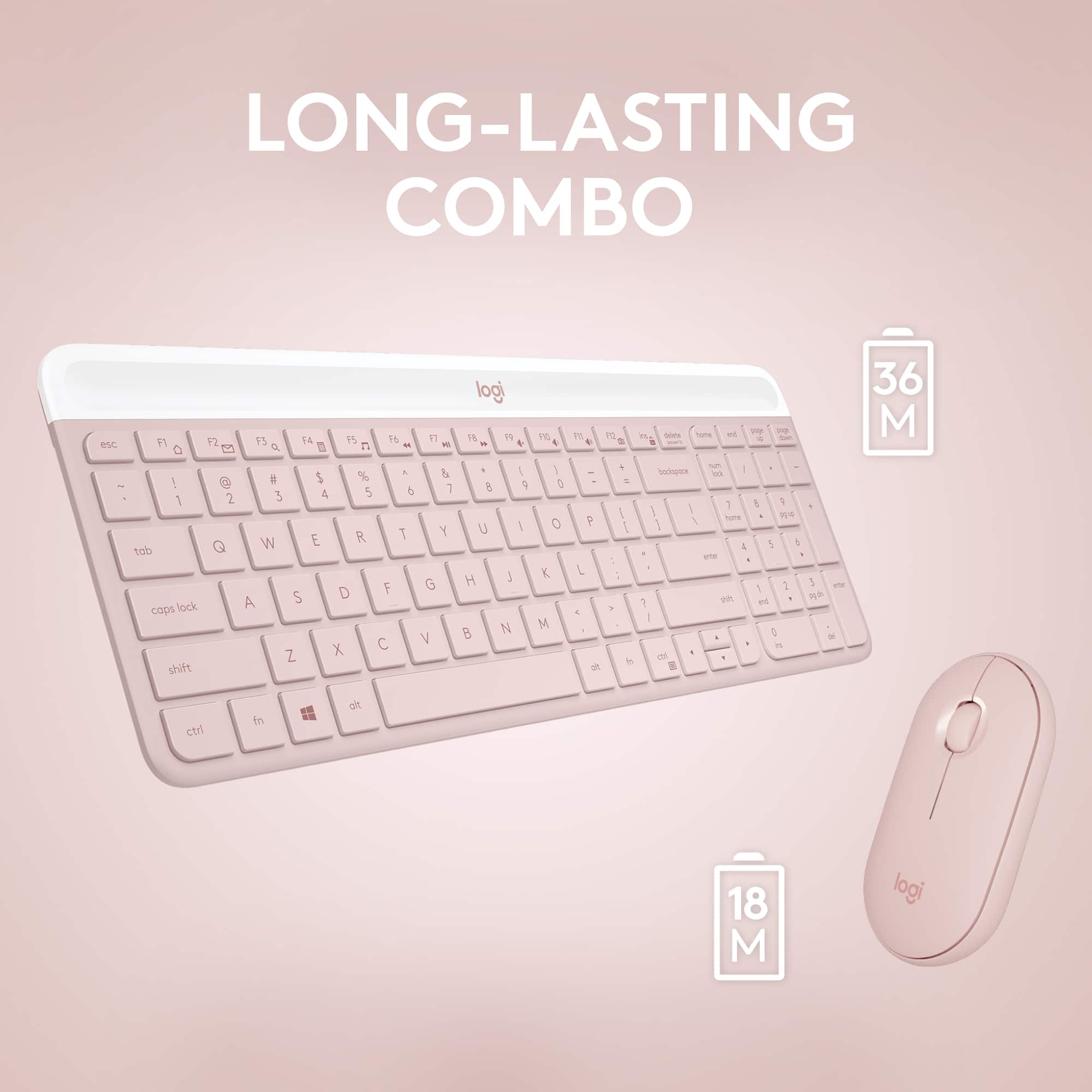
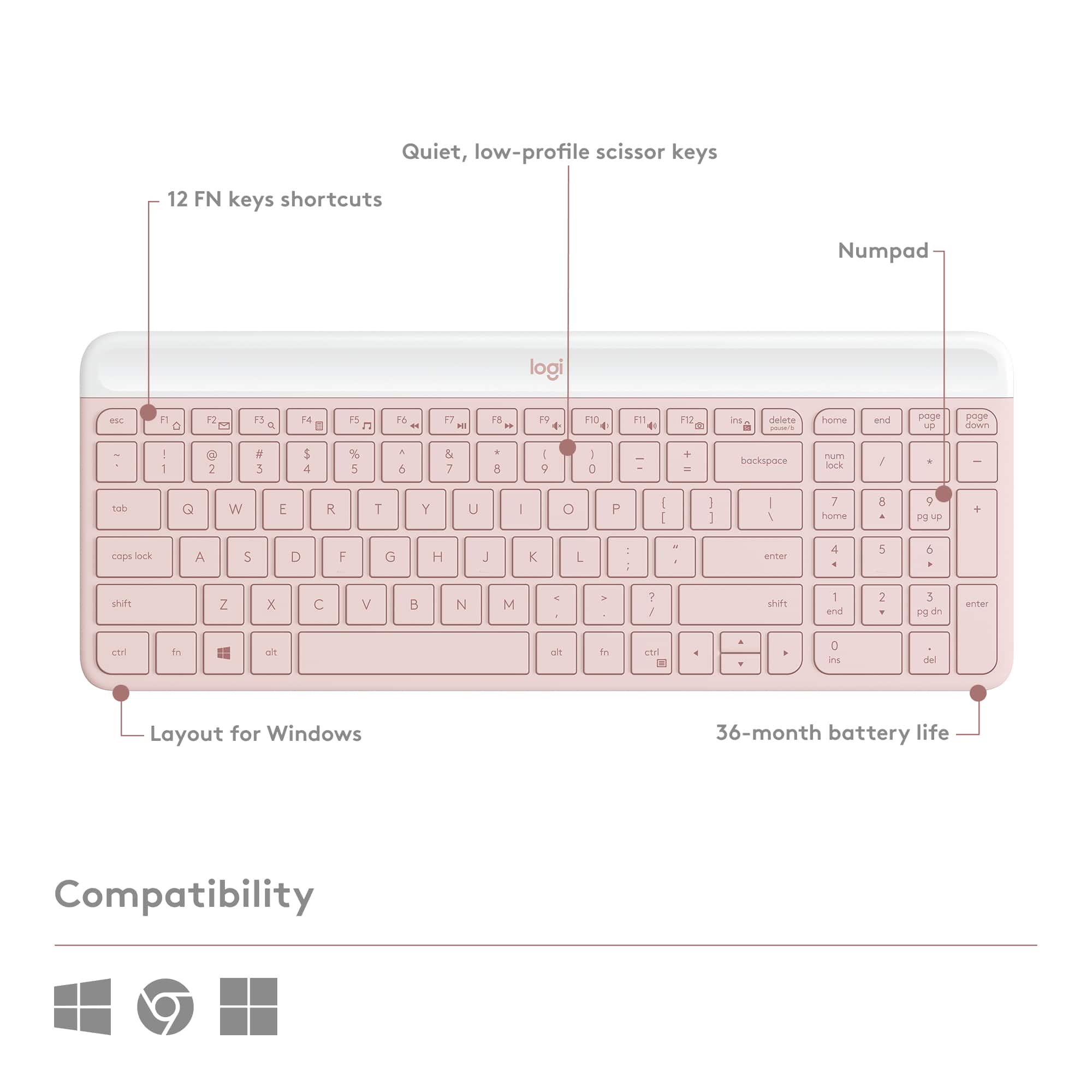
- A:Answer Hello, COZY2! The MK470 combo is described as a scissor keyboard because they use scissor style key switches for the keyboard. This provides a feel between membrane keys (normal keyboards) and mechanical keys (gaming keyboards). It also helps the keyboard be more low profile. - Maggie from Logitech
Answered by Logitech
Q: QuestionMay I ask I bought a lighting to usb and the mouse can work at my iPhone XS. But cannot work at my IPad 9 generation. Is it mouse problem or mk470 cannot function at the iPad?
Asked by steven.
- A:Answer Hello Steven, The MK470 isn't compatible with Mac OS. It is only compatible with Windows and Chrome OS. Here are the keyboard and mouse combinations that are compatible with Mac OS and could be used with your iPad and iPhone: https://www.logitech.com/en-us/products/combos.html?filters=mac. - Richard from Logitech
Answered by Logitech
Q: QuestionIs this compatible with a iPad pro 4th generation
Asked by Sel.
This question was asked about the related product: Logitech - MK470 Full-size Wireless Scissor Keyboard and Mouse Bundle for Windows with Quiet clicks - Off-White
- A:Answer Hello Sel! Unfortunately, the MK470 Full-size Wireless Scissor Keyboard and Mouse Bundle with Plug and Play Combo is using a USB Nano Receiver to connect to the computer, and is only compatible with Windows PCs and Chromebooks. Something I could recommend, if you're looking for a full-size keyboard and mouse combo, would be the MK850: https://www.bestbuy.com/site/logitech-mk850-performance-full-size-wireless-optical-keyboard-and-mouse-black/5761911.p?skuId=5761911 This would work perfectly with your iPad (up to 3 devices) via Bluetooth no problem. If you're looking for something smaller, the K380 keyboard along with an i345 mouse or MX Keys Mini and MX Anywhere 3 mouse would be great options too!
Answered by Logitech
Q: QuestionIs there a shortcut on k470 keyboard to change input source that is compatible with MacBook?
Asked by Jenni.
- A:Answer No
Answered by NHT50
Q: QuestionDo the middle button have the scroll to zoom function?
Asked by Anonymous.
This question was asked about the related product: Logitech - MK470 Full-size Wireless Scissor Keyboard and Mouse Bundle for Windows with Quiet clicks - Off-White
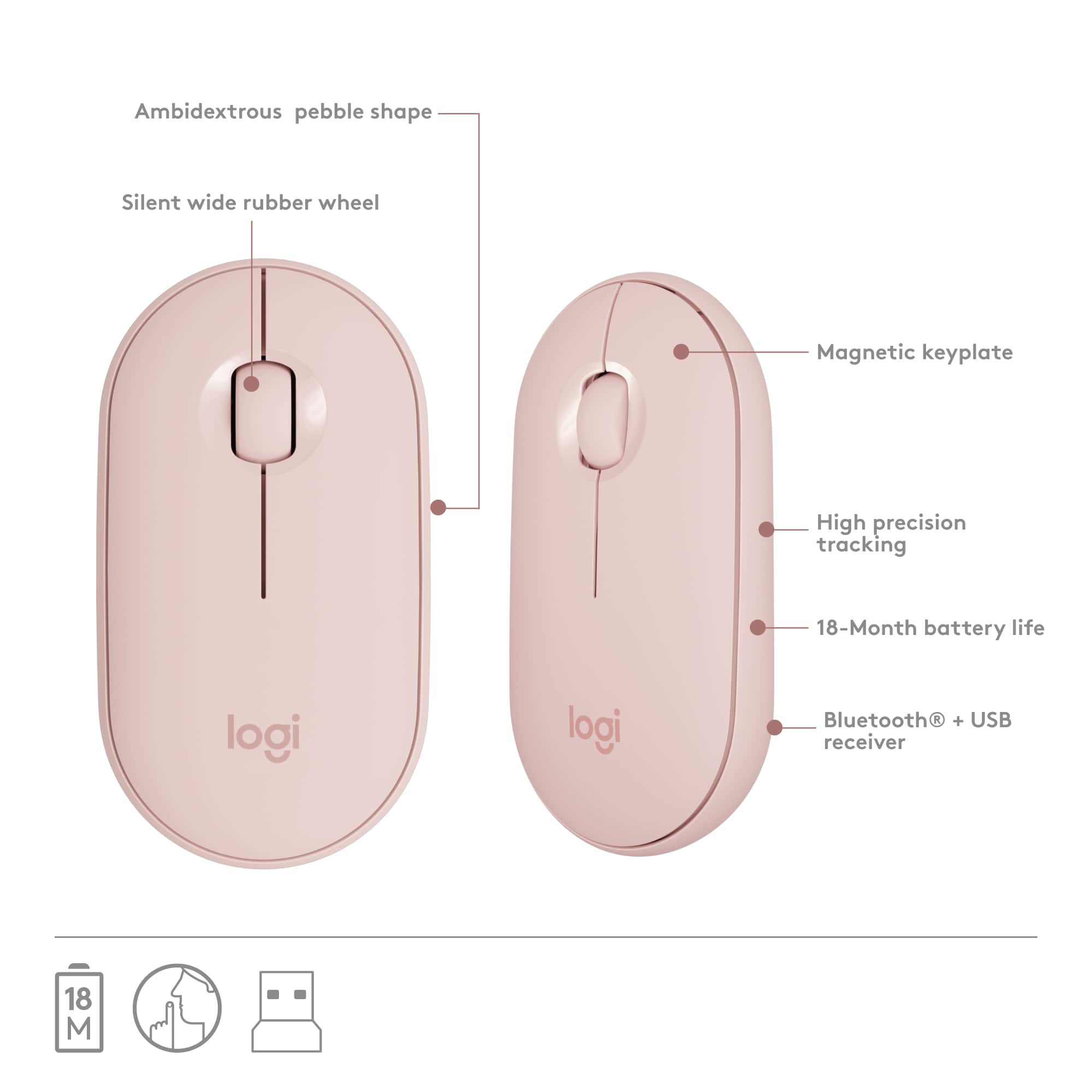
- A:Answer Hello! By default in most applications, the middle scroll wheel will be used to scroll up & down a page. In other software, like in Photos on Windows in example, you'll be able to zoom in and out on a picture with the scroll wheel. For more options, you can also customize what the wheel does inside the free Logitech Options software, which you can download right here: https://support.logi.com/hc/en-ca/articles/360026087934-Downloads-MK470-Slim-Wireless-Keyboard-and-Mouse-Combo
Answered by Logitech
Q: QuestionWill this keyboard work and be compatible with a Mac mini?
Asked by Apple44.
This question was asked about the related product: Logitech - MK470 Full-size Wireless Scissor Keyboard and Mouse Bundle for Windows with Quiet clicks - Off-White
- A:Answer I would think so if it's compatible with Apple products. It' s great keyboard!
Answered by mamaloves7
Q: QuestionHello! Does this work with a MacBook pro 2020? Will I need anything in particular?
Asked by Kelly.
This question was asked about the related product: Logitech - MK470 Full-size Wireless Scissor Keyboard and Mouse Bundle for Windows with Quiet clicks - Off-White
- A:Answer Hi Kelly, Unfortunately the MK470 isn't compatible to work with Mac OS. Here's a list of some other Logitech mouse and keyboard combos that are: https://www.logitech.com/en-us/products/combos.html?filters=mac.
Answered by Logitech
![F1, esc, !, -, 1, tab, caps lock, shift, F2, @, 2, Q, A, F3, Q, #, 3, W, S, Z, F4, $4, E, D, X, F5, %, 5, R, F, C, F6, 44, A, 6, T, G, V, F7, HI &, 7, Y, H, logi, F8, FO, 4, *, (, 8, 9, U, I, J, K, M, N, FI0, 0, O, L, <, -, alt, page up, page down, end, down, delete, home, 1, P, [, ] 5, 5, 4, ., -, enter, :, 1, 3, enter, I, 2, 1, Pg up, [, ] 5, 5, 4, ., -, enter, ?, >, /, 0, del, a, 4, ins, e, ctrl, *, fn, ctrl, fn, alt, logi.](https://pisces.bbystatic.com/image2/BestBuy_US/images/products/6536/6536551_sd.jpg;maxHeight=54;maxWidth=54;format=webp)