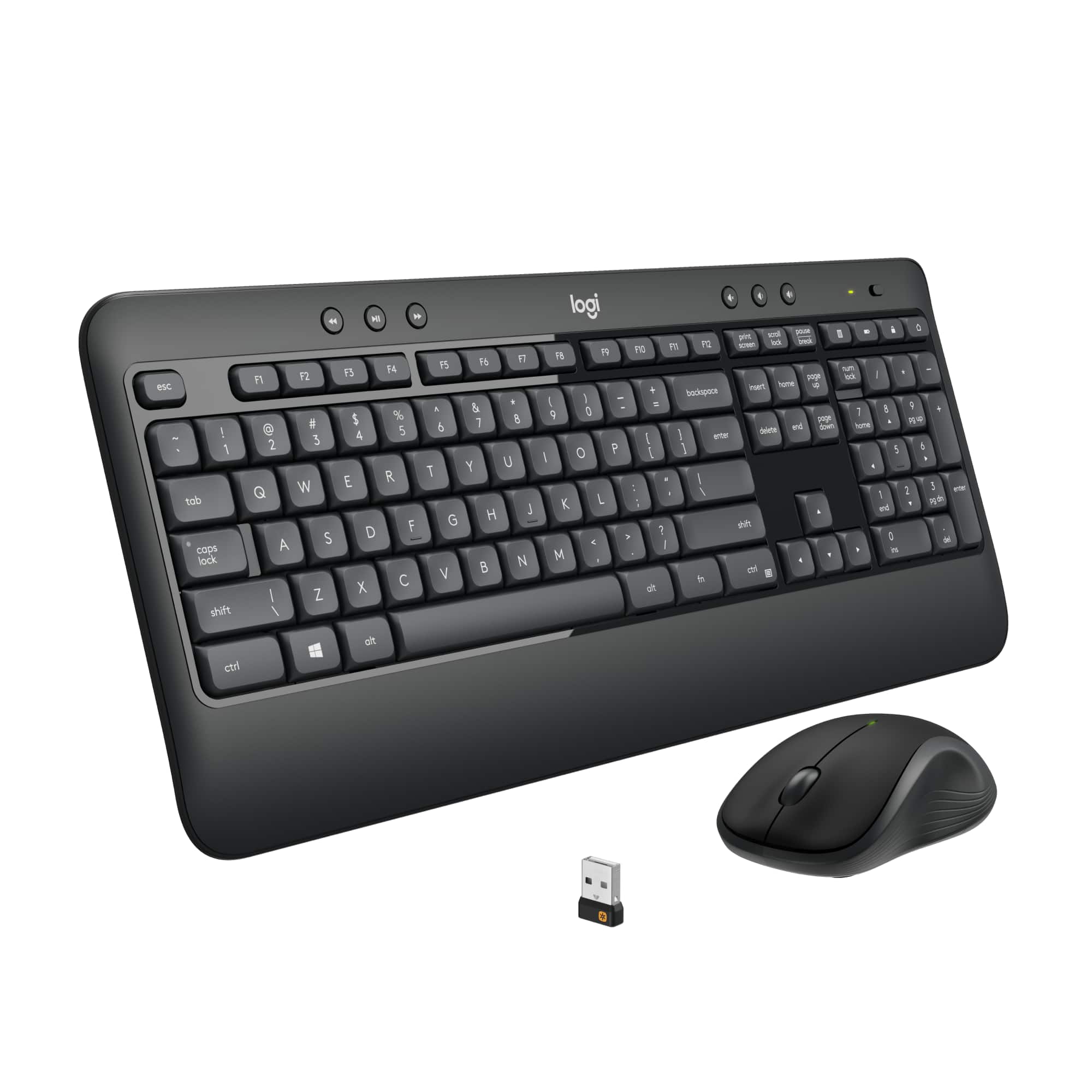
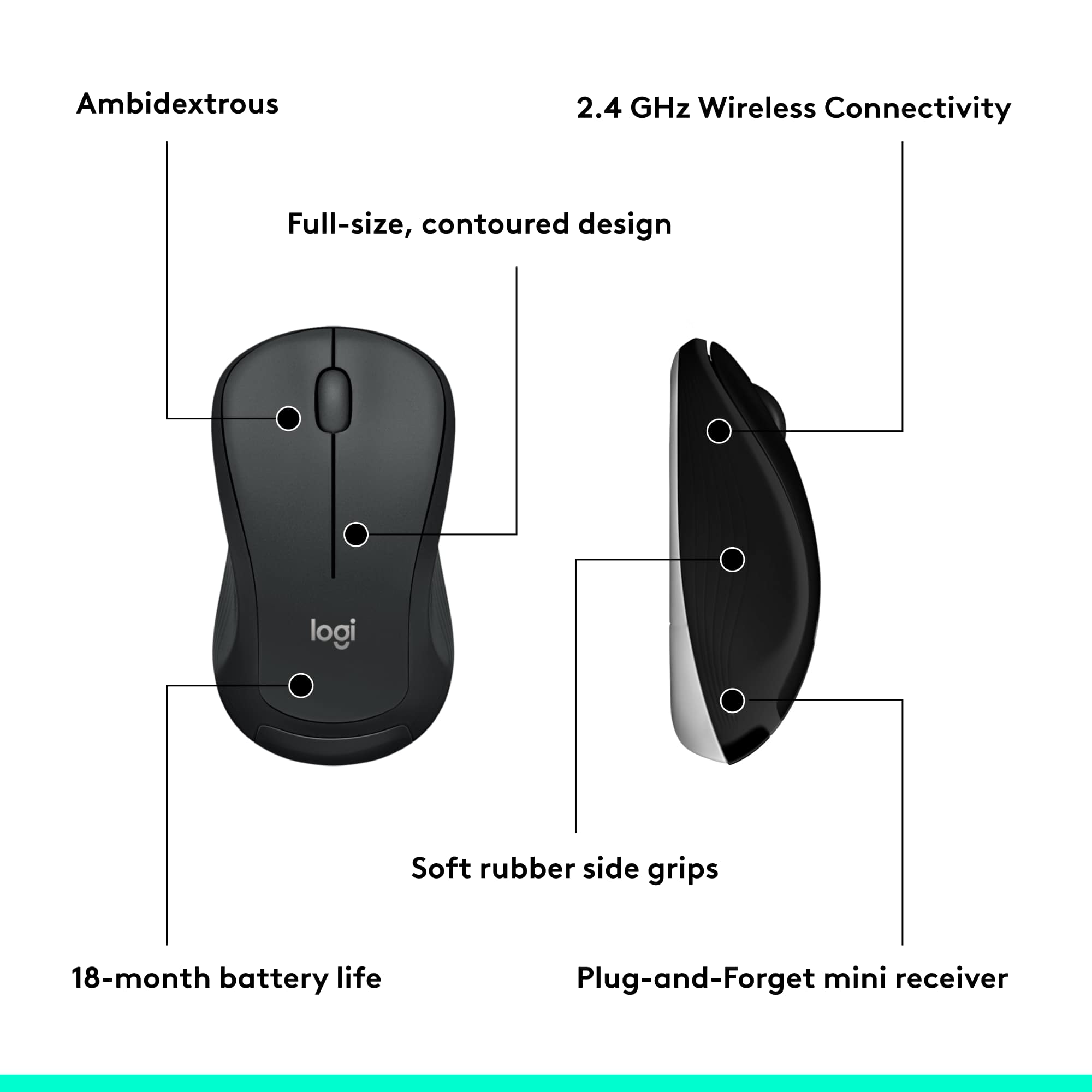
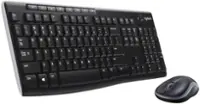
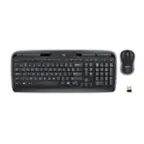
A:AnswerI do not know. Then again why wouldn't it be? It would be an easy ask at Best Buy I'm sure. You connect it to your computer with the small USB peg and have the mouse that operates within the same system.
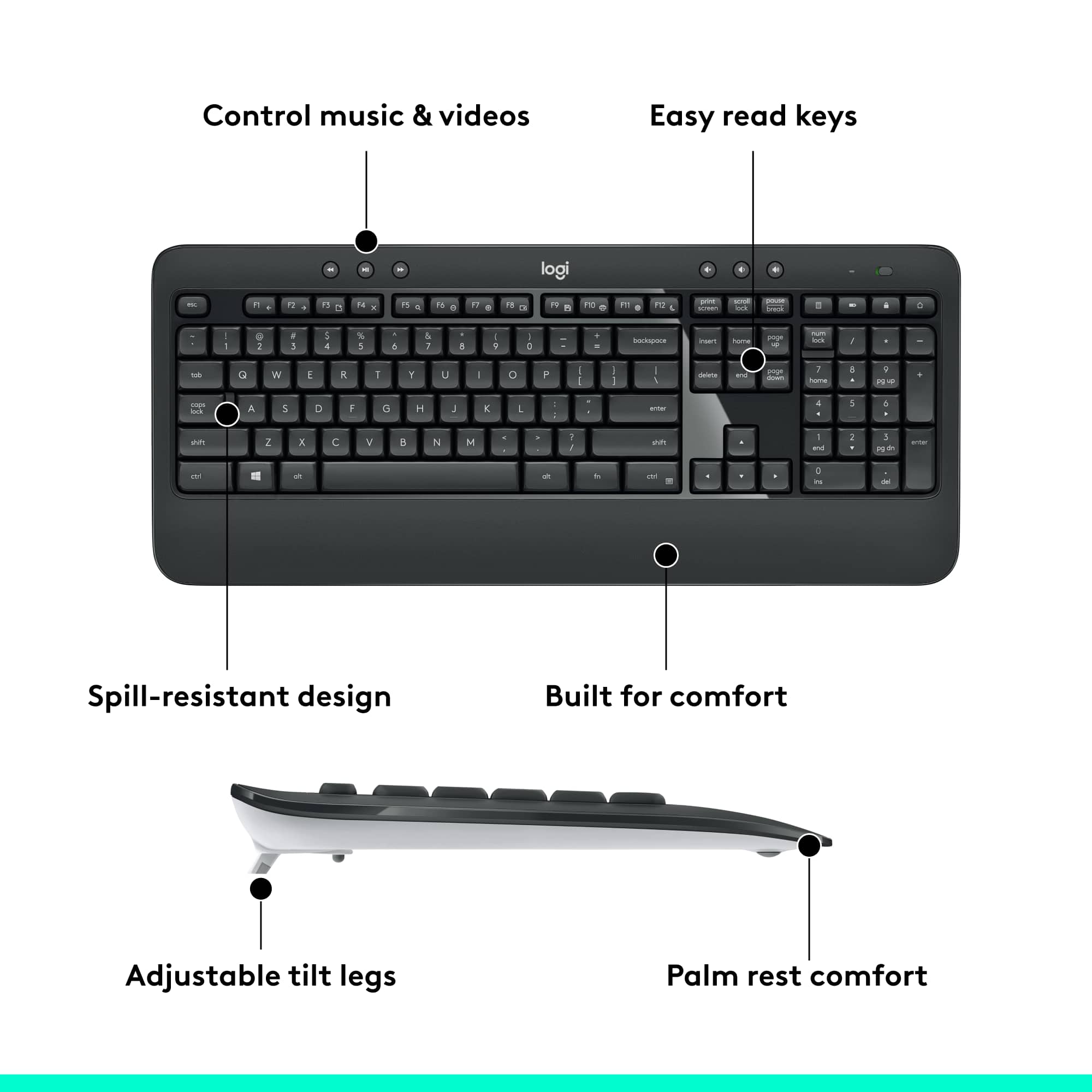
A:AnswerA scissor-switch keyboard feature is in regards to the keys. The technology created to make your keys be quiet or give some “click” sound. Scissors make them quieter but you sacrifice physical feedback. It’s nice to have in an office environment.
A:AnswerI have a monitor with a USB-C hub, which I connect to my MacBook Air. I then put the Logitech USB dongle into the open USB port on my monitor. This allows me to switch back and forth between PC and Mac by simply moving the USB-C cable.
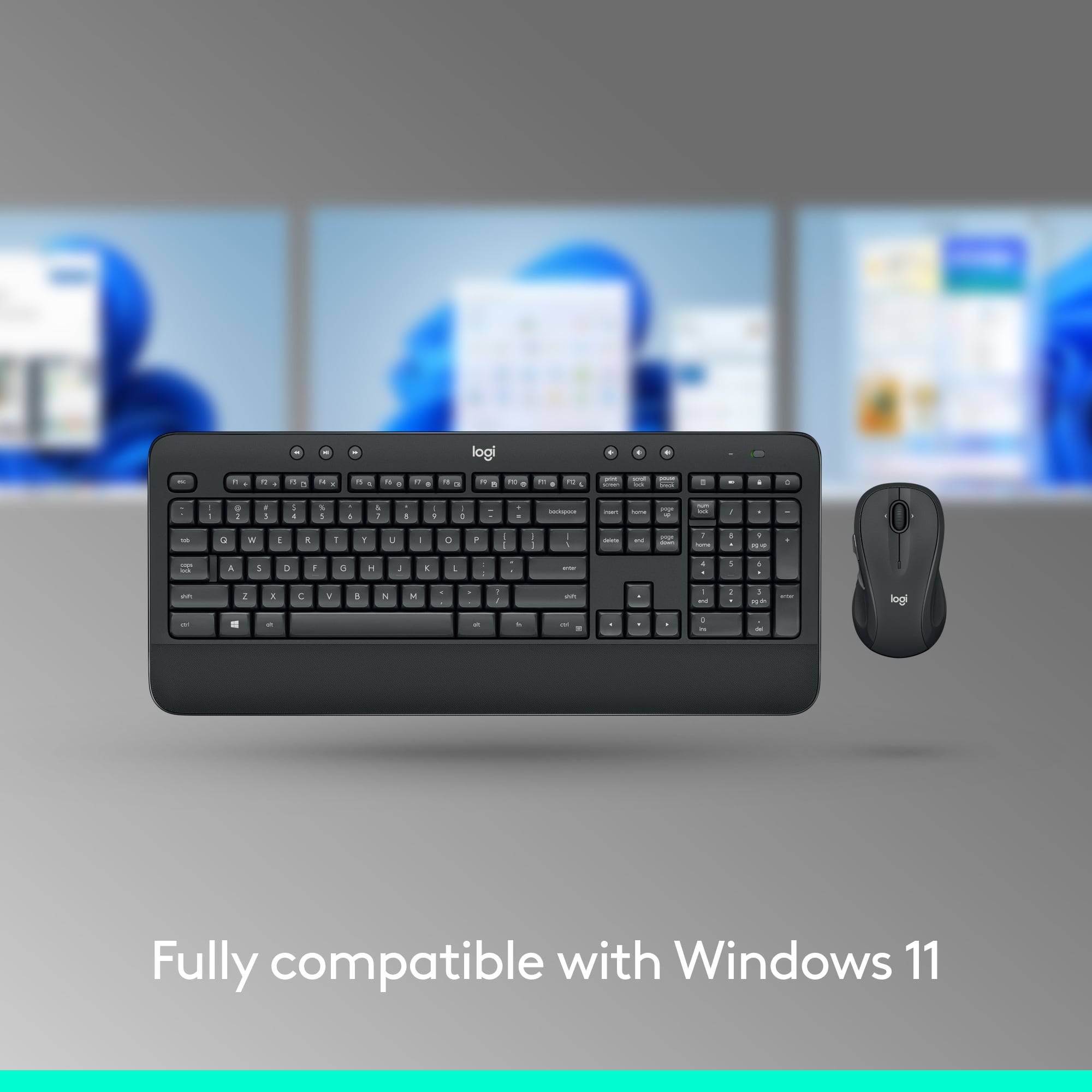
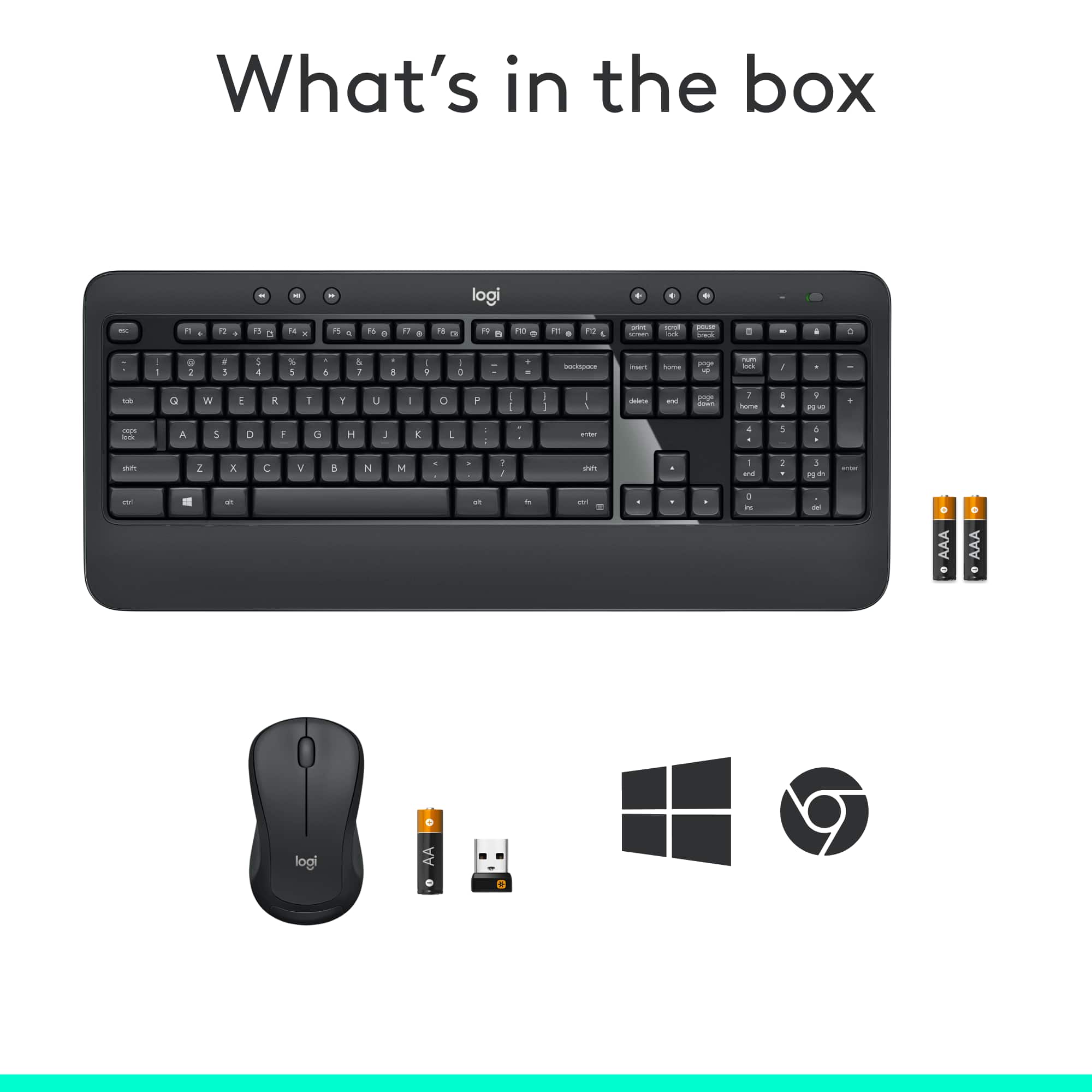
A:AnswerThe mouse performance on my MacBook Air M2 is terrible. The keyboard is clearly designed for Windows. Even the box itself only shows "Windows" and "Chrome OS".
A:AnswerThis Model is Black. Might need to go to Manufacturer site to see if they make other colors. It would wise to contact Manufacturer and make a suggestion. They are always looking for ideas to produce a product people want!