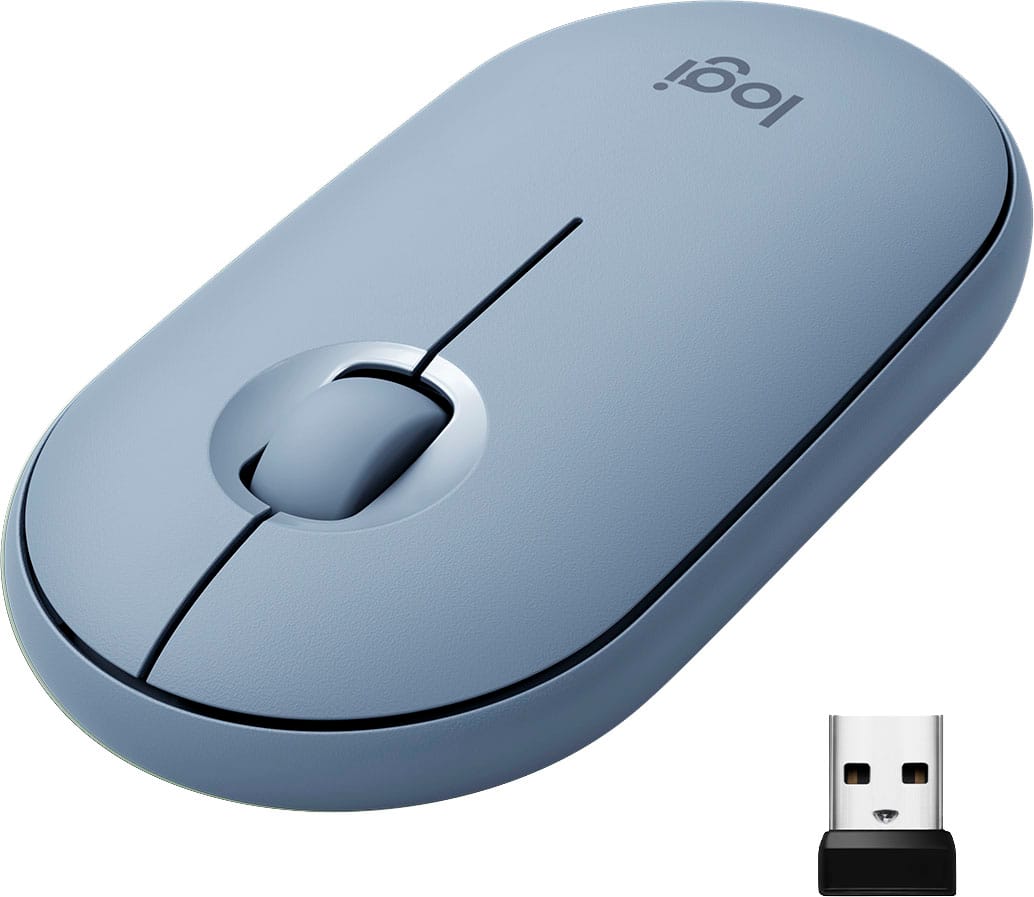
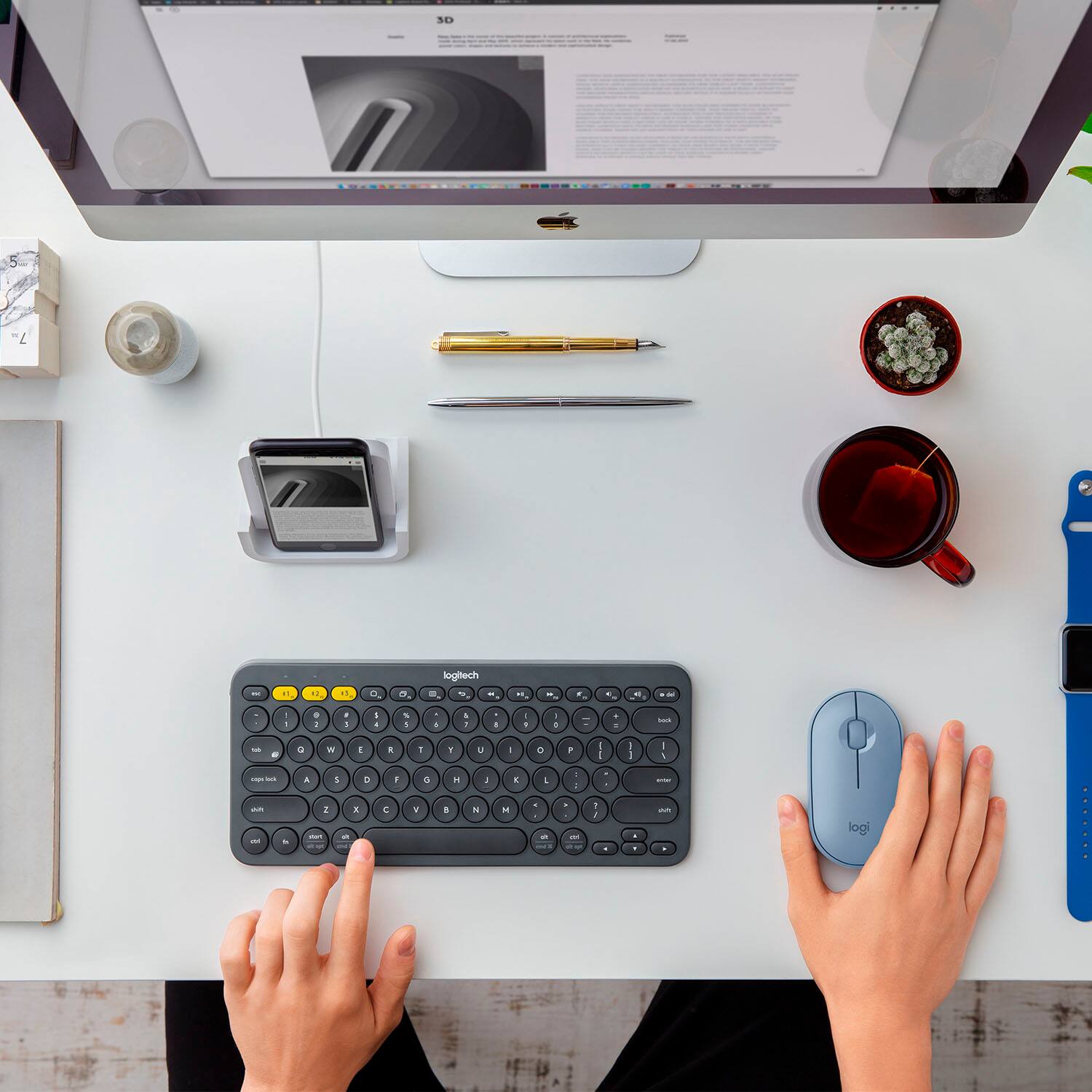
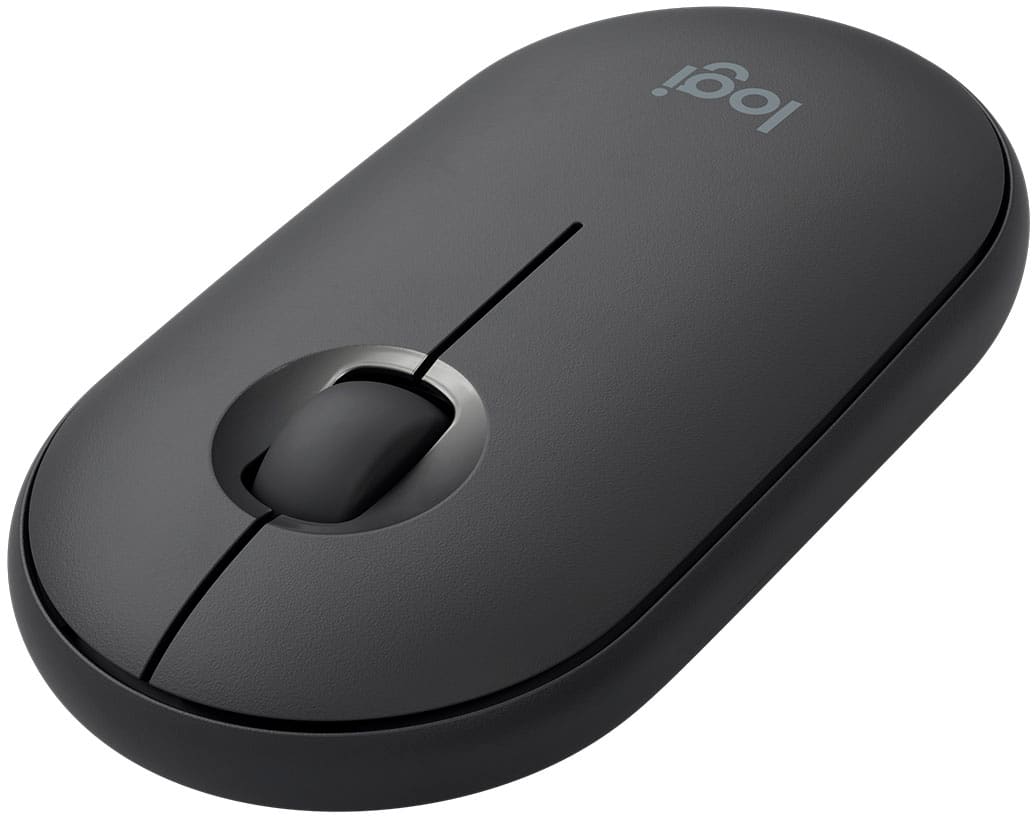
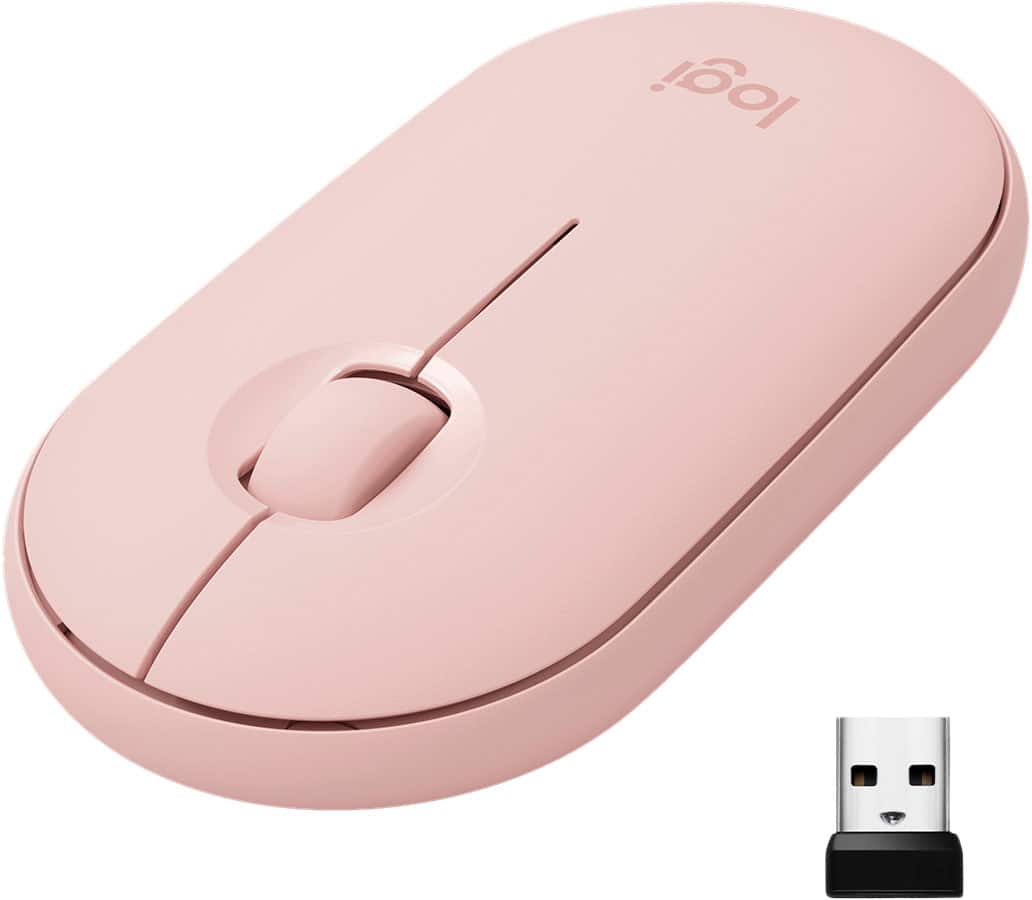
A:AnswerHello, yes, you can use the M350 and a different Logitech keyboard at the same time. Either by using the USB receiver that came with keyboard, connect via bluetooth (if the keyboard is bluetooth compatible), or with a keyboard that is compatible with our Unifying Receiver technology. Have a great day.
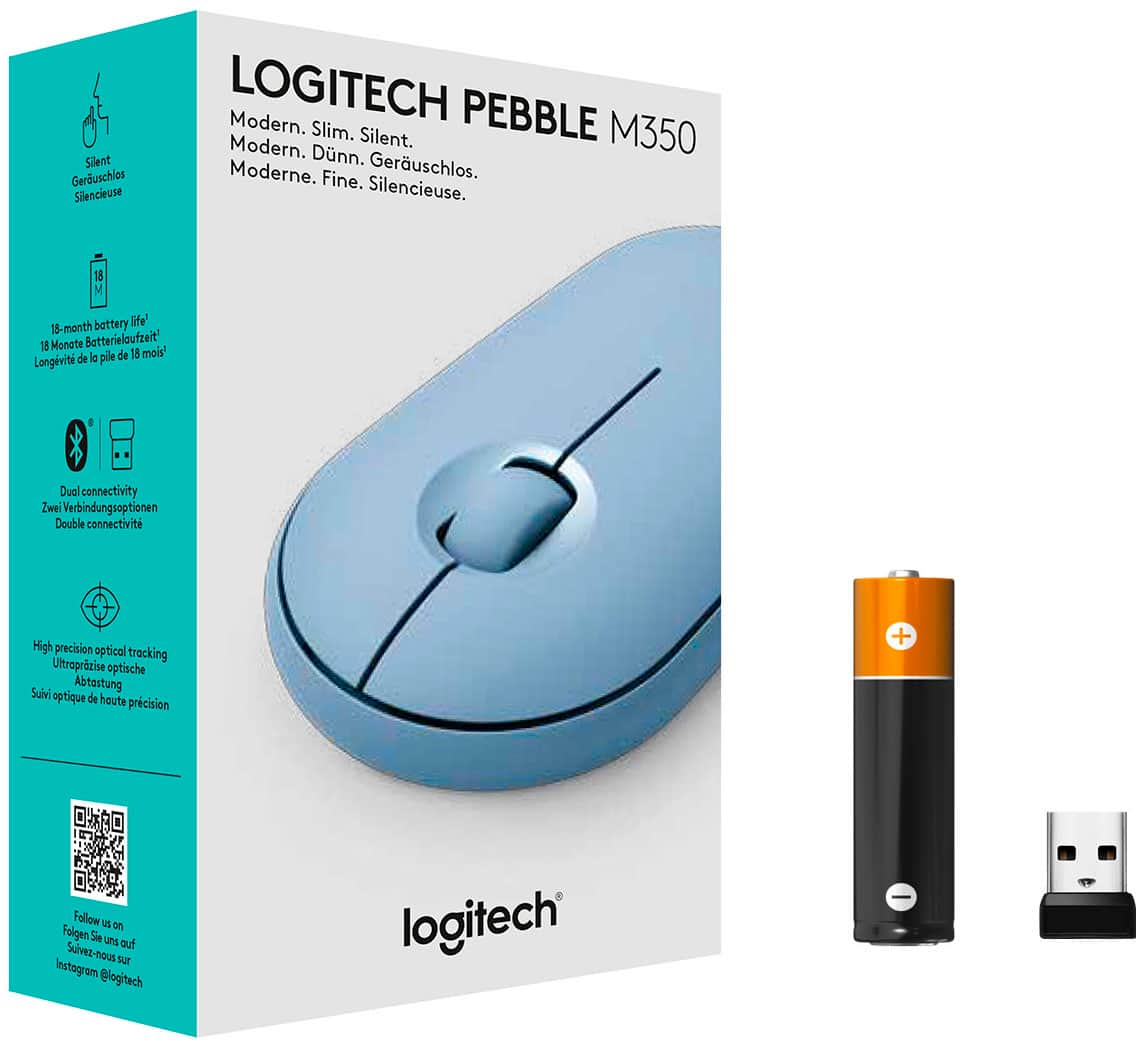
A:AnswerThis mouse has a standard HID (human interface device) profile and standard Bluetooth HID support so it should work with any computer with Bluetooth. Alternatively it comes with a wireless USB interface so it should work with any computer with a USB port.
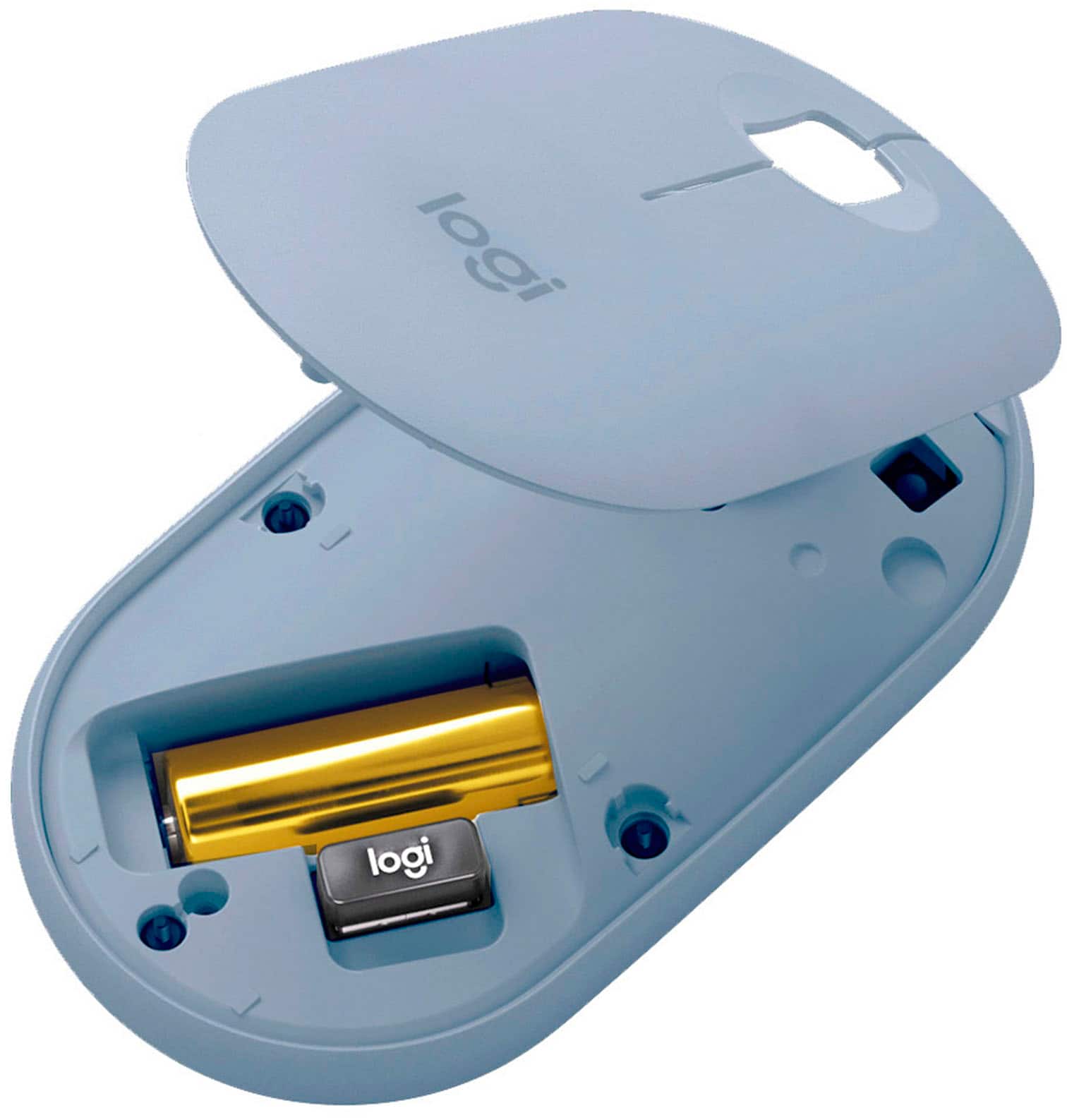
A:AnswerYes! It’s Bluetooth and also comes with a wireless usb stick in the battery compartment. Bluetooth or not it works with most devices that have either.
A:AnswerHi, the Logitech M350 is battery powered, so you won't need to /can't use a USB cable to charge it. So no you won't need another USB cable just for the mouse.