A:AnswerAs it is not unifying you can run into a big problem if you lose the USB receiver (dongle). It happened to me and it took months until I was able to find a solution, neither the logitech page or blogs supported me, I found the solution in the comments of a youtube video. The solution was to buy a cheaper M185 mouse that uses the same USB receiver that we need. Once we have the dongle we use the Logitech Options or Connect Utility app of the brand, to synchronize it you have to remove a battery from the keyboard and turn off the mouse first. When it asks us to turn on the devices, we turn on the mouse and put the battery simultaneously. If we use Logitech Options, only the keyboard is added first and we give the option to add devices and add the mouse.
A:AnswerHello Beth, the unifying receiver will not work with this combo. Here is the replacement dongle for that combo: https://support.logi.com/hc/en-us/articles/360025412093--Spare-Parts-Wireless-Combo-MK270.
-Danielle from Logitech
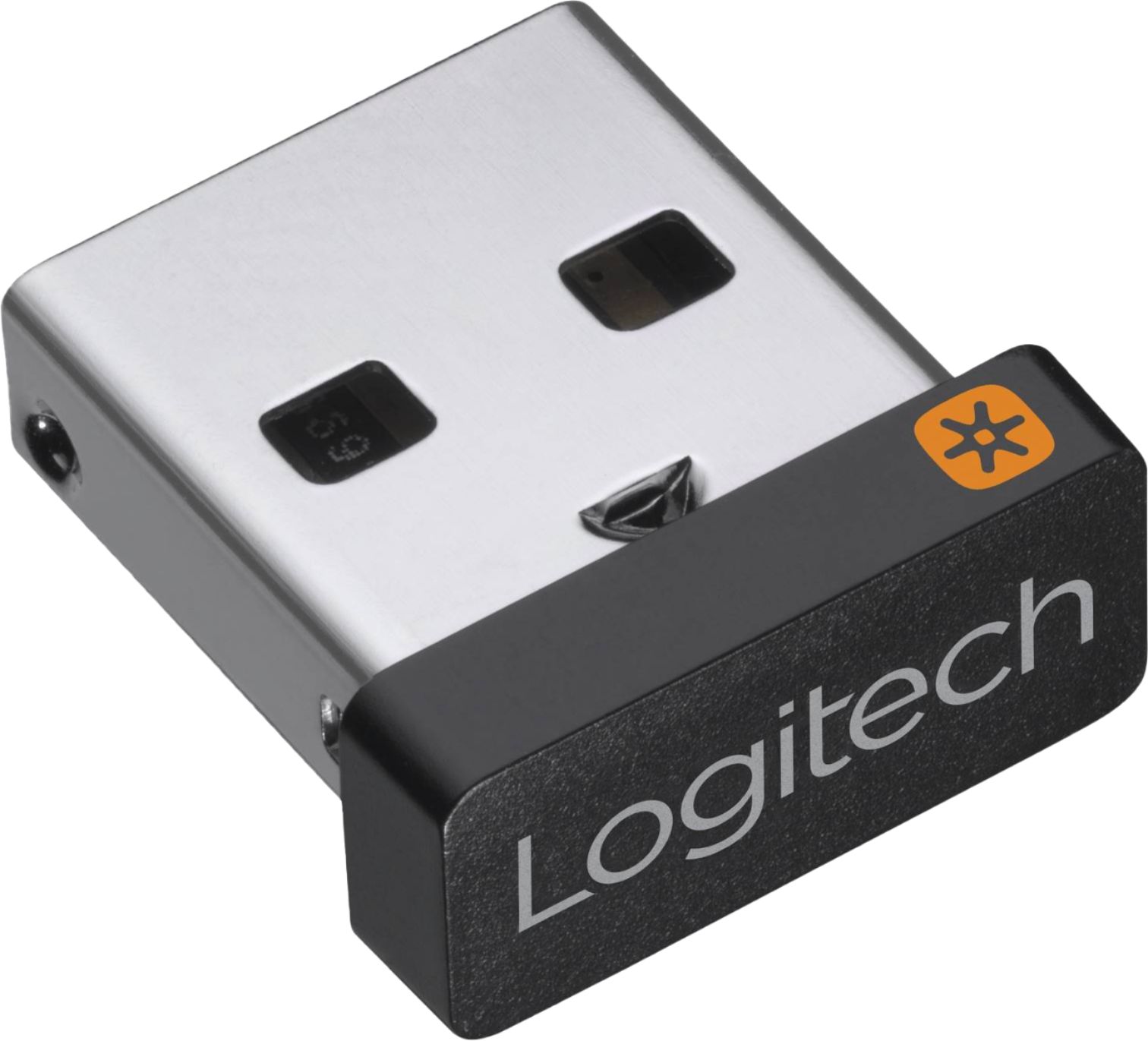
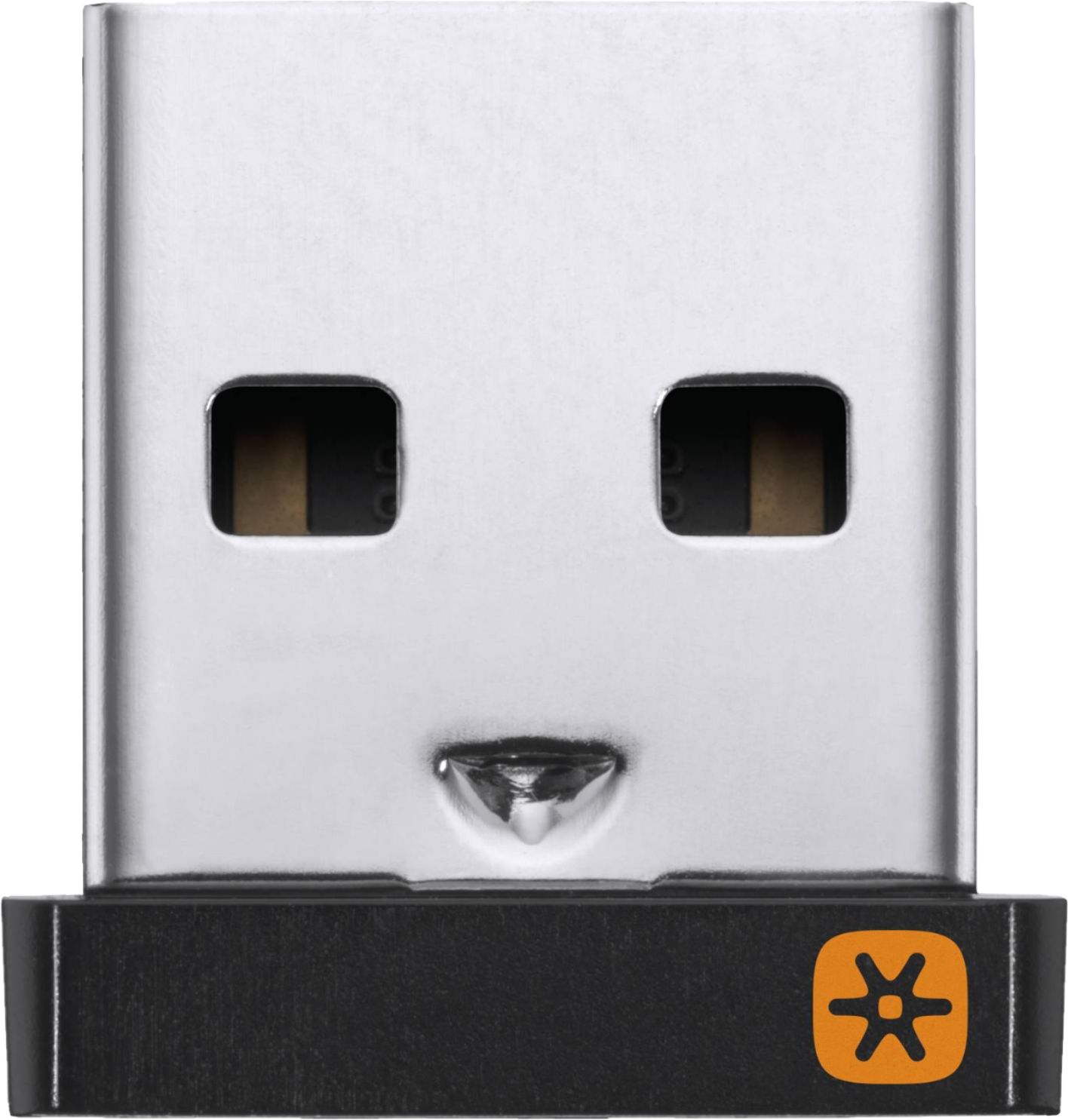
A:AnswerIf the bottom of your mouse and keyboard have the orange unifying insignia like is shown in the picture of this unifying receiver then it should work. Logitech has easy to use software available on their site that will allow you to pair your current mouse/keyboard with this receiver
A:AnswerHello, yes this is the correct USB receiver for that mouse. You will need some software in order to configure the new USB to the mouse. Here is the link: https://support.logi.com/hc/en-us/articles/360025297913
-Danielle from Logitech
A:AnswerHello, the M510 and K520 both support the Unifying Receiver. You can use one dongle for both devices. You may pair them both via our software: https://support.logi.com/hc/en-us/articles/360025297913
A:AnswerYou can look at the bottom of the mouse to see if the unifying symbol is there. Or remove the battery cover and it should say unifying. This is not you mouse but it does give you an idea of what to look for.
A:AnswerHello ChrisG! Sorry to hear you're having issues with K540 of your MK540 Combo. Couple things to check, when flipping the On/Off switch at the top right of your keyboard, do you see a light come up right next to it? If so, that mean the battery if working fine, so maybe it's just a pairing issue. What I would suggest you to do is try downloading the Logitech Unifying Software https://support.logi.com/hc/en-us/articles/360025297913-Logitech-Unifying-Software, install it on your computer, and follow the steps to make sure the K540 is properly paired with the Unifying Receiver. If you see that it is paired with the Receiver and still isn't working, then I'd suggest getting your Combo exchanged if you're still under the store warranty, or file a warranty claim with Logitech directly if you're still within your 1 year of warranty. - Mathieu from Logitech
A:AnswerHello Elmismojulio,
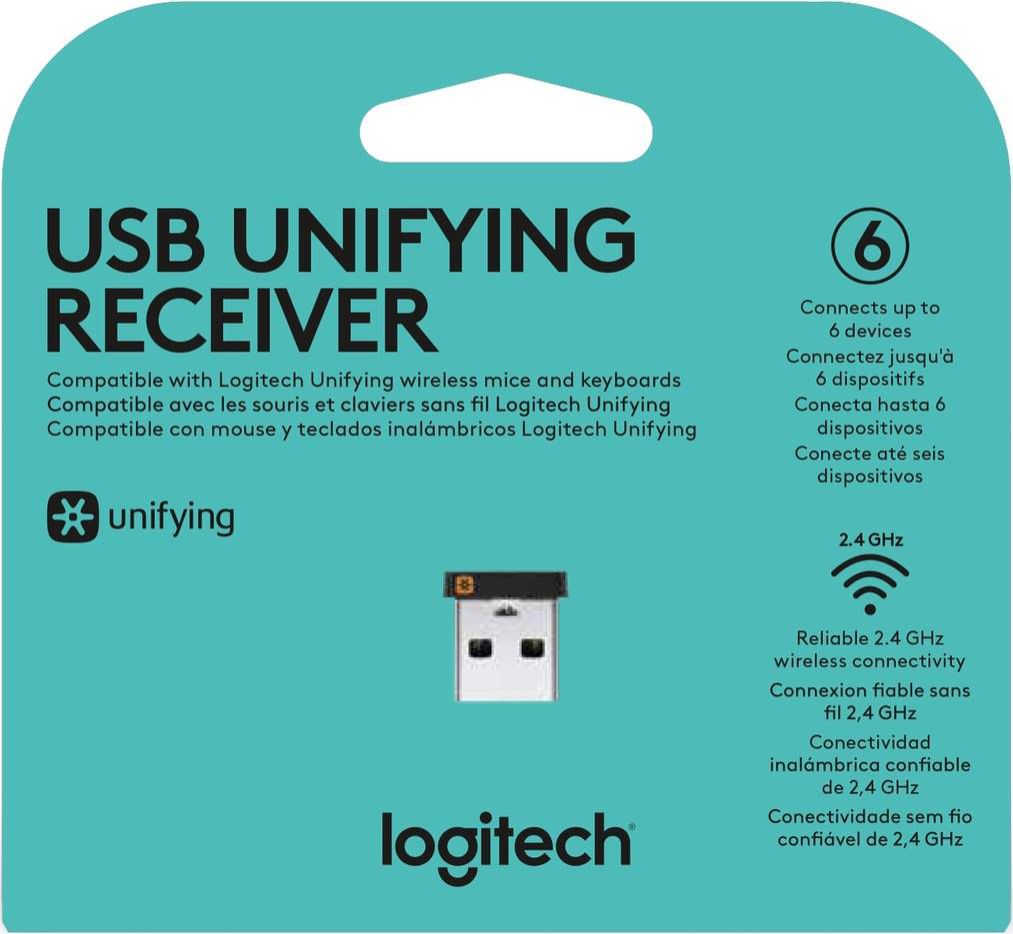
Yes. This item is the Logitech "Unifying" USB receiver, which will work with your K400 Plus Keyboard. Up to 6 devices can be paired to one "Unifying" receiver. I have attached a link to the "Getting Started" support page for your K400 Plus keyboard and another link to the "Unifying" software. Please feel welcome to visit the Logitech website for further support.
Best regards,
John at Logitech
K400 Plus "Getting Started" guide: https://support.logi.com/hc/en-us/articles/360024322853--Getting-Started-Wireless-Touch-Keyboard-K400-Plus
Unifying software download: https://support.logi.com/hc/en-us/articles/360025297913
A:AnswerThe Unifying receiver will connect with Logitech mice and keyboards that have the unifying symbol on them. Please check the bottom of your device to see if it would be compatible with the unifying receiver. The receiver will work in any standard USB port. If your Mac has a USB port then it would work and the K350 would work as well.
A:AnswerHi GBWB, the Unifying Receiver by Logitech will only work with Logitech Products. This will not work with the Microsoft Wireless Comfort Keyboard 5050 that you have.
A:AnswerHello Nena. The Unifying Receiver will work with your K780. You will need to have Logitech Options downloaded and installed on your computer in order to pair them together.
A:AnswerAll I know is that any Logitech devices I’ve had in my history, has worked when getting a universal dongle without any issues. It doesn’t hurt to try.
A:AnswerHello ChrisG! If the Logitech Unifying Software is still not detecting your K540 Wireless Keyboard after following the on-screen instructions in the software, but your M320 Wireless Mouse is being detected, then the keyboard may have a different issue. I don't think replacing the Receiver would make a difference if it is being detected by the Mouse unfortunately. - Mathieu from Logitech